Jay Sen Lon
October 2, 2026

Somewhere in your firm's WhatsApp is an invoice nobody's keyed in yet, sitting between a delivery update and a supplier's voice note. That's not a one-off problem, it's how most UAE firms receive invoices today, and the free WhatsApp app was never built to handle it past a handful of clients. We're going to walk through what actually breaks in that setup, and how firms are fixing it so nothing slips through before the filing deadline.
TLDR:
WhatsApp is where UAE business already happens: suppliers, freight forwarders, and clients trade price quotes and delivery confirmations in the same threads they use to send invoices. A free-zone trading company or SME supplier favors it over email because a driver can photograph an invoice at the loading dock and send it before the truck leaves, with no login or software needed on their end. The country's mix of Emirati, South Asian, and East Asian trading partners means invoices arrive in Arabic, Hindi, Urdu, and Chinese as often as English, and WhatsApp carries that mixed-language traffic without friction. For firms managing several client entities, one WhatsApp number becomes the fastest route for a supplier to reach a bookkeeper directly, bypassing a shared inbox nobody checks until end of day. That convenience is exactly why the channel has outgrown the tools most firms still use to handle it.

The invoice from last Tuesday sits buried under a supplier's voice note, a delivery confirmation, and an unrelated question. The bookkeeper scrolls, finds it, downloads the photo, and hopes it isn't blurry.
Screenshots replace clean PDFs more often than firms admit. A supplier photographs a paper invoice under office lighting, sends it over WhatsApp, and line four is unreadable. There is no reprint, only a wait.
WhatsApp media also disappears. Phones run out of storage, chats get cleared, and staff switch devices. Unsaved invoices vanish, turning FTA record-keeping into a scramble mid-quarter.
Naming and context vanish too. A photo lands with no supplier reference, no invoice number, nothing marking which entity it belongs to. Duplicate entries creep in while other invoices never get keyed in, showing up as missing input VAT claims and overstated expenses at filing time.
The free WhatsApp Business App works fine for a solo bookkeeper with two or three clients. One phone, one login, one person checking messages.
The trouble starts with multi-user access. The standalone app ties to a single device and phone number, so if two staff need to review incoming invoices, someone is always waiting for the phone, or forwarding screenshots to their own device, recreating the same disorganized inbox the app was supposed to fix.
The WhatsApp Business API works differently. It lets accounting tools receive messages programmatically, tag them by client or entity, and route them into a workflow, without a physical phone acting as the bottleneck. Setup requires a registered business, a verified sender profile, and typically a tool that connects to the API on the firm's behalf.
Past a handful of clients, most firms need API level access, or a tool built on top of it, to keep multiple staff working from the same intake channel without stepping on each other.
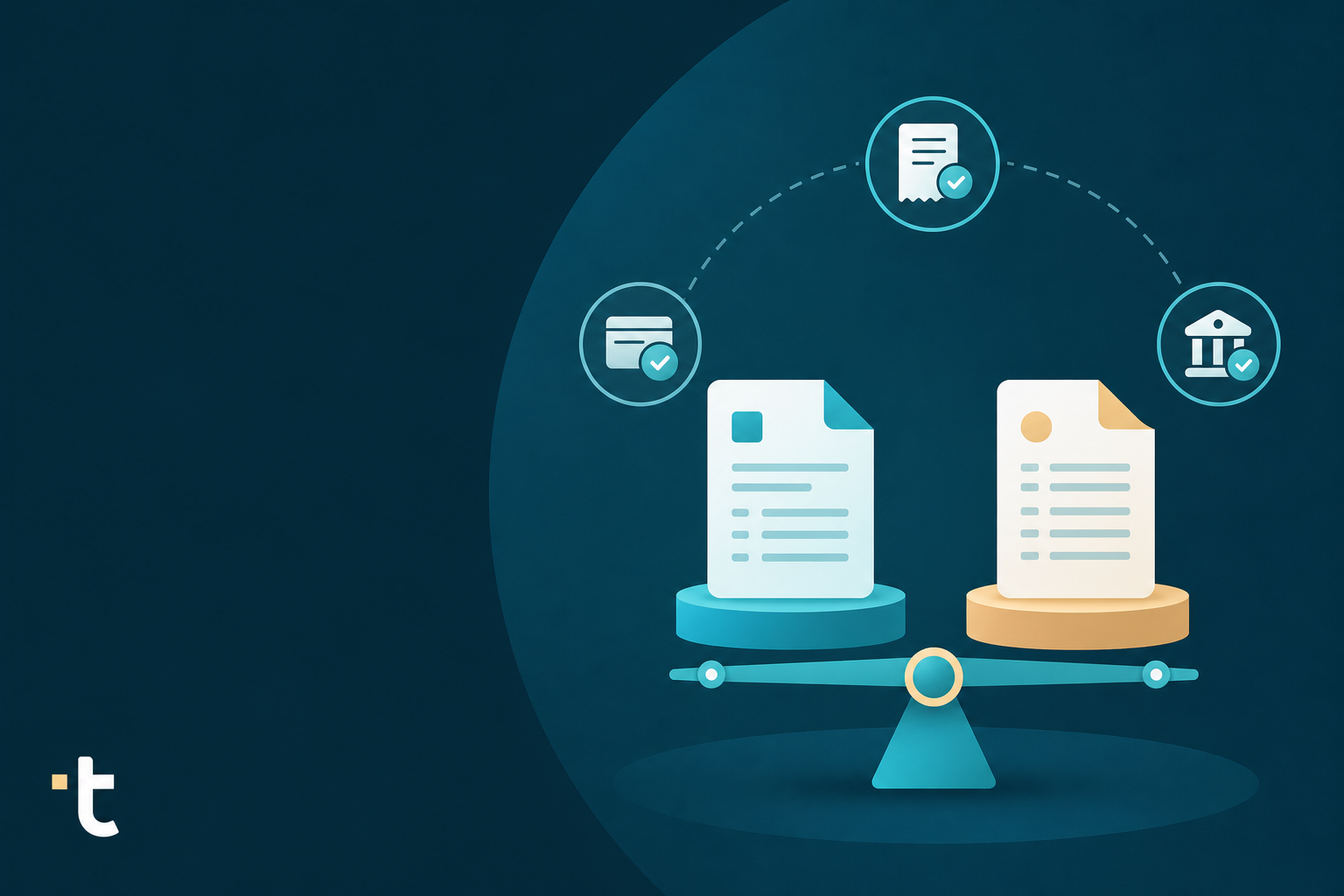
| Factor | WhatsApp Business App | WhatsApp Business API |
|---|---|---|
| Cost | Free | Typically accessed through a tool that connects to the API on the firm's behalf |
| Device access | Tied to a single device and phone number | No physical phone acting as the bottleneck |
| Best suited for | A solo bookkeeper with two or three clients | Firms with multiple staff reviewing incoming invoices |
| Multi-user handling | Someone is always waiting for the phone, or forwarding screenshots to their own device | Messages received programmatically and routed into a workflow |
| Client/entity tagging | No built-in tagging | Tags messages by client or entity |
| Setup requirements | Login on one device | A registered business and a verified sender profile |
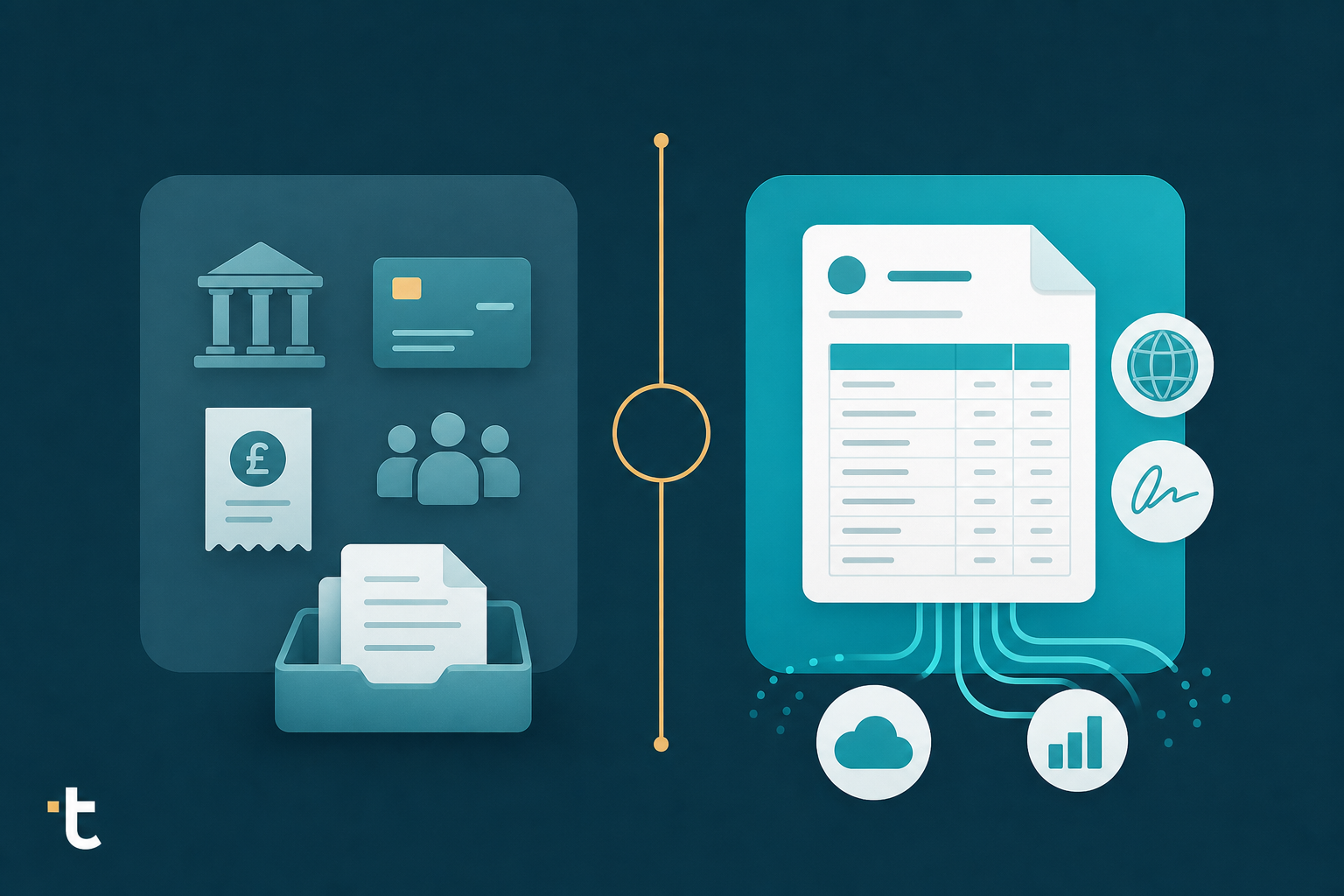
A WhatsApp invoice workflow moves through four stages, whether the tool behind it is simple or built for volume.
Submission. A supplier or client sends a photo, screenshot, or PDF over WhatsApp, tagged to a client entity if the firm's setup allows it.
Extraction. Software reads the document: supplier name, invoice number, date, amounts, and every line item, beyond the total. Arabic, English, or mixed-language documents need correct reading here, since this is where manual workflows fall apart.
Validation. Extracted data gets checked against expected VAT details and flagged where something looks off: a missing TRN, a mismatched tax code, a duplicate invoice number already seen that month.
Syncing. Once validated, the structured data posts into the firm's accounting software as a bill or expense, with the original document attached for the audit trail.
Each stage either happens by hand, with someone retyping what the photo shows, or gets handled automatically, with a human reviewing the output instead of producing it.
Sending an invoice over WhatsApp does not make it an e-invoice. That distinction matters more each month as UAE VAT invoice automation rules tighten and the UAE's Electronic Invoicing System comes into force, with mandatory e-invoicing that began in phases from July 2026 under a five-corner model where structured, machine-readable invoices move between supplier, accredited service providers, and buyer, with the Federal Tax Authority in the middle. A photo of a tax invoice, however clear, is supporting evidence, not the compliant invoice itself.
For accounting firms, the WhatsApp copy becomes the trigger for entering a transaction correctly while the structured version flows through the proper channel. Outside e-invoicing's scope, WhatsApp invoices remain valid supporting records, provided the firm extracts the required VAT invoice details correctly:
Mixed language invoices are the norm in UAE accounting, not the exception. A single firm might see Arabic, English, Hindi, Urdu, and Chinese invoices in the same week, sometimes from suppliers serving the same client, and WhatsApp photos make this harder: low office lighting, glare off thermal paper, and a screenshot compressed twice before it lands in the chat.
The harder problem is matching what a field means, beyond what it says. Recognizing ضريبة القيمة المضافة requires knowing it maps to VAT, not translating it word for word. A bookkeeper unfamiliar with Arabic accounting terms can misread a discount line as a tax line, or miss a TRN buried in a header formatted differently from the last invoice.

Most manual workflows and basic invoice data extraction software read text, not context: a mistranslated field posts to the wrong chart of accounts entry without anyone noticing until reconciliation.
WhatsApp's encryption protects a message from sender to recipient, but it says nothing about what happens to an invoice once it lands in a chat. The real exposure sits at the endpoint: a shared office phone with no passcode, a former staff member's personal device that still has the app logged in, or a chat backup syncing to an unmanaged cloud account nobody on the finance team controls. None of that meets the standard firms are expected to hold invoices to for FTA record-keeping, where a document needs to stay retrievable and tied to the transaction it supports. A cleared chat or a swapped phone can also wipe out months of supporting documents with no way to recover them, which is a bigger risk than most firms plan for until it happens. Firms handling client invoices over WhatsApp need a policy that limits who can access each number, and a habit of moving every document out of the chat and into permanent storage, attached to the coded transaction, instead of leaving it to live in the conversation indefinitely.
Getting a WhatsApp invoice workflow running takes a handful of decisions made once, up front, instead of fixed later.
Choose one number per entity, not per document type. Suppliers already associate a business with a single number. Splitting by AP versus expenses versus bank statements confuses senders and multiplies the numbers your team has to monitor.
Tell suppliers and clients before the switch, not after. A short message with the new number, what to send (photos, PDFs, screenshots), and what to stop doing (emailing invoices to a personal inbox) prevents documents arriving through both channels for weeks.
Set accepted formats explicitly. PDF and JPEG cover most cases. Decide upfront whether voice notes describing an invoice are accepted, since these need a fallback rule.
Connect the number to extraction, not a manual download habit. The number needs to feed directly into whatever tool reads, validates, and posts the data, with a clear escalation path for failed extractions.
Once a WhatsApp channel handles more than a handful of clients a day, informal habits stop working. A few practices keep volume manageable instead of chaotic.
When a supplier sends an invoice over WhatsApp, Tofu, the AI document processing platform built for accounting firms, picks it up directly. WhatsApp ingestion works for messaging first markets including the Middle East, and it does not require a WhatsApp Business API account, which removes a barrier that otherwise pushes smaller firms toward enterprise tier setups just to receive documents this way.
Each client entity connects to its own number, so submissions stay organized without a manual tagging step, similar to how leading AP automation software uses AI to separate intake by entity. PDFs keep their original filenames, while image files get system generated names on arrival. Every document, whether in Arabic, English, Hindi, or Chinese, goes through the same line item extraction and self learning coding engine, then publishes into Xero, QuickBooks Online, or Zoho Books through native integrations, one of the accounting platforms most widely used among UAE accounting firms. For firms on that platform, Zoho Books invoice automation covers the full setup.
The original document attaches to the posted transaction automatically, much like the workflow described by a Dubai practitioner who left Dext for an AI that learns his coding. A WhatsApp thread alone gives no audit trail once the chat gets cleared. Tofu's publish step preserves the source document alongside the coded entry, so the record survives the conversation. That's the workflow that helped one Dubai firm scale to 4,800 extractions a month across 200+ clients.
"What used to take me 3-4 hours can be done in 30-60 minutes." - Tammy Tan, Klozer
Once you treat WhatsApp as a real intake channel, with clear tagging, extraction, and validation steps, the chaos of buried screenshots and missing TRNs starts to disappear. Your bookkeepers get back time, and your filings get more accurate. See how it works with your own documents by booking a demo.
Yes. Tofu's WhatsApp ingestion does not require a WhatsApp Business API account, which removes the enterprise-tier setup barrier that typically blocks smaller UAE accounting firms from using WhatsApp as a structured intake channel. Each client entity connects to its own number, so submissions stay organized without manual tagging.
No. A WhatsApp photo of a tax invoice is supporting evidence, not a compliant e-invoice under the UAE's phased e-invoicing system, which requires structured, machine-readable documents moving through accredited service providers. For accounting firms, the WhatsApp copy functions as the trigger to enter and code the transaction correctly, while the structured invoice flows through the proper channel.
The WhatsApp Business App ties to a single device and phone number, making it workable for a solo bookkeeper with two or three clients but a bottleneck the moment two staff need to review incoming invoices. The WhatsApp Business API receives documents programmatically, tags them by client or entity, and routes them into a workflow without a physical phone acting as the chokepoint. Past a handful of clients, most UAE firms need API-level access or a tool built on top of it.
The problem goes beyond character recognition: a field like ضريبة القيمة المضافة needs to map to VAT in context and not merely translate word for word, or a discount line gets coded as a tax line without anyone noticing until reconciliation. Tofu's extraction reads document structure and field relationships across 200+ languages, so Arabic, Hindi, and Chinese invoices go through the same line-item extraction and self-learning coding engine before publishing to Xero, QuickBooks Online, or Zoho Books.
WhatsApp's encryption covers transit, but the real risk is at the endpoint. Cleared chats, swapped phones, and unmanaged cloud backups can wipe months of supporting documents with no recovery path. Every invoice needs to move out of the chat and into permanent storage attached to the coded transaction; Tofu handles this by auto-attaching the original source document to the posted transaction on publish, so the record survives the conversation regardless of what happens to the WhatsApp thread.