

Code invoices against your live Business Central accounts
Why tofu
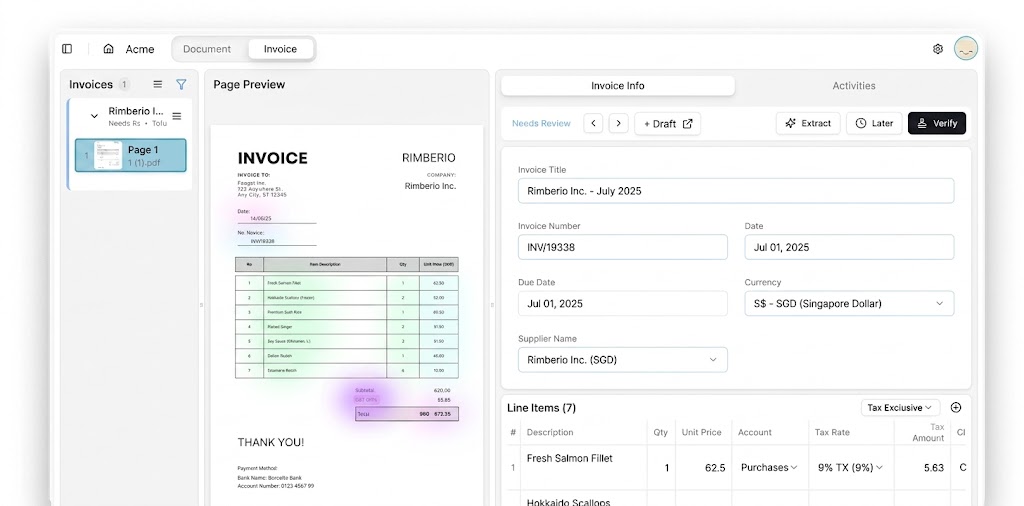
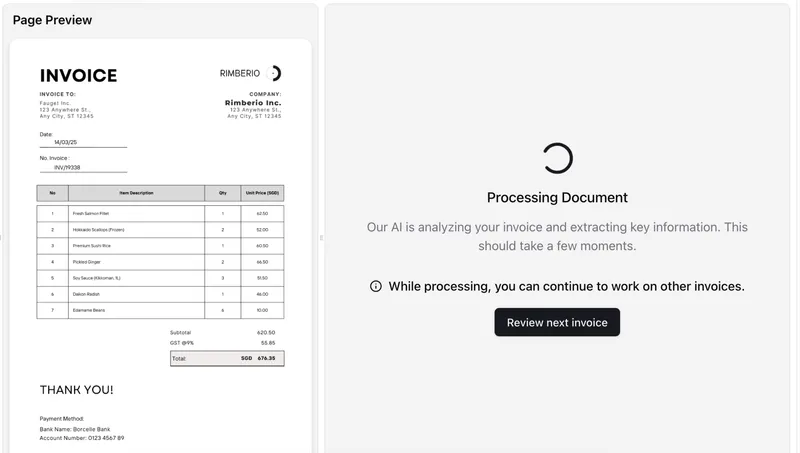
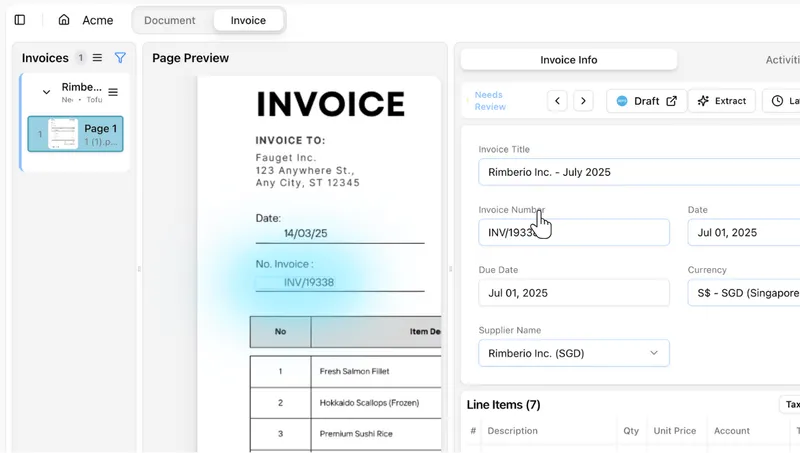
Manual data entry slows you down and leaves room for error. Tofu reads every line item from your invoices and receipts, codes each one against your Business Central accounts, items, and contacts, and hands you a file ready to import. No templates to build. No rules to configure. Just accurate, line-item-level data in Business Central.
Faster processing
Data extraction accuracy
Key benefits
Smarter features for smarter bookkeeping.
Cloud-Only Visibility
Learns From Your History
CSV Export, Ready to Go
How it works
Step 1
Step 2
Step 3
What accountants say
Real reviews from firms that run Tofu every day.
From my point of view, I use tofu every day, give or take, and I think it’s brilliant and I think it’s helped us massively.
AI frees up more of our time, so we get to spend way more time with business owners. We tell our people: go meet clients as much as you can. Otherwise the value people bring just disappears.
We have tried other OCRs, but nobody has built it to this precision.
Among all the software we have been using, it's the best that I have. I don't know if there is something on the market even better than Tofu. But I'm not looking for it.
"Now with Tofu, because it's line by line, my P&L at the end of the month is a lot more accurate. Which is fantastic."
Frequently asked questions
Short answers to the questions firms ask before they connect. Need more? Talk to our team.
How does Tofu connect to Dynamics 365 Business Central?
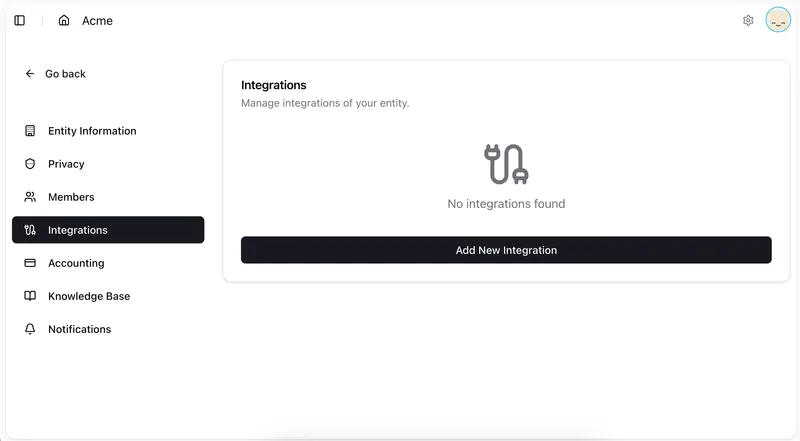
Sign in with your Microsoft work account through Entra ID, accept the requested permissions, then select your Environment and Company. One connection links a single company in a single environment.
Which Business Central deployments are supported?
Business Central online (cloud) only. On-premises deployments and other Dynamics 365 products are not supported.
What syncs from Business Central into Tofu?
Your accounts, items, contacts, currencies, and tags. Tax rates sync as codes only, since percentages are not available from the API, so you may want to add the rate percentages directly in Tofu.
How do I move extractions into Business Central?
Export using the Business Central template and import it, with no reformatting or manual re-entry.
Can Tofu process invoices in languages other than English?
Yes. Tofu supports 200+ languages including Chinese, Japanese, Arabic, French, German, Spanish, and Hindi, with English shown alongside the original text during review. No language selection required.
How does the AI learn my Business Central coding preferences?
Tofu learns from your existing Business Central transaction history, so it codes correctly from the first document. Every correction trains it further, and accuracy typically reaches 95%+ by the third invoice from the same supplier.