
Automate invoice and bill processing directly in QuickBooks
Why tofu
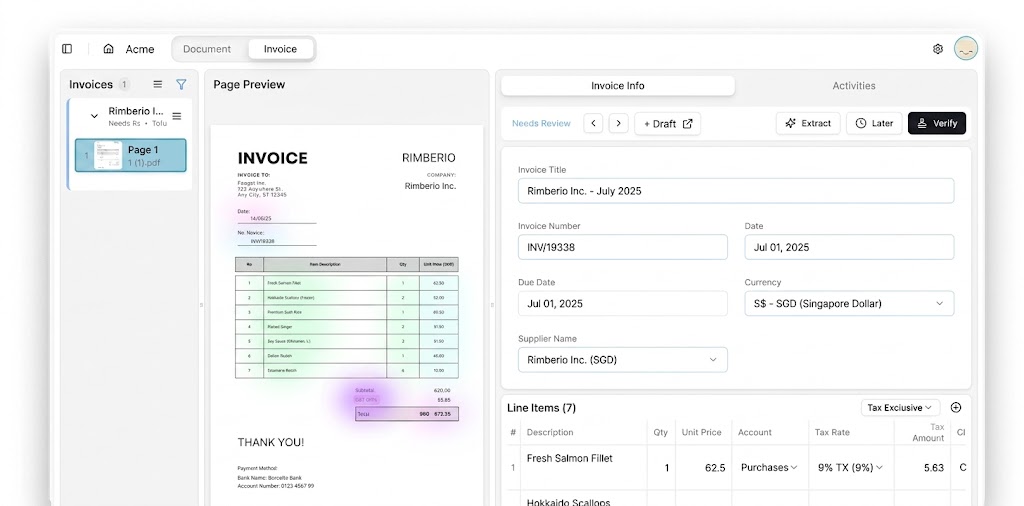
Manual data entry slows you down and leaves room for error. Tofu reads every line item from your invoices and receipts, codes each one against your chart of accounts, and posts the bill straight into QuickBooks, ready to review in seconds. No templates to build. No rules to configure. Just accurate, line-item-level data in QuickBooks from day one.
Faster processing
Data extraction accuracy
Key benefits
Smarter features for smarter bookkeeping.
Native QuickBooks Sync
Full Line-Item Capture
Built for QuickBooks Desktop, Too
How it works
Step 1
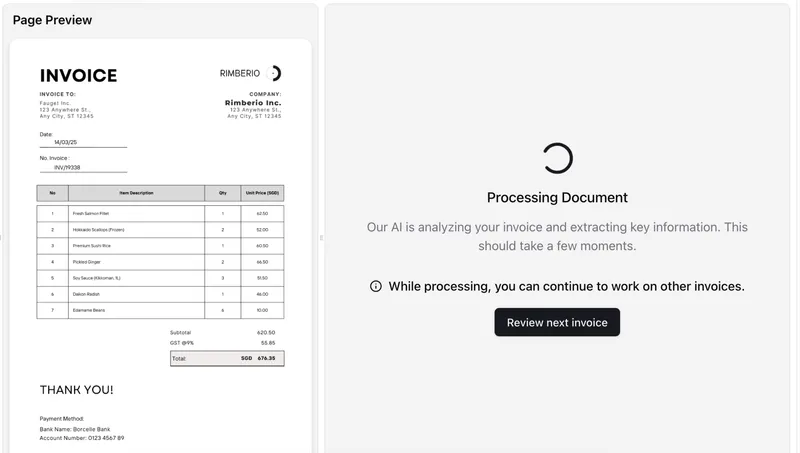
Step 2
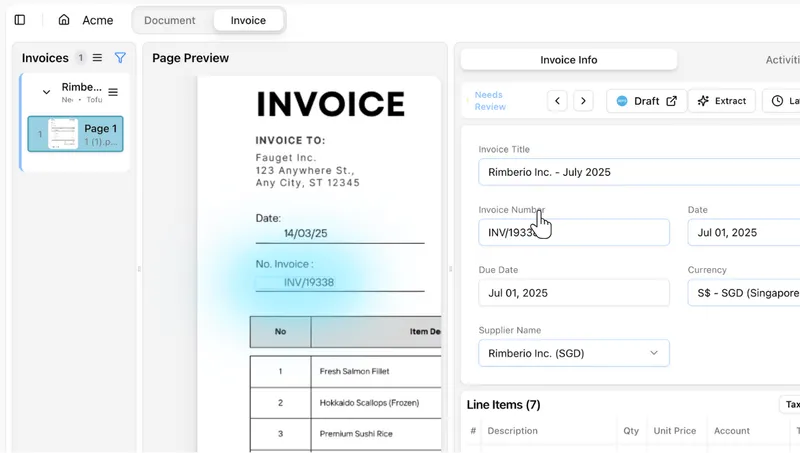
Step 3
What accountants say
Real reviews from firms that run Tofu every day.
AI frees up more of our time, so we get to spend way more time with business owners. We tell our people: go meet clients as much as you can. Otherwise the value people bring just disappears.
We have tried other OCRs, but nobody has built it to this precision.
Among all the software we have been using, it's the best that I have. I don't know if there is something on the market even better than Tofu. But I'm not looking for it.
"Now with Tofu, because it's line by line, my P&L at the end of the month is a lot more accurate. Which is fantastic."
Tofu is very simple. It's very easy to navigate and use. It's beginner friendly. Even without a finance or accounting background, you can use it. It's effective, it's efficient, and it's really time saving.
Frequently asked questions
Short answers to the questions firms ask before they connect. Need more? Talk to our team.
How does Tofu connect to QuickBooks Online?
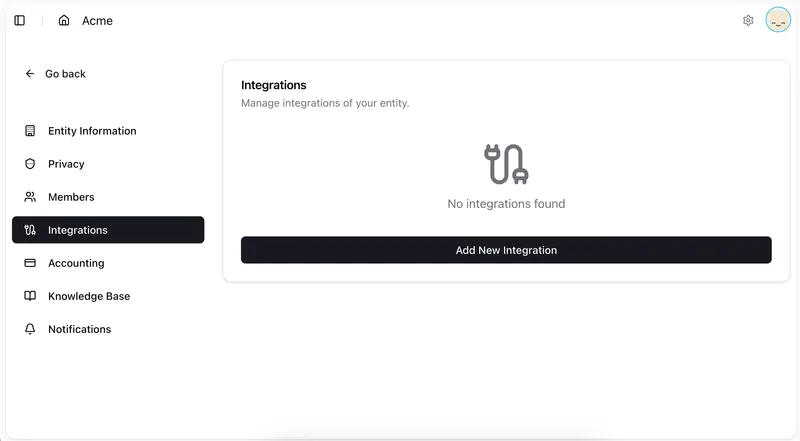
Through Intuit's official API. Sign in to Intuit, pick the company, and Tofu reads your chart of accounts, vendors, customers, and items. Nothing to map by hand.
What does Tofu create in QuickBooks?
Bills, with every line item. Tofu reads the vendor, date, totals, and each line, codes the lines to your chart of accounts, and posts the bill through the QuickBooks API for review. No CSV imports.
Does Tofu work with QuickBooks Desktop?
For bank statements, yes. Upload the PDF and Tofu returns every transaction in a Desktop-ready file to import, which matters now that Intuit has ended Desktop bank feeds. Direct posting of bills is for QuickBooks Online.
Do I need to build rules for each client?
No. Tofu learns from the client's QuickBooks history: chart of accounts, vendors, past coding. Fix a line once and Tofu remembers it next time.
Does the QuickBooks integration cost extra?
No. QuickBooks is included on every plan, from $79 a month, with no per-user fees. Bills and receipts count as one extraction each, whatever the page count. Bank statements count one extraction per page.