Jay Sen Lon
October 2, 2026

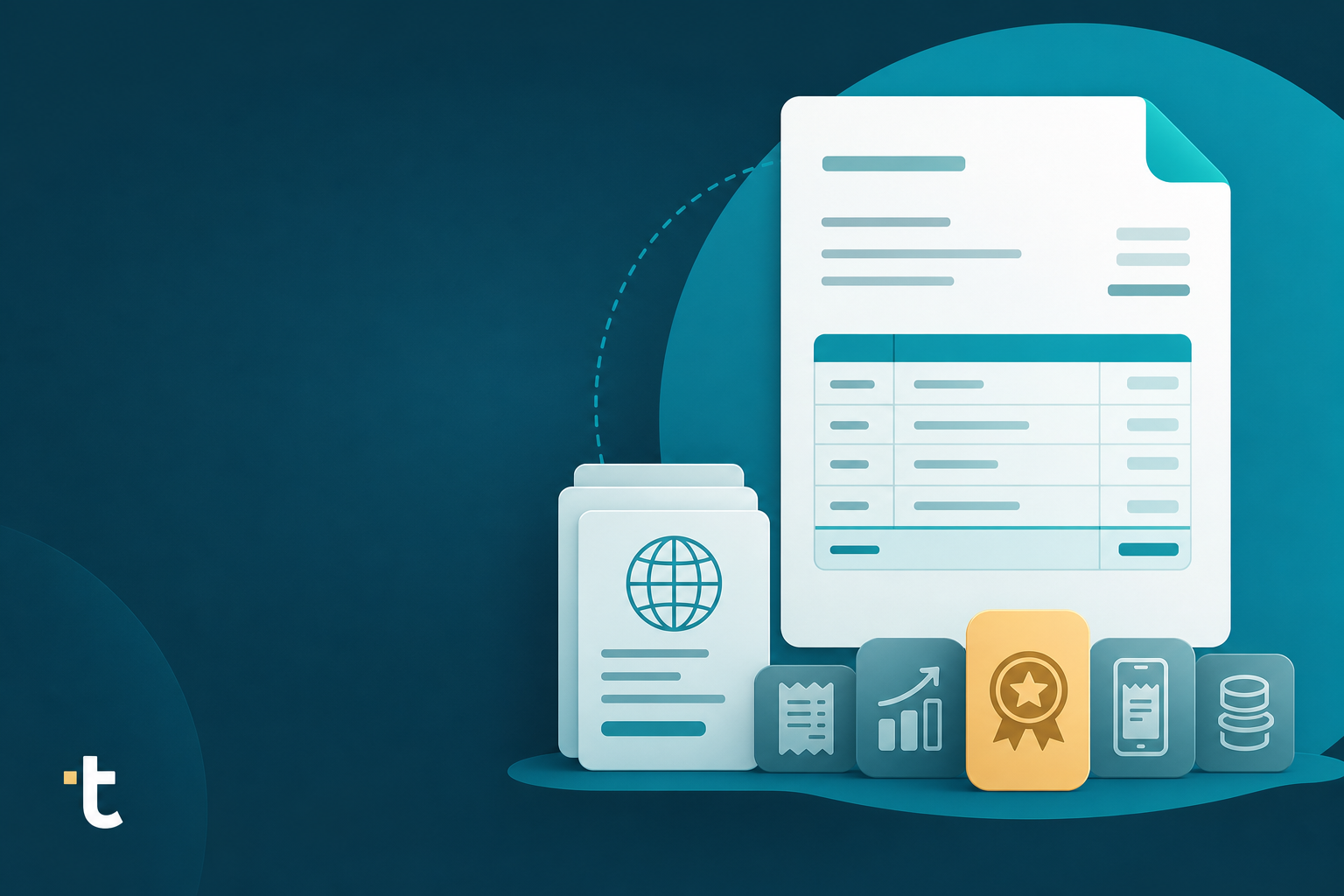
Maybe you started using Apron for client payments and added Capture because it was already sitting there in the dashboard. That convenience is real, until your clients start sending multi-currency invoices or receipts with 50 line items and the gaps start showing. We'll go through what Apron actually does well, where it struggles, and which apron alternatives are worth a look if document capture is your main bottleneck.
TLDR:
Apron is a UK payments and bookkeeping workflow tool built for accounting and bookkeeping practices. At its core, it is a payments tool: bookkeepers use it to pay client bills, manage client payment approvals, and give clients expense cards, all from one dashboard connected to Xero.
Payroll and a client rewards program sit alongside the payments core, giving practices more reasons to keep clients inside the Apron workflow instead of bouncing between separate tools for bills, cards, and payroll.

Document capture came later. Apron Capture is the invoice and receipt capture piece of the product, and pricing for it starts at £5 per month per client for 500 documents. That ordering matters for how the product is built. Apron Capture was layered on top of an existing payments system instead of designed from the ground up as a document extraction engine, which shapes what it does well and where it tends to show its limits.
For practices already using Apron for bill payments and expense cards, Apron Capture is a convenient add-on inside a tool they already use daily. For practices whose main pain point is getting line-item data out of invoices and bank statements and into the chart of accounts, it is worth knowing that document capture was never the product's starting point.
In the Tofu vs Apron comparison, Apron earns its place for UK practices that want bill payments, payroll, and expense cards under one login. If centralizing those workflows is the goal, it does that job well. Invoice capture, though, is a newer addition to the product, not the reason Apron exists.
That history shows up in the pricing structure. Apron Capture's Starter tier includes 500 documents per client per month, so costs move with client document volume instead of staying flat. A practice that onboards a client with high invoice volume, or simply grows its existing client base, watches its bill scale with it.
It also shows up in what the product is built to do. Apron was designed around payments first, so its document capture does not go deep on line item extraction, multilingual processing, or multi-entity accounting workflows. For a practice processing mostly single-currency, English-language invoices with a handful of lines each, that is rarely a problem.
The fit question gets harder for firms dealing with foreign-language invoices, multi-currency documents, or high-volume multi-line invoices spread across many clients. Those firms are usually better served by a tool built for document intake, not one where capture sits on top of a payments product as a secondary feature, and many choose to switch document capture tools once volume grows.
The right alternative depends on what part of the workflow is actually breaking down: document extraction depth, language and currency coverage, or what happens after the data lands in the ledger. Here is how 5 commonly considered options stack up against Apron Capture.
Tofu is an AI document processing platform built to extract every line item from invoices, receipts, and bank statements, beyond header totals alone. It reads 200+ languages with side-by-side English translations, so a Thai receipt or a French invoice gets the same depth of extraction as an English one. Pricing stays flat regardless of document volume, so a practice that grows its client base or takes on a high-invoice client does not watch its bill climb the way it does with Apron Capture's per-client tiers. Each client entity gets its own self-learning knowledge engine that remembers chart of accounts coding, so corrections made for one client never bleed into another. It also reads bank statements in any format, including images, and publishes directly into Xero, QuickBooks Online, and Zoho Books.
As one Malaysian bookkeeper put it, "Before using Tofu, it would take me between 3 to 4 hours. With Tofu, I can now complete the process in just 30 to 60 minutes."
Vic.ai is built for enterprise accounts payable automation, with deep invoice extraction designed around high transaction volumes and purchase-order matching. It performs best on English-language documents and suits larger finance teams that already have an AP workflow for it to plug into. Pricing is not published, and Vic.ai markets itself toward enterprise AP teams processing invoice volumes in the hundreds to thousands per month, the scale that makes its purchase-order matching and workflow automation layer worth the investment. For a bookkeeping practice managing a mix of smaller clients instead of one high-volume enterprise account, that scale assumption rarely fits.
DocuClipper converts bank statements and invoices into spreadsheets, outputting clean CSV or Excel files instead of posting directly into accounting software. That makes it a reasonable fit for anyone whose workflow ends at a spreadsheet, but it stops short of coding transactions to a chart of accounts or publishing to Xero or QuickBooks. Pricing runs on per-page tiers starting at $39 a month for 200 pages as listed on G2, which may differ from DocuClipper's current official pricing, so cost rises with document volume much like Apron Capture's structure. Firms that need extracted, coded data landing directly in their accounting software will still have a manual import step to handle.
Tabby is a mobile-first receipt capture app geared toward quick expense logging instead of full invoice processing. It works well for teams that need to snap a photo of a receipt and move on, syncing expense data to a handful of accounting platforms. The subscription runs per-user, in an app-store style structure, which suits individual expense tracking more than firm-wide document intake. For a practice processing supplier invoices with multiple line items, Tabby was never built to go that deep.
Booke takes a different approach entirely: it reads data that is already inside the ledger instead of processing source documents like invoices or receipts. It is built for ledger cleanup and reconciliation, working directly inside QuickBooks Online and Xero on transactions already posted. Pricing is a flat subscription based on the scope of ledger cleanup needed. For practices whose bottleneck is getting documents into the ledger in the first place, Booke solves a different problem further downstream.
| Feature | Apron | Tofu | Vic.ai | DocuClipper | Tabby | Booke | |
|---|---|---|---|---|---|---|---|
| Line-item extraction depth | Header-level capture added on top of a payments tool, with Starter tier capped at 500 documents per client | Every line item extracted by default on every plan, including 50+ line invoices and mixed tax rates (see Tofu vs AutoEntry) | Deep AP-focused extraction, built for enterprise invoice volume and PO matching | Converts bank statements and invoices into spreadsheets, stops at CSV or Excel output | Mobile-first receipt capture, geared toward quick expense logging instead of full invoices | Reads what is already inside the ledger, not source documents | |
| Multilingual/multi-currency support | Not built for this; designed around UK payments workflows | 200+ languages with side-by-side English translations and multi-currency extraction | English-language, enterprise AP focus | Limited to document conversion, no language-specific extraction logic | Primarily single-language expense capture | Not applicable, works on existing ledger data | |
| Pricing model | Per-client, per-document tiers that scale with volume | Flat monthly pricing regardless of document volume | Not published, typically worth it only at several hundred invoices per month | Per-page tiers, from $39/month for 200 pages | Per-user, app-store style subscription | Flat subscription based on ledger cleanup scope | |
| Native accounting software integration | Built around Xero | Native two-way integration with Xero, QuickBooks Online, Zoho Books, and more | Built for SAP, Oracle, NetSuite, Dynamics | No direct Xero or QuickBooks posting | Syncs expense data to a handful of accounting platforms | Works inside QuickBooks Online and Xero directly | |
| Bank statement processing | Not a core feature | Any bank, any format, including images, converted to structured transaction data | Not supported, AP automation only | Strong at PDF-to-spreadsheet conversion for statements | Not a core feature | Not supported, works on transactions already posted | |
| Primary product focus | Payments, payroll, and expense cards | Document extraction and posting across invoices, receipts, and bank statements | Enterprise AP automation | PDF-to-spreadsheet conversion | Mobile expense capture | Ledger cleanup and reconciliation |
The pattern across the table, similar to what shows up in the HubDoc alternatives comparison, is less about any single missing feature and more about where each tool was built to start. Apron started with payments. Tofu started with the document itself, which is why line-item depth, language coverage, and flat pricing show up as structural traits, not add-ons, much like the contrast laid out in Tofu vs Dext.
Apron does what it is built to do: give UK bookkeeping practices one place to pay bills, run payroll, and issue expense cards without bouncing clients between tools, a comparison worth making alongside the best HubDoc alternative options firms consider. If centralized payments is the goal, that is a legitimate reason to pick it. Invoice capture, though, was bolted onto that payments core later, and it behaves like a secondary feature instead of the product's reason for existing.
Tofu starts from the opposite end. Extraction, coding, and publishing are the entire product, not an add-on riding on top of something else, a distinction practices researching AutoEntry alternatives often run into. Every line item gets read by default on every plan, whether the invoice has three lines or fifty, with mixed tax rates and all. No credits, no capped tier, no upgrade path required to get past header-level data.
The chart of accounts side works the same way. Tofu reads a client entity's existing coding history and starts extracting accurately within minutes, without templates or if-then rule builders. Each client gets its own self-learning knowledge engine, so corrections made for one entity never bleed into another, and that knowledge survives staff turnover instead of walking out the door with whoever made the correction, all while publishing directly through the Tofu Xero integration.
None of that matters if the documents never arrive in a format the tool can read. Apron was never built to process a handwritten receipt or a foreign-language invoice, because that was not the problem it set out to solve. Tofu extracts 200+ languages with side-by-side English translations, reads handwriting that legacy OCR returns nothing on, and handles bank statement extraction in any format.
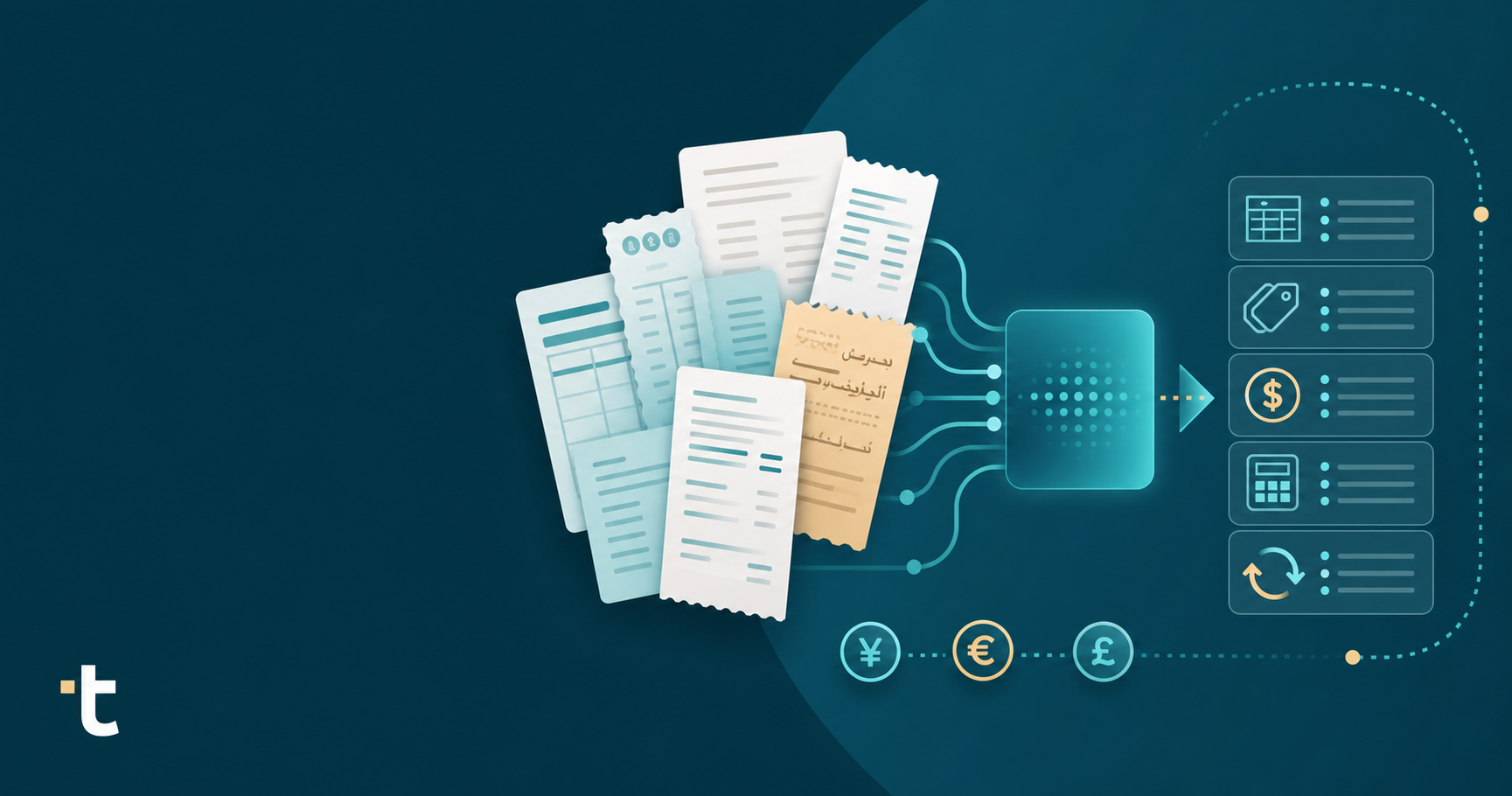
For a practice whose core pain point is getting complex client documents into the accounting software accurately and at scale, a tool built around that workflow will outperform one where document capture is a feature layered onto something else entirely.
There's no single right answer here, only the right fit for how your practice actually works. Centralized payments point you toward Apron, while complex, multilingual, or high-volume invoices point you toward something built around extraction from day one. Either way, knowing where each tool started helps you judge where it ends. If document capture is your sticking point, get a demo of Tofu and run your toughest invoice through it.
Apron was built around payments, payroll, and expense cards first, with Apron Capture added later as a document-capture layer on top. Practices processing foreign-language invoices, multi-currency documents, or high-volume multi-line invoices often find the capture piece was not designed for that depth, which pushes them toward tools built for document extraction.
If a practice is mostly processing single-currency, English-language invoices with a handful of lines each, Apron Capture tends to hold up fine. The switch becomes worth considering once client document volume grows past the Starter tier's 500-document cap, or when invoices start arriving in multiple languages or with 20+ line items that need full extraction instead of header-level capture.
Look at line-item extraction depth (does the tool read every line or just the header and total), language and currency coverage, and whether pricing scales with document volume or stays flat. These three factors determine whether a tool solves document intake on its own or just adds a capture step to a workflow built for something else.
No. Tofu is a document-processing layer that extracts, codes, and publishes invoices, receipts, and bank statements into Xero, QuickBooks Online, Zoho Books, and other accounting software. It does not handle bill payments, client payment approvals, expense cards, or payroll. Practices that need both can keep Apron for payments and payroll while using Tofu for the document extraction and coding Apron Capture was not built to go deep on.
No. Tofu's pricing is flat per month regardless of document volume, so a practice onboarding a high-invoice client or growing its existing client base does not see its bill scale with document count the way Apron Capture's per-client, per-document tiers do.