Jay Sen Lon
July 6, 2026


A lot of UK firms land on HubDoc because it's bundled with Xero and it genuinely works for simple documents. The friction shows up later, usually when volume grows or clients start sending messier files with lots of line items. If you're at that point, this rundown of hubdoc alternatives uk practices are actually using should help you figure out what fits your workflow.
TLDR:
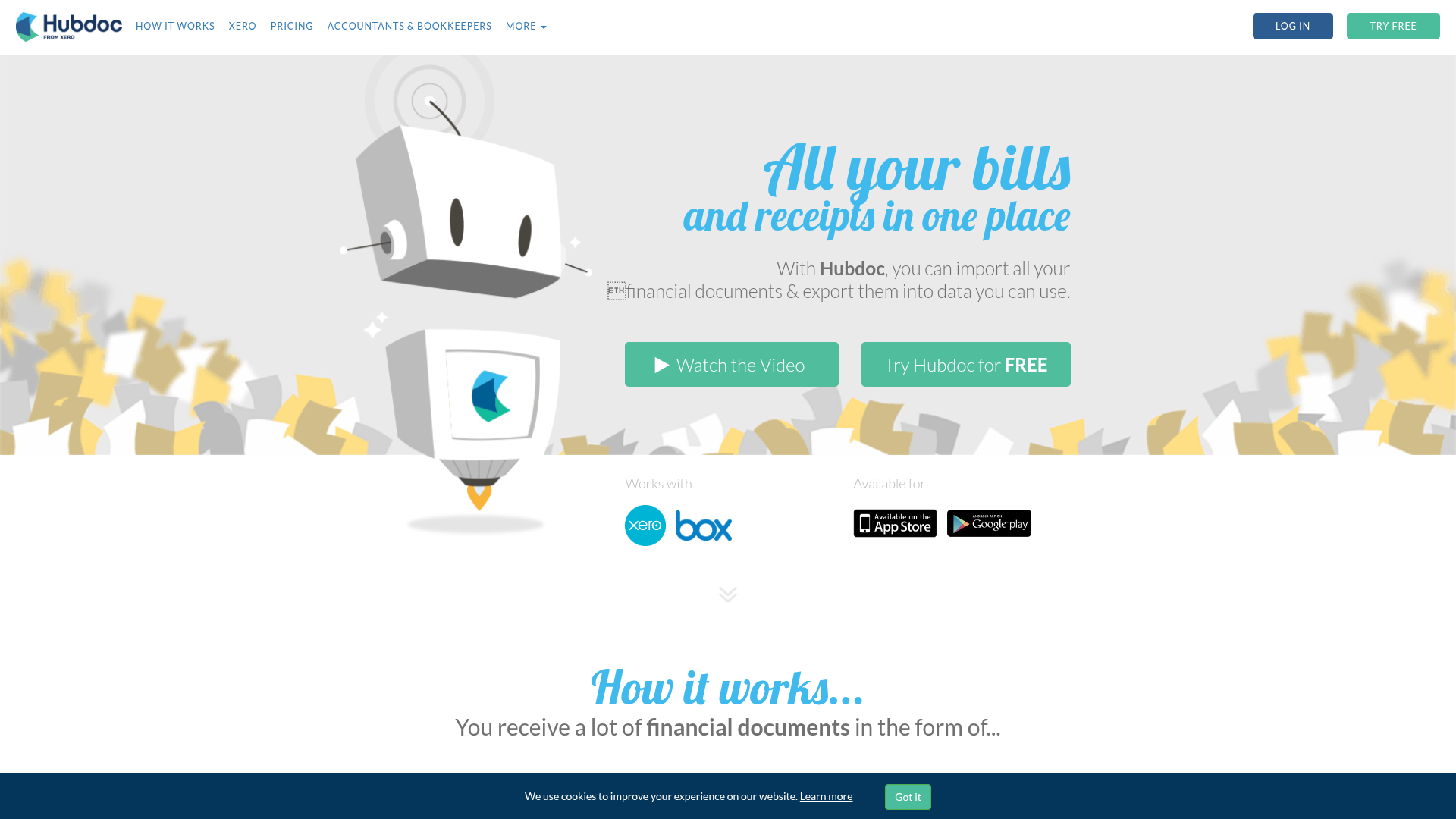
HubDoc is a document capture tool that Xero acquired in 2018 for roughly $70 million and has since bundled free with Xero Standard and Premium subscriptions. Because it comes included with Xero at no extra charge, it's often the first document capture option UK accounting firms reach for.
The core workflow is straightforward. HubDoc can auto-fetch bills directly from supplier portals, logging into utility providers, telecom companies, and similar recurring vendor accounts on the firm's behalf. Documents can also arrive through a unique email forwarding inbox assigned to each client, or via mobile upload from a phone. Once a document lands in HubDoc, its OCR engine reads the header-level data: supplier name, invoice date, due date, and total amount. That structured data then publishes into Xero or QuickBooks Online.
One thing worth being clear about: HubDoc captures headers, not line items. The supplier name, date, and total move across; individual line descriptions, quantities, unit prices, and per-item account codes do not. For firms whose clients send straightforward, single-total invoices in English, that may be entirely sufficient. For anything more layered than that, the constraint starts to matter.
HubDoc has been a fixture in UK accounting firms for years, and for good reason: it does a clean job of collecting documents and feeding them to Xero or QuickBooks. But a clean document inbox is only part of what most firms actually need. Across HubDoc's 92 reviews on Capterra, line-item extraction and language support appear as recurring gaps that send firms looking elsewhere.
The gaps show up in practice. HubDoc captures header-level data only, meaning supplier name, date, and total. Every line item still needs to be typed manually. For firms processing supplier invoices with 10, 20, or 30 line items, that manual step doesn't disappear, it just moves downstream to someone on your team.
There are a few other areas where firms tend to run into friction:
None of this makes HubDoc the wrong choice for every firm. If your clients send tidy documents, you use Xero, and you only need header-level capture, it may be exactly right. But if your volume is growing, your clients send messier documents, or you need full line-item extraction mapped to your chart of accounts automatically, the tool starts to show its limits.
That's the context for this list. The best HubDoc replacement options cover a range of use cases, from document management to full AI document processing, so you can match the tool to what your firm actually does.
Tofu is the strongest pick for UK accounting firms that need more than a document inbox. Where HubDoc captures header-level data and hands the PDF to your accountant, Tofu extracts every line item from every document, maps each one to your chart of accounts, and publishes directly to Xero or QuickBooks Online.
The difference shows up fastest on complex documents: multi-line supplier invoices, 50-page bank statements, receipts in languages your team doesn't speak. Tofu handles all of them without manual correction steps in between.
Upload a document, and Tofu reads it in full, including every line item, date, supplier name, tax field, and account code. It then maps those fields to your existing chart of accounts and publishes the transaction to your accounting software. The first time Tofu sees a supplier, it learns your coding preference. By the third invoice from that supplier, it codes automatically without you touching it.
That learning behaviour is what separates Tofu from standard OCR tools. Most document capture products extract static data. Tofu builds a memory of how your firm codes each supplier, so the work reduces over time instead of staying flat. Automated invoice data capture like this eliminates the manual entry that standard OCR tools leave behind.
It also covers documents that trip up most alternatives:
"What used to take me 3-4 hours can be done in 30-60 minutes." - Tammy Tan, Klozer
Tofu's pricing is built for multi-client firms. At $199/month you cover 50 clients with unlimited users and unlimited documents, which works out to roughly $4 per client per month with no per-document credit system eating into your margins as volume grows. See the full Tofu vs HubDoc breakdown for a side-by-side view.
For smaller firms, the $79/month plan covers up to 15 clients, also with unlimited users and documents. There are no seat fees and no per-page charges.
Tofu is built for accounting firms processing client documents at volume. If you only need a simple document inbox with no line-item extraction, the pricing and feature set may be more than your workflow requires. HubDoc is the right pick for that use case.

Here is a feature comparison table covering HubDoc and the top alternatives discussed in this post.
There are a few dimensions worth checking before you commit to any tool: how deeply it extracts document data, whether it learns your coding preferences over time, how it handles non-English documents, and what the pricing structure actually looks like at firm scale. Our guide to the best invoice capture software covers these factors in detail.
| Tool | Extraction depth | AI learning | Language support | Pricing model | Key limitation |
|---|---|---|---|---|---|
| HubDoc | Header and totals only | No | English-centric | Bundled with Xero | No line-item extraction; Xero-only |
| Dext | Line items and totals | Limited; rule-based coding suggestions | Good coverage; primarily Latin scripts | Per-document credits | Credit costs rise directly with volume; busy months cost more |
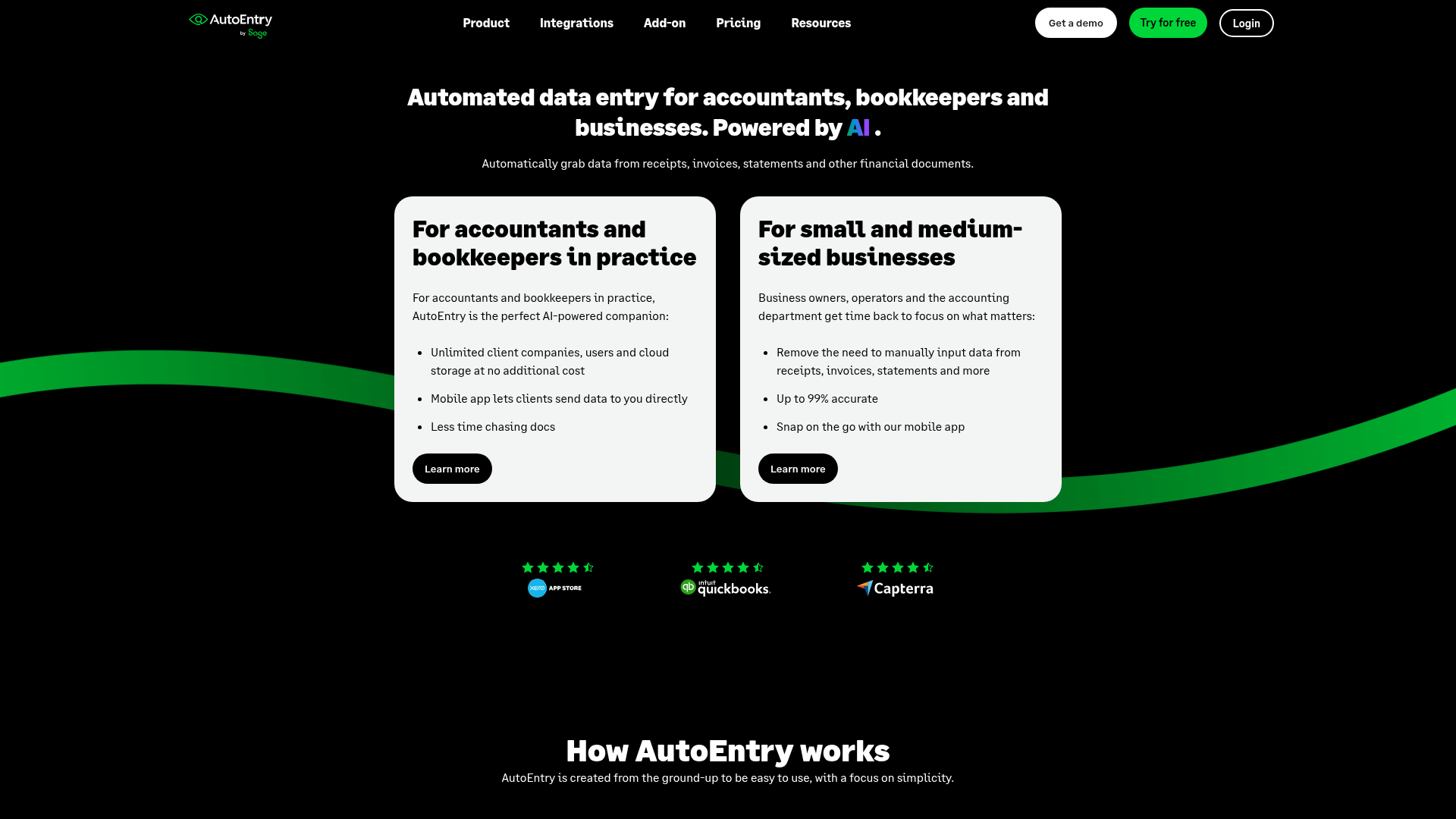
| AutoEntry | Line items and totals | No | Good coverage; primarily Latin scripts | Per-document credits | Credit costs scale with volume; no AI learning layer |
| Tofu | Full line items, every document type | Yes, learns your chart of accounts | 200+ languages including handwriting | Flat monthly, unlimited users and clients | Built for multi-client firms; may exceed needs for simple single-client workflows |
A few patterns stand out. HubDoc and its Xero-bundled version cap out at header-level data: supplier name, date, and total. You get a tidy document inbox, but every line item still needs to be typed manually. Dext and AutoEntry alternatives go deeper, but their credit-based pricing means line-item extraction costs more as volume grows. For a broader market view, GetApp's HubDoc alternatives roundup is a useful starting point for comparing tools side by side.
Among the tools reviewed here, Tofu is the only one that combines full line-item extraction, AI that learns your coding history across every client, and support for over 200 languages, all under a flat monthly fee with no per-user or per-document charges. If multilingual processing is your main concern, the best Dext alternatives for multilingual invoices are also worth reviewing. For firms processing documents across multiple languages or running high monthly volumes, the pricing structure alone changes the arithmetic considerably.
Tofu is built for accounting firms that have outgrown document collection tools and need full line-item extraction across every document type, every language, and every client, with no per-document or per-user fees.
Where HubDoc captures header-level data and hands the rest back to you, Tofu extracts every line item, maps it to your chart of accounts, and publishes directly to Xero or QuickBooks. The manual coding step that HubDoc leaves in your lap disappears.
Here is what the workflow looks like when Tofu handles a document:
That last point matters if you manage multiple clients. HubDoc treats every document the same way. Tofu remembers how you code for each client, so the more you use it, the less you correct.
HubDoc charges per document tier and limits users. Tofu's pricing is flat: one monthly fee covers unlimited users and unlimited clients. For a firm handling 50 clients, that works out to roughly $4 per client per month with no surprises at the end of the billing cycle. See how it compares in our guide to bookkeeping automation software UK firms rely on.
"What used to take me 3-4 hours can be done in 30-60 minutes." - Tammy Tan, Klozer
If you process documents at volume, across multiple clients, in more than one language, or from suppliers with detailed line items, Tofu is the tool built for exactly that workload.
HubDoc is a capable document inbox, and for firms whose clients send simple, English-language invoices through Xero, it may be all you need. The moment line items, languages, or volume enter the picture, the manual steps it leaves behind start to compound. The alternatives in this list cover a range of those gaps, from deeper extraction to AI that learns your coding preferences over time. If you want to see where Tofu fits your specific workload, book a short demo.
HubDoc captures header-level data only: supplier name, date, and total. Every line item still needs to be typed manually by someone on your team. For firms processing multi-line invoices across multiple clients, that manual step doesn't disappear; it just moves downstream. Firms also run into friction with non-English documents, no AI learning layer, and limited flexibility outside the Xero subscription bundle.
The three capabilities that matter most are extraction depth (full line items, beyond headers alone), language support for any documents your clients send, and a pricing model that doesn't charge per document or per user as your volume grows. A self-learning knowledge engine that remembers your coding preferences per client is worth prioritising separately: it's what separates tools that stay flat from tools that get faster over time.
If your clients send invoices with multiple line items, documents in non-Latin scripts, or handwritten receipts, HubDoc's header-only extraction creates a persistent manual coding step that won't go away. The switch makes practical sense when your monthly document volume has grown to the point where that manual step is costing your team meaningful hours each week.
Tofu sits upstream of your accounting software: it extracts, codes, and publishes structured data into Xero or QuickBooks, then those platforms handle everything that happens after. You don't change your accounting software or rebuild your chart of accounts; you add Tofu as the document processing layer before data enters the general ledger.
Tofu charges a flat monthly fee with unlimited users and unlimited clients: $199/month covers 50 clients, which works out to roughly $4 per client per month with no per-document credits eating into margins as volume grows. Credit-based pricing from Dext or AutoEntry scales directly with document volume, meaning busy months cost more at precisely the moment your team is processing the most.