SunTao Lai
May 11, 2026


You started looking for a Hubdoc replacement because header-only extraction doesn't work when your clients send 20-line invoices. Hubdoc grabs the total and the supplier, then hands you back the rest to type, which defeats the point of automation if you're processing anything beyond simple receipts. Xero confirmed there's no line-item extraction coming, so the gap between what Hubdoc does and what accounting firms actually need isn't going away. We compared the tools that extract full line items, handle bank statements, and support languages beyond English so you can replace Hubdoc with something that actually finishes the job.
TLDR:
Hubdoc is a document capture tool that Xero acquired in 2018 and now bundles with certain Xero subscriptions. It collects invoices and receipts, extracting header-level data: supplier name, date, total amount, and invoice number. That's where it stops.
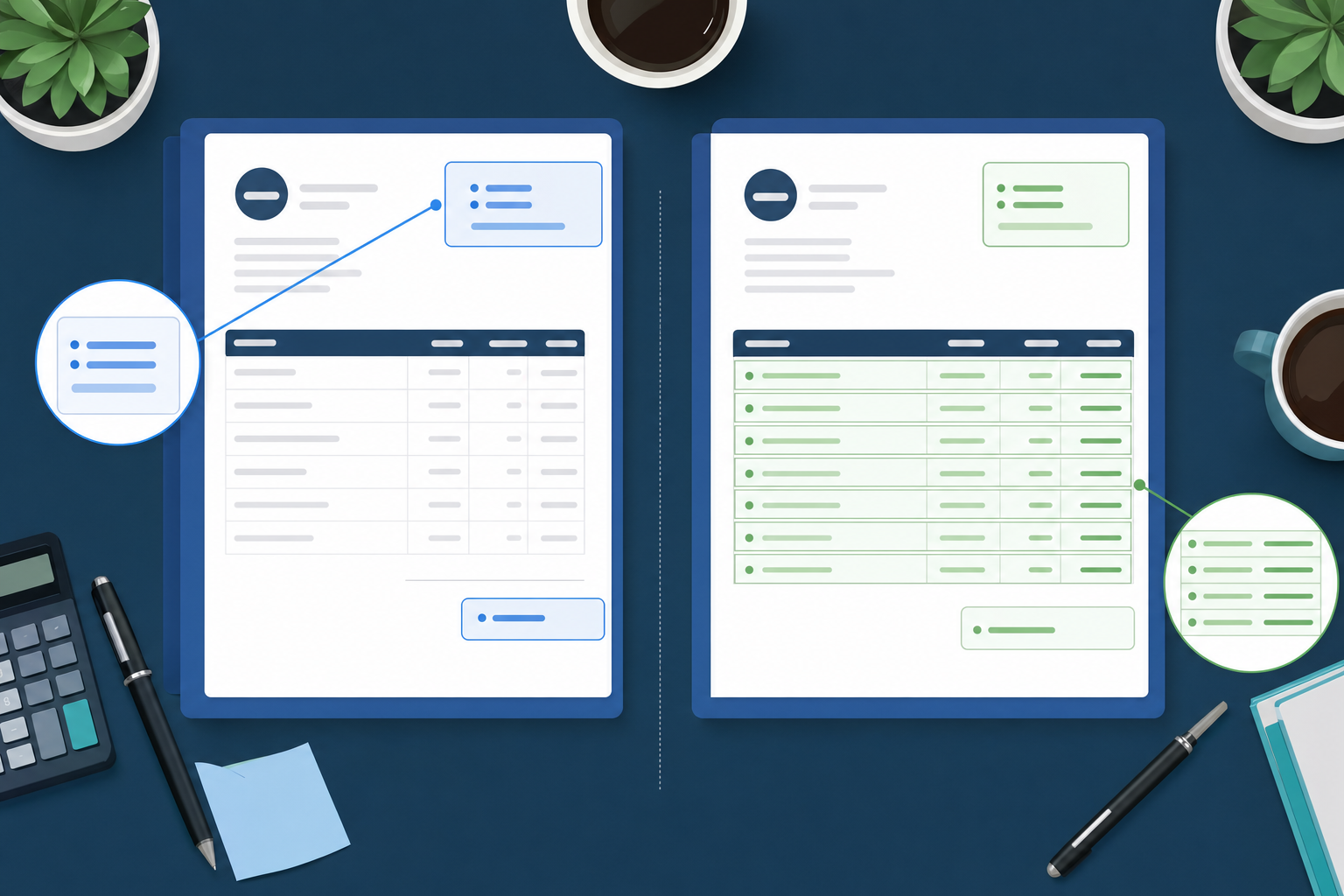
There's no line-item extraction. A 20-line supplier invoice? Hubdoc grabs the total and hands the rest back to you. That gap matters for firms processing complex invoices, and it's not going away. Xero has publicly confirmed they have no plans to add line-item extraction to Hubdoc.
For accounting firms that need full line items, multilingual documents, handwriting recognition, or bank statement processing, Hubdoc simply falls short. That's pushing more firms to look for a proper Hubdoc replacement.
Picking a Hubdoc replacement means asking the right questions before you commit. We assessed each option using publicly available information: vendor documentation, feature listings, and verified user reviews on the Xero and QuickBooks App Stores. With 78% of executives investing in document automation in 2025, choosing the right tool matters more than ever.
The criteria we focused on:
Every criterion ties back to the realities of running a multi-client accounting firm, where volume, variety, and unpredictable document formats are the norm.
Tofu is built for accounting firms that need accurate, automatic document processing without the manual cleanup that Hubdoc often requires.
Where Hubdoc captures header-level data, Tofu extracts full line items from invoices, receipts, and bank statements, then publishes directly to Xero or QuickBooks with account codes already applied. The AI learns your coding preferences over time, so the more you use it, the less you touch.
| Feature | Hubdoc vs Tofu | Tofu |
|---|---|---|
| Line-item extraction | Header only | Full line items |
| Language support | Latin alphabets | 200+ languages |
| AI coding memory | No | Yes |
| Pricing model | Per user | Flat rate |
"What used to take me 3-4 hours can be done in 30-60 minutes." - Tammy Tan, Klozer
Tofu fits firms processing high document volumes across multiple clients, where coding accuracy and speed matter more than a cheap entry price.
Vic.ai is an AI-powered accounts payable tool aimed at mid-market and enterprise finance teams. It goes well beyond document capture, handling invoice approvals, purchase order matching, and payment workflows in a single product.
That scope makes it a poor fit for most accounting firms looking for a straightforward Hubdoc replacement. The onboarding is lengthy, the pricing is custom and typically runs into thousands of dollars per month, and the feature set assumes a dedicated AP department instead of a bookkeeper managing dozens of client files.
If your firm processes invoices and receipts across a client portfolio and needs something that gets up and running quickly, Vic.ai alternatives are almost certainly a better fit for what you actually need.
Datamolino is a document capture tool built for accounting firms, making it a more focused alternative to Hubdoc than some general-purpose options.
Datamolino charges per document processed, which works well at low volumes but becomes expensive as your client base grows. There is no flat-rate plan, so costs are harder to predict month to month.
AutoEntry is a receipt and invoice capture tool built for accountants and bookkeepers, with a particular focus on sole practitioners and small firms. It connects with Xero, QuickBooks, and Sage, and processes documents through a combination of OCR and manual data keying for anything the automated layer misses.
Dext is the incumbent receipt capture tool for English-speaking markets, with a credit-based pricing model that gets costly fast as your client list grows.
Here is what you get with a Dext subscription:
Good for firms already using Dext and handling primarily English receipts at modest volumes.
Practice plans start at $239.19/month for 10 clients, roughly 75% more than Tofu's $199/month for 50 clients, which is why many firms look at Dext alternatives. Line items consume monthly credits and are not on by default. Rules require manual setup, so knowledge lives in configuration files instead of persistent AI learning. Users consistently report costs become unpredictable at scale, which makes growth planning harder than it should be.
Here's a side-by-side breakdown of each tool across the criteria that matter most for accounting firms.

| Feature | Tofu | Vic.ai | Datamolino | AutoEntry | Dext | Hubdoc |
|---|---|---|---|---|---|---|
| Line-item extraction | Yes | Yes | Yes | No (2 credits) | No (credits) | No |
| Languages supported | 200+ | Multiple | Latin-script only | English only | Primarily English | English only |
| Handwriting recognition | Yes | No | No | No | Limited | No |
| Processing speed | Under 10 seconds | Fast | Up to 24 hours | 2-6 hours | Fast | Variable |
| Pricing model | Flat monthly | Custom enterprise | Per-document | Credit-based | Per-client + credits | Free with Xero |
| Starting price | $79/month | Custom | $47/month | $13/month | $239/month | Free |
| Setup time | Under 15 minutes | 2-4 weeks | Moderate | Moderate | Hours per client | Quick |
| AI learns from corrections | Yes | Yes | Limited | No | Limited | No |
| Bank statements | Yes | Yes | Per-page charge | 3 credits/page | Credit allowance | CSV only |
| Xero integration | Native | No | Native | Native | Native | Native |
| QuickBooks integration | Native | Native | Native | Native | Native | Native |
A few patterns stand out here. Hubdoc's free pricing looks attractive on paper, but the lack of line-item extraction, handwriting support, and multi-language coverage means firms processing anything beyond basic English-language invoices will hit a wall fast.
The comparison table makes the case, but the headline is simple: Hubdoc stops at the total. Tofu extracts every line.
The AI reads your existing Xero or QuickBooks coding history on day one, no rule-building required. Every language, every format, every handwritten receipt is covered without workarounds. Bank statement processing is built in, not an add-on with a per-page charge.
At $79 to $199 per month with unlimited users, you pay less than Dext charges for 10 clients, and get full line-item extraction by default instead of metered by credits.
If your firm serves international clients or processes any real volume, Tofu is the only option here that does not make you pay for that growth.
You didn't start an accounting practice to spend hours re-typing data that already exists on paper. The right Hubdoc replacement extracts every line, remembers how you code each supplier, and handles documents in any language without charging per page. Your firm's capacity shouldn't be limited by how fast you can type. See Tofu process a bank statement in under 10 seconds.
Tofu processes over 200 languages including handwriting, with English translations appearing side-by-side automatically. Most alternatives, including Hubdoc, AutoEntry, and Datamolino, only handle Latin-script languages.
Calculate your monthly document volume first. If you process more than 100 documents monthly across multiple clients, flat-rate tools like Tofu ($79-$199/month) cost less than credit-based options like Dext ($239/month for 10 clients) or AutoEntry's per-document fees.
Header-only tools like Hubdoc extract supplier name, date, and total amount, leaving you to manually type every line. Line-item extraction captures each row's description, quantity, unit price, and account code automatically - the difference between 30 minutes of typing and 30 seconds of review.
Replace Hubdoc when you're processing invoices with multiple line items, non-English documents, handwritten receipts, or high-volume bank statements. The free tier stops being cost-effective once manual cleanup takes more than 2-3 hours weekly.
Yes. Tofu integrates natively with Xero and QuickBooks Online, and exports CSV files for MYOB, Sage, Zoho Books, NetSuite, and 20+ other systems. Most replacements support multiple accounting platforms, so your current software choice won't limit your options.