Jay Sen Lon
May 11, 2026


Hubdoc alternatives for Xero in 2026 matter more than you think because Xero Files doesn't replace what Hubdoc actually did. Xero is shutting down Hubdoc on 8 May 2026 and replacing it with Xero Files, a document storage layer built into Xero. But Xero Files doesn't fetch documents from bank portals, doesn't extract invoice line items, and doesn't learn your coding rules. If your firm relied on Hubdoc to reduce manual entry, you're losing that capability unless you add a dedicated extraction tool that works alongside Xero Files.
TLDR:
Xero announced it will shut down Hubdoc on 8 May 2026, replacing it with a native document management feature called Xero Files. For accounting firms that built their document collection workflows around Hubdoc, this is a forced migration with a hard deadline. Firms searching for Hubdoc alternatives now have a clear deadline to make the switch.
Hubdoc launched in 2011 and was acquired by Xero in 2018. For years it served as the go-to tool for fetching bank statements, collecting supplier documents, and feeding receipts into Xero. Xero Files takes a different approach: it lives inside Xero itself, letting you attach documents directly to transactions, contacts, and accounts without a separate app.
The change affects every firm using Hubdoc today. According to Xero, all Hubdoc data will be deleted after the shutdown date, which means firms need to export anything worth keeping before 8 May 2026.
Xero Files is built into Xero's core product. Key capabilities include:
What it does not do is automatically fetch documents from bank portals or supplier websites. That automated fetch capability was one of Hubdoc's most-used features, and Xero Files does not replace it.
Xero Files is a document storage feature built into Xero. You forward files to a unique Xero Files email, and they land in an inbox inside your Xero account. From there, you sort them into folders and attach them to the relevant transactions or contacts.
Accepted file formats include PDF, XLS, CSV, JPEG, and PNG. Access requires Standard-level Xero permissions or above, so not every user on your account will have it by default.
This is where accounting firms need to pay close attention. Xero Files stores and organises documents. It does not extract data from them.
There is no automatic data capture, no line-item reading, and no publishing to your Xero ledger. A document attached via Xero Files still needs to be manually keyed in. That is a meaningful difference from what Hubdoc offered, and it matters enormously for firms that relied on Hubdoc's data extraction to cut down on manual entry.
Hubdoc was a document collection and storage tool that Xero acquired in 2018. Firms used it to fetch bank statements and bills directly from supplier portals, store documents in the cloud, and push basic header-level data into Xero. It wasn't a full data extraction engine, but for many firms it covered the basics: get the document, file it, post a transaction.
Xero Files is the replacement, and the scope is narrower. It functions as a document management layer inside Xero, letting you attach source documents to transactions, store files against contacts, and keep an audit trail. What it does not do is fetch documents automatically from supplier portals or handle the bank feed connections that Hubdoc supported.
Here's a side-by-side breakdown of where the two tools differ:

| Feature | Hubdoc | Xero Files |
|---|---|---|
| Auto-fetch from bank/supplier portals | Yes | No |
| Document storage inside Xero | Yes | Yes |
| Attach documents to transactions | Yes | Yes |
| Line-item data extraction | No | No |
| Standalone mobile app | Yes | No |
| Included in Xero subscription | Yes (select plans) | Yes |
The gap worth noting is that neither tool ever did full line-item extraction. Hubdoc captured headers: supplier name, date, total. For firms processing invoices with multiple line items, that meant manual coding was still part of the job regardless. See the full breakdown in our Tofu vs Hubdoc comparison.
Hubdoc's core value was simple: fetch bank statements automatically, capture receipts, and push documents into Xero with basic data extraction. For many firms, that three-step loop was enough.
Xero Files changes the storage and organization side of that loop, but it does not replace the data extraction side. Documents land in Xero Files cleanly, but the line-item data inside those documents still needs to go somewhere useful: a bill, a transaction, a posted entry.
That gap matters more than it sounds. Firms that relied on Hubdoc's auto-fetch from bank portals will need a separate solution to retrieve those statements. Firms that used Hubdoc's OCR to at least capture supplier names and totals will find Xero Files offers no equivalent extraction layer. For processing that level of detail, you'll need a dedicated line-item extraction tool.
The firms feeling this most acutely are high-volume practices processing dozens of clients with hundreds of documents per month. A manual workaround that takes an extra two minutes per document adds up fast.
With Hubdoc on its way out, you need a document processing solution that actually fits how your firm works in Xero. Not every tool does. Following invoice automation best practices means choosing tools that reduce manual work instead of simply digitizing it.
Here are the things worth checking before you commit:
The right solution reduces the manual work Hubdoc was supposed to eliminate, without adding new steps to your workflow.
The shift away from Hubdoc gives accounting firms a chance to step back and ask whether document collection has been working as well as it should. Before migrating everything into Xero Files, it's worth auditing what you actually need. Following document management best practices for accounting means building systems that reduce chaos instead of simply digitizing existing workflows.
Not every firm uses Hubdoc the same way. Start by mapping out what you rely on it for:
Xero Files handles storage and basic organisation inside Xero. For firms that used Hubdoc mainly as a document inbox, that may be enough. For firms that relied on Hubdoc's extraction and auto-coding, there's a gap that Xero Files does not fill.
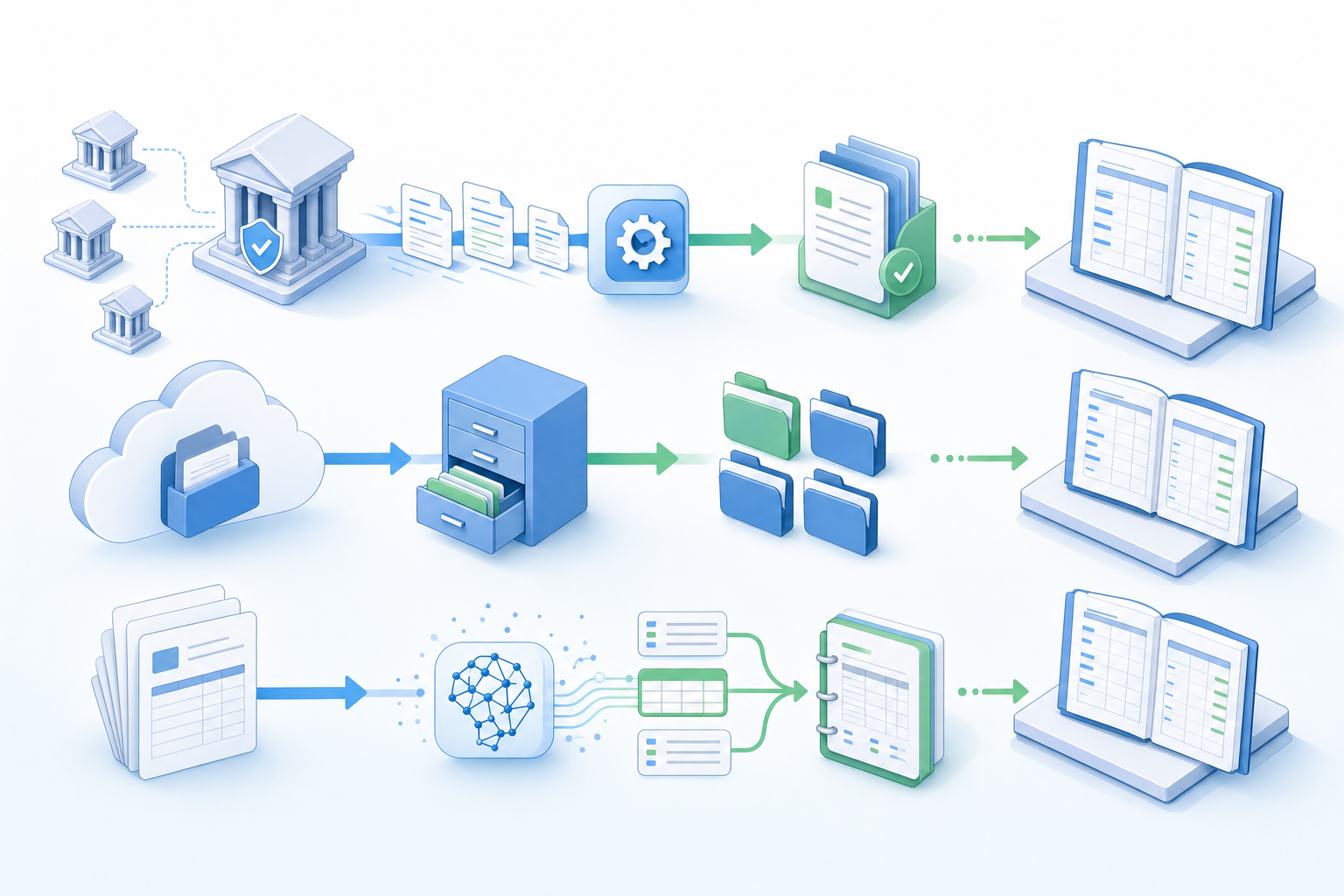
If your team still needs documents read, coded, and published to Xero without manual data entry, you'll want a dedicated extraction tool alongside Xero Files. That's where AI document processing tools like Tofu are worth testing: they handle the extraction layer that Xero Files leaves open, and they work with what's already in your Xero file structure.
Hubdoc captured documents. Xero Files stores them. Neither one actually processes them.
You still open each file, read the details, and type them into Xero yourself. The document is attached, but the data entry is yours to do.
Tofu sits between your inbox and Xero and handles that middle step. Upload an invoice, a receipt, or a bank statement, and Tofu extracts every line item, applies the right account codes based on your history, and publishes directly to Xero. No typing required.
A few things that separate Tofu from what Xero now offers:
As Tammy Tan from Klozer put it: "What used to take me 3-4 hours can be done in 30-60 minutes."
Xero Files is a filing cabinet. Tofu is the person who used to sit next to you doing the data entry.
Hubdoc is going away, and Xero Files replaces only part of what it did. You get document storage inside Xero, but you lose automated fetching and any extraction capability that used to save you time. For firms that handle high document volumes, that gap turns into hours of manual work every week. If you want to see what full line-item extraction looks like without typing a single transaction, book a quick demo of Tofu. You'll spend your time reviewing smart suggestions instead of retyping what's already on the invoice.
Hubdoc fetched bank statements automatically from supplier portals and captured basic document data (supplier name, date, total). Xero Files is a document storage feature built into Xero that lets you attach files to transactions and contacts, but it does not auto-fetch documents or extract data: you still need to manually key in the details.
No. Xero Files stores and organizes documents inside Xero, but it does not extract line-item data. You still need to manually enter supplier names, dates, amounts, and account codes into Xero after attaching the document.
All Hubdoc data will be deleted after the shutdown date. You need to export anything worth keeping before 8 May 2026 or risk losing access to historical documents and extraction records permanently.
Tofu extracts every line item from an invoice (description, quantity, unit price, account code, tax treatment) and publishes directly to Xero without manual data entry. Hubdoc only captured header-level data (supplier name, date, total). Xero Files does not extract data at all.