Jay Sen Lon
February 7, 2026

Invoice data extraction turns unstructured documents into structured data ready for accounting systems. Manual invoice data entry costs accounting teams 40-70% of their billable hours while introducing 1-3% error rates that create downstream reconciliation problems.
This guide reviews eight leading invoice data extraction software platforms based on extraction accuracy, line-item capabilities, language support, and implementation complexity. Whether your firm processes invoices for multiple clients or your business handles international suppliers across different currencies and languages, the right extraction platform can eliminate manual data entry entirely.
TL;DR
Quick Answer: Tofu leads the market for invoice data extraction with AI that processes invoices in 200+ languages and extracts complete line-item data including descriptions, quantities, unit prices, and taxes without configuration. Unlike traditional OCR requiring template setup for each invoice format, Tofu works immediately with handwritten documents, Chinese fapiao, and complex multi-page invoices.
Invoice data extraction software automates the process of converting invoice information from PDFs, scanned documents, emails, and images into structured digital data. These tools use optical character recognition (OCR) combined with artificial intelligence to identify invoice fields, understand document structure, and extract relevant information that feeds directly into accounting systems.
The technology has matured from basic OCR that simply converted images to text requiring human verification, to machine learning models that understand invoice context and extract data with minimal supervision. Modern AI-powered extraction tools recognize patterns across millions of invoice variations, automatically identifying header information, line items, tax calculations, and payment terms regardless of invoice layout or supplier format.
The fundamental purpose is eliminating manual data entry while improving accuracy. Traditional invoice processing requires accountants to manually type invoice numbers, dates, amounts, supplier details, item descriptions, quantities, and tax information into accounting systems. This manual entry typically takes 5-10 minutes per invoice for simple documents and longer for complex multi-line invoices. Extraction software reduces this to under 1 minute of review time while cutting error rates by 80-90%.
For accounting firms serving multiple clients, invoice data extraction becomes mission-critical infrastructure. Firms processing thousands of invoices monthly across different industries, suppliers, and formats face scalability bottlenecks with manual entry. Solutions that require building templates or rules for each client and supplier create pre-processing overhead that limits growth. Modern AI extraction tools eliminate this setup burden through contextual learning that adapts to new invoice formats automatically.
The business value extends beyond labor savings. Faster invoice processing opens access to early payment discounts worth 1-2% of invoice value. Reduced errors prevent payment disputes and maintain supplier relationships. Real-time visibility into payables helps businesses optimize cash flow. For accounting firms, automation allows the same team to serve more clients profitably without proportional staff increases, fundamentally changing firm economics.
Selecting invoice extraction software requires weighing capabilities that directly impact ROI and day-to-day productivity.
Extraction depth and accuracy determine automation potential. Basic solutions extract only header information like invoice total, date, and supplier name, requiring manual line-item entry. Advanced tools extract complete line-item data including descriptions, quantities, unit prices, tax amounts, and account codes. Test accuracy with your actual invoices, not vendor-provided samples. Expect 95%+ accuracy for standard formats and 90%+ for complex documents with quality tools.
Language and script support becomes critical for international operations. Many extraction tools claim multi-language support but only work reliably with English and Western European languages. If your business processes Chinese invoices, Japanese receipts, Thai documents, or right-to-left scripts, verify actual performance with representative samples. Tofu handles 200+ languages including complex Asian character sets and mixed-language documents that traditional OCR struggles with.
Configuration requirements separate modern AI tools from legacy OCR software. Traditional solutions require building templates defining field locations for each invoice format. This setup takes hours per supplier and breaks when formats change. Template maintenance becomes ongoing overhead. Zero-configuration AI tools learn document structures automatically, eliminating template building entirely. This matters enormously for accounting firms onboarding new clients or businesses with diverse supplier bases.
Document format handling determines versatility. Can the tool process PDFs, scanned images, photos from mobile devices, and email attachments? Does it handle handwritten invoices, faded documents, or invoices with stamps and annotations? Can it automatically split multi-invoice PDF files or process invoices embedded in email bodies? Tofu's automatic PDF splitting and handwritten document processing handle real-world complexity that many tools can't.
Integration capabilities with your accounting stack matter for full automation. Native connectors for Xero, QuickBooks, NetSuite, or your ERP make extracted data map correctly to your chart of accounts and flow without manual export-import steps. API availability supports custom integrations with practice management systems, approval workflows, or proprietary platforms. Verify two-way sync capabilities for vendor records and tax codes.
Pricing model alignment with your usage pattern prevents cost surprises. Per-document pricing creates budget uncertainty for businesses with seasonal volume. Per-user pricing penalizes growing teams. Credit-based systems require monitoring consumption patterns. Entity-based pricing offers predictable costs regardless of user count or moderate volume fluctuations. Calculate total cost including implementation, training, and ongoing support.
Accuracy for your specific invoice types requires testing before committing. Different platforms excel with different document characteristics. Some handle typed invoices well but struggle with handwriting. Others work with English but fail on Asian languages. Many can't process supplier-specific formats like Chinese fapiao with their unique structure. Request pilot testing with your actual invoice mix instead of trusting generic accuracy claims.
Common pitfalls: Don't select based on marketing claims alone without hands-on testing. Avoid tools requiring IT involvement for ongoing maintenance. Be cautious of vendors unwilling to prove their results with your documents. Skip solutions locking you into proprietary formats preventing data portability if you need to switch providers.
| Solution | Best For | Starting Price | Line-Item Extraction | Languages | Setup Time | Accuracy Rating |
|---|---|---|---|---|---|---|
| 1. Tofu | APAC firms, multi-language | $79/month per entity | ✓ Complete (every plan) | 200+ | Zero config | 95%+ |
| 2. Dext | Western markets, receipts | Per-user | ✓ Line items | Western focus | Template setup | 90%+ |
| 3. HubDoc | Xero users, budget | Free with Xero | ✗ Totals only | English primarily | Moderate | 85%+ |
| 4. AutoEntry | Variable volumes | $24/month (50 credits) | ✓ Line items | Western languages | Some templates | 90%+ |
| 5. Datamolino | European small firms | €29/month (100 docs) | ✓ Line items | European languages | Moderate setup | 90%+ |
| 6. BILL | US mid-market | $45+/user/month | ✓ Full suite | English focus | Integration setup | 90%+ |
| 7. Lightyear | Tech startups | $169/month | ✓ Full automation | English | Fast setup | 92%+ |
| 8. Spendesk | Spend management | Custom pricing | ✓ Integrated | Multi-language | Complex setup | 90%+ |
Tofu - Best Overall Invoice Data Extraction
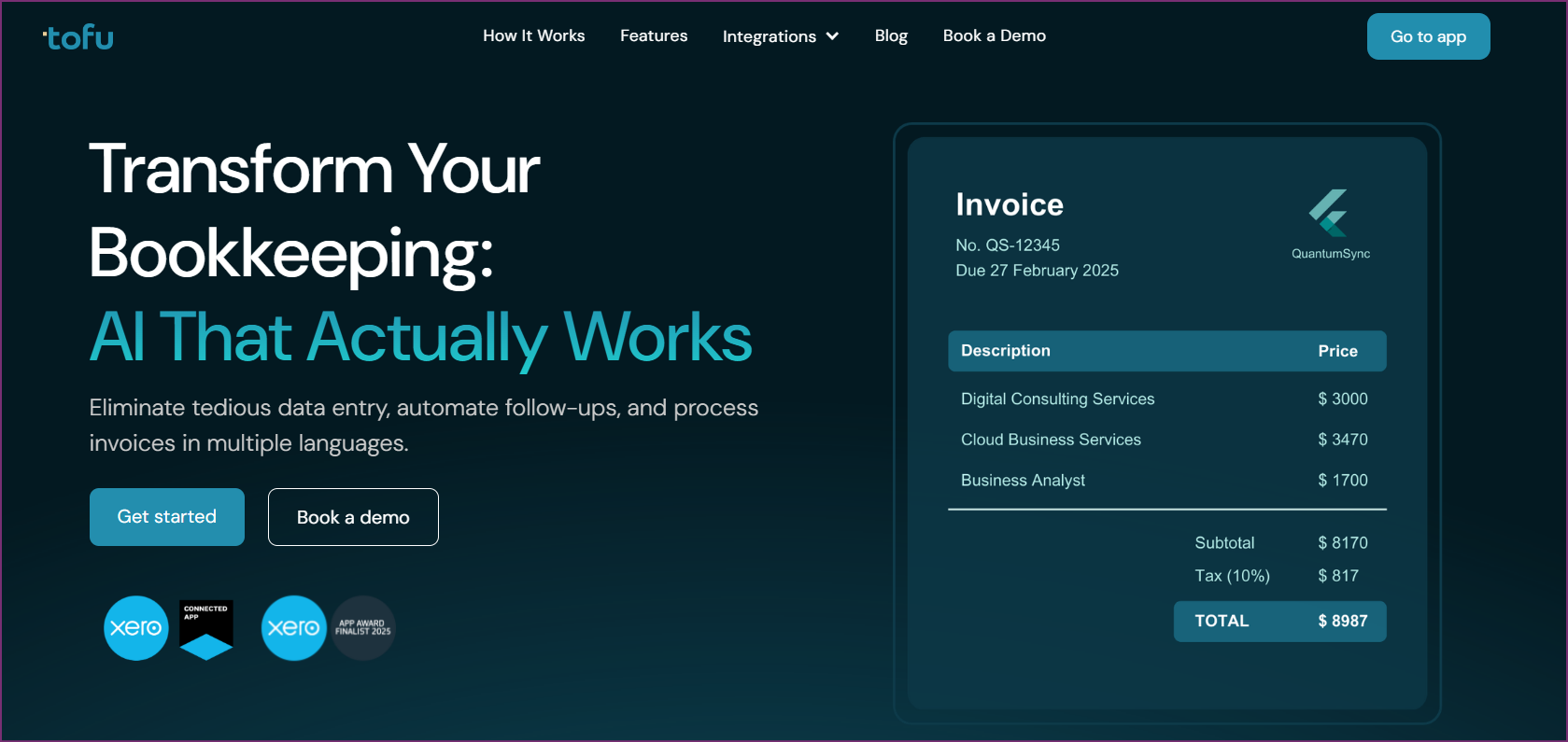
Tofu sets the standard for AI document processing with zero-configuration extraction that handles 200+ languages including complex Asian scripts traditional OCR can't process. Built expressly for accounting firms and businesses operating internationally, Tofu extracts complete line-item data from any invoice format on every plan: no credit charges for extraction depth, no template building, no rule configuration.
Tofu's extraction accuracy stems from AI models trained on millions of international invoices instead of mostly English documents. Tofu captures invoice headers (number, date, due date, supplier details, totals), complete line items (descriptions, quantities, unit prices, line totals, tax amounts), and contextual information (currency, payment terms, purchase order references) automatically. This applies on every plan, with no additional per-document or per-line-item charges. A self-learning knowledge engine builds a persistent knowledge base per client entity: account codes, supplier mappings, tax treatments, and coding preferences accumulate over time so the AI applies your firm's exact rules automatically, improving with every document processed.
Document format versatility handles real-world complexity. Tofu processes typed invoices, handwritten receipts, Chinese fapiao with mixed character sets, invoices with stamps and annotations, faded or poor-quality scans, mobile phone photos, and email attachments. Automatic PDF splitting separates multi-invoice files without manual intervention. This breadth eliminates the document type limitations that force businesses to maintain multiple extraction tools.
Zero-configuration setup takes minutes. Connect Tofu to your accounting software (native integrations cover Xero, QuickBooks Online, Zoho Books, Freee, Sage Business Cloud, AutoCount Cloud, and Bukku), set basic preferences, and start processing invoices immediately. No template building for different suppliers. No rule configuration for invoice variations. No IT involvement for ongoing maintenance. This approach lets accounting firms onboard new clients the same day without the pre-processing setup that creates bottlenecks with traditional extraction tools.
Multi-language capability extends beyond basic support to genuine accuracy with non-Western scripts. Tofu processes Chinese fapiao with their unique format requirements, Japanese receipts with mixed characters, Thai invoices with complex scripts, Vietnamese documents, Korean invoices, and Arabic text. Mixed-language invoices with English and local language content process accurately. This capability matters enormously for businesses operating in APAC markets or serving international clients.
Entity-based pricing charges per business entity instead of per user or document. Accounting firms serving 30 clients pay predictable monthly fees regardless of team size or invoice volume within plan limits. This pricing structure contrasts with per-user models that multiply costs as teams grow, or per-document pricing creating budget uncertainty during high-volume periods. The model grows with accounting practices without adding per-seat or per-document costs.
Wide adoption by global accounting networks confirms reliability at scale. Tofu serves seven of the world's Top 10 Global Accounting Networks including Baker Tilly, Mazars, BDO, and RSM for mission-critical invoice processing. Named a finalist for the Xero Global Rising App of the Year 2025, Tofu holds 5/5 stars on the Xero App Store. Customers consistently cite the absence of configuration overhead and accuracy with Asian language documents as the deciding factors.
"What used to take me 3-4 hours can be done in 30-60 minutes." - Tammy Tan, Klozer
Regional compliance understanding extends beyond extraction to processing SST invoices for Malaysia, GST documentation for Singapore, VAT across jurisdictions, and e-invoicing formats mandated in different countries. This built-in regional knowledge reduces compliance risk compared to Western-centric tools adapted for international use.
Real-time processing dashboard provides visibility across all entities. Accounting firm partners monitor processing status for all clients from a single interface, identify bottlenecks, and track productivity metrics without switching between client files. This centralized oversight capability matters for firms managing dozens of client workflows simultaneously.
Tofu is the best choice for accounting firms processing invoices for multiple clients across regions, businesses handling international invoices in multiple languages, and organizations processing complex document types including handwritten receipts or Chinese fapiao. The platform excels for firms wanting to eliminate template configuration overhead entirely.
Growing accounting practices needing to onboard clients quickly without preprocessing delays benefit from zero-configuration setup. Businesses with distributed teams benefit from entity-based pricing that doesn't penalize adding users. Companies receiving bulk invoice files appreciate automatic PDF splitting.
Tofu maintains 5/5 stars on Xero App Store. Customers consistently point to elimination of rule configuration, accuracy with Asian language documents, and predictable pricing as key advantages. Named a finalist for the Xero Global Rising App of the Year 2025 for advances in accounting automation.
Book a Demo with Tofu to test extraction accuracy with your specific invoice types.

Dext (formerly Receipt Bank) covers invoice and receipt extraction, expense management, and financial document organization in a single tool. It includes mobile receipt capture, bank feed reconciliation, and practice management integrations as part of its wider feature set.
Configuration requirements exceed zero-configuration platforms but provide customization control. Setup involves building templates for invoice formats and configuring approval workflows. This investment pays off for stable supplier relationships but creates friction with format variations.
Dext's per-user pricing suits small teams but becomes expensive as headcount grows. Features include detailed analytics dashboards, multi-user collaboration tools, and extensive integration options with accounting and practice management platforms.
Language support focuses on Western European languages (English, French, German, Spanish) with limited Asian language accuracy. Businesses operating in Western markets find capabilities adequate while those with APAC operations need supplementary solutions.
Per-user pricing model (varies by region). Annual contracts typically required. Costs multiply with team growth.
Dext works best for Western-market businesses with stable teams, settled supplier relationships, and standard invoice formats. Companies valuing extensive features and customization over simplicity may prefer this despite higher costs and configuration overhead.

HubDoc comes free with Xero subscriptions, making it attractive for Xero users wanting basic extraction without additional costs. The platform provides document capture and totals-only extraction sufficient for straightforward workflows.
The key limitation is extraction depth. HubDoc captures totals, dates, and vendor names but not line-item details. This approach works for simple approval workflows but limits automation for businesses needing detailed expense coding.
Development has slowed since Xero acquisition. The platform receives maintenance but few new features compared to actively developed alternatives. Language support remains primarily English. Automatic PDF splitting is absent.
Included free with Xero subscription.
HubDoc suits small businesses with simple needs, tight budgets, and straightforward workflows. If your Xero subscription includes HubDoc and requirements don't extend beyond totals extraction, it provides adequate functionality. Businesses needing line-item details or multi-language support should review dedicated platforms.
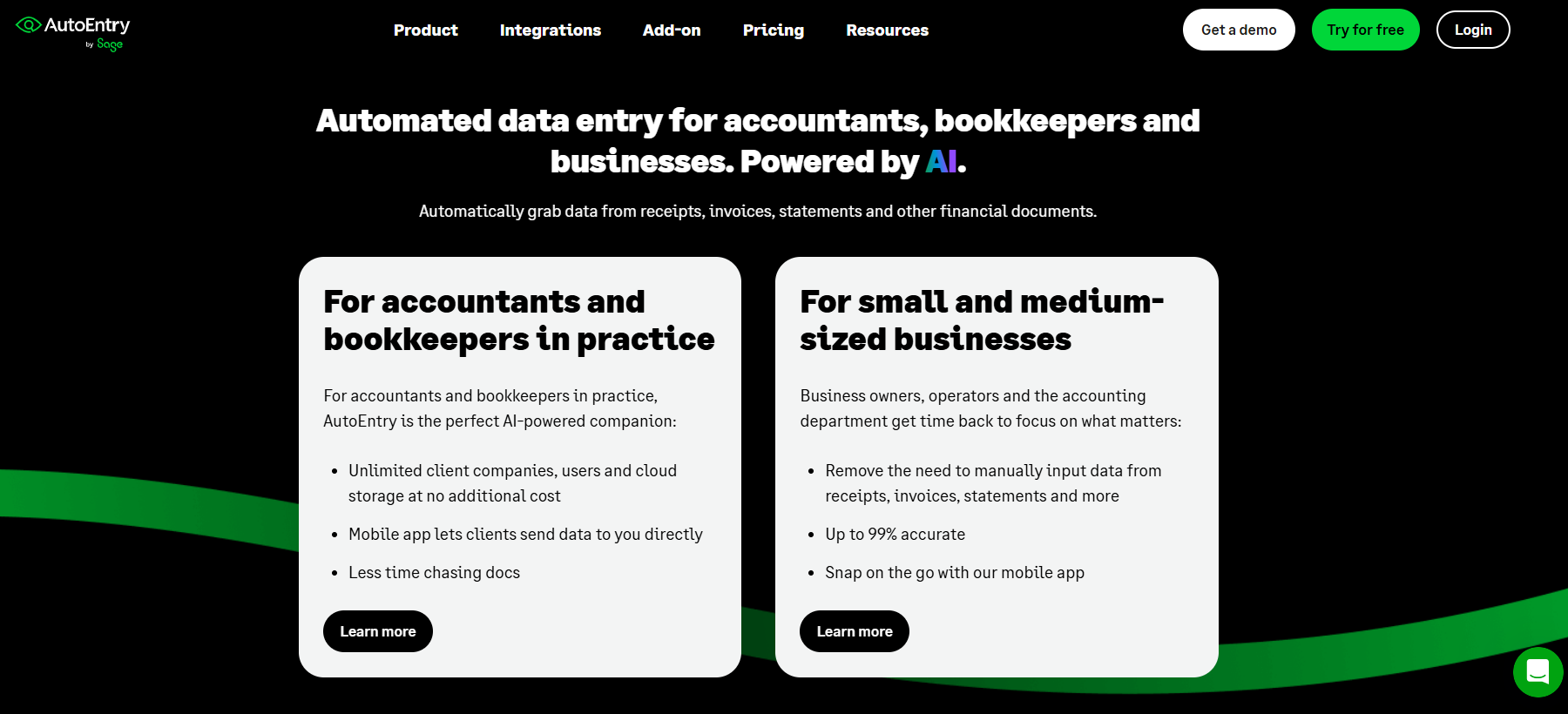
AutoEntry uses credit-based pricing where documents consume credits by complexity. This provides flexibility for variable monthly volumes without paying for unused capacity.
The platform extracts line-item data and integrates with Xero, QuickBooks, and Sage. Setup requires some template configuration for optimal accuracy. Language support focuses on Western languages (English, French, German, Spanish) with limited Asian capability.
Credit system complexity requires monitoring. Simple invoices cost one credit while complex documents consume multiple credits. Budget forecasting requires understanding consumption patterns.
AutoEntry suits businesses with variable monthly volumes wanting usage-based pricing. Companies with seasonal fluctuations benefit from credit flexibility. Works best for Western-language documents.
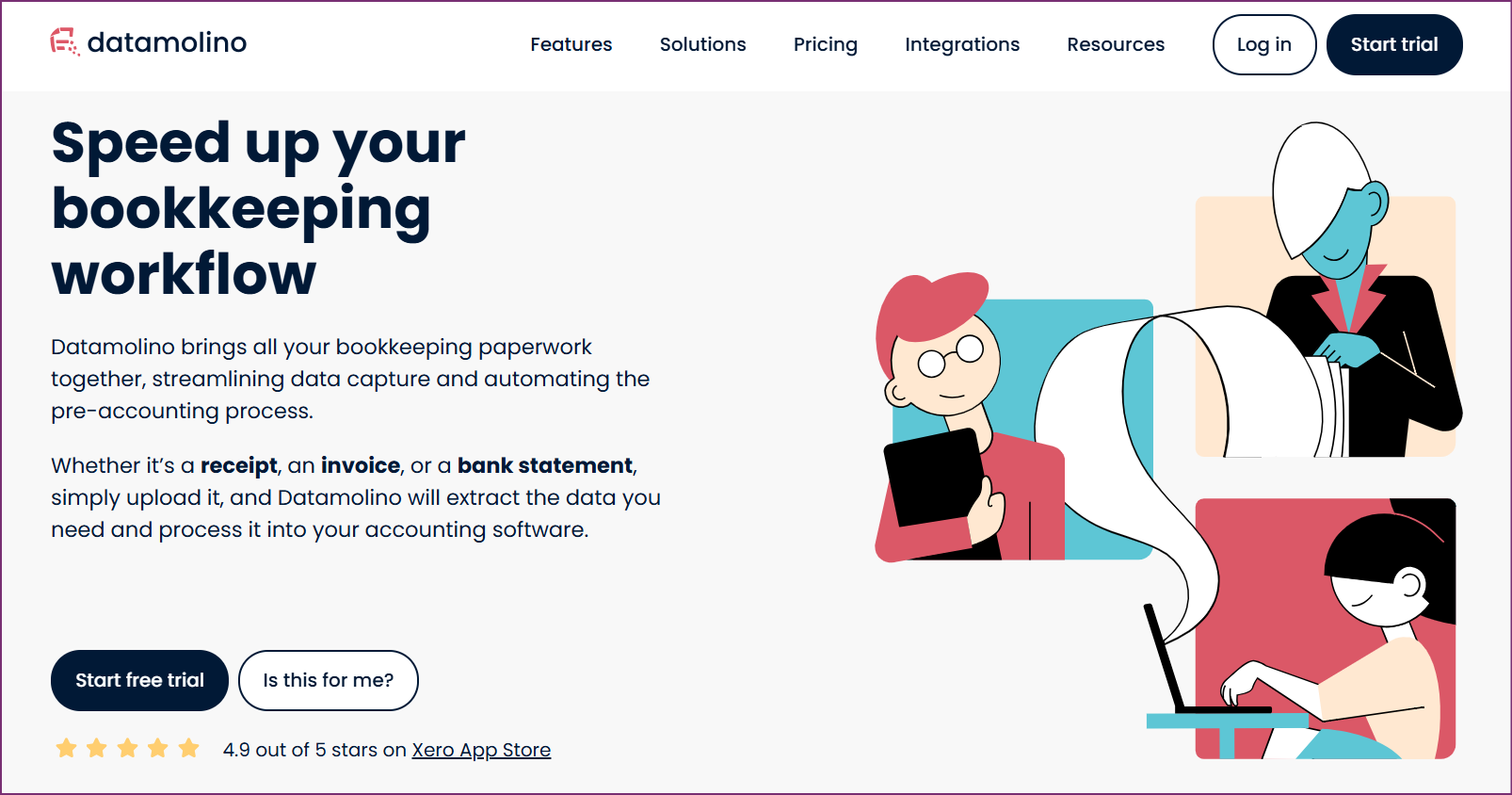
Datamolino serves European small businesses with document-based pricing and European language support. The platform extracts line-item data and integrates with Xero, QuickBooks, and regional platforms.
Document-based pricing offers 100, 300, or 1,000 documents monthly with clear overage costs. Language support covers European languages (English, German, French, Spanish, Italian, Dutch, Czech) but limits Asian processing.
Setup requires moderate configuration with templates for common formats.
Datamolino works for European small businesses and firms processing European-language invoices. Platform suits firms wanting transparent pricing and predictable volumes under 1,000 documents monthly.

BILL covers the full accounts payable cycle beyond extraction, handling approval routing, payment execution, vendor management, and financial controls in one place.
The platform targets US mid-market companies wanting centralized AP management. BILL handles full invoice-to-payment cycle: capture, approval, scheduling, payment via ACH or check, and reconciliation.
Pricing starts at $45/user/month. Implementation takes longer due to configuring approval hierarchies, payment methods, and vendor relationships. Language support focuses on English with limited international capabilities.
Per-user model plus payment transaction fees.
BILL works for US mid-market companies wanting a complete AP overhaul, and not extraction alone. Businesses processing English-language domestic invoices get the most value from its full suite despite the higher cost.
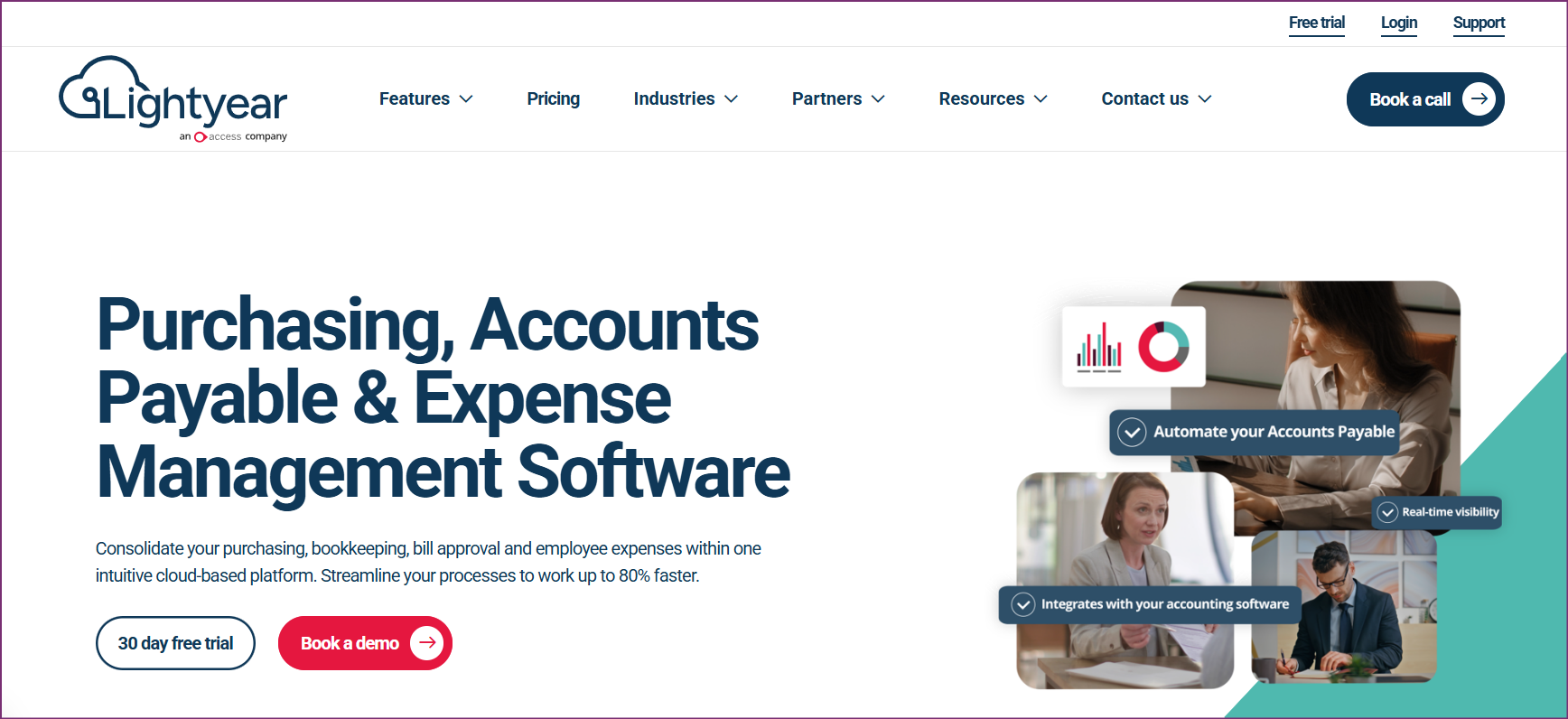
Lightyear targets fast-growing technology companies needing modern AP automation without heavy overhead. The tool focuses on user experience, speed, and smooth integration.
The solution covers the full workflow from document capture and approval routing to payment execution and vendor communications. Setup is fast, with an intuitive interface built for non-accounting users.
Pricing starts at $169/month with core features and no per-user charges within reasonable team sizes. Language support focuses on English, adequate for US startups but limited globally.
Entity-based without per-user charges for typical teams.
Lightyear works best for venture-backed startups and tech companies needing full AP automation with minimal setup time. The tool fits businesses where non-accounting staff handle invoice workflows and a clean user experience matters more than deep customization.
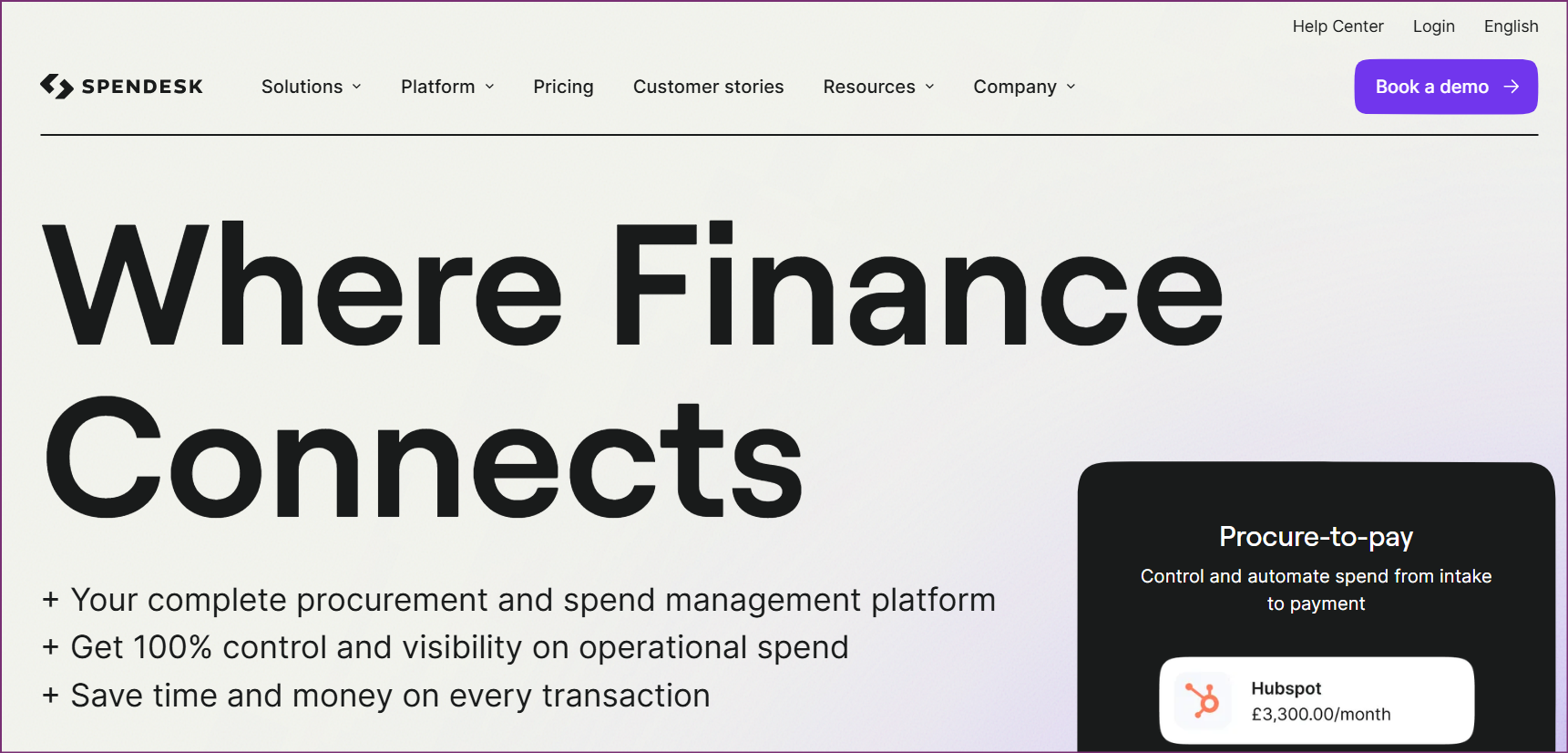
Spendesk covers spend management across the full company: employee expense cards, approval workflows, budget controls, and invoice processing in one place. The tool issues physical and virtual cards, enforces spending limits automatically, and connects extraction with broader spend control.
Implementation is complex, requiring setup of card issuance, approval hierarchies, budget structures, and accounting integrations. Pricing follows custom quotes based on employee count and spending volume.
Platform suits businesses wanting centralized spend visibility across all company spending.
Custom pricing based on company size and requirements.
Spendesk suits medium to large businesses wanting a complete spend management overhaul. Organizations needing corporate cards, budget enforcement, and centralized visibility benefit despite complexity and cost.
Use the table below to compare key capabilities across all eight tools at a glance. Each row covers a feature that directly affects extraction quality, setup burden, or ongoing cost.
| Feature | Tofu | Dext | HubDoc | AutoEntry | Datamolino | BILL | Lightyear | Spendesk |
|---|---|---|---|---|---|---|---|---|
| Line-Item Extraction | ✓ Complete | ✓ Yes | ✗ No | ✓ Yes | ✓ Yes | ✓ Yes | ✓ Yes | ✓ Yes |
| Asian Languages | ✓ 200+ | Limited | ✗ No | Limited | Limited | ✗ No | ✗ No | Limited |
| Handwritten Docs | ✓ Yes | Limited | ✗ No | Limited | ✗ No | ✗ No | ✗ No | ✗ No |
| Auto PDF Splitting | ✓ Yes | ✗ No | ✗ No | ✗ No | ✗ No | ✗ No | ✗ No | ✗ No |
| Zero Configuration | ✓ Yes | ✗ No | Moderate | ✗ No | ✗ No | ✗ No | ✓ Yes | ✗ No |
| Entity Pricing | ✓ Yes | ✗ No | N/A | ✗ No | ✗ No | ✗ No | ✓ Yes | ✗ No |
| Mobile Capture | ✓ Yes | ✓ Yes | ✓ Yes | ✓ Yes | ✓ Yes | ✓ Yes | ✓ Yes | ✓ Yes |
| Accuracy Rate | 95%+ | 90%+ | 85%+ | 90%+ | 90%+ | 90%+ | 92%+ | 90%+ |
The table below breaks down the pricing model and entry cost for each solution so you can quickly identify which fits your budget and billing preferences.
| Solution | Starting Price | Model | Best Value |
|---|---|---|---|
| Tofu | $79/month | Per entity | Multi-client firms, unlimited users |
| Dext | Varies | Per user | Small Western teams |
| HubDoc | Free | With Xero | Xero users, basic needs |
| AutoEntry | $24/month | Credits (50) | Variable volumes |
| Datamolino | €29/month | Documents (100) | European firms |
| BILL | $45/user/month | Per user | Full AP suite needed |
| Lightyear | $169/month | Per entity | Fast-growing startups |
| Spendesk | Custom | Quote | Complete spend management |
Header extraction captures invoice-level information: invoice number, date, supplier name, total amount, and due date. Line-item extraction captures detailed information for each product or service: descriptions, quantities, unit prices, line totals, and tax amounts. Tofu provides complete line-item extraction for accurate expense coding to different accounts without manual entry.
Quality AI extraction platforms achieve 95%+ accuracy for standard invoices and 90%+ for complex documents, compared to 97-99% accuracy for manual entry but 10x faster processing time. The key difference: AI errors are systematic and easily caught during review, while manual entry errors are random and harder to detect. Tofu's accuracy with multi-language documents exceeds traditional OCR by 15-20 percentage points.
Capability varies dramatically. Traditional OCR trained on Western languages struggles with Chinese, Japanese, Korean, and Thai character sets. Tofu handles 200+ languages including complex Asian scripts and mixed-language documents. Test with your actual document types during evaluation.
Zero-configuration extraction processes invoices immediately without building templates or defining rules. Tofu's AI learns document structures automatically, adapting to new formats without human intervention. Traditional OCR requires template setup for each invoice type taking hours per supplier.
Most platforms integrate with Xero, QuickBooks, NetSuite, and major ERPs. Tofu provides native Xero and QuickBooks integrations plus API access for custom connections. Integration depth varies from simple export to real-time sync with chart of accounts mapping.
Invoice data extraction software has evolved from template-based OCR to AI platforms that process documents automatically regardless of format. The right choice depends on language requirements, document complexity, and pricing model preferences.
Tofu leads the market through zero-configuration AI processing 200+ languages with complete line-item extraction, automatic PDF splitting, and entity-based pricing. The platform eliminates template configuration while handling document complexity traditional tools can't process.
For Western-market businesses with simple needs, alternatives like HubDoc (free with Xero), AutoEntry (flexible credits), or Datamolino (European focus) may suffice. Companies wanting full AP automation should review BILL, Lightyear, or Spendesk based on workflow requirements.
Book a Demo with Tofu to test extraction accuracy with your specific invoice types.