Saman Herath
January 22, 2026

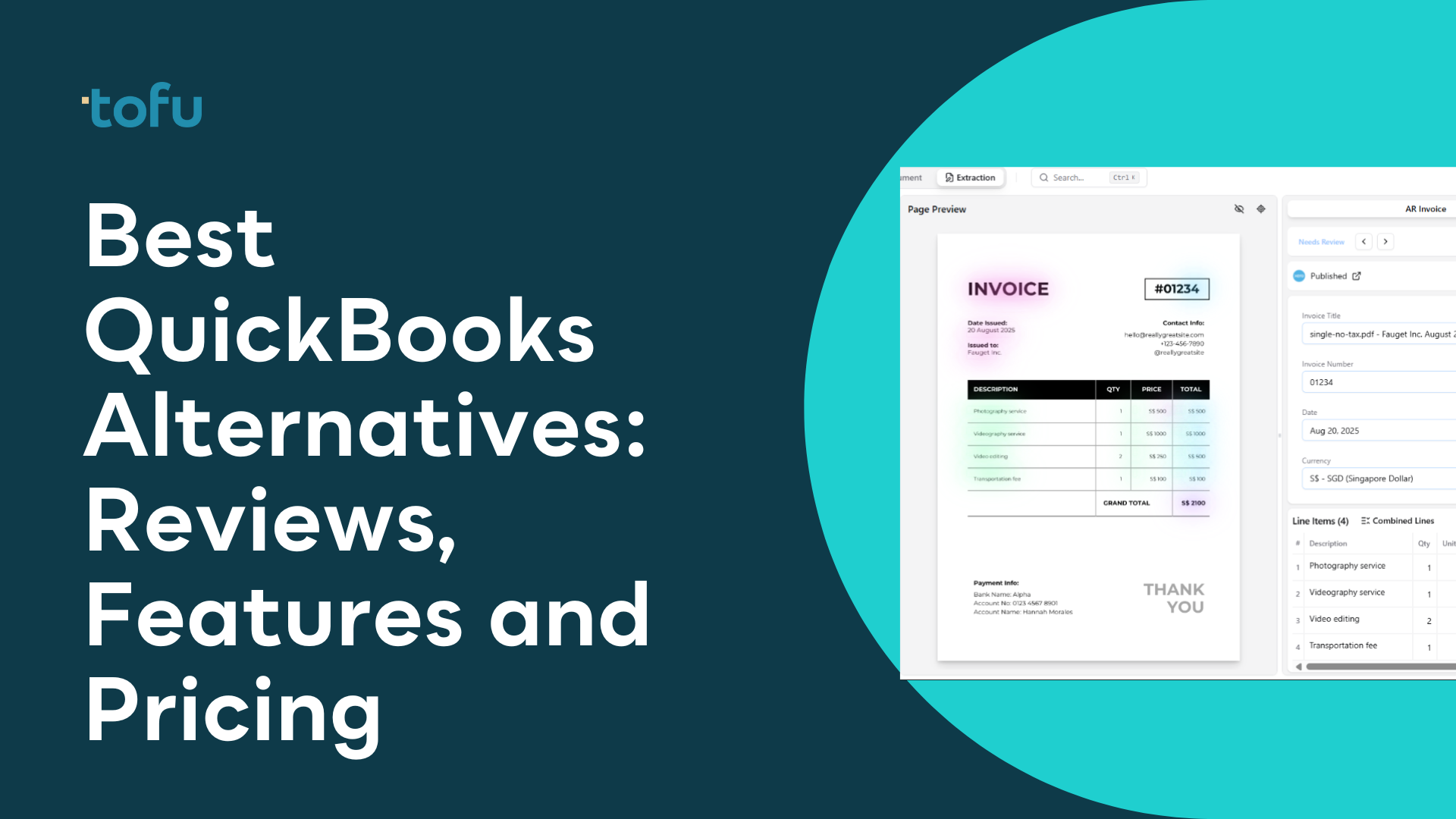
Finding the right QuickBooks alternative has become a top priority for thousands of businesses frustrated with rising costs, complex interfaces, and feature bloat. Whether you're a small business owner seeking a simpler QuickBooks alternative, an enterprise looking for a QuickBooks Enterprise alternative, or a freelancer wanting a free alternative to QuickBooks, there are compelling options worth considering in 2026.
This guide covers the best alternatives to QuickBooks available today. We've researched each tool thoroughly, reviewing user feedback, feature documentation, and real-world reports, to help you make an informed decision about the best QuickBooks alternative for small business needs.
Before looking at the alternatives, it's worth understanding why so many business owners are actively searching for alternative accounting software to QuickBooks.
QuickBooks pricing has climbed sharply over the years. What once started as affordable software for small businesses now costs $30-200+ per month depending on the plan. Many users report feeling locked into increasingly expensive tiers just to maintain features they've come to rely on.
“My QuickBooks Online subscription doubled in price over three years,” shared one frustrated small business owner. This sentiment echoes across forums and review sites, with many seeking a cheaper QuickBooks alternative.
While QuickBooks has added countless features, not every business needs them. Freelancers and solopreneurs often find themselves dealing with a cluttered interface designed for larger operations. Many are seeking a simple QuickBooks alternative that does the basics well.
Users who prefer local software are looking at alternatives to QuickBooks Desktop with no subscription fees.
Despite its capabilities, QuickBooks still requires substantial manual data entry. Bank reconciliation, invoice processing, and expense categorization all demand time. Businesses want automation that actually works, without spending hours on setup and rule configuration.
QuickBooks struggles with international invoices, multi-currency complexity, and non-English documents. Businesses operating globally need tools with native multilingual support.
Our review methodology combines user reviews from G2, Capterra, and software marketplaces with analysis of official documentation, pricing pages, and community feedback. We assessed each tool based on:
| Feature | Tofu ⭐ | Xero | Wave | FreshBooks | Zoho Books |
|---|---|---|---|---|---|
| Best For | AI automation | Growing SMBs | Free option | Freelancers | Budget-conscious |
| Starting Price | $19/month | $15/month | Free | $19/month | Free-$15/month |
| AI Automation | Advanced | Basic | Limited | Basic | Limited |
| Setup Time | 15 minutes | 1-2 hours | 30 minutes | 30 minutes | 1 hour |
| Languages | 200+ | Limited | English | Limited | 15+ |
| Invoice Capture | Line-by-line | Via Hubdoc | Manual | Basic OCR | Basic |
| Payroll | Integrations | Add-on | Yes (paid) | Add-on | Add-on |
| Mac Support | Yes (Web) | Yes (Web) | Yes (Web) | Yes (Web) | Yes (Web) |
| Open Source | No | No | No | No | No |
Best for: Businesses wanting intelligent automation that learns and improves over time
Rating: 4.8/5 (G2)
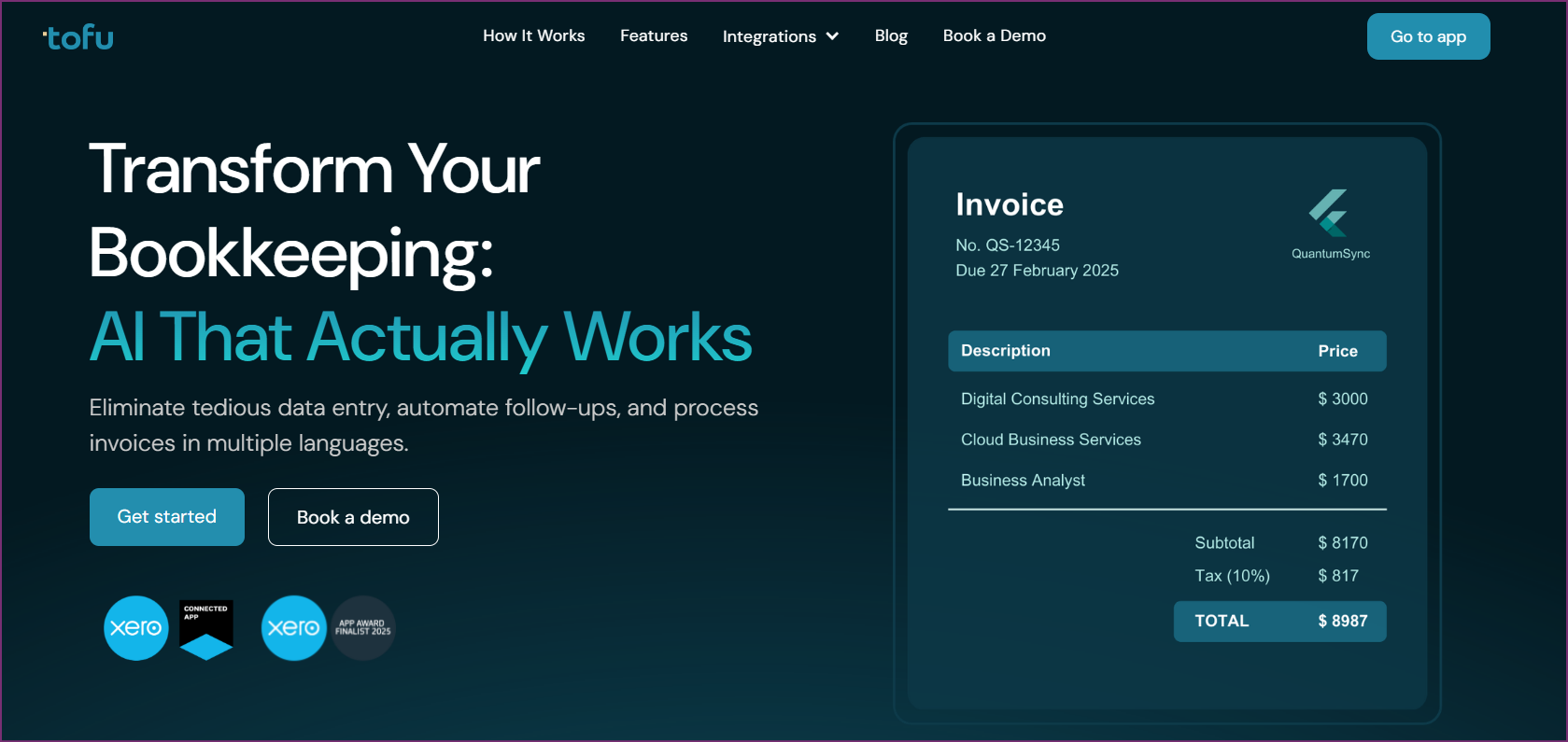
Tofu has risen as the leading alternative to QuickBooks for businesses seeking genuine AI-powered automation. Unlike traditional accounting software that requires manual data entry and constant oversight, Tofu uses advanced machine learning to automate transaction categorization, invoice processing, and bookkeeping tasks.
The fundamental difference between Tofu and QuickBooks lies in their approach to automation. QuickBooks requires extensive manual setup, rule configuration, and ongoing maintenance. Tofu observes your historical transactions and learns independently, with no rules needed.
“Tofu cut our bookkeeping time by 90%. It’s like having a full-time accountant that never sleeps,” reported one business owner who switched from QuickBooks.
For businesses frustrated with QuickBooks' complexity and manual requirements, Tofu offers a genuinely different approach. The AI learns how you categorize expenses, which accounts you use for specific vendors, and your preferred descriptions, all without writing a single rule.
Tofu handles messy documents that other tools reject: handwritten receipts, faded thermal paper, crumpled invoices, and multilingual documents.
“We switched from QuickBooks and haven’t looked back. Tofu is leagues ahead,” explained one managing partner.
Per-entity pricing means adding team members doesn't increase your bill, a clear advantage over QuickBooks' per-user model.
Verdict: Tofu represents the next generation of business accounting automation. For businesses tired of QuickBooks’ complexity, rising costs, and manual data entry, Tofu delivers genuine AI-powered automation. The zero-setup approach and superior document handling make it the best QuickBooks alternative for businesses wanting to save time in 2026.
Best for: Small to medium businesses wanting a polished, cloud-first experience
Rating: 4.4/5 (G2 - 600+ reviews)
Xero is the most frequently mentioned comparison when discussing QuickBooks alternatives, and for good reason. The New Zealand-based solution offers a clean, modern interface with full-featured capabilities that rival QuickBooks Online in most areas.
Verdict: Xero is an excellent alternative to QuickBooks Online for businesses wanting a modern cloud accounting experience. The unlimited users policy makes it cost-effective for growing teams. However, it still requires considerable manual effort compared to AI-powered alternatives like Tofu.
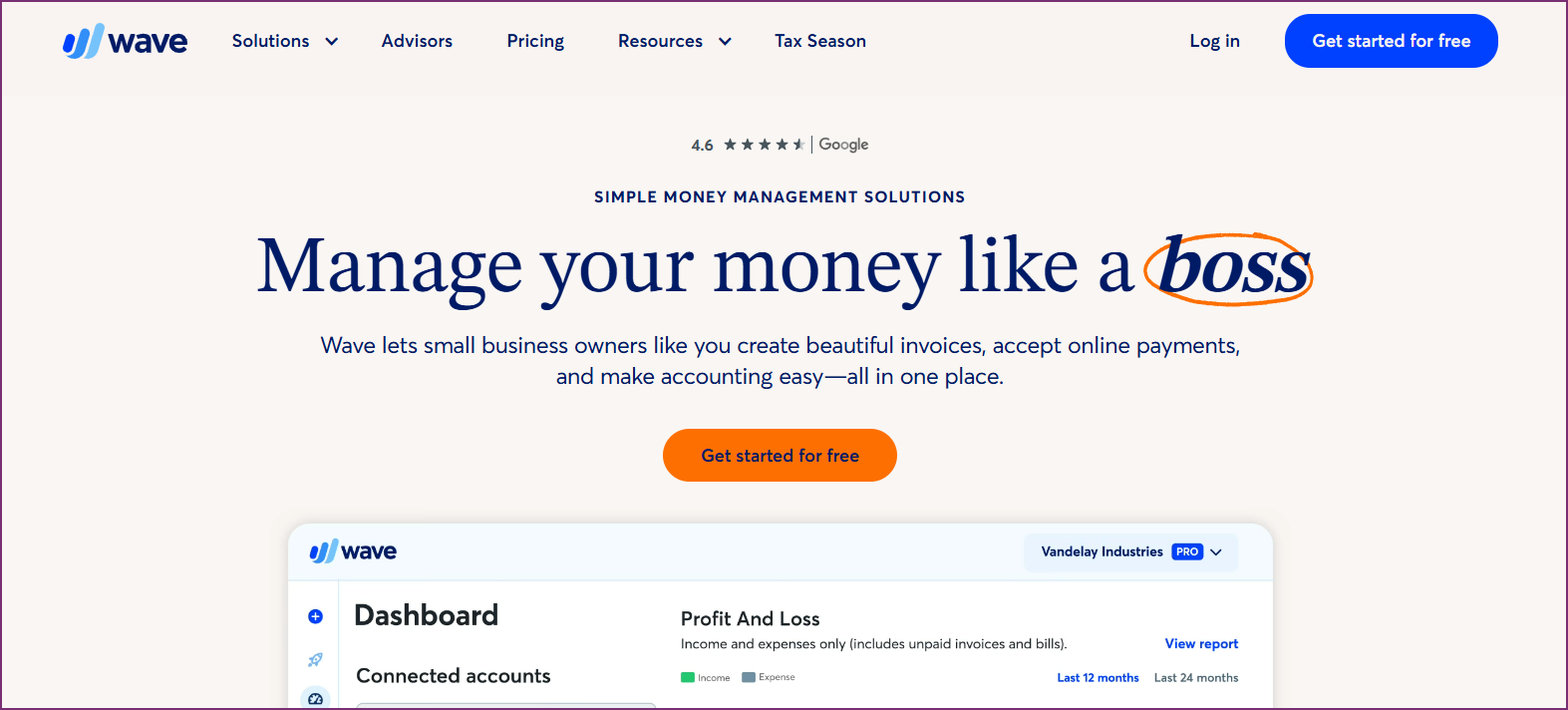
Best for: Freelancers and micro-businesses seeking a free alternative to QuickBooks
Rating: 4.4/5 (G2 - 300+ reviews)
Wave stands out as the premier free QuickBooks alternative for personal finances and small businesses. The software offers core accounting features at no cost, making it ideal for those on a tight budget.
Wave monetizes through payment processing and payroll services, keeping core accounting free.
Verdict: Wave is the best free alternative to QuickBooks for freelancers, solopreneurs, and micro-businesses with straightforward accounting needs. It’s also a solid free QuickBooks alternative for personal finances. However, growing businesses will likely outgrow its capabilities and need to upgrade to paid software.
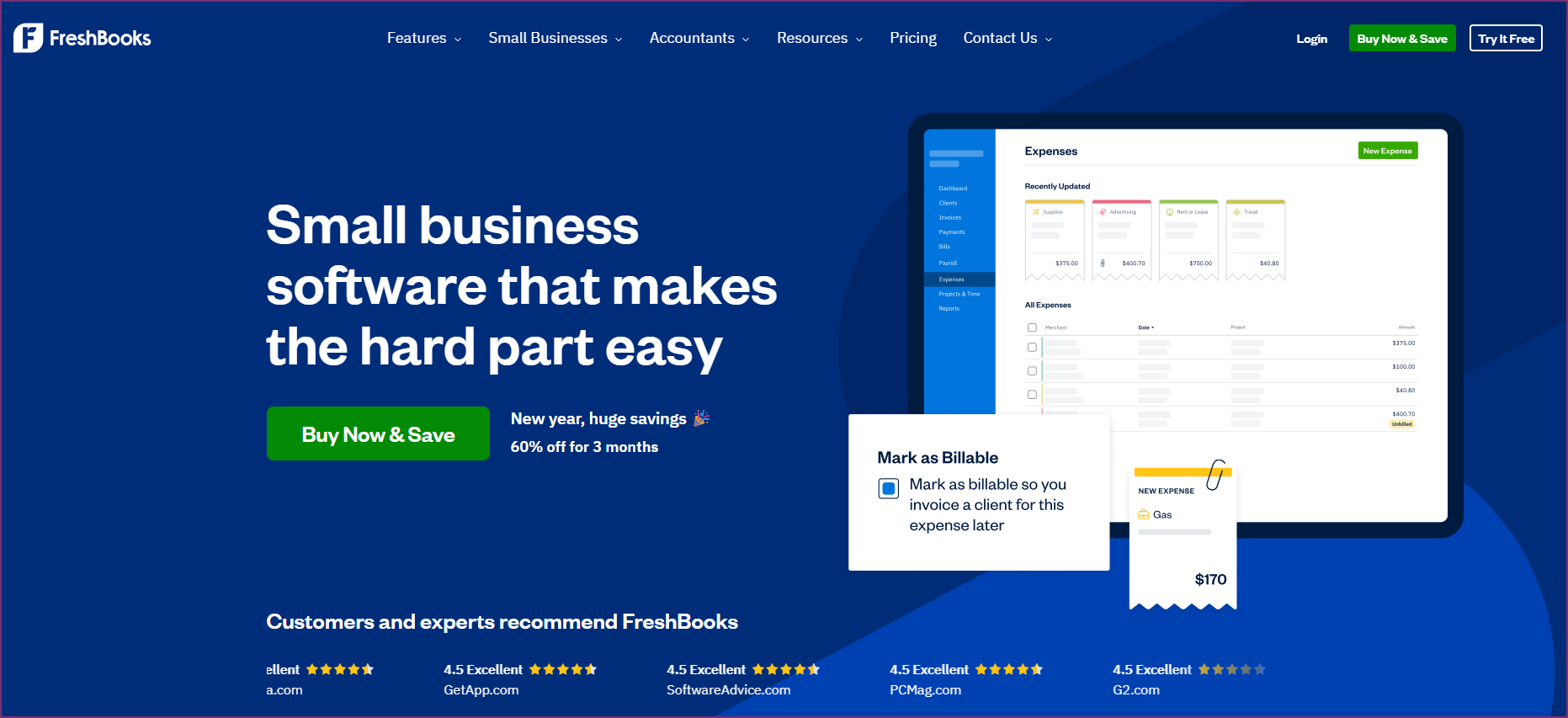
Best for: Freelancers and service-based businesses focused on invoicing
Rating: 4.5/5 (G2 - 700+ reviews)
FreshBooks started as invoicing software and evolved into a simple QuickBooks alternative that excels at time tracking and client billing. It’s particularly well-suited as a QuickBooks Self Employed alternative.
Verdict: FreshBooks is the best alternative to QuickBooks for small business owners in service industries, especially freelancers and consultants. The invoicing and time tracking features are superior to QuickBooks, but businesses needing strong inventory or manufacturing features should look elsewhere.
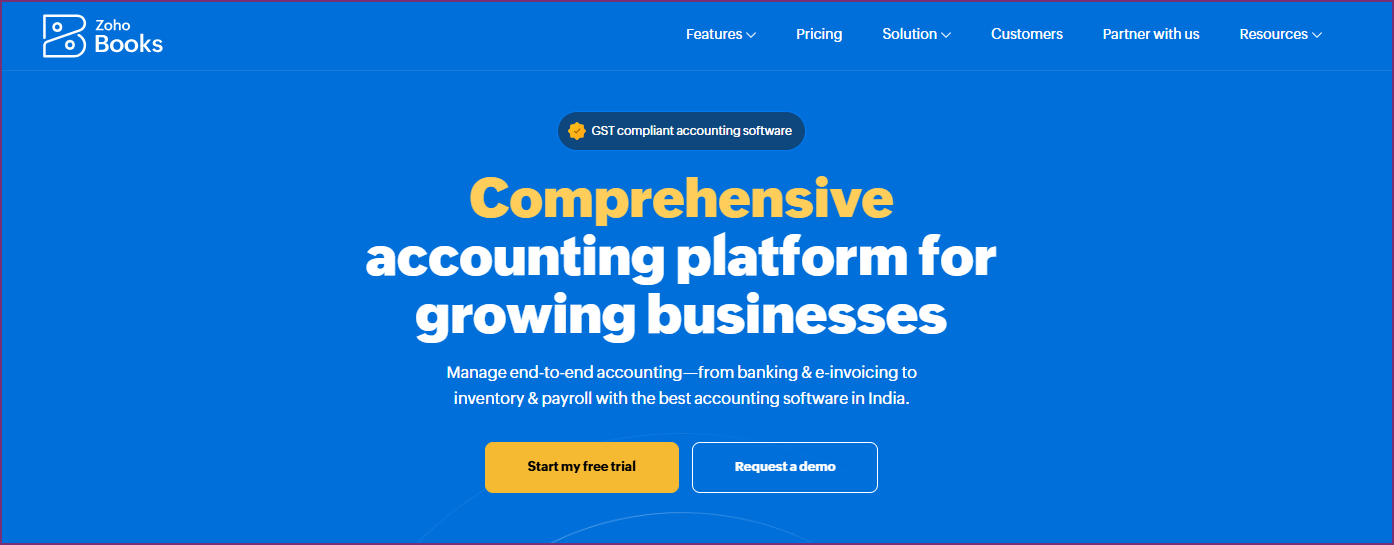
Best for: Budget-conscious businesses wanting full-featured accounting
Rating: 4.5/5 (G2 - 300+ reviews)
Zoho Books offers a cheaper alternative to QuickBooks with surprisingly strong features. As part of the Zoho product suite, it connects with Zoho CRM, Projects, and other Zoho applications.
Verdict: Zoho Books is an excellent cheaper QuickBooks alternative offering strong value for money. Businesses already using Zoho products will find tight, native integration across the suite. It's a solid choice for small businesses on a budget.
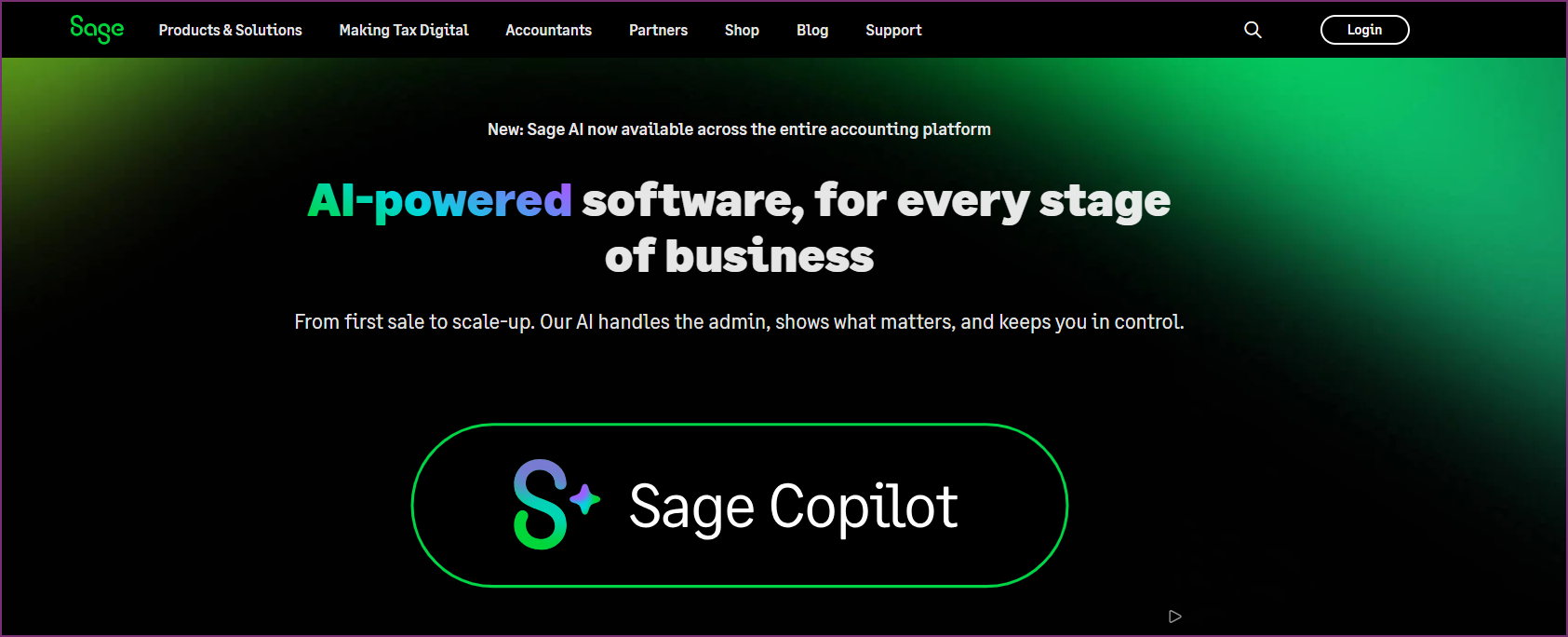
Best for: Established businesses and enterprises needing full-featured accounting
Rating: 4.2/5 (G2 - 200+ reviews)
Sage has been in the accounting software business for decades, making it a credible QuickBooks Enterprise alternative for larger organizations. Sage Business Cloud Accounting (formerly Sage One) offers cloud-based functionality with enterprise-grade capabilities.
Verdict: Sage is a viable QuickBooks Enterprise alternative for established businesses needing full-featured accounting with strong compliance. However, the dated interface and higher pricing make it less attractive for small businesses.
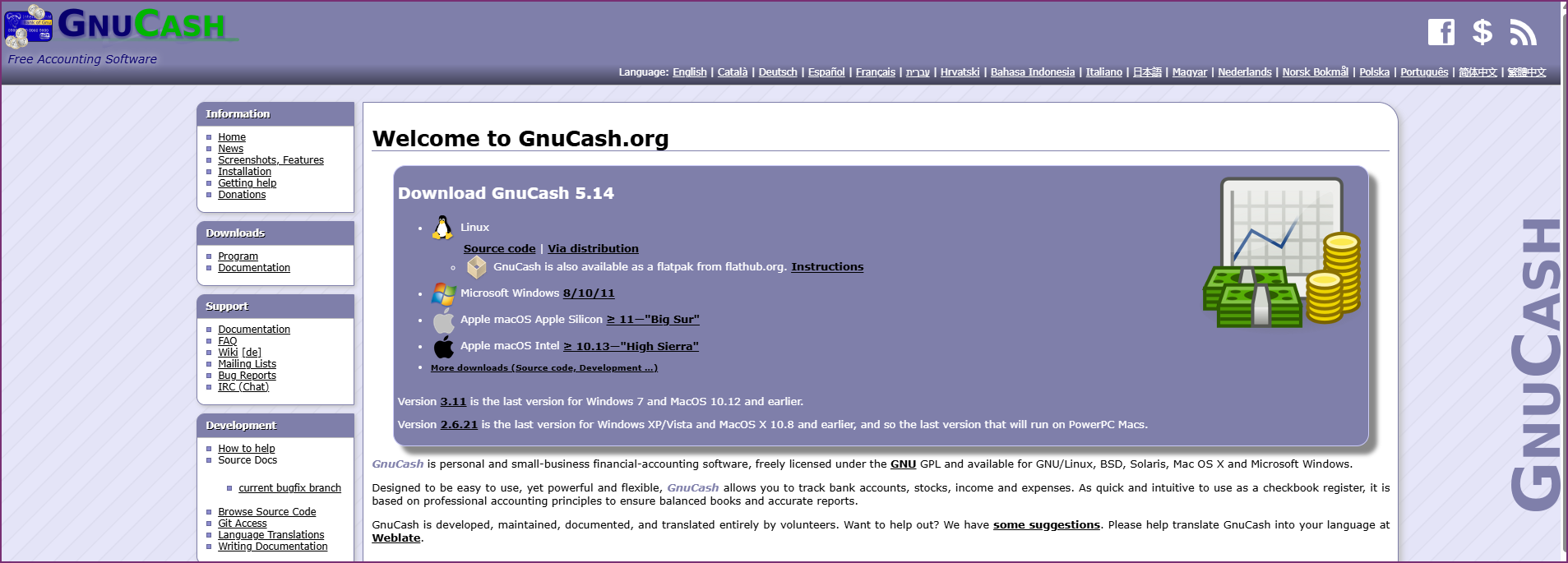
Best for: Tech-savvy users wanting a free and open source QuickBooks alternative
Rating: 4.2/5 (Capterra - 100+ reviews)
GnuCash is the leading open source alternative to QuickBooks. It’s completely free, with no subscription fees or usage limits. For those seeking a QuickBooks open source alternative, GnuCash is the primary option.
Verdict: GnuCash is the best free QuickBooks alternative for technically minded users who want complete control over their accounting data. It's particularly suitable as a QuickBooks alternative for Mac users who prefer desktop software. However, the lack of automation and modern features means it requires far more manual effort.

Best for: Businesses focused on payroll and HR features
Rating: 4.5/5 (G2 - 2,000+ reviews)
For businesses searching for a QuickBooks alternative with payroll or a QuickBooks Payroll alternative, Gusto offers a compelling solution. While primarily a payroll tool, Gusto has expanded into basic accounting features.
Verdict: Gusto is the leading alternative to QuickBooks Payroll for businesses focused on payroll and HR. It's not a complete QuickBooks alternative since you'll still need separate accounting software, but for payroll in particular, it's superior to QuickBooks' offering.
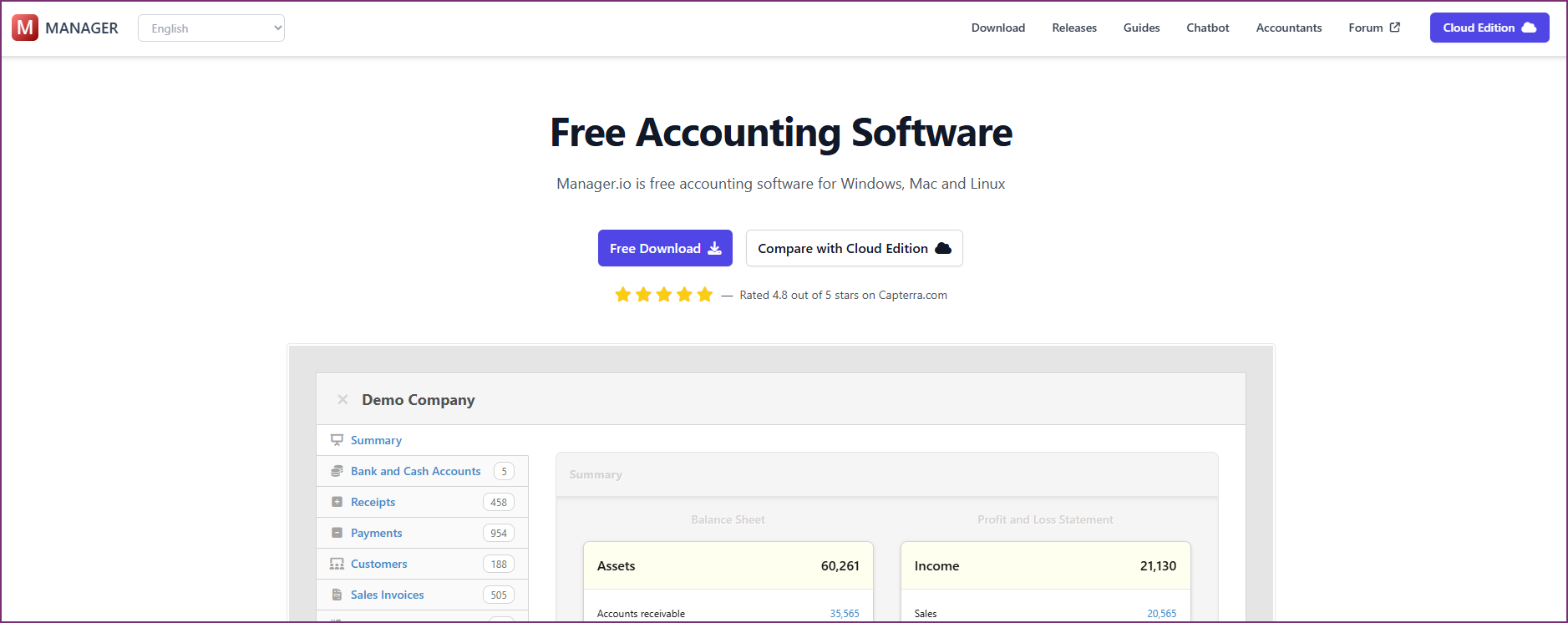
Best for: Businesses wanting free QuickBooks alternative desktop software
Rating: 4.6/5 (Capterra - 900+ reviews)
Manager is a free QuickBooks alternative for small business that runs on Windows, Mac, and Linux. For businesses seeking an alternative to QuickBooks Desktop with no subscription, Manager provides full accounting functionality without monthly fees.
Verdict: Manager is an excellent alternative to QuickBooks Desktop for businesses wanting perpetual desktop software without subscription fees. The free version provides full-featured accounting capabilities, making it a strong choice for those seeking a QuickBooks desktop alternative for small business.
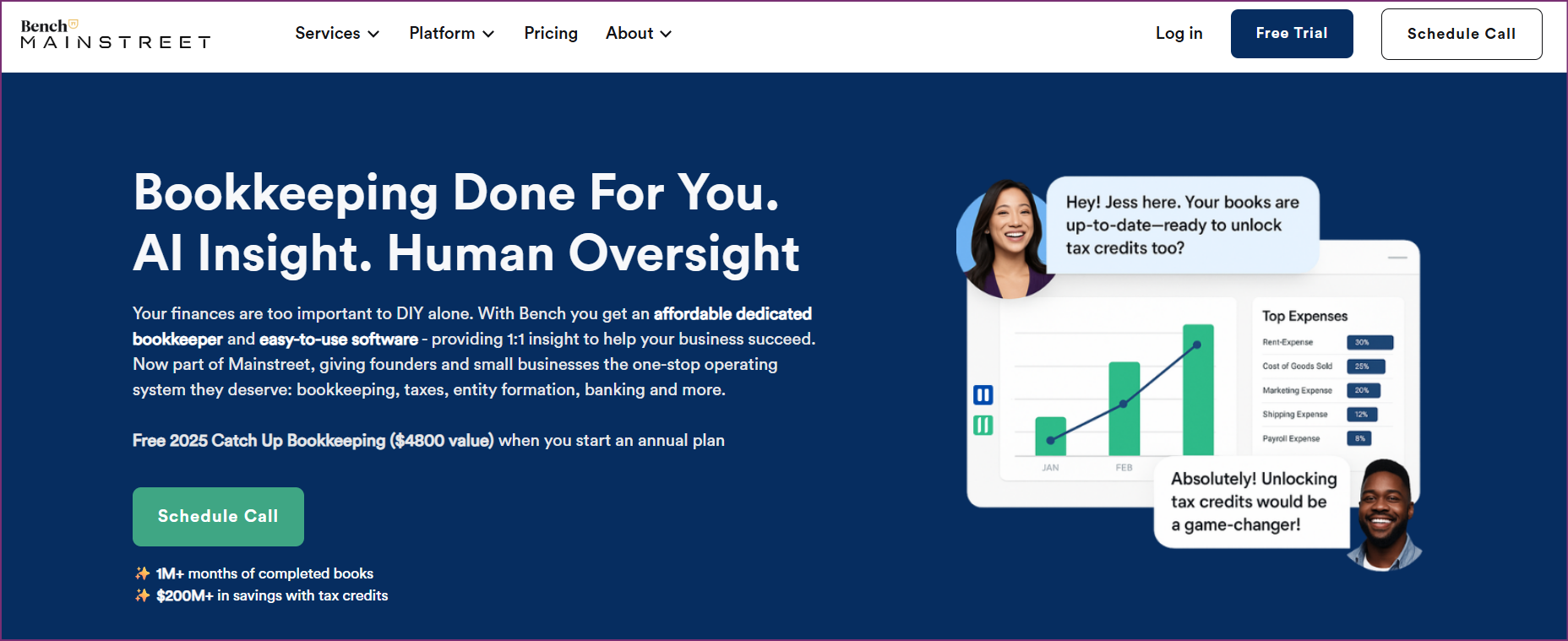
Best for: Businesses wanting bookkeeping done for them
Rating: 4.4/5 (G2 - 100+ reviews)
Bench takes a different approach: it provides human bookkeepers backed by proprietary software, skipping the DIY software model entirely. For businesses tired of managing their own books, Bench offers a complete hands-off option.
Verdict: Bench is ideal for businesses wanting a complete alternative to QuickBooks where they don’t have to manage bookkeeping themselves. The higher monthly cost is offset by time savings and professional accuracy.
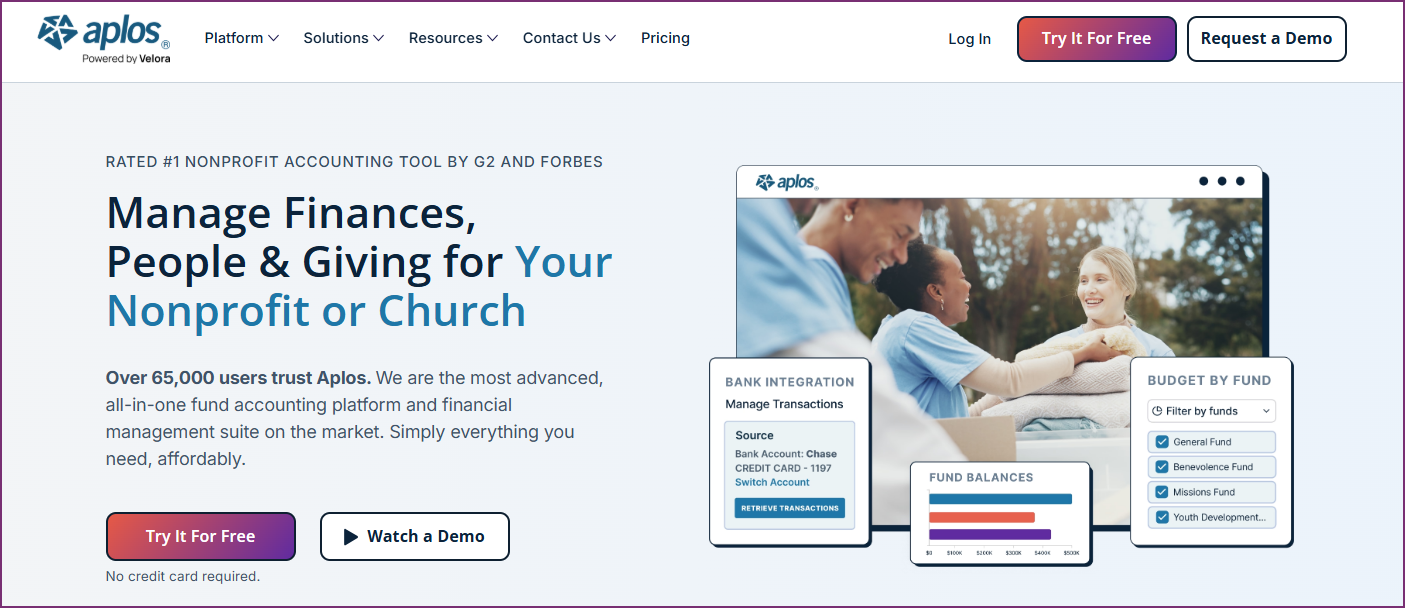
Best for: Nonprofits and churches seeking purpose-built accounting
Rating: 4.4/5 (G2 — 300+ reviews)
For organizations searching for a QuickBooks alternative for nonprofits, Aplos offers fund accounting built for nonprofit needs. Aplos understands nonprofit accounting requirements, with no need to adapt general business software.
Verdict: Aplos is the best QuickBooks alternative for nonprofits needing proper fund accounting. While QuickBooks can be adapted for nonprofits, Aplos is purpose-built for their unique requirements.
For most small businesses, Tofu offers the best combination of automation, ease of use, and value. The AI-powered categorization eliminates manual data entry while the zero-configuration setup gets you running in minutes. For budget-constrained startups, Wave provides free core accounting, while Zoho Books offers the best value for growing businesses.
Wave is the clear winner for businesses needing a free alternative to QuickBooks. Core accounting, invoicing, and receipt scanning are completely free. For those comfortable with technical software, GnuCash provides a free and open source QuickBooks alternative with no limitations.
For businesses seeking an alternative to QuickBooks Desktop without ongoing subscriptions, Manager provides free desktop accounting software. GnuCash offers another QuickBooks desktop alternative for technically inclined users who want open source software.
All cloud-based alternatives work natively on Mac through web browsers. Xero, Tofu, FreshBooks, and Wave all offer excellent QuickBooks alternative experiences on Mac. For desktop preferences, GnuCash and Manager both run natively on macOS.
Gusto is the premier QuickBooks payroll alternative for businesses that put payroll and HR features first. Wave offers affordable payroll at $20/month base plus per-employee fees for US and Canadian businesses.
GnuCash remains the dominant open source QuickBooks alternative. It's completely free, actively maintained, and runs on all major operating systems. For those seeking an open source solution, it's the only serious option.
The best alternative to QuickBooks depends on your specific needs. For AI-powered automation that eliminates manual data entry, Tofu is the clear leader. For a free option, Wave offers core accounting at no cost. For growing SMBs wanting a polished experience, Xero is excellent. Freelancers often prefer FreshBooks for its invoicing capabilities.
Yes, several free alternatives to QuickBooks exist. Wave offers free accounting, invoicing, and receipt scanning. GnuCash provides free open source accounting software. Manager has a free desktop edition. Zoho Books offers a free tier for single users with limited transactions.
Tofu is the best QuickBooks alternative for small business owners who want AI automation without complexity. Its zero-configuration setup means you’re running in 15 minutes, not hours. The AI learns from your transaction history automatically, eliminating manual categorization. For businesses on tight budgets, Wave offers free core features.
Many businesses consider Xero a strong QuickBooks alternative due to its unlimited users policy, modern interface, and well-stocked app marketplace. Xero excels in user experience and international features. However, QuickBooks has deeper US payroll integration and a larger accountant network. The "better" choice depends on your priorities.
For businesses seeking an alternative to QuickBooks Desktop, several options exist:
The trend is moving toward cloud solutions, which offer automatic updates, bank feeds, and anywhere access.
GnuCash is the primary QuickBooks open source alternative. It provides professional double-entry accounting, multi-currency support, and investment tracking - all free and open source. It runs on Windows, Mac, and Linux. The trade-off is a steeper learning curve and lack of modern features like bank feeds.
The cheapest QuickBooks alternative options are:
For paid options, Zoho Books ($15/month) and Xero Early ($15/month) offer the lowest entry points.
Gusto is the best QuickBooks alternative with payroll, offering full-service payroll processing, benefits administration, and HR tools. Wave also offers payroll at $20/month base for US and Canadian businesses. For integrated accounting and payroll, Xero and Zoho Books offer payroll add-ons.
Yes, most modern QuickBooks alternatives work through web browsers on Mac. Xero, Tofu, Wave, FreshBooks, and Zoho Books all offer full Mac compatibility via their web applications. For native desktop applications, GnuCash and Manager both run on macOS.
For those looking for an alternative to QuickBooks Online, cloud-based options include:
Transitioning from QuickBooks to an alternative doesn’t have to be painful. Here’s a practical approach:
Before switching, export key data from QuickBooks:
Most alternatives can import this data or allow you to recreate your chart of accounts.
The cleanest transition is at the start of a new fiscal year or quarter. This creates a clear delineation between your QuickBooks history and your new system.
Consider running both systems for 1-2 months to verify data accuracy. This is particularly important during bank reconciliation to confirm transaction matching.
Allocate time for team training on the new system. Most alternatives offer tutorials, webinars, and documentation to accelerate learning.
Let your accountant know about the switch. They may have experience with your chosen alternative or can advise on the transition process.
After thorough research across all major QuickBooks alternatives, Tofu stands out as the top choice for businesses in 2026 seeking to reduce bookkeeping overhead.
Tofu's AI-powered automation eliminates the manual data entry that consumes hours in QuickBooks. Its zero-configuration setup means no rules to write. The AI learns from your transaction patterns automatically. And the superior document processing handles invoices, receipts, and financial documents that other tools struggle with.
For businesses frustrated with:
The choice is clear.
Ready to experience the future of bookkeeping automation?
Last updated: January 2026. We regularly review and update this comparison for accuracy. Have questions about switching from QuickBooks? Contact our team for personalized migration guidance.