Jay Sen Lon
March 9, 2026


Your client sends over invoices from their Chinese suppliers. You open the first one. Your OCR tool gives you nothing. You open the PDF. You type the supplier name. You type the date. You type the total. You scroll down to line one: description, quantity, unit price, account code. You type it. Line two. You type it. Line three. Thirty more lines to go. Same story with Arabic receipts or Thai vendor bills. English documents extract fine and publish to Xero automatically. Anything in non-Latin scripts gets rejected or comes back as unreadable text, and you're back to typing every field manually. OCR software that translates foreign language invoices reads any language, pulls every line item, translates everything to English, and publishes directly to Xero or QuickBooks without requiring separate translation steps or manual re-entry.
TLDR:
OCR software that translates foreign language invoices automatically reads documents in any language, extracts the data, and converts it into your preferred language for processing. It pulls line items, tax amounts, vendor details, and dates from Chinese fapiao, Arabic invoices, Thai receipts, or handwritten notes in non-Latin scripts.
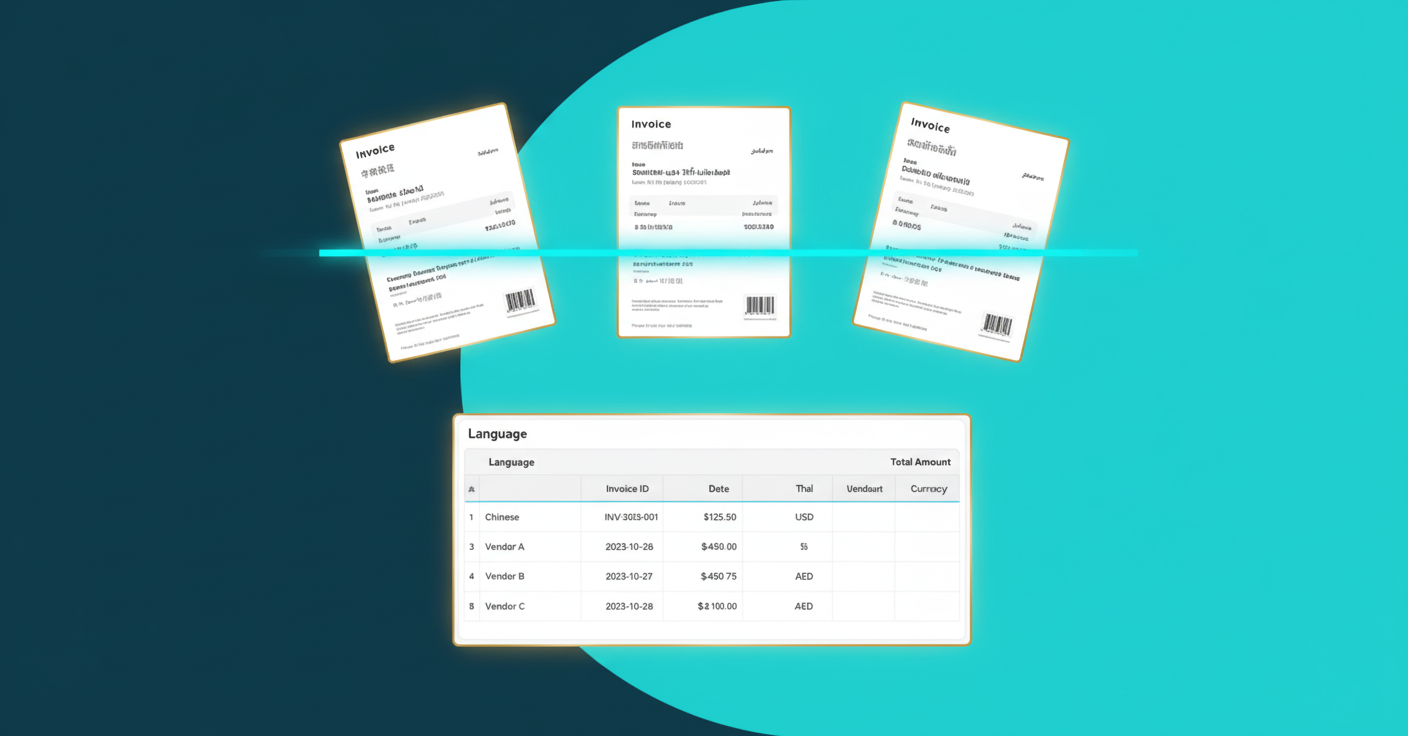
Most OCR tools were built for English. Drop a Chinese supplier invoice into these systems and they return nothing useful. Multilingual OCR systems address this language gap by processing documents across scripts and languages without manual intervention. That workflow breaks down when your firm handles clients importing goods from Asia or operating across the Middle East without multilingual accounting software.
We ranked each tool on seven factors that matter for multilingual invoice processing:
Language coverage across non-Latin scripts (Chinese, Arabic, Japanese, Korean, Thai). Translation accuracy and whether English translations appear beside the original text. Line item extraction depth. Handwriting recognition for paper-based workflows. Setup time after connecting accounting software. Native integrations with Xero, QuickBooks, and regional systems. Pricing structure and transparency.
Tofu processes invoices in 200+ languages without configuration. Chinese fapiao, Arabic invoices, Thai receipts, Japanese bills, and handwritten documents are extracted instantly with English translations appearing side-by-side.
"Tofu's multilingual AI and simple UI could half our bookkeeping workload — we're excited for it." — Wincent Low, Director, Klozer (Malaysia)
Line item extraction works across every language. Description, quantity, unit price, account code, and tax treatment pulled from each row and coded automatically to your chart of accounts.
"Before using Tofu, it would take me between 3 to 4 hours to input and review a client's invoices. With Tofu, I can now complete the process in just 30 to 60 minutes." — Tammy Tan, Bookkeeper, Klozer (Malaysia)
The AI reads your existing chart of accounts from Xero or QuickBooks and starts extracting immediately. When you correct something, it remembers permanently.
"When there's a bookkeeping task, we ask ourselves: 'Can you Tofu it?' If you can, please just load it in. Don't think." — Lucas Seah, CEO, Excellence Singapore
Pricing starts at $79/month (Pro, 800 entries across 20 clients) or $199/month (Business, 2,500 entries across 50 clients). Unlimited users on every plan.
AutoEntry is a credit-based OCR tool for invoice processing owned by Sage that captures invoices, receipts, and bank statements. It publishes to Sage, Xero, and QuickBooks and is popular in UK and Ireland markets.
AutoEntry extracts header-level data only. Line item extraction costs double credits. The help documentation confirms AutoEntry is an English-language program that will reject documents in Arabic or Chinese fonts with no accuracy guarantee for other foreign-language invoices.
Their way: Credit-based pricing, double credits for line items, English only. Tofu's way: Flat monthly fee, line items included, 200+ languages with automatic translation.
Datamolino is a European OCR tool built for UK and Australian Xero users. It offers line-item extraction with a human verification team that reviews documents the AI can't read, with processing taking up to 24 hours.
The tool handles supplier fingerprinting for vendor recognition and converts bank statements to CSV. Pricing runs per document: $0.28 per invoice and $0.70 per bank statement page.
Their way: Per-document pricing, Latin-script languages only, 24-hour processing with human verification. Tofu's way: Flat monthly fee, 200+ languages including Chinese and Arabic, instant AI extraction.
DOKKA is an enterprise AP automation tool with invoice capture built for internal finance teams at mid-market companies running ERPs like NetSuite, SAP Business One, Acumatica, and Priority. The product focuses on multi-level approval workflows, PO matching, and financial close management.
DOKKA markets multilingual support but documentation lists only English, Hebrew, Italian, and Spanish. Scanned bank statements are explicitly not fully supported.
Their way: $400-$650/month, 4 languages, built for single-entity corporate AP workflows. Tofu's way: $79-$399/month, 200+ languages, built for multi-client accounting firms.
DOKKA targets corporate AP departments, not accounting firms managing multiple client entities.
Veryfi is an API-first OCR provider built for developers who need receipt and invoice capture embedded into custom applications. It offers SDKs, mobile scanning, and real-time JSON data output for technical teams building their own accounting software.
Their way: API-first architecture requiring developer resources, no native accounting software integration, API-call-based pricing. Tofu's way: Zero-code setup, native Xero and QuickBooks integration, flat monthly pricing.
If your firm needs to process Chinese invoices or Arabic receipts without writing code, Veryfi won't solve that.
Dext is a receipt capture tool built for UK and English-speaking markets. It offers invoice capture with integrations across 30+ accounting systems including Xero, QuickBooks, and Sage.
Line-item extraction runs on a credit system. You toggle it on per supplier, consuming limited monthly credits. Each client needs manual rule-building before extraction works.
Their way: Credit-limited line items, manual rule setup per client, English and Latin scripts only, $235-$849/month. Tofu's way: Unlimited line items, zero-configuration learning, 200+ languages including handwriting, $79-$399/month.
HubDoc is Xero's bundled document capture tool, included free with Xero subscriptions. It captures receipts via mobile app and extracts basic header data: supplier name, date, and total.
HubDoc extracts header-level data only. No line items. A 30-line invoice means typing 29 lines manually after HubDoc captures the total. The tool supports English only with no multilingual processing, no handwriting recognition, and cannot auto-split multi-document PDFs.
HubDoc works for Xero users processing simple English receipts who only need totals captured. For firms handling Chinese fapiao, Arabic invoices, or any document requiring line-level detail, the "free" tool costs more in labor than paying for actual automation.
Lightyear is an AP workflow tool built for internal finance teams managing procurement and approval routing. It targets corporate finance departments running vendor management processes, not accounting firms processing client documents.
The tool offers multi-level approval chains, vendor onboarding, and ERP integration. It focuses on who approves what and when, not on extracting data from foreign language invoices.
Lightyear doesn't publish language support documentation. There's no confirmation it handles Chinese, Arabic, Thai, or handwriting. Pricing requires a sales call with no public rate card.
The product assumes you're managing AP for one company, not 50 client entities with different charts of accounts, currencies, and coding rules.
Botkeeper was an AI-powered bookkeeping service that combined transaction categorization with human bookkeeper oversight. The company shut down in 2025 after raising $90 million, forcing customers to migrate mid-workflow.
Botkeeper focused on transaction categorization and bank reconciliation, not document extraction. It didn't process multilingual invoices or recognize handwriting. Chinese fapiao, Arabic invoices, and Thai receipts weren't supported.
DataSnipper is an Excel add-in built for audit teams at Big 4 firms. It verifies existing financial data against source documents inside Excel workpapers, not bookkeeping data entry.
The tool offers text snipping, table extraction, form matching, and financial statement cross-referencing for audit workpaper preparation. Good for external audit teams who verify data within Excel.
DataSnipper doesn't integrate with Xero, QuickBooks, or any accounting software. It doesn't publish transactions or create bills. Pricing runs $64-$175 per user per month with a 5-seat minimum. Users report OCR issues with foreign currencies and Hebrew characters.
| Feature | Tofu | AutoEntry | Datamolino | DOKKA | Veryfi | Dext | HubDoc | Lightyear | Botkeeper | DataSnipper |
|---|---|---|---|---|---|---|---|---|---|---|
| Line-item extraction (beyond totals) | Yes | No | Yes | Yes | Yes | Yes | No | Yes | No | No |
| Chinese/Arabic/Asian language support | Yes | No | No | No | Yes | No | No | No | No | No |
| Handwriting recognition | Yes | No | No | No | No | No | No | No | No | No |
| English translation side-by-side | Yes | No | No | No | No | No | No | No | No | No |
| Zero-configuration setup | Yes | No | No | No | No | No | Yes | No | No | No |
| Xero/QuickBooks native integration | Yes | Yes | Yes | No | No | Yes | Yes | No | Yes | No |
| Bank statement processing | Yes | Yes | Yes | No | No | No | Yes | No | No | No |
| Auto-split PDFs | Yes | No | No | Yes | No | No | No | No | No | No |
| Flat pricing (not per-document) | Yes | No | No | Yes | No | Yes | Yes | Yes | Yes | Yes |
Tofu reads invoices in 200+ languages and extracts every line item without touching a translation tool. Chinese fapiao, Arabic documents, Thai receipts, handwritten notes in any script all get processed with English translations appearing automatically.
Other tools make you extract, translate, then manually code each line. Tofu extracts, translates, codes to your chart of accounts, and publishes to Xero or QuickBooks in one step. For firms handling international clients, that saves hours per client.
If your firm handles clients in Asia, the Middle East, or anywhere outside English-speaking markets, you need OCR that translates foreign language invoices without breaking your workflow. Standard OCR tools reject Chinese characters or Arabic scripts entirely, forcing manual data entry for every international supplier. Tofu processes documents in 200+ languages with English translations appearing automatically, turning what used to take 3-4 hours into 30-60 minutes of work.
Tofu handles Chinese fapiao, Arabic invoices, and 200+ other languages with automatic English translation side-by-side. Most tools like Dext, HubDoc, and AutoEntry only process Latin-script languages and will reject or fail on non-English documents.
Pick based on your actual document mix: if you process Chinese, Arabic, Thai, or handwritten invoices regularly, you need tools that explicitly support those scripts with line-item extraction (Tofu, Veryfi). If you only handle English documents with simple totals, free bundled tools like HubDoc may work.
Header-only tools (HubDoc, AutoEntry) capture supplier name, date, and total, but you still type every line manually. Line-item extraction (Tofu, Dext, DOKKA) pulls description, quantity, unit price, and account code from each row, cutting bookkeeping time by 50-70%.
Only a few tools process handwriting at all. Tofu recognizes handwritten documents in any language, including non-Latin scripts. Most OCR tools (Dext, HubDoc, Datamolino) will fail completely on handwritten text or require manual typing.
Tofu offers flat pricing starting at $79/month for 20 clients with unlimited users, making it cost-effective for small firms. Avoid per-document pricing (Datamolino) or high minimums (DOKKA starts at $400/month, DataSnipper requires 5 seats) if you're processing moderate volumes.