Jay Sen Lon
January 29, 2026

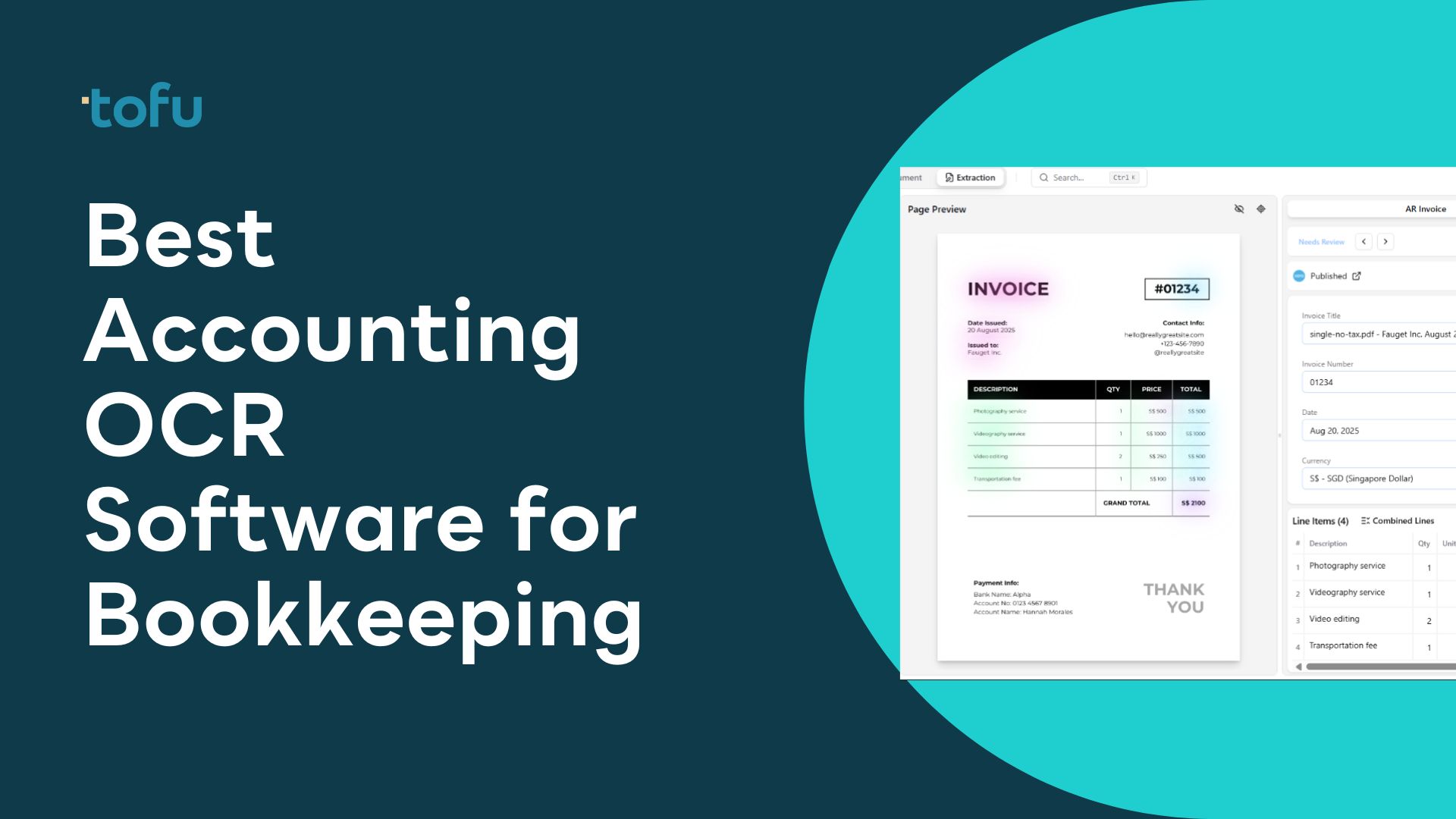
Manual data entry from receipts and invoices drains 40-70% of bookkeeping hours. OCR (Optical Character Recognition) technology has evolved from basic text scanning to AI-powered systems that extract line-item details, process handwritten documents, and handle receipts in 200+ languages.
This guide compares the leading OCR bookkeeping software to help accounting professionals and business owners select the right solution for automated document processing.
Quick Answer: Tofu leads the OCR bookkeeping software market with zero-configuration AI that processes documents in 200+ languages, extracts line-by-line details, and automatically splits bulk PDFs. Unlike legacy systems requiring manual rule setup, Tofu works immediately with entity-based pricing that scales without per-user fees.
OCR bookkeeping software uses Optical Character Recognition technology combined with artificial intelligence to automatically read and extract data from financial documents. Instead of manually typing invoice details, receipt amounts, or vendor information into accounting systems, OCR software scans these documents and captures the data digitally.
Modern OCR bookkeeping tools have evolved far beyond simple text recognition. First-generation OCR systems could only read printed text in standard fonts and struggled with variations in document layout. Today's AI-powered solutions handle handwritten notes, process documents in multiple languages simultaneously, extract line-item details from complex invoices, and learn from corrections to improve accuracy over time.
The technology addresses a critical pain point for accounting professionals: manual data entry consumes enormous time while introducing human error. A single bookkeeper manually processing 100 invoices per day spends 3-4 hours on data entry alone. OCR automation reduces this to minutes, freeing professionals to focus on analysis, advisory services, and strategic financial planning.
OCR bookkeeping software typically integrates with popular accounting platforms like Xero, QuickBooks, and Sage. The software captures documents through email forwarding, mobile app uploads, or direct scanning. Advanced AI then reads the document, extracts relevant data fields (vendor name, date, amounts, tax codes, line items), maps the information to the correct chart of accounts, and creates draft transactions ready for review and approval.
The market has shifted from rule-based OCR systems (which require extensive configuration for each client) to intelligent AI-powered platforms that work automatically without setup. This evolution particularly benefits accounting firms serving diverse clients across industries, languages, and document formats.
Selecting OCR bookkeeping software requires evaluating several critical factors beyond simple text recognition accuracy. The right solution depends on specific business needs, document complexity, and operational requirements.
Language and Document Variety: Consider the languages and document types your business processes. Basic OCR tools handle English-language receipts and invoices with standard layouts. Advanced solutions process handwritten documents, multi-language invoices (including non-Latin scripts like Chinese, Arabic, Japanese), and complex formats like construction quotes or medical bills. For accounting firms with diverse clients or businesses operating internationally, multi-language capability becomes essential rather than optional.
Data Extraction Depth: Determine whether you need totals-only extraction or line-item details. Entry-level OCR captures document totals, dates, and vendor names. Professional-grade solutions extract every line item with descriptions, quantities, unit prices, and tax codes. This granular data enables better expense analysis, project costing, and financial reporting. The difference impacts both accuracy and downstream workflow efficiency.
Configuration Requirements: Evaluate how much setup each tool demands. Legacy OCR systems require manual rule creation for each vendor, document type, and client. This configuration burden multiplies for accounting firms serving dozens or hundreds of clients. Zero-configuration AI systems learn automatically without manual training, dramatically reducing implementation time and ongoing maintenance.
Integration Ecosystem: Verify compatibility with your existing accounting software. Native integrations with Xero, QuickBooks, or Sage ensure smooth data flow without manual exports and imports. Check whether the OCR tool supports your specific accounting platform version and whether integration is included or costs extra.
Pricing Structure: Understand the cost model and how it scales. Per-user pricing multiplies expenses as teams grow. Document-based credits can become expensive with high volumes. Entity-based or unlimited pricing provides predictable costs. Calculate total cost including setup fees, monthly subscriptions, per-document charges, and any integration costs.
Bulk Processing Capabilities: For businesses handling large document volumes, automatic PDF splitting and batch processing become critical. Some tools require manual separation of multi-page PDFs into individual invoices. Advanced platforms automatically detect document boundaries and split bulk files without human intervention, saving hours of preparation time.
Accuracy and Review Workflow: No OCR achieves 100% accuracy on all documents. Evaluate the review interface, error correction process, and whether the system learns from corrections. AI-powered tools that improve accuracy over time provide better long-term value than static rule-based systems.
Support and Training: Consider the learning curve and vendor support quality. Complex systems may require extensive training. Check whether support covers implementation assistance, ongoing technical help, and responsiveness to questions. For accounting firms, client-facing support options matter when delegating document upload to business clients.
Common pitfalls include choosing based solely on price without considering hidden costs like per-user fees or document limits, selecting tools incompatible with existing accounting platforms, and underestimating the configuration burden of rule-based systems.
| Tool | Best For | Starting Price | G2 Rating | Capterra Rating | Multi-Language | Line Items |
|---|---|---|---|---|---|---|
| 1. Tofu | Overall best - zero configuration AI | $79/mo | - | - | 200+ languages | Yes |
| 2. Dext | UK firms with Western clients | Per-user pricing | 4.3/5 (260+) | 4.3/5 (160+) | Limited | No |
| 3. HubDoc | Xero users (free with subscription) | Free with Xero | 4.3/5 (82) | 4.2/5 (92) | Limited | No |
| 4. AutoEntry | Credit-based processing | $24/mo (50 credits) | - | 4.4/5 (226+) | Limited | Varies |
| 5. Datamolino | Document volume pricing | €29/mo (100 docs) | - | 4.9/5 (42+) | Limited | Yes |
| 6. BILL | AP automation with OCR | $45/user/mo | 4.4/5 (1000+) | - | English focus | Yes |
| 7. Lightyear | Growing mid-market firms | $169/mo | - | 4.9/5 (188+) | Limited | Yes |
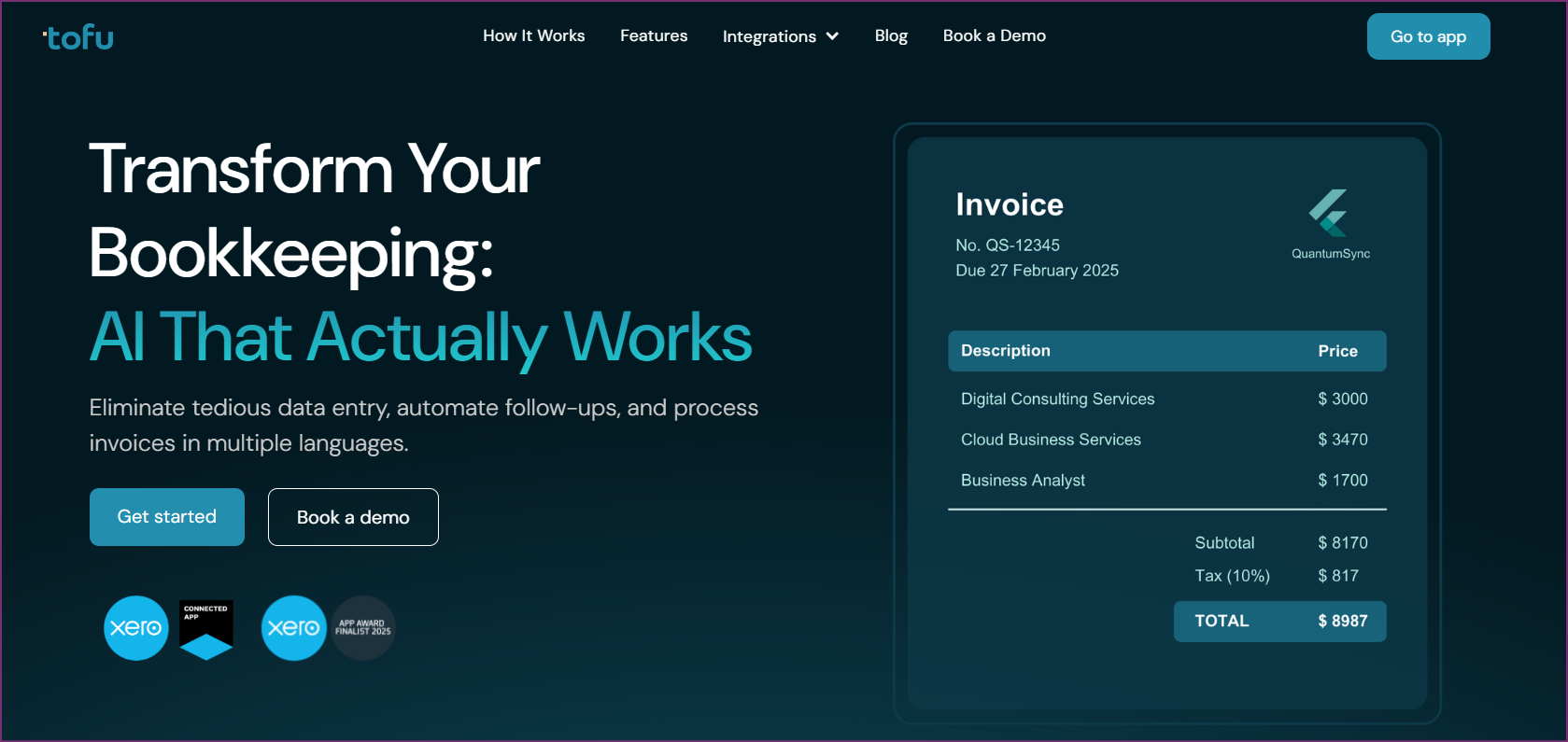
Tofu represents the next generation of OCR bookkeeping software, built specifically for accounting firms and businesses serving APAC markets. Unlike legacy OCR tools that require extensive rule configuration, Tofu's zero-configuration AI works immediately without setup, processing documents in 200+ languages including complex scripts like Chinese fapiao, Japanese receipts, and handwritten notes.
The platform addresses the biggest frustration with traditional OCR systems: endless rule creation. Accounting firms using Dext or similar tools spend hours configuring rules for each new client, teaching the system to recognize vendor formats and extract data correctly. Tofu eliminates this burden entirely. Upload a document in any language, and the AI automatically extracts all relevant data without configuration. This zero-setup approach transforms OCR from a technical project into an instant productivity tool.
Tofu's line-by-line extraction capability sets it apart from competitors like HubDoc, which only capture document totals. When processing a detailed construction invoice or itemized restaurant bill, Tofu extracts every line item with descriptions, quantities, unit prices, and tax codes. This granular data enables accurate job costing, detailed expense analysis, and comprehensive financial reporting that total-only systems cannot provide.
The automatic PDF splitting feature saves hours for firms processing bulk documents. Many accounting firms receive monthly client statements with 50-100 invoices combined in a single PDF. Traditional OCR tools require manual separation of each invoice before processing. Tofu automatically detects document boundaries within bulk PDFs and splits them into individual transactions, processing hundreds of invoices from a single upload without human intervention.
Multi-language capability makes Tofu particularly valuable for APAC accounting firms and businesses with international operations. The platform processes Chinese invoices, Japanese receipts, Korean documents, Arabic bills, and Western-language invoices with equal accuracy. Firms serving diverse client bases no longer need separate OCR systems for different languages or regions. Tofu handles everything in one platform.
Entity-based pricing provides significant cost advantages over per-user models. Traditional OCR tools charge per user, meaning expenses multiply as teams grow. Tofu's pricing is based on the number of client entities processed, not team members accessing the system. An accounting firm with 50 clients and 10 team members pays the same as a firm with 50 clients and 3 team members. This model aligns costs with value delivered rather than penalizing team growth.
The platform has earned recognition as a Xero Global Emerging App of the Year Finalist 2025 and serves 7 of the Top 10 Global Accounting Networks including Baker Tilly, Deloitte, Mazars, BDO, PKF, RSM, and HLB. This enterprise trust validates both technical capability and data security standards.
Integration with Xero and QuickBooks Online enables seamless workflow. Tofu creates draft transactions in connected accounting platforms, ready for review and approval. The system maps extracted data to the correct chart of accounts, applies appropriate tax codes, and maintains audit trails for compliance.
Tofu is ideal for accounting firms serving diverse clients across languages and regions, businesses processing multi-language invoices, firms frustrated with rule configuration in legacy OCR tools, and organizations wanting line-item extraction without manual setup. APAC-focused accounting practices and firms serving Chinese, Japanese, or Korean clients benefit particularly from the advanced language capabilities.
Tofu earned recognition as Xero Global Emerging App of the Year Finalist 2025 and maintains a 5/5 star rating on the Xero App Store. The platform serves 7 of the Top 10 Global Accounting Networks, demonstrating enterprise-grade capability and security.
Try Tofu Free or Book a Demo with Tofu

Dext (formerly Receipt Bank) is an established OCR bookkeeping solution popular with UK accounting firms and businesses processing primarily Western-language documents. The platform has built a significant user base over years in the market, particularly among practices serving English-speaking clients.
Dext's strength lies in its established integration ecosystem and brand recognition in Western markets. Many accountants know the Dext name and have prior experience with the platform. For firms serving exclusively UK or Western clients with standard English invoices, Dext provides familiar OCR functionality.
However, Dext requires extensive rule configuration for each client. Accounting firms report spending hours setting up vendor recognition rules, teaching the system document formats, and troubleshooting extraction errors. This configuration burden multiplies for practices serving diverse clients across industries. Additionally, Dext focuses on Western languages and struggles with Asian scripts, Arabic, or complex multi-language documents.
The per-user pricing model increases costs as teams grow, making Dext expensive for larger practices or firms expanding their staff. Unlike entity-based pricing, every team member accessing Dext adds to the monthly bill.
Dext suits UK-based accounting firms serving primarily English-speaking clients with standard invoice formats, practices willing to invest time in rule configuration, and teams that have already invested in Dext training and workflows.
Dext holds a 4.3/5 star rating on G2 (260+ reviews) and 4.3/5 stars on Capterra (160+ reviews). Users appreciate the established platform but frequently cite complex setup and limited language support as drawbacks.

HubDoc is owned by Xero and included free with Xero subscriptions, making it an attractive option for businesses already using Xero accounting software. The platform provides basic OCR functionality without additional cost, appealing to budget-conscious small businesses.
HubDoc's primary advantage is cost: Xero subscribers get document capture and basic OCR at no extra charge. For businesses with simple receipt and invoice processing needs, this free option delivers value without additional software expenses.
However, HubDoc extracts only document totals, not line items. This limitation restricts detailed expense analysis, job costing, and granular financial reporting. Additionally, HubDoc offers limited language support beyond English and lacks automatic PDF splitting for bulk documents. The platform has seen minimal development since Xero's acquisition, with few new features or improvements.
HubDoc works for Xero subscribers with simple receipt processing needs, businesses processing primarily English-language documents with basic formats, and organizations wanting a no-cost OCR option without advanced features.
HubDoc has a 4.3/5 star rating on G2 (82 reviews), 4.2/5 stars on Capterra (92 reviews), and 3.3/5 stars on the Xero App Store. Users appreciate the free access but note limited functionality compared to specialized OCR platforms.
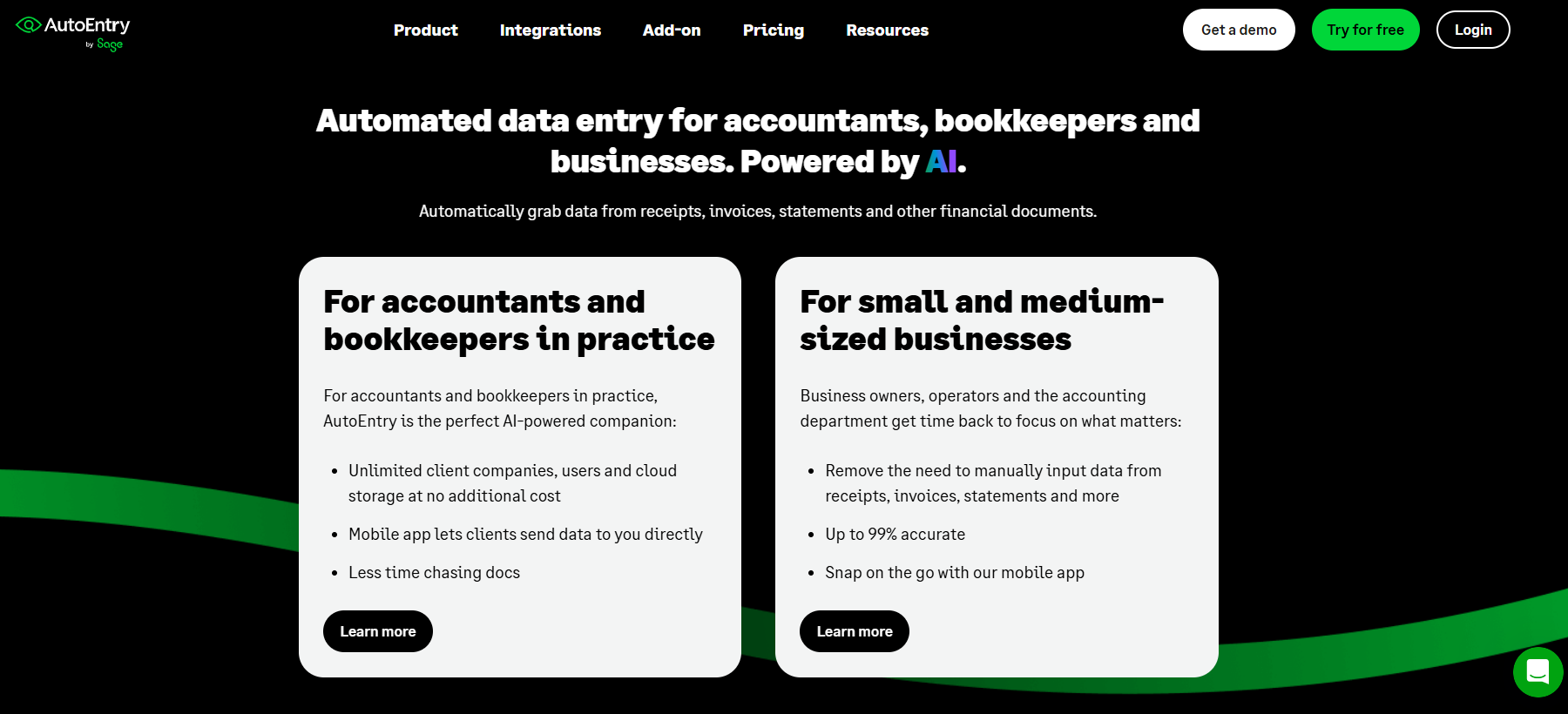
AutoEntry offers OCR bookkeeping software with a credit-based pricing model, where businesses purchase processing credits for documents. This approach appeals to firms with variable monthly volumes that want to pay only for actual usage rather than fixed subscriptions.
The credit system provides flexibility for seasonal businesses or accounting firms with fluctuating client document volumes. Purchase credits as needed rather than committing to unlimited processing tiers.
However, credit-based pricing can become expensive with high volumes, requiring constant monitoring of remaining credits. AutoEntry's OCR capabilities vary by document type, with line-item extraction available on some invoices but not universally. Language support remains limited compared to AI-powered platforms.
AutoEntry suits seasonal businesses with fluctuating document volumes, firms wanting to test OCR with lower commitment, and organizations with predictable, moderate document processing needs.
AutoEntry maintains a 4.4/5 star rating on Capterra (226+ reviews), with users appreciating the flexible pricing but noting limitations in language support and extraction consistency.
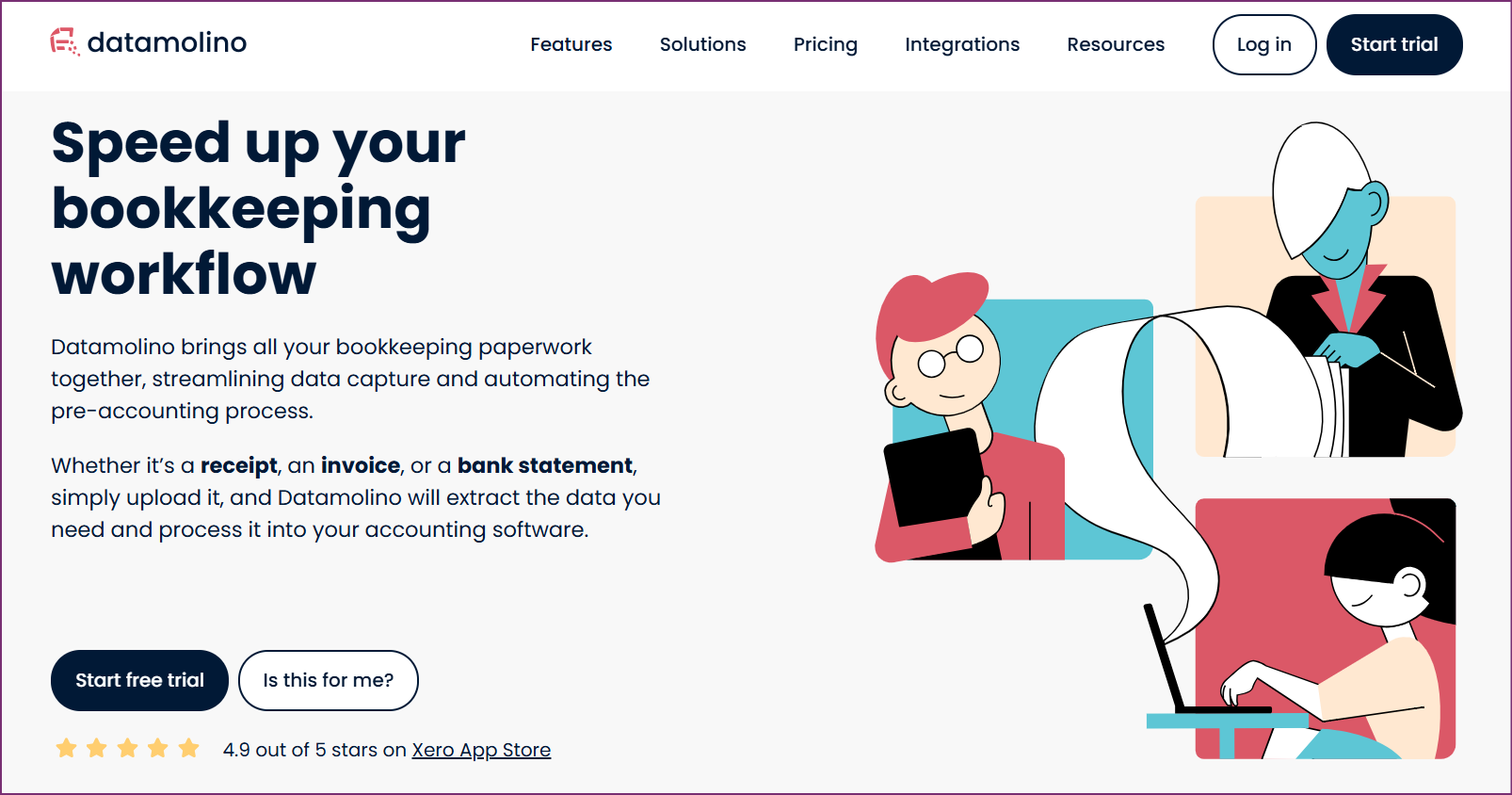
Datamolino provides OCR bookkeeping software with pricing based on monthly document volumes rather than users or credits. This model offers predictability for firms processing consistent document quantities each month.
Datamolino includes line-item extraction and maintains strong user satisfaction ratings. The platform appeals to European accounting firms and businesses wanting straightforward volume-based pricing without complex credit calculations.
However, Datamolino's language support remains limited compared to AI-powered alternatives, and the platform lacks automatic bulk PDF splitting capabilities. Firms serving diverse clients across multiple languages may find the Western-language focus restrictive.
Datamolino works for European accounting firms with Western clients, businesses processing predictable monthly document volumes, and organizations wanting simple, transparent pricing without per-user fees.
Datamolino holds a 4.9/5 star rating on Capterra (42+ reviews), with users praising the straightforward pricing and reliable extraction for standard invoice formats.

BILL (formerly Bill.com) is primarily an accounts payable automation platform that includes OCR as part of broader AP workflow management. The platform handles invoice approvals, payment processing, and vendor management alongside document capture.
BILL's strength lies in end-to-end AP automation rather than OCR specialization. For businesses wanting comprehensive payables management with integrated OCR, BILL provides an all-in-one solution. The platform includes payment processing, approval workflows, and vendor portal access.
However, BILL uses per-user pricing that increases costs with team growth. The OCR functionality focuses on English-language documents and lacks the multi-language capability of specialized platforms. BILL suits organizations prioritizing AP workflow management over advanced OCR features.
BILL suits mid-size businesses wanting comprehensive AP automation with integrated OCR, organizations processing primarily English-language invoices, and companies prioritizing payment workflow over advanced document processing.
BILL maintains a 4.4/5 star rating on G2 (1000+ reviews), with users valuing the AP workflow automation but noting the premium pricing.
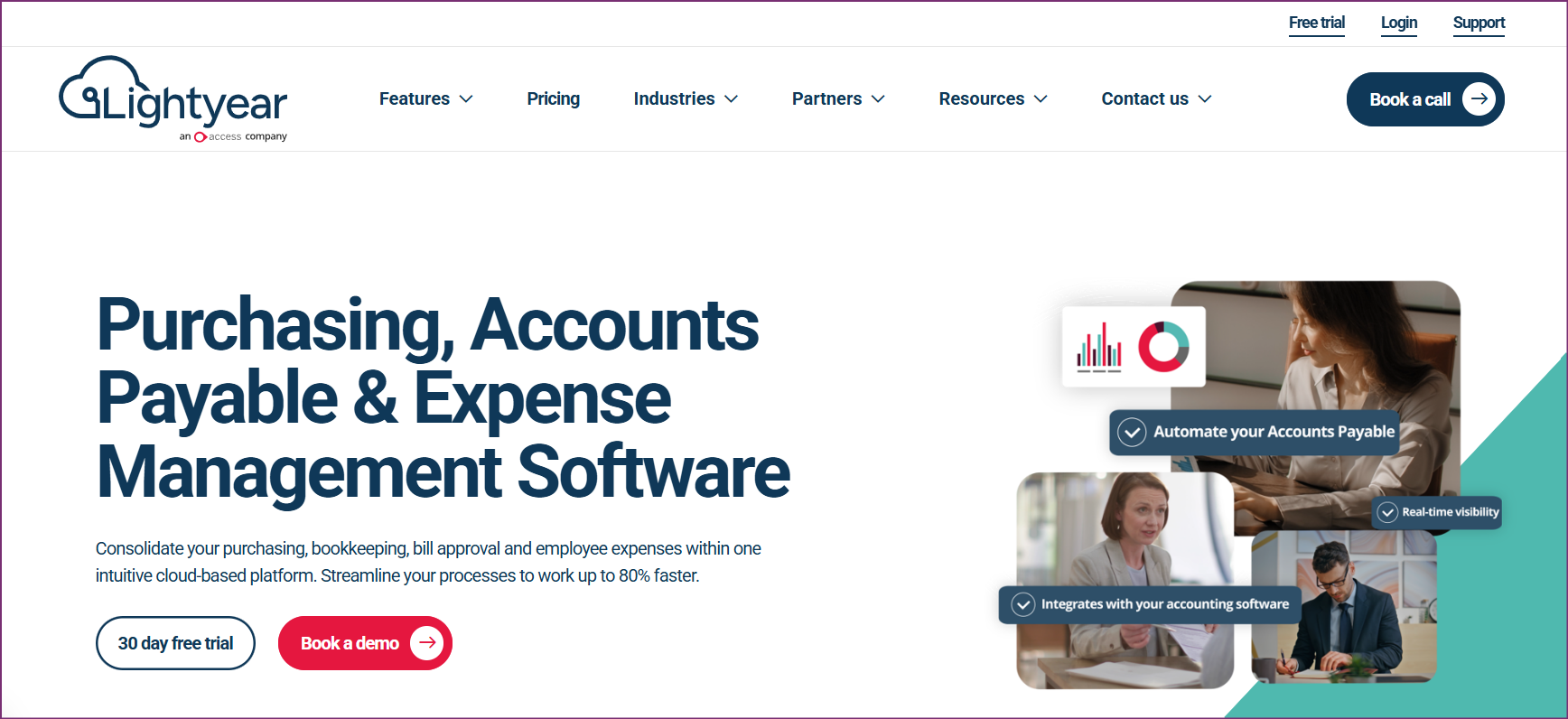
Lightyear provides AP automation and OCR for growing mid-market companies, combining document processing with procurement and spending controls. The platform targets businesses outgrowing basic bookkeeping tools but not yet requiring enterprise ERP systems.
Lightyear's strength lies in procurement workflow integration alongside OCR capabilities. The platform handles purchase orders, approvals, and spending policies in addition to invoice processing. For mid-market companies wanting governance over purchasing decisions, Lightyear provides structure beyond simple OCR.
However, Lightyear's pricing starts higher than specialized OCR tools, and the platform's complexity may exceed needs for organizations wanting straightforward document processing. Language support remains limited compared to AI-powered alternatives.
Lightyear suits growing mid-market companies needing procurement controls with OCR, businesses wanting approval workflows and spending policies, and organizations processing primarily English-language documents with governance requirements.
Lightyear holds a 4.9/5 star rating on Capterra (188+ reviews), with users appreciating the procurement workflow integration and line-item accuracy.
| Feature | Tofu | Dext | HubDoc | AutoEntry | Datamolino | BILL | Lightyear |
|---|---|---|---|---|---|---|---|
| Zero-Configuration Setup | Yes | No | No | No | No | No | No |
| Multi-Language Support | 200+ languages | Western focus | English focus | Limited | Limited | English focus | English focus |
| Line-Item Extraction | Yes | No | No | Variable | Yes | Yes | Yes |
| Automatic PDF Splitting | Yes | No | No | No | No | Limited | Limited |
| Handwritten Documents | Yes | Limited | No | Limited | Limited | No | No |
| Pricing Model | Entity-based | Per-user | Free with Xero | Credit-based | Volume-based | Per-user | Flat rate |
| Xero Integration | Yes | Yes | Native | Yes | Yes | Yes | Yes |
| QuickBooks Integration | Yes | Yes | Limited | Yes | Yes | Yes | Yes |
| APAC Market Focus | Strong | Weak | Weak | Weak | Weak | Weak | Weak |
| Chinese/Japanese Support | Native | No | No | No | No | No | No |
| Tool | Starting Price | Model | Scales With | Best Value For |
|---|---|---|---|---|
| Tofu | $79/mo | Entity-based | Client count | Growing firms with diverse clients |
| Dext | Contact vendor | Per-user | Team size | UK firms with Western clients only |
| HubDoc | Free with Xero | Included with Xero | N/A | Xero users needing basic OCR |
| AutoEntry | $24/mo | Credit-based | Document volume | Variable monthly volumes |
| Datamolino | €29/mo | Volume-based | Documents processed | Predictable monthly volumes |
| BILL | $45/user/mo | Per-user | Team size | AP automation priority |
| Lightyear | $169/mo | Flat rate | Company growth | Mid-market procurement needs |
What is OCR bookkeeping software?
OCR bookkeeping software uses Optical Character Recognition technology combined with AI to automatically read and extract data from financial documents like receipts, invoices, and bills. Instead of manual data entry, the software scans documents and captures vendor names, dates, amounts, tax codes, and line items digitally, creating draft transactions in accounting platforms.
How accurate is OCR for bookkeeping?
Modern AI-powered OCR achieves 95-99% accuracy on standard printed documents, with accuracy varying based on document quality, format complexity, and language. Tofu's AI-powered system learns from corrections to improve accuracy over time. Legacy rule-based systems require more manual correction, particularly for non-standard formats or multi-language documents.
Can OCR software process receipts in multiple languages?
Advanced AI-powered OCR like Tofu processes documents in 200+ languages including Chinese, Japanese, Korean, Arabic, and Western languages without configuration. Legacy OCR tools like Dext, HubDoc, and AutoEntry focus primarily on Western languages and struggle with non-Latin scripts. For accounting firms serving international clients, multi-language capability is essential.
What's the difference between line-item extraction and totals-only OCR?
Totals-only OCR (like HubDoc) captures the document total, date, and vendor name but misses individual line items. Line-item extraction (like Tofu) captures every detail: item descriptions, quantities, unit prices, and individual tax codes. Line-item data enables detailed expense analysis, accurate job costing, and comprehensive financial reporting that totals-only systems cannot provide.
Is per-user or entity-based pricing better for accounting firms?
Entity-based pricing (like Tofu) costs the same regardless of team size, scaling with client count rather than staff. Per-user pricing (like Dext and BILL) multiplies expenses as teams grow, penalizing firms for hiring. For growing practices or firms with large teams serving clients, entity-based pricing delivers significant cost savings and aligns expenses with actual value delivered.
Can OCR software automatically split bulk PDF documents?
Advanced AI-powered platforms like Tofu automatically detect document boundaries within bulk PDFs and split them into individual invoices without manual intervention. Legacy OCR tools typically require manual separation of each document before processing, creating hours of preparation work for firms handling client statements with dozens or hundreds of combined invoices.
Do I need to configure rules for each vendor and client?
Zero-configuration AI platforms like Tofu work immediately without rule setup, learning automatically from document patterns. Legacy systems like Dext require extensive manual rule configuration for each vendor format and client, creating significant implementation overhead and ongoing maintenance burden. For accounting firms serving diverse clients, zero-configuration dramatically reduces setup time.
Which OCR software is best for accounting firms serving APAC clients?
Tofu is purpose-built for APAC markets with native support for 200+ languages including Chinese fapiao, Japanese receipts, Korean invoices, and complex Asian document formats. The platform serves 7 of the Top 10 Global Accounting Networks and was recognized as a Xero Global Emerging App Finalist 2025. Western-focused tools like Dext, HubDoc, and BILL lack the multi-language capability required for diverse APAC clients.
OCR bookkeeping software has evolved from basic text recognition to intelligent AI systems that process multi-language documents, extract line-item details, and eliminate configuration overhead. The right choice depends on specific business needs, document complexity, and operational requirements.
Tofu leads the market with zero-configuration AI, 200+ language support, line-by-line extraction, and entity-based pricing that scales without per-user fees. For accounting firms serving diverse clients, businesses processing multi-language invoices, or organizations frustrated with legacy OCR configuration overhead, Tofu delivers immediate productivity gains without implementation burden.
Dext and HubDoc serve Western markets with standard English documents, while AutoEntry and Datamolino offer alternative pricing models for specific volume patterns. BILL and Lightyear provide broader AP automation beyond OCR specialization.
For most accounting professionals and businesses seeking advanced OCR capabilities without configuration complexity, Tofu provides the optimal combination of intelligent automation, multi-language support, detailed extraction, and cost-effective pricing.