SunTao Lai
April 24, 2026


If you're trying to figure out uploading handwritten Chinese receipts to Xero, the actual upload is straightforward. The problem shows up after: Xero stores the document but doesn't extract data from it. Handwritten Chinese characters break most OCR tools. Fields come back empty, amounts get misread, and you end up manually entering every fapiao field yourself.
TLDR:
Xero stores receipts. It does not read them. That job falls to whatever extraction tool you pair with it. Average handwriting OCR accuracy sits around 64%. Chinese characters make this worse, for these reasons:
AI-powered systems trained on handwritten text reach 94% or higher accuracy. Template-based tools land far lower, and that's why fields come back blank.
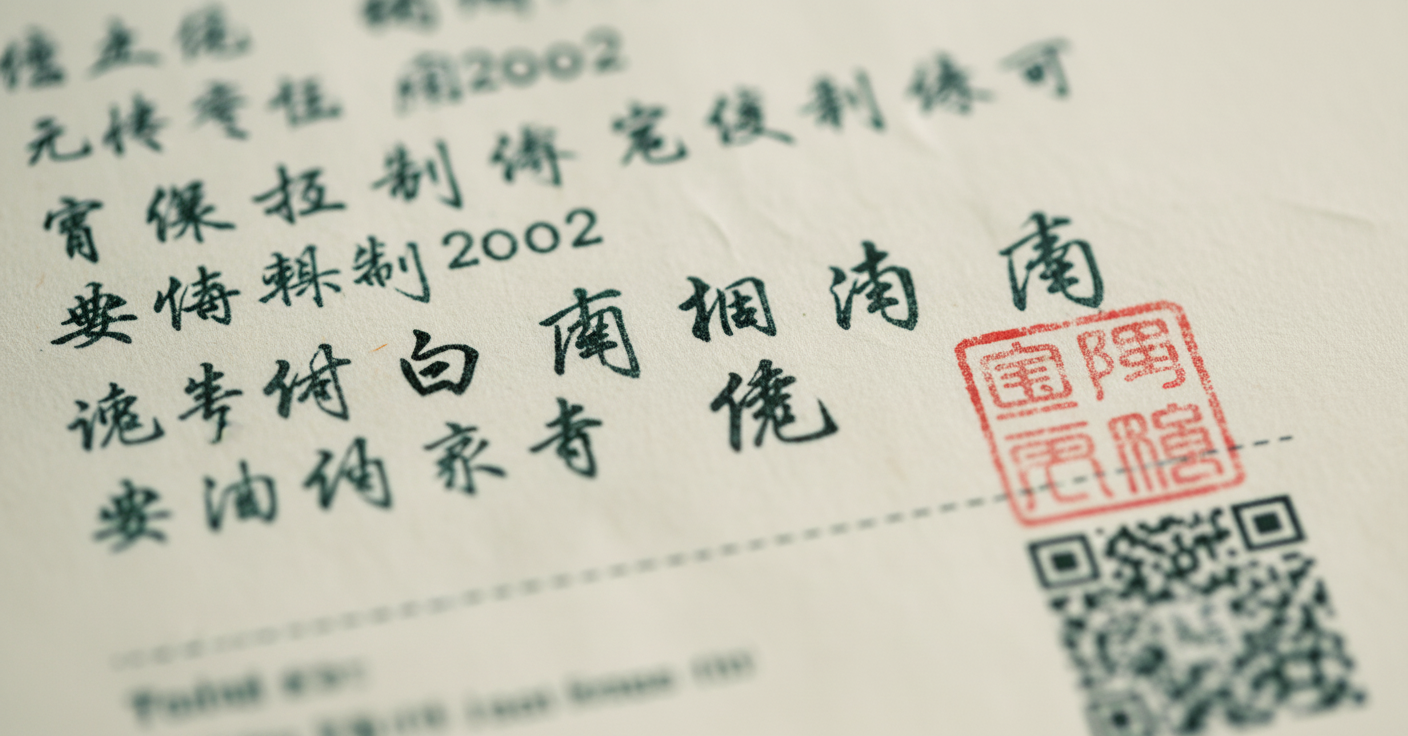
Xero Files is the baseline: document storage attached to a transaction, with no AI and no extraction.
The file attaches to the bill record, satisfying audit requirements. What it does not do is save you any time. A single fapiao with a few line items takes 5 to 10 minutes. A batch of 30? That's an afternoon.
HubDoc gives you two ways to get receipts in: email forwarding or mobile app upload. You email your scanned receipt, HubDoc processes it, and you review extracted fields: supplier, date, total. The problem surfaces at review: handwritten Chinese fields come back blank or garbled.
A fapiao is China's government-issued tax receipt, tracked by the State Administration of Tax. It serves as both proof of purchase and a legal tax invoice. Without one, an expense claim doesn't hold up.
Every fapiao carries mandatory fields: a unique verification code, the issuer's tax registration number, an official government stamp, a QR code tied to the tax authority's database, and VAT as a separate line item.
Five standard methods exist for getting receipts into Xero. Each one breaks differently when handwritten Chinese receipts enter the picture. If you're comparing invoice capture software options more broadly, understanding these limitations helps frame what modern AI-powered tools should handle.
Every path ends at the keyboard.
| Method | How It Works | Handwritten Chinese Receipt Handling | Time Per Receipt |
|---|---|---|---|
| Xero Files Direct Upload | Drag and drop receipt file, manually type all fields into bill form | File attaches to transaction but extracts nothing. Every field typed manually. | 5-10 minutes |
| Email to [email protected] | Forward receipt to Xero email for automatic storage | Stores the file, no extraction. Same manual entry required. | 5-10 minutes |
| Xero Mobile App | Camera capture with basic OCR on printed receipts | Returns blank fields on Chinese characters. Handwriting makes it worse. | 5-10 minutes after failed extraction |
| HubDoc | Email or app upload with OCR extraction of header fields | Pulls supplier, date, total on printed English receipts. Returns blank or garbled text on handwritten Chinese. | 3-8 minutes reviewing and correcting fields |
| Tofu | Upload via drag-and-drop or email. AI reads context and stroke variation, extracts all fields, publishes to Xero | Extracts vendor name with translation, every line item, VAT codes, verification numbers. Handles handwriting across 200+ languages. | 30-60 seconds review time |
Scan at 300 DPI minimum, flatten crumpled thermal paper, shoot against a dark matte surface, keep stamps and verification codes fully in frame, and save as PDF or high-quality JPG. Better input means fewer corrections later.
Legacy OCR matches pixels to fixed templates. If a character doesn't match, it returns nothing. AI document processing reads context instead, recognizing stroke variation as expected, not an error. No rule configuration required.
Upload the receipt. Tofu identifies it as a Chinese fapiao, extracts each field, and maps it directly to Xero. Vendor name in Chinese with English translation, line items with quantities and unit prices, VAT coded to your chart of accounts, and verification code retained for audit. Click any field and a bounding box shows exactly where Tofu read that character. The source document attaches automatically.
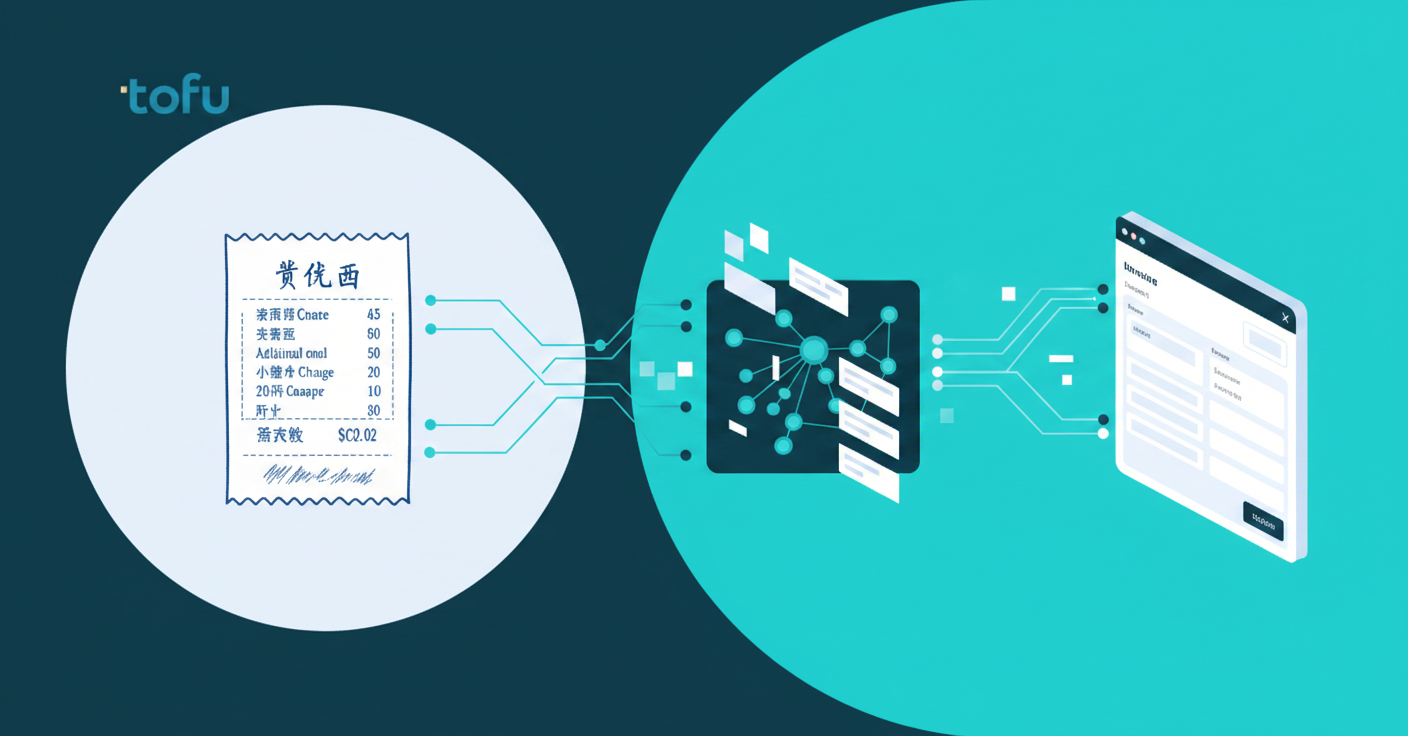
Upload the fapiao. Tofu Xero integration reads it, extracts every line item, and publishes directly to Xero with the source PDF attached.
No language selection. No rules to build. Flat monthly pricing covers your entire team across all client entities. If your firm handles Chinese suppliers or serves clients in Chinese-speaking markets, the manual typing stops here.
Most firms don't realize their receipt processing has a gap until a client sends over Chinese fapiao. Xero stores the file, but reading it falls to whatever tool you pair with it, and legacy OCR wasn't built for handwritten characters. AI document processing closes that gap by reading context instead of matching pixels.
"What used to take me 3-4 hours can be done in 30-60 minutes," says one accounting firm using Tofu for handwritten receipt extraction.
If you're tired of typing verification codes and VAT amounts one character at a time, see how Tofu automates it.
Yes. AI document processing tools like Tofu read handwritten Chinese characters, extract every field including line items and VAT amounts, and publish directly to Xero with the source PDF attached. No typing required.
HubDoc pulls header fields only on printed receipts and returns blank or garbled text on handwritten Chinese characters. Tofu extracts every line item from handwritten fapiao, including verification codes, tax amounts, and supplier details, then publishes directly to Xero with full translation.
Scan at 300 DPI minimum, flatten crumpled thermal paper before shooting, use your phone's document scanner mode against a dark matte surface, keep stamps and verification codes fully in frame, and save as PDF or high-quality JPG. Better input means fewer corrections later.
Tofu extracts vendor name (Chinese with English translation), every line item with quantities and unit prices, VAT coded to your chart of accounts, verification code and tax registration number retained for audit, and the official stamp. The source document attaches to the Xero bill automatically.
Handwritten Chinese has tens of thousands of unique characters with no word spacing, stroke variation between writers, context-dependent marks, and thermal paper degradation. Template-based OCR tools match pixels to fixed patterns and return blank fields when handwriting doesn't align to those templates.