Jay Sen Lon
October 2, 2026


You've probably got a shortlist with Apron and Dext on it, and you're wondering which one actually matches your workflow. Here's the catch: one was built around payment runs with capture bolted on later, and the other was built around document capture with payments layered on top. That difference shows up fast once you start counting line items against your monthly allowance.
TLDR:
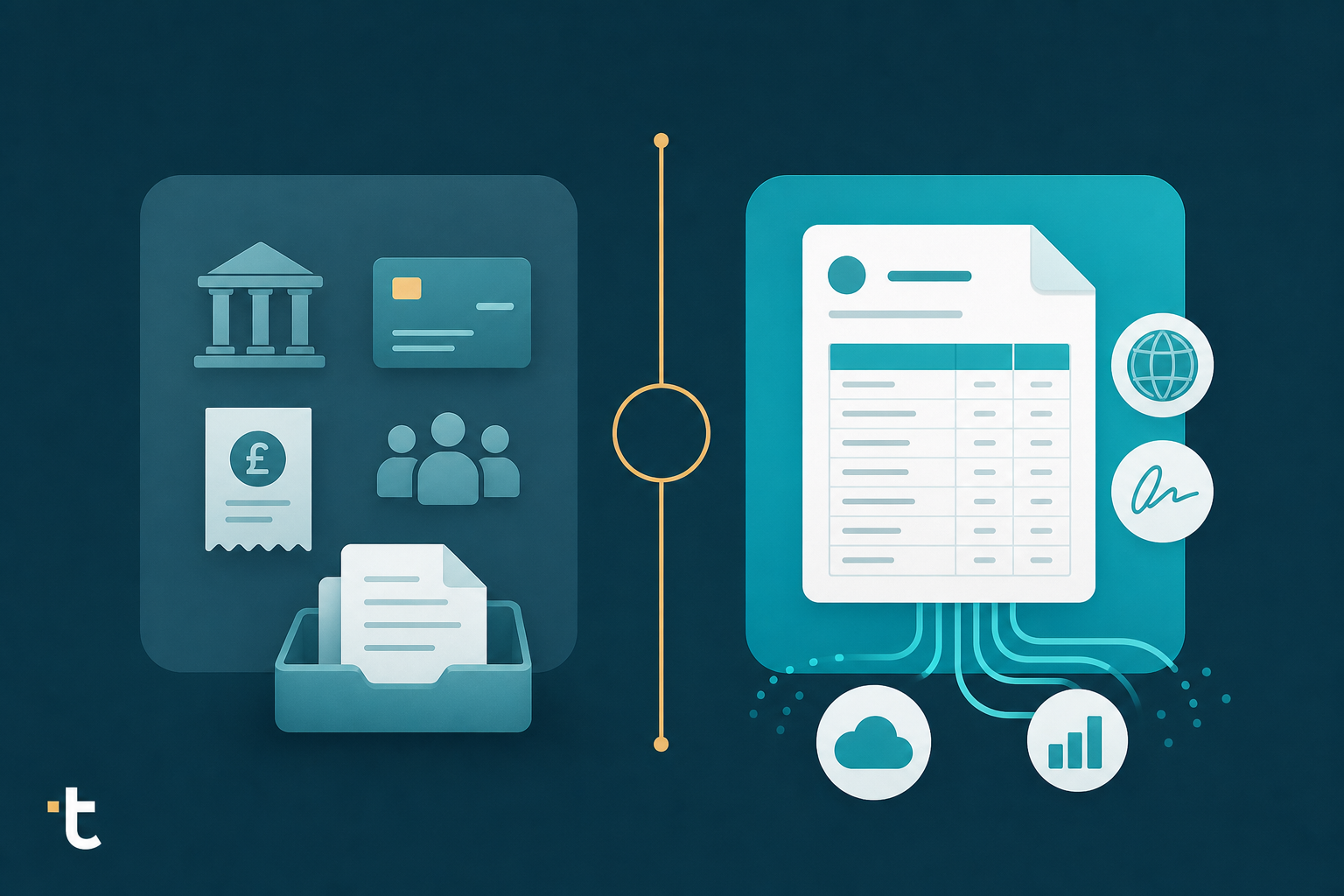
Apron started as a payments tool for UK accountants and bookkeepers, built around bill pay, payment runs, payroll, and expense cards that connect to Xero. The workflow moves money first: approve a bill, run a payment, issue an expense card, then square up the books inside Xero once the transaction clears.
Document capture came later. Apron Capture is an invoice and receipt capture tool that sits alongside the existing payments product, letting invoices and payments live in one app so reconciliation happens without switching screens, according to AccountingWEB.
That order matters. Based on how Apron describes its product, it appears to have been built as a payments layer that added capture afterward, not the reverse. For UK firms running Xero who want bill pay, payroll, and expense management under one roof, that fits cleanly (tofu vs Apron breaks this down further). Firms whose main pain is multilingual, high-volume invoice extraction ahead of payment sit outside that design.
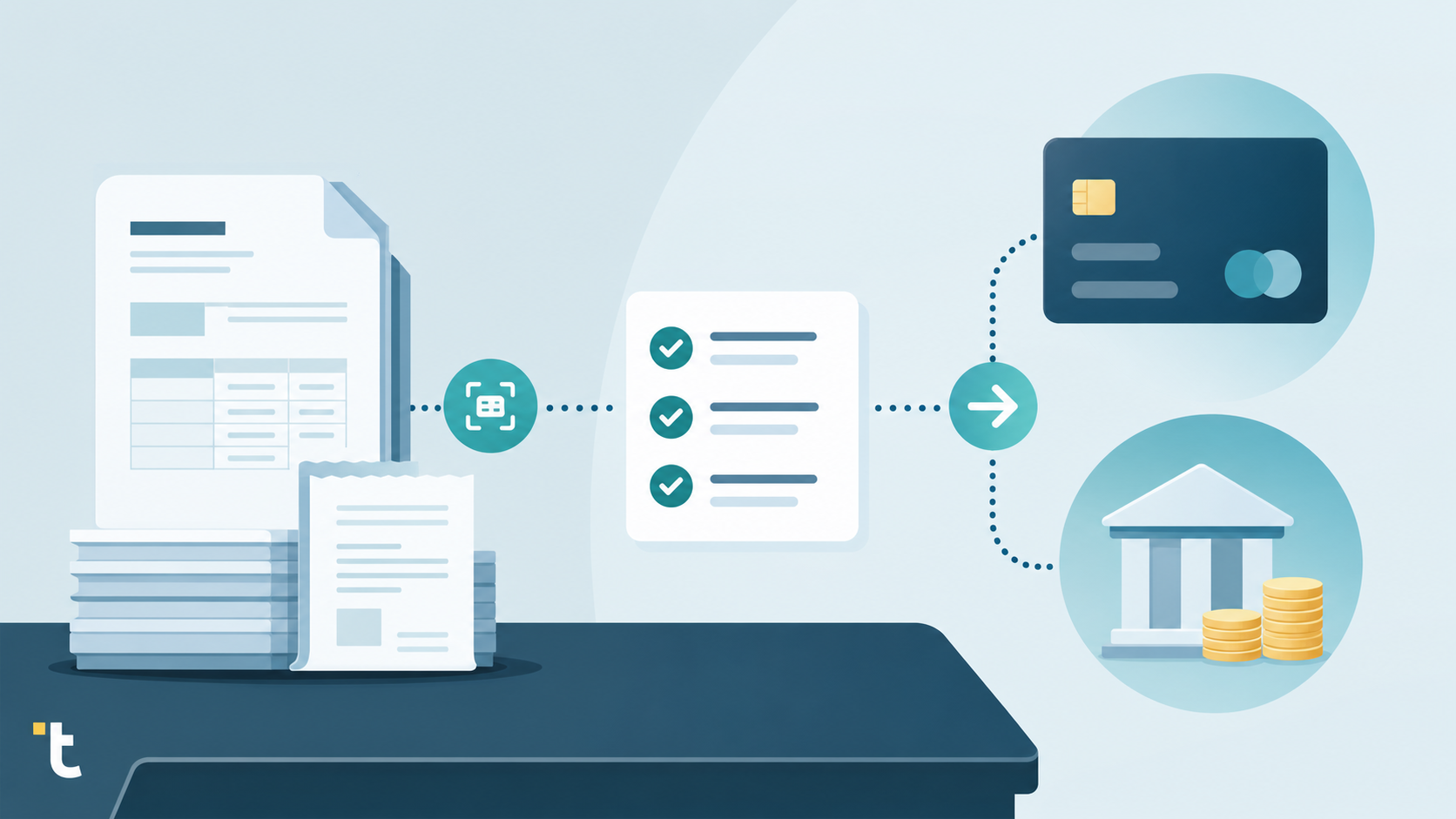
Dext is a document capture tool that reads receipts and invoices, then publishes the extracted data into Xero, QuickBooks, Sage, and more than 30 other integrations. It has expanded past basic capture into line item extraction, bank statement extraction, and expense management, sold through tiered plans built for accounting practices.
Pricing runs on a credit-based allowance. The Business plan starts at $31.50 per user per month and includes 250 documents per month across 5 users, according to Capterra. Line item and bank statement extraction sit within that plan, but both draw from the same document allowance, so higher volume or deeper extraction needs push firms into the Practice plan, which starts at $239.19 per month.
For accounting practices, Dext also offers Essentials and Advanced per-client pricing tiers (see this tofu vs Dext comparison for more). The depth of extraction a firm gets, and how many documents it can process before hitting a ceiling, depends on which tier and allowance it has bought.
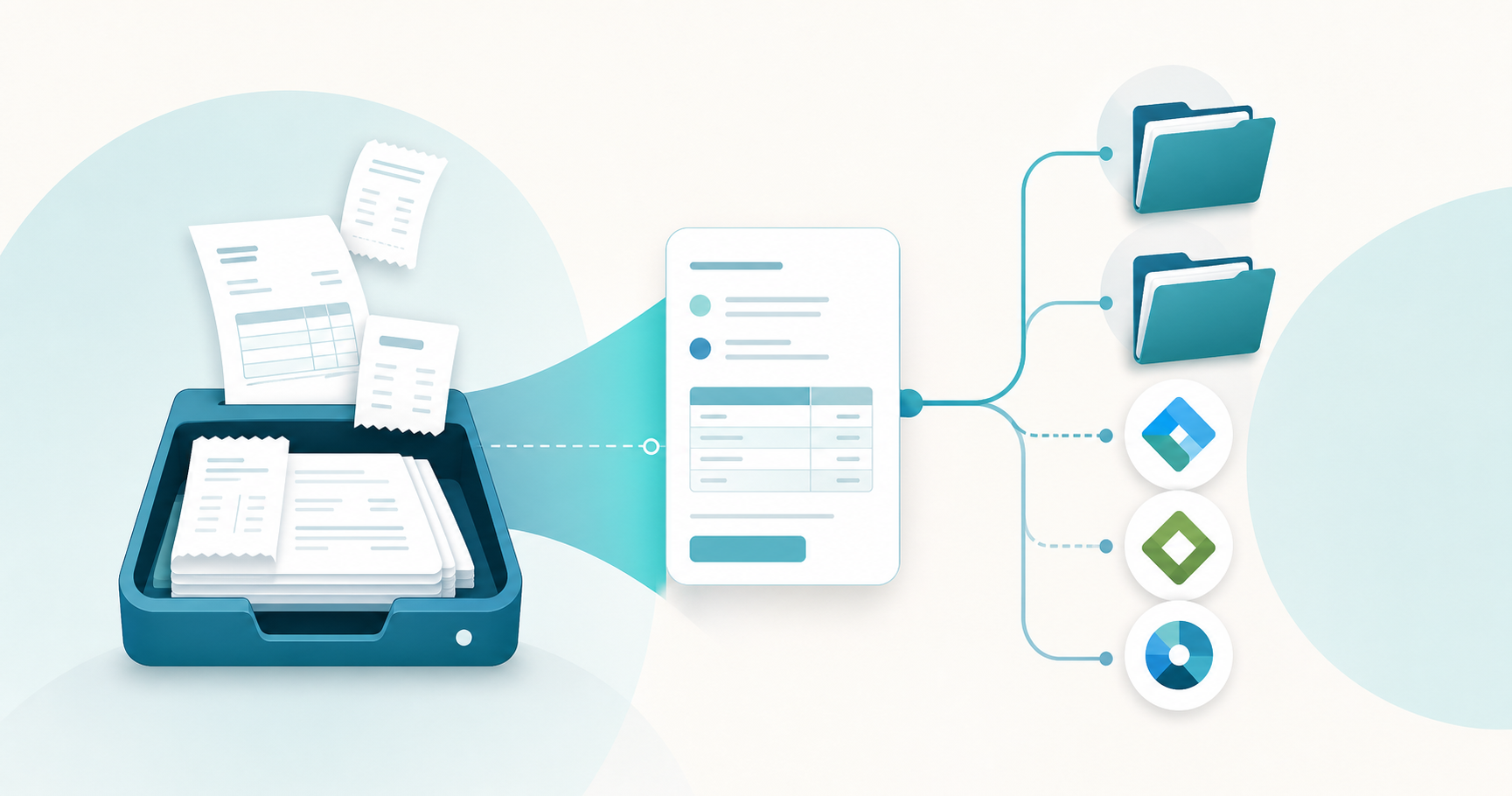
Apron Capture extracts invoice and receipt data and ties it directly to the payments workflow. A bookkeeper captures a document, the data flows into a bill, and the bill moves through Apron's payment run before reconciliation happens in Xero. The capture step feeds payments first, not line item extraction as a standalone function.
Dext extracts line items and bank statements as part of its document allowance, not as a default on every invoice. The Business plan includes 250 documents per month across 5 users, with both extraction types drawing from that same pool, according to Capterra. A firm processing multi-line invoices burns through its allowance faster than one processing simple receipts on the same plan, forcing bookkeepers to decide which suppliers get deeper extraction and which get simpler capture, a tradeoff covered in tofu vs Dext: receipt and invoice tool.
Dext's practice pricing runs per client, with a stated minimum of 10 clients, under two tiers: an entry-level tier at $23.92 per client per month and Advanced at $25.64 per client per month, according to TrustRadius. Line item and bank statement extraction live inside the document allowance attached to each tier, so higher volume per client needs a larger plan before extra cost kicks in.
Apron prices around document allowance tiers tied to its Books Club rewards program. Usage across a practice and its client accounts earns lifetime points that move the firm through tiers, earning discounts, higher allowances, support perks, and CPD credits, according to The 6 Figure Bookkeeper. Cost changes with usage and tenure instead of sitting at one flat published rate. Apron's pricing changes on 1 December 2026, which will affect what practices actually pay.
Dext connects to Xero, QuickBooks, Sage, and more than 30 other integrations, according to Capterra. That breadth suits firms running mixed accounting software portfolios, which is common among practices managing clients across different platforms.
Apron's workflow is built around Xero. Its bill pay feature imports approved bills directly from Xero and lets a bookkeeper build a single payment run, as one AccountingWEB forum user described when explaining how the feature works. That design works well for firms standardized on Xero, less so for firms juggling QuickBooks or Sage clients alongside it. Firms reconsidering their setup can see switch from Dext, AutoEntry or Apron.
The split comes down to what each tool was built around first, a question also covered in Dext vs AutoEntry vs HubDoc: line items. Apron is payments-first, with document capture added around the payment run. Dext is document-capture-first, with payments layered on top of an extraction engine built for a wider set of accounting software, a comparison detailed in Dext vs AutoEntry: pricing and line items.
The table below puts Apron, Dext, and Tofu side by side across the dimensions that matter most for accounting practices: how each tool captures documents, whether line item extraction is gated or default, pricing structure, and which accounting software it connects to. The clearest difference is that Apron and Dext both tie extraction depth to allowances or payments workflows, while Tofu treats full line item extraction as a default on every plan. Use this to spot which gaps apply to your current setup before committing to a tool.
| Tool | Document capture method | Line item extraction | Bank statement handling | Pricing model | Accounting software integrations | Key limitation |
|---|---|---|---|---|---|---|
| Apron | Apron Capture, tied to the payments workflow | Extracts data to feed bills, not a standalone focus | Not a core capture function; built around bill pay and payment runs | Document allowance tiers tied to Books Club usage points | Works mainly with Xero | Payments-first design, with capture added around the payment run |
| Dext | Document capture across receipts, invoices, and bank statements | Included within the document allowance, not unlimited by default | Extracted within the same document allowance as line items | Credit/document-based: Business from $31.50/month (5 users, 250 documents), Practice from $239.19/month, or Essential/Advanced per-client tiers at $23.92 and $25.64 per client per month, with a 10-client minimum (see our AutoEntry vs HubDoc accounting firm comparison for another angle) | Xero, QuickBooks, Sage, and 30+ other integrations | Line item and bank statement extraction draw from the same document allowance as basic capture, pushing high-volume firms into pricier tiers |
| Tofu | AI document processing across invoices, receipts, and bank statements, in any format or language | Extracts every line item by default on every plan, in 200+ languages, including handwriting | Converts bank statements of any bank, format, or length into structured transaction-level data by default, with no separate allowance | Flat pricing with no credits and no per-document gating (see gotofu.com/pricing) | Publishes into Xero or QuickBooks | Doesn't replace Xero or QuickBooks; sits as the document-processing layer that feeds them |
Apron ties capture to payment runs. Dext gates line items behind document allowances, a limitation also weighed in Dext vs HubDoc: which tool fits firms. Tofu extracts every line item by default on every plan, in 200+ languages, including handwriting, and publishes into Xero or QuickBooks without replacing them.
"We were trying to push Dext for line item extraction for about two years, but nothing came out." - Tengku Adibah T. Kamarudin, Accounting Superhero
Tofu reads your existing chart of accounts and supplier history to start extracting with no rule-building, and corrections persist as volume grows, through its invoice and bank statement processing in Xero. Pricing stays flat at gotofu.com/pricing, with no credits and no per-document gating. Try it on your messiest multi-line invoice.
Both tools solve real problems, Apron for Xero based payment workflows and Dext for firms spanning several accounting software, but neither treats full line item extraction as a given on every plan. Your clients send multi-line invoices regardless of which tier you're paying for, and that gap is worth noticing before you commit. See how that works on your own documents by book a demo.
Neither tool was built for that use case. Apron centers its workflow on Xero bill pay and payment runs, while Dext gates line item and bank statement extraction behind a shared document allowance, so firms with heavy multilingual invoice volume tend to hit limits in both tools before they hit limits with Tofu's default per-plan line-item extraction across 200+ languages.
Dext runs on a credit/document allowance model, with the Business plan starting at $31.50 per user per month for 250 documents across 5 users, or per-client entry-level ($23.92) and Advanced ($25.64) tiers with a 10-client minimum, according to TrustRadius. Apron prices around document allowance tiers tied to its Books Club rewards program, so cost changes with usage and tenure instead of sitting at one flat published rate.
Apron's bill pay and payment-run workflow is built around Xero, so firms with mixed accounting software portfolios will find it works best for Xero-standardized clients. Dext connects to Xero, QuickBooks, Sage, and 30+ other integrations, making it the stronger fit if your client base spans multiple platforms, according to Capterra.
Dext includes line item and bank statement extraction within its document allowance instead of as a default on every invoice, so a multi-line invoice consumes more of that allowance than a simple receipt, pushing high-volume or deep-extraction firms toward the pricier Practice plan. Tofu extracts every line item by default on every document and every plan, with no credit system gating that depth.
If your firm's main bottleneck is extracting every line item from multilingual or high-volume invoices before publishing to Xero or QuickBooks, a dedicated extraction layer like Tofu fits better than Apron's payments-first capture or Dext's allowance-gated extraction. As one user put it: "We were trying to push Dext for line item extraction for about two years, but nothing came out." - Tengku Adibah T. Kamarudin, Accounting Superhero.