Jay Sen Lon
September 4, 2026


Picture your busiest client's invoice pile. A few multi-line wholesale bills. A 20-page bank statement. A receipt with a coffee stain on it.
AutoEntry and Hubdoc will both process that pile. They just won't do it the same way, or for the same price. This AutoEntry vs Hubdoc comparison walks through where each tool holds up, where it hands the work back to your bookkeeper, and what to do about the gaps.
TLDR:
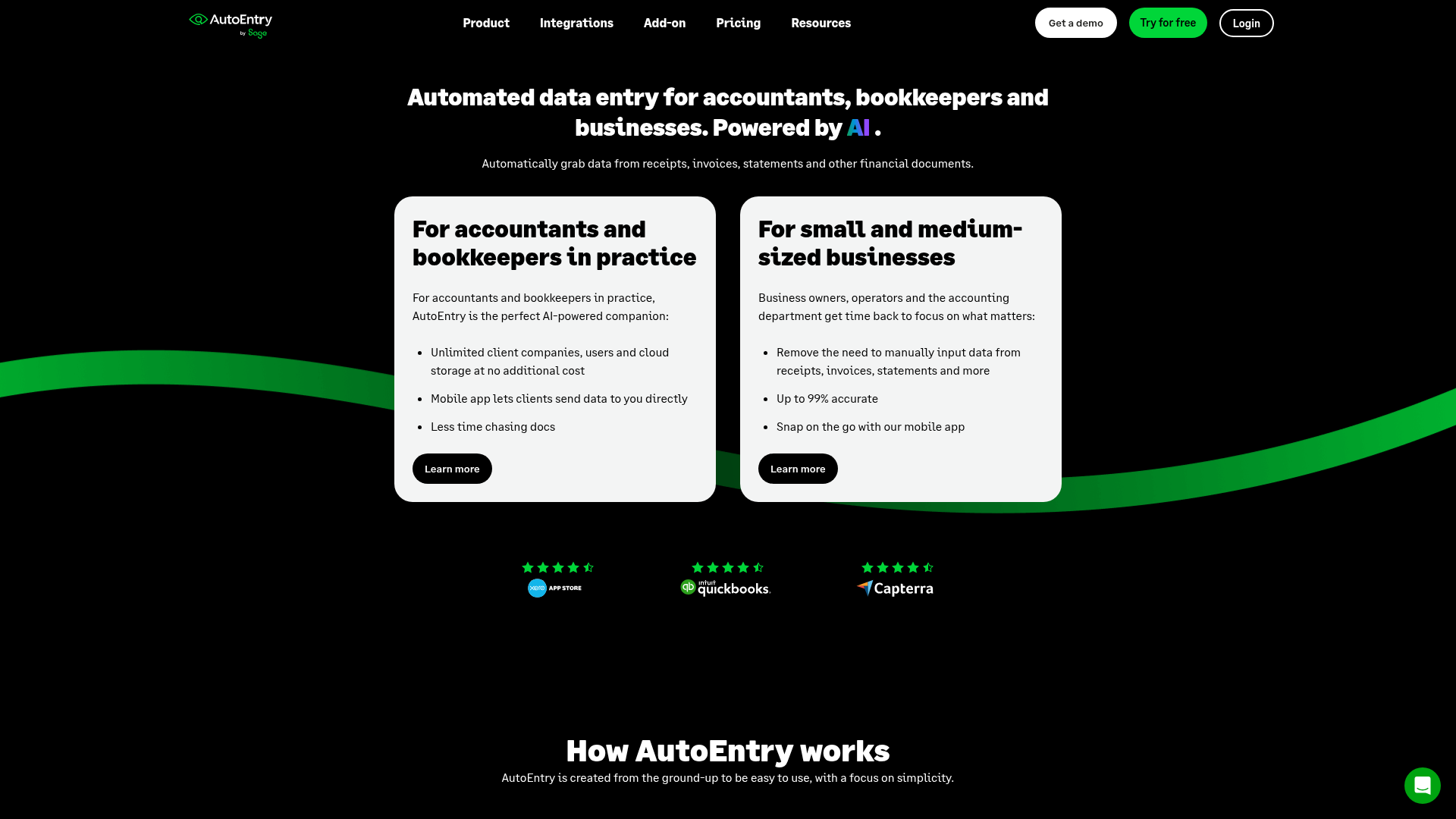
AutoEntry is a document capture tool owned by Sage that pulls data off invoices, receipts, and bank statements using OCR, then pushes it into connected accounting software for review and posting. It works as an add-on within Sage's suite, though it also connects to Xero, QuickBooks, and FreeAgent, making it a fit for practices already using Sage and handling mostly English language documents. For a broader look at invoice capture software for accounting firms, several alternatives exist.
Pricing runs on a credit system instead of a flat subscription, ranging from Bronze at $14 for 50 credits to Sapphire at $469 for 2,500 credits, with prices increased across fixed price and non-standard plans as of September 1, 2025.
Credits get spent differently depending on the document type:
| Document type | Credit cost |
|---|---|
| Purchase or sales invoice | 1 credit |
| Receipt | 1 credit |
| Invoice with line items extracted | 2 credits |
| Supplier statement | 2 credits |
| Bank or credit card statement | 3 credits per page |
Two rules shape the math. Unused credits roll over for up to 90 days, so a quiet month is not wasted. Overages, on the other hand, can bill at up to 200% of the standard credit rate. Firms with steady, predictable volume do well here. Firms with one client who sends a 20-page statement every month do not.
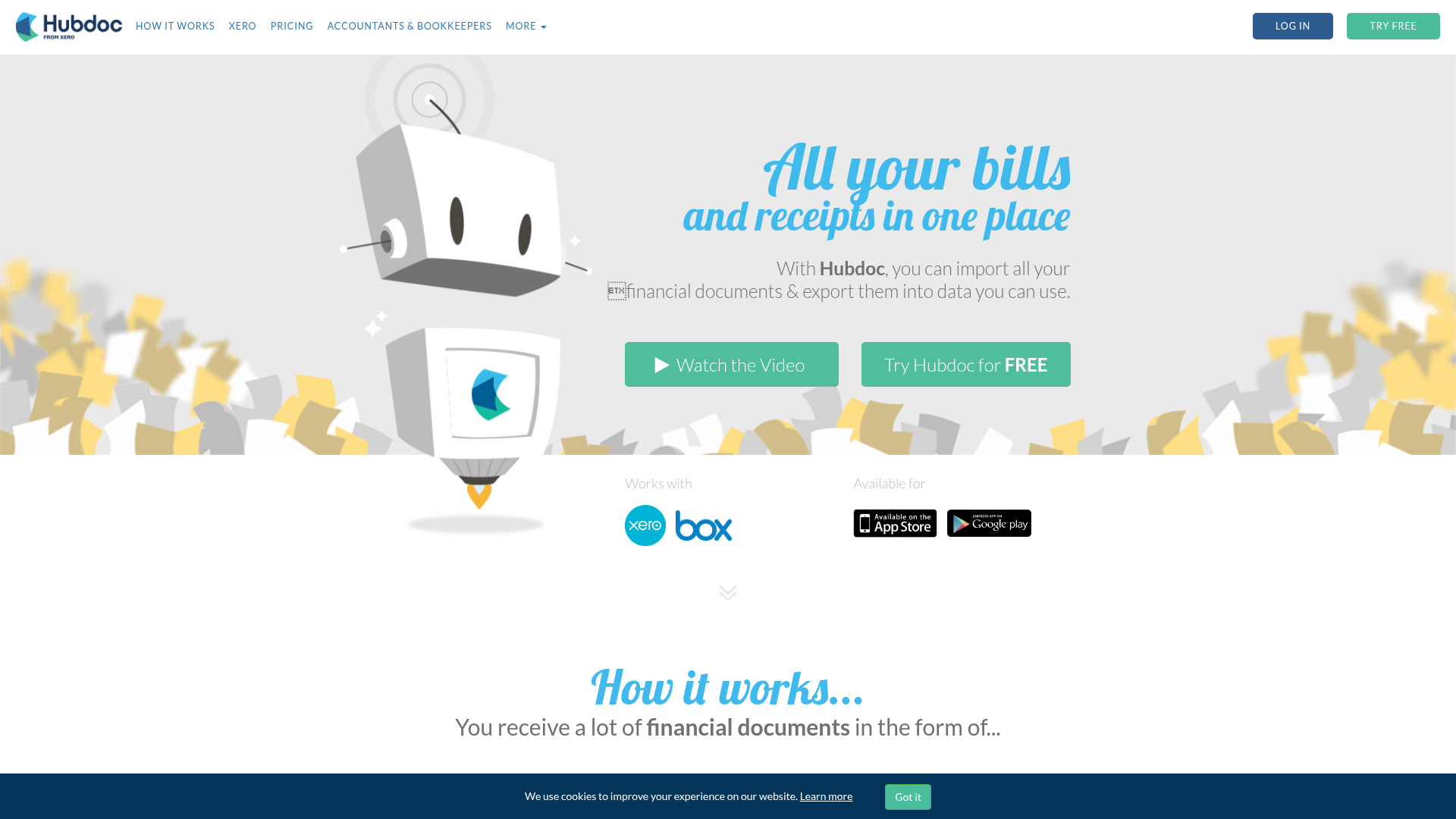
Hubdoc is Xero's document capture tool. It reads bills, invoices, and receipts, then creates a draft transaction in Xero for a bookkeeper to review and publish. It also publishes to QuickBooks Online and Bill.com, though Xero is where it feels native: Hubdoc ships bundled at no extra cost with most Xero subscription tiers, so for a Xero practice it is the default capture layer.
Two things define it. The first is automatic fetching. Connect a bank or a utility and Hubdoc pulls the statements and bills itself, from over 700 institutions, so you chase clients for documents less. The second is vendor rules. Code a bill from a supplier once and every future bill from that supplier follows the same path with no review. Someone has to build the rule the first time, but after that it runs on its own.
The trade-off is depth. Hubdoc captures header fields: supplier, date, totals, invoice number. Not the lines underneath. And its extraction is built around standard, printed, English-language documents.
Setup takes minutes, and the mobile app lets owners capture receipts on the go.
Each plan includes a monthly credit allowance, with everything else unlimited, including users and cloud storage. A plain purchase or sales invoice, or a receipt, costs 1 credit. An invoice with line items costs 2 credits, a supplier statement costs 2, and bank or credit card statements run 3 credits per page. A single 20 page bank statement can cost 60 credits, more than the entire 50 credit Bronze plan. Firms comparing dedicated bank statement extraction tools may find more cost-stable options.
Unused credits roll over for up to 90 days, so allowances do not reset to zero each month. Firms that exceed their allowance can buy additional credits or move to a higher tier, but overage billing runs up to 200% of the standard credit rate. That cost curve rewards firms that plan volume carefully and penalizes those with unpredictable document loads, particularly ones handling multi-page bank statements. See the full Tofu vs AutoEntry breakdown for a detailed comparison.
HubDoc reads invoices, bills, and receipts, then pushes the extracted data into Xero as a draft transaction for a bookkeeper to confirm. Vendor rules extend that automation: once you set a rule for a vendor, every future bill from that vendor follows the same coding path without manual review.
HubDoc captures header-level fields only: supplier name, amount, invoice number, and due date. It does not extract line items. Bank statements are not a separate extraction category, so HubDoc's role stays focused on bill and receipt capture.
AutoEntry extracts header data by default and charges 2 credits, instead of 1, for line-item extraction on invoices with multiple products. That extra cost applies per document, so a firm processing 100 multi-line invoices a month pays double the base credit rate just to get product-level detail.
HubDoc does not offer a comparable path. It extracts header-level data only: supplier name, amount, invoice number, and due date. There is no toggle, no upgrade tier, and no additional charge that unlocks line items, because the feature does not exist in the product. On Xero's own product ideas forum, after 224 customer votes, Xero confirmed in July 2025 that further line-item extraction was not in the pipeline.
| Capability | AutoEntry | HubDoc |
|---|---|---|
| Header data (supplier, date, amount) | Included | Included |
| Line-item extraction | Available, 2 credits per invoice | Not available |
| Cost for multi-line invoices | Higher (2x base credit rate) | N/A |
For a firm processing wholesale or multi-product invoices, this difference determines whether line items get typed manually every month or paid for one document at a time.
AutoEntry's economics work well at scale: a portfolio of low-volume clients sharing credits can cost a couple of pounds per client per month, which makes the credit system attractive for firms with steady, predictable document volume. That math breaks down fast for clients with multi-line invoices or bank statements, where credits burn several times faster per document.
HubDoc's price tag is easy to like because it comes bundled at no extra cost with Xero. But that price becomes less relevant if correcting extractions consumes several hours a month. A free tool that costs a bookkeeper's time is not actually free. Practices reconsidering their stack can review the top HubDoc alternatives by pricing and features.
Both tools require configuration before they deliver value:
Neither setup requirement disappears; it just shows up as either upfront rule work or ongoing cost math, a key factor when comparing HubDoc replacement options.
AutoEntry treats bank and credit card statements as their own document category, billed at 3 credits per page. UK practices looking at AutoEntry alternatives in the UK will find options with different billing models. That rate makes long statements the most expensive document type to process: a single 20 page bank statement costs 60 credits, which is more than the entire 50 credit Bronze plan holds in one document.
HubDoc does not carry a comparable extraction path. It stays focused on invoices, bills, and receipts, and does not process bank statements as part of its core workflow. Firms leaning on HubDoc for statement work end up handling those documents outside the tool entirely, while AutoEntry firms need to budget credits for statement volume or risk blowing through a monthly allowance on a handful of pages. UK practices can review the HubDoc alternative UK firms prefer for statement handling.
Both tools set clear boundaries around document quality and language before extraction even begins.
AutoEntry's published guidelines instruct users to reject and re-scan documents with handwritten notes obscuring printed text. Firms handling handwritten receipts or annotated invoices need a re-scanning step built into their workflow before AutoEntry can process them.
HubDoc's extraction is built around standard printed English-language invoices and receipts. Its field set stays fixed at supplier name, amount, invoice number, and due date, regardless of document language or format, with no expansion path for handwritten documents or non-English scripts. Firms needing HubDoc alternatives for non-English invoices have dedicated options.
For firms working across languages or receiving handwritten source documents, neither tool offers a native way through: AutoEntry asks for a clean re-scan, and HubDoc's fixed field set does not stretch to accommodate the variation.
Both tools stop at the same three walls: line items, statement length, and language. Tofu is built for the documents behind those walls.
Every line item comes out by default, on every plan. A 30-line wholesale invoice costs the same as a one-line receipt. Bank statements process at any length with no per-page meter, so a 50-page statement runs at the same price as a five-page one. And Tofu reads 200+ languages plus handwriting, so a handwritten Thai receipt gets the same automatic extraction as a clean English PDF, with no re-scan and no fixed field set.
"What used to take me 3-4 hours can be done in 30-60 minutes," says Tammy Tan at Klozer.
| Capability | AutoEntry | Hubdoc | Tofu |
|---|---|---|---|
| Header data (supplier, date, amount) | Included | Included | Included |
| Line-item extraction | 2 credits per invoice | Not available | Included by default |
| Bank statements | 3 credits per page | Fetched and stored, no line extraction | Any length, no per-page charge |
| Handwriting | Re-scan required | Not supported | Supported |
| Languages | English-first | English | 200+ |
| Pricing model | Monthly credits, $14 to $469 | Bundled with Xero | Flat monthly rate, no credits |
| Publishes to | Sage, Xero, QuickBooks, FreeAgent | Xero, QuickBooks Online, Bill.com | Xero, QuickBooks, Zoho Books, Sage, MoneyForward, Freee |
Low document volume, English-only invoices, and already inside Xero? Hubdoc's bundled capture is enough. You are not paying for line items you do not need, and the header data covers straightforward bill entry.
Embedded in Sage and comfortable planning around per-document billing? AutoEntry's credits reward steady, predictable volume. Budget extra for multi-line invoices and statements, because they cost more than they first appear to.
Multi-line invoices, more than one language, statements of any length, or pricing that does not move with every 20-page statement? That is where Tofu picks up.
There is no universal winner in AutoEntry vs Hubdoc, only tools built for different document loads. Match the tool to what your clients send you each month. And if you want to stress-test it, set up a Tofu demo and run the ugliest batch you have: the multilingual supplier statements, the 50-page bank statement, the handwritten receipts. Then compare the review time against your current workflow.
There is no universal winner here, just tools built for different document loads. AutoEntry's credits add up fast on statements and multi-line invoices, and HubDoc simply was not built to catch those in the first place. Your best move is matching the tool to what your clients actually send you each month. If you want to stress test your own invoices and statements, set up a Tofu demo and compare the review time yourself.
Yes, if you need line items at all. AutoEntry extracts them for 2 credits per invoice. Hubdoc captures header data only (supplier, date, amount, invoice number), and Xero confirmed in July 2025 that line-item extraction is not on the roadmap, so the gap is not temporary.
AutoEntry runs on monthly credits, from $14 for 50 credits to $469 for 2,500, with documents costing 1 to 3 credits each and bank statements billed at 3 credits per page. Hubdoc is bundled free with Xero. Its cost shows up as bookkeeper time spent typing line items and correcting extractions.
AutoEntry extracts them at 3 credits per page, so a 20-page statement costs 60 credits, more than a whole Bronze plan. Hubdoc auto-fetches statements from over 700 banks and stores them as documents, but it does not extract the transaction lines. For Xero clients the bank feed does that job.
Choose Tofu if your firm handles multi-line invoices, documents in more than one language, or bank statements of any length, and wants pricing that does not change with document type. Tofu extracts every line item by default, reads 200+ languages and handwriting, and charges a flat monthly rate with no per-document credits.
Not well. AutoEntry asks you to re-scan any document where handwriting covers the printed text, and Hubdoc is built for printed, English-language documents. Firms with multilingual or handwritten source documents need a platform built for that variation from the start.