Jay Sen Lon
September 6, 2026


Your clients do not send tidy, single-page, English invoices all the time. That is where Dext and Hubdoc start to show their limits.
One bundles free into Xero and reads the header. The other extracts more, for a price that climbs with every client you add and every add-on you switch on. Before you pick a side, here is what each tool does with a messy invoice, a foreign-language receipt, and a stack of bank statements, so you know what you are signing up for.
TLDR:
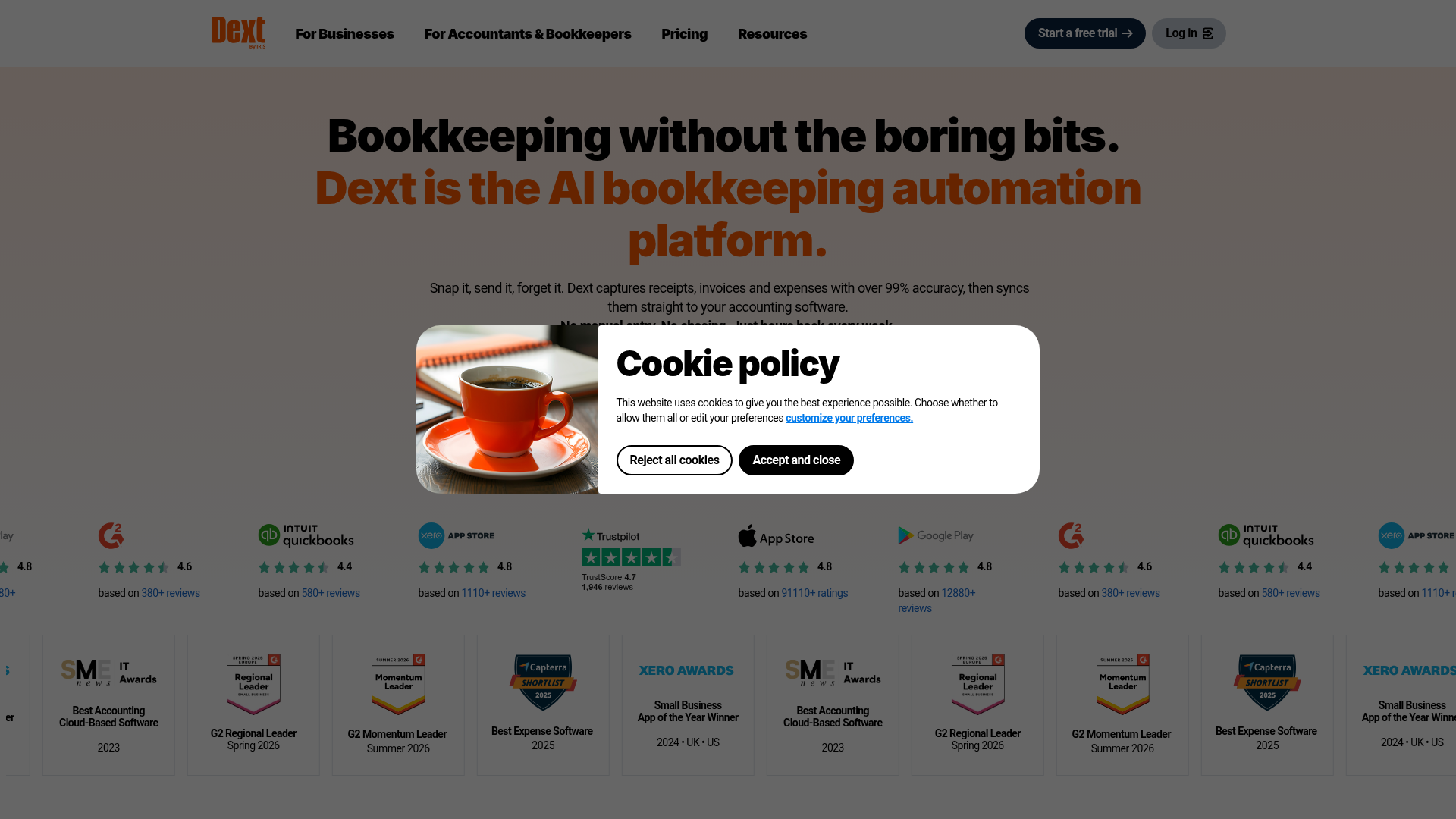
Dext is a document capture tool that pulls receipts, invoices, and statements from email, mobile capture, and supplier feeds, extracts the data, and publishes it to Xero, QuickBooks, Sage, and more than 30 other accounting platforms. On standard printed English documents it reads supplier, date, and total reliably, and supplier rules let you code a vendor once and auto-publish from then on.
Line-item extraction is not the default. It sits outside the base plan as a paid add-on, so a firm that wants every line coded pays for the depth on top of the subscription. Plans scale by users and document allowance for businesses, and by client count for practices, so a growing firm pays more as the roster grows even if documents per client stay flat. Firms comparing Dext alternatives usually name that cost structure as the reason they started looking.
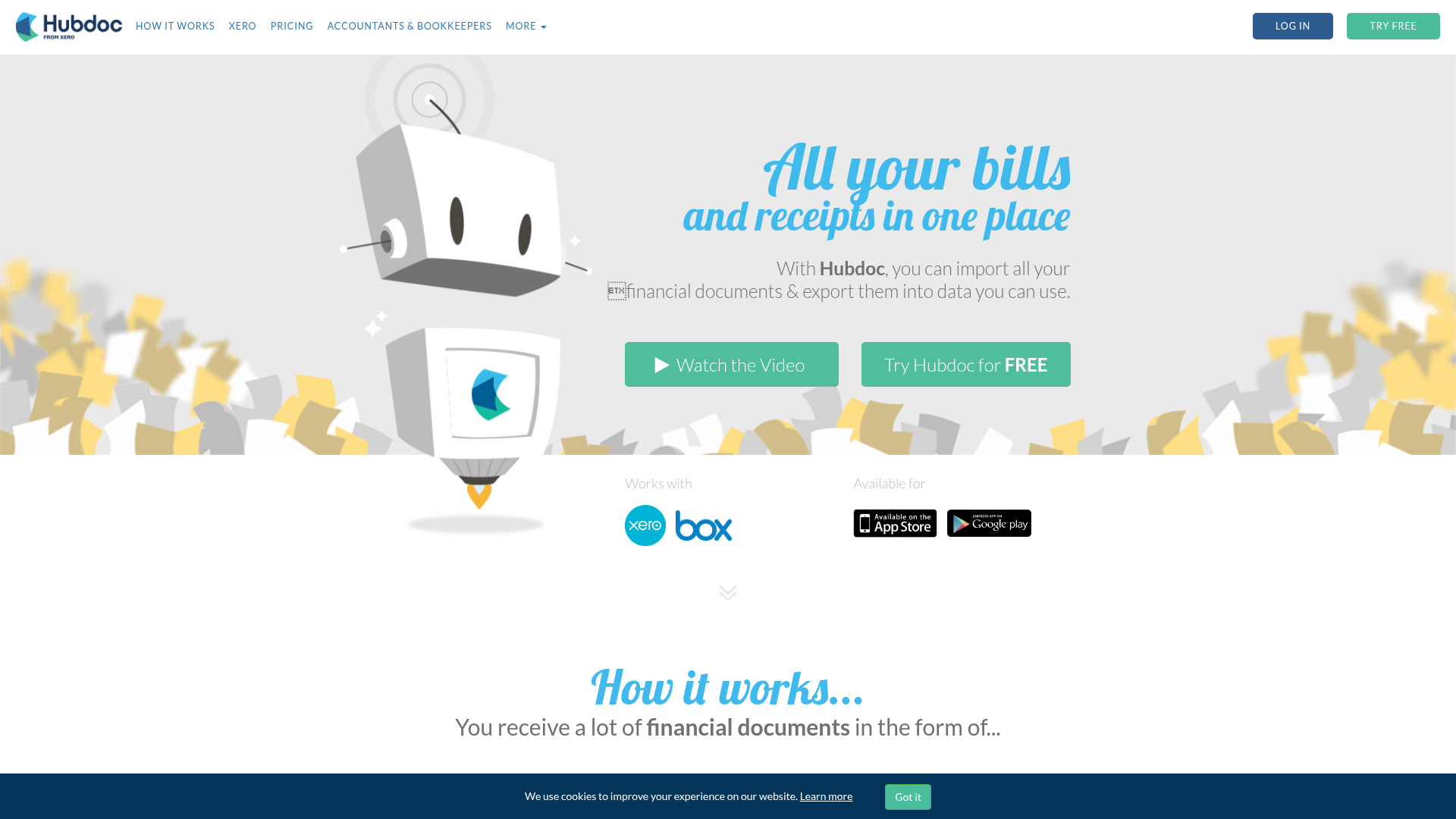
Hubdoc is Xero's document capture tool, bought in 2018 and bundled into most Xero plans at no extra cost, or about $12 a month standalone. It works as a digital filing cabinet for supplier documents: upload or email a receipt, invoice, or statement, and Hubdoc pulls the header fields, creates a draft transaction in Xero, and attaches the source file. It also publishes to QuickBooks Online and Bill.com, and it fetches statements and bills automatically from over 700 banks and utilities.
What it does not do is extract line items. A supplier invoice with 20 lines lands in Xero as one coded total with the PDF attached. Firms researching Hubdoc alternatives usually start from that gap.
| Feature | Dext | HubDoc | Key limitation |
|---|---|---|---|
| Line item extraction | Credit based add on | Not supported | Neither delivers full line items |
| Bank statements | Header level only | Header level only | No line by line coding |
| Language support | English focused | English focused | Multilingual invoices need workarounds |
| Pricing | Per document credits | $12/month or bundled with Xero | Costs rise with volume |
| Setup | Per supplier rules | Minimal setup | Depth trades off simplicity |
Neither codes every line item before publishing.
Hubdoc captures the supplier, amount, invoice number, and due date, then attaches the source PDF. Header-level capture is the ceiling, not the starting point. Every line on a wholesale invoice still gets typed by hand once it lands in Xero.
Dext handles line items, but not for free. Extraction is a paid add-on rather than part of the base plan, so firms processing wholesale orders or inventory-heavy documents pay more precisely because their documents are more complex.
The practical effect is the same either way. Firms with construction, wholesale, or multi-department clients end up choosing between typing line items by hand and paying for the privilege of not doing so.
Hubdoc's pricing is simple. Free with most Xero subscriptions, or about $12 a month standalone. No tiers, no per-client math, no add-ons to track.
Dext has two ladders. The Business plan is $25.21 a month billed annually ($302.50 up front), or about $31.50 month to month, for five users and 250 documents. Practice plans are priced per client per month with a 10-client minimum, in two tiers, Essentials and Advanced. Dext's pricing page shows the structure but not the per-client figure, so the numbers you see quoted elsewhere are third-party estimates, roughly $208 to $239 a month for 10 clients depending on billing term. Line-item extraction and bank statement pages beyond the included allowance are metered on top.
So the two tools meter different things. Hubdoc meters nothing and hands you the manual work. Dext meters clients, add-ons, and statement pages, which is why the headline price rarely matches the invoice.
Dext extracts transactions from bank statements as part of the product, with an included allowance and per-page billing beyond it. It handles scans as well as digital PDFs.
Hubdoc's story depends on where you are. In the US and Canada it can convert a PDF statement to a CSV for import into Xero or QuickBooks, reading date, description, and amount for each transaction, but only for supported banks and only from digital PDFs, not scans or photos. Everywhere else, Hubdoc fetches and stores the statement and the transactions come from the bank feed or get keyed by hand.
Neither tool codes the transactions it extracts. Both hand off raw rows and leave categorization to the bookkeeper.
Both tools were built for one kind of document: printed, English, Latin alphabet, machine generated. Hubdoc's extraction assumes clean supplier fields in that format. Documents outside it, whether non-Latin scripts, handwritten receipts, or faded thermal paper, either fail to extract or come back with fields the bookkeeper fixes by hand.
Dext stretches a little further, into the major European languages, but it follows the same pattern. Non-standard formatting and non-Latin characters mean substantial correction.
For firms with domestic, English-speaking supplier bases, this rarely surfaces. For firms managing clients with invoices in Chinese, Thai, or Arabic, or the handwritten receipts common across Southeast Asia and the Middle East, it is a structural gap, not a plan-tier problem.
Both tools automate coding through supplier rules built per client. See a supplier, set the rule once, and the next document from that supplier codes itself. Dext's rules and category mappings are richer, which means more to configure and more to maintain as the supplier list grows. Hubdoc's are simpler and tied closely to the Xero setup already in place, so there is less to build up front and fewer options for supplier-specific handling.
On integrations, Dext publishes to 36-plus accounting platforms including Xero, QuickBooks, and Sage, so a firm with a mixed client base can run one tool across all of it. Hubdoc reaches Xero, QuickBooks Online, and Bill.com. Firms standardized on one of those see no gap. Firms with clients on Sage, Zoho, or regional platforms find Hubdoc stops where the roster diversifies.
Reviews on the Xero App Store put Hubdoc at 3.3 stars as of September 2026, a middling score for a tool bundled into most Xero plans. Recurring complaints are slow processing, occasional duplicate transactions, and the sense that the product has not moved much since the acquisition.
Dext's reviews lean toward cost rather than speed: the 10-client minimum, the add-ons, and renewal increases that catch firms off guard. Hubdoc's simplicity comes with limited investment. Dext's depth comes with a bill that is hard to predict.
Firms outgrowing Dext and Hubdoc tend to share a profile: multilingual client portfolios, invoices with 20 or more line items, or bank statements arriving every month across several entities. For them the gap is structural. Static rules and paid depth both assume documents stay simple and predictable, and the moment a supplier changes format or an invoice arrives in a new language, both models start charging more or asking for more configuration.
Tofu, an AI bookkeeping automation platform built for accounting firms, extracts every line item on every document and every plan, with no add-ons and no ceiling at the invoice total. A 30-line wholesale invoice with mixed tax rates gets coded in full. Tofu reads 200+ languages, including handwriting, so a Thai receipt or a handwritten invoice extracts the same way an English PDF does. Its self-learning knowledge engine reads the firm's chart of accounts and supplier history and codes new documents against it, with no rule-building per supplier. The full Tofu vs Dext comparison covers the differences in detail.
Tofu sits before the accounting software as the document processing layer, so publishing, reconciliation, and reporting stay exactly where they already happen. Pricing is flat and covers unlimited users, so it does not climb with client count.
The right choice comes down to your document mix, not feature lists. Clean, English-language invoices with simple totals, and a firm already on Xero? Hubdoc's bundled simplicity is enough. Line-item depth, a mixed client base across many ledgers, and budget for add-ons as complexity grows? That is Dext.
Run the math against your real workload first: languages, line items per bill, bank statements per month, and what the add-ons cost as volume climbs. A tool that is cheap at 10 clients can look different at 50.
And if what lands in your inbox is multilingual, handwritten, or line-heavy, the Dext vs Hubdoc question has a third answer. Book a Tofu demo and test it on your messiest document.
Neither tool is built for multilingual documents. Dext stretches to the major European languages; Hubdoc is English only. Both treat non-Latin scripts, handwritten receipts, and faded thermal paper as fields the bookkeeper fixes by hand, so firms with clients invoicing in Chinese, Thai, or Arabic hit a structural gap in both.
Hubdoc is free with most Xero subscriptions or about $12 a month standalone, with no tiers or add-ons. Dext Business is $25.21 a month billed annually for five users and 250 documents, and Practice plans are priced per client with a 10-client minimum, roughly $208 to $239 a month for 10 clients according to third-party listings. Line items and extra bank statement pages cost more on top.
Hubdoc captures the supplier, amount, invoice number, and due date, then attaches the PDF. Line items need manual entry. Dext extracts line items as a paid add-on, so a firm processing 30-line wholesale invoices pays more precisely because those documents are complex.
Only in the US and Canada, where it converts digital PDF statements from supported banks into a CSV for Xero or QuickBooks. It does not work on scans or photos, and it is not available in other regions. Elsewhere Hubdoc stores the statement and the transactions come from the bank feed or manual entry.
Choose Hubdoc if your clients send clean, English-language invoices with simple totals and you are already on Xero. It costs nothing extra and asks little of you. Choose Dext if you need line-item depth, publish to several accounting platforms, and have budget for the add-ons as document complexity grows.