Jay Sen Lon
September 25, 2026

Manual invoice entry costs your firm $15 to $16 a document, against $3 to $5 once that same invoice gets processed automatically before it hits Zoho Books. Multiply that by the hundreds of invoices, receipts, and bank statements your clients send every month and the math stops being a rounding error. This piece walks through exactly where that manual work sits in a typical Zoho Books workflow, and what it takes to move it out of your team's hands for good.
TLDR:
Zoho Books invoice automation, for this guide, means one thing: getting supplier invoices, receipts, and bank statements out of your inbox and into Zoho Books as coded entries without anyone typing them in by hand.
That differs from e-invoicing. The UAE's Electronic Invoicing System, introduced through Ministerial Decision No. 243 of 2025 and Ministerial Decision No. 244 of 2025, governs how VAT registered businesses issue compliant invoices to customers, with a phased rollout for adoption. Zoho Books handles that side directly. This guide does not.
This guide covers accounts payable: the supplier bills your clients forward every month, in every format, that someone on your team still keys in by hand. E-invoicing adds compliance work on top of that pile, it does not remove it.
Open a supplier invoice. Type the vendor name into Zoho Books. Type the date. Type the amount. Scroll down, type each line item, look up the right chart of accounts code, repeat. Multiply that across every client your firm serves, and the bottleneck becomes structural, not personal. A firm growing from 150 to 250 clients does not get 66% more hours in the day. It gets 66% more typing.
Manual invoice automation software for accounting firms cuts costs from $15 to $16 per invoice down to $3 to $5 for automated flows. Error rates follow the same pattern: 1.6% for manual entry versus under 0.1% automated. Across thousands of invoices a month, that gap becomes hours lost and mistakes found at audit time.
| Metric | Manual Entry | Automated Processing |
|---|---|---|
| Cost per invoice | $15 to $16 | $3 to $5 |
| Error rate | 1.6% | Under 0.1% |
| Hours for 100 invoices/month | 20 to 25 hours | Reviewing coded entries instead of typing them |
A consolidated PDF from a UAE supplier often bundles ten invoices into one file, and Zoho Books does not split it for you. Automated invoice data capture handles the splitting and extraction before anything reaches the ledger. Someone has to open the file, find where one invoice ends and the next begins, then separate them before entry can start.
Credit card statements are worse. They rarely arrive through a bank feed the way current account transactions do. Instead, they land as a PDF with 40 or 50 line items, each needing a category and amount typed by hand.
Most tools also stop at the header, capturing supplier name, date, and total while line items get left for a human to transcribe, even in firms already running Zoho Books.
Zoho Books already automates a good part of the ledger. Recurring invoices go out on schedule. Payment reminders chase overdue clients without a partner drafting an email. Approval workflows route bills to the right person before they post. Bank feed reconciliation matches incoming transactions against the ledger automatically, and retainer invoices handle prepaid client work without manual recalculation each month.
All of that sits downstream of one assumption: the data is already in Zoho Books. None of these features read a supplier PDF, split a consolidated invoice, or pull line items off a handwritten receipt. Recurring invoices automate what you send out, not what arrives from a supplier in Dubai or Abu Dhabi. Getting that inbound data coded and entered line by line is still a manual job for most UAE firms.
A basic OCR tool reads pixels and returns text. It usually finds a supplier name, invoice number, date, and total, since those fields sit in predictable spots on most invoices. The best accounts payable OCR software goes further, extracting every line item instead of stopping at the header. That is header-level capture, and it is where most generic document AI stops being useful for accounting firms.
Line items are a different problem. A 30-line wholesale invoice mixes quantities, unit prices, mixed tax rates, and subtotals, and separating those requires understanding what each line means, not simply where it sits on the page. Independent evaluation of Google Document AI found it performs adequately on standard header fields but shows measurable weakness on line-item extraction compared to tools purpose-built for invoice processing, a gap that matters for firms posting into Zoho Books.
Header-only extraction still leaves someone typing every line by hand. AI invoice processing built for this job extracts every line, applies the correct tax treatment, codes it to your chart of accounts, and posts it, so the accountant reviews instead of retyping.
Handling multi-currency and multilingual supplier invoices in the UAE
UAE accounting firms serve a client base that trades globally, and the invoices reflect it. A freight forwarder in Dubai gets bills from a Chinese manufacturer, a trading company receives supplier invoices in Hindi, and a construction client's subcontractor sends a bill in Arabic priced in Egyptian pounds, not AED. Choosing the right multi-currency invoice processing software determines whether those documents enter Zoho Books accurately or wait for a bilingual staff member. This is Tuesday, not an edge case.
The instinct is to call this a currency problem. It is not. Zoho Books converts currencies correctly once invoice data sits in the system as clean, coded line items. The bottleneck sits earlier: someone has to read the invoice first. If nobody in the office reads Mandarin or Hindi, that invoice waits, or gets typed in by guesswork.
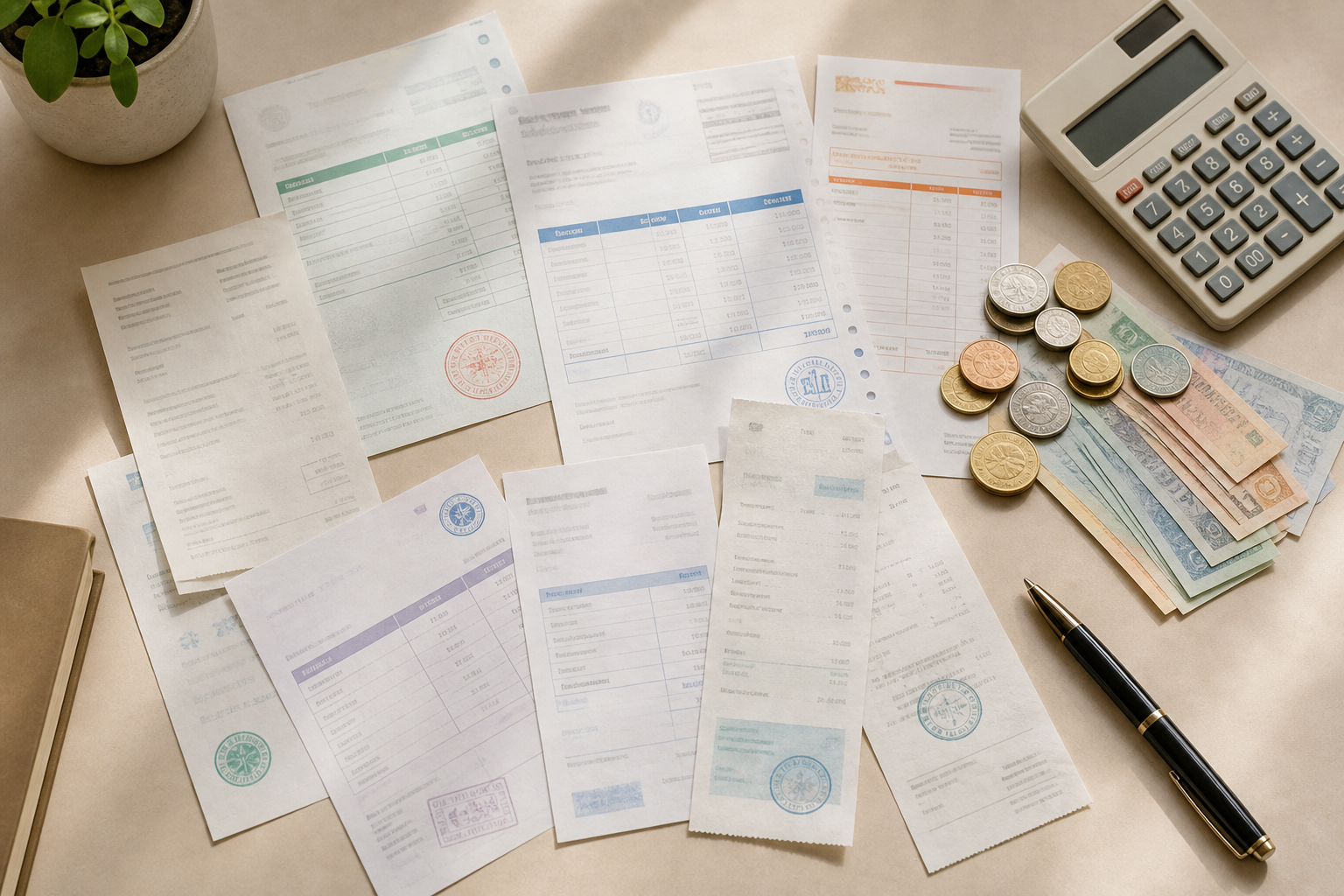
This is where AI document processing built for multilingual extraction earns its place upstream of Zoho Books. Multi-currency invoice processing for accounting firms means reading the invoice in its original language, translating supplier names and line items, applying the correct currency, and handing Zoho Books coded, structured data.
Zoho Books matches transactions cleanly once they sit in the ledger. The problem is upstream: not every UAE bank offers a clean feed into Zoho Books, and even where one exists, it rarely covers historical periods a new client brings on mid-year. Someone ends up opening a PDF statement and typing transactions in by hand.
Bank statements need every transaction pulled out individually: date, description, amount, debit or credit. Miss a page and the closing balance stops matching. AI-powered AP automation software handles this extraction automatically, including multi-page statements.
Credit card statements are harder. A bank statement often posts as a handful of transfers, while a credit card statement can carry 40 or 50 individual purchases, each needing its own chart of accounts code instead of one lump total. Coding that by hand, line by line, is where most hours disappear before the statement reaches Zoho Books.
What To Look For In An Invoice Automation Tool For A Multi-Client Accounting Firm
Given the volume and variety of documents a UAE firm handles across clients, a checklist matters more than a feature list. A few criteria separate tools that hold up under real workloads from ones that only work in the demo.
Manual invoice processing runs $15 to $16 per invoice against $3 to $5 for automated flows, a gap that compounds at volume. A firm coding 100 invoices a month manually spends 20 to 25 hours on it. Multiply that across 20 or 30 clients and a bookkeeper's month disappears into typing before any actual accounting happens.
The threshold is volume, not firm size. A firm clearing a handful of invoices for one or two clients in under an hour won't see return on a subscription. Once a firm handles hundreds of invoices and bank statements across dozens of clients, the calculation changes: bookkeeper hours saved against subscription cost. One Dubai firm scaling to 4,800 extractions across 200+ clients shows exactly how that arithmetic plays out. Ten hours saved a month against a normal salary pays for the subscription before the first billing cycle ends.
Tofu is an AI document processing tool that sits upstream of Zoho Books. It extracts every line item from supplier invoices, receipts, and bank statements, learns each client's chart of accounts and coding preferences, and publishes structured data straight into Zoho Books. The bookkeeper's job changes from typing to reviewing.
For UAE firms, this matters for the exact documents described earlier: a Chinese manufacturer's invoice, an Arabic subcontractor bill, a statement in a currency that is not AED. Tofu's 200+ language extraction and multi-currency support are built for that reality.
The Zoho Books native integration is two-way, covering tag and tracking category assignment and contact write-back, with reverse charge mechanism handling available via CSV export. Firms keep publishing into the ledger they already run.
"Before using Tofu, it would take me between 3 to 4 hours. With Tofu, I can now complete the process in just 30 to 60 minutes."
That kind of time recovery, reported by a bookkeeper at a Malaysian accounting firm using Tofu, is what UAE firms handling high invoice volumes across many clients can expect once line item entry moves out of the review process.
At some point, typing every line item by hand stops being a habit and starts being the thing holding your firm's growth back. Zoho Books does its part once the data arrives clean, so the real opportunity sits in how that data gets there in the first place. Get that upstream step right and your team spends its time on the accounting work that actually needs a human. Want to see it work on your own supplier invoices? Book a demo.
Zoho Books handles currency conversion; the gap is upstream extraction. Use an AI tool with 200+ language support to read and code the invoice before it reaches Zoho Books. Tofu's 200+ language extraction and multi-currency support are built for exactly this UAE reality of Chinese manufacturers, Egyptian pound invoices, and Arabic subcontractor bills.
Zoho Books' native automation (recurring invoices, payment reminders, approval workflows, and bank feed reconciliation) handles what happens once data already sits in the system, but none of it reads a supplier PDF, splits a consolidated invoice, or pulls line items off a receipt. A UAE firm doesn't need to pick one over the other. Zoho Books keeps doing what it already does well, while an AI document processing tool sits upstream, extracting invoices, receipts, and bank statements in 200+ languages and publishing coded entries straight into Zoho Books. The firm keeps its existing Zoho Books workflow and simply removes the manual entry step that used to happen before anything reached it.
Not every UAE bank supports a live feed into Zoho Books, and even where one exists it rarely covers historical statements a new client brings on mid-year. When there's no feed, the bank statement arrives as a PDF and every transaction still needs a date, description, amount, and chart of accounts code entered by hand. An AI document processing tool like Tofu handles that extraction automatically. It pulls every transaction off the PDF, applying account codes learned from each client's existing coding history, and publishing the structured data into Zoho Books. The bank feed and the processing tool solve different problems: one handles ongoing transaction sync, the other handles the documents that arrive outside that channel.
Accuracy on a supplier Tofu has processed before is high — corrections made in the first few weeks reduce manual review considerably as volume grows. For a brand-new supplier, accuracy starts around 85% and typically reaches 95%+ by the third invoice from the same vendor as the AI learns that supplier's layout, tax codes, and your client's coding preferences. When Tofu isn't certain about a field, it flags it instead of posting blindly, so a reviewer can click directly on the flagged field and see the exact spot on the source document it came from. Every correction trains the system, so exception rates drop over time rather than staying fixed. The practical comparison isn't AI vs. perfection — it's AI-assisted review, which gets faster with use, vs. manual entry at a fixed rate that never improves.
Yes. Tofu's extraction reads documents in 200+ languages without requiring any language selection or configuration. An Arabic subcontractor bill, a Chinese manufacturer invoice, and a Hindi supplier receipt all go through the same upload workflow. Tofu reads the original language, extracts every line item, applies the correct currency and tax treatment, and publishes coded entries into Zoho Books with English translations shown alongside the source text during review. For UAE firms whose clients trade across the Gulf, South Asia, and East Asia, this means a bookkeeper who doesn't read Mandarin or Hindi can still verify the extracted data without guessing at characters or running a separate translation tool first.