Jay Sen Lon
June 1, 2026


Manual invoice processing costs $12 to $30 per invoice and consumes 10 days per month for finance teams. The best AP automation software for small business operations eliminates that overhead by handling invoice capture, approval workflows, and payment execution automatically. We ranked the tools on what matters when your AP volume is growing faster than your headcount.
TLDR:
AP automation software handles the accounts payable process digitally, taking over tasks like invoice capture, data extraction, approval routing, and payment processing that would otherwise require manual effort from your team.
For small businesses, this matters because the volume of invoices and bills rarely stays manageable forever. As your vendor relationships grow, so does the paperwork. Finance teams spend 10 days per month just managing AP processes, and manual invoice processing can cost between $12 and $30 per invoice when you factor in labor, errors, and reprocessing time.
There are a few distinct capabilities that separate true AP automation from basic accounting software:
For small businesses specifically, the bar is a little different than for enterprise teams. You probably have one or two people handling AP alongside other responsibilities, not a dedicated department. The right software needs to be fast to set up, easy to learn, and priced for a team that isn't processing thousands of invoices a month.
We ranked tools on five criteria that reflect what actually matters for small business AP workflows. Each one came from a real gap we saw in how these tools perform under everyday conditions, beyond just demos.
Tofu sits at a different layer than most AP automation tools. Rather than routing invoices through an approval workflow, it handles the step that comes first: extracting every line item from any supplier document, in any language, and publishing it directly to your accounting software.
For small businesses juggling invoices from multiple suppliers across different formats and languages, that extraction step is where time disappears. Tofu processes it automatically.
Tofu is not an approval workflow tool. It does not replace your accounting software. It sits before your accounting software, processing the documents so your books get populated accurately without manual data entry.
"What used to take me 3-4 hours can be done in 30-60 minutes." That is from Tammy Tan at Klozer, describing the shift after using Tofu on her regular invoice load.
For a small business owner or bookkeeper doing that work manually every week, the time difference is real and immediate.

Vic.ai is built for mid-market and enterprise finance teams, not small businesses. It focuses on AI-driven invoice matching, approval routing, and ERP integrations, and it works well in high-volume environments where invoices flow through complex approval chains.
For small businesses, the fit is weaker. Vic.ai is priced and scoped for organizations with dedicated finance departments and ERP systems like SAP or Oracle. If you're a small team running QuickBooks or Xero, the setup overhead and cost structure will likely outweigh the benefits.
Vic.ai earns its place in larger organizations. For a small business owner or bookkeeper managing a few hundred invoices a month, the product is overbuilt for the problem you're actually trying to solve.
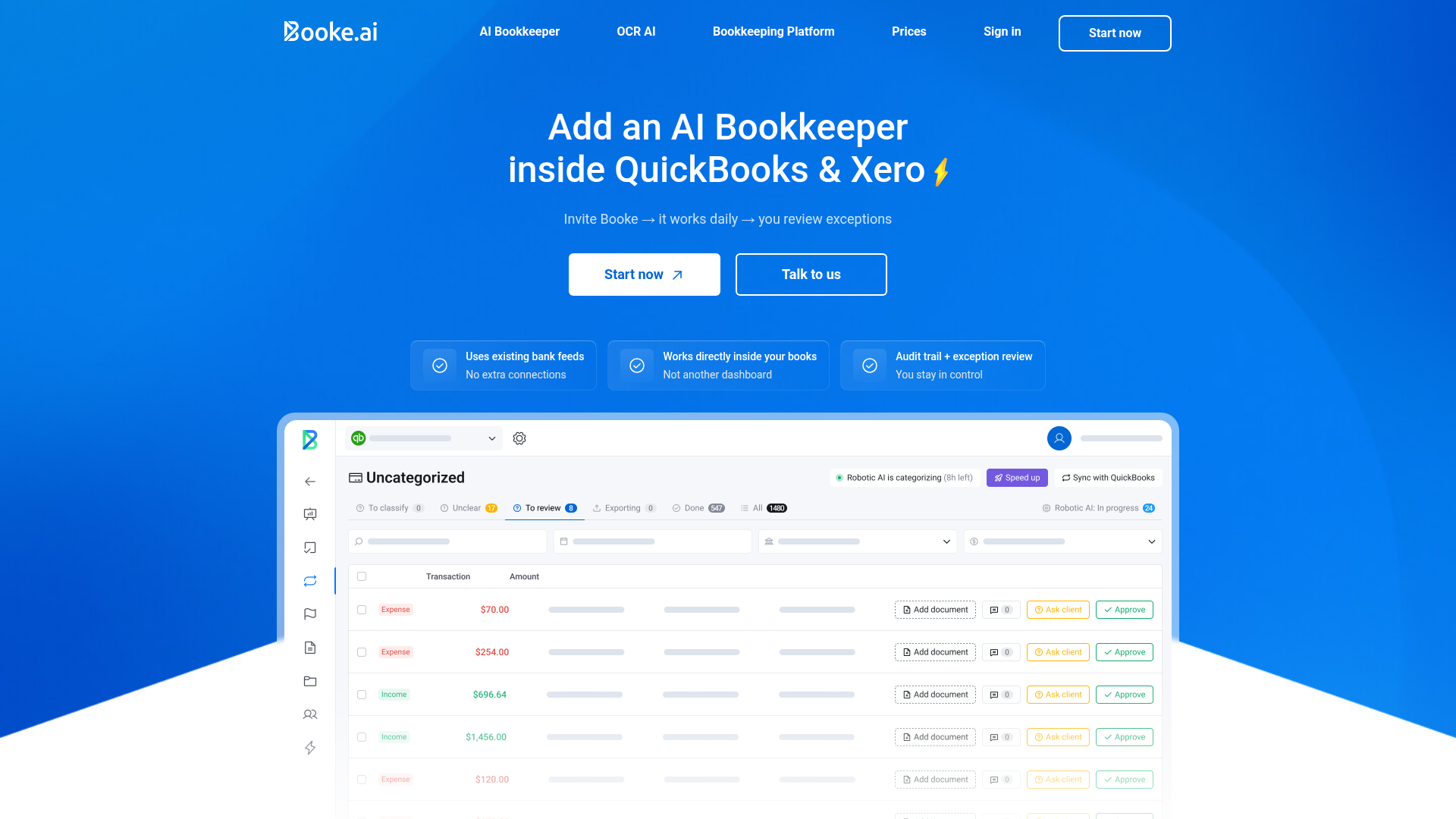
Booke.ai pitches itself as an AI bookkeeping tool built for accountants and small business owners, with a focus on transaction categorization, bank reconciliation, and client collaboration. It connects to QuickBooks and Xero, and its interface is designed to reduce back-and-forth between bookkeepers and their clients.
The core workflow works like this: Booke pulls in bank transactions, uses AI to suggest category codes, and flags anything it's uncertain about for human review. Clients can respond to queries directly inside the tool, which cuts down on the email chains that slow down month-end closes.
Where Booke fits well:
Where it falls short:
Booke is a reasonable pick for bookkeepers whose work is primarily transaction-based. If your bottleneck is source document processing rather than reconciliation, it won't solve the right problem.
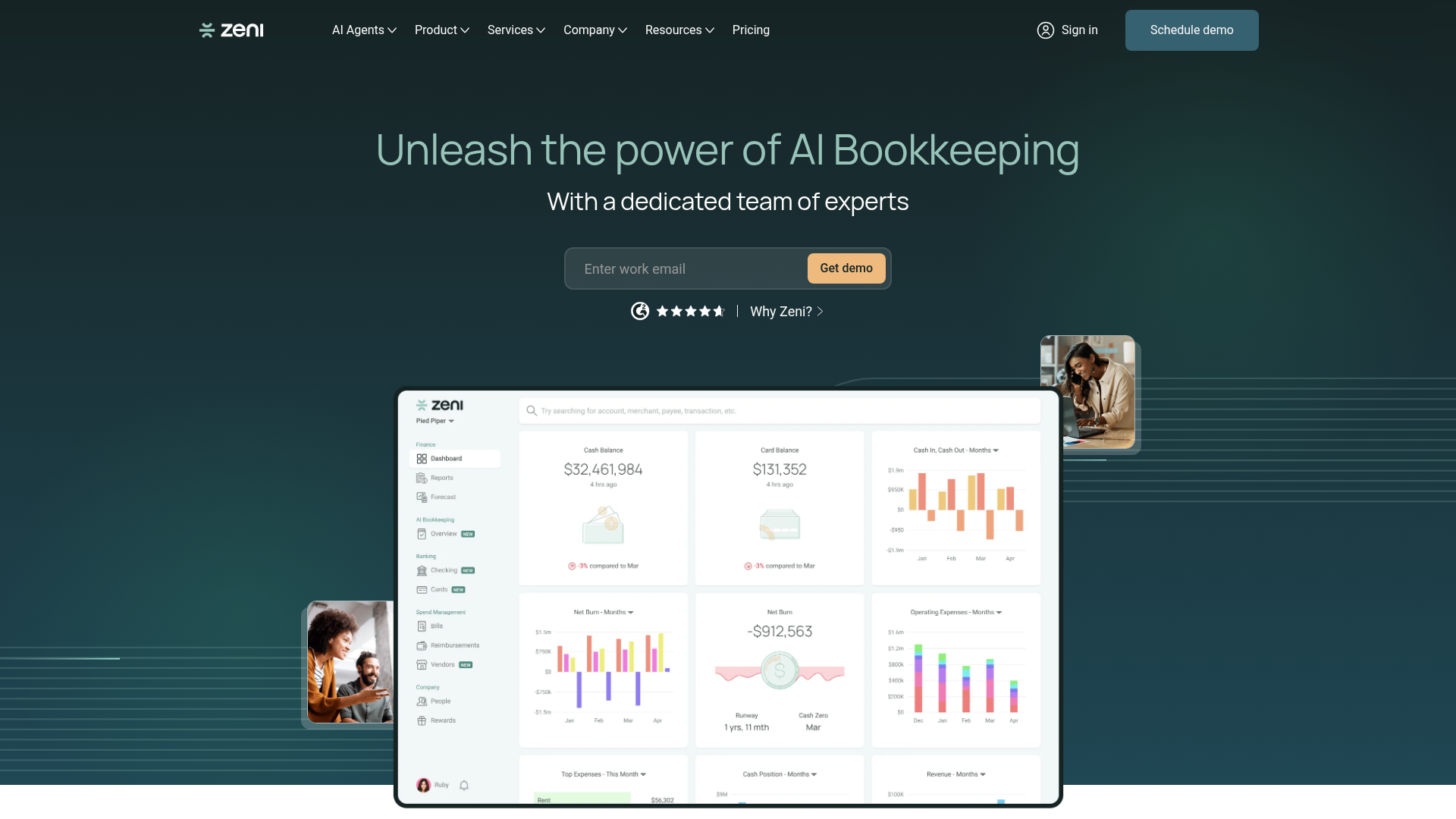
Zeni is an AI-powered finance tool built specifically for startups, combining bookkeeping automation with CFO-level reporting in a single product. It handles accounts payable, expense tracking, payroll, and monthly close — which makes it appealing for venture-backed companies that want one tool to cover a lot of ground.
For small businesses with that startup profile, Zeni can work well. The AI categorizes transactions, matches invoices to purchase orders, and flags anomalies without requiring much manual intervention. The product is designed to replace a part-time bookkeeper for early-stage companies that are not yet ready to hire a full finance team.
The tradeoffs are worth knowing before you commit.
Zeni's pricing is built around its managed-service model, where a team of human finance professionals backs the AI. That structure pushes the monthly cost well above what most small businesses are spending on standalone AP automation tools. You're paying for the concierge layer whether you want it or not.
If your business looks like a seed-stage startup with a US bank account and a small, clean set of vendors, Zeni covers a lot of ground at a reasonable cost. If you run a service firm, a retail operation, or any business with messy, high-volume, or multilingual AP, a dedicated AP automation tool will give you more control and lower per-document cost.
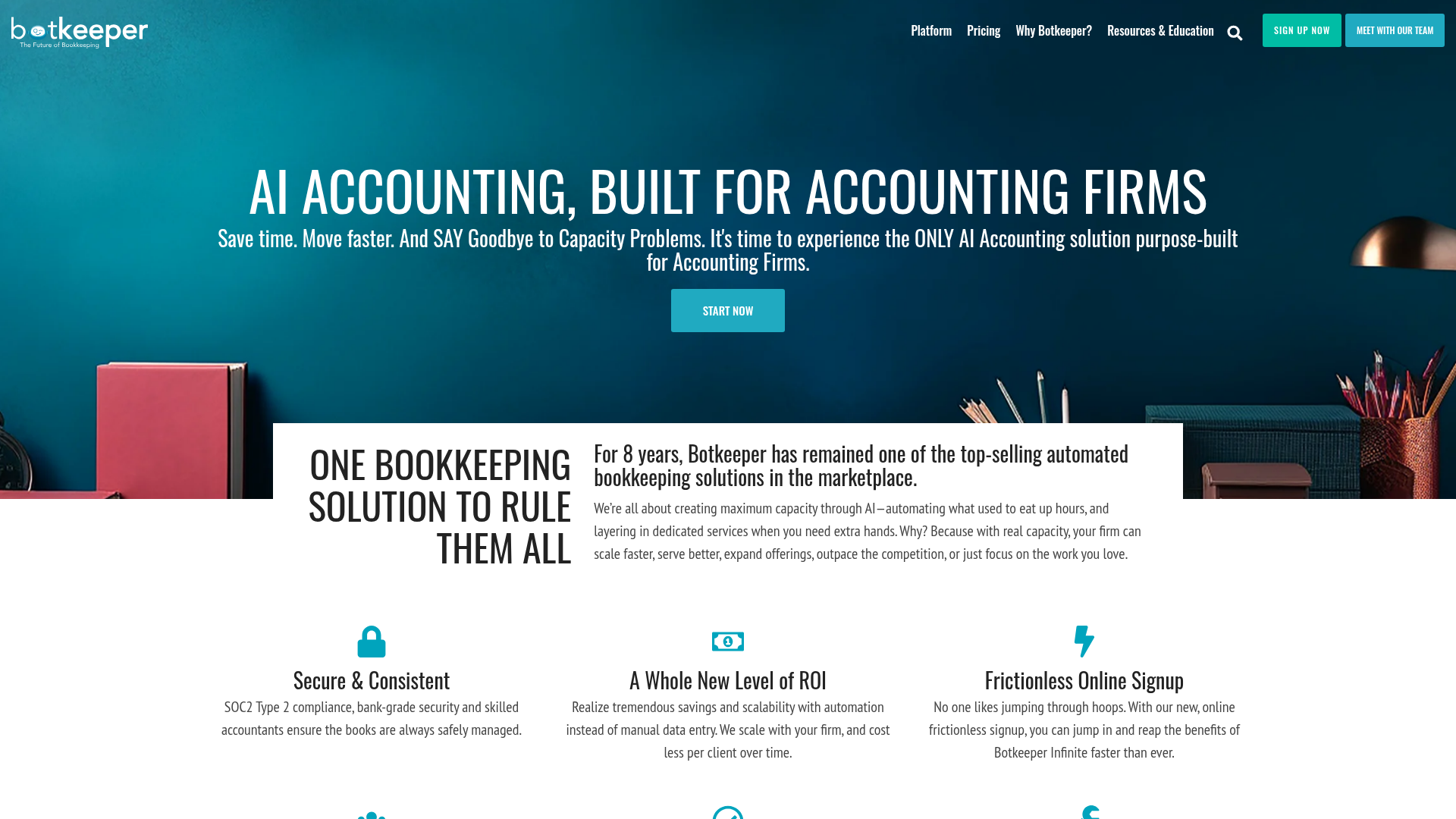
Botkeeper is an AI-powered bookkeeping automation tool built for accounting firms that want to hand off routine bookkeeping work entirely. Rather than just extracting documents, it combines AI with a team of human bookkeepers who review and clean up the output, giving firms a hybrid service rather than a pure software subscription.
That hybrid model is the defining characteristic here. You're not buying software to run yourself; you're buying a managed service where Botkeeper's team handles the books on your behalf. For small accounting firms without in-house bookkeeping staff, that can be appealing. For firms that want control over how work gets coded and reviewed, it can feel like a black box.
Botkeeper works well for firms looking to offload bookkeeping for straightforward clients with clean, consistent transaction volumes. The AI handles transaction categorization and reconciliation, and the human layer catches errors before they reach the client.
The tradeoffs are worth knowing before you commit:
For small businesses shopping for AP automation specifically, Botkeeper is not a direct fit. It handles bookkeeping broadly rather than accounts payable as a distinct workflow, so invoice processing, approval routing, and vendor payment management are outside its core scope.
Dext is one of the most widely used document capture tools among small accounting firms, and for good reason. It handles invoice and receipt capture reliably across a range of document types, and its integrations with Xero and QuickBooks make it a familiar choice for bookkeepers already working inside those ecosystems.
That said, Dext has real architectural limits that matter depending on your workflow.
For a small business with straightforward, English-language invoices and a modest document volume, Dext is a workable choice. If your document mix is more varied, or if you need full line-item extraction without paying per credit, the pricing math shifts fast.
The table below covers the criteria that matter most for small business AP workflows, based on the ranking factors from earlier in this guide.
| Feature | Tofu | Vic.ai | Booke | Zeni | Botkeeper | Dext |
|---|---|---|---|---|---|---|
| Line-item extraction included | Yes | Yes | No | Yes | No | No (add-on) |
| Multilingual support (200+ languages) | Yes | Yes | No | No | No | No |
| Handwriting recognition | Yes | No | No | No | No | No |
| Zero-configuration setup | Yes | No | No | No | No | No |
| Bank statement processing | Yes | Yes | No | Yes | No | Yes (credits) |
| Self-learning AI | Yes | Yes | Yes | Yes | No | No |
| Native accounting integrations | Yes | Yes | Yes | Yes | Yes | Yes |
| Flat monthly pricing | Yes | No | No | No | No | No |
| Unlimited users | Yes | No | No | No | No | No |
| Currently active | Yes | Yes | Yes | Yes | No | Yes |
Tofu sits in the gap that most AP automation tools ignore. They capture invoice headers, maybe totals, and then hand the rest back to you. Tofu extracts every line item, maps it to your chart of accounts, and publishes directly to your accounting software — with no manual cleanup required.
For small businesses and the bookkeepers who serve them, that gap is where hours disappear.
The workflow is straightforward. You upload an invoice — PDF, photo, forwarded email, whatever format it arrives in. Tofu reads it, extracts every field including line-item detail, applies your coding rules, and publishes the result to Xero or QuickBooks Online. The first few documents teach it your preferences. After that, it codes the way you would.
Hubdoc captures header-level data only. Dext and AutoEntry charge per-document or per-credit for line-item detail. DOKKA was not built for multi-client firms managing many sets of books at once. Tofu's architecture is different: it was built specifically for accounting firms handling AP across multiple clients, not for single-entity businesses uploading the occasional receipt.
The results show up in practice. "What used to take me 3–4 hours can be done in 30–60 minutes," said Tammy Tan of Klozer. That kind of outcome comes from eliminating the re-typing, not just the scanning.
The best AP automation software for small businesses eliminates the re-typing step entirely, not just part of it. That means full line-item extraction included in the base price, support for documents in any language your suppliers send, and direct publishing to your accounting software without CSV exports or manual mapping. If your current process involves opening invoices and typing what you see, try Tofu on your next batch and compare the results.
Start by identifying your biggest bottleneck: if you're spending hours manually entering line items from invoices, prioritize tools with full line-item extraction included by default. If you process documents in multiple languages, filter for multilingual support before looking at anything else. Match the tool to your accounting software—native integrations post data directly without CSV exports—and check whether pricing scales with document volume or stays flat as you grow.
Tofu was built specifically for multi-client firms and uses flat monthly pricing that covers unlimited users and unlimited client entities—you pay based on extraction volume, not per client or per seat. Tools like Dext charge per client, which means costs climb as your portfolio grows. If you're managing 20+ clients with varied document formats and languages, prioritize tools that handle line-item extraction across all languages without add-on fees.
Most legacy tools like HubDoc, AutoEntry, and Dext are limited to Latin-script languages, which creates a blocking gap if you receive invoices in Arabic, Chinese, Thai, or other non-Latin alphabets. Tofu processes documents in 200+ languages including handwriting, with automatic English translation side-by-side, so international supplier invoices don't require manual workarounds or separate processing queues.
Header-only extraction captures the supplier name, date, and total amount—then stops. You still type every individual line item manually. Line-item extraction reads every line on the invoice, including descriptions, quantities, unit prices, account codes, and tax treatment, so the entire invoice gets coded and posted without manual entry. Some tools charge extra credits for line-item extraction; others include it by default.
Setup speed depends on whether the tool requires manual configuration. Platforms that need you to build rule templates or train the system before first use can take days to configure. Zero-configuration tools like Tofu connect to your accounting software, read your existing chart of accounts and coding history, and start extracting in minutes—most users process their first invoice within 15 minutes of connecting.