Jay Sen Lon
June 1, 2026


Manual invoice processing eats about 12 to 20 hours per week in a typical 30-client accounting firm. You read each line, type each field, check each account code, one invoice at a time, because that's how the work gets done when your accounting software doesn't talk to your inbox. The best invoice automation software for accounting firms closes that gap by reading supplier invoices the moment they arrive, extracting every line item down to the account code level, and publishing the coded transactions straight into your ledger so you can move from data entry to actual accounting work.
TLDR:
Invoice automation software for accounting firms handles the capture, extraction, and recording of invoice data without manual entry. Instead of opening a PDF, reading each line, and typing figures into your accounting software, the software reads the document and pushes the data through automatically.
For accounting firms managing invoices across dozens of clients, this matters at scale. A single firm might process hundreds of invoices weekly across clients with different suppliers, currencies, and document formats.
There are a few distinct capabilities to look for:
The gap between basic tools and more capable ones usually shows up in line-item extraction. Many tools capture only the header and total. If your clients need full line-item detail mapped to account codes, that distinction matters before you choose.
We scored each tool across five areas that matter most to accounting firms handling high invoice volumes: extraction accuracy, integration depth with major accounting software, AI learning capabilities, pricing transparency, and multi-client support.
Extraction accuracy was weighted most heavily. A tool that misreads supplier names, drops line items, or struggles with non-Latin scripts creates more work than it saves. We looked at how each product handles real-world documents: scanned PDFs, handwritten receipts, and invoices in multiple languages.
We also factored in how quickly each tool learns your firm's coding preferences over time, since the first week of setup should not look the same as month three.
Tofu is built specifically for accounting firms that process high volumes of invoices, receipts, and bank statements across multiple clients. Upload a document, and Tofu extracts every line item, maps it to your chart of accounts, and publishes directly to Xero or QuickBooks Online. No manual re-keying, no reformatting.
Where most invoice automation tools capture header-level data only (supplier name, date, total), Tofu goes to line-item level across 200+ languages, including handwriting. It also learns your coding preferences over time, so the more you use it, the less you need to review.
"What used to take me 3-4 hours can be done in 30-60 minutes." — Tammy Tan, Klozer
Tofu runs on a flat monthly fee rather than per-document or per-user pricing, which makes costs predictable as client volume grows. Native integrations exist for Xero and QuickBooks Online. For other accounting software, CSV export is available.

Vic.ai is an AI-powered accounts payable automation tool built for larger accounting teams and enterprises. It focuses heavily on invoice approval workflows, three-way matching, and ERP integrations rather than the kind of multi-client, multi-document processing that most accounting firms need day to day.
Vic.ai has genuine strengths in high-volume AP environments where invoice routing and approval chains are the main bottleneck.
Vic.ai was built for corporate AP departments, and that shows when you try to run it in a multi-client firm context.
For firms primarily doing accounts payable work for a single large corporate client, Vic.ai may be worth evaluating. For practices managing a broad client book, the architecture simply was not built for that workflow.

DOKKA is a multi-entity invoice and AP automation tool built for finance teams managing multiple entities or subsidiaries. It captures invoice data, routes documents for approval, and syncs with accounting software like Xero and QuickBooks.
DOKKA suits mid-size finance teams that need approval workflows and multi-entity consolidation in one place. If your firm manages complex corporate structures where invoices need to pass through several approvers before posting, DOKKA handles that routing well.
For accounting firms billing across a large client roster, DOKKA's architecture works against you. The tool is well-suited to a company running its own books across multiple entities. Managing 30 separate clients is a different problem entirely.
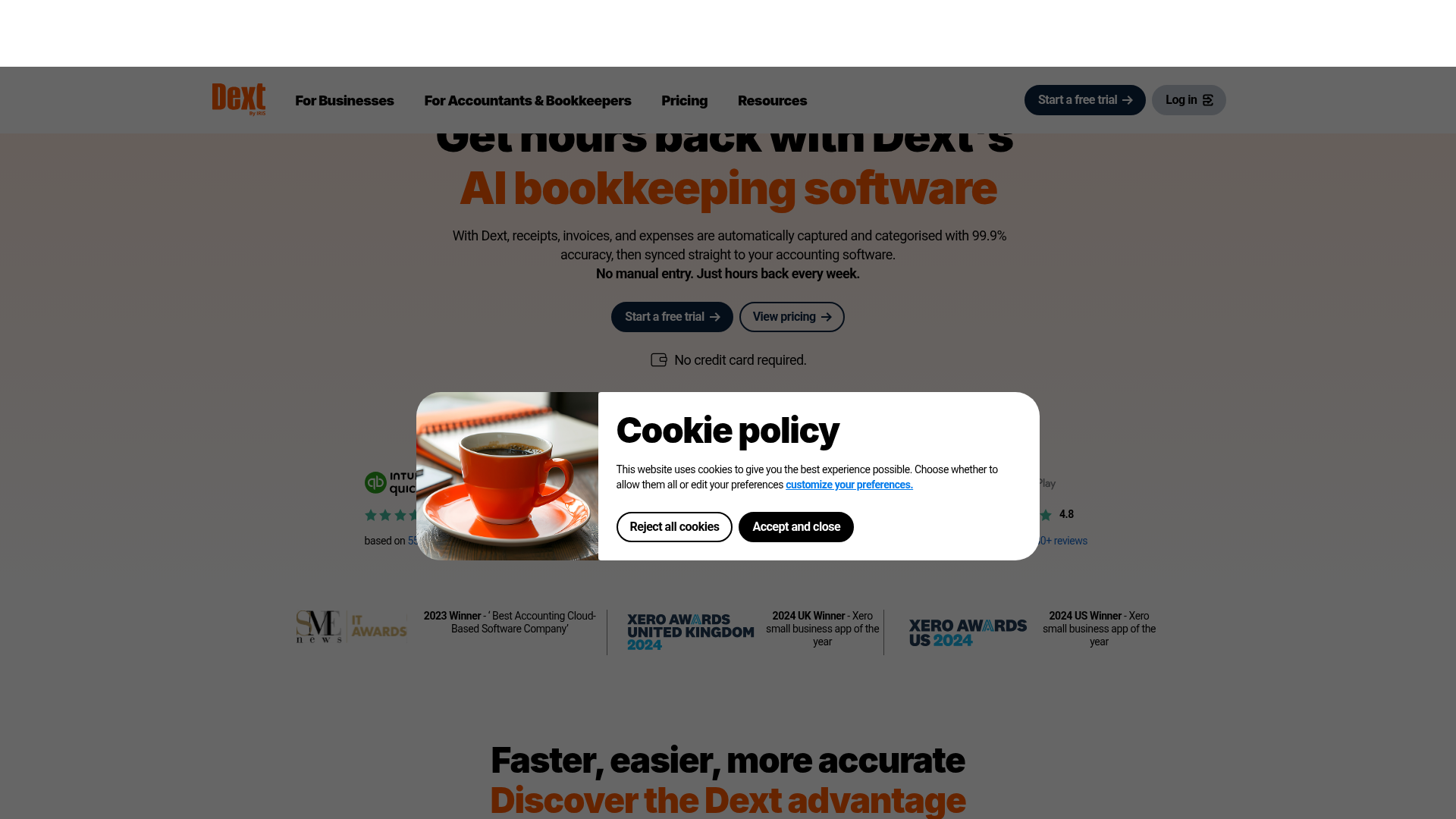
Dext is a document capture and data extraction tool built for accounting firms. It handles invoices, receipts, and bank statements, then pushes extracted data to accounting software like Xero, QuickBooks, and Sage.
Dext has strong adoption among accounting firms, particularly in the UK, Australia, and Canada. Its mobile app makes receipt capture straightforward for clients, and its supplier rules let you set default coding for recurring vendors.
Dext captures header-level data by default. Full line-item extraction is available but sits behind a higher-tier plan and consumes additional processing credits. For firms handling supplier invoices with 10, 20, or 30 line items, that adds up quickly.
Document accuracy also depends heavily on document quality. Scanned PDFs with low resolution or non-Latin scripts tend to produce extraction errors that require manual correction. Firms working with multilingual clients or international suppliers report more cleanup work than expected.
Pricing is per document, which means costs can scale unpredictably as client volume grows. Firms that process high volumes often find the per-document model harder to budget around compared to flat-rate alternatives.
Dext pricing varies by region and plan tier. UK and Australian firms typically see plans starting around $50 to $80 per month for lower document volumes, with costs rising based on how many documents you process each month.
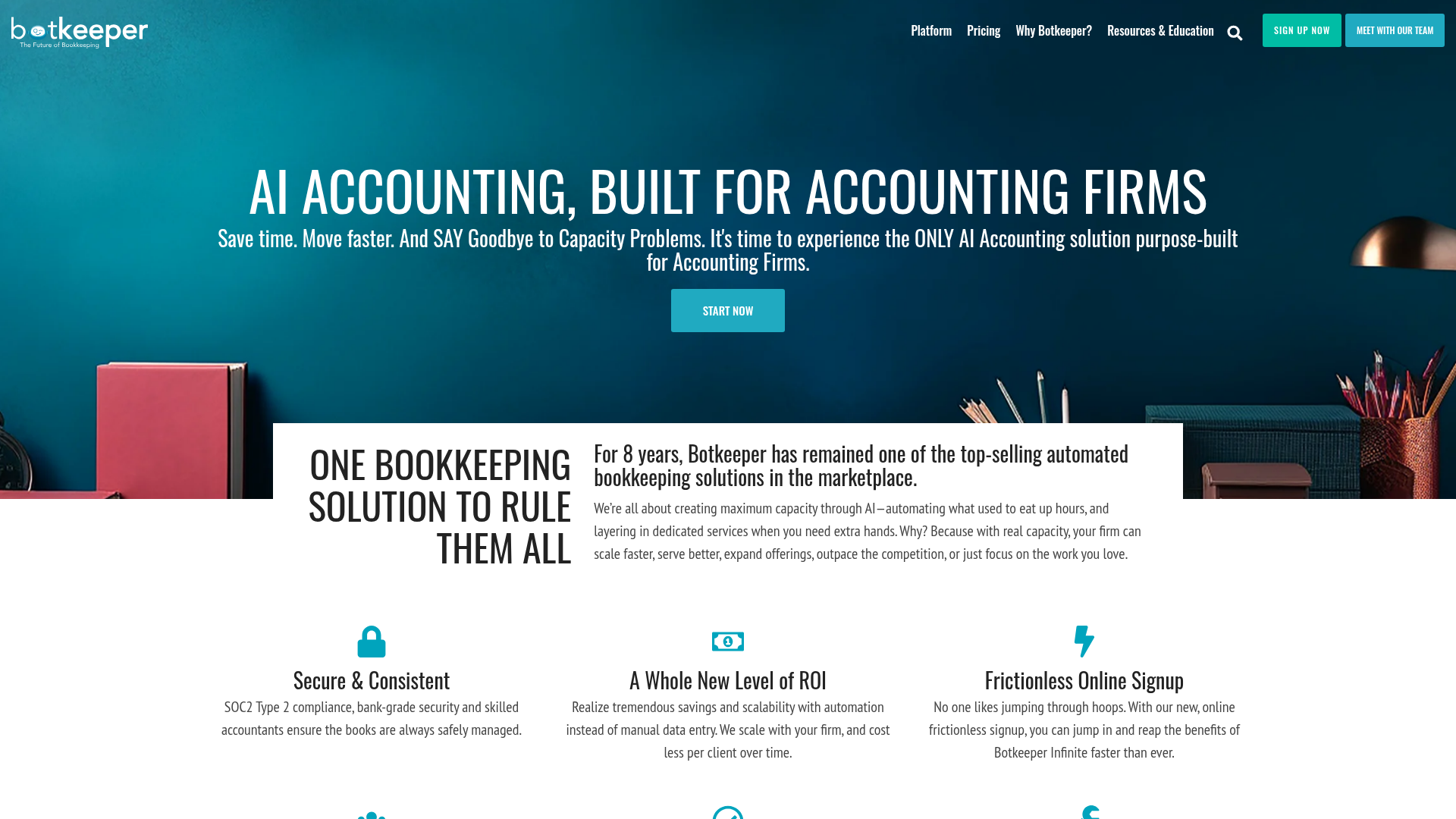
Botkeeper is an AI-driven bookkeeping automation tool built for accounting firms that want to reduce manual data entry across their client base. It combines machine learning with human review to process financial documents, categorize transactions, and sync data to your accounting software.
Firms handling high document volumes tend to appreciate Botkeeper's hybrid model, where AI handles the bulk of processing and human bookkeepers step in for exceptions. Key capabilities include:
Botkeeper's pricing is structured around bookkeeping-as-a-service packages, which can make it harder to predict costs if your firm's document volume fluctuates month to month. The human-in-the-loop component, while useful for accuracy, also means turnaround times are slower than fully automated tools for straightforward invoice processing.
Firms focused specifically on invoice extraction and line-item accuracy may find the broader bookkeeping scope adds more complexity than they need. The tool covers a wide range of bookkeeping tasks, but that breadth comes with a steeper setup process and a longer onboarding curve before the AI starts performing well for your specific client mix.
The table below shows how each tool stacks up across the capabilities accounting firms actually rely on when processing client invoices at scale.
| Feature | Tofu | Vic.ai | DOKKA | Dext | Botkeeper |
|---|---|---|---|---|---|
| Line-item extraction included | Yes | Yes | Yes | No (credit-based add-on) | No |
| Multilingual support (200+ languages) | Yes | No | No | No (Latin alphabets only) | No |
| Handwriting recognition | Yes | No | No | No | No |
| Zero-configuration setup | Yes | No | No | No | No |
| Bank statement processing (unlimited) | Yes | Yes | Yes | No (credit-based) | No |
| Pricing for 50 clients | $199/month | $500+/month | $400+/month | ~$849/month | No longer available |
| Self-learning AI | Yes | Yes | Yes | No (rule-based) | No |
| Native Xero integration | Yes | Yes | Yes | Yes | Yes (when available) |
| Native QuickBooks Online integration | Yes | Yes | Yes | Yes | No |
| Built for accounting firms | Yes | No | No | Yes | No |
A few rows worth pausing on. Multilingual support and handwriting recognition are either present or absent across the entire table, with no partial options. For firms processing invoices from international suppliers or clients who submit handwritten documents, that gap is absolute. Line-item extraction is available in three of the five tools, but Dext gates it behind a credit-based add-on, meaning your cost scales with volume. Pricing for 50 clients ranges from $199 to over $849 per month, a spread that compounds quickly as your client roster grows.
Manual invoice processing runs between $12.88 and $19.83 per invoice, and 39% of invoices contain at least one error. Throwing more staff at that problem just spreads the cost.
Tofu was built for accounting firms managing multiple client books, not a single corporate AP department. That distinction shapes everything: flat monthly pricing that stays fixed whether you have 10 clients or 100, full line-item extraction across 200+ languages, and a learning system that remembers how each client codes their chart of accounts.
Here is what that looks like in practice:
"What used to take me 3-4 hours can be done in 30-60 minutes." — Tammy Tan, Klozer
Tofu publishes directly to Xero via native integration, with QuickBooks and other accounting software connections expanding. It sits before your accounting software as the document processing layer, not alongside it as a competing product.
Processing invoices manually costs your firm between $12.88 and $19.83 per document, and nearly 40% contain at least one error that requires follow-up. The tools that actually reduce that cost share three characteristics: full line-item extraction without add-on fees, multi-client architecture that keeps each book separate, and AI that learns your coding preferences instead of forcing you into rigid rules. If you're evaluating options, test Tofu on your most complex invoice and compare the review time to what you're doing now.
OCR accuracy depends on what the tool extracts and how it handles errors. Header-only tools (supplier name, date, total) hit 85-95% accuracy on clean PDFs but drop below 70% on scanned or multilingual documents. Line-item extraction is harder: most tools either skip it or require manual review for every line. Tofu extracts full line items across 200+ languages and learns your coding patterns, so accuracy improves over time rather than staying static.
Most invoice automation tools read currency codes from the document and pass them through to your accounting software without conversion. The currency handling happens in Xero or QuickBooks, where you've already set up exchange rates and foreign currency accounts. Tofu extracts the currency code along with every other field and publishes it exactly as shown on the invoice.
Calculate your monthly invoice volume across all clients, then compare total cost under each model. Flat-rate pricing (like Tofu's $199 for 2,500 entries) stays predictable as client count grows. Per-document pricing scales with volume, which can become expensive if you process 50+ invoices per client monthly. For firms managing 20+ clients, flat rates typically cost less.
Invoice automation extracts data from supplier bills and receipts, then publishes coded transactions to your accounting software. Bank reconciliation matches transactions already in your ledger to bank feeds. They solve different problems. If you need to process invoices with line-item detail, reconciliation tools won't help. If you need transaction matching, extraction tools stop before that step.
Native integrations vary widely. Tofu connects directly to Xero, QuickBooks Online, Zoho Books, and Freee. For MYOB, Sage, AutoCount, and other accounting software, verify whether the tool offers CSV export templates formatted for direct import, or whether you'll need to reformat data manually before importing.