Jay Sen Lon
February 7, 2026

Accounting automation software eliminates repetitive manual tasks that consume a large share of accounting team capacity. While technology promises speed and accuracy, not all automation tools deliver meaningful time savings, and poorly implemented automation creates new problems instead of solving existing ones.
This guide reviews ten leading accounting automation tools across document processing, transaction categorization, workflow automation, and AI capabilities. Whether your accounting firm serves dozens of clients or your business seeks to automate internal bookkeeping, the right automation tool fundamentally changes business economics.
Quick Answer: Tofu leads accounting document automation with zero-configuration AI processing invoices in 200+ languages and automatically extracting line-item data without template setup. For cloud accounting with native automation, Xero provides workflow tools with an extensive app marketplace for third-party integrations.
TLDR:
Accounting automation applies technology to eliminate manual tasks across bookkeeping and accounting workflows. This includes automating data entry from invoices and receipts, categorizing bank transactions, matching accounts, generating reports, managing approval workflows, and processing payments. Modern accounting automation applies artificial intelligence, machine learning, and robotic process automation to handle tasks previously requiring human judgment.
Traditional bookkeeping requires manually typing invoice data, categorizing each transaction, matching receipts to bank entries, and balancing accounts line by line. This repetitive work consumed the bulk of bookkeeper time while adding minimal analytical value. Automation handles these tasks, freeing accountants to focus on advisory services, tax planning, and strategic financial guidance.
Three categories of accounting automation serve different needs. Document processing automation captures data from invoices, receipts, and financial documents using OCR and AI. Transaction categorization automation applies rules and machine learning to code bank transactions automatically. Workflow automation manages approval routing, payment scheduling, report generation, and multi-step processes without manual coordination.
Selecting accounting automation software requires weighing capabilities that directly impact day-to-day performance and growth potential.
Automation breadth and depth determine how much manual work actually gets eliminated. Some tools automate only invoice data extraction, requiring manual transaction categorization and reconciliation. Full-featured tools handle complete workflows from document capture through reconciliation and reporting. Review which specific tasks consume your team's time today, then verify tools automate those exact workflows instead of adjacent activities.
AI sophistication level separates modern platforms from rule-based automation. Traditional automation follows predefined rules requiring extensive configuration. AI-powered platforms learn patterns automatically, adapt to variations, and handle exceptions without brittle rule maintenance. For document processing, Tofu's zero-configuration AI eliminates template setup entirely. For transaction categorization, platforms like Botkeeper use machine learning that improves accuracy over time without retraining.
Multi-client or single-entity architecture determines suitability for accounting firms versus businesses. Firm-focused platforms provide centralized dashboards managing dozens of client entities with separate workflows, user permissions, and reporting. Business-focused platforms optimize for single-entity depth but lack multi-client orchestration. Using business software for firm operations creates workflow friction and visibility gaps.
Example scenarios:
Configuration versus zero-configuration impacts implementation overhead. Traditional platforms require configuring rules, building templates, and defining workflows before processing begins. This setup takes weeks per client for firms. Zero-configuration platforms like Tofu work immediately using AI that learns patterns automatically. For firms onboarding new clients frequently, configuration overhead creates scalability bottlenecks.
Integration depth with accounting platforms determines full-workflow automation potential. Native connectors for Xero, QuickBooks, and other accounting systems allow automated data flow without manual export-import. API availability allows custom integrations with practice management systems, CRMs, and proprietary tools. Verify two-way sync capabilities that keep updates flowing bidirectionally.
Language and regional capabilities matter for international operations. Many automation platforms work reliably with English documents and US accounting practices but fail with Asian languages, European tax structures, or regional compliance requirements. Tofu handles 200+ languages including Chinese fapiao, Japanese receipts, and Thai invoices. For global firms, multi-regional capability eliminates maintaining separate systems for different markets.
Pricing model alignment with your business structure prevents cost surprises. Per-user pricing hurts growing teams. Per-document pricing creates budget uncertainty with volume fluctuations. Per-client or entity-based pricing provides predictable costs regardless of team size. Calculate total cost including implementation, training, ongoing support, and integration maintenance.
Don't choose based on features you won't use. Skip solutions lacking clear data export if you need to switch providers.
Every tool in this list was assessed against criteria that reflect what actually matters in day-to-day accounting workflows, not marketing claims. We looked at seven factors:
Tools were categorized by primary function (document processing, full accounting, AI bookkeeping, managed service, and AP automation) because comparing a document capture tool against a full bookkeeping service on the same scorecard produces noise, not signal.
| Solution | Best For | Category | Starting Price | Multi-Client | AI Sophistication | Setup Time |
|---|---|---|---|---|---|---|
| 1. Tofu | Document automation | Doc processing | $79/month | ✓ Firms | Advanced AI | Zero config |
| 3. Xero | Cloud accounting automation | Accounting platform | ~$42/month | Limited | Rules-based | Moderate |
| 4. QuickBooks | Popular accounting automation | Accounting platform | ~$60/month | Limited | Basic AI | Moderate |
| 5. Puzzle | Startup bookkeeping | AI bookkeeping | $0-$100/month | ✗ Single entity | AI categorization | Fast |
| 6. Zeni | Full-service bookkeeping | Managed service | $549/month | ✗ Single entity | AI + human | Full-featured |
| 7. Dext | Receipt & invoice processing | Doc processing | Per-user | ✓ Firms | Basic AI | Template setup |
| 8. Digits | AI-native accounting | Modern platform | $100/month | ✗ Single entity | Advanced AI | Fast |
| 9. BILL | AP automation | AP platform | $45+/user/month | Limited | Rules-based | Integration setup |
| 10. Bench | Hands-off bookkeeping | Managed service | $249/month | ✗ Single entity | Human-led | Full-featured |
Use this quick-match guide to find the right starting point before reading the full reviews.
| Your situation | Best starting point |
|---|---|
| Accounting firm processing invoices for 10+ clients, including international or Asian-language documents | Tofu |
| Growing business wanting cloud accounting with unlimited users and app flexibility | Xero |
| US small business on familiar accounting software with strong accountant access | QuickBooks Online |
| Early-stage SaaS startup needing real-time burn rate and runway tracking | Puzzle |
| US startup wanting fully outsourced bookkeeping with AI speed and human review | Zeni |
| US mid-market company needing full AP automation with payment execution | BILL |
| Small business owner who wants zero involvement in day-to-day bookkeeping | Bench |
Tofu - Best for Document Processing Automation
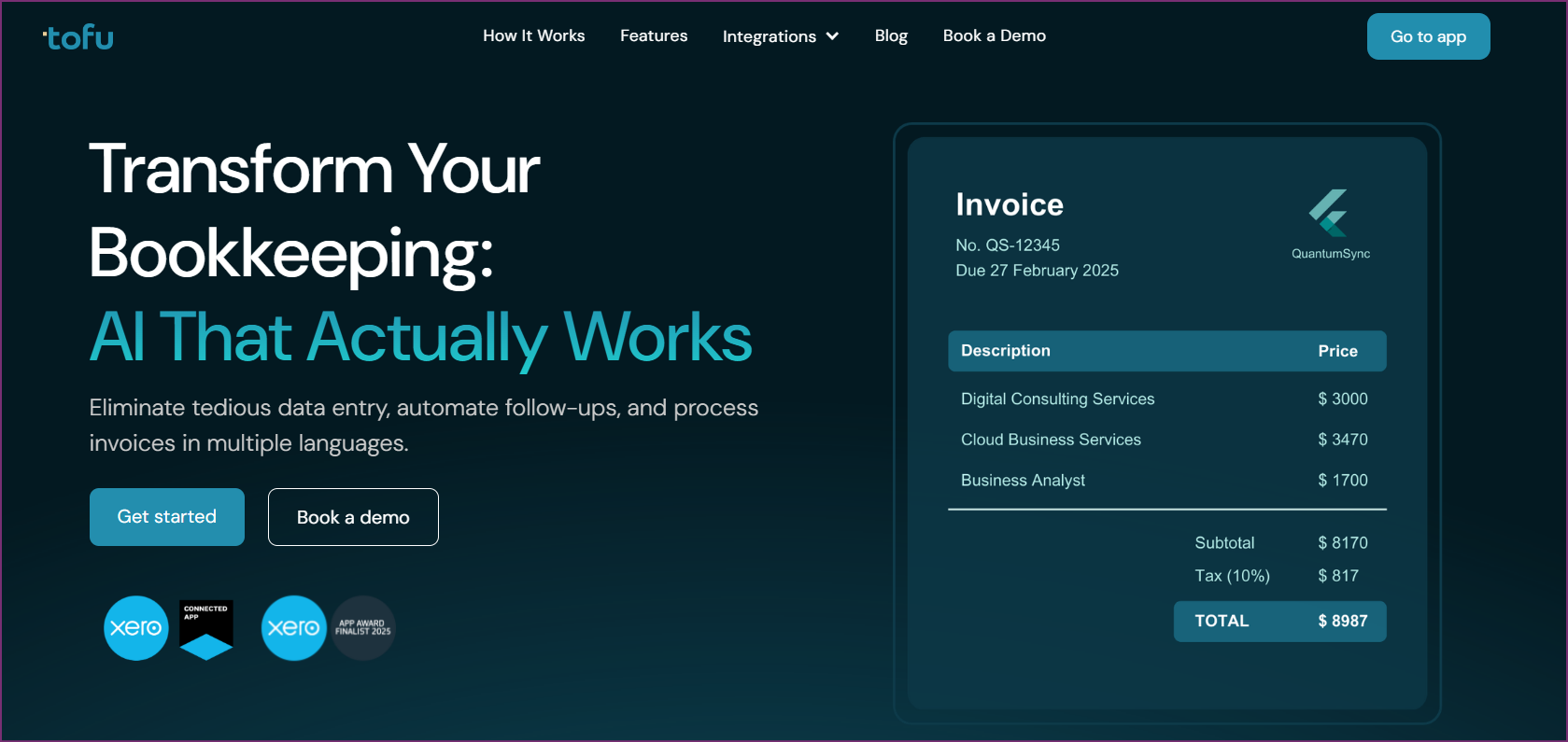
Tofu leads accounting document automation with zero-configuration AI that processes invoices, receipts, and financial documents in 200+ languages without template setup. Built for accounting firms and businesses operating internationally, Tofu automates the document data entry that ties up a large portion of bookkeeping capacity.
"What used to take me 3-4 hours can be done in 30-60 minutes."
Tammy Tan, Klozer
The platform extracts complete line-item data from any invoice or receipt format automatically. Unlike traditional OCR requiring template building for each supplier, Tofu's AI learns document structures instantly. This capability eliminates the preprocessing setup that creates bottlenecks when onboarding new accounting firm clients or adding suppliers to business workflows.
Document versatility handles real-world complexity. Tofu processes typed invoices, handwritten receipts, Chinese fapiao with mixed character sets, invoices with stamps and annotations, faded scans, mobile photos, and email attachments. Automatic PDF splitting separates multi-invoice files without manual intervention. This breadth eliminates document type limitations forcing businesses to maintain multiple processing tools.
Multi-language accuracy extends to Asian scripts traditional OCR can't process. Tofu handles Chinese fapiao, Japanese receipts, Thai invoices, Vietnamese documents, Korean invoices, and Arabic text with accuracy matching English documents. Mixed-language invoices with English and local content process correctly. This capability matters enormously for firms serving international clients or businesses operating in APAC markets.
Entity-based pricing charges per business entity instead of per user or document. Accounting firms serving 30 clients pay predictable fees regardless of team size or invoice volume within plan limits. This model scales efficiently compared to per-user pricing that multiplies costs as teams grow.
Enterprise adoption validates reliability. Tofu serves seven of Top 10 Global Accounting Networks including Baker Tilly, Mazars, BDO, and RSM. Recognition as Xero Global App of the Year Finalist 2025 shows the impact of new ideas. Maintains 5/5 stars on Xero App Store.
Integration with Xero and QuickBooks Online allows automated data flow from document extraction to accounting entries. API access allows custom integrations with practice management systems for firms with specialized workflows.
Pros
Cons
Best For
Tofu excels for accounting firms processing documents for multiple clients, businesses handling international invoices, and organizations wanting to eliminate manual invoice data entry without configuration overhead. Perfect for firms onboarding clients frequently and businesses operating in APAC markets.
Xero provides cloud accounting software with built-in automation features including bank rules, invoice reminders, inventory management, and workflow tools. The platform connects with a large app marketplace, giving businesses access to specialized automation through third-party apps.
Bank rules automate transaction categorization based on payee, amount, or description patterns. Invoice automation includes recurring billing, payment reminders, and automatic matching. Reconciliation features suggest matches and handle bulk approval. The platform handles multi-currency, unlimited users, and collaborative workflows.
App marketplace includes 1000+ integrations for specialized automation covering inventory, e-commerce, expense management, payroll, and industry-specific workflows. This building-block approach allows building custom automation stacks matching specific needs.
Pricing includes unlimited users on all plans. Multi-currency support on all tiers. Regional pricing varies (Singapore ~SGD 33/month, Malaysia ~RM 120/month, US/international ~$42/month for Standard plan).
Pros
Cons
Best For
Xero excels for growing businesses wanting cloud accounting with automation features and unlimited user access. Strong choice for businesses needing multi-currency support and collaborative workflows. Best when combined with specialized automation apps from its marketplace.

QuickBooks Online provides widely-adopted cloud accounting with automation features including bank rules, recurring transactions, workflow automation, and extensive third-party integrations. The platform dominates US small business accounting with familiar interface and accountant collaboration tools.
Automation features include bank feed rules, automatic transaction categorization suggestions, recurring invoices and bills, payment reminders, and workflow automation. AI-powered features categorize transactions based on patterns. Reconciliation tools suggest matches and identify discrepancies automatically.
Integration options include thousands of apps that allow specialized automation for inventory, e-commerce, payroll, expense management, and industry-specific workflows. QuickBooks Live adds human bookkeeper access for businesses wanting hybrid automation and support.
Pricing follows per-user model with tiers based on feature needs. Multi-currency available on higher plans. Strong US focus with 160 currencies supported but less international emphasis than competitors.
Pros
Cons
Best For
QuickBooks works for US small businesses wanting familiar accounting software with automation features. Strong choice for businesses with existing QuickBooks desktop looking to move to cloud. Best when accountant familiarity and integration options matter more than the newest automation.
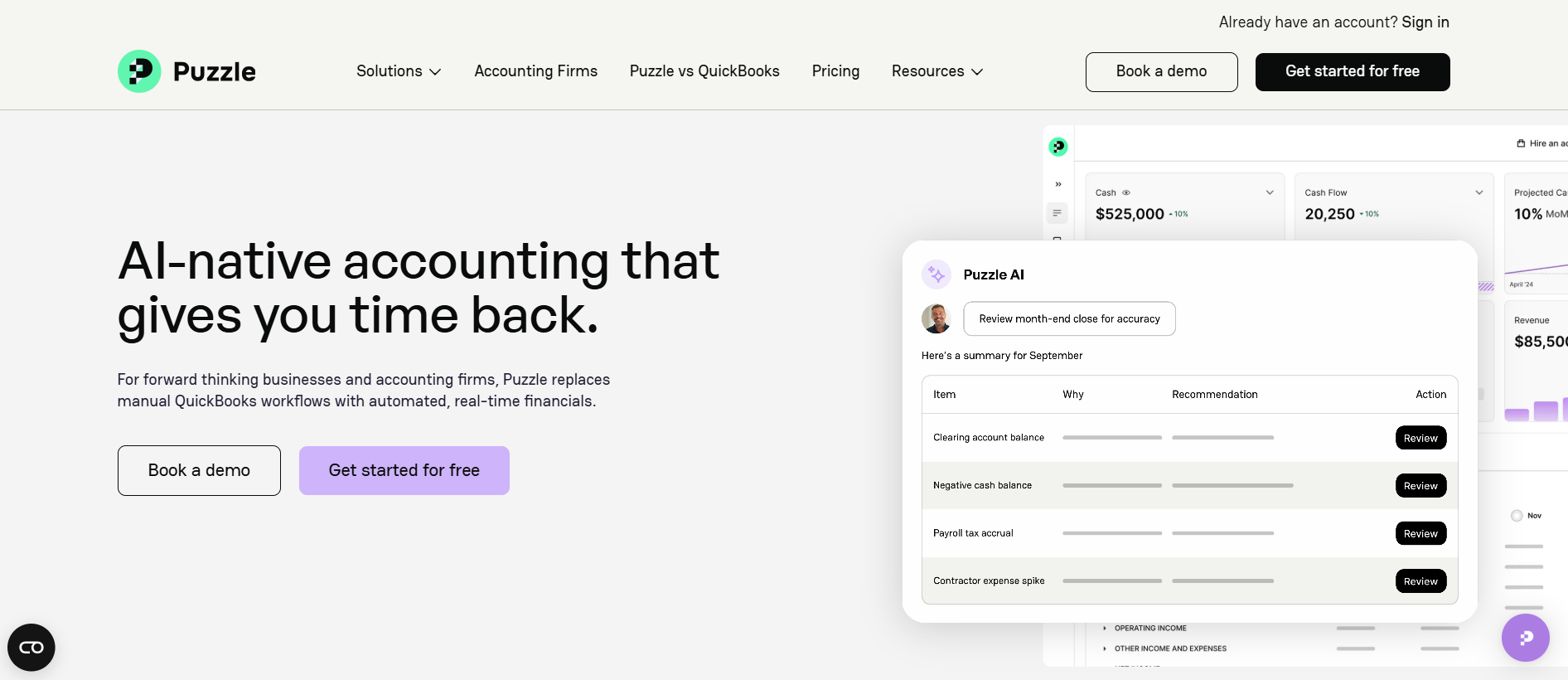
Puzzle provides AI-native bookkeeping automation built for SaaS startups and venture-backed companies under $5M ARR. The platform combines automated transaction categorization with real-time financial dashboards and metrics tracking.
AI engine automatically categorizes bank transactions using machine learning trained on startup financial patterns. Real-time dashboards provide burn rate, runway, MRR tracking, and other startup-specific metrics without manual spreadsheet work. The platform handles bank connections, reconciliation, and basic bookkeeping workflows.
Pricing starts free for early-stage startups (first $20K transactions, then $25/month) with paid plans offering advanced features, integrations, and higher transaction volumes. Annual billing provides 15% savings. All plans include unlimited users and transactions.
Implementation is fast compared to traditional bookkeeping setup. US-focused platform optimized for American startup needs with limited international capabilities.
Pros
Cons
Best For
Puzzle works for US-based SaaS startups under $5M ARR wanting real-time financial dashboards with automated categorization. Best for early-stage companies comfortable with trade-offs of newer platform for modern automation.

Zeni combines AI automation with dedicated human bookkeepers for hands-off bookkeeping service. The platform targets US startups wanting full-service bookkeeping without hiring in-house staff. All plans include AI categorization, monthly closes, financial reporting, and dashboard access.
AI handles transaction categorization and pattern recognition while human bookkeepers review decisions, handle exceptions, and manage month-end processes. This hybrid approach provides higher reliability than pure automation. Includes CFO-level financial insights and strategic guidance on higher plans.
Implementation includes onboarding, QuickBooks Online setup (required), bank connections, and bookkeeper assignment. Requires using QuickBooks Online as underlying accounting platform. US-only availability with American accounting practice focus.
Pros
Cons
Best For
Zeni works for US startups wanting full-service bookkeeping with AI speed and human oversight. Best for companies outsourcing bookkeeping entirely instead of managing in-house or using an accounting firm.

Dext (formerly Receipt Bank) provides document processing automation including invoice and receipt extraction, expense management, and financial document organization. The platform serves accounting firms and businesses with wide-ranging capture features.
Document processing includes mobile receipt capture, email forwarding, bank statement import, and line-item extraction. Integration with major accounting platforms allows automated data flow. Practice management integrations for accounting firms. Extensive feature set beyond core extraction.
Per-user pricing model suits small teams but becomes expensive with growth. Requires template configuration for optimal extraction accuracy. Strong Western European language support but limited Asian language capabilities.
Pros
Cons
Best For
Dext works for Western-market businesses and firms with stable teams wanting wide-ranging document processing features beyond basic extraction. Best when receipt capture and extensive integrations matter more than zero-configuration setup.
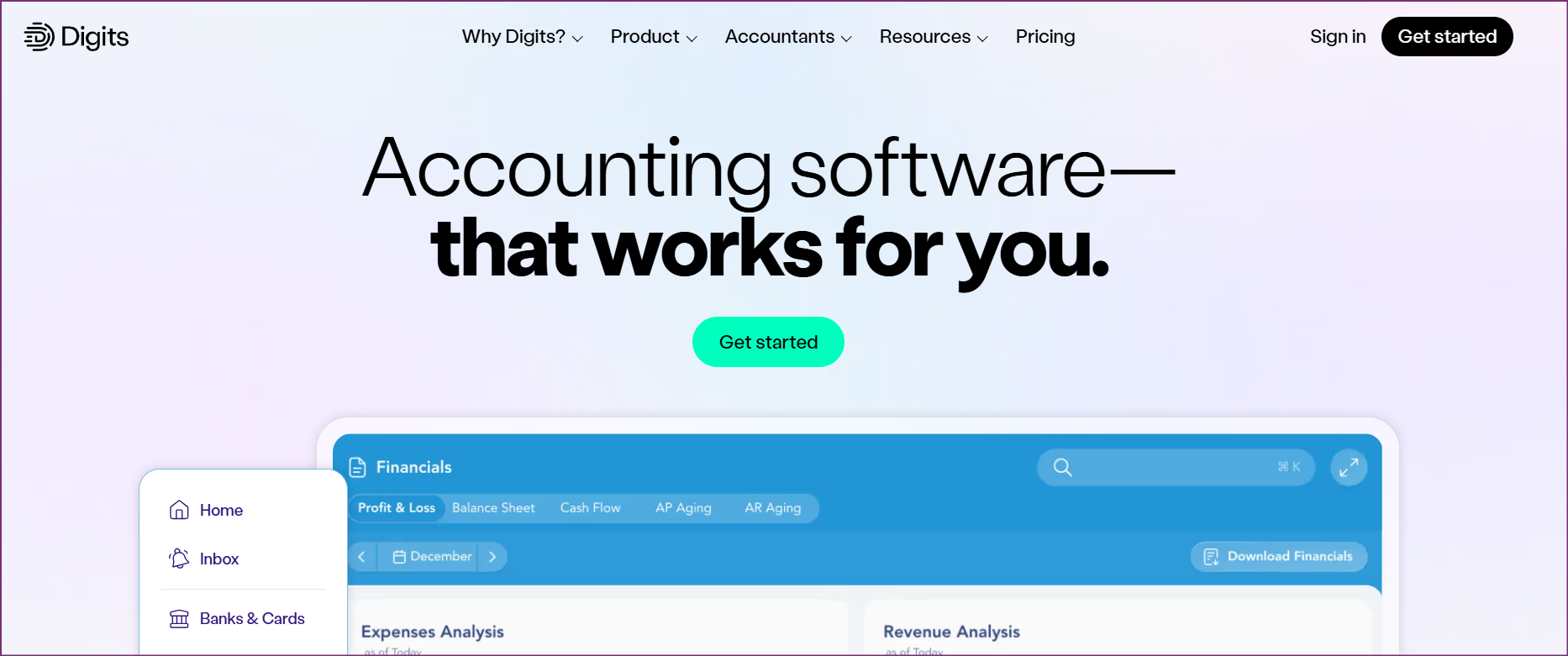
Digits provides AI-native accounting and bookkeeping built from ground up with artificial intelligence instead of traditional accounting adapted with automation features. The platform targets tech-savvy SMBs wanting modern financial operations.
AI automates transaction categorization, bank reconciliation, anomaly detection, and report generation. Natural language interface allows asking questions about finances conversationally. Real-time financial dashboard provides instant visibility without waiting for month-end closes.
Platform is newer with less track record than well-known players but rapidly developing features. US-focused with limited international capabilities. Includes accounts payable automation with payment execution features.
Pros
Cons
Best For
Digits excels for tech-savvy US SMBs wanting a modern AI-native accounting platform instead of traditional software with automation added. Best for businesses valuing advanced technology and willing to accept newer platform trade-offs.

BILL provides full accounts payable automation beyond document processing. The platform automates full invoice-to-payment workflows including capture, approval routing, payment execution via ACH or check, and reconciliation.
Workflow automation handles multi-level approvals, payment scheduling, vendor management, and spend controls. The platform targets US mid-market companies wanting centralized AP management. Strong integration with major US accounting platforms.
Per-user pricing model with additional payment processing fees. Implementation requires configuring approval hierarchies, payment methods, and vendor relationships. English-language focus with limited international capabilities.
Pros
Cons
Best For
BILL works for US mid-market companies wanting wide-ranging AP automation including payment execution. Best when a full workflow overhaul matters more than document processing automation alone.
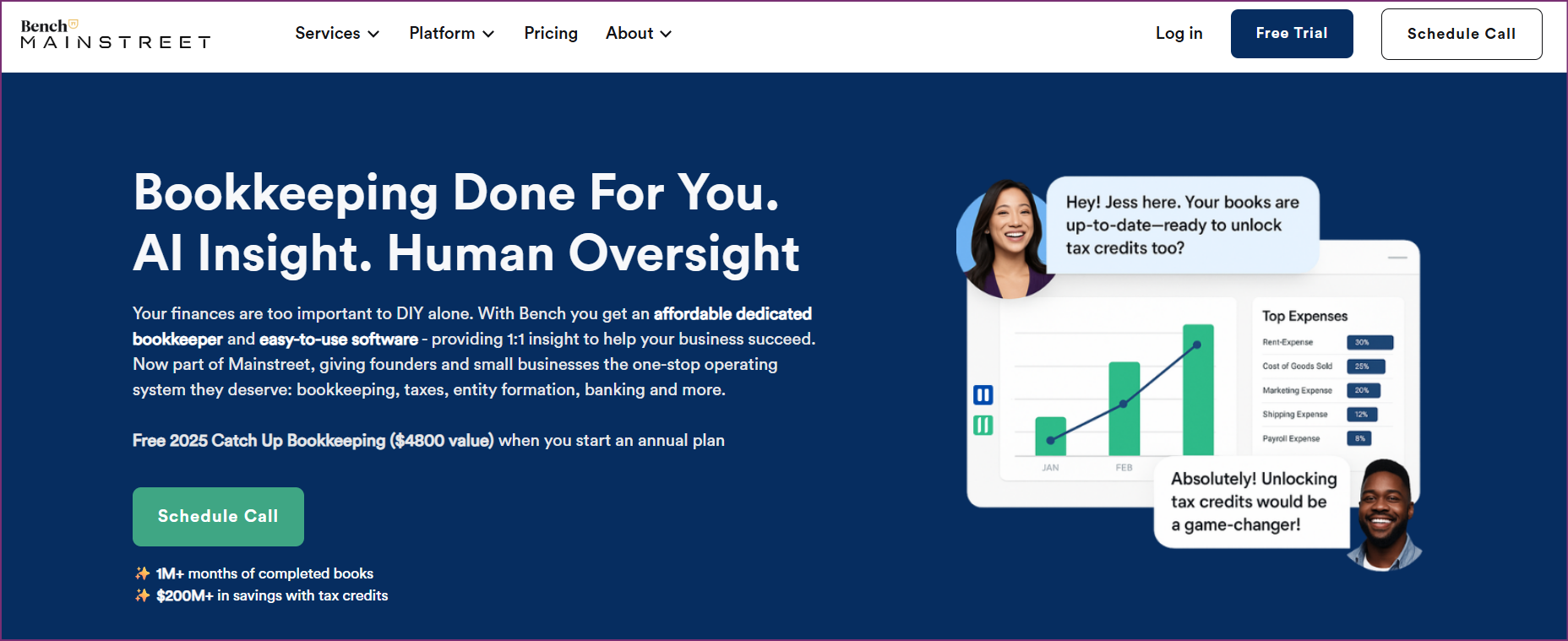
Bench provides done-for-you bookkeeping service combining software with dedicated human bookkeepers. The platform targets small business owners wanting hands-off bookkeeping without managing processes themselves.
Human bookkeepers handle transaction categorization, reconciliation, monthly close, and financial reporting using Bench's proprietary software. Business owners receive monthly financial statements without involvement in day-to-day bookkeeping. Includes tax-ready financials and optional tax filing services.
Pricing includes bookkeeper service, software access, and monthly financial statements. Annual billing offers 15% discount. Partner discounts available through Stripe, Gusto, and other business service platforms.
Pros
Cons
Best For
Bench works for hands-off small business owners wanting done-for-you bookkeeping without managing processes. Best for US businesses outsourcing bookkeeping entirely and valuing human expertise over pure automation.
Start by identifying where manual work actually stacks up in your current workflow. If your team spends hours typing invoice data before any bookkeeping can begin, document processing automation solves the bottleneck. If transactions pile up uncategorized, AI-powered categorization is the priority. If month-end close drags because approvals stall in email chains, workflow automation fixes the root cause. The right tool solves a specific, named problem, not a vague wish for more speed.
Next, match the tool's architecture to your business model. Accounting firms managing multiple client entities need platforms built around multi-client dashboards and entity-based pricing: tools like Tofu that separate data cleanly between clients and charge per entity instead of per user. Single-entity businesses can choose from a wider range of tools but should still verify the pricing model scales without punishing team growth. Managed services like Bench or Zeni suit owners who want no involvement in day-to-day bookkeeping, while software-first tools suit teams that want control.
Finally, factor in implementation cost truthfully. Configuration-heavy tools demand setup time measured in weeks per client before they process a single document. Zero-configuration tools go live the same day. For firms onboarding clients frequently, that gap compounds quickly into real capacity lost. Test any shortlisted tool against your actual documents, not vendor demo files, before committing.
Book a demo with Tofu to see how zero-configuration document automation handles your invoice types, languages, and firm structure from day one.
Accounting automation encompasses any technology eliminating manual accounting tasks, from simple rule-based automation to sophisticated AI. AI bookkeeping in particular uses artificial intelligence and machine learning for transaction categorization, pattern recognition, and decision-making. Tofu provides AI-powered document automation while platforms like Zeni offer AI bookkeeping with human oversight for transaction categorization.
Current automation excels at eliminating repetitive data entry and rule-based categorization but requires human oversight for exceptions, judgment calls, and complex decisions. Hybrid approaches combining AI automation with human review (like Zeni) deliver better results than pure automation or pure manual processes. Tofu eliminates document data entry but bookkeepers still review and approve transactions.
Zero-configuration automation works immediately without building templates, defining rules, or configuring settings. Tofu's AI learns document structures automatically instead of requiring template setup for each invoice format. This eliminates implementation overhead that traditional automation requires.
Automation breaks the linear relationship between client count and staff size. Firms using manual processes hit capacity limits where serving more clients requires proportional headcount increases. Tofu's document automation removes invoice data entry bottlenecks, letting the same team take on more clients without adding headcount, which directly improves firm economics.
Tofu charges per entity instead of per user, so a firm's cost stays fixed regardless of how many staff access the system. This matters most for accounting firms adding junior staff or sharing logins across a client team. Bench and Zeni use flat monthly service fees. Most other tools on this list, including Dext, BILL, and QuickBooks, charge per user, which compounds costs as headcount grows.
Vic.ai targets large enterprise AP teams with high minimum contract values and a focus on ERP integrations. For accounting firms or mid-market businesses that need invoice automation without enterprise pricing or lengthy implementation, Tofu is a practical alternative: zero-configuration AI, 200+ language support, entity-based pricing, and same-day onboarding. The key difference is that Tofu covers the full document range (receipts, mixed-language invoices, handwritten documents) instead of focusing narrowly on structured AP invoice workflows.
The answer depends on what you mean by AI bookkeeping. For document data extraction, Tofu applies AI to process any invoice or receipt format without templates. For transaction categorization, Puzzle and Digits use machine learning trained on startup and SMB financial patterns. For a full managed service combining AI with human review, Zeni assigns a dedicated bookkeeper backed by AI categorization. If you want a single tool covering the full cycle, Digits is the most AI-native option; if you need firm-grade document processing at scale, Tofu handles the volume without per-user cost pressure.
Xero's built-in tools handle bank rules and recurring invoices but do not extract line-item data from supplier invoices automatically. For firms with 50+ clients, the standard approach is to connect Tofu to Xero: Tofu extracts complete line-item data from every invoice and pushes it directly into Xero without manual typing. The entity-based pricing means adding more clients does not raise per-user fees, and zero-configuration setup means new clients go live the same day without template building.