Jay Sen Lon
October 2, 2026

Every UAE accounting firm on Zoho Books eventually hits the same wall: the software handles VAT filing and reconciliation just fine, but someone still has to get the invoice data in there first. When that someone is spending hours a week on Arabic invoices and free zone coding, the right add-on matters more than it might elsewhere. Here's how five of them stack up on the details that decide whether they save you time or just add another tool to manage.
TLDR:
What Zoho Books itself handles is invoicing, VAT filing, bank reconciliation, and the reports your clients expect. What it does not do, on its own, is get invoices, receipts, and bank statements from a supplier's inbox into that ledger without someone typing every line.
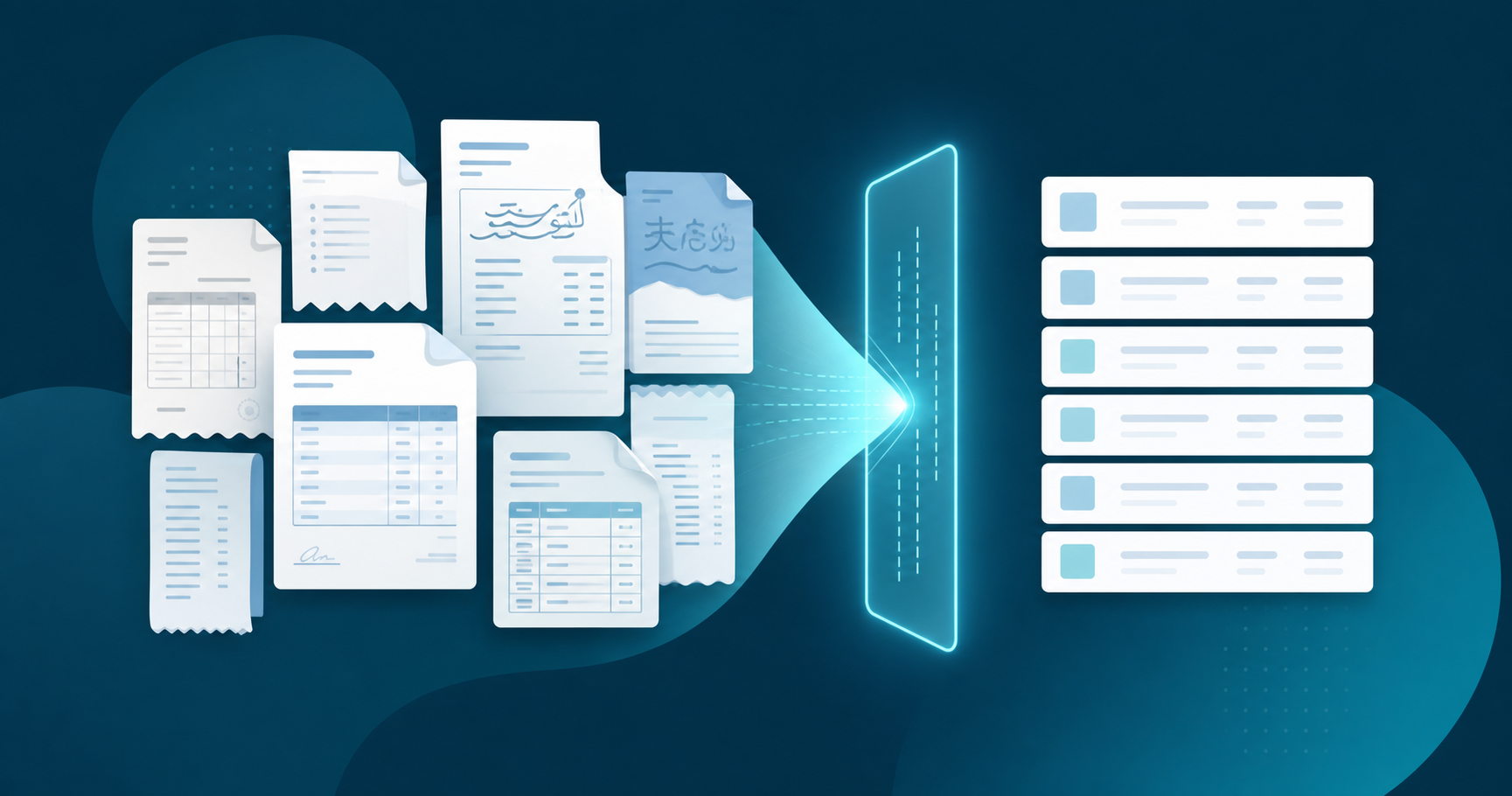
That gap is where add-ons come in. In this context, a Zoho Books add-on means a document processing tool that plugs into Zoho Books and handles the layer before the ledger, part of what accounts payable automation covers: reading a PDF, a photographed receipt, or a bank statement, and turning it into structured data that lands correctly in Zoho's chart of accounts.

For UAE accounting firms, this choice carries more weight than it might elsewhere. Zoho holds a dominant share of the local market, and firms managing multiple client entities often deal with Arabic language supplier invoices, mixed VAT treatment, and Dubai or Abu Dhabi free zone entities with their own coding quirks, all of which factor into UAE VAT invoice processing. Getting that intake layer wrong means hours of correction work every month.
Six criteria drove the ranking, chosen for what actually matters to a UAE firm running Zoho Books:
We built this ranking from publicly available product information, vendor documentation, and published pricing pages, not internal testing. Where a vendor did not publish a detail, we noted the gap instead of guessing. These are the variables that decide whether an add-on removes data entry for a Zoho Books firm in the UAE, or just adds another tool to configure: the same criteria we applied in our comparison of invoice data extraction software.
Tofu is an AI document processing platform built for accounting firms, and it publishes two-way into Zoho Books with full line-item extraction on every plan, not header-and-total capture.
It reads Arabic and 200+ other languages natively, extracting supplier names, dates, and every line item without a manual translation step first, which matters for UAE firms invoicing Emirati and free zone suppliers in Arabic. The self-learning knowledge engine builds a separate coding memory per client entity, so a firm running dozens of Zoho Books clients does not need to rebuild chart-of-accounts rules for each one, and corrections made for one client never bleed into another's coding.
Bank statements go through the same pipeline: upload a UAE bank statement as a PDF or image and Tofu extracts every transaction with date, description, amount, and debit or credit classification, already coded and ready to publish. Reverse Charge Mechanism fields are annotated correctly per Zoho's RCM column specification when Tofu publishes into Zoho Books, removing the manual correction step firms otherwise handle for cross-border transactions.
"I like the line item thing and I like it that they automatically save the attachment in QuickBooks because it makes auditing procedures much quicker."
- South African accounting firm director
EzzyBills is an invoice and receipt-scanning add-on that extracts document data and pushes it into Zoho Books, Xero, or QuickBooks, so a firm can keep its existing accounting setup instead of migrating to use it. It maintains a supplier database that stores name, location, tax registration, VAT, and company registration details, then uses that history to auto-identify repeat suppliers and suggest coding on future invoices. That auto-coding benefit depends on the supplier already sitting in the database, and EzzyBills' published materials don't detail how it handles Arabic-language invoices or Reverse Charge Mechanism transactions, both central to a UAE Zoho Books practice. EzzyBills does not publish pricing publicly; contact their sales team for a quote before comparing against flat-rate options. Zoho-specific line-item extraction depth also isn't broken out in vendor documentation, so firms considering it for Arabic invoices and RCM-heavy client books will want to confirm that detail directly with EzzyBills.
AutoEntry, owned by Sage, is a receipt and invoice-capture add-on that connects to Zoho Books, Xero, QuickBooks, and Sage, so a firm can automate document capture without moving off its current ledger. It extracts supplier name, date, and total automatically, but full line-item extraction is not included by default: firms pay in additional credits to add line-by-line coding, the same credit-based structure this roundup found in Dext. That works fine for a practice mostly filing single-line receipts, but a wholesale or multi-department client sending 20-line invoices turns into a recurring per-document cost instead of a flat one. AutoEntry's published materials don't detail how it handles Arabic-language invoices or Reverse Charge Mechanism transactions, both central to a UAE Zoho Books practice serving Emirati or free zone clients. Because pricing is credit-based instead of a flat monthly fee, total cost scales with document volume in a way that's harder to predict than a flat-rate add-on.
HubDoc, now owned by Xero, is a document capture add-on that automatically fetches bills and receipts from linked vendor portals, email inboxes, and bank feeds, then reads header-level fields (supplier, date, and total) before publishing to Xero or QuickBooks Online natively. Zoho Books is not listed among HubDoc's native integrations (per Xero's official Hubdoc integration listing), so a Zoho Books firm typically pulls the extracted data out as a CSV or PDF and imports or codes it by hand, adding back the manual step the tool was meant to remove. HubDoc's capture stops at the header: every line item, tax treatment, and account code still needs manual entry, whether the destination is Zoho Books or a native integration. Its published materials don't detail Arabic-language document support or Reverse Charge Mechanism handling, both relevant for a UAE Zoho Books practice. Pricing comes bundled free into Xero's higher-tier plan or as a standalone subscription, but for a Zoho Books firm considering it purely on intake, the missing native Zoho connectivity and the header-only capture are the two gaps that matter most.
Dext is a receipt and invoice-capture add-on that connects natively to Xero, QuickBooks, and Sage, but Zoho Books is not one of its native integrations, so a Zoho Books firm typically works from a CSV export instead of a two-way sync. Like AutoEntry, Dext's default capture extracts supplier, date, and total, and full line-item extraction is gated behind additional credits instead of included on every plan. Dext's published materials don't detail Arabic-language document support or Reverse Charge Mechanism handling, and non-Latin script fields typically require substantial correction before the data is usable in the ledger. For a UAE firm processing Emirati or free zone supplier invoices in Arabic, that correction step lands on top of the credit-based line-item cost, adding both time and expense to the same document. Pricing is credit-based instead of a flat monthly fee, so total cost scales with document volume the same way it does with AutoEntry.
| Add-on | Zoho Books connectivity | Line-item extraction | Arabic support | VAT/RCM handling | Bank statements | Pricing |
|---|---|---|---|---|---|---|
| Tofu | Native two-way publishing | Every line item coded, on every plan | Native, plus 200+ other languages | RCM fields annotated correctly when publishing natively into Zoho Books | Full transaction-level extraction, pre-coded | $199/month (Growth tier, unlimited users, up to 50 clients) |
| EzzyBills | Native, plus Xero and QuickBooks | Supplier-database auto-coding on repeat vendors | Not documented | Not documented | Not documented | Not published |
| AutoEntry | Native, plus Xero, QuickBooks, and Sage | Header-level by default; line items require added credits | Not documented | Not documented | Not documented | Credit-based, scales with volume |
| HubDoc | Not native; CSV/PDF export and manual import | Header-level only | Not documented | Not documented | Fetches from linked bank feeds; no line-item coding | Bundled with Xero's higher-tier plan or standalone subscription |
| Dext | Not native; CSV export | Header-level by default; line items require added credits | Not documented; non-Latin script needs substantial correction | Not documented | Not documented | Credit-based, scales with volume |
Tofu is the only add-on on this list built to publish line-item-coded data straight into Zoho Books while natively reading Arabic and 200+ other languages. For a UAE firm juggling Emirati suppliers invoicing in Arabic, free zone entities with their own coding rules, and Reverse Charge Mechanism transactions, that combination removes the manual translation and credit-cost steps that AutoEntry and Dext still require for the same document types. EzzyBills, AutoEntry, HubDoc, and Dext each solve a piece of the intake problem, but none extract every line item, handle Arabic documents natively, and publish two way into Zoho Books without added credits or manual cleanup.
If your firm processes multilingual invoices or VAT heavy bank statements every month, try Tofu on the messiest batch sitting in your inbox right now and see what publishes cleanly into Zoho Books.
Your clients' invoices, receipts, and bank statements do not need to cost you hours of retyping every month. Pick an add-on that reads Arabic natively, handles RCM correctly, and publishes straight into Zoho Books, and the rest of your workflow gets simpler on its own. Try Tofu on your messiest Arabic invoice batch and see what publishes cleanly into Zoho Books.
Tofu publishes two-way into Zoho Books with full line-item extraction and native Arabic support by default, while Dext charges extra credits for line-item depth and requires substantial correction on non-Latin script fields. For firms handling Arabic supplier invoices and Reverse Charge Mechanism transactions, Tofu's default extraction depth removes a manual cleanup step that Dext still leaves in place.
Start with the criteria that matter most for your client base: Zoho Books connectivity (native versus CSV import), line-item extraction depth, Arabic document support, and RCM handling. If your firm processes multilingual invoices or free zone entities with distinct coding rules every month, that narrows the list quickly since not every add-on on this list extracts every line item or reads Arabic natively.
No, HubDoc captures header-level data only (supplier, date, and total), so every line item still needs manual entry after HubDoc processes a document. If your Zoho Books clients send invoices with multiple line items and mixed VAT treatment, this creates the same data-entry work HubDoc was meant to remove.
Yes, if your firm processes supplier invoices from Emirati vendors or free zone entities. Tools that require manual translation before extraction, or that only work with Latin-script documents, create a bottleneck upstream of Zoho Books' own multi-currency and VAT features, since those features have no data to act on until the invoice is coded correctly.
A CSV export workflow can work if your document volume is low and someone on your team is comfortable with manual import steps, but it adds a recurring task every month that a native two-way integration removes. For firms processing Reverse Charge Mechanism transactions or high invoice volume across multiple UAE entities, native Zoho Books publishing saves the import step entirely.