Jay Sen Lon
September 6, 2026


Multilingual OCR is optical character recognition that reads text in more than one language or script on the same document. Where standard OCR looks for Latin letters, multilingual OCR recognizes Chinese characters, Arabic script, Thai, Cyrillic, and dozens of other writing systems, and switches between them within a single page.
For an accounting firm, that is the starting point, not the finish line. Here is what multilingual OCR does, where it stops, and what has to happen next before a foreign-language invoice lands in the ledger.
TLDR:
Multilingual OCR is optical character recognition built to read across more than one language or script. Instead of scanning for Latin letters alone, it recognizes Chinese characters, Arabic script, Thai vowel marks, Cyrillic, and dozens of other alphabets, often side by side on the same page.
For a firm processing client invoices from suppliers in different countries, reading the characters correctly is a prerequisite for extracting anything usable. It is not the same as knowing what those characters mean inside an invoice. Knowing a field says 消費税 is different from knowing it is Japanese consumption tax, the local cousin of GST, and belongs in the tax slot on the chart of accounts.
That is the gap most people miss. OCR tells you what a page contains. It does not tell you whether that text is a supplier name, a line-item description, or a tax code, and it does not post anything anywhere. If you are researching tools for foreign-language invoices, receipts, or bank statements, multilingual OCR is the right term to search. Just know that character recognition alone will not get a document from your inbox into Xero or QuickBooks. The rest of this piece covers how that gap gets closed.
Multilingual OCR runs in four steps. Knowing which step does what saves a lot of confusion when you evaluate tools.
Most tools stop after step three. You get a block of correctly-read text with no structure attached, and the accounting software has nothing to act on. Step four is the only one that moves work forward, and it is the one to test before you commit to anything.
A lot of software gets called multilingual without reading a single foreign-language document. It changes the words on its own screen.
That is interface multilingualism: menus, buttons, and dashboards translated into Spanish, Japanese, or Arabic. It matters for usability. It has nothing to do with what happens when an invoice from a supplier in Bangkok or Shenzhen lands in your inbox. A Xero screen set to French does not help you read a French invoice. The software's language and the document's language are two separate problems, and most accounting software only solves the first one.
Document multilingualism means the system reads the source document itself, in whatever language it arrived in, and pulls out the supplier, the line items, the tax fields, and the totals. This is the harder, less served capability in the category. A tool can offer 12 interface languages and still stall the moment it sees a handwritten Thai receipt or a Simplified Chinese fapiao.
| Aspect | Interface multilingualism | Document multilingualism |
|---|---|---|
| What changes | Menus, buttons, and dashboards translated into languages like Spanish, Japanese, or Arabic | The source document itself gets read in whatever language it arrived in |
| Example | A Xero screen set to French | A French invoice, a handwritten Thai receipt, or a Simplified Chinese fapiao |
| Does it read a foreign-language invoice? | No. The software's language and the document's language are separate problems | Yes. It pulls the supplier name, line items, tax fields, and totals |
| Where it matters | Usability for the staff using the tool | International client portfolios and multi-currency invoices before they reach the ledger |
When you're reviewing multilingual OCR claims, ask which kind of multilingualism you're actually getting. If your firm handles international client portfolios or processes multi-currency invoice data before it ever reaches the ledger, document-level extraction is the capability that matters, not a translated settings menu.
Firms working across borders run into two recurring scenarios where multilingual OCR stops being a nice-to-have and becomes the thing that decides whether month end closes on time.
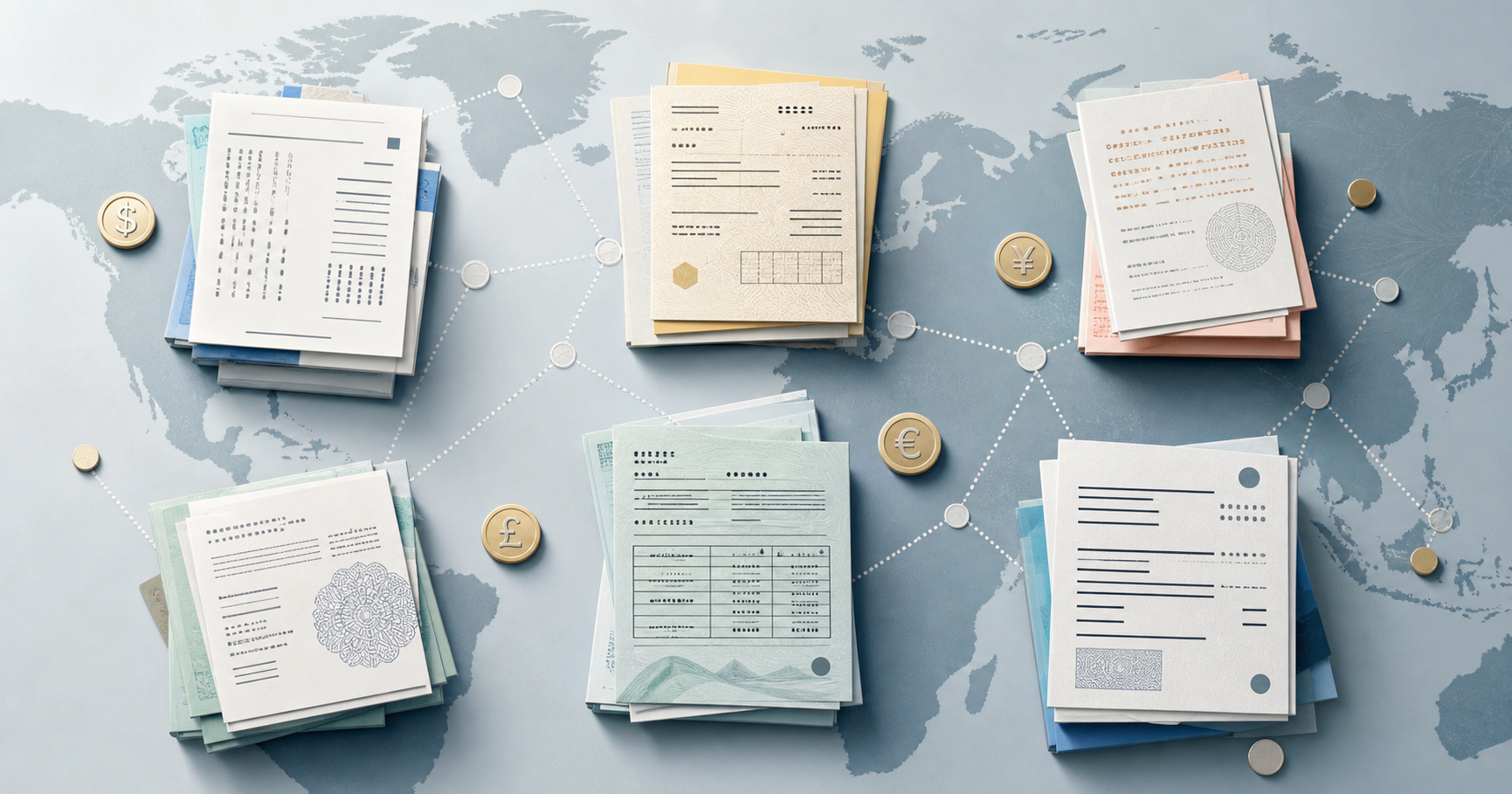
A supplier invoice arrives in Portuguese or Japanese, priced in a currency the client does not operate in. Xero and QuickBooks convert currencies fine. They cannot read an invoice that never made it past the inbox, so the multi-currency settings have nothing to act on until someone gets the data in.
That upstream step is the blocker, not the ledger. Tofu reads the foreign-language document, extracts every line item, and codes it to the right accounts before currency conversion even becomes relevant.
A Singapore holdco with a Malaysian operating company, or a family group with Sdn Bhd structures in different markets, ends up with supplier documents piling up in multiple languages per entity, with no shared extraction logic between them.
When those documents sit untouched, month end closes late for the entity waiting on them. Intercompany charges go unrecorded until someone works through the backlog, and the consolidated group view stays incomplete. One frozen inbox holds up every downstream step that depends on its figures. This is where multi-entity bookkeeping gets hard without document-level language support.
"Before using Tofu, it would take me between 3 to 4 hours. With Tofu, I can now complete the process in just 30 to 60 minutes," says Tammy Tan at Klozer. Tofu handles each entity's chart of accounts and supplier coding independently, so the Singapore holdco and the Malaysian opco each get coded in their own context, with nothing bleeding across entities.
Xero and QuickBooks are only as good as the data they receive. Multi-currency conversion, chart of accounts coding, and audit trails all depend on clean, structured input arriving upstream. A foreign-language invoice nobody can read is a supplier liability missing from payables, a tax code that never got applied, and a purchase that will not appear in this month's report. For firms with international client portfolios, that is not an edge case. It is the default outcome when document-level language support is missing.
The cost goes beyond time. When someone eventually translates the document by hand, coding decisions get made under pressure, without the supplier history needed to code consistently. One invoice goes to cost of goods. The next one from the same supplier goes to a different account because a different person handled it this week. Across a multi-entity group or a portfolio of international clients, those inconsistencies compound, and they show up at month end as reconciliation problems rather than data-entry slips.
Document-level multilingual extraction is not a premium feature for firms with exotic international work. It is the prerequisite for any cross-border bookkeeping process you can trust. Without it, your chart of accounts, your month-end close, and your audit trail are only as reliable as whoever translated the last batch of invoices.
Once you know what to ask for, choosing a tool gets a lot less confusing. Your foreign-language invoices need more than character recognition. They need to be understood, coded, and published into your accounting software, and that is the layer worth testing before you commit to anything. See Tofu work through one of your real invoices, ideally the one nobody on your team can read.
No. Multilingual accounting software usually means the menus and dashboards are translated, while the software still cannot read a foreign-language invoice. Multilingual OCR reads the source document itself, including the supplier name, line items, and tax fields on the page, regardless of what language the interface displays.
Yes. Tofu reads Simplified and Traditional Chinese, handwritten Thai script, and 200+ other languages directly from the source document, and shows English translations alongside the original text during review. Accuracy on an unfamiliar supplier's documents starts around 85% and improves to 95%+ by the third invoice as the system learns that supplier's format.
OCR tells you which characters are on the page. It does not tell you that a field labeled 消費税 is Japanese consumption tax and belongs in a specific spot on the chart of accounts. Tofu uses OCR as one layer, then learns what each field means in context, codes it, and publishes structured data into Xero or QuickBooks.
Yes, but the problem multilingual OCR solves sits upstream of that. Xero's exchange rate and FX conversion logic works once clean, coded line-item data exists. Tofu handles multi-currency invoice processing for the foreign-language invoice, getting it into that usable state before Xero's multi-currency features act on it.
Because each entity receives supplier documents in different languages and currencies, and a translated settings screen does not extract data from any of them. Document-level extraction reads and codes each entity's invoices in whatever language they arrive in, so nothing sits untouched waiting for someone who can read it.