Jay Sen Lon
June 29, 2026


Client billing tends to work smoothly for most professional services firms. You track time, generate invoices, collect payment, done. The harder problem is everything coming in from suppliers, freelancers, and contractors. Each invoice needs to be opened, read, coded to the right account, and entered line by line into your accounting software before you can close the month. The more clients your firm carries, the more documents land on your desk, and the more hours disappear into manual processing. The best bookkeeping software for professional services firms has to handle that document volume without adding headcount.
TLDR:
Bookkeeping software for professional services firms handles the financial recording work that keeps a firm's books accurate and billable hours translatable into revenue. That covers outbound activity well enough: invoicing clients, tracking retainers, recording payments.
The harder problem is inbound, and AI bookkeeping software is starting to solve it. Supplier invoices, freelancer bills, disbursements, and expense recharges arrive constantly from outside the firm. Each one needs to be captured, coded to the right account, and posted before month-end close. The more clients a firm carries, the more documents pile up, and the more that manual processing eats into time that should go toward client work.
That gap is where bookkeeping software either earns its place or quietly becomes another source of overhead.
Choosing the right bookkeeping software for a professional services firm means more than finding something that tracks expenses. These tools need to handle client billing, project-based revenue, compliance requirements, and the kind of document volume that comes with running a multi-client practice.
We tested each tool across five criteria:
No single tool aced every criterion. The rankings reflect which tools perform best for professional services firms, not which ones have the most features overall.
Tofu is an AI document processing tool built for accounting firms. It sits in front of your accounting software, not inside it, handling the extraction, coding, and publishing of every line item so you can spend your time reviewing work instead of re-typing it.
Upload an invoice, a bank statement, or a receipt and Tofu extracts every line item using invoice data extraction, maps it to your chart of accounts using your firm's historical coding patterns, and publishes directly to Xero or QuickBooks. The AI learns from every correction you make, so accuracy improves considerably as document volume grows.
Professional services firms tend to work across multiple clients, often with varied document types and supplier bases. Tofu handles that without per-client pricing complications.
"What used to take me 3-4 hours can be done in 30-60 minutes." Tammy Tan, Klozer
HubDoc captures header-level data only. Dext and AutoEntry charge extra credits for line-item extraction. Tofu extracts every line item by default, on every document, on every plan.
Reconciliation still happens inside Xero or QuickBooks exactly as it always has. Tofu's role ends once the data is published, correctly coded, and waiting for your review.

QuickBooks Online is the default general ledger for small professional services firms in North America, built around invoicing, basic job costing, and accountant familiarity across the US market.
Works well for US firms wanting one familiar system for both accounting and light billing. The limitation is inbound: supplier bills and freelancer invoices still require manual line-by-line entry, and a single international supplier forces an immediate jump to the $99/month plan. QuickBooks handles the ledger well. Getting freelancer invoices from varied formats into it without manual entry is a problem it leaves unsolved.

Xero is one of the most widely adopted cloud accounting packages for professional services firms, with over 4 million subscribers globally. It handles invoicing, bank reconciliation, payroll, and financial reporting in a single interface, making it a practical choice for consultancies, legal practices, and advisory firms that need clean financials without a dedicated finance team.
The software connects to hundreds of third-party apps through its app marketplace, so firms can build a workflow that fits their existing tools without reworking everything around a new system.
Xero handles your ledger well. It does not extract line items from supplier invoices, receipts, or bank statements and map them to your chart of accounts automatically. That step still requires manual data entry or a separate document processing layer sitting in front of Xero. For firms processing high volumes of supplier documents, that gap adds up fast.
Best for: Professional services firms that want a well-supported accounting package with strong app integrations and are comfortable pairing it with a document processing tool for the data entry layer.

FreshBooks is a cloud-based accounting tool built primarily for freelancers and small service businesses. It covers invoicing, expense tracking, time tracking, and basic reporting, with a clean interface that non-accountants tend to pick up quickly.
For solo practitioners or very small firms with straightforward bookkeeping needs, FreshBooks works well enough. The invoicing tools are polished, and the client portal makes it easy to collect payments and share documents with clients directly.
The gaps become apparent as firm complexity grows.
FreshBooks fits a narrow profile: the solo bookkeeper or small generalist firm that bills hourly, tracks time per project, and does not need much beyond clean invoicing and basic P&L visibility. Once a firm starts managing several clients with varying complexity, the tooling tends to create more workarounds than it removes.
BigTime is project-based accounting and professional services automation software built for firms that bill by the hour. It handles time tracking, project budgeting, invoicing, and resource management in one place, with native integrations to QuickBooks and Sage Intacct.
Professional services firms, particularly those in consulting, engineering, and IT services, tend to get the most out of BigTime. If your firm tracks billable hours across multiple projects and needs tight visibility into project profitability, it covers that ground well.
BigTime is not general-purpose bookkeeping software. It works best as a billing and project management layer that feeds into a separate accounting system. If your firm needs full-cycle bookkeeping without a dedicated accounting tool underneath it, you will likely hit gaps.
Pricing starts at around $20 per user per month on the Express plan, with more advanced tiers for larger teams needing budgeting, resource planning, and deeper reporting.
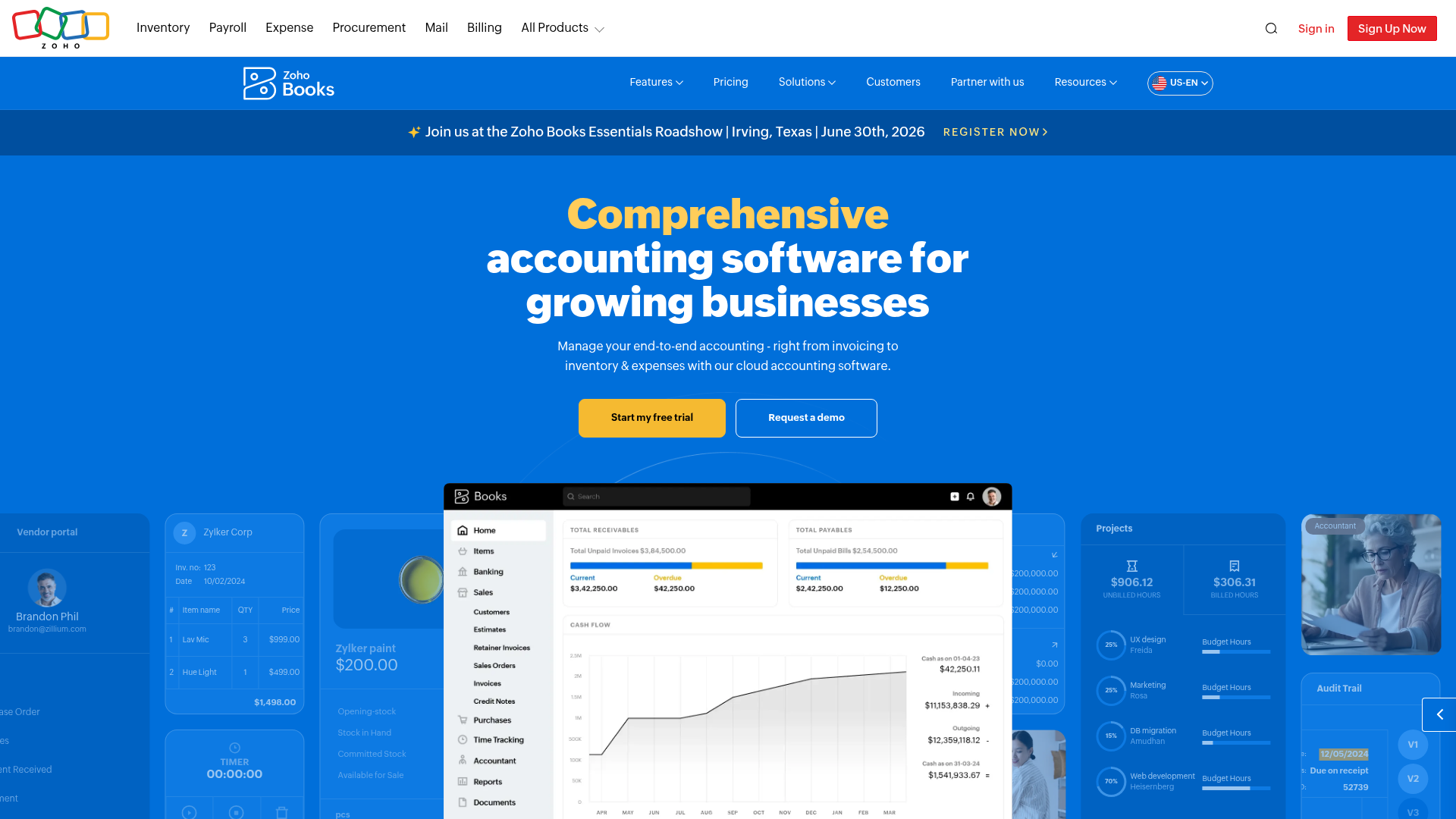
Zoho Books is a budget-friendly general ledger built to fit inside Zoho's wider product suite, covering CRM, projects, and inventory under one subscription.
Here's what it covers out of the box:
The value depends on whether you use other Zoho tools. Paired with Zoho CRM or Zoho Projects, it reduces subscription sprawl meaningfully. Standalone, it lacks the third-party integration depth of Xero or QuickBooks. The inbound problem remains the same as every ledger on this list: supplier bills and freelancer invoices still require manual line-by-line entry without invoice automation software.
Good fit for cost-conscious firms already running Zoho CRM or Zoho Projects who want accounting without adding another vendor.
Professional services firms generate a surprisingly consistent paper trail each month. Client invoices go out. Supplier bills come in. Expense receipts pile up from software subscriptions, travel, and subcontractors, while bank statement extraction tools handle the transaction side. Retainer agreements create recurring billing cycles that have to match what actually hit the bank.
The volume is predictable, but the formats are not. A consulting firm might receive invoices from overseas contractors in multiple currencies. A law firm juggles disbursements, client trust accounting, and billable hour records simultaneously. An architecture practice tracks project-based costs across dozens of active engagements at once.
This is what bookkeeping software has to handle before it earns a place in a professional services firm.
Agencies staffing across multiple countries run into a version of this problem that compounds quickly. A Manila-based contractor, a Berlin retainer client, and a São Paulo project all land in the same books, each with different currencies, tax rules, and invoice formats. Most bookkeeping software handles one or two of those variables reasonably well, but understanding what AI bookkeeping actually is helps clarify the options. Few handle all three without manual workarounds.
Before worrying about which software fits your firm best, it helps to know what the status quo actually costs.
Professional services firms handle a steady inbound pile: client invoices, receipts, bank statements, and expense reports. Most of that gets processed manually. Research from Levvel shows only 32.6% of invoices are processed without any human intervention. The rest land on someone's desk.
At roughly 5 minutes per document, a firm processing 200 documents a month burns over 16 hours on data entry alone.
No single tool covers the full picture, so here is where each one starts and stops across the criteria that matter most for professional services work.
| Feature | QuickBooks Online | Xero | FreshBooks | BigTime | Zoho Books | Tofu |
|---|---|---|---|---|---|---|
| General ledger | Yes | Yes | Yes | No | Yes | No |
| Time tracking | No | No | Yes | Yes | No | No |
| Project profitability | Limited | Limited | No | Yes | Limited | No |
| Multi-currency | Yes (Plus tier) | Yes | Yes | Yes | Yes | Yes |
| Freelancer invoice automation | No | No | No | No | No | Yes |
| Line-item extraction | No | No | No | No | No | Yes |
| 200+ language support | No | No | No | No | No | Yes |
| Expense recharge tracking | Manual | Manual | Manual | Manual | Manual | Automatic |
| Bank statement processing | Manual import | Manual import | Manual import | Manual import | Manual import | Automatic extraction |
| Pricing model | Per tier | Per tier | Per tier | Custom | Per tier | Flat/unlimited users |
Tofu is built for accounting firms processing high volumes of supplier invoices, bank statements, and receipts across multiple clients. Upload a document, and Tofu extracts every line item, maps it to your chart of accounts, and publishes it directly to Xero or QuickBooks. No retyping, no manual coding, no chasing down account codes.
Where tools like HubDoc capture header-level data only, and Dext or AutoEntry require substantial correction before data is usable, Tofu learns your coding preferences over time. The more documents it processes from a given supplier, the less you review.
Professional services firms handle diverse client books, often across languages, currencies, and industries. Tofu was built for that reality.
"What used to take me 3-4 hours can be done in 30-60 minutes." - Tammy Tan, Klozer
Tofu sits upstream of your accounting software as the document processing layer. Xero and QuickBooks handle your ledger; Tofu makes sure the data arriving there is already extracted, coded, and ready to review.
What is the best bookkeeping software for a consulting firm or agency?
It depends on where the pain is. QuickBooks or Xero for the general ledger. FreshBooks if getting invoices out the door quickly is the bottleneck. BigTime if project profitability tracking matters. Tofu if your bookkeeper is spending hours processing freelancer invoices and expense receipts every week.
Firms under 15 people can usually run well on a ledger alone with good time-tracking habits. Once you cross that threshold and work is heavily project-driven, PSA tools like BigTime add value through utilization tracking and WIP reporting. Neither fills the inbound document processing gap, though.
Most handle them manually until they can't. Line-by-line entry into QuickBooks or Xero works at low volumes, but past roughly 15 active freelancers per month it becomes a real bottleneck. Automation tools read the invoices, extract line items, and post transactions without the bookkeeper typing each one.
Capture receipts at the point of spend, code them to the correct client or project, and include them on the next invoice. Chasing receipts at month-end means some disappear. Every missing receipt is revenue you cannot recover.
Ledger software runs roughly $35 to $99 per month depending on features. PSA tools like BigTime require custom quotes. Tofu is $199 per month for 2,500 entries across 50 clients. Compare any software cost against bookkeeper time: 16 hours a month of manual entry at $25 an hour is $400 in labor before you open a single invoice.
Ledgers like QuickBooks and Xero handle multi-currency well once data is in the system. Getting it there from a Thai, Arabic, or Portuguese invoice is a different problem. Tofu processes 200+ languages, including handwritten receipts, with automatic translation as part of broader accounting automation software capabilities.
The two work together more often than they compete. Outsourcing covers expert oversight and month-end close. Automation removes the data entry that burns hours before any of that expert work begins. Many firms run both.
The tool you choose depends on where you're losing time. If it's month-end reconciliation, tighten up your ledger workflows. If it's getting invoices out the door, fix your billing process. But if your bookkeeper is still typing freelancer invoices line by line every Tuesday, that's a document processing problem, not an accounting software problem. Upload one supplier invoice to Tofu and you'll see the difference in under a minute.
Start by identifying where the pain actually is. If your bottleneck is getting client invoices out the door, FreshBooks fits. If you need project profitability tracking across multiple engagements, BigTime makes sense. If your bookkeeper is spending 10+ hours a week manually typing supplier invoices and freelancer bills into your ledger, that's a document processing problem, and tools like Tofu sit upstream of your accounting software to handle that extraction layer automatically.
Look for tools with flat pricing structures that don't scale cost with client count. QuickBooks Online and Xero work well as general ledgers but charge per entity. Tofu covers 50 clients for $199/month flat with unlimited users, roughly $4 per client. FreshBooks and similar tools designed for solo practitioners tend to create friction once you're managing more than a handful of clients because they weren't architected for multi-client workflows.
General ledgers like Xero and QuickBooks handle multi-currency accounting once data is in the system, but they don't extract data from foreign-language documents automatically. That's where document processing tools fill the gap. Tofu processes documents in 200+ languages including handwritten receipts, with automatic translation, so a firm with Thai suppliers and Portuguese contractors can work from one tool without routing certain documents through manual workarounds.
Bookkeeping software (QuickBooks, Xero, Zoho Books) handles your general ledger, reporting, invoicing, and reconciliation after data is already in the system. Document processing tools sit upstream and handle the extraction step: reading supplier invoices, receipts, and bank statements, then mapping every line item to your chart of accounts before publishing to your ledger. Most professional services firms need both layers working together, not one or the other.
When manual data entry is eating more than 10 hours per week, or when your firm is turning down new clients because existing workload is maxing out capacity. At roughly 5 minutes per document, processing 200 documents a month burns over 16 hours of bookkeeper time. That's $400+ in labor cost at $25/hour before you open a single invoice. Automation makes sense when labor cost exceeds the cost of the tool and the time saved can be redirected to higher-value work or taking on more clients.