SunTao Lai
March 31, 2026

The term AI bookkeeping covers three completely different product categories, and vendors aren't making it easier to tell them apart. Some sell AI features inside accounting platforms like Xero and QuickBooks. Others sell document extraction tools that process invoices and receipts. A few sell outsourced bookkeeping services staffed by offshore teams and marketed as AI. When you're shopping for tools, you're often comparing products that don't belong in the same conversation. It's like shopping for a dishwasher and finding yourself comparing it to a restaurant because both clean dishes.
TLDR:
AI bookkeeping isn't one category. It's three unrelated product types that vendors group under the same label. Some sell AI features inside accounting software. Others sell document extraction tools. A few sell outsourced services where offshore teams do your bookkeeping and brand it as "AI-powered."
The confusion costs firms weeks of evaluation time. You're comparing a document processor to a managed service, which is like comparing a dishwasher to a restaurant.
The data proves the problem: 98% of accounting practices already use some form of AI, yet most firm owners can't define what AI bookkeeping does or which layer fixes their workflow. That disconnect between adoption and clarity drives bad purchasing decisions. You buy the wrong tool or avoid the right one because the category feels impossible to assess clearly.
Layer 1 is AI that lives inside Xero, QuickBooks, and similar accounting systems. Xero JAX and QuickBooks AI handle transaction categorization, suggest matches during bank reconciliation, and learn from your coding patterns. Xero JAX aims to automatically match 80% of bank statement lines in real time.
This works well when transactions are already in your system. The AI reads your history and applies it going forward. But here's the constraint: Layer 1 only touches data that already exists inside the accounting software. It can't read a PDF invoice sitting in your email. It can't extract line items from a receipt your client just photographed.
Layer 1 also locks you in. Xero's AI works in Xero. QuickBooks AI works in QuickBooks. If you work across multiple systems or plan to switch, the AI doesn't follow you.
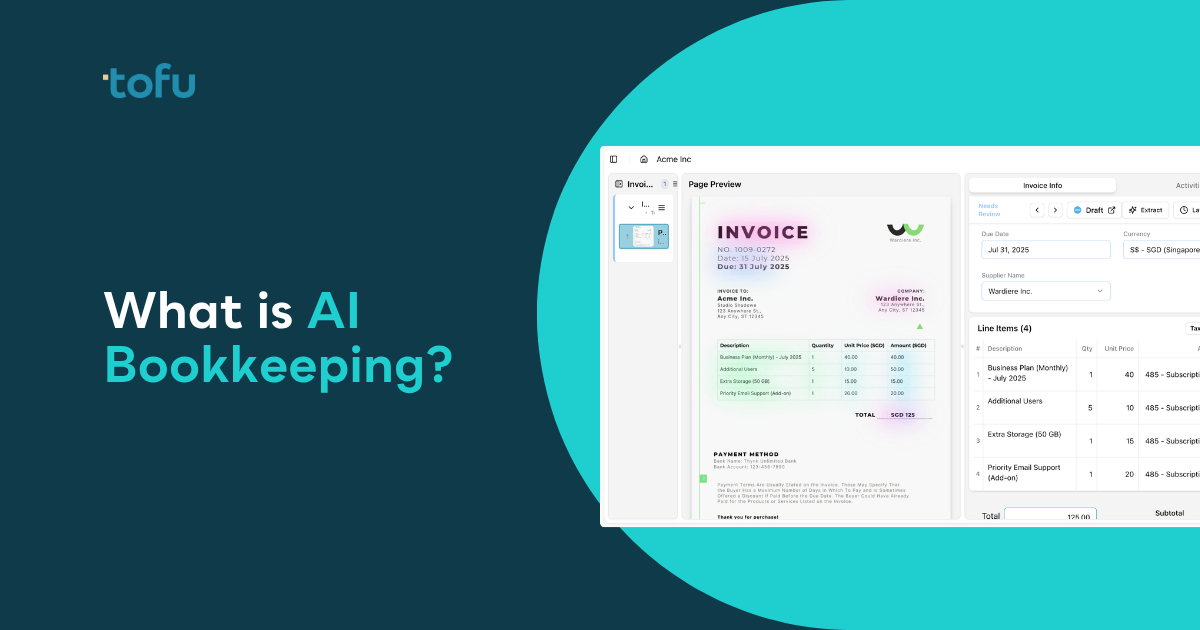
Layer 2 sits before the ledger. This is where AI reads invoices, receipts, and bank statements and converts them into structured data your accounting software can use. Without Layer 2, someone opens each document and types every field manually.
This layer handles invoice extraction (supplier names, dates, amounts, line items), bank statement parsing (PDF to transaction-level data), receipt OCR (thermal paper, handwritten notes, faded images), and multilingual processing across 200+ languages. It captures every row on a multi-line invoice, including the header and total.
This is where Tofu works. We process the document before it touches your general ledger. Layer 1 AI categorizes transactions already inside QuickBooks or Xero. Layer 2 gets the transaction into the system in the first place.
Layer 3 is fully outsourced bookkeeping. Services like Zeni, Bench, and Botkeeper combine AI software with offshore teams to handle your books from start to finish. They're built for businesses that want to hand off their entire bookkeeping function, not for accounting firms that already provide bookkeeping.
The mismatch is structural. You're the service provider handling 20, 50, or 100+ clients. Layer 3 services want to replace you, not help you. They can't process documents across multiple client entities, they don't integrate with your workflows, and they charge per business served.
You don't need someone else to do your bookkeeping. You need a tool that helps you do bookkeeping faster across all your clients. That's Layer 2.
| Layer | What It Does | Examples | Works Across Multiple Clients | Who It's Built For |
|---|---|---|---|---|
| Layer 1: AI Inside Accounting Software | Categorizes transactions already in your system, suggests bank reconciliation matches, learns from your coding patterns | Xero JAX, QuickBooks AI | Locked to one system per client | Individual businesses using one accounting system |
| Layer 2: AI Document Processing | Extracts data from invoices, receipts, and bank statements before they enter the ledger, including full line-item details with account codes | Tofu | Processes documents for unlimited client entities | Accounting firms managing multiple clients |
| Layer 3: Fully Managed AI Bookkeeping Services | Combines AI software with offshore teams to handle entire bookkeeping function from start to finish | Zeni, Bench, Botkeeper | Priced per business served | Businesses wanting to outsource their entire bookkeeping function |
Accounting firms aren't processing documents for one business. You're handling dozens or hundreds of client entities, each with different charts of accounts, tax treatments, and coding rules. Layer 3 services are built for single businesses that want to outsource their entire bookkeeping function. Layer 2 tools are built for you.
The structural difference matters. Layer 2 accelerates your workflow without competing with your value proposition. You remain the trusted advisor. The tool handles document intake and extraction so you can focus on review, compliance, and client guidance.
AI is taking over routine bookkeeping tasks, but only for single-entity cases. Layer 2 gives you that foundation now, before Layer 3 services try to replace you.
AI document processing starts with a PDF or image. The system extracts raw text using optical character recognition, then applies machine learning models to understand what each piece of text means. It goes beyond "this is a number" to "this number is a line item unit price, not the invoice total."
The hard part isn't reading text. It's understanding structure. Automated invoice capture solves this by applying machine learning to document layouts. Invoices don't follow templates. One supplier puts the date in the top right. Another puts it bottom left. Line items might be in a table, a list, or grouped under category headers. The AI identifies patterns across document types without you building rules for each one.
When you correct an extraction, the AI stores that correction permanently. (For more on how automated invoice capture works, see our technical guide.) Next time it sees the same supplier or document type, it applies what you taught it.
Start with extraction depth. Does the tool capture every line item on an invoice, or just the header and total? If it's header-only, you're still typing 90% of the work manually. Ask the vendor to process a 30-line wholesale invoice during the demo. If they can't show every row extracted with account codes, move on.
Check whether setup requires rule configuration. Tools that make you build "if-then" logic before processing your first document create setup debt. You want a tool that reads your existing chart of accounts and learns from corrections, not one that makes you program it.
Language and handwriting matter if you serve diverse clients. Ask how many languages the tool supports natively and whether it handles handwritten receipts.
Integration depth controls how much friction remains. Native connections to your accounting software mean one-click publishing with source documents attached. Compare the best invoice capture software to find the right fit for your firm. CSV export adds manual steps at every month-end.
Pricing structure shapes ROI as you grow. Per-user or per-document pricing penalizes scale. Flat monthly fees with unlimited users let you add staff and clients without inflating your software bill.
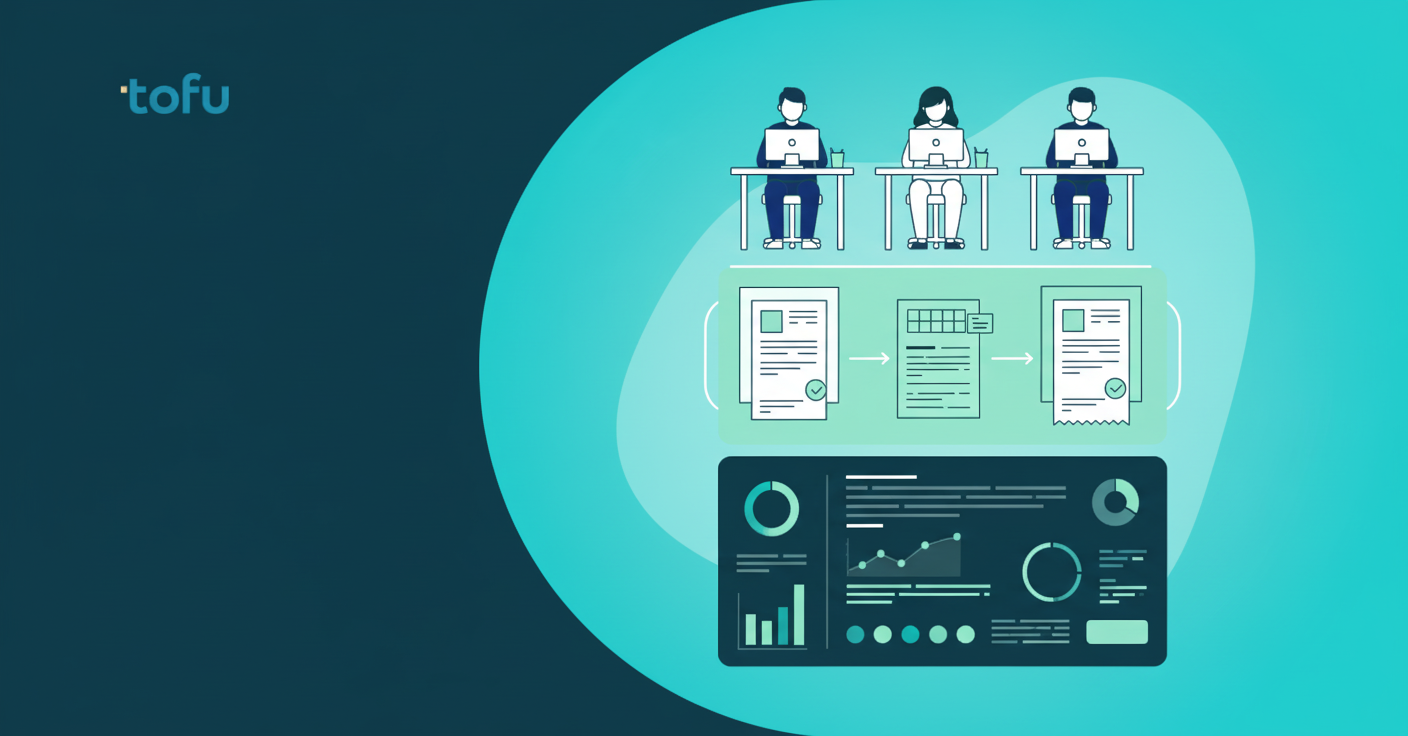
AI handles the rote tasks that fill your calendar. Document extraction, bank statement parsing, duplicate detection, and auto-coding for common transactions all run without intervention. The AI reads the invoice, maps it to your chart of accounts, and posts it.
Judgment calls stay human. Unusual transactions, compliance questions, complex revenue recognition, audit decisions, and client advisory work still need you. AI can't explain why cash flow is tight or classify a first-time transaction type.
The math matters. Accountants using AI support more clients per week and close monthly books 7.5 days faster than those using spreadsheets and traditional software. You're freed to do work that needs an accountant.
Pick one client and one document type. Start with whoever sends the most invoices or the longest bank statements. Measure how long it takes now. Write it down: 4 hours to code 50 invoices, 30 minutes per bank statement, whatever the current reality is.
Process that same document type through the AI for one month. Track extraction time and correction rate. Compare the before and after. If you're saving 60% of the time with acceptable accuracy, expand to three more clients using the same document type.
Train your bookkeepers to review, not type. Their job becomes verifying extractions, catching edge cases, and teaching the AI when it gets something wrong. That correction layer is what makes the system smarter over time.
Roll out firm-wide once the team is comfortable. Most clients don't need to know anything changed on your end. (Japanese accounting firms can review the best invoice capture software for their needs.)
We built Tofu to solve document intake for accounting firms processing files across dozens or hundreds of clients. Connect Xero or QuickBooks and Tofu reads your existing coding patterns immediately. No rule builders. No template configuration. You start extracting within minutes.
Upload any invoice, receipt, or bank statement. Tofu processes 200+ languages and handwritten documents, extracts every line item with account codes, and learns from your corrections. When you fix a coding decision, that knowledge applies to every future document from that supplier.
Native integrations mean one-click publishing with source documents attached. Flat monthly pricing covers unlimited users across all your clients.
The market lumps three unrelated products under one label, and that's why AI bookkeeping feels impossible to assess clearly. Accounting firms need Layer 2 document processing, not Layer 1 categorization tools or Layer 3 outsourcing services. The right tool reads invoices before they touch your ledger, learns from your corrections, and works across every client you serve. Pick one client with high document volume, process their files for 30 days, and compare the hours saved against what you're paying now. Watch Tofu process your documents in a live demo.
AI bookkeeping refers to three distinct categories: AI features built into accounting software (like Xero or QuickBooks), AI document processing tools that extract data from invoices and receipts before they enter your ledger, and fully outsourced bookkeeping services. Most accounting firms need the document processing layer to automate intake across multiple client entities.
Yes, modern AI document processing tools like Tofu can read invoices, receipts, and bank statements in 200+ languages including Arabic, Chinese, Thai, and Japanese, plus handwritten documents. The system provides English translations side-by-side and doesn't require you to select a language before processing.
Basic OCR tools capture only the invoice header (supplier name, date, and total amount), leaving you to manually type every line item. Line-item extraction reads every row on the invoice including descriptions, quantities, unit prices, and account codes, then auto-codes each line to your chart of accounts.
Not with modern AI systems. Tools that require rule configuration create setup debt before you process anything. Look for systems that read your existing chart of accounts and learn from your corrections instead of making you program "if-then" logic for each supplier or document type.
Firms using AI document processing report cutting invoice processing time from 3-4 hours down to 30-60 minutes per client batch, and bank statement processing from 30 minutes to under 5 minutes. The exact savings depend on your current document volume and complexity.