Saman Herath
January 23, 2026

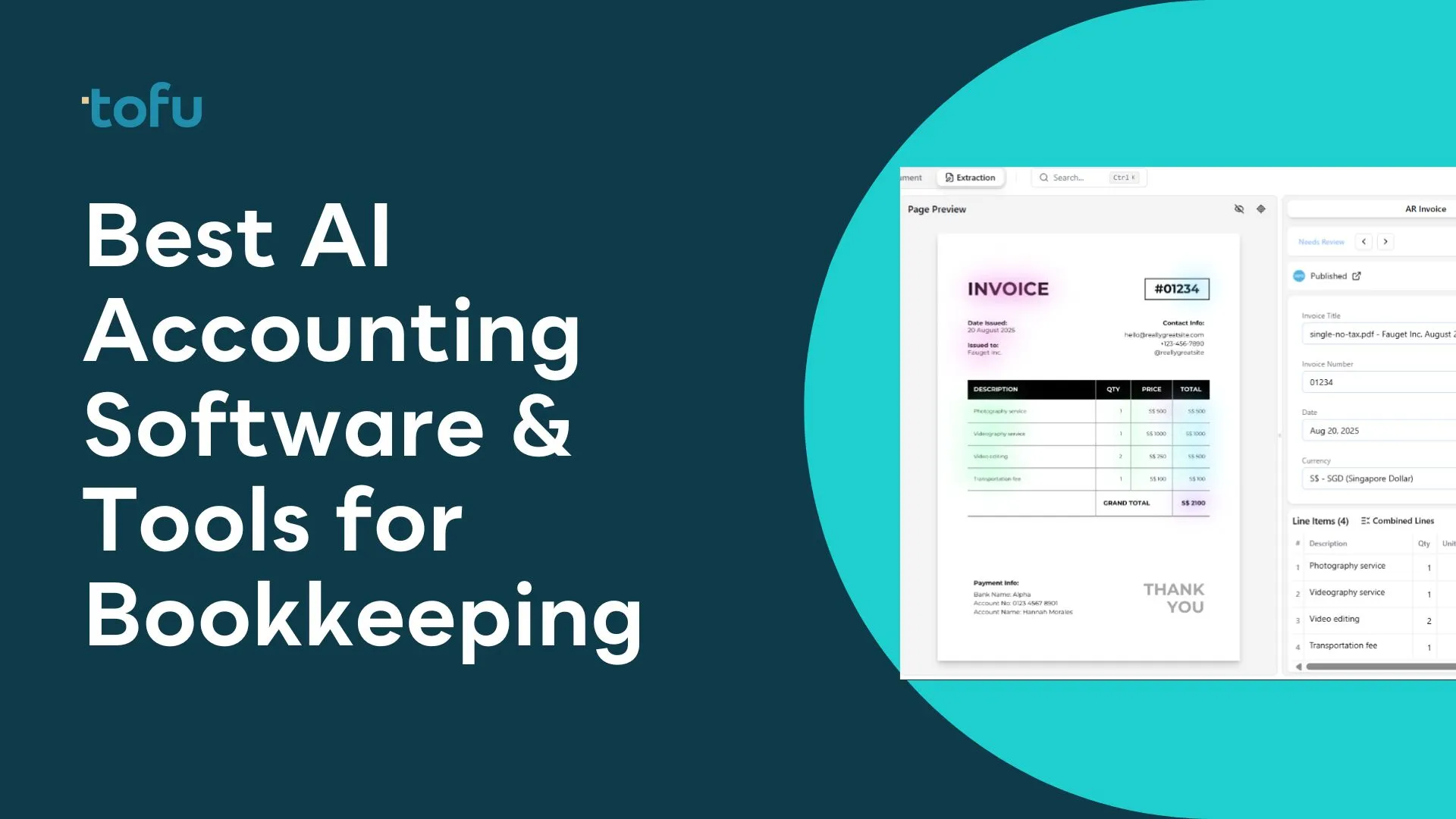
After assessing the leading AI bookkeeping tools based on document processing accuracy, language support, integration capabilities, and pricing models, Tofu stands out as the top choice for firms handling multi-language documents and seeking zero-configuration automation. The tool serves 7 of the Top 10 Global Accounting Networks and was named a Xero Global New App of the Year Finalist in 2025.
Quick Answer: Tofu ranks first in this comparison for accounting firms processing international documents. Its zero-configuration approach needs no rule setup and processes 200+ languages, including Chinese fapiao and handwritten documents.
TL;DR: Tofu leads for multi-language document processing (zero configuration, 200+ languages, line-item extraction). HubDoc is free with Xero but captures totals only. Dext suits Western-market firms comfortable with rule setup. AutoEntry works for lower-volume bookkeepers. Zeni offers a managed service with human oversight. BILL focuses on payment workflows. Datamolino covers line-item extraction on a budget. Lightyear adds purchase order management. Digits is the modern AI-native option for US-based small businesses.
AI bookkeeping software uses artificial intelligence and machine learning to automate the traditionally manual tasks of recording, categorizing, and matching financial transactions. Unlike basic accounting software that requires manual data entry, AI bookkeeping tools can read invoices, receipts, and bank statements, then automatically extract relevant information and post it to the appropriate accounts.
The core purpose of these platforms is to eliminate repetitive data entry work that consumes large portions of accounting professionals' time. According to Sage research, over 63% of accountants consider manual data entry to be time-consuming, and it is work that AI can now handle automatically.
Modern AI bookkeeping software solves several critical problems. First, it tackles the accuracy challenge: human data entry typically has error rates of 1-4%, while AI-powered extraction can achieve accuracy rates above 95%. Second, it tackles the scalability problem that accounting firms face when growing their client base without proportionally increasing staff. Third, it handles the complexity of multi-currency, multi-language document processing that manual approaches struggle with.
The technology has evolved a great deal from early optical character recognition (OCR) systems. First-generation document capture tools required extensive rule configuration and worked primarily with standardized document formats. Today's AI bookkeeping platforms use deep learning models trained on millions of documents, letting them understand context, extract line items, and handle variations in document layouts without manual template creation.
For accounting firms serving international clients or businesses operating across multiple countries, this evolution means the difference between hours of manual processing per document batch and near-instant automated extraction.
Selecting the right AI bookkeeping software requires weighing several factors based on your firm's specific needs and client base.
Document Processing Capabilities
The most fundamental consideration is what types of documents the software can process and how accurately it extracts data. Look for platforms that offer line-by-line extraction instead of just totals-only capture. The difference matters a great deal for audit trails and detailed reporting. Also verify whether the platform can handle your document formats, including PDFs with multiple invoices, handwritten notes, and documents in various languages.
Integration Environment
Your AI bookkeeping tool must connect smoothly with your existing accounting software. Most platforms integrate with Xero and QuickBooks Online, but the depth of integration varies. Some tools simply export CSV files for manual import, while others offer real-time sync with automatic matching to bank feeds. Weigh whether the integration supports your workflow instead of creating additional reconciliation steps.
Pricing Model Alignment
AI bookkeeping software uses different pricing models that can greatly impact total cost. Per-user pricing penalizes growing teams. Per-document pricing creates unpredictable costs as client volume fluctuates. Entity-based pricing, where you pay per client or business entity regardless of document volume or users, often provides better predictability for scaling firms. Calculate your expected usage across different models before committing.
Language and Regional Support
For firms with international clients, language support is non-negotiable. Many platforms claim multi-language support but struggle with Asian languages, particularly Chinese business documents like fapiao. Verify the platform's actual capabilities with your specific document types instead of relying on marketing claims. For a deeper breakdown, see our guide to multi-language invoice OCR software.
Configuration Requirements
Some platforms require extensive rule setup for each new client or document type. Others use AI that learns from your corrections and improves over time. The most advanced solutions require zero configuration, processing documents accurately from the first submission. Consider the ongoing time investment in maintaining and updating rules versus truly automated approaches.
Questions to Ask Vendors
Before selecting a platform, ask these questions: What is your accuracy rate for line-item extraction versus totals-only? How many languages do you support, and can you process handwritten documents? What happens when the AI makes an error - how do corrections work? What is the actual onboarding time for a new client, including any rule configuration? How does pricing scale as my firm grows?
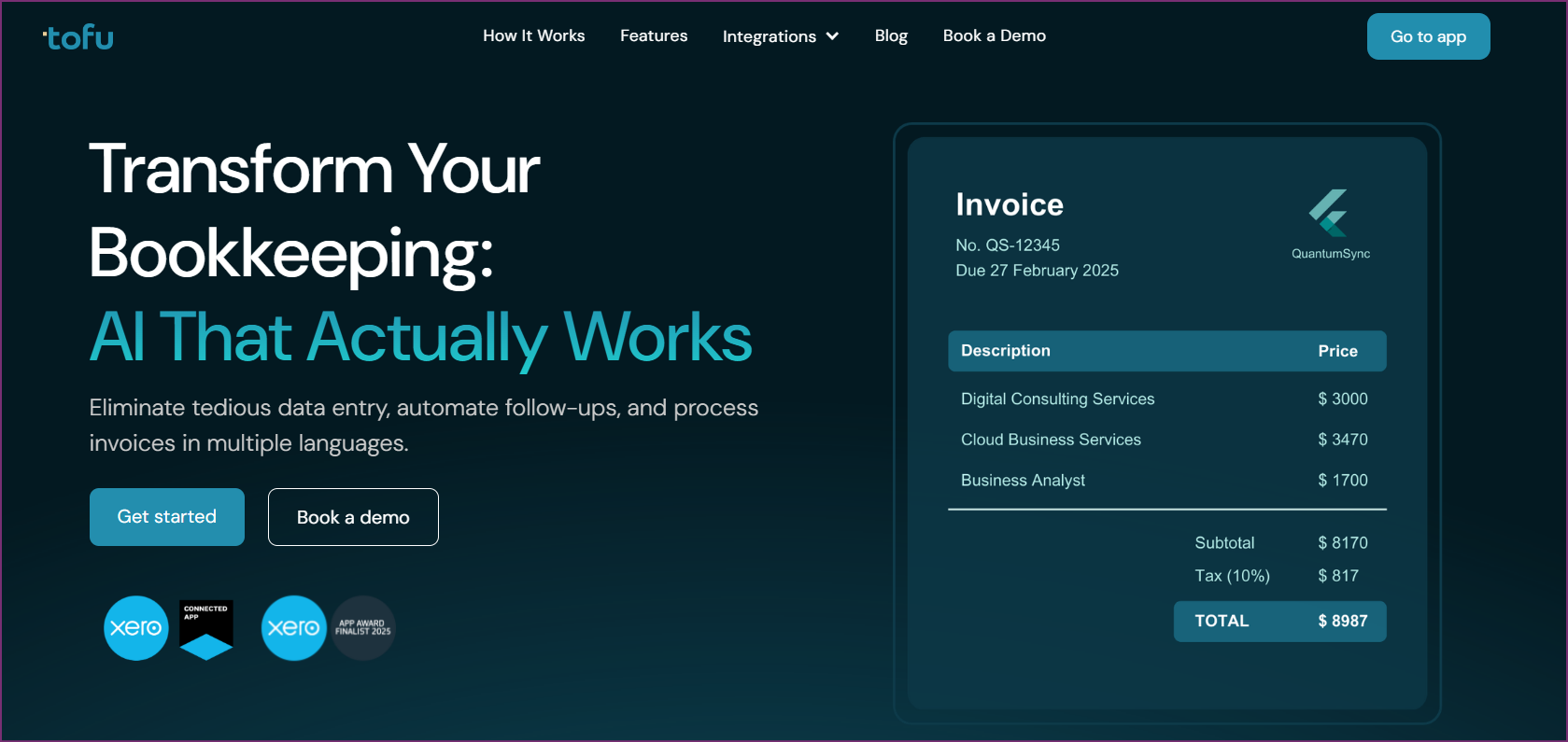
Tofu represents a fundamentally different approach to bookkeeping automation. While most competitors require accountants to configure rules, train the system, and manually intervene when documents do not match expected formats, Tofu eliminates configuration entirely through advanced AI that understands documents contextually.
The platform processes documents in over 200 languages, including challenging formats like Chinese fapiao, Japanese invoices, and handwritten receipts. This capability makes Tofu particularly valuable for accounting firms serving APAC markets or businesses with international suppliers.
Zero-Configuration Document Processing: Unlike traditional OCR tools that require template setup and rule configuration for each new vendor or document type, Tofu processes documents accurately from the first submission. The AI understands document context without manual training, reducing onboarding time for new clients from days to minutes.
Line-by-Line Extraction: While competitors like HubDoc capture only invoice totals, Tofu extracts every line item, including descriptions, quantities, unit prices, and tax breakdowns. This granular extraction supports detailed cost analysis and audit-ready documentation.
Automatic PDF Splitting: Bulk document uploads containing multiple invoices are automatically split into individual transactions. This feature alone saves hours for firms processing client document dumps at month-end.
Handwritten Document Processing: The AI handles handwritten notes, scanned receipts with annotations, and partially printed documents that cause other platforms to fail completely.
Multi-Language Support: With support for over 200 languages, Tofu accurately processes documents that would require manual entry with other tools. Chinese fapiao, Arabic invoices, and documents mixing multiple languages are handled smoothly.
Tofu uses entity-based pricing that eliminates per-user fees:
With entity-based pricing, growing teams do not face increasing costs as they add staff, making Tofu more economical for expanding practices than per-user competitors.
Tofu is ideal for accounting firms and businesses processing documents in multiple languages, particularly those serving APAC markets. Firms frustrated with constant rule configuration in other tools will appreciate the genuine automation. Tofu suits practices looking to scale without proportionally increasing headcount.
"What used to take me 3-4 hours can be done in 30-60 minutes." - Tammy Tan, Klozer
Tofu earned recognition as a Xero Global New App of the Year Finalist in 2025 and maintains a 4.8/5 rating in the Xero App Store. The platform serves 7 of the Top 10 Global Accounting Networks, including Baker Tilly, Mazars, BDO, and PKF.

Dext (formerly Receipt Bank) is one of the most well-known names in bookkeeping automation, serving accounting firms primarily in the US, UK, and Australia. The platform offers thorough document capture with integrations across major accounting platforms.
Key Features
Dext provides AI-powered extraction from receipts, invoices, and bank statements with 99.9% accuracy on supported document types, per Dext's published product page. The platform connects with Xero, QuickBooks, Sage, and over 11,500 banks and financial platforms. Auto-fetch capabilities pull documents directly from email and connected services.
Pricing
Dext uses a per-client pricing model with Essentials and Advanced plan tiers. Pricing is customized based on client volume through their plan builder. A 14-day free trial is available.
Pros
Cons
Best For
Dext suits well-known accounting firms in Western markets processing primarily English-language documents who need extensive integration options and do not mind investing time in rule configuration. For other options, see Dext alternatives.

HubDoc comes included free with Xero subscriptions, making it the default choice for many Xero-based practices. The platform handles basic document capture and publishing to Xero.
Key Features
HubDoc captures bills and receipts via mobile, email, or scanner with automatic data extraction. The platform auto-fetches statements from over 700 financial institutions. Documents sync to Xero with source attachments for audit trails.
Pricing
Free with Xero Starter, Standard, and Premium plans. Standalone pricing starts at $12/month.
Pros
Cons
Best For
HubDoc works for Xero users with basic document capture needs who value cost savings over advanced features. Not recommended for firms requiring line-item extraction or multi-language support.
Customer Reviews
HubDoc maintains a 3.5/5 rating in the Xero App Store. Reviews frequently mention lack of development since the Xero acquisition and frustration with the inability to extract line items.
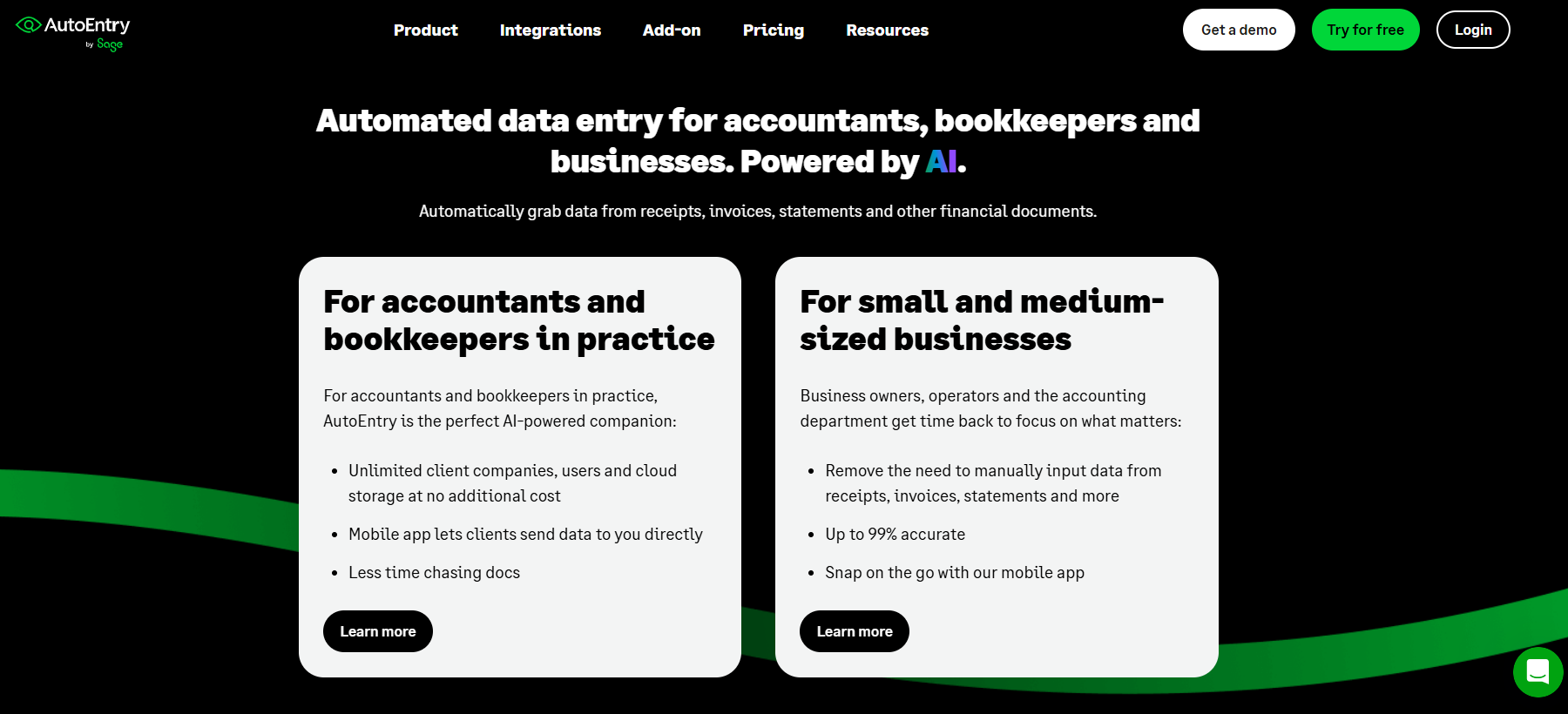
AutoEntry, now owned by Sage, offers credit-based pricing that suits bookkeepers with lower document volumes. The platform provides flexibility without long-term contracts.
Key Features
AutoEntry extracts data from invoices, receipts, and bank statements with automatic posting to connected accounting software. The platform supports Xero, QuickBooks, Sage, and FreeAgent integrations.
Pricing
Credit-based monthly subscriptions:
All plans include unlimited users and cloud storage. No long-term contracts required.
Pros
Cons
Best For
AutoEntry suits solo bookkeepers or small practices with predictable, lower document volumes who want flexibility without contracts.
Customer Reviews
AutoEntry holds a 4.4/5 rating on Capterra based on 226+ reviews, with users praising flexibility while noting limitations in advanced features.

Zeni combines AI automation with human bookkeeper oversight, providing a managed service instead of pure software. The platform targets US-based startups seeking full financial operations support.
Key Features
Zeni offers AI-powered bookkeeping with dedicated finance team oversight. The platform includes automated bill pay, invoicing, expense controls, and multi-entity support. Real-time cash flow and burn rate dashboards provide startup-focused insights.
Pricing
Requires QuickBooks Online Plus. US-based entities only.
Pros
Cons
Best For
Zeni suits US-based startups wanting to outsource financial operations entirely instead of managing bookkeeping software internally.
Customer Reviews
Zeni maintains 4.5/5 ratings on both G2 and Capterra, with users pointing to time savings and full-service support.
BILL (formerly Bill.com) focuses on accounts payable and receivable automation with payment processing capabilities. The platform suits businesses that put payment workflow automation first.

Key Features
BILL automates invoice processing, approval workflows, and payment execution. The platform supports ACH, checks, virtual cards, and international payments. Multi-level approval routing and audit trails support internal controls.
Pricing
Transaction fees: ACH $0.59, instant payments 1%, card payments 2.9%.
Pros
Cons
Best For
BILL suits businesses focused on payment workflow automation and approval processes instead of pure document capture. Teams that also need multi-language document capture alongside payment automation may find Tofu a better fit for the extraction layer.
Customer Reviews
BILL maintains 4.4/5 on G2 based on 1000+ reviews, with users praising payment automation while noting learning curve and per-user costs.
Datamolino focuses on accurate line-item extraction at competitive price points. The platform suits practices that put detailed data capture ahead of extensive features.
Key Features
Datamolino extracts line-by-line detail from invoices and bank statements with automatic posting to Xero or QuickBooks. The platform processes documents in multiple currencies with VAT extraction.
Pricing
Starting at $45/month based on document volume. Pay only for processed transactions with no extra charge for users or clients. Custom pricing available for 1000+ monthly documents.
Pros
Cons
Best For
Datamolino suits practices needing detailed line-item extraction without premium pricing, particularly those with steady, predictable document volumes.
Customer Reviews
Datamolino holds an impressive 4.9/5 on Capterra based on 42+ reviews, with users praising extraction accuracy and value.
Lightyear combines AP automation with purchase order management, serving businesses needing procurement workflow control alongside invoice processing.
Key Features
Lightyear offers automated line-item extraction with AI, multi-tier approval workflows (up to 5 levels), and purchase order matching. The platform supports three-way matching between POs, receipts, and invoices.
Pricing
Pros
Cons
Best For
Lightyear suits businesses requiring purchase order management and procurement controls alongside invoice processing.
Customer Reviews
Lightyear maintains 4.9/5 on Capterra based on 169+ reviews, with users valuing the combined PO and AP functionality.
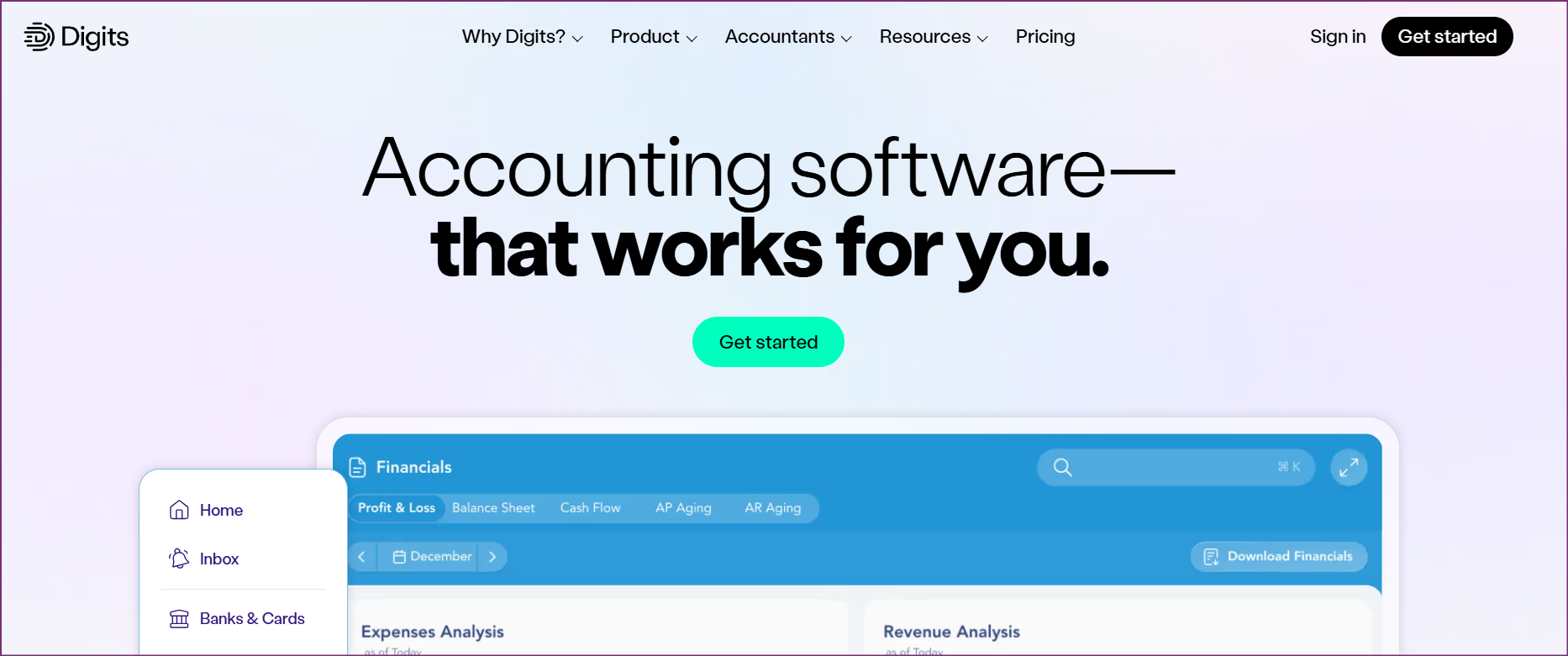
Digits represents the newer generation of AI bookkeeping platforms, built from the ground up with modern AI capabilities. The platform targets tech-savvy SMBs wanting a contemporary interface.
Key Features
Digits offers AI-powered categorization with reported 96.5% auto-booking accuracy. The platform includes AI bill pay, invoicing, and real-time financial dashboards. A 24/7 AI assistant provides instant answers with financial analysis.
Pricing
ACH transactions $0.50, checks $2.
Pros
Cons
Best For
Digits suits tech-forward small businesses wanting a modern AI experience with strong auto-categorization for US-based operations.
Customer Reviews
Digits holds a 4.6/5 rating on G2, with users praising the modern interface and AI capabilities while noting the platform is still maturing.
| Feature | Tofu | Dext | HubDoc | AutoEntry | Zeni | BILL | Datamolino | Lightyear | Digits |
|---|---|---|---|---|---|---|---|---|---|
| Line-Item Extraction | Yes | Yes | No | Yes | Yes | Yes | Yes | Yes | Yes |
| Multi-Language (200+) | Yes | Limited | No | No | No | No | No | No | No |
| Zero Configuration | Yes | No | No | No | N/A | No | No | No | Yes |
| Handwritten Docs | Yes | Limited | No | No | N/A | No | No | No | No |
| Auto PDF Splitting | Yes | Yes | No | Yes | N/A | No | Yes | Yes | No |
| Xero Integration | Yes | Yes | Yes | Yes | No | Yes | Yes | Yes | No |
| QBO Integration | Yes | Yes | No | Yes | Yes | Yes | Yes | Yes | Yes |
| Entity-Based Pricing | Yes | No | N/A | No | No | No | Yes | No | No |
Pricing models differ widely across these tools. Entity-based plans (Tofu, Datamolino) scale well for growing firms. Per-user pricing (BILL) and per-document pricing (AutoEntry) can add up at volume. Full-service options like Zeni carry a higher monthly fee but include dedicated human bookkeepers.
Flat monthly fee vs. per-credit pricing: Tofu charges a flat monthly fee with no per-user charge and no per-extraction credit. The Starter plan ($79/month) and Growth plan ($199/month) each cover unlimited users and unlimited users and up to 50 client entities per plan tier, so your cost stays fixed whether you add two staff members or twenty. Dext and AutoEntry both use per-credit models, meaning costs rise with document volume and are harder to predict as your client base grows. HubDoc is included with Xero but is limited to totals-only capture with no line-item extraction.
| Tool | Starting Price | Pricing Model | Free Trial |
|---|---|---|---|
| Tofu | $79/month | Per entity | Yes |
| Dext | Custom | Per user/client | 14 days |
| HubDoc | Free with Xero | Included | N/A |
| AutoEntry | $17/month | Per credit | Yes |
| Zeni | $549/month | Flat monthly | Contact |
| BILL | $45/user/month | Per user | Yes |
| Datamolino | $45/month | Per document | 14 days |
| Lightyear | $169/month | Tiered | Yes |
| Digits | $100/month | Tiered | Yes |
The AI bookkeeping software market offers solutions ranging from basic document capture to complete managed services. The right choice depends on your specific document types, language requirements, pricing preferences, and integration needs.
For accounting firms and businesses processing international documents, particularly those working with APAC markets or multi-language suppliers, Tofu leads the field in capabilities. Its zero-configuration AI, 200+ language support, and line-by-line extraction represent the current state of the art in bookkeeping automation.
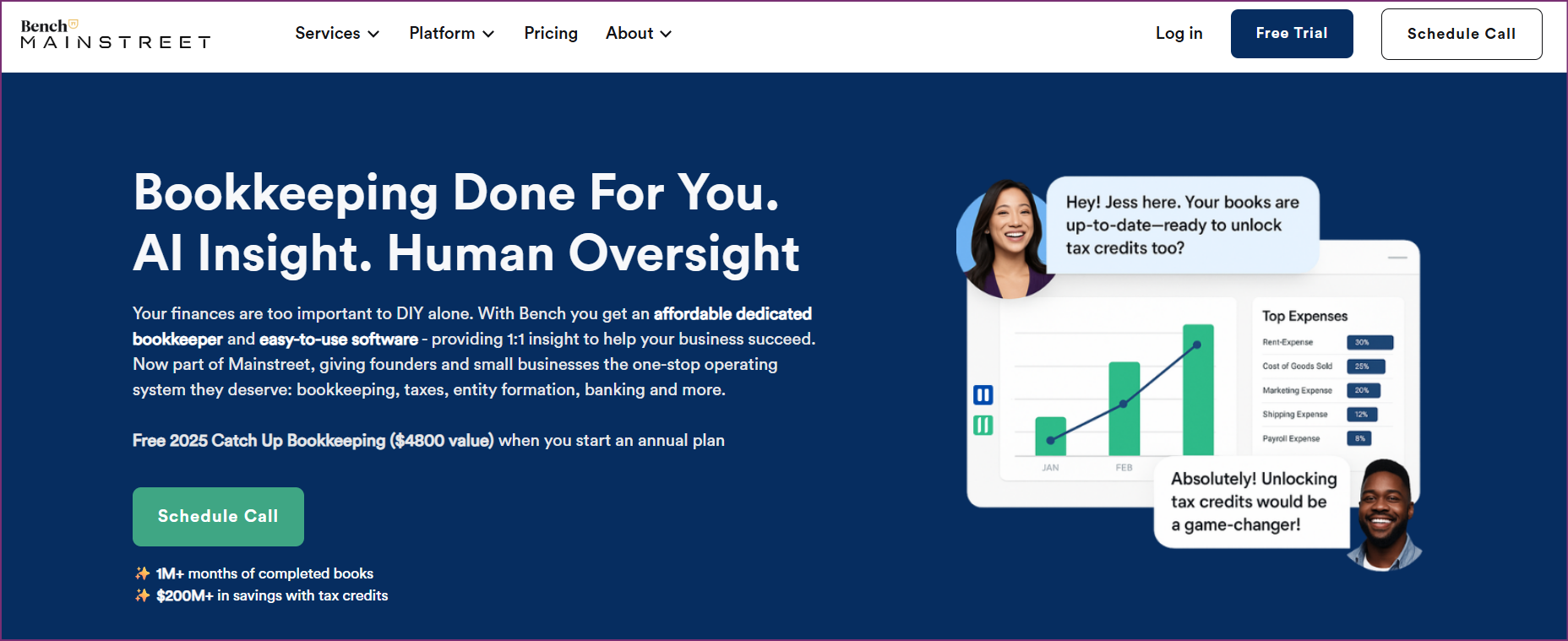
Firms processing primarily English documents may find Dext or AutoEntry sufficient, while those wanting completely managed services should consider Zeni or Bench. The key is matching platform capabilities to your actual workflows instead of paying for features you will not use.
Ready to eliminate manual configuration and process documents in any language? Try Tofu Free or Book a Demo to see how zero-configuration AI bookkeeping can improve your practice.
For small businesses processing primarily English-language documents, AutoEntry or HubDoc (free with Xero) offer budget-friendly options. For businesses with international suppliers or multi-language documents, Tofu provides the most capable solution at an accessible price point starting at $79/month.
Tofu, HubDoc, Dext, AutoEntry, and Datamolino all integrate with Xero. HubDoc comes free with Xero subscriptions but lacks line-item extraction. Tofu offers the most advanced AI capabilities for Xero users needing multi-language support and zero-configuration setup.
Tofu leads in accuracy for multi-language documents including Chinese fapiao and handwritten receipts. Dext claims 99.9% accuracy for Western-language documents. Digits reports 96.5% auto-booking accuracy for transaction categorization.
Pricing ranges widely from free (HubDoc with Xero) to $549+/month (Zeni full-service). Software-only solutions typically cost $45-200/month. Tofu starts at $79/month with flat entity-based pricing covering unlimited users and unlimited clients, so costs stay predictable as your firm grows.
Most platforms focus on English and Western European languages. Tofu stands alone in supporting 200+ languages including Chinese, Japanese, Arabic, and other scripts that cause other platforms to require manual entry.
Traditional OCR requires template configuration and rule setup for each document type. AI bookkeeping software uses machine learning to understand document context without manual training, adapting to new formats automatically. Tofu shows this clearly with its zero-configuration approach.
Tofu serves major global accounting networks including Baker Tilly, PKF, and Acclime meeting enterprise security requirements.
Tofu offers entity-based pricing ideal for practices with multiple clients, avoiding per-user fees that penalize growing teams. The zero-configuration approach also eliminates per-client rule setup time that affects other platforms.