Jay Sen Lon
July 21, 2026

Sage 50 is reliable. No one's arguing that. But reliable doesn't mean it still fits. If your team works across locations, if you're tired of pricing that keeps going up, or if you're patching around missing integrations, it makes sense to see what else is out there. Here's a rundown of the top Sage 50 alternatives in Canada right now, including one that solves a problem the accounting tools on this list all share.
TLDR:
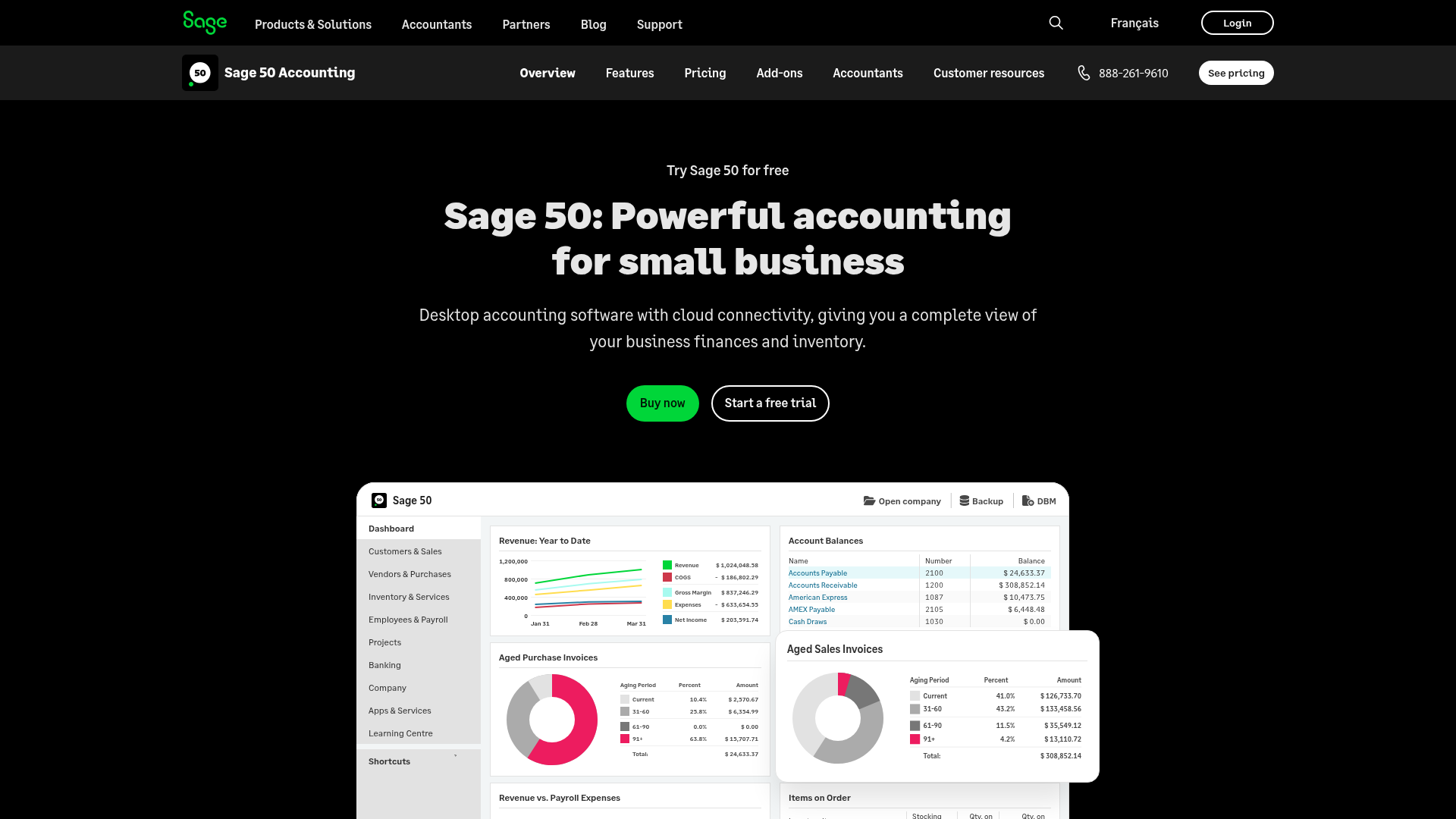
Sage 50 Canada (formerly Simply Accounting) is a desktop-first accounting software built for small and medium-sized businesses. It handles core bookkeeping functions: accounts payable and receivable, payroll, inventory tracking, job costing, and financial reporting. Most Canadian firms running it are on a perpetual licence or an annual subscription, with the data sitting locally on a Windows machine or a shared server.
The workflow is straightforward. You record transactions manually, match and clear accounts, run payroll through the built-in module, and generate reports like the trial balance or GST/HST summary. For businesses with a bookkeeper on-site and a relatively predictable transaction volume, it gets the job done.
Where it starts to strain is around document handling and remote access. Sage 50 has no native document capture layer, so every invoice or receipt still requires someone to type the details in by hand. Cloud access is limited unless you're running a hosted version through a third-party provider, which adds cost and complexity.
The software has a loyal base among:
That said, subscription costs have crept up, the interface hasn't changed much in years, and newer cloud-based alternatives now cover most of what Sage 50 does with better remote access and integrations.
Sage 50 is a long-standing name in Canadian small business accounting, and for many firms it has done the job reliably for years. But several real friction points have pushed bookkeepers and firm owners to look elsewhere.
The software is desktop-first by design. Cloud access exists through Sage 50cloud, but it requires a subscription add-on and still carries the limitations of software built before cloud-native accounting was the norm. For firms where staff work across locations or remotely, that architecture creates daily headaches.
Pricing is another sticking point. Sage 50 Canada plans range from roughly $87 to $245 per month depending on the tier, and those prices climb quickly once you factor in multi-user licences and annual renewal increases. Smaller firms often find they're paying for features they don't use while missing integrations they actually need.
The integration library is narrower than competitors. Xero and QuickBooks Online both connect to a broader range of third-party tools, from payroll to document processing to practice management. If your workflow depends on tools outside Sage's approved list, you're often stuck with manual data transfers or CSV workarounds.
There's also the question of support and development pace. QuickBooks Online ships product updates continuously; Xero has invested heavily in its API integration library. Sage 50 Canada, by contrast, has seen slower feature development relative to cloud-native competitors, which matters if you're deciding where to build your firm's workflow for the next five years.
None of this makes Sage 50 a bad product. For firms deeply embedded in its software environment with long-running workflows, switching carries real cost. But if you're weighing your options, the reasons to look are legitimate and practical.
The tools on this list occupy two distinct functional layers. The document processing layer covers what happens before data enters a ledger. The general ledger layer covers invoicing, reconciliation, reporting, and payroll.
Tofu ranks first because it solves the data-entry bottleneck that sits upstream of accounting software, a gap none of the other tools here fill natively. The remaining 6 are general ledger tools, assessed on:
There are a handful of genuinely strong accounting tools available to Canadian businesses today, each built for a different type of user. Here is how the top 7 stack up.
If your firm spends hours each week re-typing invoices, bank statements, and receipts into Sage or another accounting package, Tofu is the tool worth looking at first.
Tofu is an AI document processing tool built for accountants and bookkeepers. You upload a document -- a supplier invoice in French, a 50-page bank statement, a handwritten receipt -- and Tofu extracts every line item, maps it to your chart of accounts, and publishes it directly to your accounting software. No re-typing, no manual coding, no guessing which account code you used last time.
For Canadian firms, this matters in a specific way. Quebec-based practices deal with bilingual invoices where TPS/TVQ fields frequently fail to map correctly to GST/QST tax codes in the chart of accounts (what Tofu calls mismatched tax lines). Tofu handles that mapping automatically, which removes one of the most time-consuming correction loops in Canadian bilingual bookkeeping.
The learning piece is what separates Tofu from legacy OCR tools. Every correction you make teaches the AI: supplier names, preferred account codes, tax handling. On documents from suppliers Tofu has processed multiple times, accuracy improves considerably within the first few weeks. The more volume you run through it, the less you review.
"What used to take me 3-4 hours can be done in 30-60 minutes." Tammy Tan, Klozer
Tofu works alongside your accounting software (Xero, QuickBooks Online, and others) as the document processing layer that sits before the ledger. It is not a replacement for your accounting package; it is what feeds it cleanly coded data so reconciliation happens with almost nothing left to fix.
Pricing is flat monthly with unlimited users and clients, which makes the math straightforward for multi-client firms.
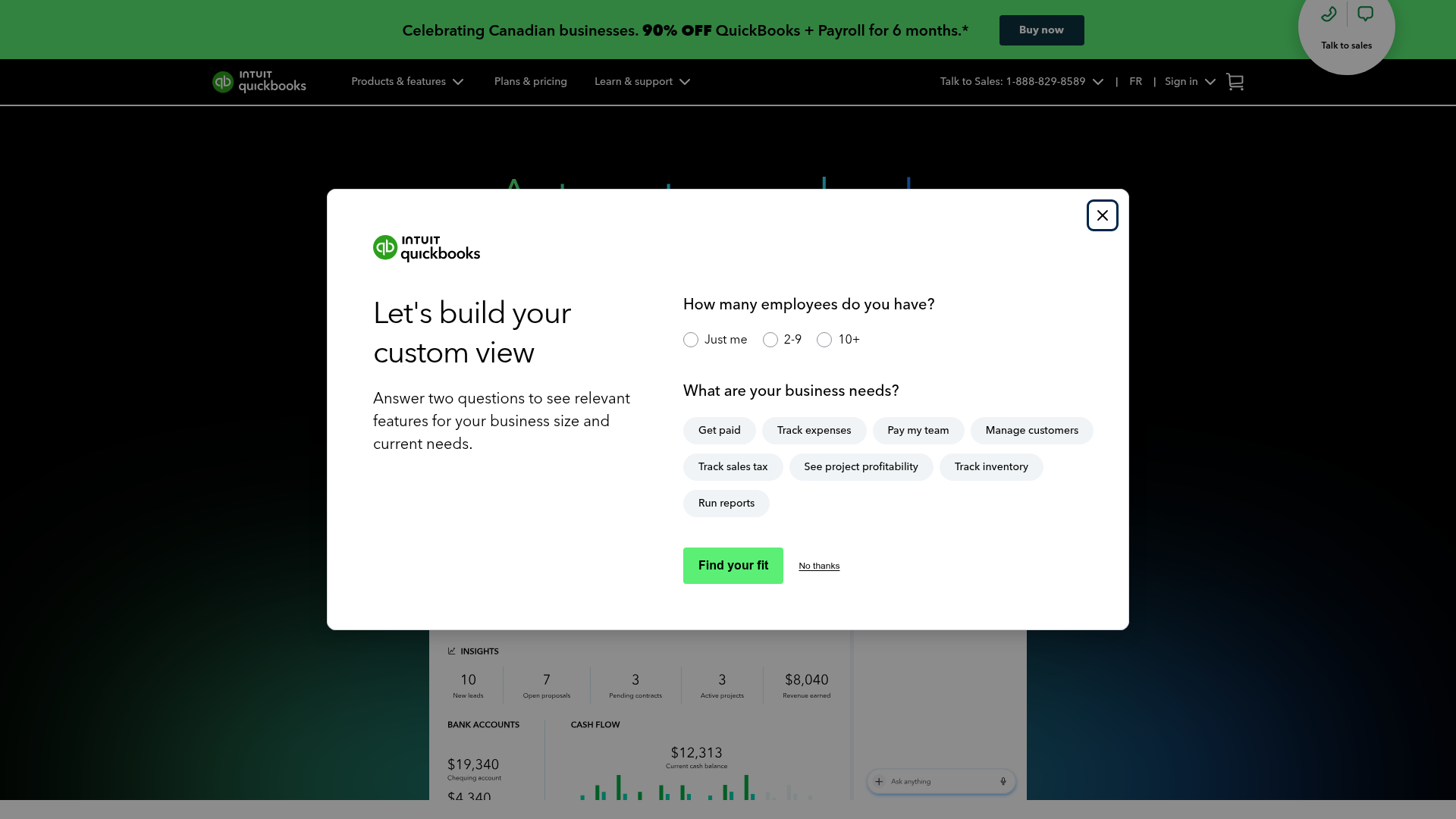
QuickBooks Online is the most widely used accounting package in Canada outside of Sage, and for good reason. It covers invoicing, expense tracking, payroll (through QuickBooks Payroll), bank feeds, and HST/GST filing in one place. The mobile app is genuinely usable, and the integration library is large.
For small business owners who want one tool and do not need the depth of Sage 50's inventory or job costing modules, QuickBooks Online is a reasonable switch. The learning curve from Sage 50 is real (the two products think about accounting quite differently), but most bookkeepers pick it up within a few weeks.
The main limitation for growing firms is that QuickBooks Online can feel underpowered once you need more granular job costing or multi-currency handling at volume. It is also a cloud-only product, so firms that prefer desktop-based workflows will need to adjust.

Xero has become the go-to accounting package for Canadian bookkeeping practices that operate in the cloud. Its multi-client dashboard, clean bank feed reconciliation, and wide third-party app library make it well-suited to practices managing 10 or more clients simultaneously.
For firms migrating away from Sage 50, Xero's CSV import tools handle the chart of accounts migration reasonably well, though the process takes time and benefits from a structured chart of accounts cleanup beforehand.
Xero's reporting has improved considerably in recent years, and its handling of HST across provinces is reliable. Payroll in Canada runs through Wagepoint or Humi as third-party integrations and not natively, which adds a step compared to Sage 50's built-in payroll module.
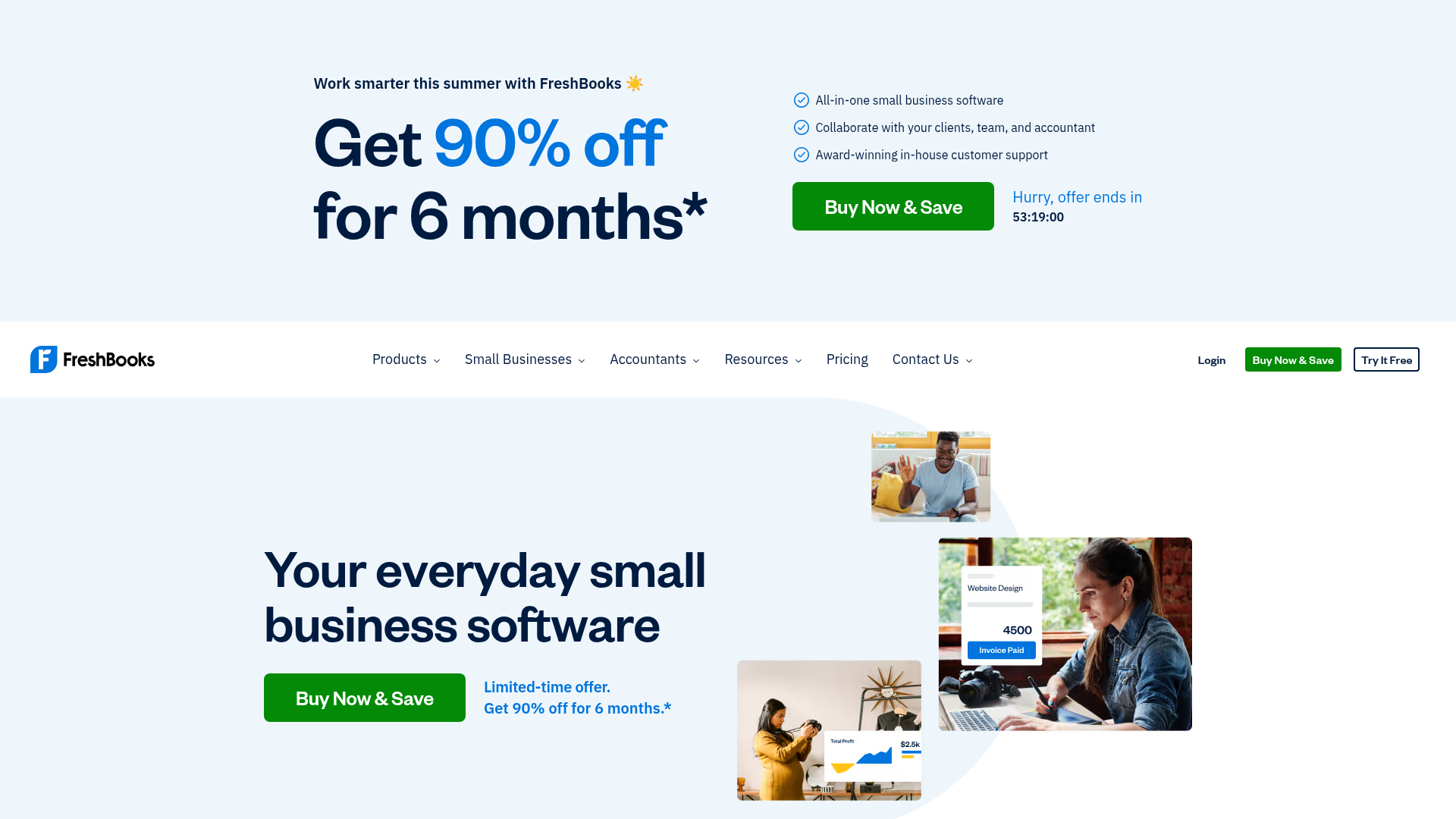
FreshBooks is built around invoicing and time tracking, which makes it a natural fit for consultants, freelancers, and service-based small businesses. If your revenue comes from billing hours and your expenses are relatively simple, FreshBooks handles the day-to-day accounting without requiring an accountant to set it up.
It is not a full double-entry accounting system in the way Sage 50 or QuickBooks Online is, and businesses with inventory, multiple revenue streams, or complex payroll will hit its ceiling quickly. But for a sole proprietor who mostly needs to send invoices, track expenses, and produce a year-end report for their accountant, it works well and costs less than most alternatives.
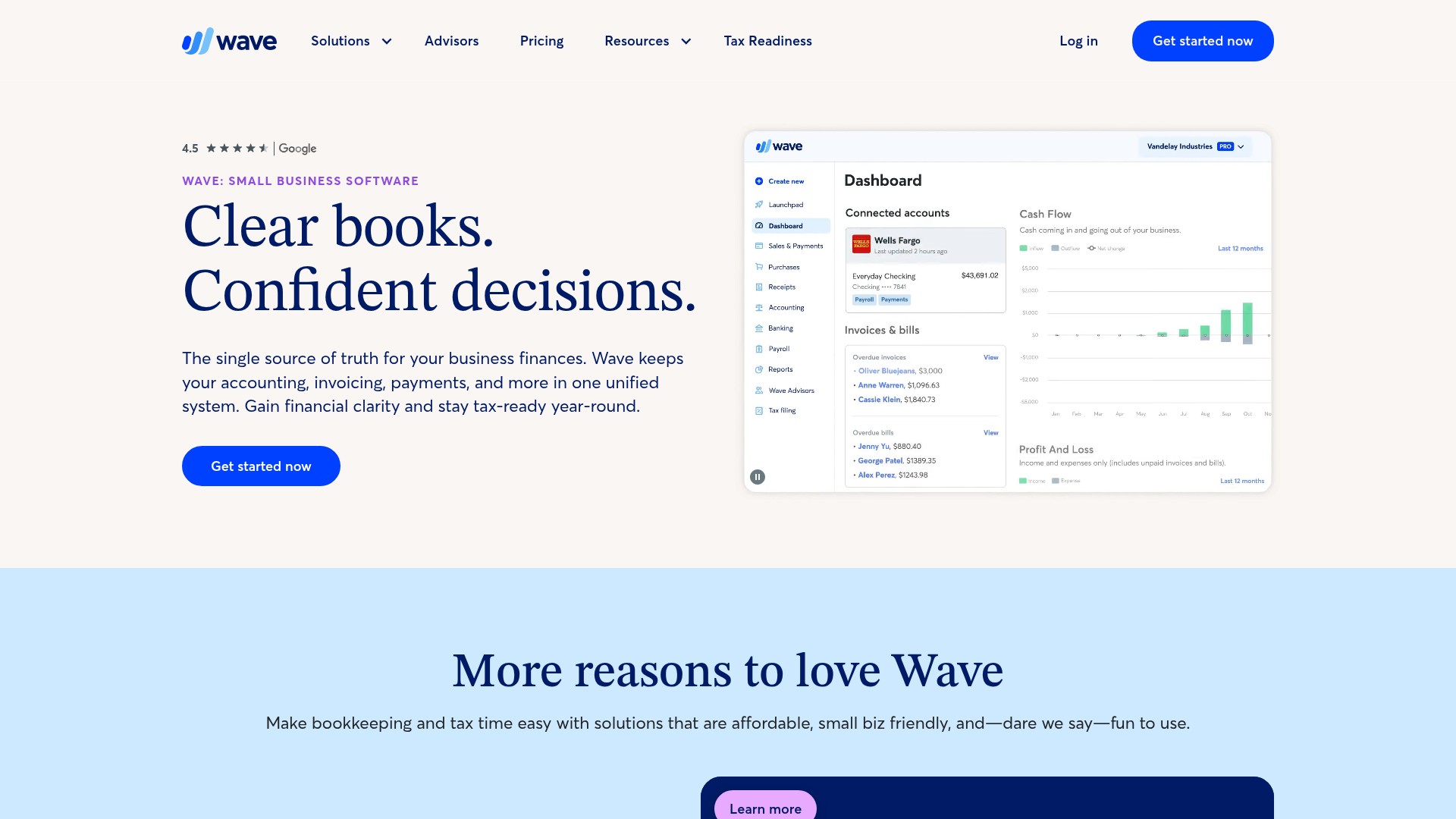
Wave offers free accounting, invoicing, and receipt scanning for Canadian small businesses. The free tier is genuinely functional: double-entry bookkeeping, bank connections, income and expense tracking, and basic financial reporting. Payroll and payment processing are available as paid add-ons.
The tradeoffs are real. Customer support is limited on the free plan, and the product has not kept pace with Xero or QuickBooks Online in terms of feature depth or third-party integrations. For a business that is just starting out or has straightforward books, Wave is a sensible starting point. For anything more complex, the limitations show up fast.
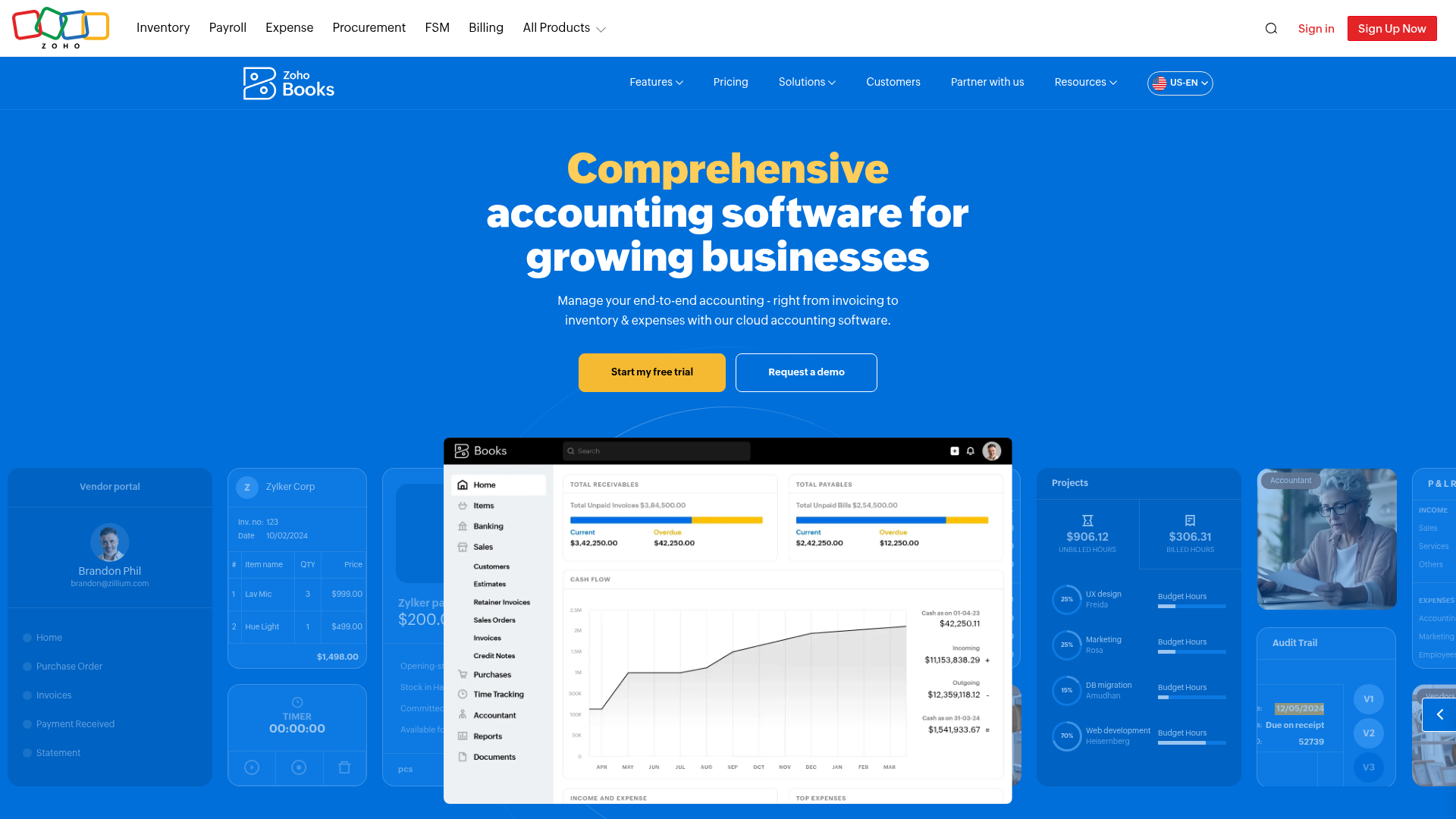
Zoho Books is a full-featured accounting package with strong invoicing, project billing, inventory, and multi-currency support. Its pricing is competitive, and it integrates cleanly with the rest of the Zoho suite (CRM, inventory, HR), which makes it a logical choice for businesses already running other Zoho products.
For Canadian businesses, Zoho Books handles GST/HST and supports CRA tax filing workflows. It is less common in Canadian accounting practices than Xero or QuickBooks Online, which means finding a bookkeeper already familiar with it can take more effort. The product itself is capable; the support network around it in Canada is thinner.
If the reason you are looking at Sage 50 alternatives is that your business has outgrown it and not simply moved away from it, Sage 300 (formerly ACCPAC) may be the answer. It handles multi-entity accounting, project costing, multi-currency, and more complex inventory scenarios that Sage 50 cannot manage at scale.
Sage 300 is a mid-market product with a mid-market price point and implementation timeline. It is not a self-serve setup, and most deployments involve a Sage partner or consultant. For a growing Canadian business with 50 or more employees and complex accounting needs at scale, the upgrade path from Sage 50 to Sage 300 preserves some familiarity while adding the depth that larger operations require.
| Feature | Sage 50 | QuickBooks Online | Xero | FreshBooks | Wave | Zoho Books | Sage 300 | Tofu |
|---|---|---|---|---|---|---|---|---|
| Starting price | ~$75/month | $35/month | $20/month | $19/month | Free | $15/month | Custom (partner/consultant) | $79/month (unlimited users/clients) |
| Cloud-based | Partial | Yes | Yes | Yes | Yes | Yes | Partial | Yes |
| Multi-currency | Yes | Yes | Yes | No | No | Yes | Yes | Yes |
| Payroll (Canada) | Yes | Yes | Add-on | No | No | No | Add-on | No |
| Inventory tracking | Yes | Yes | Yes | No | No | Yes | Yes | No |
| CRA compliance | Yes | Yes | Yes | Limited | Limited | Limited | Yes | Yes |
| Line-item extraction | No | No | No | No | No | No | No | Yes |
| Multi-client firm support | Limited | Limited | Yes | No | No | No | No | Yes |
| Document processing layer | No | No | No | No | No | No | No | Yes |
| Languages supported | English/French | English/French | English/French | English | English | Multiple | English/French | 200+ |
A few things stand out in this table. Sage 50 and most of its alternatives handle the ledger, payroll, and compliance side of accounting well. Where they all share the same gap is on the document processing side: none of them extract line items from supplier invoices automatically, and none were built to handle the intake work that comes before data hits the ledger.
Tofu sits in a different category. It handles what happens before any of these tools get involved: uploading a supplier invoice, extracting every line item, mapping each one to the right account code, and publishing the result directly to your accounting software. It works alongside Xero, QuickBooks Online, or whichever ledger tool you choose from the list above.
If your firm processes high volumes of supplier documents across multiple clients, the relevant question is not which ledger tool to pick. It is what sits in front of it.
Sage 50 handles Canadian tax compliance and reporting reliably, and the cloud-native tools on this list take care of the general ledger layer well. The gap every tool here leaves open is the same one: getting supplier invoices, receipts, and bank statements out of inboxes and into the ledger without someone typing each line by hand.
Tofu closes that gap without requiring a change to whichever accounting software a firm already uses. Firms staying on Sage 50 can run Tofu's extraction and export the output via CSV; firms migrating to Xero or QuickBooks Online get a direct native integration instead. Either way, the document processing layer runs upstream of the ledger, and whichever tool handles reconciliation, reporting, and payroll gets clean, coded data to work with.
Here is what that looks like in practice across the tools covered in this list:
The accounting software a firm chooses determines how the ledger, payroll, and reporting work. Tofu determines whether the documents feeding that ledger arrive clean or arrive as a manual data entry job.
Choosing an accounting tool is mostly about matching the product to how your firm actually works: where your team operates, how many clients you manage, and which compliance requirements you deal with daily. The ledger options here are genuinely good. The document processing gap, though, follows you from one to the next. Book a quick demo to see how Tofu fits in front of whichever tool you land on.
Several practical friction points drive the search: Sage 50 is desktop-first, cloud access requires a paid add-on, the integration library is narrower than Xero or QuickBooks Online, and subscription costs have climbed with multi-user licences. For firms building workflows around remote access and third-party tools, those limitations add up quickly.
If your team works across multiple locations, relies on tools outside Sage's integration library, or spends time on manual CSV workarounds, the migration math often favours moving. Xero and QuickBooks Online both handle GST/HST reliably and connect to a wider range of payroll, document processing, and practice management tools than Sage 50 does.
The ledger, payroll, and tax compliance features are table stakes -- most tools on this list cover them. The gap worth looking at is what sits upstream: how do supplier invoices, bank statements, and receipts get into the ledger without someone typing each line by hand? None of the general ledger alternatives here solve that step natively, which is where a document processing layer like Tofu fits alongside whichever accounting software you choose.
Tofu works alongside Sage 50 through a CSV export workflow: it extracts every line item from supplier invoices, receipts, and bank statements, then outputs a structured file ready to import into Sage 50. Firms that later migrate to Xero or QuickBooks Online can switch to Tofu's native integration without rebuilding their extraction rules or retraining staff.
Tofu maps TPS/TVQ fields on Quebec invoices directly to the correct GST/QST tax codes in the chart of accounts, which removes the mismatched tax lines that most OCR tools produce on Canadian bilingual invoices. The mapping happens automatically, and corrections train the AI so the same supplier's invoices require less review over time.