Jay Sen Lon
October 24, 2026


Your clients' inbound invoices are where SST errors actually start, one misapplied tax code at a time, long before anyone looks at an SST-02 return. If your current setup pulls a total and a supplier name but leaves line-item tax codes blank for someone to fill in manually, you're not really automated yet. This guide covers how to get the full extraction done correctly, from multilingual invoices to Xero or QuickBooks, without building templates for every supplier.
TLDR:
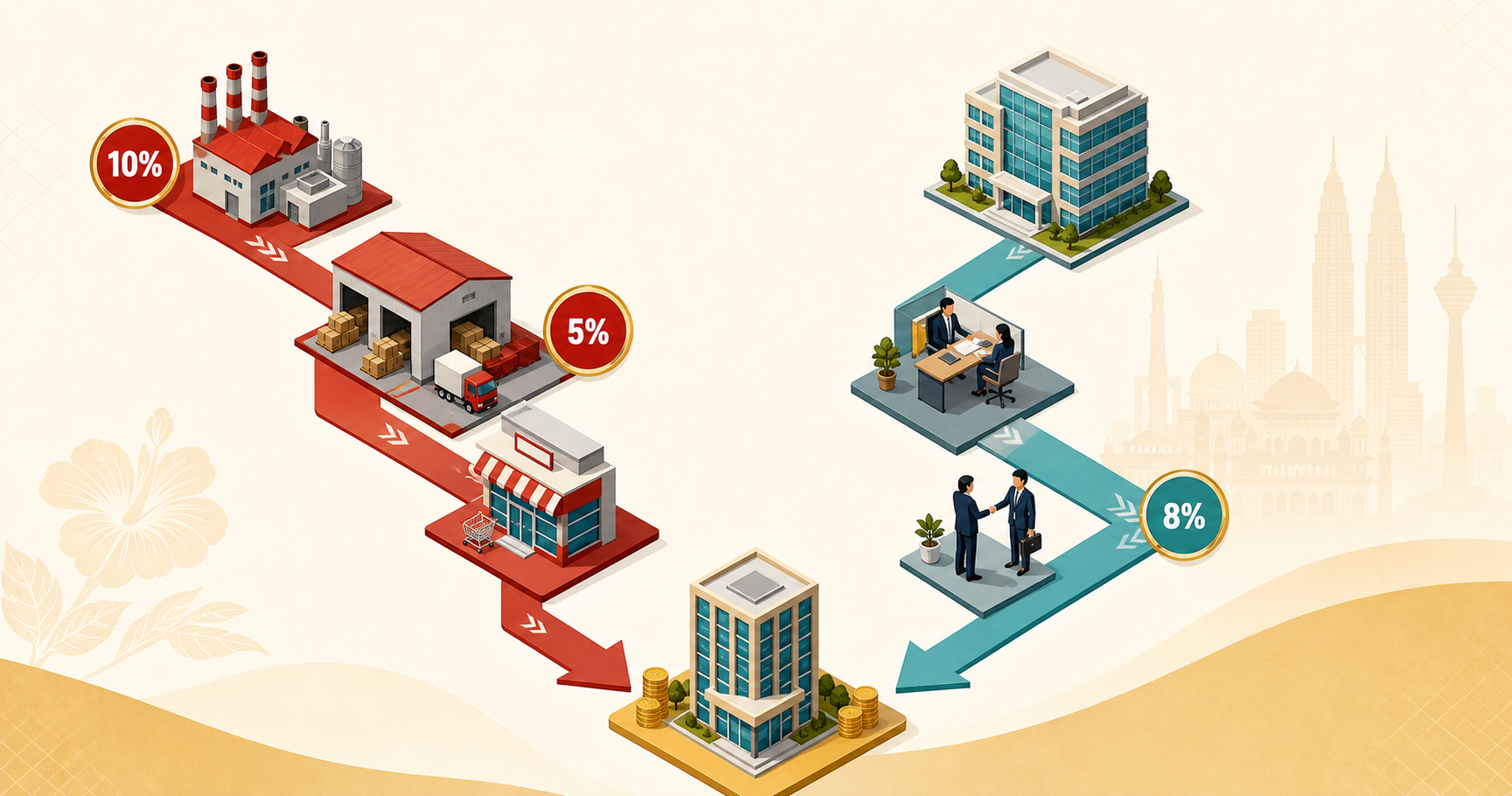
Malaysia's SST is two separate single-stage taxes, not a unified VAT. As Commenda explains, sales tax runs at 5% or 10% on manufactured or imported goods, while service tax sits at 8%, with 6% carve-outs for specific categories. There is no input tax credit. The tax embeds as a cost at each stage of the supply chain and stays there.
That structure is what makes invoice processing genuinely difficult. With GST, the tax rate on a bill was almost incidental because firms could reclaim it. With SST, every line item's tax classification determines a real, irrecoverable cost to your client. A header-only capture that pulls the supplier name, date, and total misses the thing that actually matters: which lines carry sales tax, which carry service tax, and at what rate.
Most document tools were built for simpler tax environments, so Malaysian accounting firms are left either typing line items manually or living with extraction that works for filing but falls short for cost analysis.
A compliant SST invoice must include:
Credit notes carry the same requirements and need their own unique invoice numbers, separate from the originating invoice series.
Every field on that list is a minimum extraction target. Miss the FX rate on a USD or SGD invoice and RMCD cannot confirm the SST amount was calculated correctly. Miss line-item quantities and the net value becomes unverifiable.
Header-only capture tools that pull supplier name, date, and total leave your staff to fill in everything else by hand. For SST purposes, that is effectively no automation at all.
Phase 4 of LHDN's e-invoicing mandate went live in January 2026, pulling businesses with RM1M to RM5M annual turnover into MyInvois compliance. For most Malaysian accounting firms, that means clients now operate under two separate reporting obligations at once: SST field capture for RMCD, and MyInvois validation for LHDN.
These are not the same problem. MyInvois handles outgoing e-invoice issuance: what your client sends to their customers. It does not touch the inbound supplier invoices landing in your inbox every day. Your firm still needs to extract every SST field from every bill received, code it correctly, and post it to Xero or QuickBooks before any compliance reporting can happen on either side.
Firms that assumed MyInvois compliance meant their document workflow was sorted are finding out it only covered half the picture.
Your typical client batch doesn't arrive in one language. A single month might include an English invoice from a logistics company, a Mandarin bill from a Chinese supplier in Johor, a Bahasa Malaysia receipt from a local vendor, and occasionally something in Tamil. That's not an edge case. It's Tuesday.
Bank statements add another layer. Maybank, Public Bank, and RHB still produce PDF-only statements for most business accounts. CIMB has a direct Xero bank feed, but Maybank and RHB are listed as "coming soon." For most clients, there is no feed to rely on. Every statement gets uploaded manually, extracted manually, or skipped until month-end panic sets in, which is why automating bank statement processing matters for firms juggling Maybank, CIMB, Public Bank, and RHB accounts.
The result is a document workflow no single tool was built for: multilingual invoices with SST fields that need line-item extraction, plus bank PDFs that need transaction-level processing, all feeding into Xero or QuickBooks before any compliance work can begin.
| Level | What it looks like | SST risk |
|---|---|---|
| 0: Manual entry | Type every field from the invoice into Xero or QuickBooks | High: human error on tax codes and line items |
| 1: Copy-paste from PDF | Select text, paste into the ledger | High: same errors, marginally faster |
| 2: Generic PDF-to-Excel | Tools like Adobe or Smallpdf output a spreadsheet | Still requires manual SST code assignment |
| 3: Dedicated converters | DocuClipper and similar give you a CSV and stop | Tax codes left blank; you map them manually |
| 4: AI document processing | Extracts, codes to chart of accounts, publishes to Xero or QuickBooks | SST codes applied automatically from learned patterns |
Most Malaysian firms sit somewhere between Level 1 and Level 3, well short of what the best bookkeeping automation software in Malaysia can deliver. Level 3 feels like automation because a CSV appears, but that CSV has no SST tax code column. Someone still has to open it, assign sales tax or service tax to each line, verify the rate, and import it. For a 40-line wholesale invoice with mixed 5% and 10% items, that manual mapping step takes nearly as long as typing the invoice from scratch.
The gap between Level 3 and Level 4 is where SST errors concentrate. A generic converter has no knowledge of your client's chart of accounts and no concept of RMCD tax codes. It hands you structured data with the hardest part still undone.
Both Xero and QuickBooks Online, among the best accounting software in Malaysia, handle SST correctly once rates are configured. The gap is always setup accuracy, not capability.
In Xero, you create tax rates manually under Settings > Tax Rates. For Malaysian SST, the standard set covers SR 10% (sales tax on goods at 10%), SR 5% (sales tax on goods at 5%), ST 8% (service tax), ST 6% (service tax carve-outs), and an Exempt rate for zero-rated or out-of-scope lines. In QuickBooks Online, equivalent codes are configured through the Tax Center as custom sales tax items applied at the line level.
The 2024 service tax rate increase is worth verifying in your existing setup. Firms that configured Xero before March 2024 may still have ST 6% as the default. If that code is still being applied to inbound service invoices, every SST-02 return since has understated service tax payable.
The practical risk is a mismatch between the tax code on a supplier invoice and the rate applied in the ledger. If a supplier charges ST 8% but Xero posts it under an old ST 6% code, the variance stays invisible until SST-02 reconciliation, at which point you're tracing months of transactions back to source documents.
Both platforms require tax code selection at the point of data entry, which is exactly where manual entry and document converters fall short: neither carries supplier-specific tax code knowledge forward from one invoice to the next.
Most SST errors don't surface at filing time. They accumulate quietly at the point of data entry, one misapplied tax code at a time.
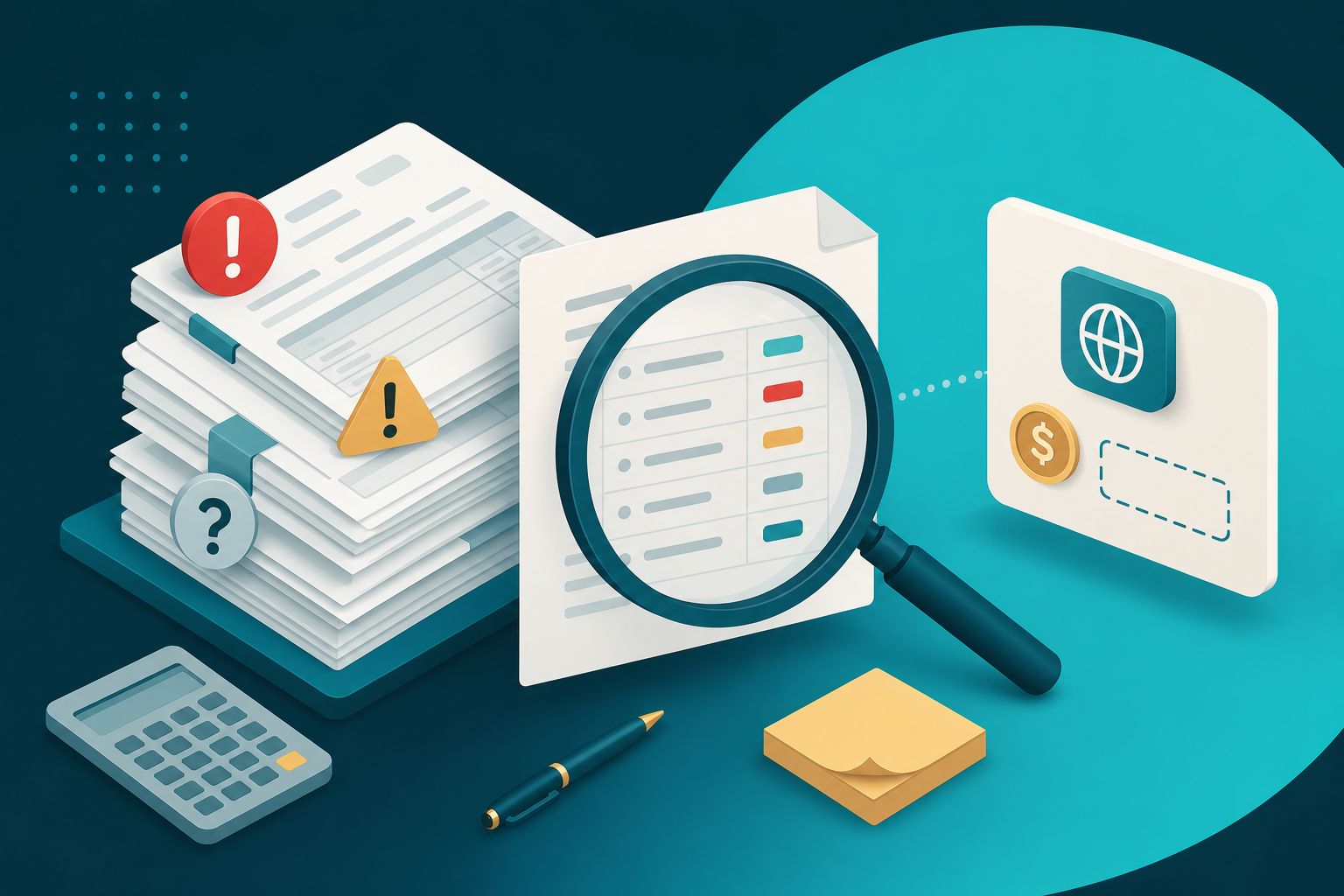
The most common failure modes, in rough order of frequency:
Header-only capture tools cannot catch mixed-rate errors because the rate information isn't at the document level. They see one total and one supplier. The 10% sales tax line and the 8% service tax line sitting inside that total are simply not part of what they extract.
Rule-based OCR tools, much like the AutoCount alternatives many firms consider, ask you to build a template for each supplier before extraction works reliably. You define field positions, set up matching logic, and configure tax code defaults per vendor. For example, a firm with 30 clients and 8 active suppliers each would need roughly 240 templates before you've processed a single invoice accurately.
AI document processing works from the opposite direction. Connect your Xero or QuickBooks account, and the system reads your existing chart of accounts and coding history. From the first upload, it understands which accounts you use for service tax, which suppliers map to which cost centers, and how you've treated mixed-rate invoices before. No templates. No rule builders.
The multilingual dimension matters here because Malaysian supplier documents don't arrive in one script. A Mandarin invoice from a Johor manufacturer needs its line items read in Chinese, mapped to the right SST code, and posted to the correct chart of accounts, all without your bookkeeper stopping to translate or manually select a language. Tofu handles Mandarin, Bahasa Malaysia, and English on the same document across 200+ languages without any language configuration, and can then publish coded invoices into Bukku.
"We were trying to push Dext for line item extraction for about two years, but nothing came out." - [Name, Company]
Corrections made during review teach the system supplier-specific rules permanently, so a supplier's mixed 5% and 8% treatment doesn't have to be manually applied twice.
How a document reaches your extraction queue is a compliance question, not purely a workflow preference. If a supplier sends a PDF via WhatsApp and your tool only accepts browser uploads, someone has to download it, rename it, and upload it manually. That delay between invoice receipt and ledger entry matters for SST workflows where tax treatment needs verifying before your client's SST-02 return.
Malaysian suppliers send invoices through whatever channel is fastest for them, which is also why firms need a way to process handwritten Malay receipts in Xero. WhatsApp is common. Email is standard. Neither follows a tidy client portal pattern. Tofu's ingestion channels match that reality: each client entity gets a unique email inbox for direct forwarding, WhatsApp document submission is supported for messaging-first markets, and Google Drive, SharePoint, and OneDrive folder sync handles firms already organised around cloud storage. All channels support files up to 20MB, covering consolidated supplier statements that would otherwise need splitting before upload.
Clients submit documents in whatever format they already use, and extraction starts immediately.
Tofu sits before your accounting software, not inside it. Upload an SST invoice (whether it arrives in Mandarin, Bahasa Malaysia, English, or all three on the same page) and Tofu reads every line item, applies the correct SST tax code based on your existing coding history, and publishes the structured data directly to Xero, QuickBooks, AutoCount, or Bukku. No language selection. No per-supplier templates.
For firms running AutoCount, used by 240,000+ companies across Malaysia and Singapore, Tofu can code invoices against live AutoCount accounts and outputs CSV files formatted to match AutoCount's exact import specification. For Bukku Accounting users, a native integration handles full contact write-back and AI-driven coding from the first upload, the same approach used to translate Malay receipts for Xero.
The self-learning knowledge engine builds a separate coding memory per client entity: SST rates, supplier-specific treatments, and chart-of-accounts preferences learned from one invoice carry forward automatically to every subsequent invoice from the same supplier. One correction teaches the rule permanently, which is central to how firms automate bookkeeping for AutoCount users in Singapore and Malaysia.
"Before using Tofu, it would take me between 3 to 4 hours. With Tofu, I can now complete the process in just 30 to 60 minutes." - Tammy Tan, Klozer
For firms processing high SST invoice volumes across multilingual client portfolios, that gap compounds across every client, every month.
The firms getting SST invoice processing right are not the ones with the most templates or the most manual checkpoints. They're the ones where correct tax code assignment happens before anyone touches the ledger, not after. That shift comes from extraction that understands line items, beyond document headers alone, and coding that learns from your existing chart of accounts history instead of starting from scratch with every new supplier. Book a demo and see how Tofu handles your specific document mix, multilingual invoices and all.
Connect your Xero or QuickBooks account and Tofu reads your existing chart of accounts and coding history: no per-supplier templates, no rule builders. From the first upload, it applies the correct SST tax codes (SR 10%, SR 5%, ST 8%, ST 6%) based on your historical coding patterns, and corrections made during review teach those rules permanently so the same supplier's mixed-rate treatment carries forward automatically to every subsequent invoice.
Yes. Tofu extracts every line item across 200+ languages without any language selection or configuration. A Mandarin bill from a Johor manufacturer, a Bahasa Malaysia receipt from a local vendor, and an English logistics invoice can all sit in the same upload queue and be extracted, SST-coded, and published to your accounting software without your bookkeeper stopping to translate or manually select a language.
HubDoc captures header-level data only (supplier name, date, and total), which leaves your staff to manually assign SST codes to every line. Dext's own documentation confirms that line-item extraction draws from a separate credits allowance, with additional credits available for purchase; its OCR pipeline is primarily optimised for Latin-script documents, which can mean reduced accuracy on Mandarin or Bahasa Malaysia invoices. Tofu extracts every line item by default on every document, including mixed 5% and 10% sales tax lines on the same wholesale invoice, at no additional charge and with no credits to manage.
Tofu supports native integrations with Xero and QuickBooks Online, a native read-only integration with Bukku Accounting (generally available, no feature flag required), and a CSV export formatted to AutoCount's exact import specification for firms running AutoCount. Your existing ledger stays in place and your team stops typing.
The gap is substantial for firms processing multilingual invoices with mixed SST rates. The time saved compounds most on high-line-count documents: a 40-line wholesale invoice with mixed 5% and 10% sales tax items can take nearly as long to manually code after a generic converter produces a CSV as it does to type from scratch, because the SST code assignment step is still entirely manual at Level 3 automation. That manual mapping step is where the hours accumulate, and it is also where the difference between Level 3 and Level 4 automation shows up most clearly across a full client portfolio.