SunTao Lai
May 28, 2026

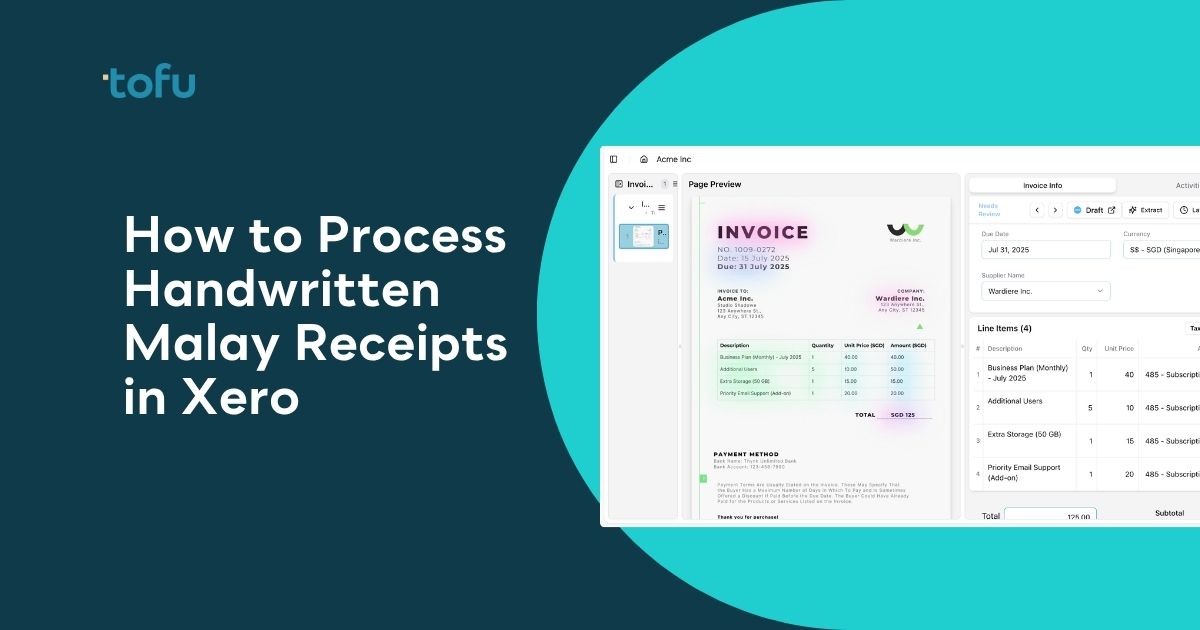
Your client sends a WhatsApp photo of a handwritten receipt in Bahasa Melayu. You upload it to Xero. The fields come back empty. Your bookkeeper opens the original in a second tab and types supplier name, date, line items, amounts, and tax treatment by hand. If processing handwritten Malay receipts in Xero feels like it takes longer than it should, that's because standard OCR tools lack handwriting recognition, and most tools have zero exposure to romanized Malay. This guide walks through what Xero handles natively, why third-party tools still return blank fields, and how to set up extraction that actually works when pasar malam vendors and small contractors generate hundreds of paper receipts every month.
TLDR:
Malaysian businesses still generate thousands of handwritten receipts every week. Pasar malam vendors, small contractors, petty cash reimbursements, hawker stalls: paper receipts with handwritten fields are a daily reality for accounting firms serving local SME clients.
Getting those receipts into Xero accurately is a different story. Standard OCR tools were not built for handwritten text, and Malay adds another layer that most tools simply ignore. The result is predictable: manual data entry, missed line items, and a workflow that breaks down the moment volume picks up.
This guide walks through why standard tools fail on handwritten Malay documents, what Xero can and cannot do natively, and how to set up a workflow that actually handles these receipts without creating more work for your team.
Malaysia's informal economy runs on paper. A large portion of the country's registered SMEs operate with minimal digital infrastructure, and cash transactions remain the norm across wet markets, food stalls, construction sites, and small trades. When a contractor buys materials from a hardware supplier in Klang or a café owner reimburses a petty cash purchase in Penang, the receipt is usually handwritten.
The language layer matters too. Receipts written in Bahasa Melayu use field labels, abbreviations, and number formats that differ from English-language documents. Bookkeepers processing these for Xero clients encounter supplier names in Jawi-influenced romanization, amounts written out in words, and date formats that vary by region.
For accounting firms handling 30, 50, or 100 Malaysian SME clients, this is a consistent portion of monthly document volume, not an occasional edge case.
Standard OCR matches printed characters against stored templates. It handles clean, typed English reliably. Yet even as Malaysia's digital investments by mid-2025, marking a 125% quarter-on-quarter growth in tech infrastructure, most OCR tools still lack the handwriting recognition needed for local business documents.
Handwriting introduces stroke variation and inconsistent spacing that requires purpose-built models to interpret correctly.
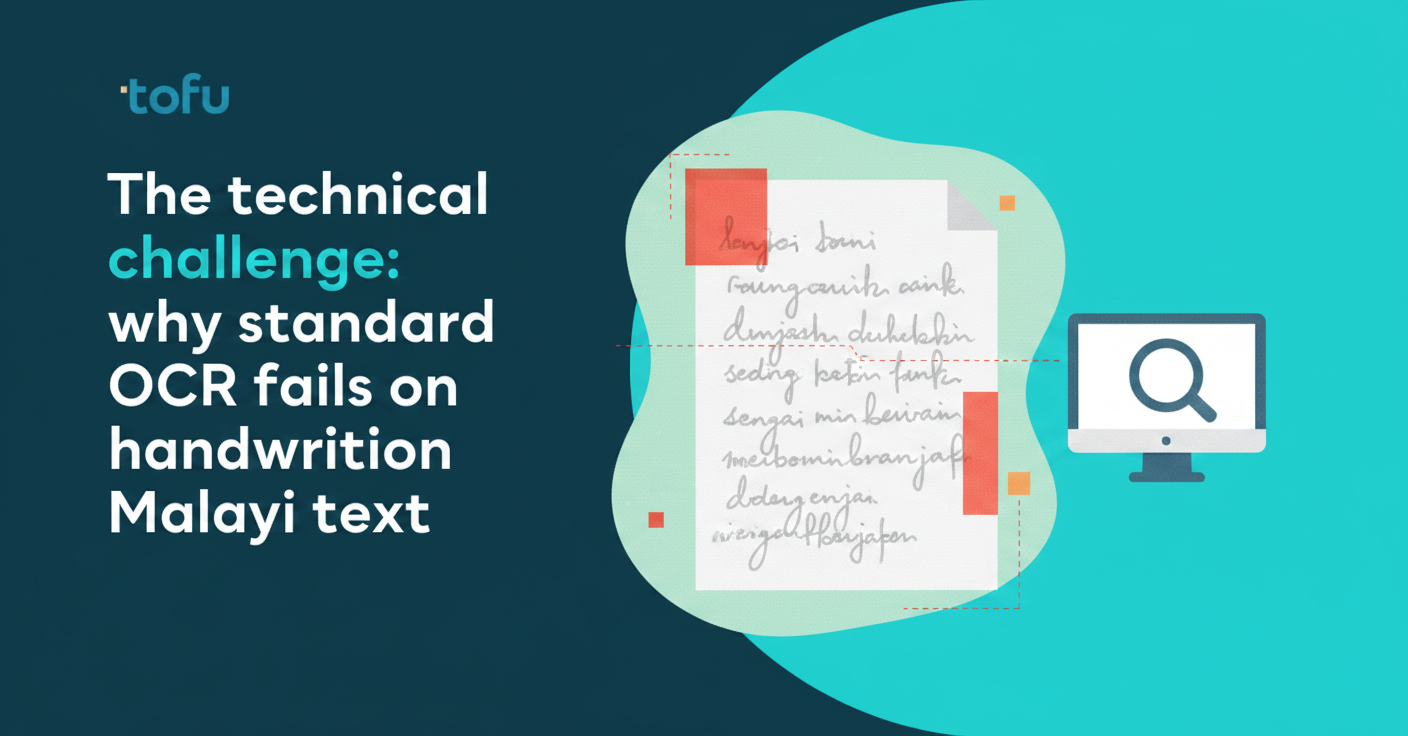
Bahasa Melayu adds another layer of complexity. Romanized Malay includes letter combinations and loanwords that differ from standard English patterns, and most OCR tools have minimal exposure to them. The result is garbled text or empty fields, regardless of scan quality.
The gap is real but solvable. Intelligent Character Recognition (ICR), built for handwriting recognition, achieves 94%+ accuracy on handwritten invoices. Standard OCR tools simply do not include it. So when a Malay receipt returns blank fields in your current tool, that is a model limitation, not a workflow problem you created.
When a handwritten Malay receipt lands in a firm's queue, the workflow is predictable:
Each receipt takes 3 to 8 minutes depending on line-item count. A single petty cash purchase clears quickly. A construction materials receipt with six handwritten lines, quantities, and unit prices does not.
At 20 handwritten receipts per client per month across 30 clients, that's 30 to 80 hours of manual entry your team absorbs every month, with no tool flagging it as a bottleneck worth fixing.
Xero includes a built-in receipt capture feature that can extract a supplier name, date, and total from clean, printed receipts. For straightforward typed documents in supported languages, it handles the basics without any third-party tool.
Handwriting recognition is not part of Xero's native capability. Upload a handwritten receipt and the extraction fields return empty, requiring manual entry regardless of image quality. That gap is not a setting you can toggle.
Many firms assume this works by default and hit the limitation only after onboarding clients with paper-heavy workflows. For handwritten documents, extraction needs a third-party tool before data reaches Xero.
Handwriting recognition for Malay receipts sits in a narrow category. Most OCR tools handle printed Latin text well enough, but struggle with the mix of Rumi script, Jawi characters, and the abbreviations common on Malaysian market receipts.
A few tools worth knowing:
| Tool | Handwritten Malay Support | Extraction Capability | Xero Integration | Setup Complexity |
|---|---|---|---|---|
| Xero Native Receipt Capture | No handwriting recognition. Returns empty fields for handwritten Malay receipts regardless of image quality. | Header only: supplier name, date, total. Works only on printed receipts in supported languages. | Built-in. No third-party tool required for printed receipts. | Zero setup. Available immediately in Xero interface for all users. |
| Google Cloud Vision API | Detects handwritten Malay in Rumi script with reasonable accuracy. Jawi support remains inconsistent. | Header only. Requires custom code to extract line items from raw OCR output. | Requires developer to build custom integration pipeline to push data into Xero. | High. Developer setup, API key management, custom mapping logic required. |
| Microsoft Azure AI Document Intelligence | Form recognition can be trained on Malay receipt layouts for improved accuracy over time. | Configurable. Can extract line items after training on sample documents. | Requires developer to build custom integration pipeline to push data into Xero. | Very high. Model training, sample data collection, developer integration, ongoing maintenance. |
| Tofu | Processes handwritten Malay receipts in both Rumi and Jawi script without language selection or pre-configuration. | Full line-item extraction: description, quantity, unit price, account code, tax treatment for every row. | Direct publish to Xero with source receipt attached automatically. Learns your chart of accounts. | Low. 15-minute setup. AI learns from your existing Xero coding history automatically. |
Most third-party tools pull three fields from a receipt: supplier name, date, and total. That gets you to the draft screen in Xero, but no further.
A complete Xero bill needs line items. Everything between the supplier name and the total (description, quantity, unit price, account code, tax treatment) you're still filling in by hand. Header-only capture moved the work, it didn't remove it.
Line-item extraction sends a complete draft into Xero. Every field arrives populated and coded, ready to review instead of build from scratch.
Malaysia's e-invoicing rollout under LHDN began with large businesses in August 2024 and is being phased down to businesses with annual revenue above RM150,000 by July 2025. Handwritten receipts remain legally valid during this transition, particularly for smaller vendors, hawkers, and informal suppliers who are not yet required to issue digital invoices.
For accounting firms processing these receipts in Xero, the compliance question is straightforward: your team still needs to code, date, and match the receipt to the correct account, regardless of how it was written.
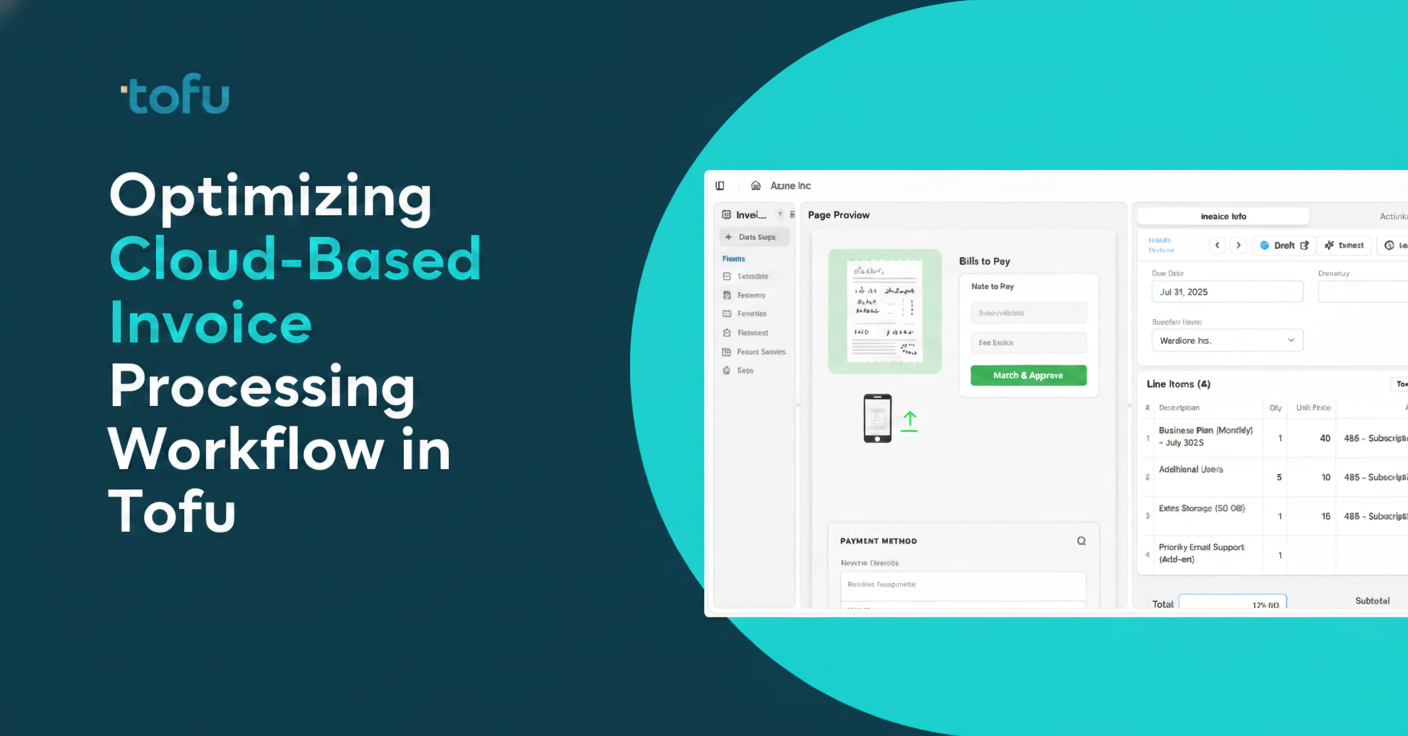
A practical workflow has four steps, and the order matters.
AI document processing tools built for accounting combine handwriting recognition with language models trained on multilingual documents. Bahasa Melayu field labels, abbreviations, and date formats are read correctly without any language selection or pre-configuration.
The distinction is what happens after extraction. A purpose-built tool reads your existing chart of accounts, learns how you code each supplier, and applies those patterns to every receipt that follows. Line items arrive in Xero populated and coded with complete data, instead of blank header fields for you to complete manually.
Source receipts attach to each Xero bill automatically. New suppliers trigger a review pause before publishing, so no duplicate contacts land in your accounting software mid-batch.
Handwritten receipts are a fixture in Malaysian accounting, but the time your team spends typing them doesn't have to be. When you process handwritten Malay receipts in Xero with a tool built for handwriting and multilingual documents, line items arrive coded and ready to review instead of blank fields you complete manually. That's 30 to 80 hours back each month for firms handling volume. Book a demo to see the workflow in action.
Yes. AI document processing tools with handwriting recognition can extract supplier names, dates, line items, and amounts from handwritten Malay receipts, then publish the complete data directly into Xero without typing fields manually.
Standard OCR tools extract printed text only and fail on handwriting, returning blank fields that force manual entry. AI document processing with ICR (Intelligent Character Recognition) reads handwritten Malay receipts accurately and publishes complete line items into Xero automatically.
Manual entry takes 3 to 8 minutes per receipt depending on line-item count. With AI extraction, the same receipt processes in under 30 seconds: upload, review the extracted fields, and publish to Xero. As Tammy Tan from Klozer puts it: "What used to take me 3-4 hours can be done in 30-60 minutes."
Line-item extraction captures every row on a receipt: description, quantity, unit price, account code, and tax treatment. Header-only tools give you supplier name, date, and total, leaving you to type every line into Xero manually.
Yes. Handwritten receipts remain legally valid during the e-invoicing rollout, particularly for smaller vendors not yet required to issue digital invoices. These receipts still need proper coding and dating in Xero regardless of format.