Jay Sen Lon
June 22, 2026


You have a hundred client receipts waiting in your inbox. Most are in Traditional Chinese. You know exactly how long this will take, because you've done it every month for years. Open the receipt, read the supplier name in Traditional Chinese, search your Xero contact list for a match that probably doesn't exist, create a new contact or guess which romanisation you used last time, type the date, enter the total, code each line item to the right account, attach the PDF, publish, next. The tools that promised to automate this step weren't designed for the documents Hong Kong firms actually process. When hong kong accounting firms process traditional chinese receipts in xero, the extraction either doesn't happen or produces output so broken that manual entry is faster: which is why you're still doing it by hand.
TLDR:
Hong Kong firms process an enormous volume of Traditional Chinese documents. Receipts from local vendors, invoices from Mainland China suppliers, and expense claims written entirely in Traditional Chinese characters flow through accounting workflows daily. For firms using Xero, none of that text maps itself automatically.
The core problem is character recognition. Most OCR tools were built for Latin scripts. When they encounter Traditional Chinese, they either skip the text entirely or produce garbled output that requires manual correction before anything can be entered into Xero.
There are a few specific places where this breaks down:
Each of these failures adds manual work back into a process that was supposed to remove it. Across a firm handling dozens of clients with high transaction volumes, those corrections accumulate into hours each week that could be spent on actual accounting work.
Traditional Chinese characters present a set of extraction challenges that Latin-alphabet OCR tools were never built to handle. The character set alone runs to tens of thousands of glyphs, and receipt layouts in Hong Kong follow local conventions: vertical text columns, mixed Traditional Chinese and English fields, date formats written as 年月日, and supplier names that carry legal meaning in how they are written. Traditional character recognition faces unique challenges that differ fundamentally from Latin-script OCR.
Most OCR tools were trained on Latin scripts. When they encounter a 繁體中文 receipt, they either skip the Chinese fields entirely, return garbled output, or extract only the header totals while dropping every line item underneath.
There are a few structural reasons why Traditional Chinese receipts are harder to process accurately:
For Hong Kong accounting firms processing high volumes of client receipts, these are not edge cases. They are Tuesday.
Xero stores and displays Traditional Chinese characters without issue. You can type a supplier name in Traditional Chinese directly into a contact field, and Xero will save it, search it, and match it against future transactions. The same applies to memo fields, line item descriptions, and narration fields across invoices and bills.
Where Xero stops is at the document itself. When a client sends a scanned receipt or PDF invoice written entirely in Traditional Chinese, Xero has no built-in capability to read that document and extract its contents. You still open the file, read the characters manually, and type each field into Xero yourself.
For Hong Kong accounting firms, this gap shows up dozens of times a day. A typical client folder might contain:
Xero's native file inbox accepts these documents and attaches them to transactions, but extraction does not happen. A human still reads each one.
Hong Kong accounting firms handling Traditional Chinese receipts and invoices follow a workflow that hasn't changed much in years. A client drops off a stack of receipts, or sends a folder of scanned PDFs. Someone on the team opens each one, reads the Traditional Chinese characters, and manually types the supplier name, date, amount, and line items into Xero.

That process has a few predictable pressure points:
The result is hours of manual data entry per client, per month, done by someone qualified to do considerably more valuable work.
When you upload a Traditional Chinese receipt, Tofu automatically extracts every field from documents: vendor name, date, amounts, line items, and tax treatment.
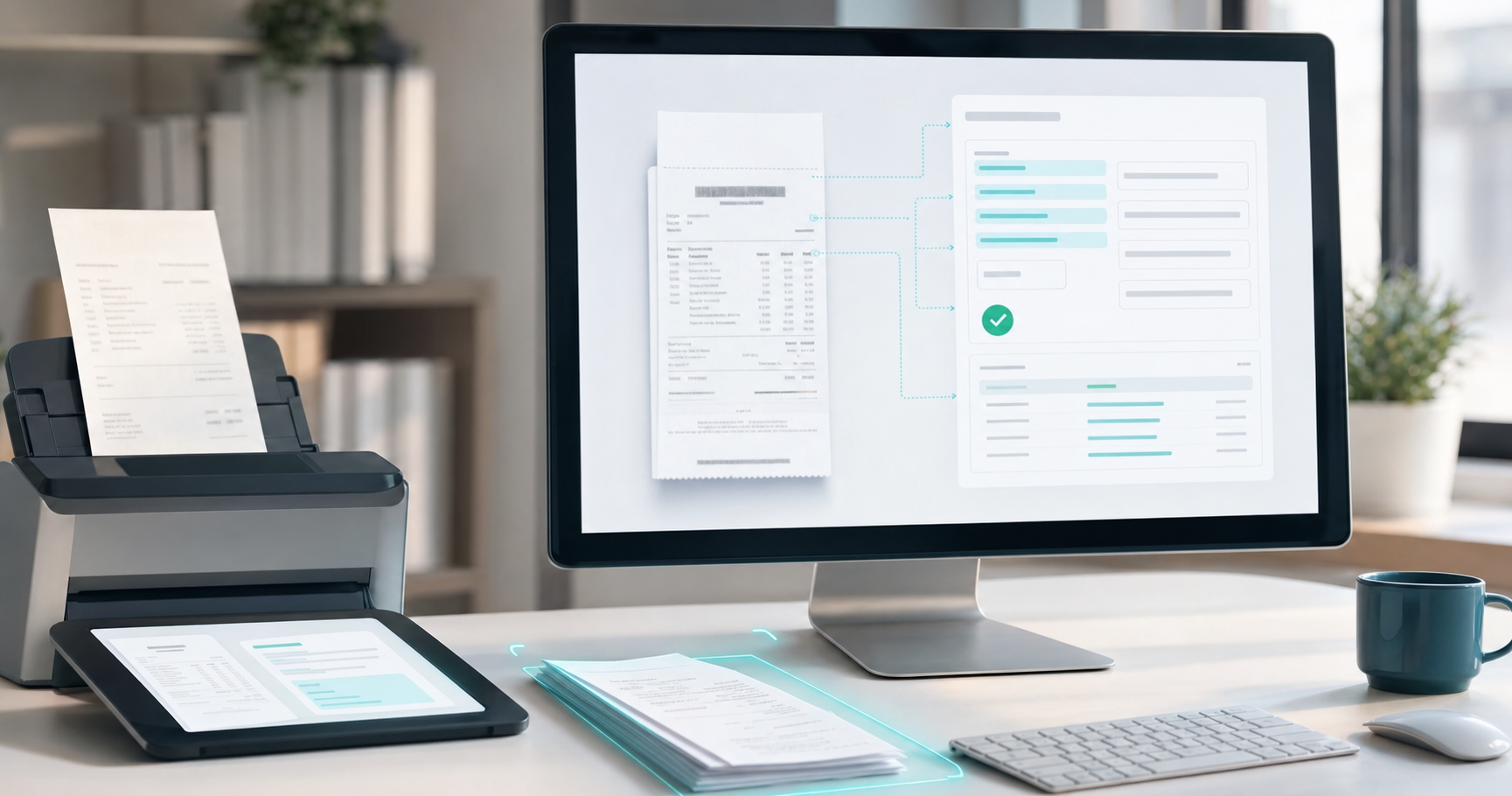
Handwritten characters, faded thermal paper, and mixed-language invoices with both Traditional Chinese and English fields are processed without any configuration. Multi-currency documents are handled too, which matters for Hong Kong firms receiving invoices in HKD, CNY, or USD from the same supplier within the same month.
English translations appear alongside the original Chinese text during review. Bookkeepers who don't read Traditional Chinese can verify what was extracted without guessing at characters or cross-referencing a separate translation tool.
Each correction you make feeds back into the system, training it on that supplier's specific layout and your firm's coding patterns. Accuracy on repeat suppliers builds considerably as volume grows.
| Tool | Traditional Chinese Character Recognition | Line-Item Extraction Approach | Pricing Model for Multi-Client Firms |
|---|---|---|---|
| Tofu | Reads Traditional Chinese characters automatically across handwritten receipts, faded thermal paper, and mixed-language invoices without configuration | Extracts every line item with tax codes and maps to chart of accounts automatically | Flat monthly fee with unlimited users and clients |
| HubDoc | Processes documents as a clean inbox but was not built to extract Traditional Chinese characters from receipts | Skips line-item extraction entirely | Document inbox model without per-line-item extraction fees |
| Dext | Standard OCR built for Latin scripts that fails on Traditional Chinese documents or produces garbled output requiring manual correction | Charges extra credits for line-item extraction | Credit-based pricing where line-item extraction consumes additional credits per document |
| AutoEntry | OCR trained on Latin alphabets that either skips Chinese fields or returns unreadable strings | Charges extra credits for line-item extraction | Credit-based pricing where line-item extraction consumes additional credits per document |
| DOKKA | Not covered in detail for Traditional Chinese capabilities in this context | Extraction capabilities present but architectural focus differs | Built for single-entity use cases instead of multi-client accounting firm workflows |
The setup process takes about 15 minutes per client, and it starts before you upload a single receipt.
First, connect your client's Xero organisation to Tofu. Tofu pulls in the chart of accounts, tax codes, and existing supplier history automatically. You do not need to manually configure account mappings before processing begins.
Once connected, upload your Traditional Chinese receipts or invoices directly into Tofu. From there:
The first batch will require the most review. As you correct and publish more documents from the same client, Tofu learns your coding preferences for that specific client file. Corrections made in the first few weeks reduce manual review considerably as volume grows. Suppliers you have coded before get recognised automatically on subsequent uploads.
This applies across document types. Bank statements, supplier invoices, and receipts in Traditional Chinese all feed into the same learning model for that client.
Hong Kong accounting firms rarely process AI-extracted Traditional Chinese receipts as a fully hands-off workflow. Even with high extraction accuracy, a review step is built into how responsible firms operate, and for good reason.
The verification stage typically covers three areas:
The volume of manual checks shrinks considerably as Tofu processes more documents from a given client. Corrections made in the first few weeks teach Tofu how that client's suppliers are named, how their chart of accounts is structured, and which account codes apply to recurring expense types. Over time, repeat suppliers on Traditional Chinese receipts arrive in the review queue already coded correctly, and the reviewer's job becomes confirmation instead of correction.
For most firms, the review queue for a client's monthly receipts moves from line-by-line checking to exception-based scanning, where only unfamiliar suppliers or unusual amounts need attention.
Hong Kong accounting firms handle a wide variety of Traditional Chinese documents daily, and each type comes with its own formatting quirks that can trip up standard OCR tools.
Here are the most common document types firms encounter:
The challenge for Xero workflows goes beyond reading these documents: correctly extracting each line item, mapping supplier names to existing contacts, and coding amounts to the right accounts, all without a manual review step for every field.
Hong Kong bank statements present a different set of challenges from supplier invoices. Where invoices arrive from individual vendors in varying formats, bank statements from major Hong Kong institutions (HSBC, Hang Seng, Bank of China (Hong Kong), and Standard Chartered) each come with their own column layouts, Traditional Chinese field labels, and transaction description conventions.
Tofu processes these statements the same way it handles receipts and invoices: upload the PDF, and Tofu extracts every transaction row, maps each entry to the appropriate account code in your Xero chart of accounts, and publishes the data directly. No re-typing, no column-by-column reformatting.
There are a few specific friction points that trip up generic OCR tools:
Tofu learns these patterns from the corrections your team makes during the first few weeks of processing. As volume grows, manual review reduces considerably: the tool stops asking you to confirm that "繳費靈" maps to utilities every time it appears.
Tofu connects directly to Xero as a native integration, sitting in front of your accounting software as the document processing layer. When a Traditional Chinese receipt or invoice arrives, whether it's a restaurant bill from a Wan Chai dai pai dong or a supplier invoice from a Shenzhen manufacturer, Tofu reads the full document, extracts every line item, and publishes the data to the correct fields in Xero automatically.
The process works in a few distinct steps.
Each correction you make teaches Tofu how your firm codes specific suppliers, expense types, and document formats. A recurring receipt from the same vendor in Traditional Chinese gets coded consistently after the first few passes, without you touching it. For Hong Kong firms handling high volumes of receipts from local suppliers, that learning compounds quickly across a client portfolio.
Tofu processes Traditional Chinese as part of its support for 200+ languages, so there is no separate configuration or language pack to install. The same workflow that handles an English invoice from a Causeway Bay retailer handles a Traditional Chinese receipt from a Kowloon wholesaler.
Hong Kong accounting firms have been working around Xero's document extraction gap for years by hiring people who can read Traditional Chinese receipts and type them into the system manually. That workaround scales poorly when client volume increases or when your bilingual team members are unavailable during month-end crunch. See Tofu process Traditional Chinese receipts. The AI reads the characters, maps line items to account codes, and learns your firm's coding patterns with every correction you make. You get the capacity expansion without adding headcount, and your clients get faster turnaround on their books.
Yes. Tofu reads Traditional Chinese characters automatically and extracts supplier names, dates, amounts, and every line item without requiring manual translation or re-typing. The extracted data publishes directly to Xero with the original Chinese text preserved alongside English translations for review.
Tofu processes mixed-script documents without configuration. A receipt with the supplier name in Traditional Chinese, the invoice number in English, and tax details in numeric format is extracted as a single document, with each field mapped correctly to your Xero chart of accounts regardless of which language appears where.
Manual data entry requires a team member who reads Traditional Chinese to type every field into Xero, creating a bottleneck during month-end when weeks of receipts arrive at once. Tofu extracts all fields automatically, learns your coding patterns after the first few corrections, and reduces what was 3-4 hours of manual entry per client to 30-60 minutes of review.
During review, Tofu flags supplier names that don't match existing Xero contacts. You can create a new contact on the spot, map to an existing one, or correct the extracted name before publishing. Each correction teaches Tofu how your firm codes that supplier, so repeat documents from the same vendor arrive pre-coded correctly after the first few passes.
About 15 minutes per client. Connect the Xero organisation to Tofu, upload your first batch of Traditional Chinese receipts, and Tofu reads your existing chart of accounts and supplier history automatically. The first few documents require light review as the AI learns your coding preferences; manual corrections reduce considerably as volume grows.
Yes. The same workflow handles fapiao from Mainland China suppliers, HSBC and Hang Seng bank statements, purchase invoices in Traditional Chinese (採購發票), and handwritten expense claims. Tofu processes documents across 200+ languages, so English, Simplified Chinese, and mixed-language documents all go through the same upload and review workflow without separate configuration.
Book a demo and bring your messiest Traditional Chinese documents: faded thermal receipts, handwritten invoices, mixed-language bank statements. We'll process them live and show you exactly how Tofu handles the documents your firm sees every day.