Jay Sen Lon
June 9, 2026

A supplier invoice lands in your inbox. It has 34 line items, half in Thai, half in English, and your Xero chart of accounts has 400 codes to choose from. You could spend three hours typing and mapping, or you could use one of the best Xero invoice automation tools that actually handles this. Most tools in this category capture the supplier name and total, then stop. A few go further and extract every line item, apply account codes based on your history, and publish directly to Xero without you touching a keyboard. I tested eleven tools in June to find out which ones hold up when you throw them a handwritten receipt, a multi-currency statement, or an invoice in a non-Latin script. Some learned my coding preferences in 15 minutes. Others required weeks of rule-building or charged extra credits for line-item detail. Here's what worked when the documents got messy.
TLDR:
Xero invoice automation refers to the process of capturing invoice data and pushing it into Xero without manual data entry. Instead of opening a PDF, reading each field, and typing it into Xero by hand, an automation tool handles the extraction, coding, and publishing steps for you. Recent AP automation research shows that over half of accounting professionals now spend fewer than ten hours per week processing invoices, down from previous years.
The degree of automation varies considerably across tools. Some only capture the header fields like supplier name, date, and total. Others go further and extract every line item, apply account codes based on your history, and publish directly to Xero with no human intervention required.
There are a few distinct approaches in this category worth knowing before you choose one:
The right tool depends on what breaks in your current process: is it the extraction accuracy, the coding step, the publishing step, or the time it takes across a high volume of clients?
I tested each tool against the document types that actually land in accounting firm inboxes: multi-line supplier invoices, handwritten receipts, foreign-currency statements, and invoices in scripts other than English. The goal was to find where each tool holds up under real conditions, beyond clean sample documents.
Five criteria shaped the rankings:
Tofu is an AI document processing tool built specifically for accounting firms that work inside Xero. You upload an invoice, Tofu reads every line item, maps it to the right account code, and publishes the transaction directly to Xero. No manual re-entry, no header-only captures, no correcting what the tool got wrong.
Where most Xero-connected tools stop at extracting the supplier name and total, Tofu pulls every line item, assigns account codes based on how your firm has coded similar documents before, and learns your preferences over time. The more you process, the more accurate it gets.
It handles documents in 200+ languages, including handwriting, which matters if your clients send invoices in Thai, Arabic, or Traditional Chinese. Most tools in this category were built for Latin alphabets and quietly struggle with everything else.
"What used to take me 3-4 hours can be done in 30-60 minutes." — Tammy Tan, Klozer
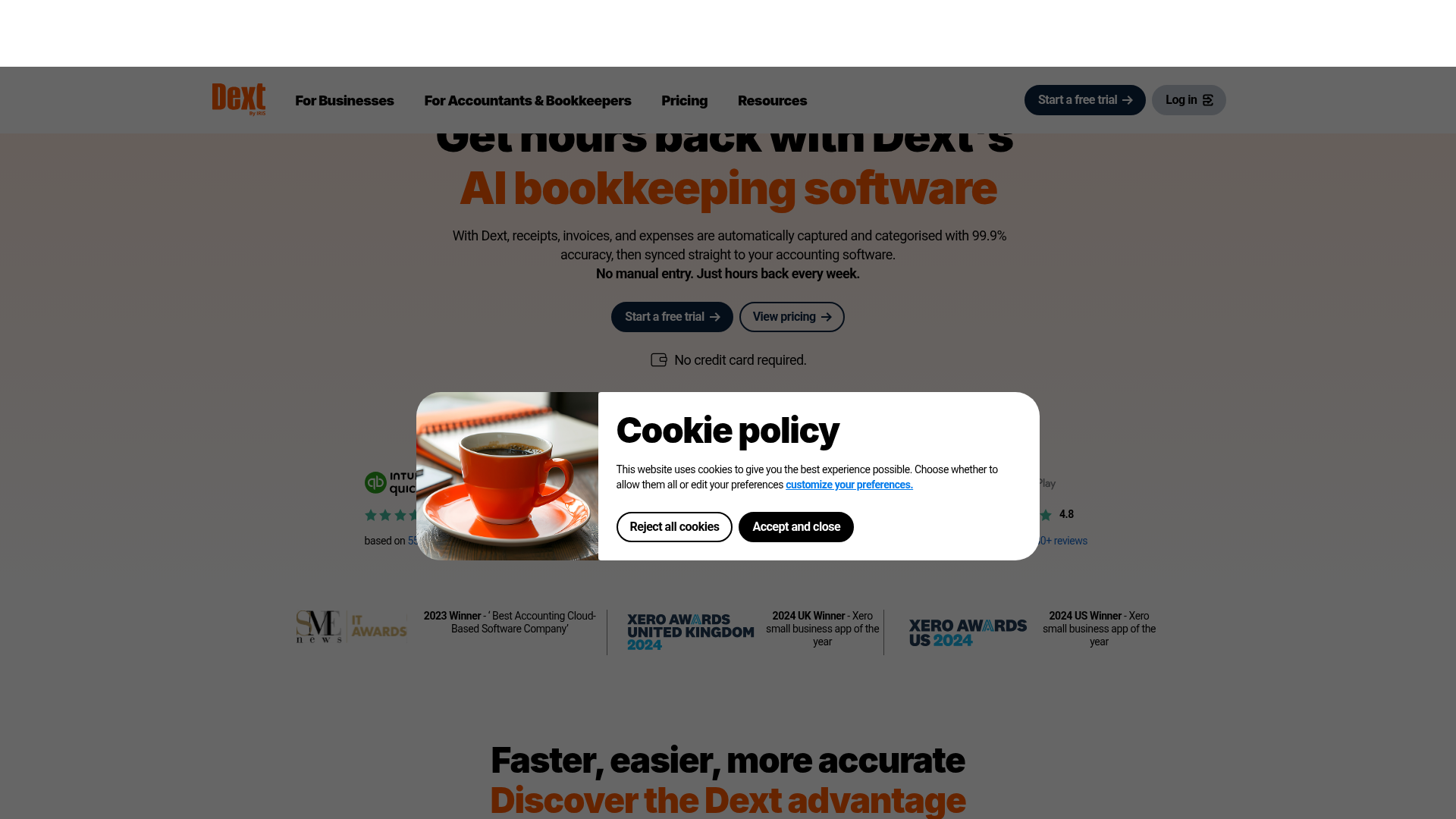
Dext is one of the more widely used document capture tools in accounting firms, and it handles the basics well. You can upload invoices and receipts, and it will extract header-level data like supplier name, date, and total before pushing records to Xero.
The core limitation is extraction depth. Dext captures header and total fields by default; full line-item extraction sits behind an additional credits system, meaning firms processing high volumes of detailed invoices pay more as they scale. For bookkeepers managing clients with complex supplier invoices across multiple categories, that cost structure adds up quickly. Many firms now look at Dext alternatives to avoid this scaling problem.
Language support is another constraint worth knowing about. Dext performs well on English-language documents but has gaps with non-Latin scripts and multilingual invoices, which matters if your client base spans regions or includes international suppliers.
Dext works for firms with straightforward, English-language document flows and modest volume. For anything more complex, the per-credit model and shallow learning curve become friction points worth weighing carefully.

Vic.ai is an AI-powered accounts payable tool built for finance teams processing high invoice volumes. It learns your coding patterns over time and gets more accurate the longer you use it, which appeals to mid-market and enterprise buyers with predictable, repeatable AP workflows.
Where it struggles for accounting firms is the setup overhead. Vic.ai is designed for single-entity finance departments, not multi-client practices. Onboarding each client as a separate entity takes time, and the learning curve resets per entity rather than carrying over from your broader firm-level history.
For Xero users specifically, the integration works, but Vic.ai's strength is really in ERP environments like SAP or Microsoft Dynamics. If your firm runs on Xero across a client book, you may find the product over-engineered for your actual use case.
Vic.ai makes sense if you are running a large in-house finance function with a single ERP and a high-volume, homogeneous invoice set. For multi-client accounting firms on Xero, the fit is narrow, which is why many look for Vic.ai alternatives built for their workflow.

DOKKA is a document automation tool built specifically for multi-entity accounting firms. It handles invoice capture, coding, and approval workflows, with a particular focus on teams managing multiple clients or legal entities under one roof.
Where DOKKA earns its place is in approval routing. If your firm needs invoices to pass through a defined review chain before hitting Xero, DOKKA handles that natively. The workflow builder lets you assign approvers by entity, amount threshold, or document type, which is genuinely useful for firms with strict sign-off requirements.
That said, DOKKA has real limitations worth knowing before you commit.
DOKKA is a reasonable fit for mid-size firms with structured approval requirements and a relatively predictable document mix. For firms handling high document volumes across many languages or document types, the extraction inconsistencies add up quickly.
Here is how these four tools compare across the criteria that matter most for Xero-based accounting firms.
| Feature | Tofu | Dext | Vic.ai | DOKKA |
|---|---|---|---|---|
| Line-item extraction included | Yes | No (credit-based add-on) | Yes | Yes |
| Setup time | 15 minutes | Hours per client | 4–8 weeks | 1–2 weeks |
| Multilingual support (200+ languages) | Yes | No | No | No |
| Handwriting recognition | Yes | No | No | No |
| Native Xero integration | Yes | Yes | No | Yes |
| Transparent pricing | Yes | Yes | No | No |
| Multi-client entity management | Yes | Yes | No | No |
| Zero-configuration AI | Yes | No | No | No |
Looking across these rows, a clear pattern holds: Tofu is the only tool in this group that covers every column without a caveat. Dext has native Xero integration and transparent pricing, but gives up multilingual support, handwriting recognition, and zero-configuration learning. Vic.ai and DOKKA close the gap on line-item extraction, but neither was built for multi-client Xero practices, and neither publishes pricing publicly.
Every other tool in this comparison asks you to do work before it does work. Rule builders, template libraries, weeks of configuration, per-entity setup that starts from scratch each time you add a client. That overhead is the hidden cost nobody quotes you.
Tofu reads your Xero transaction history on connection and starts extracting against your actual chart of accounts from the first document. A new client lands on a Monday; you can have their invoices processing by Monday afternoon. No pre-built rules, no credits to manage, no pricing surprises when your client count grows.
There are a few things that separate Tofu from the other tools in this list:
For accounting firms that bill fixed fees and grow by adding clients, predictable per-firm pricing and same-day onboarding are not conveniences. They are how the model works.
The gap between header-only extraction and full line-item processing is the difference between saving a few minutes per invoice and eliminating data entry entirely. If your firm processes supplier invoices with multiple line items, handles documents in languages other than English, or bills clients on fixed fees, try Tofu on your actual document types. You'll see within one batch whether it maps to your chart of accounts correctly and whether the per-firm pricing model works for your client count.
Tofu processes documents in 200+ languages including Arabic, Thai, Chinese, and other non-Latin scripts, with automatic translation displayed side-by-side. Dext, Vic.ai, and DOKKA have limited or no multilingual support.
Tofu includes full line-item extraction in the base price at $199/month flat, regardless of volume. Dext charges additional credits for line-item detail and can run $600+/month for a firm processing 2,500 entries monthly, with pricing that scales per client.
Tofu offers handwriting recognition across all supported languages. Dext, Vic.ai, and DOKKA do not process handwritten receipts or annotations.
Tofu onboards a new client in approximately 15 minutes by reading your existing Xero transaction history and learning your coding preferences automatically. Dext requires hours of manual rule-building per client, Vic.ai takes 4 to 8 weeks of enterprise onboarding, and DOKKA requires 1 to 2 weeks of workflow configuration.
Tofu charges per firm, not per client or per user, so adding new clients does not change your monthly bill. Dext uses per-client pricing that scales with your client count, and both Vic.ai and DOKKA do not publish transparent pricing publicly.