Jay Sen Lon
October 2, 2026

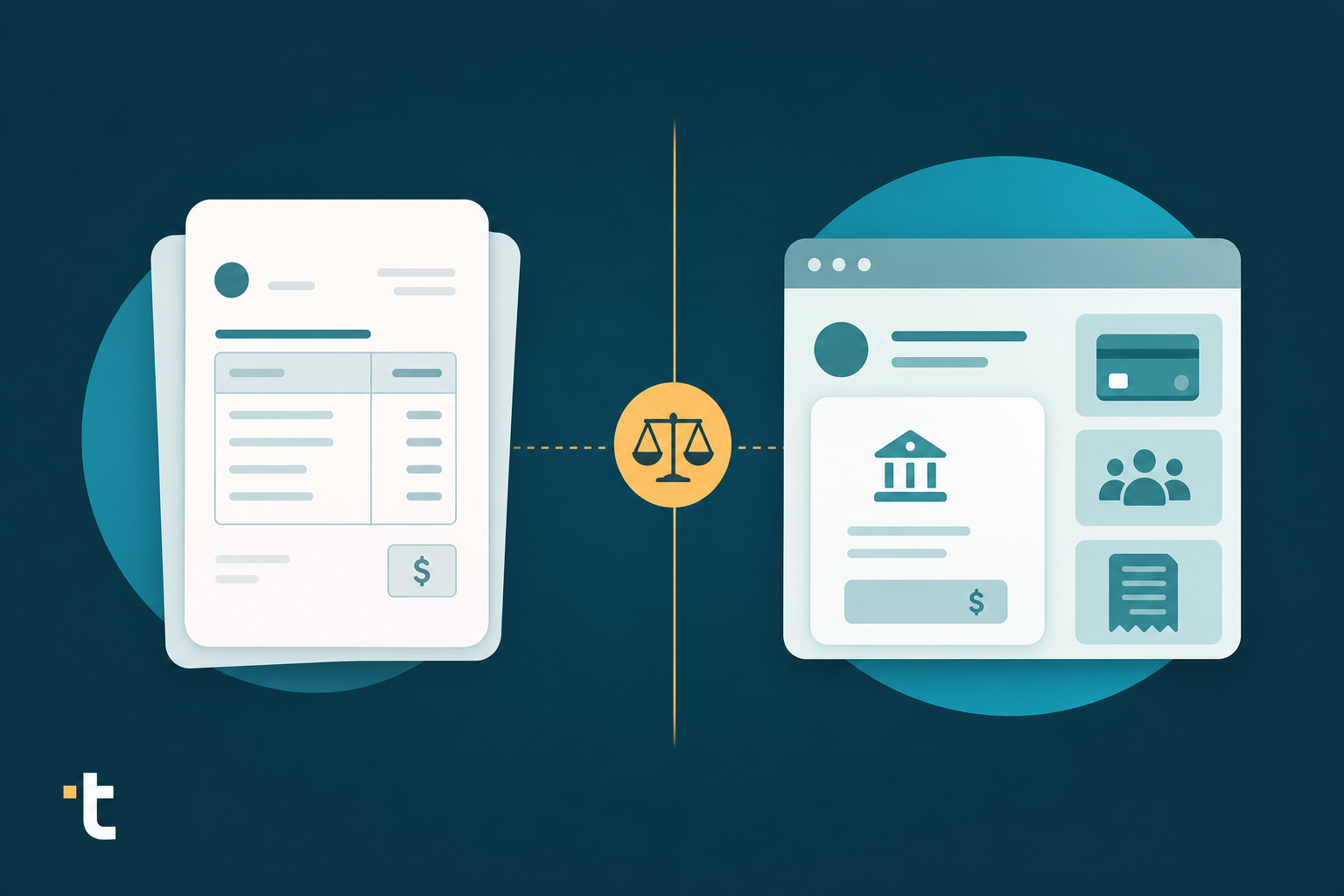
Your firm's probably already bumped into HubDoc through a Xero subscription, and now you're wondering if Apron does more for the money. It might, depending on what you need. HubDoc keeps things simple: header data only, bundled in at no extra cost. Apron bets on payments instead, bundling bill pay and payroll into the same workflow as its capture tool. Here's how the two actually stack up once you get past the pitch.
TLDR:
Apron is a UK-focused business payments and bookkeeping automation platform built around three audiences: business owners, finance teams, and the accountants or bookkeepers who serve them. Its core pitch bundles bill pay, payroll payments, and expense cards with document capture into a single workflow, instead of treating invoice capture as a standalone tool. The AI behind that capture is called William AI, a bookkeeping agent that finds, extracts, categorizes, and publishes invoices and receipts while learning a firm's coding policies over time. Once a document is captured, William AI routes the categorized data toward Apron's own payment and reconciliation workflow, so extraction feeds the payments layer instead of standing on its own. Apron's public materials lean heavily UK-centric, referencing HMRC, UK payroll schemes, and Virgin Points cashback on card spend, which signals a platform built for UK-based firms instead of international client portfolios.

HubDoc is a document capture tool bundled with Xero subscriptions and also available standalone for a monthly fee. Users photograph receipts, bills, and invoices with the mobile app, or forward them by email, and HubDoc syncs the extracted data to Xero, QuickBooks Online, or Bill.com.
The data HubDoc captures sits at the header level: supplier name, date, total, and invoice number. The original document attaches to the transaction automatically, which supports audit trails, but line items inside each invoice are not extracted.
Xero acquired HubDoc for $70 million in 2018. Its scope appears to have stayed centered on document storage and header-level capture since, judging by the user feedback below, a gap covered in more depth in this tofu vs HubDoc comparison. One Xero forum user summed up the gap: "the lack of line extraction means that it is a complete and utter waste of my time," while another noted, in a Xero Product Ideas forum post, that in practice, "Hubdocs doesn't save that much time, probably 20 to 40 seconds an invoice."
HubDoc captures only header-level data: supplier name, invoice date, total, and invoice number. Every line item inside the invoice goes untouched, so a bookkeeper still opens the original document and types each unit price, quantity, and account code by hand before the bill is coded correctly. Apron's own materials don't make a line-item claim either: William AI is described as finding, extracting, categorizing, and publishing invoices and receipts, language that reads closer to header-level capture than full line-item depth. Neither vendor positions document capture as a line-item extraction engine, HubDoc keeps the feature narrow by design, which is part of why it stays free inside Xero, while Apron treats capture as the front door to its payments and payroll workflow instead of a standalone depth play. For a firm handling multi-line supplier invoices, the practical result is the same with either tool: the detail inside each invoice still gets typed by hand before it reaches the chart of accounts.
Neither tool publishes much here, and that is worth noting plainly instead of papering over.
HubDoc's documentation points to English-language processing, with no handwriting recognition and no stated multi-currency extraction capability. For a firm with suppliers invoicing in Thai, Mandarin, or Arabic, or clients billing in multiple currencies, that is a real gap: documents that cannot be read correctly cannot be coded correctly either, which is where multi-language invoice processing software becomes necessary.
Apron's public materials lean UK-centric, referencing HMRC, UK payroll, and Virgin Points rewards, with nothing published around multilingual extraction or multi-currency processing. Treat this as an apparent gap instead of a confirmed absence, since Apron has not made claims either way.
For firms managing international client portfolios where invoices arrive in multiple languages and currencies, raise this question directly with either vendor before committing.
Apron and HubDoc both narrow their integration scope, just in different directions. HubDoc syncs natively to Xero, where it comes bundled into the subscription, and also connects to QuickBooks Online and Bill.com. You can process invoices and bank statements in Xero directly for deeper automation. There is no CSV export fallback, so firms running Zoho, MYOB, Sage, or regional accounting software are out of luck entirely, which pushes many toward HubDoc replacement options with wider compatibility.
Apron leans into being a payments and bookkeeping hub, with invoice capture software features, bill payments, payroll, and expense cards tied into one workflow, but it does not publish a clear breakdown of which general ledgers it syncs with beyond that framing.
If your clients sit outside Xero, QuickBooks Online, or Bill.com, confirm compatibility directly with each vendor before assuming either tool fits.
HubDoc's pricing is about as simple as it gets. Bundled inside any Xero subscription, it costs nothing extra. Standalone for QuickBooks Online users, it runs at a flat monthly fee with no document cap and no tiered plans. The structure was never built around volume in the first place.
Apron is a different shape entirely. Its pitch bundles invoice capture with bill pay, payroll, expense cards, and cashback rewards into one connected workflow, which suggests a cost structure tied to payment or transaction volume instead of a flat per-seat fee. That is a reasonable read of the product design, but you should confirm exact figures, including Apron's pricing changes, before quoting anything to a client.
Apron and HubDoc solve different problems inside a firm's stack. The table below lays out what each one actually does, based on published capabilities instead of marketing copy.
| Feature | HubDoc | Apron |
|---|---|---|
| Line-item extraction | Header only (supplier, date, total) | Not published; capture appears header-focused |
| Multilingual support | English only, no handwriting recognition | Not published |
| Multi-currency handling | No stated capability | Not published |
| Accounting software integrations | Xero (native), QuickBooks Online, Bill.com | Not published beyond its own payments and bookkeeping workflow |
| Bank statement processing | No | Not a core feature |
| Payments functionality | No | Bill pay, payroll, expense cards, rewards |
Apron's distinguishing feature is payments: bill pay, payroll, and expense cards tied into one workflow that HubDoc does not attempt. HubDoc's advantage is cost and simplicity, since it comes bundled at no extra charge inside a Xero subscription. Neither publishes line item extraction depth, multilingual processing, or multi-currency handling as a strength, leaving a gap for firms with international client portfolios or invoices that need every line coded, not merely the total.
HubDoc captures header-level data and stops there, and Apron bundles payments into its workflow without publishing line-item extraction depth. Tofu extracts every line item on every invoice, receipt, and bank statement, by default, on every plan, with no extra credits charged for depth or language support. That extraction works across 200+ languages, including handwritten Thai receipts and Traditional Chinese invoices, so a firm with international client portfolios is not blocked at intake the way HubDoc's English-only processing or Apron's UK-centric materials suggest. Each extraction publishes directly into Xero, QuickBooks Online, or Zoho Books, with the original document auto-attached to the transaction for an audit-ready record.
Tofu's self-learning knowledge engine remembers a firm's chart-of-accounts coding and vendor-specific rules per client entity, so corrections made once are considerably less likely to repeat the next month. That shift from retyping to reviewing is what one customer meant when she said, "What used to take me 3-4 hours can be done in 30-60 minutes," as Tammy Tan at Klozer puts it. For a firm choosing between a free header-only capture tool and a payments platform that treats document capture as a side feature, Tofu fills the gap both leave open: full line-item depth, multilingual intake, and audit-ready publishing in one layer.

You now have a clearer picture of where each tool stands: HubDoc for cheap, header-level capture inside Xero, Apron for payments bundled with bookkeeping. Neither one has proven itself on line items, languages, or currencies, so ask direct questions before you commit your clients to either. When you're curious how a complex invoice actually processes, book a demo with Tofu and watch it work on your own documents.
Apron's public materials do not confirm whether its document capture reaches the line-item level, and its "At a Glance" positioning in this comparison lists line-item depth as not published. If your firm needs every line coded to the chart of accounts, beyond the invoice total alone, test Apron directly with a sample invoice before committing.
HubDoc syncs natively to Xero, QuickBooks Online, and Bill.com with no CSV export fallback, while Apron has not published a clear list of general ledger integrations beyond its own payments workflow. Firms running Zoho, MYOB, Sage, or regional accounting software should confirm compatibility with both vendors directly, since neither appears built for that case.
HubDoc is bundled free into any Xero subscription or available standalone for QuickBooks Online users at a flat monthly fee with no document cap. Apron's structure appears tied to payment or transaction volume given its bill pay, payroll, and expense card bundling, so confirm exact figures on Apron's pricing page before quoting a client.
Neither vendor publishes a clear capability here: HubDoc's documentation points to English-only processing with no handwriting recognition, and Apron's materials lean UK-centric with no stated multilingual or multi-currency extraction. Firms managing international client portfolios should raise this question directly with either vendor before assuming support exists.
If your firm needs full line-item extraction across 200+ languages, multi-currency handling, and audit-ready publishing to Xero or QuickBooks Online, Tofu fits where both HubDoc and Apron stop at header-level capture or payments. Some firms keep HubDoc for simple English-language receipt capture or Apron for its payments features while routing multilingual or line-item-heavy documents through Tofu.