SunTao Lai
March 23, 2026

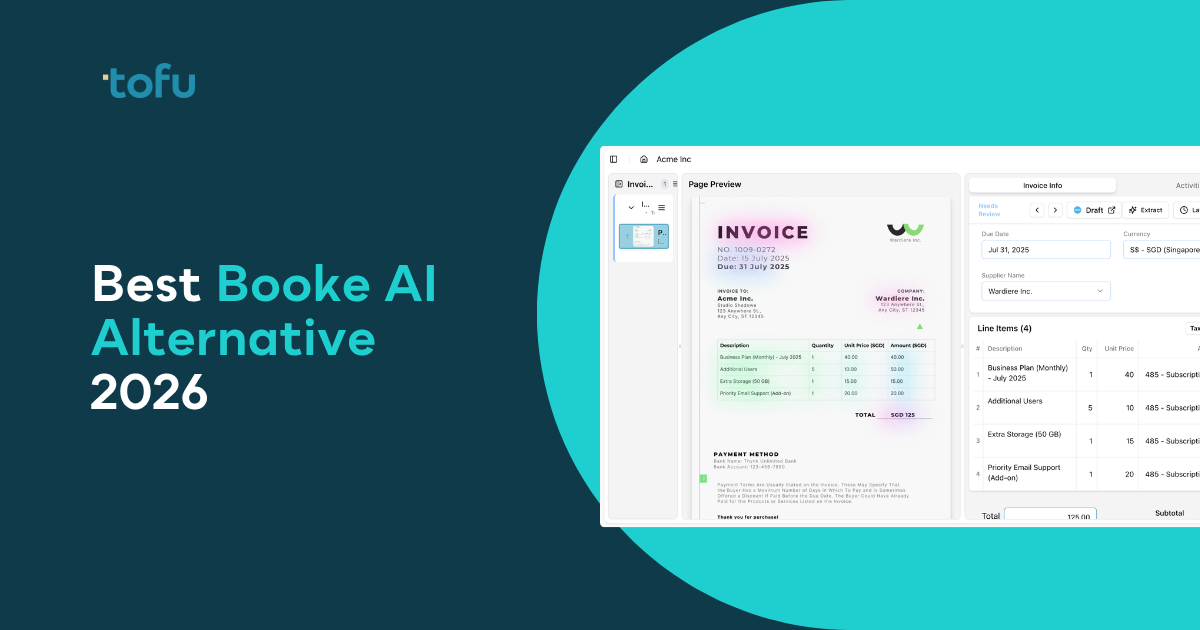
Booke AI works well for ledger cleanup. It categorizes transactions, matches bank feeds, and connects receipts to entries already in QuickBooks or Xero. But it doesn't extract data from source documents. If your team still opens PDF invoices and types each line item manually, Booke AI doesn't solve that workflow.
This comparison focuses on tools that handle document processing before data enters your accounting software, the layer where bookkeeping automation for accounting firms creates the biggest time savings. Intuit's 2025 Accountant Tech Survey shows accountants dedicate 62% of their time on compliance-oriented tasks, including tax filings, bookkeeping and auditing, making automation in this layer especially critical.
TLDR:
Booke AI automates transaction categorization and reconciliation inside QuickBooks Online and Xero. The tool cleans up miscategorized transactions, matches receipts to ledger entries, and fixes reconciliation backlogs.
But Booke AI works inside the ledger, not before it. The system categorizes transactions that already exist in your accounting software. It doesn't extract data from source documents like invoices, bank statements, or receipts. It can't read handwritten invoices or process non-English documents.
For accounting firms, this creates a gap: someone must first enter the data into your accounting software before Booke AI can categorize it. If your staff still manually types invoice details from PDFs, Booke AI doesn't solve that problem.
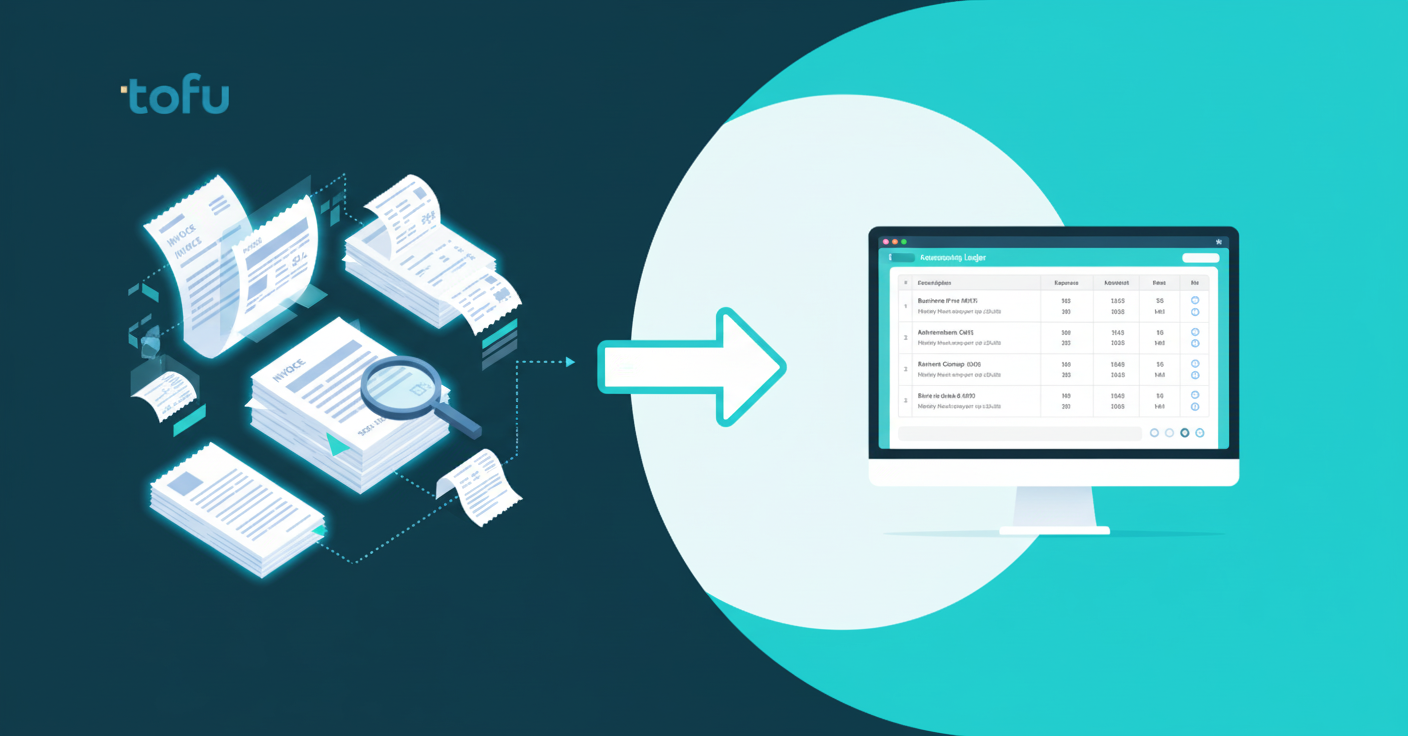
We ranked each alternative based on six criteria: document intake capabilities (can it process invoices, receipts, and bank statements before they enter your accounting software), language and format support (multilingual documents, handwriting recognition, auto-split PDFs), line-item extraction (header-only or full line-item detail with account codes), setup time (zero-configuration or manual rule-building), pricing model (flat monthly rate or per-document charges), and integration breadth (native connections to Xero, QuickBooks, and other systems).
We focused on tools that handle document intake, the gap Booke AI doesn't fill. Some alternatives also offer ledger cleanup similar to Booke AI, but most focus on getting documents into your accounting software correctly from the start.
All information comes from vendor websites, G2 and Capterra reviews, publicly available documentation, and software comparison sites. We didn't conduct hands-on testing.
Tofu is an AI-first document processing engine built for accounting firms that need to automate the entire workflow from source document to ledger entry. Unlike Booke AI, which cleans up transactions already in your accounting software, Tofu extracts data from invoices, receipts, and bank statements before they enter QuickBooks or Xero.
Tofu extracts every line item from invoices automatically with no configuration required. It processes documents in 200+ languages including Chinese, Arabic, Thai, and Japanese with English translations. It reads handwritten invoices, thermal receipts, and scanned PDFs instantly. Tofu auto-splits multi-document PDFs and detects duplicate submissions before posting. It connects to Xero and QuickBooks in 15 minutes with zero rule-building.
Tofu solves the problem before Booke AI even starts. If your team spends hours typing invoice details into QuickBooks, Tofu automates that entire layer.
Botkeeper combines AI-driven categorization with optional human bookkeeper oversight to automate transaction coding, bank reconciliation, and month-end close processes. The service connects directly to client bank accounts and credit cards to pull transaction data automatically.
Unlike Booke AI, which focuses on ledger cleanup, Botkeeper offers full-service bookkeeping where human accountants review AI suggestions before they post. This hybrid approach works well for firms that want outsourced bookkeeping labor instead of self-service software.
Pricing starts at several hundred dollars per client per month depending on transaction volume and service level. Botkeeper targets accounting firms managing books for multiple clients but positions as a staffing replacement instead of a document processing tool.
What they offer:
Botkeeper's AutoPush AI posts general ledger entries with up to 97% accuracy after training on tens of thousands of financial transactions. The system learns categorization patterns specific to each business over time.
Pricing starts with the Infinite plan at $69 per license per month for tech-only access. Full-service packages run $199-$499 per month with basic to advanced bookkeeper oversight included. All plans integrate with QuickBooks Online and include real-time dashboards, payroll, and invoicing support.
Botkeeper works well for mid-size accounting firms with 10-100+ clients who want AI categorization backed by accountant oversight. But it doesn't process source documents in multiple languages or handle handwritten receipts. Per-license pricing can scale quickly compared to flat-rate alternatives.
Dext is a legacy document capture tool built for English-speaking markets that requires manual rule-building before it delivers value. Dext offers line-item extraction as a credit-based add-on that must be toggled on per supplier and consumes credits from a monthly allowance.
Dext connects to accounting systems including Xero, QuickBooks, Sage, and FreeAgent. Receipt capture works via mobile app, email forwarding, and cloud storage sync. Expense management features include mileage tracking and employee submission workflows.
Dext charges per client starting at approximately $235/month for 10 clients and scaling to $849/month for 50 clients. Line items and bank statements consume premium credits. The tool focuses on English and Latin-script documents with limited support for multilingual or handwritten invoices.
AutoEntry is a credit-based document capture tool owned by Sage that charges per document: 1 credit per invoice, 2 credits for invoices with line items, and 3 credits per page of bank statement. AutoEntry states it is an English-language program and will reject documents in Arabic or Chinese/Japanese fonts.
Line-item extraction costs double (2 credits vs. 1 credit for header-only). Bank statement conversion runs 3 credits per page. Deep integration with Sage 50, Sage Accounting, and the broader Sage product suite. Mobile app for iOS and Android receipt capture.
Good for Sage-heavy UK and Ireland firms processing low volumes of English-language documents who need supplier statement reconciliation.
Limitations: credits for line items and bank statements add up fast, Arabic and Chinese/Japanese documents get rejected, and credits expire after 90 days if unused. Users report processing delays of 2-6 hours, and per-document pricing gets expensive at volume.
Bottom line: AutoEntry works for Sage users processing simple English invoices, but the credit model punishes volume and the language restriction makes it unsuitable for firms with international clients.
Hubdoc is Xero's bundled document capture tool that comes free with every Xero subscription. The tool extracts header-level data only: supplier name, date, total, and invoice number. No line-item extraction. Xero has confirmed publicly they have no plans to add this capability.
Hubdoc automatically attaches source documents to transactions in Xero and converts bank statement PDFs to CSV for manual import. The tool works exclusively with Xero and processes English documents only. No handwriting recognition. No multilingual support.
Hubdoc hasn't evolved much since Xero acquired it in 2018. Users report a 3.5-star rating on the Xero App Store with frequent accuracy issues on supplier names and amounts. Free access works for firms doing basic receipt scanning, but you're still typing every line item manually.
Datamolino is an OCR-based document capture tool popular with UK and Australian Xero users. The tool uses per-document pricing and routes difficult documents to a human verification team when AI accuracy drops below threshold.
Line-item extraction is now included in base pricing after years as a paid add-on. Bank statement conversion runs per-page charges. Datamolino builds supplier fingerprints over time to speed up recognition of recurring suppliers. Native integrations cover Xero, QuickBooks Online, FreeAgent, and Acumatica.
Datamolino supports Latin-script languages only: English, French, German, and Spanish. Handwritten documents route to a human team with processing times extending to 24 hours. Per-document pricing starts at $25/month base plus $0.28 per bill or receipt and $0.70 per bank statement page.
Human verification helps with accuracy on difficult documents but creates wait time when you need results now.
Here's how these alternatives compare across the features accounting firms care about when processing client documents:
| Feature | Tofu | Booke AI | Botkeeper | Dext | AutoEntry | Hubdoc | Datamolino |
|---|---|---|---|---|---|---|---|
| Source Document Extraction | Yes | No | Limited | Yes | Yes | Yes | Yes |
| Line-Item Extraction | Yes (included) | N/A | Yes | Yes (credit-based) | Yes (2x credits) | No | Yes |
| Multilingual Support | 200+ languages | Limited | No | Limited | English only | English only | Latin scripts only |
| Handwriting Recognition | Yes | No | No | Limited | No | No | Human review (24hr) |
| Bank Statement Processing | Unlimited | Yes | Yes | Credit-based | 3 credits/page | CSV only | Per-page charges |
| Setup Time | 15 minutes | Varies | Varies | Hours per client | Rule configuration | Minutes | Fingerprinting required |
| Pricing Model | Flat monthly | Subscription | Per license | Per client + credits | Per credit | Free with Xero | Per document |
| QuickBooks Integration | Yes | Yes | Yes | Yes | Yes | Yes | Yes |
| Xero Integration | Yes | Yes | Yes | Yes | Yes | Yes (native) | Yes |
Booke AI works well if your data is already inside QuickBooks or Xero and you need better categorization. But if you're still typing invoice details from PDFs, Booke AI doesn't touch that problem.
Tofu starts where Booke AI can't: at document intake. We process invoices, receipts, and bank statements before they enter your accounting software. That means wet market receipts, handwritten invoices from contractors, Arabic supplier documents, Chinese fapiao, and Thai receipts all get extracted automatically. No language selection. No template building. Upload and review.
The gap matters more than it sounds. Accounting firms tell us they lose deals because they can't process certain document types. Tofu removes that ceiling. You can say yes to international clients, multilingual portfolios, and businesses still running on paper without adding manual work.
We extract every line item with zero configuration. Connect Xero or QuickBooks, and Tofu reads your existing chart of accounts immediately. When your team corrects the AI, it learns permanently. Line-item detail, account codes, tax treatment, and source document attachment happen automatically.
If your bottleneck is getting documents into your accounting software correctly the first time, Tofu solves it. If your bottleneck is cleaning up transactions that are already posted, Booke AI might be enough.
You can clean up transactions with Booke AI after they're posted, or you can stop typing them in the first place. Booke AI alternatives that handle document intake remove the bottleneck before categorization even matters. Tofu extracts invoices, receipts, and bank statements in any language with every line item coded and ready to publish.
Manual data entry isn't just slow: small businesses lose around $3,000 per year due to bookkeeping mistakes, with manual error rates ranging from 1 to 4%. If manual data entry is your ceiling, watch a 2-minute demo to see how Tofu processes documents your current tool can't handle.
Tofu processes documents in 200+ languages including Chinese, Arabic, Thai, and Japanese with automatic English translations and handwriting recognition. Most alternatives like HubDoc, AutoEntry, and Botkeeper only handle English-language documents, making Tofu the strongest choice for firms with international clients.
If your bottleneck is typing invoice data into QuickBooks or Xero, you need a document extraction tool like Tofu, Dext, or Datamolino that processes source documents first. If your data is already in your accounting software but miscategorized, a ledger cleanup tool like Booke AI works better. Most firms need extraction first.
Tofu and Datamolino include full line-item extraction in their base pricing. Dext charges premium credits for line items, AutoEntry doubles the credit cost (2 credits instead of 1), and HubDoc doesn't offer line-item extraction at all. If you process detailed invoices with multiple line items, pricing structure matters.
Flat monthly pricing (like Tofu's $79-$399/month plans) gives you predictable costs regardless of volume with unlimited users. Per-document pricing (Dext, AutoEntry, Datamolino) charges credits or fees for each invoice, line item, or bank statement page processed, which scales unpredictably as your firm grows. Flat pricing typically costs less at higher volumes.