Jay Sen Lon
October 2, 2026

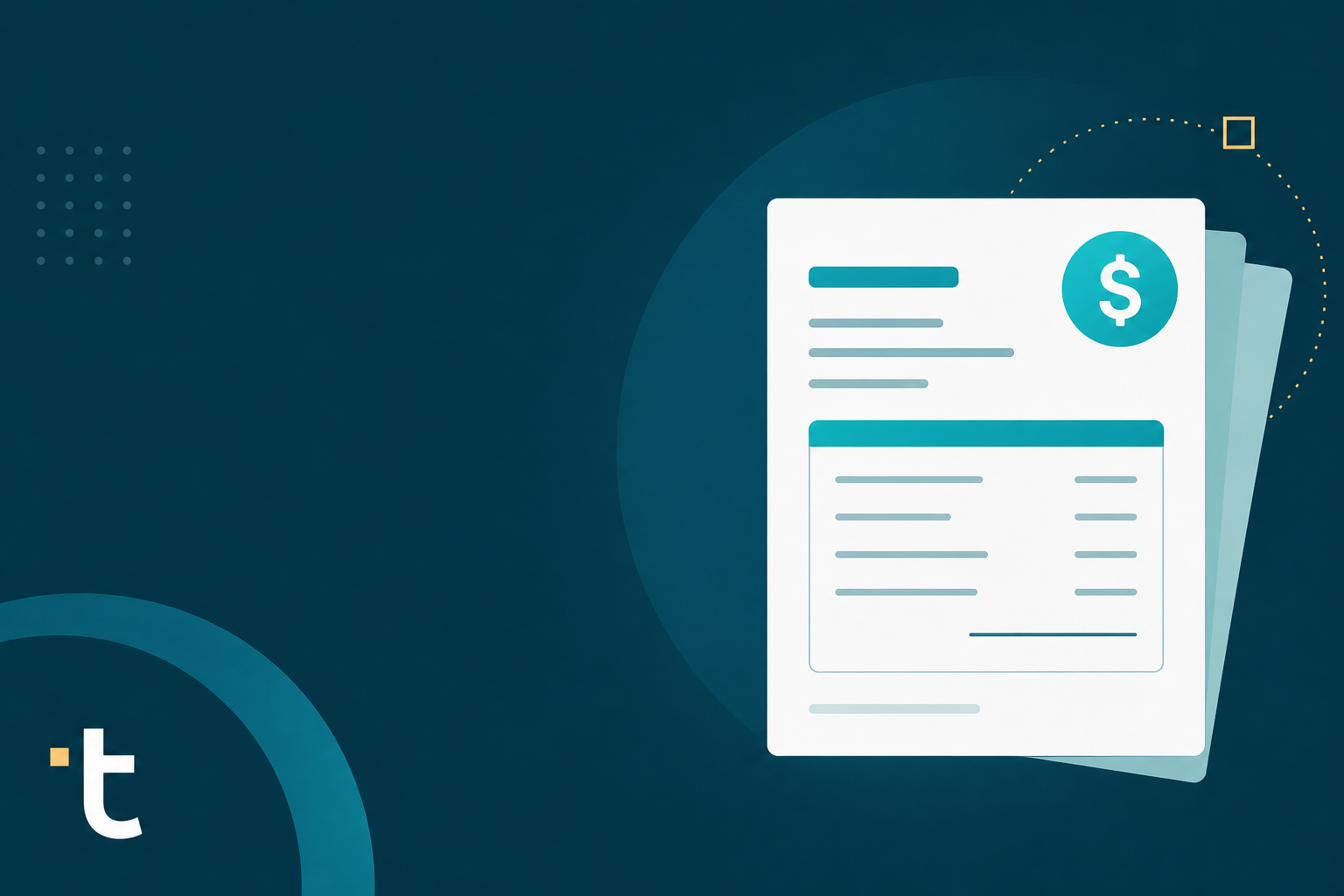
Every Canadian business owner eventually hits the same wall: the CRA wants your records kept and organized, but your receipts are scattered across emails, wallets, and random folders. Scanning software is supposed to fix that, though not every tool actually reads the full receipt, some stop at the total and skip the line items entirely. We put six of the top options side by side so you can see which ones actually save you time instead of just moving the mess somewhere digital.
TLDR:
Receipt scanning software reads a receipt or invoice and pulls out the supplier name, date, amount, and line items, so nobody has to type that information by hand. Some tools use plain OCR, matching pixels to characters. Others use AI to understand what a field means, beyond simply what it says.
The category spans a range. Basic scanners capture only header details: total, date, vendor. Full AI document processing platforms extract every line item, code it to the chart of accounts, and publish the result into the accounting software the business already uses. If you are comparing receipt OCR software options, that extraction depth is the key differentiator.
For Canadian businesses, this matters beyond convenience. The CRA requires businesses to keep supporting records, and knowing how long to keep your records is part of staying audit-ready. A digitized, searchable archive makes that retention requirement less painful than a shoebox of paper.
We built this comparison around criteria you can verify yourself against each vendor's public pricing pages, App Store listings, and documentation. This is a framework, not a lab test, and your own client mix and document volume should decide how much weight each factor gets.
Tofu, an AI document processing platform built for accounting firms, extracts every line item by default, on every invoice, on every plan, with no credits to track and no header-only capture that leaves the rest for manual entry. The self-learning knowledge engine reads a client's historical coding patterns and starts mapping account codes and tax treatment from the first upload, so there is no lengthy setup phase before extraction gets accurate. Bounding-box review lets a bookkeeper click any extracted field and see exactly where it came from on the source document, cutting verification down from minutes of side-by-side checking to seconds. Structured data publishes directly into Xero, QuickBooks, or Sage, with the original document auto-attached to the transaction so the audit trail holds up without any manual filing. English and French receipts extract side by side without a separate translation step, which matters for firms with Quebec clients or bilingual invoices anywhere in Canada. "What used to take me 3-4 hours can be done in 30-60 minutes," as Tammy Tan at Klozer puts it. That combination of full line-item depth, native publishing, and bilingual extraction on every plan is why Tofu tops this list.
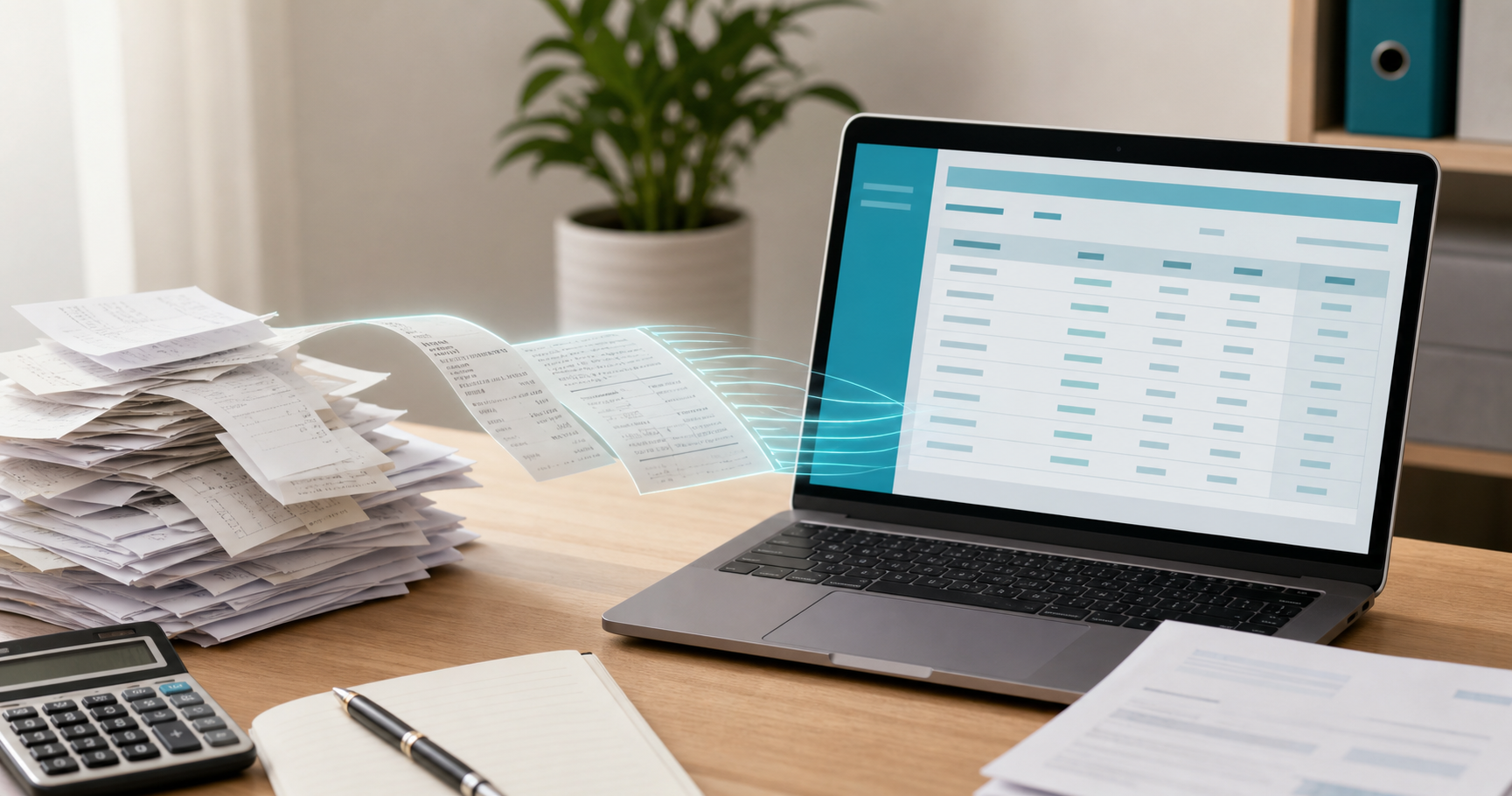
DocuClipper positions itself mainly as a bank statement conversion tool, turning PDF and scanned statements into spreadsheet-ready data for reconciliation work. Extraction stops at spreadsheet output: line items are not coded to a chart of accounts, and the tool does not publish directly into QuickBooks Online, Xero, or Sage, so every export still needs a CSV or Excel import step before the data is usable in accounting software. Pricing runs on per-page tiers between $39 and $149 per month, and bank statement processing counts against that same page allowance instead of being billed separately. The platform does not list French-language support, which limits its usefulness for bilingual Canadian firms serving Quebec clients. Because the source document does not auto-attach to a posted transaction, the audit trail has to be assembled manually instead of travelling with the entry.
Veryfi runs on a developer-first OCR API that many firms reach through Xero or QuickBooks instead of through a standalone document inbox, which shapes how it gets judged against platforms purpose-built for accounting workflows. Line items extract by default, matching the depth that separates full platforms from header-only scanners, and bounding-box verification lets a reviewer click a field and see exactly where it came from on the source document. Native publishing covers Xero and QuickBooks, but Sage is absent from that list, so firms standardized on Sage still need a workaround. French-language extraction is limited compared to English, which narrows its fit for firms with bilingual Quebec clients. Pricing runs on a custom quote (per Capterra) instead of a published flat rate or credit tier, so the real monthly cost only becomes clear after a sales conversation. The source document does attach to the posted transaction, keeping the audit trail intact once data publishes.
AutoEntry, acquired by Sage in 2018, appeals mainly to firms already standardized on Sage products, with credit-based pricing that ranges from $13 per month for 50 credits up to $469 per month at the top tier (see AutoEntry's pricing page for current credit counts). Line-item extraction is available, but it costs double: 2 credits per invoice with line items versus 1 credit for header-only capture, so multi-line invoices burn through a plan's allowance twice as fast. Bank statements are the most expensive document type in the credit system at 3 credits per page, so a single 50-page statement can consume an entire mid-tier monthly allowance in one upload. AutoEntry's own help documentation states it is an English-language program that rejects documents in Arabic or Chinese and Japanese fonts outright, with no guaranteed accuracy on other foreign-language documents, which rules it out for firms with bilingual Quebec clients or any non-English invoice volume. The deep Sage tie-in makes AutoEntry a convenient add-on for Sage-only shops, but the credit ceiling and language restrictions push per-client costs higher than a flat-fee alternative once document volume or language diversity grows.
HubDoc comes bundled free with a Xero subscription, which makes it the default choice for a lot of Canadian small businesses before they ever go looking for HubDoc alternatives. It captures header-level data: supplier name, date, total, invoice number. Supplier rules let you automate basic coding once a pattern is set up.
Good for: Xero subscribers with simple, clean English-language receipts who only need basic header capture without line-item detail.
Limitation: HubDoc does not extract line items. Xero has publicly confirmed no further development is planned for line-item extraction in HubDoc, so every line on a multi-item invoice still needs manual entry.
Bottom line: HubDoc works fine for the most basic receipt capture, but it leaves the line-item gap open indefinitely. For a direct AutoEntry vs HubDoc capability breakdown, the extraction difference is even starker. Tofu extracts every line item by default, on every invoice, closing the gap Xero has said it will not close.
Dext built its reputation on document capture that pairs with practice management tools many UK and Ireland firms already run, and it remains a common default alongside HubDoc for firms just starting to digitize receipts. Native integration covers Xero and QuickBooks, publishing captured documents directly into either platform once processed. Line-item extraction is available, but it sits behind extra credits instead of coming standard, so a multi-line invoice consumes more of a plan's monthly allowance than a simple header-only receipt. Pricing runs on a per-client, credit-tier structure, which means the real monthly cost climbs as a firm adds clients or processes higher volumes instead of staying flat. Multilingual documents need substantial correction once extracted, since French and other non-English fields aren't read with the same accuracy as English text, limiting its fit for firms serving Quebec clients or other bilingual invoice volume. The source document does attach to the posted transaction, so the audit trail holds up once data is reviewed and published.
| Tool | Line items by default | Native integration | Pricing model | French/multilingual support | Bank statements w/o per-page fees | Audit trail attachment |
|---|---|---|---|---|---|---|
| Tofu | Yes | Xero, QuickBooks, Sage | Flat monthly fee | Yes | Yes | Yes |
| DocuClipper | No, spreadsheet output only | No, CSV/Excel export | Per-page tiers ($39-$149/month) | No | No, page allowance applies | No |
| Veryfi | Yes | Xero, QuickBooks | Custom quote | Limited | Varies by plan | Yes |
| AutoEntry | No by default; 2 credits per invoice vs 1 for header-only (see Dext vs AutoEntry pricing) | Sage-owned, deep Sage tie-in | Credit-based ($13-$469/month) | No | No, 3 credits per page | Limited |
| HubDoc | No, header-level only | Xero native | Free with Xero | No | No | Limited |
| Dext | No, extra credits required (see Dext alternatives) | Xero, QuickBooks | Per-client, credit tiers | No, substantial correction needed | No, credits consumed | Yes |
Pricing and credit details reflect published vendor rates. Page allowances and credit limits can shift a plan's real cost considerably once monthly document volume grows past a firm's typical caseload.
Canadian firms comparing HubDoc, Dext, and AutoEntry alternatives keep running into the same wall: line items locked behind extra credits, or missing entirely. Tofu extracts every line item by default, on every invoice, on every plan, with no credit counting to track month to month. Pricing stays flat regardless of volume, English and French documents extract without manual translation, and structured data publishes directly into QuickBooks Online, Xero, or Sage, with CSV and IIF export pathways covering QuickBooks Desktop for firms not ready to move platforms. Tofu's bank statement processing for Canadian firms handles TD, RBC, BMO, and Scotiabank formats without per-page fees.
If you want to see the difference instead of reading about it, and want a deeper look at Dext vs AutoEntry vs HubDoc extraction before you decide, try Tofu on your messiest multi-page bank statement or your highest-volume client this month. Upload it, watch the line items land, and judge for yourself whether it beats what you are doing right now.
Every tool on this list handles some slice of the job well, but the line-item gap keeps showing up as the real cost driver for Canadian firms. Look closely at how each tool handles your bilingual documents, your audit trail needs, and your actual invoice volume before committing. Book a demo and run your own messiest document through it to see where it lands.
Tofu extracts every line item by default on every plan, while HubDoc captures header-level data only (supplier, date, total). If your clients send invoices with multiple line items that need coding to the chart of accounts, Tofu closes a gap Xero has confirmed it will not close in HubDoc.
Start with your line-item needs and pricing tolerance: Dext and AutoEntry both charge extra credits for line-item extraction, and their credit-based pricing ($13-$469/month for AutoEntry) scales unpredictably as volume grows. Tofu includes line-item extraction and bilingual English/French support at a flat monthly fee, making costs predictable regardless of how many documents you process.
No. DocuClipper applies page allowances that limit how many pages you can process before hitting a tier cap, and it exports to spreadsheets instead of publishing directly into QuickBooks Online, Xero, or Sage. If native integration and audit-ready attachment matter to your workflow, that CSV/Excel-only output creates an extra manual step.
Switch once your clients' invoices routinely include multiple line items, non-English text, or handwritten receipts, situations where HubDoc's header-only capture leaves every line for manual entry. Veryfi and Tofu both extract line items natively, with Tofu adding flat pricing and French-language support without manual translation.
Tofu extracts English and French documents without manual translation, which matters for Canadian firms serving Quebec clients. HubDoc, Dext, and AutoEntry do not list French-language support among their capabilities, so bilingual invoices may need extra correction before they're usable in your accounting software.