Jay Sen Lon
June 29, 2026


You might spend three hours every week processing supplier invoices: the produce order with 28 line items, the beverage distributor statement with another 40, the meat invoice that needs every cut mapped to the right cost-of-goods account. Your restaurant bookkeeping software handles the ledger, connects to your POS, tracks payroll, but the invoices themselves still need someone to open them, read them, code them, and type them in. Most tools sync sales data and stop there. A few pull invoice totals without the line-item breakdowns your food cost tracking depends on. And then there are tools that actually extract every line, map it to your chart of accounts, and publish the data automatically. Here are six restaurant bookkeeping software options, ranked on how completely they handle the invoice processing workflow that takes up the most time.
TLDR:
Restaurant bookkeeping software refers to accounting and financial management tools built for food service businesses. Unlike generic accounting software, these tools account for the unique financial realities of running a restaurant: fluctuating food costs, tip reporting, payroll complexity across tipped and non-tipped staff, sales tax by category, and vendor invoice volume that most retail businesses never see.
A busy restaurant might process hundreds of supplier invoices each month, spanning produce, meat, beverages, and dry goods, each with its own pricing, quantity, and tax treatment. Getting that data into your accounting software accurately is where most restaurant bookkeeping breaks down.
There are a few core functions to look for in this category:
The software options in this category range from full restaurant management suites that bundle inventory, scheduling, and accounting into one tool, to more focused bookkeeping tools that connect cleanly with your existing POS and accounting software. Which type fits your operation depends on how much of that stack you already have in place.
Restaurant bookkeeping software varies widely in how well it actually handles the realities of food service accounting: fluctuating food costs, tip reporting, split-tender transactions, and payroll complexity that most generic tools weren't built for.
To rank these tools, we measured each one across a consistent set of criteria drawn from what restaurant operators and their bookkeepers actually care about.
Tofu sits at the document-processing layer that most restaurant bookkeeping software quietly skips. While your accounting software handles the ledger, Tofu handles what comes before it: invoices from food distributors, supplier receipts, bank statements, and expense documents, extracted line by line and published directly to Xero or QuickBooks.
For restaurant operators juggling dozens of weekly supplier invoices across multiple vendors, that distinction matters. A PDF invoice from a seafood distributor with 30 line items gets processed the same way as a single-page receipt from a linen service. Every line item, every account code, every amount, extracted automatically and mapped to your chart of accounts.
Most document processing tools capture header-level data: supplier name, invoice date, total amount. That works for simple workflows. Restaurants have more complex ones. Ingredient costs need to map to the right cost-of-goods accounts. Beverage purchases sit in a different category than dry goods. Tofu learns your coding preferences from the documents you process and applies them going forward, reducing manual review considerably as volume grows.
The AI learns from your history. If you've coded invoices from a specific produce supplier to a particular account 20 times, Tofu applies that pattern automatically on document 21. You review, not re-enter.
Pricing starts at $79/month (unlimited users and clients), making it workable for independent restaurants and small groups alike without per-document credit systems that penalize high volume.
QuickBooks Online is one of the most widely used accounting software tools for restaurants, particularly in the United States. It handles the core accounting functions restaurants rely on: general ledger, accounts payable, payroll integration, and financial reporting. For many restaurant owners, it doubles as their bookkeeping backbone.
QuickBooks Online is general-purpose accounting software. It was not built for the restaurant industry, so it lacks native integrations with point-of-sale systems like Toast or Square without third-party connectors. Recipe costing, inventory tracking at the ingredient level, and table-turn reporting are not part of the product.
For restaurants running high invoice volumes from food and beverage suppliers, data entry remains a manual process unless you add a document processing tool on top. QuickBooks Online does not extract line items from supplier invoices automatically.
QuickBooks Online pricing starts at $35/month for the Simple Start plan, with the Plus plan at $90/month adding project tracking and inventory. Most restaurants will need the Plus tier or higher.

Xero is the accounting software of choice for restaurant operators outside the US, particularly in the UK, Australia, Singapore, and Malaysia. Its 160+ currency support and multi-entity handling suit groups managing international supplier relationships or operations across multiple locations.
Here is what the core feature set looks like in practice:
Xero is a general ledger, not a restaurant management tool. Inventory tracking and food cost reporting rely on third-party integrations, and supplier invoice data still requires manual entry unless you add an automation layer upstream of the ledger.
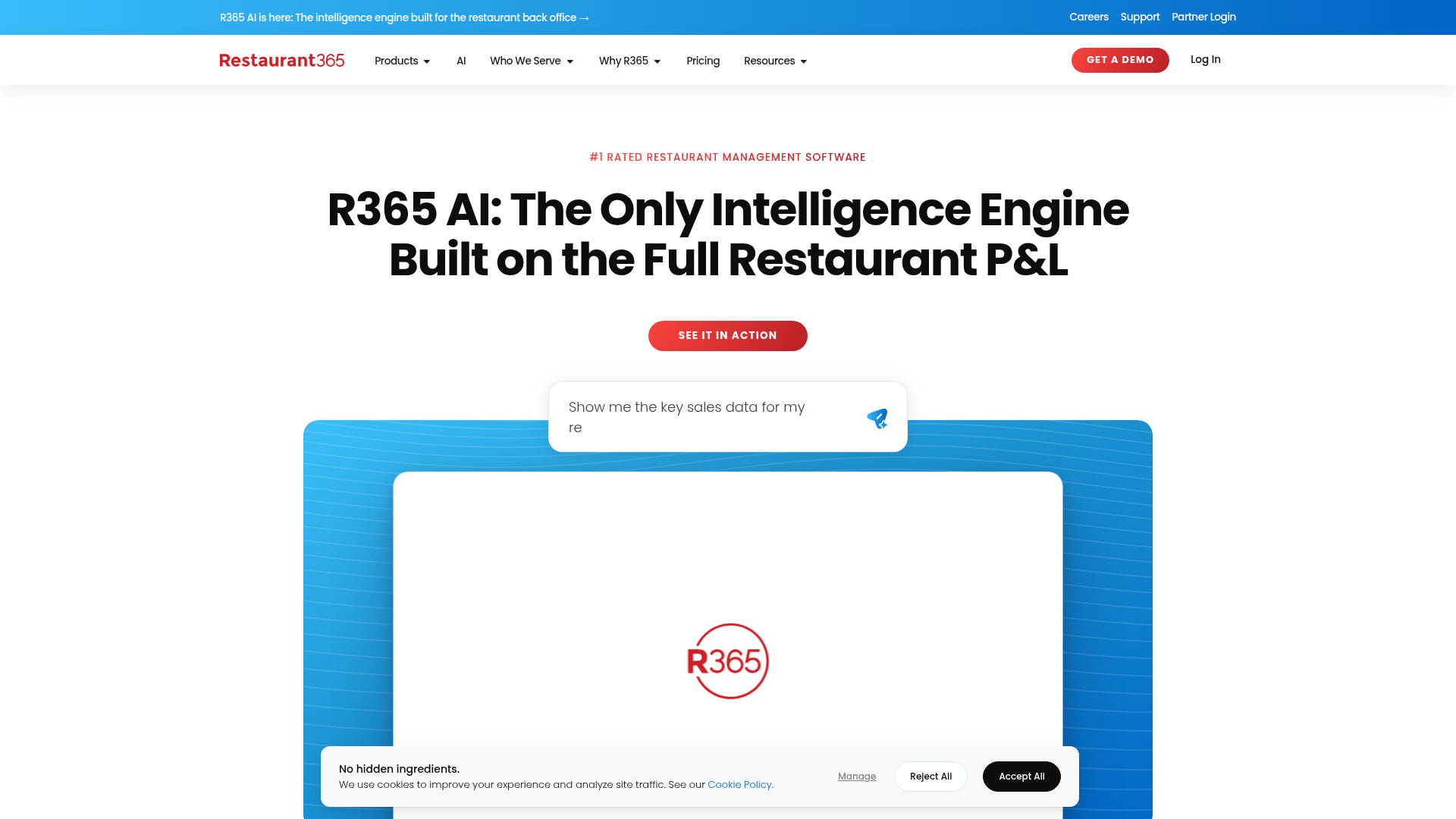
Restaurant365 is a restaurant-specific accounting and operations tool built for multi-unit operators. It combines general ledger accounting, accounts payable, payroll, and inventory management in one place, which makes it appealing for larger restaurant groups that want to consolidate their back-office stack.
Restaurant365 is designed for multi-unit operators. If you're managing a single location or a small independent, the pricing and complexity will likely outpace your needs.
Restaurant365 does not publish pricing publicly. Plans are quoted based on the number of locations and which modules you need. Expect a sales process before you see a number.
The breadth of the product is also its constraint. Restaurant365 is built to be the accounting system, not a layer that sits alongside your existing one. If you already use QuickBooks or Xero and want to keep them, Restaurant365 is not the right fit. You would be replacing your accounting software, not adding to it.
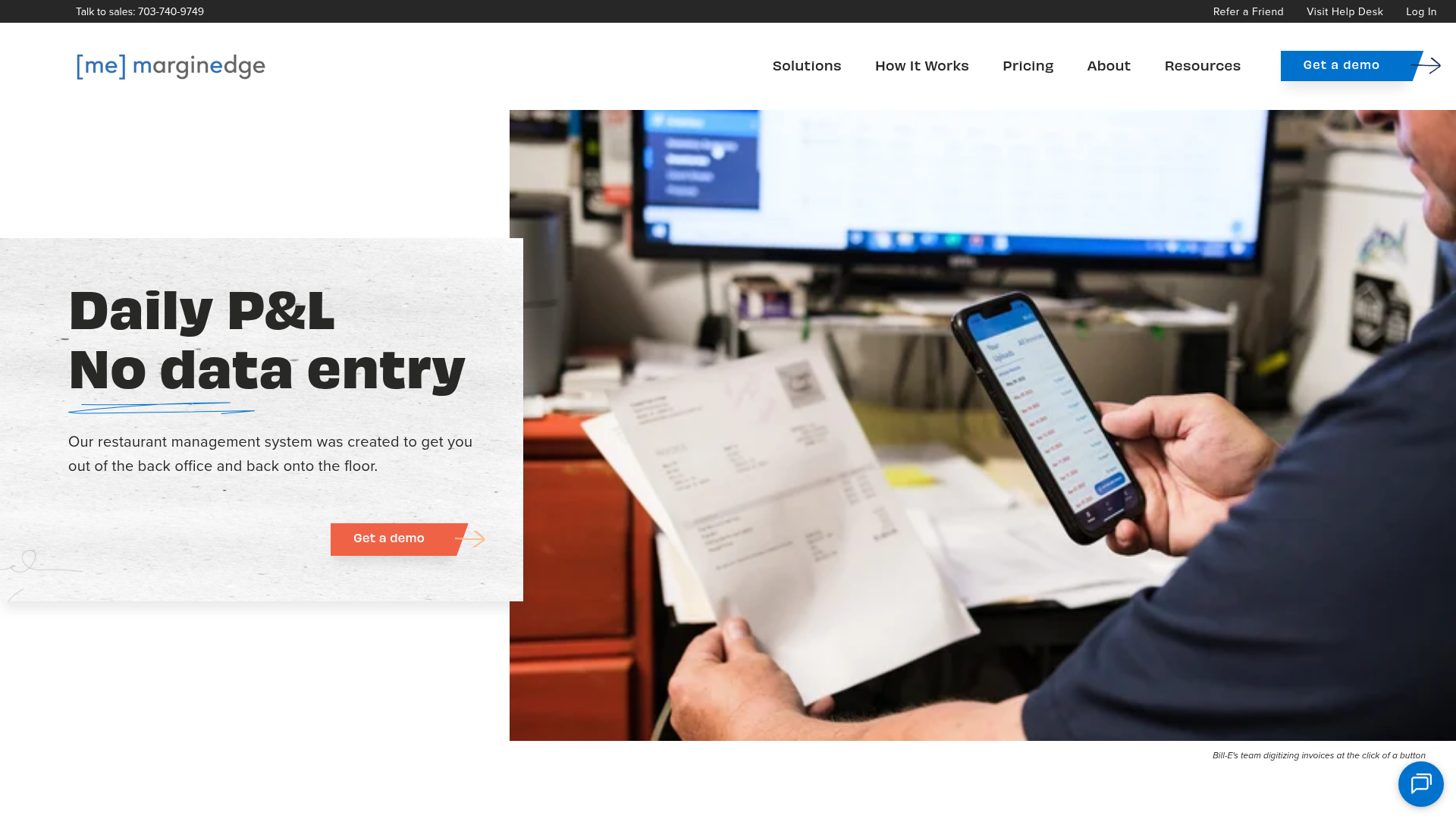
MarginEdge is built for restaurants, covering invoice processing, vendor management, food cost tracking, and P&L reporting in one place. It connects directly with most major POS systems, pulling in sales data automatically so food cost percentages update in near real time.
Pricing starts at $350 per month per location, which puts it out of reach for single-unit operators watching every dollar. But for multi-location groups that need consistent reporting across sites, the per-location model makes the cost workable.
MarginEdge fits best when food cost visibility is the priority and you already have accounting software handling the books.
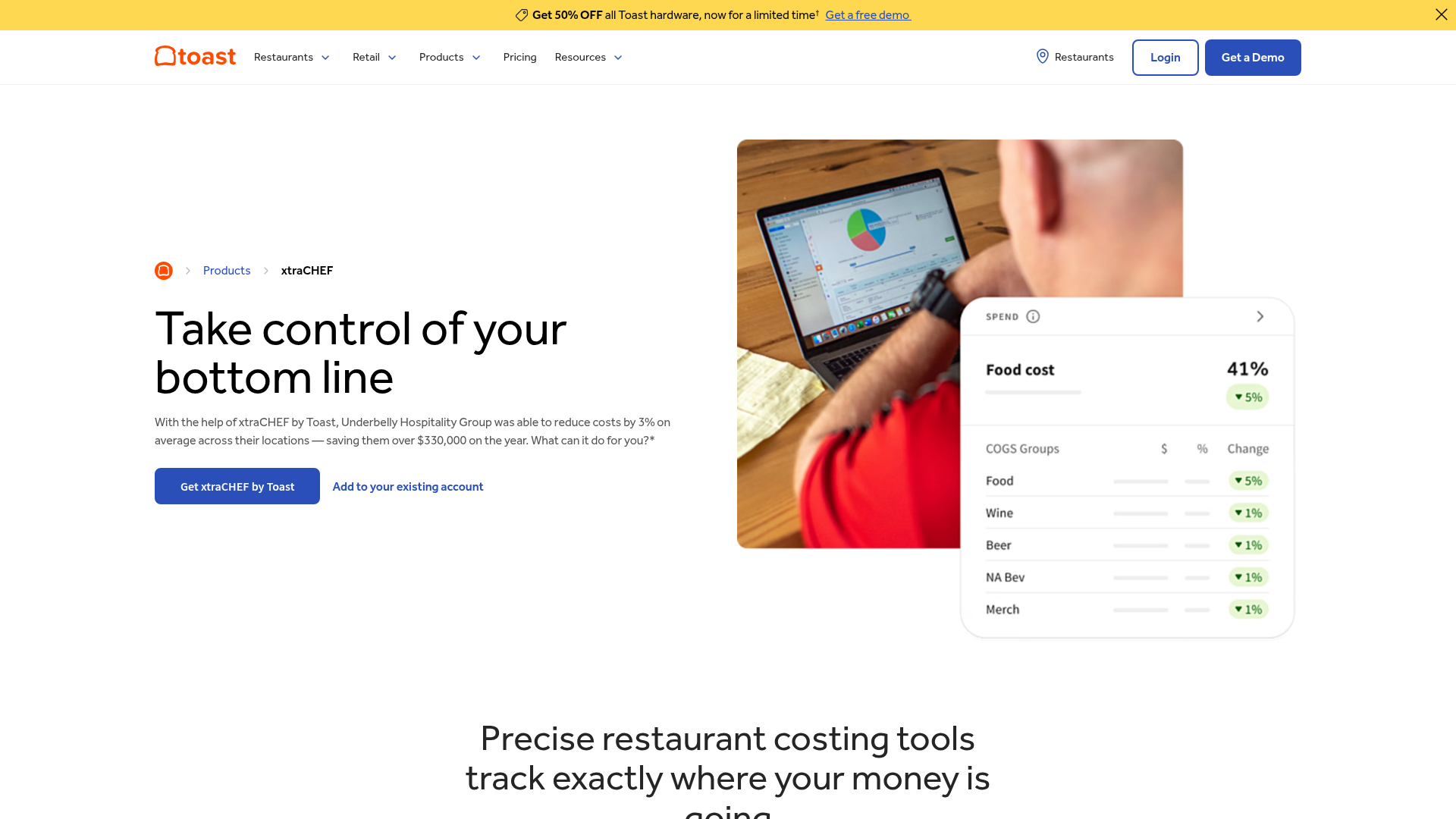
xtraCHEF is Toast's built-in invoice and food cost tool for operators already running Toast POS. Sales, labor, and invoice data flow directly across the system without manual exports to keep cost reporting current.
Here is what the tool covers:
The integration is also the limitation. xtraCHEF performs well when Toast is your POS of record, but operators running multiple POS systems across locations, or those not on Toast at all, will find the tool limited outside that setup. The invoice processing and food cost features depend on Toast data to work at their best. If your operation is not fully on Toast, an accounting-software-agnostic alternative will serve you better across every location.
Here is how the six tools stack up across the features that matter most for restaurant bookkeeping workflows.
| Feature | Tofu | QuickBooks Online | Xero | Restaurant365 | MarginEdge | xtraCHEF |
|---|---|---|---|---|---|---|
| Multilingual invoice processing | Yes (200+ languages) | No | Limited | No | No | No |
| Line-item extraction | Yes | No | No | Yes | Yes | Yes |
| Bank statement automation | Yes | Bank feeds only | Bank feeds only | Yes | No | No |
| Recipe costing | No | No | No | Yes | Yes | Yes |
| Works outside the US | Yes | Limited | Yes | Limited | Limited | Limited |
| Pricing model | From $79/month flat | Per-user tier | Per-transaction tier | Contact for pricing | ~$300/location/month | Toast platform |
| Works with any accounting software | Yes (Xero, QuickBooks, 20+ via CSV) | Ledger itself | Ledger itself | Replaces your ledger | Requires a separate ledger | Requires a separate ledger |
Tofu sits between your POS system and your accounting software, handling the document processing layer that restaurant bookkeeping software alone cannot automate away.
When a supplier invoice arrives as a PDF, Tofu extracts every line item, maps it to your chart of accounts, and publishes directly to Xero or QuickBooks. No retyping. No manual coding. No corrections from a header-only capture.
Restaurants deal with high invoice volumes, multi-vendor purchasing, and tight margins that make coding errors expensive. Most bookkeeping software connects your ledger to your bank, but leaves the document layer to you.
Tofu does not replace your accounting software. It feeds it. You keep running QuickBooks or Xero exactly as you do now; Tofu handles what arrives before reconciliation, so by the time your bookkeeper opens the ledger, the data is already there, correctly coded.
"What used to take me 3-4 hours can be done in 30-60 minutes." - Tammy Tan, Klozer
If your restaurant's biggest time drain is processing supplier invoices and receipts instead of the accounting work itself, that is exactly the gap Tofu was built for.
Most restaurant bookkeeping software handles either your general ledger or your food cost tracking, but the document processing layer between your supplier invoices and your accounting software still requires manual work. If you are spending more time typing line items than analyzing your numbers, that is the gap to fix first. Tofu extracts every line item from invoices and receipts in any language and publishes directly to your accounting software, so your books stay current without the data entry.
If you already run QuickBooks or Xero, you don't need a replacement ledger. You need a layer that handles what happens before the ledger: processing supplier invoices, receipts, and bank statements so the data enters your books correctly coded and complete. Tools like Restaurant365 replace your accounting software entirely, which creates migration risk. Tofu, by contrast, sits upstream of QuickBooks or Xero and feeds them clean, coded data without requiring you to change platforms.
Single-location restaurants need affordability and ease of use over enterprise features they won't use. QuickBooks Online or Xero paired with a document processing layer like Tofu covers most needs without the $300+ per-location pricing that multi-unit tools like MarginEdge or Restaurant365 charge. Multi-unit groups benefit from centralized reporting and food cost tracking across locations, which makes Restaurant365 or MarginEdge worth the cost if food cost visibility is the primary bottleneck.
Most restaurant-specific tools process English-language documents only, which creates a manual workaround when you source from international distributors or operate in multilingual markets. Tofu processes invoices in 200+ languages, extracting line items from Thai seafood suppliers, Chinese produce vendors, or Arabic butchers without requiring translation or format conversion before upload.
POS integration pulls sales data into your accounting software automatically: daily totals, itemized sales, and labor figures. You're not manually entering what you sold. Document processing handles the other side: supplier invoices, receipts, and bank statements that arrive as PDFs or images and need to be coded to your chart of accounts before they enter your books. Most restaurants need both, but they solve different bottlenecks in the workflow.
Flat pricing models charge one monthly fee regardless of how many documents you process or how many users access the system, which benefits high-volume operators with multiple staff handling invoices. Per-location pricing scales with the number of sites you operate, which works when each location processes documents independently and you need location-specific reporting. Calculate your actual monthly invoice volume and compare the per-entry cost under each model. For most independents and small groups, flat pricing at $79 to $199/month beats $300/location/month unless you're running 10+ sites.