
Insights and ideas from the tofu team
Stay up to date with product updates, AI tips, customer stories, and community news
All designed to help bookkeepers work smarter, not harder.
All designed to help bookkeepers work smarter, not harder.
Tool Comparisons
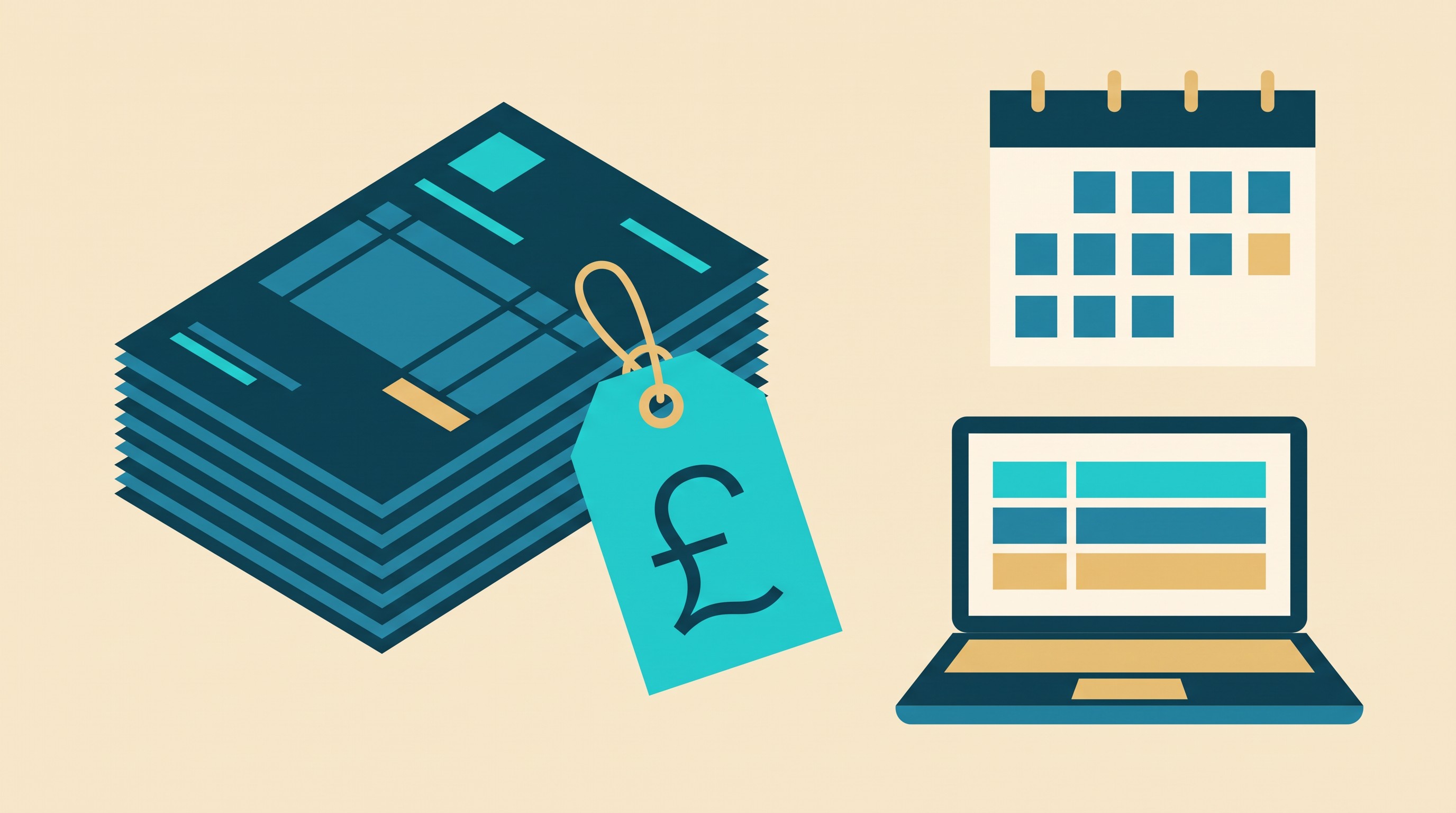
Apron's pricing changes on 1 December. Here's what your practice will pay.
Apron keeps its £5 entry price, but the £199 cap, document allowances and overage fees change on 1 December. Here's what UK practices will pay, and what to do next.

Thank you! Your submission has been received!
Oops! Something went wrong while submitting the form.
Guides
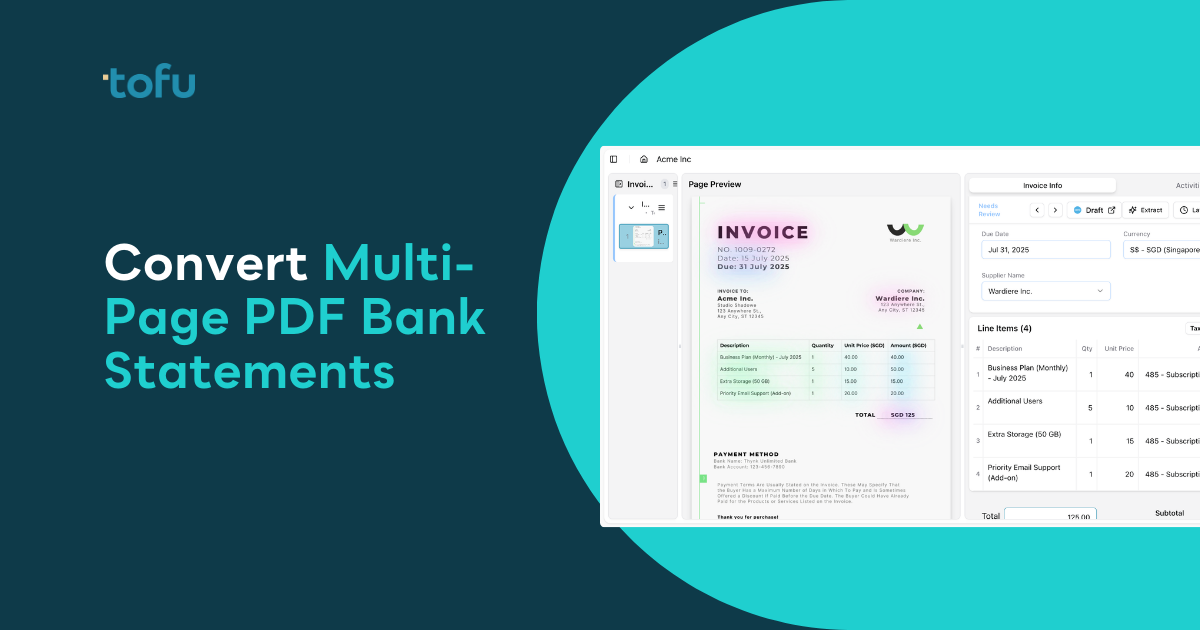
How to Convert Multi-Page PDF Bank Statements to Excel or CSV (February 2026)
Most bank statement converters give you a CSV and leave 70% of the work. Compare 4 levels of automation from manual entry to direct posting in Xero and QuickBooks.

Tool Comparisons
7 best OCR software for multi-language invoice processing in 2026
Compare 7 multi-language OCR tools for accounting in 2026, ranked by language breadth, extraction depth, and Xero/QuickBooks integration.
Tool Comparisons
8 Best Accounting Software in Indonesia: Top Bookkeeping Solutions
Compare the top bookkeeping software for Indonesian businesses in 2026, including PPN e-Faktur compliance and multi-language document processing.
Tool Comparisons
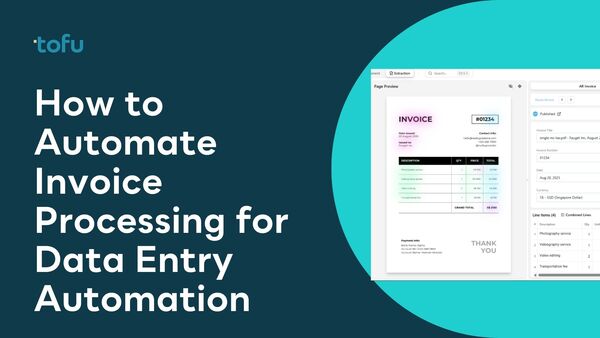
How to Automate Invoice Processing in 2026: A Guide to Invoice Data Entry Automation
Learn how to automate invoice data entry with AI-powered extraction, step-by-step setup, and integrations for Xero, QuickBooks, Excel, and more.
Guides
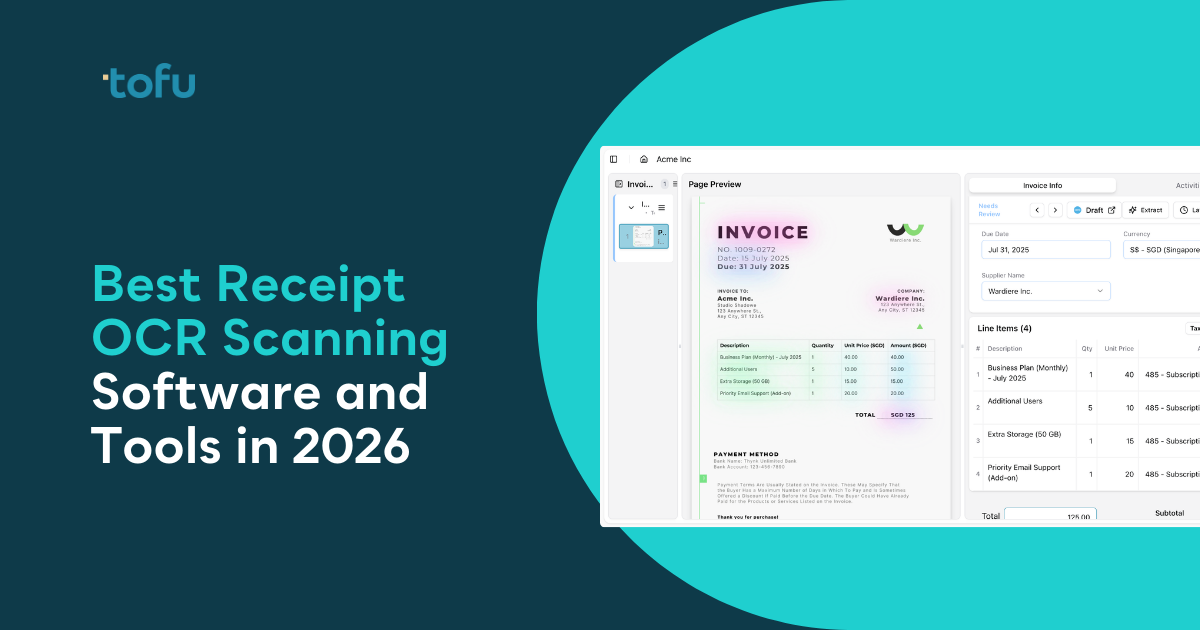
Best Receipt OCR Scanning Software and Tools in February 2026: A Complete Guide
We ranked 7 receipt OCR tools on line item extraction, multilingual support, chart of accounts learning, and pricing. Most legacy tools stop at invoice totals, reject non-English documents, or charge per page. tofu extracts every line item across 200+ languages with zero configuration starting at $79/month.
Guides
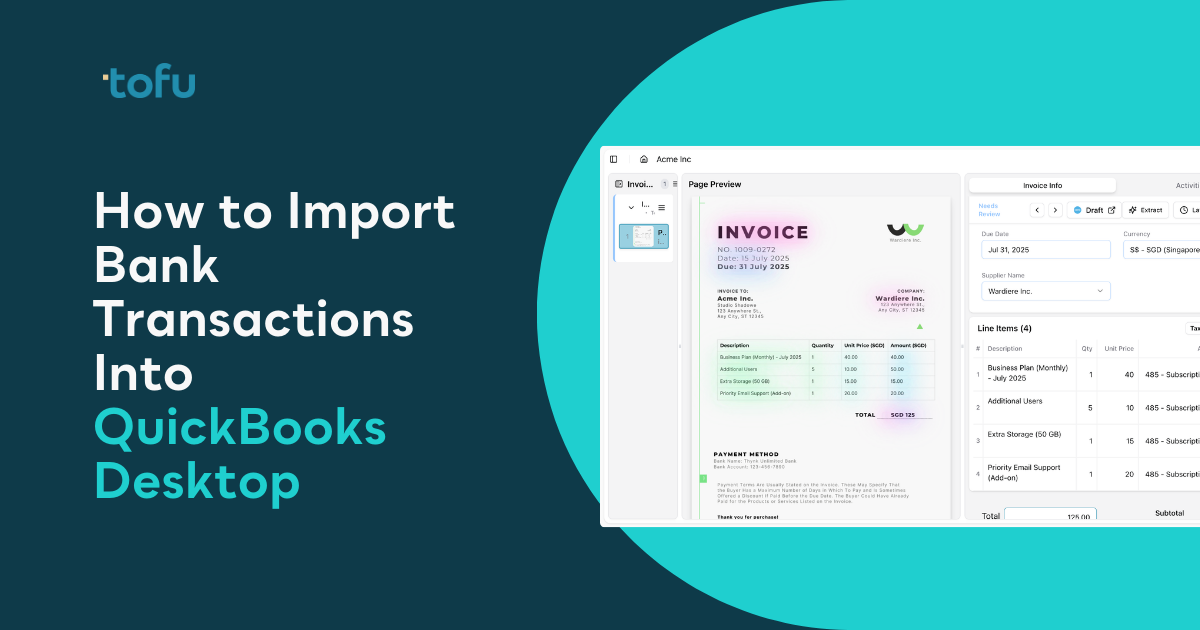
How to Import Bank Transactions Into QuickBooks Desktop: February 2026 Complete Guide
QuickBooks Desktop only accepts .QBO, .QFX, and .OFX files for bank imports. This guide covers every method for getting bank transactions in, from Web Connect and Direct Connect to CSV conversion tools and AI extraction for PDF statements your bank actually provides.