SunTao Lai
April 14, 2026

Your clients send handwritten receipts. Local suppliers, field contractors, market vendors. Every one of them needs to land in Xero. Tofu reads the handwriting, extracts every line item, and posts it to Xero with the source document attached. For 20 clients submitting 40 receipts a month, that's over 16 hours of typing gone.
Handwritten receipt extraction with full Xero integration interprets context the way you do when reading a receipt, inferring that a number near a dollar sign is the total and a word above the price column is the description. Traditional OCR fails here because handwriting lacks a consistent font, spacing, or structure to match.
TLDR:
Handwritten receipt extraction reads, interprets, and converts handwritten document data into structured accounting entries. For printed invoices, traditional OCR tools manage reasonably well with fixed fonts and predictable layouts. Handwriting is a different problem entirely. Every person writes differently, ink fades, paper tears, and there's no consistent structure to anchor the read.
Standard OCR accuracy sits around 90% for clean printed text, but drops sharply on handwriting due to variations in writing styles. That gap matters in accounting, where a misread digit can lead to an incorrect journal entry.
For firms in Southeast Asia, Africa, and the Middle East, handwritten receipts are routine. Suppliers hand over paper receipts with handwritten line items. Contractors scribble out invoices. Ignoring these documents creates gaps in the books. Processing them manually means hours of typing.
Paper receipts never disappeared. They just became someone else's problem to process.
In construction, field services, and retail, cash transactions happen fast. A contractor hands over a handwritten receipt on-site. A market vendor scribbles an amount on a notepad. A delivery driver logs materials on paper. These are daily realities for firms with clients in these sectors.
Geography matters too. Across Southeast Asia, Africa, and the Middle East, paper workflows are deeply embedded in how local suppliers operate. Multi-language receipts are common. Xero users in these regions receive handwritten documents by default. Ignoring them means incomplete books.
One handwritten receipt takes roughly 5 minutes to process manually. Automation cuts this down to seconds. Across a client submitting 40 receipts a month, that's over 3 hours gone. Scale that to 20 clients, and you're losing more than 16 hours monthly to typing alone. Manual data entry costs consulting firms 15 to 20 hours per month, on average, across financial admin tasks.
That's two full working days spent on data entry instead of advisory work, client onboarding, or month-end closes. Tammy Tan at Klozer puts it plainly: "Before using Tofu, it would take me between 3 and 4 hours to input and review a client's invoices. With Tofu, I can now complete the process in just 30 to 60 minutes."
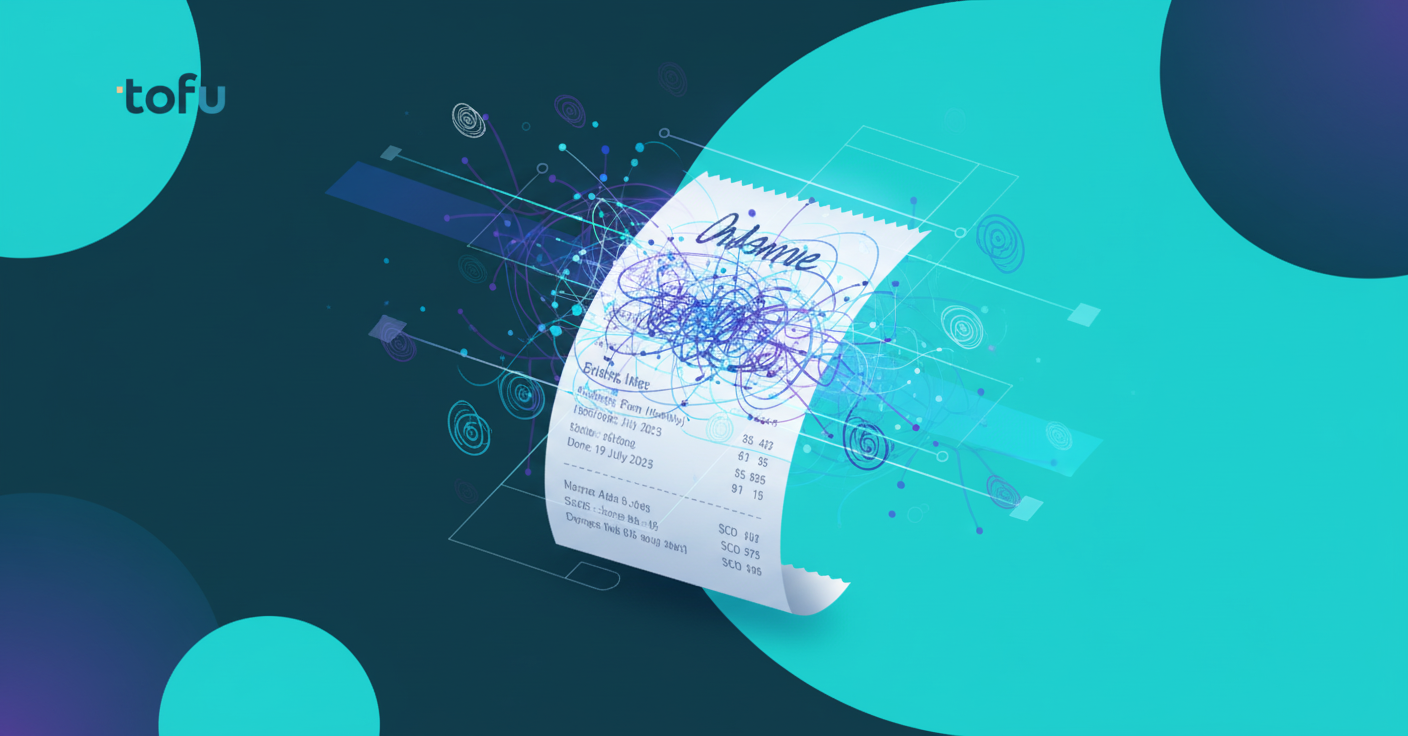
Legacy OCR works by pattern-matching characters against a library of known fonts. Give it a cleanly printed Arial invoice, and it performs well. Give it a handwritten receipt, and it fails because handwriting lacks a consistent font, spacing, or structure to match.
AI-based extraction works differently. Instead of matching characters, it interprets context. It reads a receipt the way a person does: inferring that a number near a dollar sign is probably an amount, that a word above a price column is probably a description. When Tofu encounters a handwritten document, it draws on training across thousands of handwritten formats, not a font library.
The practical difference: HubDoc and Dext return empty fields or garbage data on handwritten receipts. Tofu extracts the line items, the totals, and the supplier name. Tengku Adibah T. Kamarudin at Accounting Superhero described the gap with Dext: "Our clients have been asking for line item extraction, and we haven't been able to provide them. We were trying to push Dext for it for I believe about two years, but nothing came out."
| Feature | Tofu | HubDoc | Dext |
|---|---|---|---|
| Handwritten receipt extraction | AI-based context interpretation reads handwritten text across all layouts and writing styles | Traditional OCR that returns empty fields or errors on handwritten documents | Traditional OCR that returns garbage data on handwritten receipts |
| Multi-language support | Over 200 languages including handwriting without configuration or language selection | Limited to major printed languages with manual language selection required | Supports multiple languages but fails on handwritten non-Latin scripts |
| Line item extraction | Full line-item extraction with automatic chart of accounts mapping from coding history | Header and total only, no line-item detail extraction | Header and total only, limited line-item support on printed invoices |
| Verification workflow | Click-to-verify with bounding boxes showing exactly where each field was read on original document | No visual verification of extraction accuracy against source document | Manual review required with no direct link between extracted data and source location |
| Xero integration | Certified Xero App Partner with native API, automatic document attachment, and chart of accounts sync | Xero integration available but requires manual coding and cleanup after posting | Xero integration with basic document attachment but limited auto-coding capabilities |
| Setup time per client | 15 minutes, AI learns from existing Xero coding patterns automatically | 2-4 hours setup per client with manual rule configuration | 2-4 hours setup per client with template building required |
Not every extraction tool that claims "Xero integration" actually integrates well. There's a real difference between tools that export a CSV you manually import and tools with a native API connection that posts directly to Xero with the source document attached.
Here's what a proper Xero integration for automated invoice entry actually requires:
Tofu is a certified Xero App Partner. When it publishes a transaction, the original receipt is automatically attached. Tax codes pull from your existing Xero setup. No manual cleanup after posting.
Handwritten receipts fail at extraction for predictable reasons. Knowing where things break helps you catch problems before they post to Xero.
Silent errors, where a tool confidently extracts the wrong number, are harder to catch than obvious failures. You'd rather see a flagged field than a wrong amount posted to Xero without warning.
Tofu's click-to-verify feature exists for exactly this reason. Click any extracted field and the original document zooms to show the bounding box where the AI read that data. If the handwriting was ambiguous, you see it instantly and correct it before posting.
Once a handwritten receipt is extracted, the data moves through several steps before it lands cleanly in Xero.
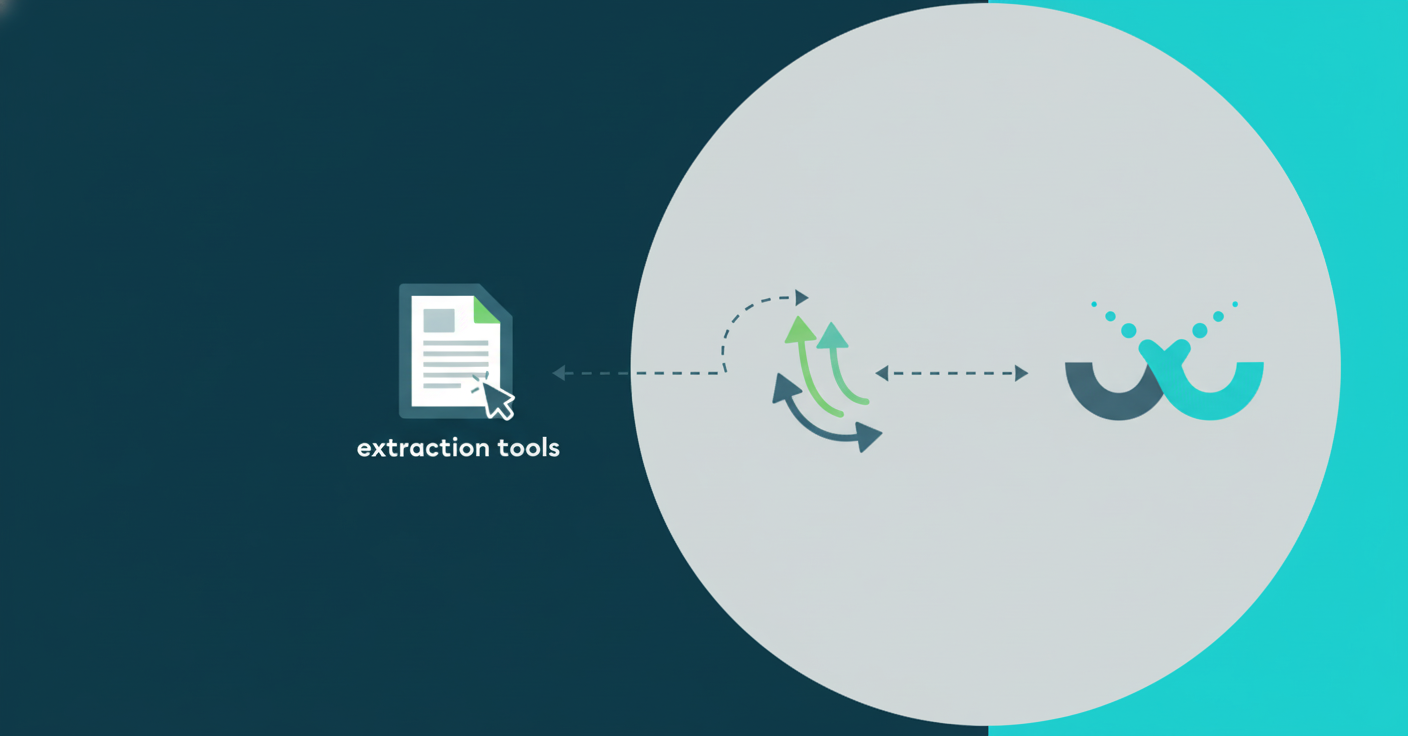
The sequence looks like this:
The attachment step matters more than it sounds. Every transaction in Xero links back to the source document, so when audit time comes, the paper trail is already there.
Getting started takes minutes, not a setup session.
Connect Xero through Tofu's app, and it reads your chart of accounts and existing coding history right away. From there, pick how documents come in:
Once connected, test with 3-5 real handwritten receipts from your messiest client. Check that line items extract correctly, tax codes map to your Xero setup, and supplier names match existing contacts. Correct anything wrong and Tofu learns from each fix.
AI extraction on handwritten receipts will never be 100% accurate. The goal is to catch errors before they post, not to hope none slip through. Every correction also trains the system, as Yeong Pin Mei at Phoenix Malaysia notes: "Once you get Tofu trained, you don't have to worry for the rest."
Tofu flags low-confidence fields instead of guessing silently. Click any extracted value, and the bounding box shows exactly where on the original receipt the AI read that data. Ambiguous handwriting becomes visible immediately, so you correct it in context without hunting for discrepancies later.
Every correction trains the system. Fix a misread supplier name once, and Tofu remembers it for that client going forward. Review workload shrinks as the AI builds knowledge specific to your client base.
For audit purposes, the original receipt is automatically attached to every Xero transaction. The extraction history, the corrections, and the source document are all tied to the posted entry. No separate filing step required.
Tofu handles the entire handwritten receipt workflow in a single pass. Upload a receipt, and it extracts every line item, maps each to your Xero chart of accounts, attaches the source document to the transaction, and flags anything ambiguous for quick review.
Handwriting across 200+ languages works without any setup. A handwritten receipt in Arabic, Thai, or Chinese extracts the same way an English one does with OCR software that translates foreign language invoices. No language selection. No manual translation step.
Every correction you make teaches the system. Fix a misread total once, and Tofu remembers it for that supplier going forward. Accuracy improves against your own client base, not a generic training set.
Handwritten receipts stop being the pile your team dreads and start moving through the same workflow as everything else.
Manual receipt processing disappears when you stop trying to fix it by improving your typing speed. Handwritten receipt extraction in Xero means your team reviews and approves instead of transcribing character by character. Each correction improves accuracy for the next batch. Your books stay complete without the hours of data entry that used to come with it. Book a demo and bring your worst handwritten receipts.
AI extraction handles handwritten receipts differently from printed text. It interprets context instead of matching fonts, so it can read varying handwriting styles. Accuracy isn't perfect, but Tofu flags low-confidence fields for quick review and shows you exactly where each value was read in the original document via bounding-box verification.
Yes, Tofu processes handwritten documents in over 200 languages without requiring you to select a language first. Whether the receipt is in Arabic, Thai, Chinese, or Malay, it extracts the data and displays English translations side-by-side automatically.
Setup takes minutes. Connect your Xero account through Tofu, and it reads your chart of accounts and existing coding patterns immediately. From there, you can test with a few real handwritten receipts to confirm that line items are extracted correctly and tax codes map properly. No configuration screens or rule-building required.
Tofu flags ambiguous fields instead of guessing silently. Click any flagged field, and the original receipt zooms to show the exact spot where the AI attempted to read that data, so you can correct it in context before posting to Xero.
Yes. When Tofu publishes a transaction to Xero, the original receipt is automatically attached to that entry. No separate upload step. Every transaction links back to its source document, so your audit trail is ready without extra work.