Jay Sen Lon
June 15, 2026


April 2026 brings MTD for Income Tax Self Assessment, and your MTD for VAT software probably wasn't designed for what's coming. You'll go from managing one quarterly submission per VAT client to managing four quarterly updates plus end-of-period statements per sole trader and landlord. That's a different workload, a different client base, and a different set of software requirements. The best making tax digital software for accounting firms in 2026 handles MTD for ITSA submissions at scale, works alongside making tax digital bridging software when clients refuse to leave Excel, and covers property income and trading income without forcing you into separate workflows. We'll walk through what qualifies as making tax digital compliant software under HMRC's rules, which making tax digital software UK providers support multi-client ITSA before the threshold drops, what making tax digital software free options actually cover, and where tools like Xero making tax digital and making tax digital bridging software for Sage fit into a firm managing fifty-plus clients across MTD for VAT and MTD for ITSA simultaneously.
TLDR:
Making Tax Digital (MTD) software is HMRC-approved tech that lets individuals and businesses submit tax records directly to HMRC in a digital format. Instead of filing paper returns or manually entering figures into HMRC's portal, MTD-compliant software keeps digital records and sends them through an API connection that HMRC recognises.
Who actually needs it depends on which MTD phase applies to you:
For accounting firms, the practical question is less about whether clients qualify and more about which software handles multiple client types without creating separate workflows for each. A sole trader, a VAT-registered limited company, and a landlord all have different filing obligations under MTD, and the software your firm picks needs to cover all three without requiring you to manage three separate tools.
HMRC is rolling out MTD for Income Tax Self Assessment (ITSA) in phases, with thresholds tied to qualifying income from self-employment and property. HMRC's official guidance sets out exactly who needs to comply and when.
Here is how the schedule currently stands:
Sole traders and landlords with qualifying income above £50,000 must comply. This is the first mandatory wave, and HMRC expects the majority of affected taxpayers to already be using MTD-compatible software by this point.
The threshold drops to £30,000, bringing a much larger group of sole traders and landlords into scope.
The threshold drops again to £20,000, which HMRC projects will cover the vast majority of sole traders and property landlords across the UK.
Qualifying income counts gross income before expenses, so many landlords and sole traders who assume they fall below the threshold may find themselves in scope once their figures are calculated correctly. Partnerships are not yet confirmed for mandation, though HMRC has signalled this is under review.
HMRC sets out specific functional requirements that MTD-compatible software must meet before it can be listed on the gov.uk approved software register. Understanding these requirements helps accounting firms judge whether a given tool will hold up under scrutiny.
There are three core capabilities any MTD-compliant software must have:
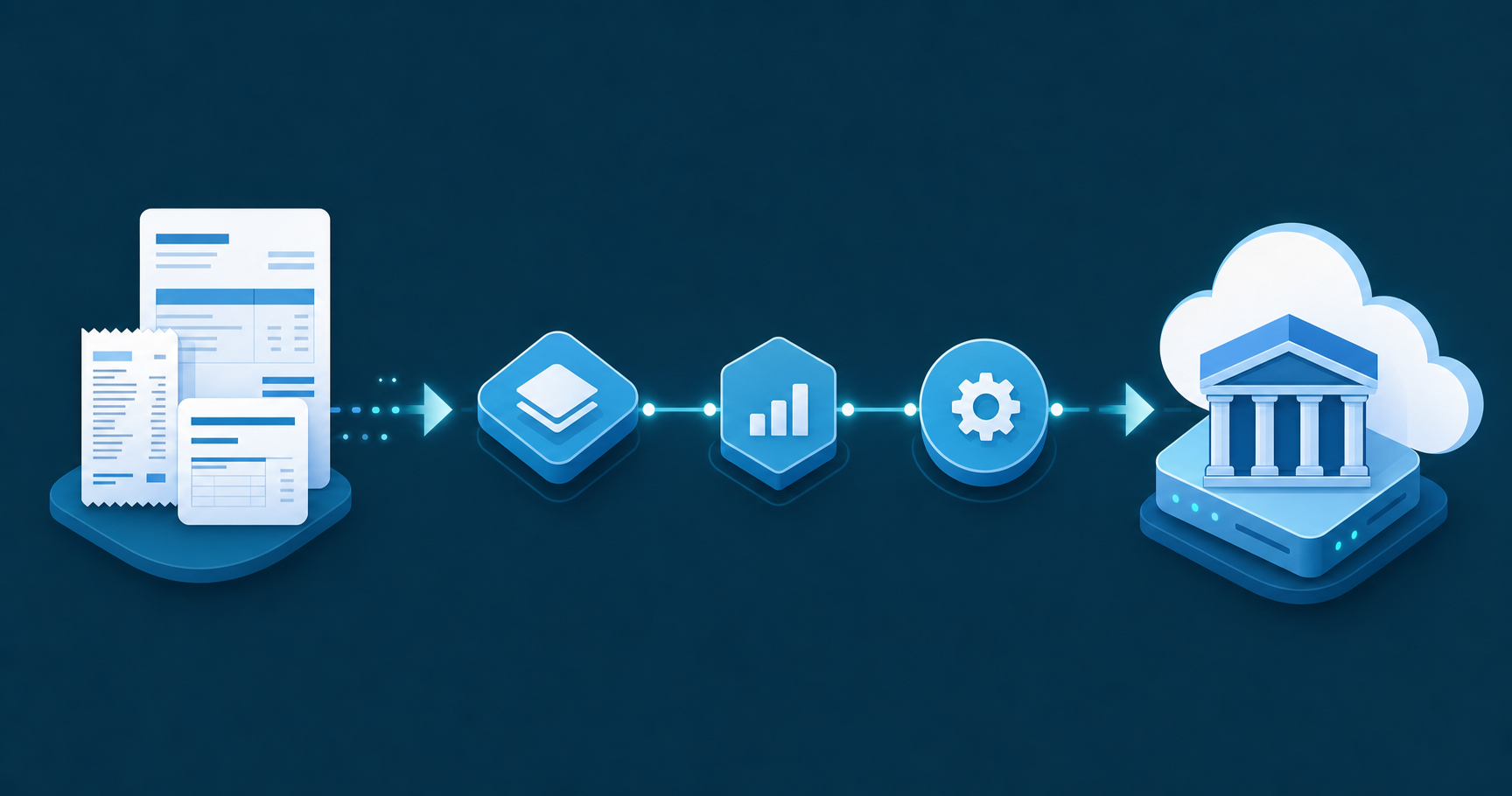
A digital link is any transfer of data between software programs, products, or applications that does not involve a human manually copying or typing figures. Copy-and-paste counts as a broken digital link under HMRC's rules. A formula-linked spreadsheet cell, an automated CSV import, or an API connection all qualify.
This is where many firms get caught out. A firm might use Excel to track client income, then type those totals into a separate submission tool. That workflow fails the digital link requirement regardless of whether the final submission tool itself is HMRC-approved. The entire chain from source record to submission must be digitally linked.
Bridging software exists to close this gap. It connects non-MTD-native tools, most commonly Excel spreadsheets, to HMRC's APIs via a compliant digital link. The spreadsheet data is read programmatically instead of re-typed, satisfying the digital link rule while letting firms keep familiar workflows intact.
There are two broad categories of MTD-compatible software, and choosing the wrong one can create more work than it saves.
Full accounting software like Xero, QuickBooks, or Sage handles your entire bookkeeping workflow and submits VAT returns to HMRC directly. If you're already on one of these, MTD compliance is largely built in.
Bridging software takes a different approach. It sits between your existing spreadsheets or legacy system and HMRC's API, converting your data into a compliant submission without forcing you to change how you work. This suits firms or landlords who manage records in Excel and want to stay there.
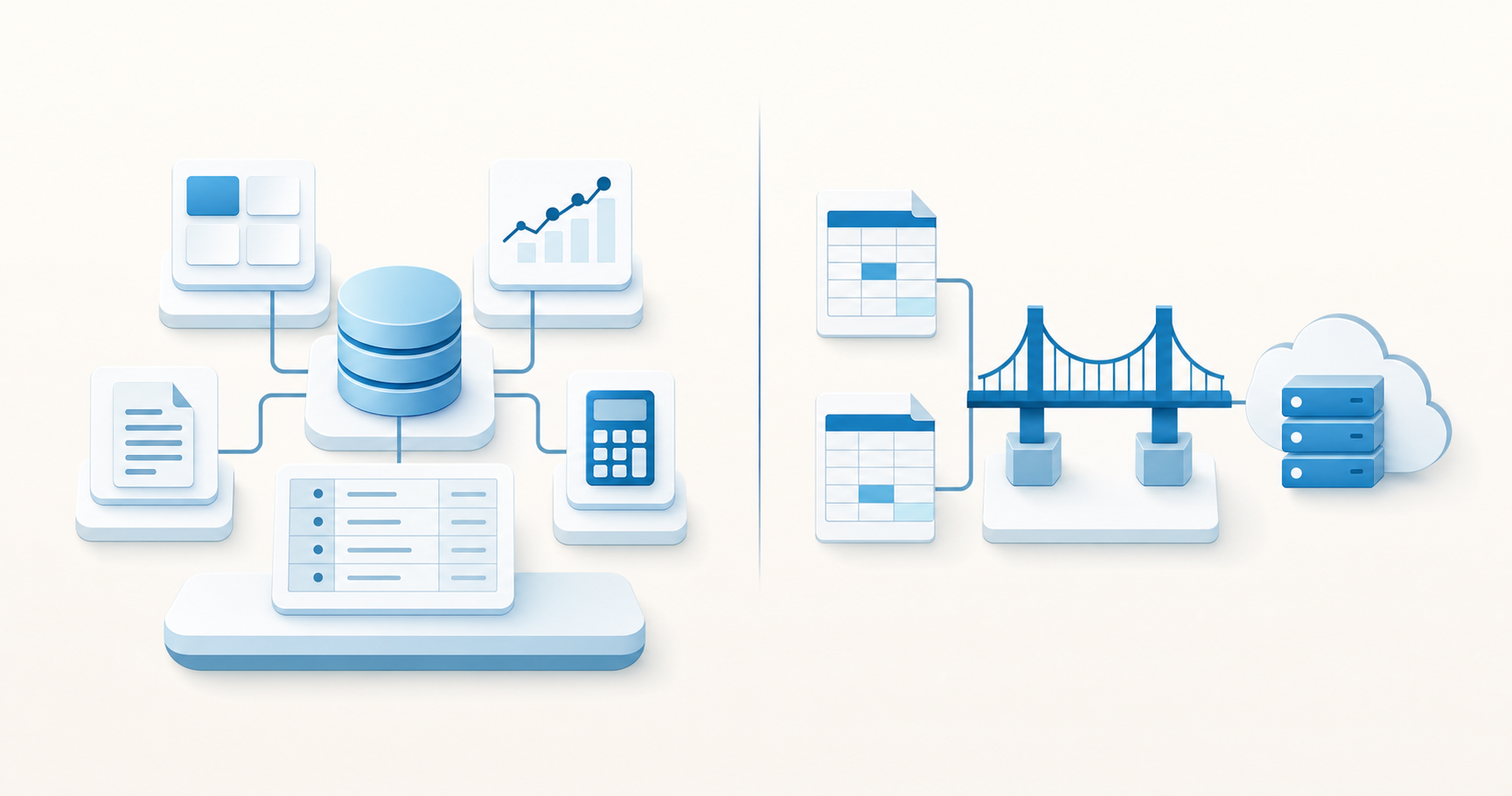
Here is how the two compare across the decisions that matter most:
| Factor | Full accounting software | Bridging software |
|---|---|---|
| Setup complexity | Higher, requires migrating existing data | Lower, works with your current spreadsheets |
| Ongoing cost | Monthly subscription, typically £10 to £40/month | Often cheaper or free for basic use |
| Suitable for | Firms wanting one system for everything | Excel users, landlords, sole traders |
| HMRC submission | Built in natively | Via API bridge only |
| MTD for ITSA ready | Yes, for most major providers | Varies by provider |
Bridging tools are worth considering if your clients are landlords or sole traders who file straightforward returns. Full accounting software makes more sense when you need audit trails, multi-client management, or are preparing for MTD for Income Tax Self Assessment ahead of the 2026 rollout.
HMRC recognises a handful of free or low-cost options for MTD compliance, but each comes with trade-offs worth understanding before you commit.
Free tools generally fall into two camps: HMRC's own free filing service and third-party bridging software that connects spreadsheets to HMRC's API.
HMRC offers a basic free service for MTD for VAT and, in limited form, for MTD for Income Tax Self Assessment (ITSA). It covers sole traders and landlords with straightforward affairs, but it was not built for accounting firms managing multiple clients. You cannot file on behalf of clients through the free service without an agent services account and compatible software sitting in front of it.
Bridging tools let you keep your existing Excel or CSV records and submit the required digital data to HMRC from them. Several providers offer free tiers:
The time spent formatting spreadsheets, troubleshooting API rejections, and manually checking submissions across clients tends to outweigh any licence saving fairly quickly. Free MTD software can work for a sole trader filing their own returns, but for an accounting firm, the overhead often makes paid software the cheaper option in practice.
MTD for VAT has been live since 2019, so most accounting firms have already worked through the basics. MTD for Income Tax Self Assessment (ITSA) is the expansion that changes the workload substantially.
Under MTD for VAT, VAT-registered businesses submit returns digitally using HMRC-compatible software. The requirement is quarterly, and the data must flow through a digital link from source records to submission.
MTD for ITSA applies to sole traders and landlords with qualifying income above £50,000 from April 2026, dropping to £30,000 from April 2027. Instead of one annual Self Assessment return, affected clients will submit quarterly updates plus a final end-of-period statement each year.
For accounting firms, the practical difference matters:
The software requirements differ too. VAT bridging software can satisfy MTD for VAT in many cases, connecting spreadsheets to HMRC via a digital link. MTD for ITSA requires software that can categorise property and trading income, and cumulative quarterly submissions, which rules out basic bridging tools for most ITSA use cases.
Firms preparing now should map their client base against both thresholds, identify which clients will be caught in 2026 versus 2027, and check whether their current software handles ITSA submissions before those deadlines arrive.
Accounting firms managing multiple clients need MTD software that does more than file a single VAT return. The requirements multiply quickly across a client portfolio, and the wrong choice creates bottlenecks that compound each billing cycle.
There are a few areas worth checking before committing to any software:
No single piece of software will suit every firm equally. The right choice depends on how many clients you manage, what accounting software those clients already use, and how much manual data handling your team currently absorbs each month.
UK accounting practices run into a few recurring problems when rolling out MTD software, and knowing them in advance saves a lot of pain.
Here are the most common ones to watch for:
Rushing the rollout without a phased plan is where most practices lose time.
Tofu sits upstream of your accounting software, handling the document processing work that MTD compliance depends on before anything reaches your ledger. Upload invoices, receipts, and bank statements in any format, and Tofu extracts every line item, maps it to your chart of accounts, and publishes directly to Xero or other connected software. No manual re-keying, no bridging workarounds.
"Can you Tofu it? If you can, please just load it in. Don't think."
- Lucas Seah, Excellence Singapore
For firms managing MTD submissions across multiple clients, that upstream layer matters. Each client's documents get processed, coded, and published with the account mappings Tofu has learned from your history, so your team reviews instead of re-entering.
Tofu handles the step that most MTD software skips: getting source documents accurately into your ledger in the first place. MTD-compliant software can only submit what's already in your records. If those records were built through manual data entry, the compliance layer is only as accurate as the typing that came before it.
Tofu works alongside your existing MTD software instead of replacing it. The document processing layer and the compliance submission layer each do what they were built for.
Most MTD software focuses on the submission layer, but that only matters if your records are accurate before you hit submit. The firms that handle MTD without adding headcount are the ones that fixed the document processing step first. Upload a messy bank statement and see how Tofu handles the extraction and coding work that sits upstream of your MTD filing software.
HMRC offers a basic free MTD filing service for VAT and limited ITSA submissions, but it's built for individuals filing their own returns, not accounting firms managing multiple clients. Free bridging tools exist but typically cap submissions at one or two entities and rarely cover MTD for ITSA, which becomes mandatory from April 2026. For accounting firms, the time spent troubleshooting submissions and formatting spreadsheets usually outweighs any licence saving within the first few months.
MTD for VAT means one quarterly submission per VAT-registered client with a relatively fixed scope per engagement. MTD for ITSA means four quarterly updates plus a year-end statement per client, across a much larger client base than VAT alone. Landlords and sole traders represent a segment many firms haven't previously brought into quarterly reporting cycles, and the software requirements differ: basic VAT bridging tools won't handle ITSA's income categorisation and cumulative quarterly submission requirements.
Yes. Bridging software connects your existing Excel or CSV records to HMRC's API via a compliant digital link, letting you keep familiar workflows intact while satisfying MTD requirements. The spreadsheet data is read programmatically instead of re-typed, meeting the digital link rule. This works for landlords or sole traders filing straightforward returns, but full accounting software makes more sense when you need audit trails, multi-client management, or are preparing for MTD for ITSA's 2026 rollout.
Tofu handles the document processing step before anything reaches your MTD software. Upload invoices, receipts, and bank statements in any format. Tofu extracts every line item, maps it to your chart of accounts, and publishes directly to Xero or other connected accounting software. MTD-compliant software can only submit what's already in your records, so Tofu builds those records accurately from source documents before your MTD submission layer takes over.
HMRC requires three core capabilities: direct API connection to HMRC for sending and receiving data without manual intervention, a digital link between source data and final submission with no manual re-keying permitted, and digital record storage for the required retention period (six years for VAT, five years for ITSA). A digital link is any automated data transfer: formula-linked spreadsheet cells, CSV imports, or API connections all qualify, but copy-and-paste breaks the digital link under HMRC's rules.