SunTao Lai
May 28, 2026

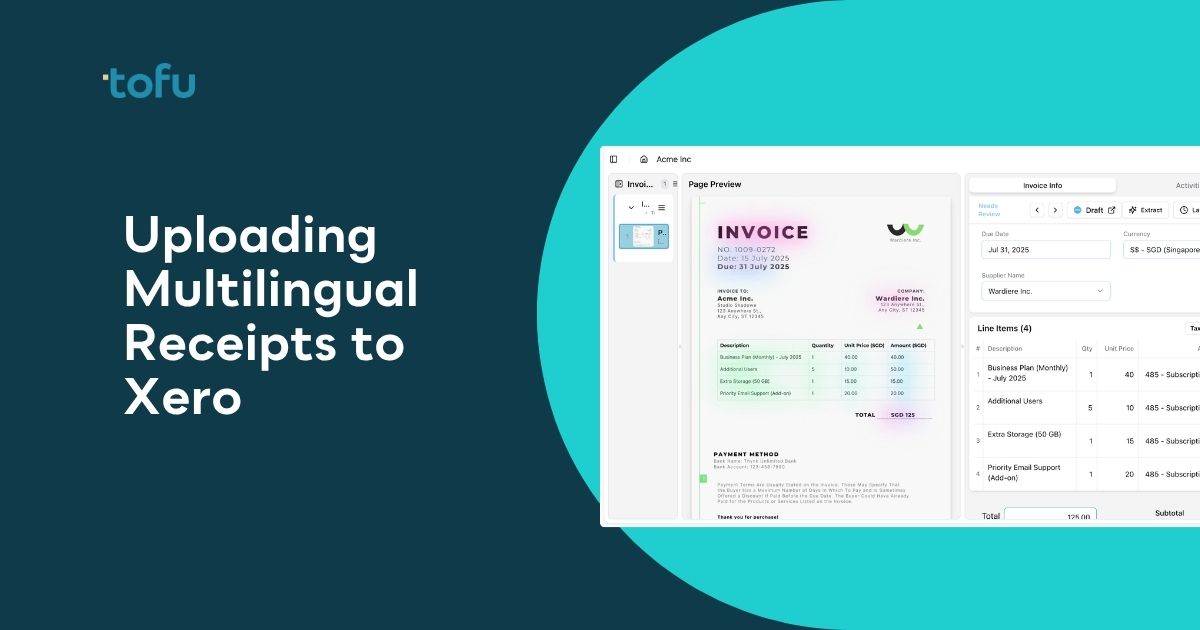
You upload a bilingual Malay and English receipt to Xero, and the system files it perfectly but extracts almost nothing. Getting those receipts into Xero properly still means manually typing the supplier name, the date, the tax labels, and every line item because Xero's built-in OCR can't handle language-switching mid-document. Malaysian firms deal with this every day because local vendor receipts mix Bahasa Melayu regulatory labels with English amounts and descriptions. Xero reads the file, but someone still has to do the actual data entry by hand.
TLDR:
Xero accepts receipts and supporting documents through its Files feature, but it has no built-in ability to read or extract data from documents written in Malay, mixed Malay-English, or any other non-Latin script. You attach the file; someone still has to type the details.
This creates a real problem for Malaysian bookkeepers. Many receipts from local vendors mix Bahasa Melayu and English in the same document, sometimes on the same line.
Most receipt processing tools were built around Latin-alphabet, single-language documents. When a receipt switches between languages mid-document, these tools either skip fields entirely or misread them.
Common failure points include:
To publish a receipt to Xero correctly, the system needs structured data: supplier name, date, total amount, tax amount, and line items with account codes. None of that comes from the attachment itself. You produce it manually, or something reads the receipt and produces it for you.
For multilingual receipts, that "something" needs to handle both languages in a single pass, map extracted fields to your Xero chart of accounts, and get the tax treatment right under Malaysian SST rules.
Xero's built-in receipt capture was designed for filing, not extraction. It can pull a supplier name or a total from a clean English receipt, but there's no language-switching logic underneath it.
When a document mixes Bahasa Melayu and English mid-page, the extraction engine cannot reliably identify which language governs which field. Add Malaysian date conventions and SST-specific tax labels into the mix, and the output becomes unreliable or blank entirely. Your bookkeeper ends up typing the details manually, which was the whole problem to begin with.
A few specific scenarios cause the most problems:
| Receipt Processing Method | Multilingual Support | Line Item Extraction | Time Per Receipt | Setup Required | Learning Capability |
|---|---|---|---|---|---|
| Manual data entry in Xero | Requires language switching and manual interpretation of Malay and English fields | All line items typed manually including descriptions, quantities, unit prices, and tax codes | 2-5 minutes per receipt, longer for bilingual documents | None, but requires bilingual proficiency from bookkeeper | No learning, same manual effort every time |
| Xero native receipt capture (mobile app and email) | Limited to English, drops or misreads Malay labels like Cukai Perkhidmatan | Header only: supplier name, date, total. All line items still manual | 1-2 minutes for English receipts, 3-5 minutes for bilingual with manual corrections | Email forwarding setup or mobile app download | No learning, template-based pattern matching only |
| AI document processing (Tofu) | Reads Malay and English in single pass with side-by-side translations displayed for review | Full extraction: every line item with description, quantity, price, tax, and account codes | Under 1 minute from upload to coded Xero entry, mostly review time | One-time Xero connection, reads existing chart of accounts automatically | Learns from corrections, improves accuracy per vendor over time |
Malaysian businesses generate receipts in a wide range of formats, and knowing what you're working with before uploading to Xero saves a lot of back-and-forth.
Receipts in Malaysia typically fall into a few categories depending on the business type and transaction context:
Xero accepts PDF, JPEG, PNG, and GIF files up to 10MB for receipt attachments. The file format itself is rarely the issue. The real challenge is what happens to the receipt data after upload. Xero's native receipt tool reads basic fields but does not extract line items or handle non-Latin scripts reliably, which means Malay text often requires manual re-entry.
Understanding your receipt format upfront helps you decide how much pre-processing is needed before the data lands cleanly in your accounts.
Typing a single receipt takes roughly 2 to 5 minutes when the language matches your keyboard. A bilingual Malay and English receipt adds friction at every field: you switch input methods, cross-reference unfamiliar terms, and manually verify totals against two languages at once.
For a firm processing 50 receipts a week, that overhead compounds fast. At 3 minutes per receipt, that's 2.5 hours of pure data entry weekly, before any review or coding.
Xero's built-in email forwarding feature lets you send receipts directly to your Xero account without logging in first. Every Xero organisation gets a unique forwarding email, and any receipt you send there gets added to your Files inbox for manual review.
Here's how to set it up:
The catch with bilingual Malay and English receipts is that Xero reads the file but does not extract the data. You still open each receipt, read the fields yourself, and type everything in by hand.
The Xero mobile app's receipt capture works simply: open the app, photograph the receipt, and it attempts to auto-fill the supplier name, date, and total. For a clean English receipt in good lighting, it saves a few taps.
For bilingual Malay and English receipts, the accuracy drops noticeably. Malay field labels get skipped, and handwritten amounts frequently require manual correction after the initial capture. Photo quality matters here too: low lighting or angled shots reduce what the app can read, pushing more fields back to manual entry regardless of language.
The convenience is real. The accuracy on mixed-language documents is not.
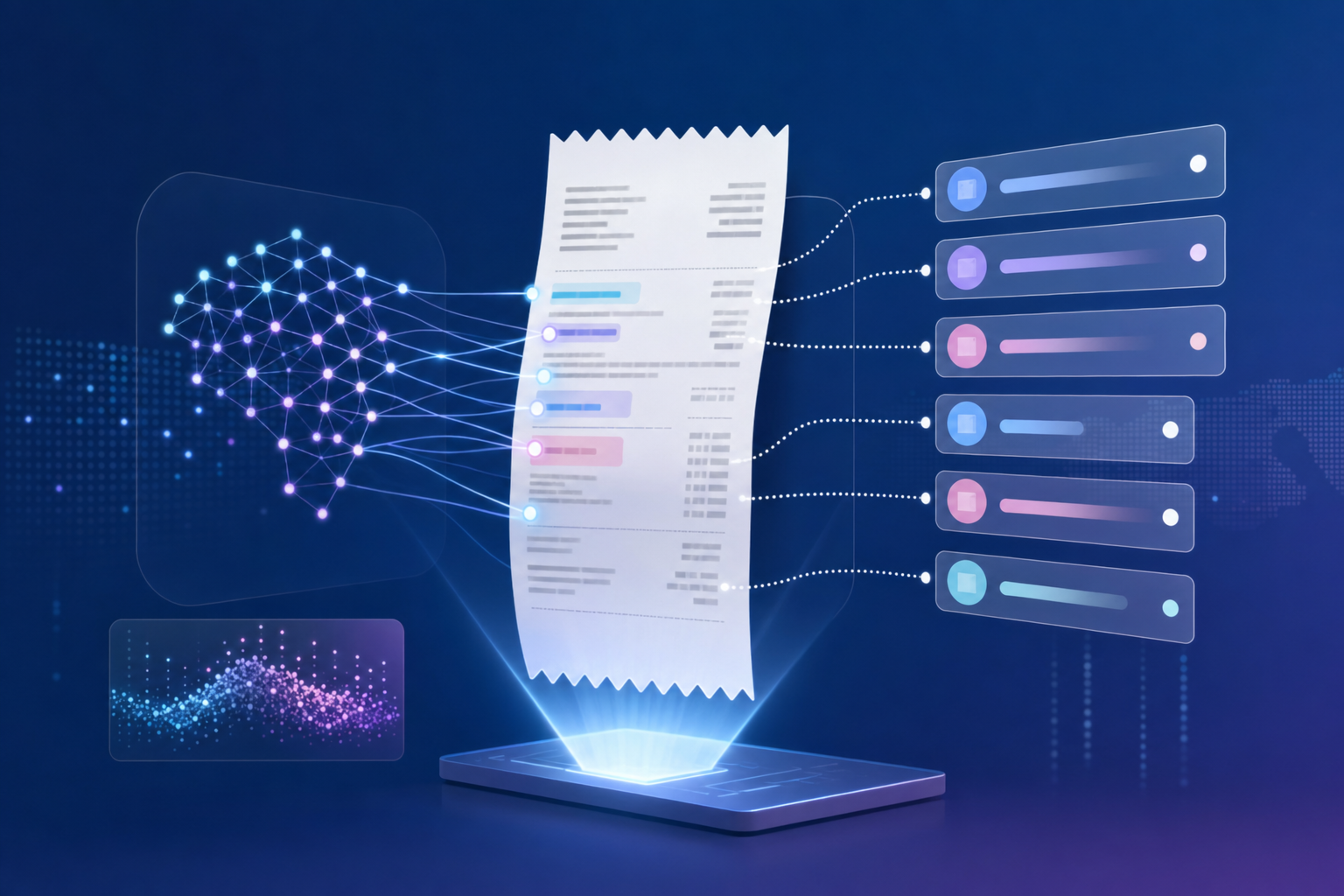
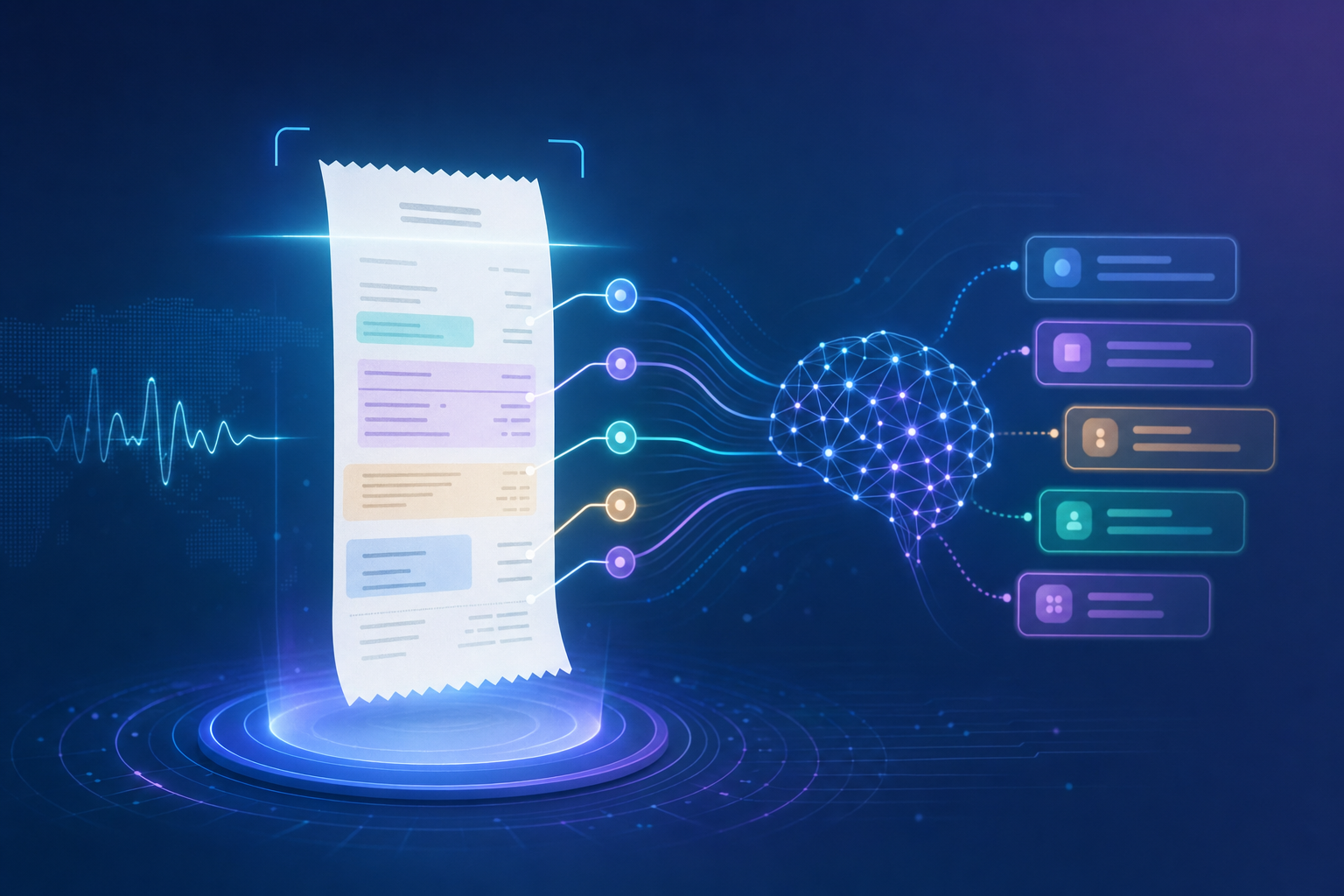
Template-based OCR tools match patterns against known field positions and label strings. A bilingual Malay receipt breaks that approach fast. The labels don't match, the positions shift, and the output comes back empty or wrong.
AI document processing reads context instead. A tool trained on receipt-specific datasets interprets "Cukai Perkhidmatan" as a tax label because it understands the document type, not because it was programmed to look for that exact string.
Correct an extraction once, and the AI adjusts going forward, building receipt-specific knowledge that template tools simply cannot accumulate over time.
Most receipt tools pull the header: supplier name, date, grand total. That's it. Your receipt is "processed," but every line item, including description, quantity, unit price, and tax code, still needs to be typed in manually.
On a 10-line receipt with SST applied across multiple product categories, that's most of the actual work still sitting with your bookkeeper.
Full line-item extraction reads the whole receipt: every row, every amount, every tax label, coded to your chart of accounts. For bilingual Malay and English receipts, that distinction is the difference between a filed document and a finished entry.
Connect Tofu to Xero once through the native integration. It reads your existing chart of accounts, tax rates, and supplier history automatically. No templates, no rule-building required.
The receipt-to-Xero flow from there:
A bilingual Malay receipt goes from upload to coded, attached Xero entry without a single field typed manually.
The review step is quality control, not data entry. Click any extracted field and a bounding box shows exactly where Tofu read that value in the source receipt. For bilingual Malay and English documents, translations appear side-by-side so you verify both at a glance.
Tofu's confidence scoring surfaces lower-certainty fields first, so you focus review time on what actually needs checking. Correct a misread value once, and the model learns it for that vendor going forward.
Thermal receipts are a quiet problem. The ink fades, and once it's gone, so is the transaction record. Roughly 40% of thermal receipts become partially unreadable within 2 years, which means any receipt sitting in a folder waiting for month-end is already losing data before you touch it.
The same applies to handwritten receipts from smaller Malaysian vendors and night market suppliers. Standard OCR returns nothing useful on these. Tofu's handwriting recognition reads them regardless of script or format, and thermal receipts get processed while the ink is still legible enough to capture accurately.
The practical rule: don't batch these. Upload immediately.
Tofu reads Malay and English receipts without any language setup, extracts every line item, and posts directly to Xero with the source document attached. No templates, no configuration. Connect your Xero account and it reads your existing chart of accounts from day one.
Malaysian firms processing bilingual receipts are already running this workflow. At Klozer, bookkeeping time per client dropped from 3 to 4 hours down to 30 to 60 minutes.
"Tofu's multilingual AI and simple UI could half our bookkeeping workload. We're excited for it!" - Wincent Low, Director, Klozer (Malaysia)
If your current process files the receipt in Xero but leaves all the data entry to you, that's the gap Tofu closes.
You already know Malay and English receipt uploads to Xero create more work than they solve when extraction fails. The file lands in your inbox, and someone still types every field manually because the receipt switching languages mid-document breaks most OCR tools. Tofu reads context instead of matching templates, so bilingual receipts get fully extracted and coded without manual review. Book a quick demo if you want to see exactly how Malaysian firms are processing these receipts now.
Yes. AI document processing tools like Tofu read both languages in a single pass, extract every field, and post directly to Xero with the original receipt attached. No language switching, no manual data entry required.
Xero's built-in receipt capture was designed for filing, not extraction. It pulls basic fields from clean English receipts but struggles with mixed-language documents, leaving you to type most fields manually. AI document processing reads Malay and English receipts in full, extracts line items, codes to your chart of accounts, and publishes complete entries to Xero automatically.
Manual entry takes 3-5 minutes per receipt when you're switching between languages and verifying fields. With AI document processing, upload to coded Xero entry takes under a minute. Most of that is review time, not typing.
Thermal receipts lose readability over time, with roughly 40% becoming partially unreadable within 2 years. Upload them immediately while the ink is still legible. AI document processing can read thermal prints that standard OCR tools skip entirely.
Yes. Handwriting recognition reads handwritten receipts from night markets, small vendors, and local suppliers where printed receipts aren't standard. Standard OCR returns nothing useful on these, but AI-trained models process them regardless of script or format.