Jay Sen Lon
June 1, 2026

Your invoice arrives. The tool grabs the header. You still need to open the document, scroll through the line items, type each description, pick the account code, enter the amount, move to the next line. Repeat 12 times per invoice, 40 invoices per week. That's the bottleneck no one talks about, and it's exactly what the best data entry automation software tools were built to eliminate. We looked at 15 options that claim to handle full document processing, and most of them fall short in predictable ways. The ones that actually work extract every line item, remember your coding preferences, and publish straight to your accounting software so you can skip the data entry completely.
TLDR:
Data entry automation software refers to any tool that captures, extracts, and transfers data from source documents into a destination system without manual typing. In accounting contexts, that means pulling invoice numbers, line items, dates, supplier names, and amounts from PDFs, scans, or emails and pushing that data directly into your accounting software. Invoice data extraction ranges from basic header capture to AI-driven tools that extract every line item.
The category covers a wide range, from basic invoice capture software that captures header-level fields to AI-driven tools that extract every line item, learn your coding preferences over time, and publish directly to Xero or QuickBooks.
The volume problem is real. Accounting firms process hundreds of documents weekly, and keying them in by hand is where hours disappear.
Good data entry automation software removes that bottleneck by handling the automated invoice data capture and transfer work, so your team reviews outputs instead of producing them from scratch.
We scored each tool across five areas that matter most to teams dealing with high-volume data entry work.
Tofu is an AI document processing tool built for accounting firms. Upload invoices, receipts, bank statements, or any financial document and Tofu extracts every line item, maps it to your chart of accounts, and publishes directly to your accounting software.
Where most data entry automation tools stop at header-level capture, Tofu goes deeper. It reads the full document, learns your coding preferences over time, and gets more accurate the more you use it. That learning is per-client, meaning Tofu remembers how you code transactions for each firm you manage.
Tofu handles documents in 200+ languages, including handwriting, making it one of the few tools that works for firms with international clients or non-Latin scripts.
The results speak for themselves. "What used to take me 3-4 hours can be done in 30-60 minutes," says Tammy Tan of Klozer. And Lucas Seah from Excellence Singapore put it plainly: "Can you Tofu it? If you can, please just load it in. Don't think."
If your firm processes high document volumes, works across multiple clients, or handles any non-English paperwork, Tofu is worth putting to the test.

Vic.ai is an AI-powered accounts payable automation tool built for mid-market and enterprise finance teams. It goes beyond simple data capture by learning from historical invoice approvals to predict coding, flag anomalies, and route documents for review without manual intervention.
Vic.ai is built for enterprise AP departments, not accounting firms managing multiple clients. There is no multi-client workspace, no per-client chart of accounts mapping, and pricing is not publicly listed, which typically signals an enterprise sales process with contracts sized for large internal finance teams. If you run a bookkeeping firm or manage accounts for several small businesses, the product architecture works against you from the start.
Finance teams inside mid-to-large companies with structured AP workflows, dedicated IT support, and ERP infrastructure already in place. For external accounting firms or smaller practices, the overhead and cost structure rarely make sense.

DOKKA is a document management and bookkeeping automation tool built for accounting firms and finance teams. It handles invoice processing automation, approval workflows, and publishing to accounting software like Xero and QuickBooks.
Where DOKKA works well is in mid-sized firms that need structured approval chains. The software lets you route documents through multi-step reviews before they hit the ledger, which matters in environments where sign-off accountability is a requirement.
The tradeoffs are worth knowing before you commit:
DOKKA fits firms running structured, approval-heavy workflows at reasonable document volume. If your firm processes documents across multiple languages, needs full line-item extraction without accuracy trade-offs, or wants a setup that takes minutes rather than weeks, it may not be the right fit.
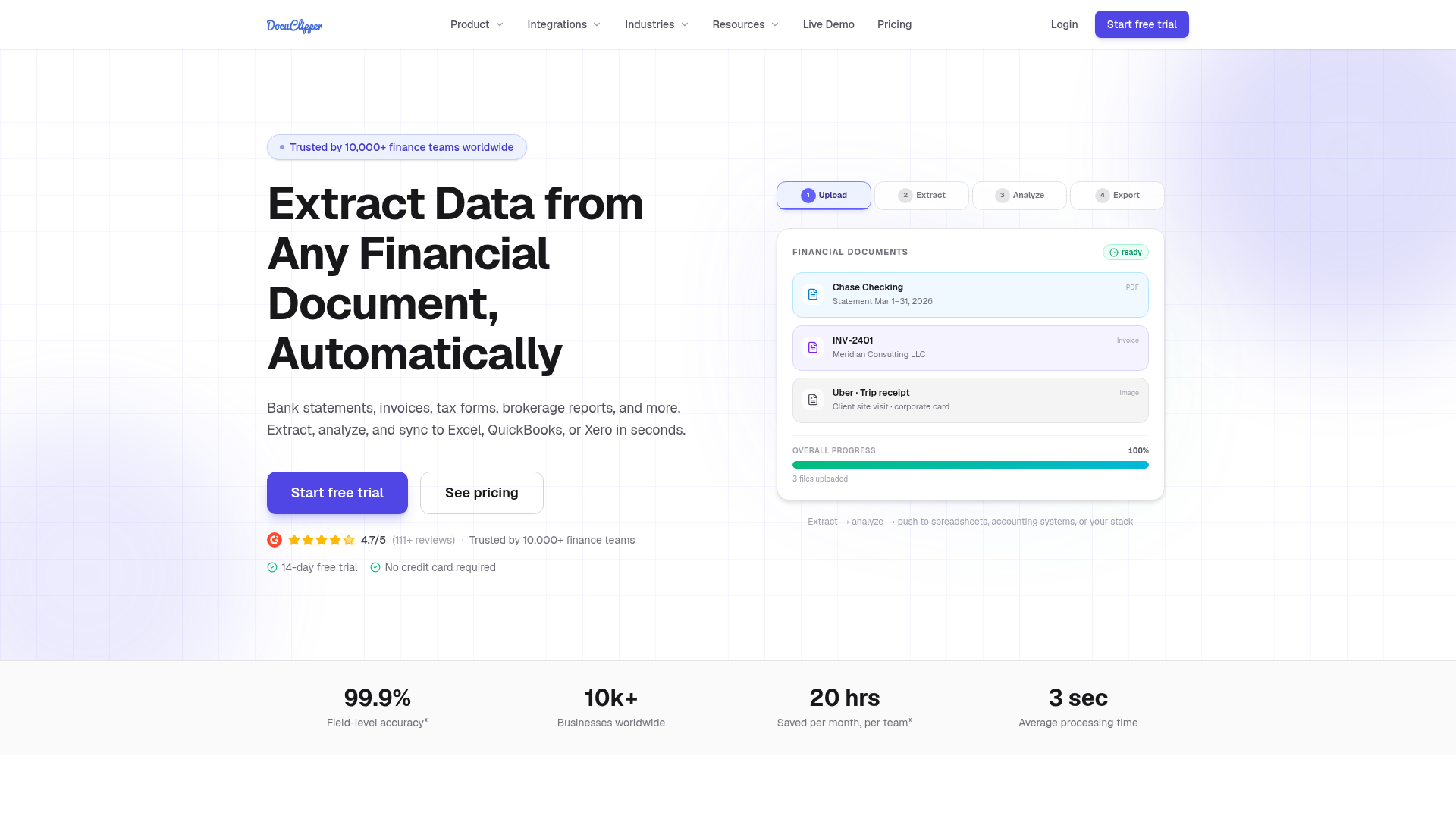
DocuClipper is a document processing tool built for accountants, bookkeepers, and financial professionals who need to extract data from invoices and receipts without manual re-entry.
It works by converting PDFs and scanned documents into structured data, then exporting that data to Excel, CSV, or accounting software like QuickBooks and Xero. The focus is squarely on financial documents, which means the extraction logic is tuned for tables, line items, and transaction rows rather than general-purpose document handling.
DocuClipper is built primarily around bank statements and financial documents. If your firm handles a wide mix of supplier invoices, multilingual documents, or needs full line-item extraction with account code mapping, the tool's scope becomes a constraint. It also lacks the learning layer that remembers how you've coded specific suppliers over time, so repeated document types still require manual review on each pass.
For firms focused mainly on bank reconciliation work, DocuClipper is a reasonable fit. For broader document processing across invoice types and languages, the workflow gaps add up quickly.
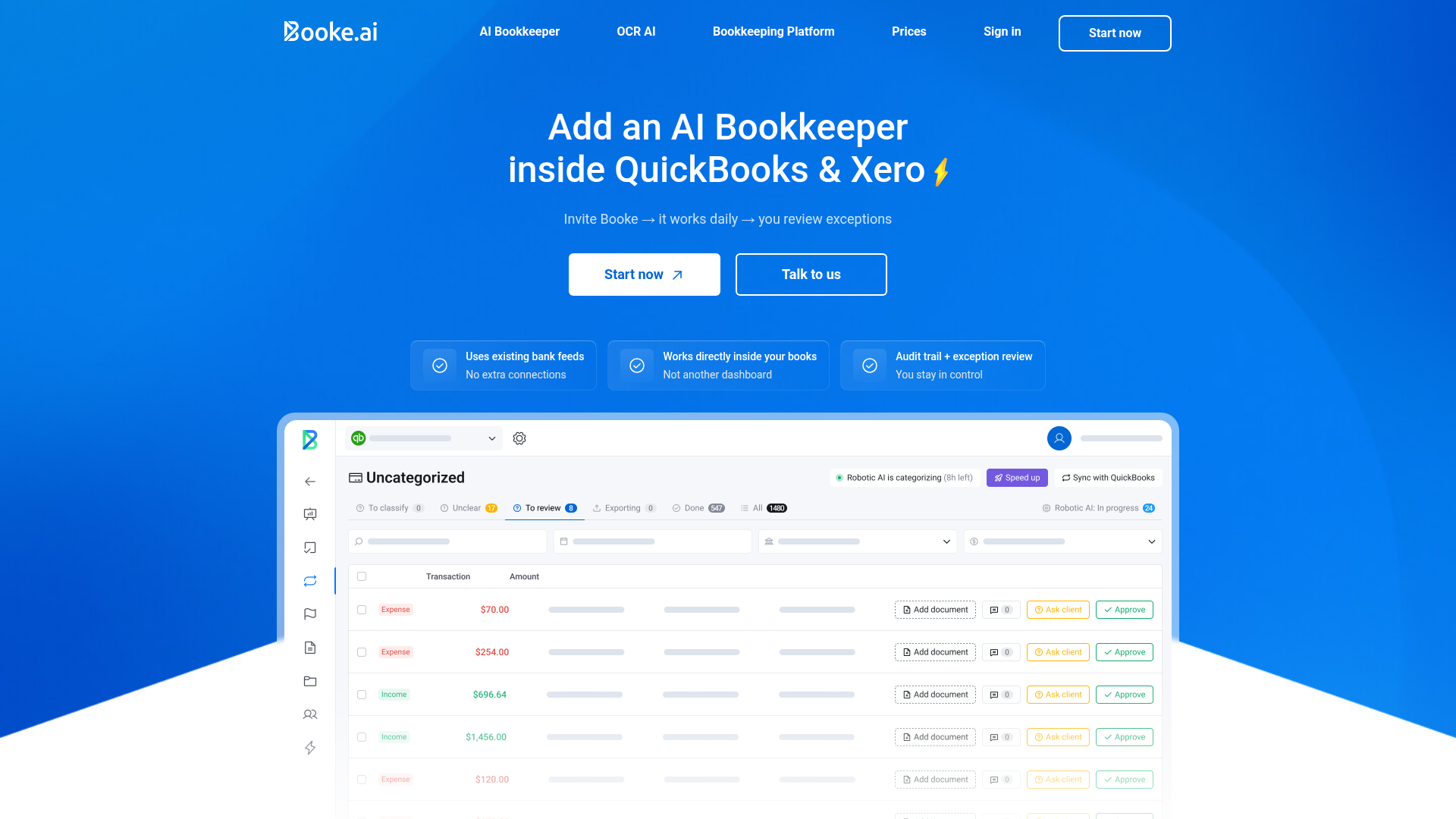
Booke.ai is an AI bookkeeping tool built for accountants and bookkeeping firms that want to cut down on manual transaction coding. It connects directly to QuickBooks Online and Xero, pulling in bank transactions and matching them to the right accounts based on patterns it learns from your history.
The core workflow is straightforward: transactions come in, Booke reviews them against your chart of accounts, suggests coding, and flags anything it isn't confident about for your review. Over time, it gets faster and more accurate as it learns how you code specific vendors and transaction types.
Where Booke stands out is its client collaboration layer. Instead of bouncing questions back and forth over email, Booke lets you send clients a clean interface to answer questions about uncategorized transactions directly. This cuts down on the back-and-forth that slows down month-end closes.
A few things worth knowing before you commit:
Booke is a reasonable fit if transaction coding is where your team spends most of its time and you want a client-facing layer built into the workflow.
No two tools in this list are solving exactly the same problem, and the differences become clearest side by side. Use this table as a quick-reference before reading deeper into any individual tool.
| Feature | Tofu | Vic.ai | DOKKA | DocuClipper | Booke |
|---|---|---|---|---|---|
| Line-item extraction | Yes | Yes | Yes | No | Limited |
| Multilingual support | 200+ languages | English primary | 4 languages | English only | Any language |
| Handwriting recognition | Yes | No | No | No | No |
| Bank statement processing | Yes | Yes | Yes | Yes | Yes |
| Native Xero integration | Yes | No | Yes | No | Yes |
| Native QuickBooks integration | Yes | No | Yes | No | Yes |
| Zero-configuration setup | Yes | No | No | No | No |
| Multi-entity management | Yes | Limited | Limited | No | Yes |
| Flat monthly pricing | Yes | No | No | No | No |
| Starting price | $79/month (Unlimited users/clients) | Custom | $400/month | $39/month | $20/client/month |
Pricing structure is where the gaps widen quickly. Per-client models like Booke's $20/client/month compound fast as your roster grows, while Vic.ai's custom pricing puts cost visibility out of reach until you're deep into a sales process. The category includes both flat-rate and per-document pricing models. Tofu's flat monthly rate covers unlimited users and clients regardless of volume tier.
Tofu is built specifically for accounting firms that need more than header-level data capture. Where most tools stop at supplier name and total amount, Tofu extracts every line item from every document, maps it to your chart of accounts, and publishes directly to your accounting software.
There are a few things that separate Tofu from the other tools on this list:
As Tammy Tan from Klozer put it: "What used to take me 3-4 hours can be done in 30-60 minutes."
The result is fewer hours spent on data entry and more capacity to take on clients without adding headcount.
The difference between a tool that saves you an hour and a tool that saves you four comes down to line-item extraction, learning capability, and how many languages it reads without falling over. Test Tofu on your messiest document and see whether it handles the edge cases that slow your team down. Most firms know within two minutes whether it works for their workflow.
OCR invoice software reads text from documents but stops at header-level fields like supplier name and total. Data entry automation software goes further by extracting every line item, mapping it to your chart of accounts, and publishing directly to your accounting software. The difference is whether you still type line items by hand or the tool handles them completely.
If your bottleneck is re-typing every line item from supplier invoices, you need full line-item extraction. Hubdoc and DocuClipper capture headers only, meaning you still manually enter each line. Tofu, Vic.ai, and DOKKA extract every line item, but Tofu learns your coding preferences over time without manual rule-building.
Most tools restrict to English or require manual language selection, which breaks the workflow when a Thai invoice arrives alongside Arabic receipts. Tofu processes 200+ languages automatically, including handwriting and non-Latin scripts, without requiring you to flag the language first. Check language support explicitly before committing to any tool.
Bank statement processing is a separate capability. Tofu, DocuClipper, and Booke process bank statements natively, while others either skip it entirely or charge separately. If bank reconciliation data entry is part of your bottleneck, confirm the tool extracts transaction-level data from statements before you commit.
Setup time varies by tool architecture. Tofu takes about 15 minutes per client because it learns from your existing chart of accounts and coding history automatically. Tools like Vic.ai and DOKKA require longer configuration periods—sometimes weeks—before they process documents accurately, particularly if they rely on manual rule-building.