Jay Sen Lon
June 1, 2026

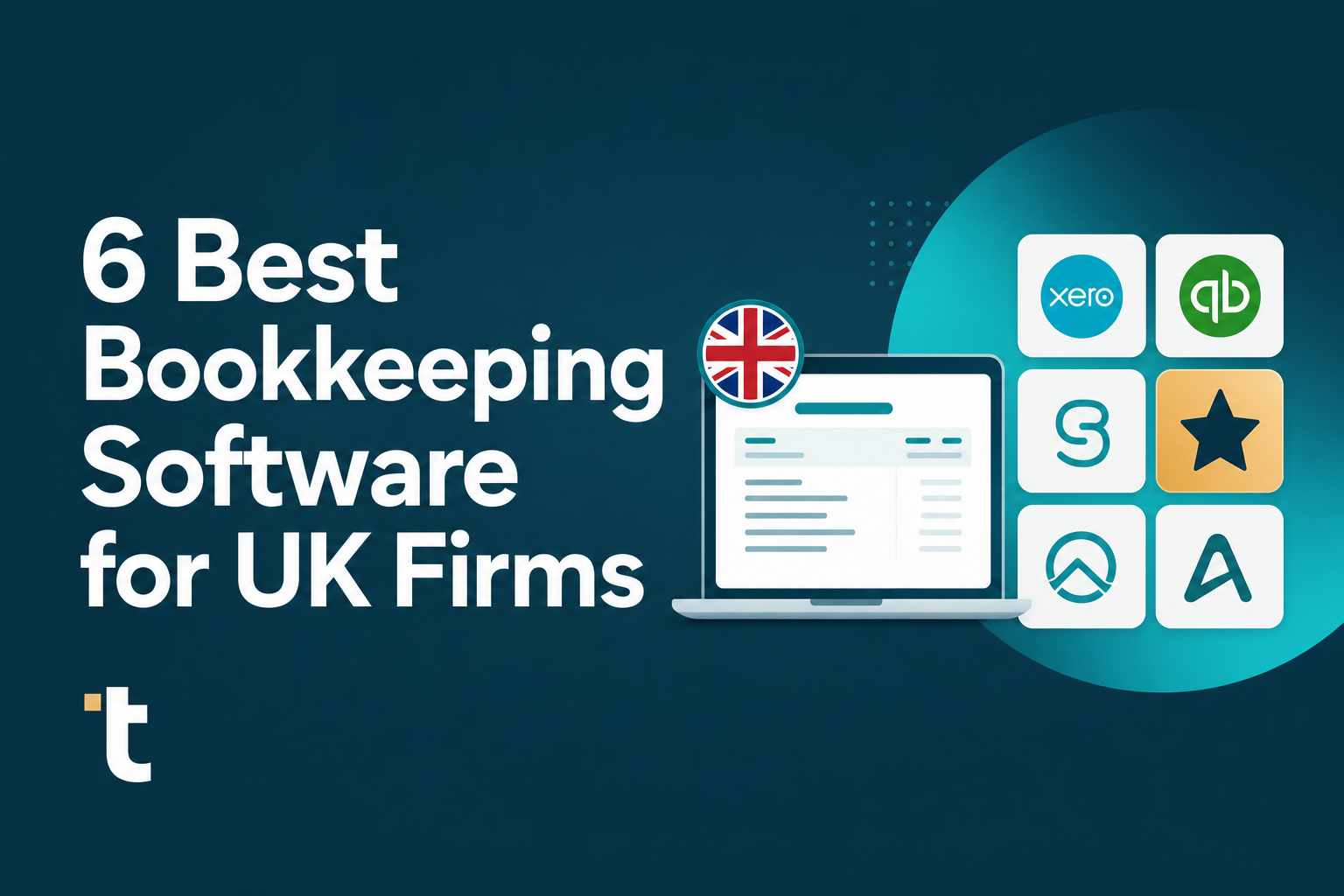
The accounting software your UK firm runs probably works well for what it was built to do: hold your chart of accounts, run reports, file VAT returns. What it doesn't do is pull line items from the supplier invoices, receipts, and bank statements your clients send every week. That's not a software problem, it's a category problem. The best bookkeeping software UK accounting firms need today comes in two layers: the ledger software you already have, and the document processing layer that sits in front of it handling data entry. The six tools below cover both, so you can see where each one actually fits before deciding what your firm needs.
TLDR:
Bookkeeping software, in the context of UK accounting firms, refers to the tools that record, organise, and report on financial transactions across a firm's client portfolio. These range from full-ledger accounting packages like Xero and QuickBooks to document processing tools that sit upstream of the ledger, handling invoices, receipts, and bank statements before they ever reach the books. Cloud-based software adoption among UK accountants has reached 47%, with accessibility and productivity cited as the main benefits driving the shift.
For UK firms, that distinction is important. You are managing compliance obligations across multiple clients simultaneously, which means the software you choose needs to handle multi-client workflows, integrate with HMRC-recognised reporting requirements, and hold up under the volume that comes with a growing portfolio.
Most firms end up working across two distinct layers without always naming them that way.
The six tools covered in this post come from both categories, so you can see where each one fits before deciding what your firm actually needs.
We looked at dozens of bookkeeping software options before landing on this shortlist. The goal was to find tools that UK accounting firms actually use day-to-day, beyond products with the biggest marketing budgets.
Here is what we weighted most heavily:
No single tool won across every category. The right choice depends on your firm's size, your existing software stack, and the types of documents your clients send you.
Tofu sits above your accounting software as the document processing layer, pulling every line item from invoices, receipts, and bank statements before publishing directly to Xero or QuickBooks Online. You upload the document. Tofu reads it, codes it against your chart of accounts, and pushes the data through. No retyping.
What separates Tofu from other tools in this list is how it handles the work UK accounting firms actually deal with: multi-page bank statements, foreign-currency supplier invoices, handwritten receipts, documents in languages other than English. Tofu processes all of it across 200+ languages without extra setup or additional cost.
The self-learning engine is worth paying attention to. Every time you accept or adjust a coding suggestion, Tofu learns your preferences for that client. Over time, your review queue shrinks because the suggestions get more accurate. Tammy Tan from Klozer put it plainly: "What used to take me 3-4 hours can be done in 30-60 minutes."
Tofu is built for accounting firms processing high document volumes across multiple clients. If you have one client sending 5 invoices a month, any tool on this list will do. If you have 30 clients sending mixed-format documents in multiple languages, Tofu's per-client learning and flat pricing start to matter.

Xero is the accounting software of choice for the majority of UK accounting firms, and for good reason. It holds roughly 60% of the UK cloud accounting market, making it the de facto standard for practices that want to collaborate with clients in real time.
For UK firms, Xero's appeal goes beyond market share. It was built with the UK in mind: MTD for VAT is native, bank feeds connect directly to major UK banks, and the chart of accounts follows UK conventions out of the box. If your clients are already on Xero, onboarding them to your practice is genuinely fast.
Xero is a ledger. It records, reconciles, and reports. What it does not do is extract data from the supplier invoices, receipts, and bank statements that need to go into that ledger. Someone still has to type those line items in, or pay for a document processing add-on to handle it. That gap is where most of the manual work in a UK bookkeeping workflow actually lives.
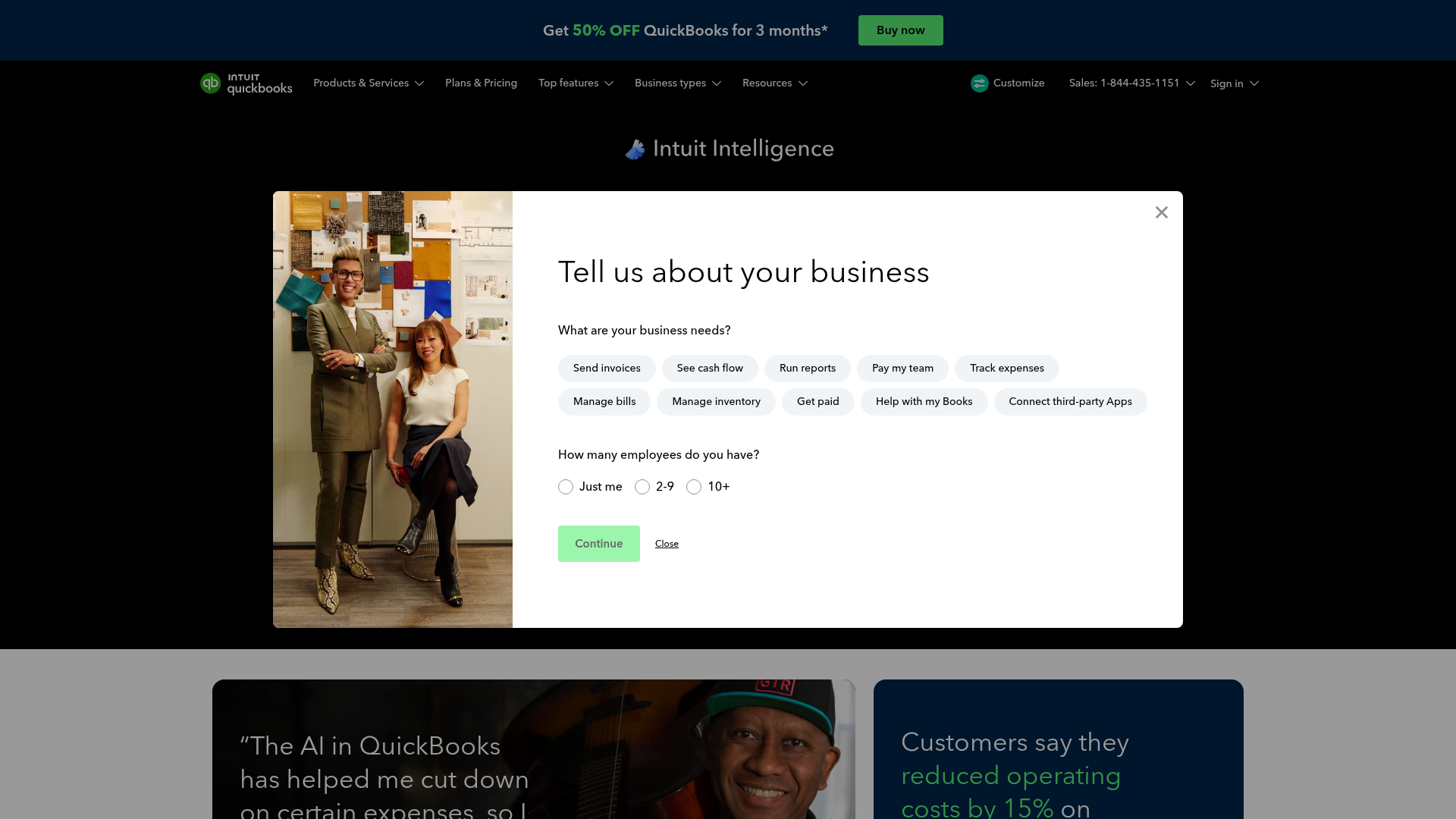
QuickBooks Online holds a strong position among UK accounting firms, and for good reason. It covers the core bookkeeping functions most practices need: invoicing, VAT returns, bank feeds, payroll, and reporting. The app marketplace gives you access to hundreds of integrations, and the interface is familiar enough that onboarding new clients rarely takes long.
Where it starts to strain is at volume. Firms managing 20, 30, or 50 clients find that the manual document-handling work — keying in invoices, uploading receipts, reconciling statements — doesn't shrink just because you're on good accounting software. That work lives outside QuickBooks, and QuickBooks doesn't solve it.
The document flow into QuickBooks is where most multi-client practices feel the squeeze. Clients send PDFs, photos, spreadsheets, and scanned statements. Someone on your team has to open each one and key the data in. QuickBooks itself doesn't extract line items, doesn't learn your coding preferences, and doesn't handle documents in languages other than English.
For UK firms with international clients, or anyone processing high volumes of supplier invoices, that gap adds up fast across a month.
QuickBooks Online works well as the accounting layer. The question is what sits in front of it handling the document work. Pairing it with an AI document processing tool that pushes extracted, coded data directly into QuickBooks covers the gap without replacing anything you already have set up.
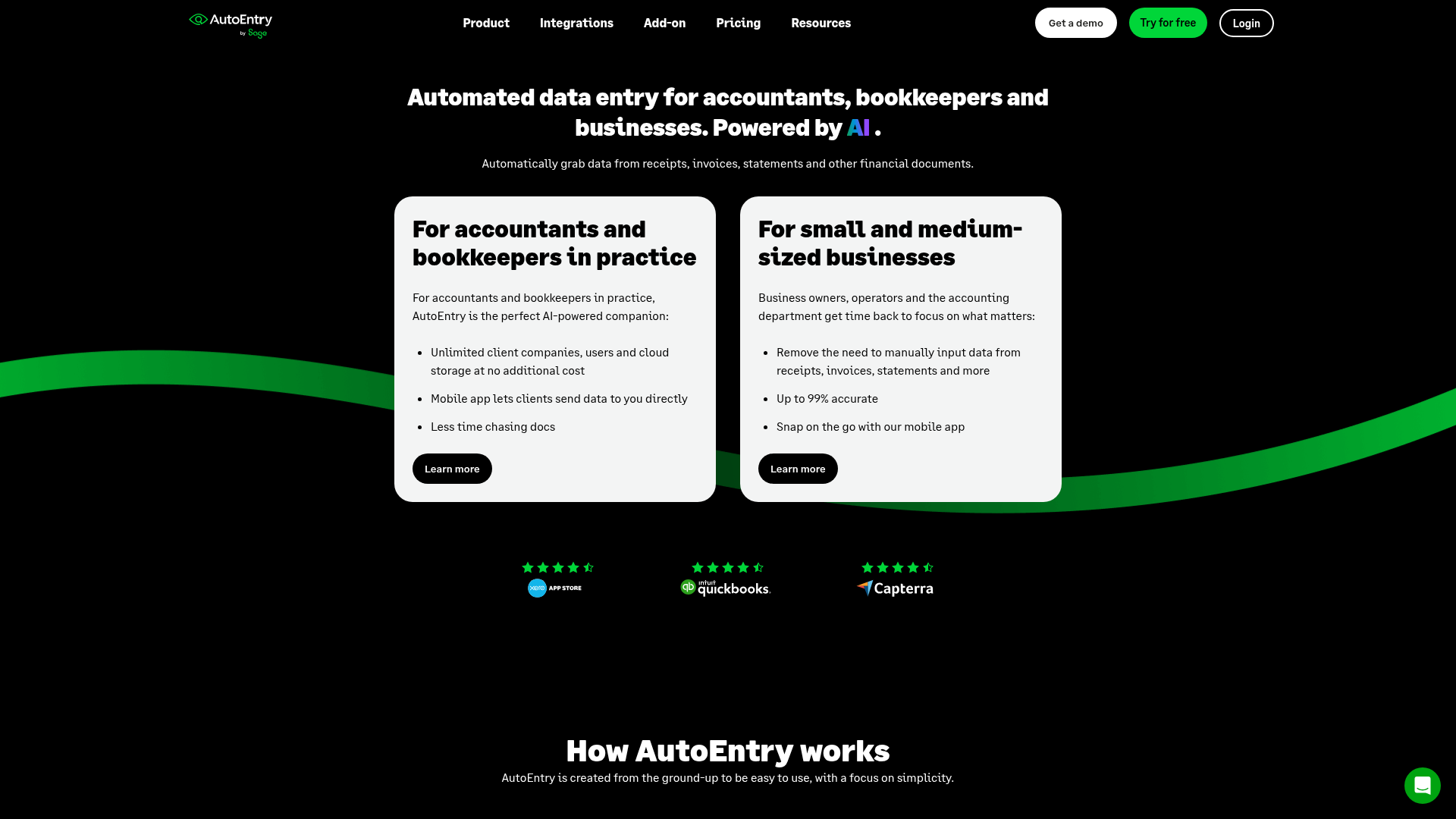
AutoEntry by Sage is a document capture tool built for accountants and bookkeepers, sitting within the broader Sage product family. It handles invoices, receipts, and bank statements, extracting data and pushing it into connected accounting software.
AutoEntry works reasonably well for smaller UK firms already embedded in the Sage ecosystem. If your practice runs Sage 50 or Sage Accounting, the native connection removes some of the friction that comes with third-party integrations.
AutoEntry uses a credit-based model. Credits are purchased in bundles, and different document types consume credits at different rates. For high-volume firms, this can make monthly costs harder to predict.
| Feature | AutoEntry |
|---|---|
| Line-item extraction | Yes |
| Multilingual support | Limited |
| Sage integration | Native |
| Xero integration | Native |
| Pricing model | Credit-based |
| Self-learning engine | Basic |
AutoEntry is a workable option if your firm is Sage-first and processes a manageable, predictable document volume each month. For firms with multilingual clients or variable high-volume months, the credit model and language constraints are worth weighing carefully before committing.
HubDoc is Xero's built-in document collection tool, included free with most Xero subscriptions. For UK accounting firms already running on Xero, it removes the need for a separate data capture product — documents go in, and basic data flows through to the ledger.
The trade-off is scope. HubDoc captures header-level data: supplier name, date, and total. It does not extract line items, which means your staff still keys individual line details manually after the document is uploaded. For firms processing high-volume supplier invoices with multiple line items per document, that gap adds up fast.
For firms with a Xero-only client base and straightforward document volumes, HubDoc is a practical default. Once line-item extraction, multilingual documents, or cross-platform support become a requirement, you will need a purpose-built document processing platform alongside it.
Dext is one of the more established names in UK pre-accounting document capture, with integrations across 30+ accounting tools including Xero and QuickBooks.
Here is what the feature set looks like in practice:
Established UK firms with predictable client rosters and mostly English-language document flows will find Dext capable and familiar. If your client base is stable, the pricing is at least foreseeable.
Growth changes that calculation. Dext charges per client, with additional credits required for line-item extraction and bank statement processing. At scale, total cost runs approximately 75% higher than flat-fee alternatives. Language coverage stops at English and major European languages, with no support for non-Latin scripts. For practices serving international clients or immigrant-owned businesses, that is a hard constraint rather than a minor inconvenience.
Every firm in this list solves a different slice of the bookkeeping workflow. Before you decide which combination fits your practice, here is how they stack up across the factors that matter most for UK accounting firms.
| Feature | Tofu | Xero | QuickBooks Online | AutoEntry | HubDoc | Dext |
|---|---|---|---|---|---|---|
| Line-item extraction included | Yes | No | No | No (2 credits extra) | No | No (credits extra) |
| Multi-language support | 200+ languages | Accounting software only | Accounting software only | English only | English only | English + major European |
| MTD for ITSA compliance | Yes (via integration) | Yes | Yes | Yes (via integration) | Yes (via Xero) | Yes (via integration) |
| Pricing model | Flat monthly | Per entity | Per entity | Per credit | Free with Xero | Per client + credits |
| Bank statement processing | Unlimited | Accounting software feature | Accounting software feature | 3 credits/page | CSV conversion | Credit-based |
| Native Xero/QuickBooks integration | Yes | Core accounting software | Core accounting software | Yes | Xero only | Yes |
A few things worth noting as you read the table. Multi-language support refers to document processing, not the accounting software interface. MTD for ITSA compliance is relevant for firms onboarding sole traders ahead of the April 2026 mandate. Pricing model differences matter most at scale: per-credit and per-client models get expensive as document volume grows, while a flat monthly fee stays predictable regardless of how many clients or documents you process.
Tofu sits in a different category from the bookkeeping software options listed above. It does not replace Xero, QuickBooks, or any other accounting software your firm already uses. Instead, it handles the document processing layer that comes before your accounting software: extracting every line item from invoices, receipts, and bank statements, coding them against your chart of accounts, and publishing directly into your accounting software.
For UK accounting firms specifically, this matters because the volume of supplier documents, multi-currency invoices, and varied document formats creates a data entry burden software can't solve.
Tofu processes invoices, receipts, bank statements, and other financial documents across 200+ languages, including handwritten documents. It learns your firm's coding preferences over time, so the more you use it, the less you need to review. One user described the change directly: "What used to take me 3-4 hours can be done in 30-60 minutes." That is Tammy Tan, from Klozer.
Tofu has native integrations with Xero and QuickBooks Online. For other accounting software, CSV export is available. It is priced at a flat monthly rate covering unlimited users, which makes the per-client cost predictable as your firm grows.
Where the tools above manage your ledger, reporting, and compliance workflows, Tofu handles the part nobody wants to do: getting the data in accurately, the first time, without manual re-entry.
The accounting software you choose matters less than what you pair it with. Xero and QuickBooks both handle the ledger well, but neither extracts data from the documents your clients send. That gap is where UK firms spend most of their bookkeeping hours. Try Tofu on your inbox documents and see if it changes how you think about capacity.
Tofu is built for this scenario — 200+ language support including handwriting, with no per-language add-on fees. If your clients send invoices in Thai, Chinese, Arabic, or any non-Latin script, most alternatives either reject the documents entirely (AutoEntry) or require manual translation before processing.
You need both, because they solve different problems. Accounting software (Xero, QuickBooks, Sage) holds your ledger and runs reports. Document processing software (Tofu, Dext, AutoEntry) extracts data from invoices, receipts, and bank statements before it reaches your accounting software. The right combination depends on what your clients use and how many documents you process monthly.
Flat-rate tools like Tofu charge one monthly fee regardless of client count (£199/month covers 50 clients, roughly £4 per client). Per-client tools like Dext start around £235/month for 10 clients (£23.50 per client), then scale linearly as you add more. At 30+ clients, the cost difference compounds — flat-rate pricing becomes 75% cheaper in documented comparisons.
No. Xero, QuickBooks, and Sage are accounting platforms that manage your ledger, reconciliation, and reporting. They were not built to extract line-item data from supplier invoices, receipts, or bank statements. Someone still has to type that data in manually, or you need document processing software sitting in front of your accounting software to handle the extraction work.
The best AI bookkeeping software depends on what layer you need. For the accounting ledger, Xero holds 60% of the UK market with native MTD support. For document processing and data extraction, Tofu processes invoices and bank statements across 200+ languages with flat monthly pricing, learning your chart of accounts preferences permanently as you work.
Bank statement extraction software reads PDF statements line-by-line, pulls every transaction, and codes them against your chart of accounts before publishing to your accounting software. Tofu handles multi-page statements in any format and any language, which matters for firms with international clients or banks that send PDF-only statements outside live feed systems.