
Tanya Grossman
December 19, 2025

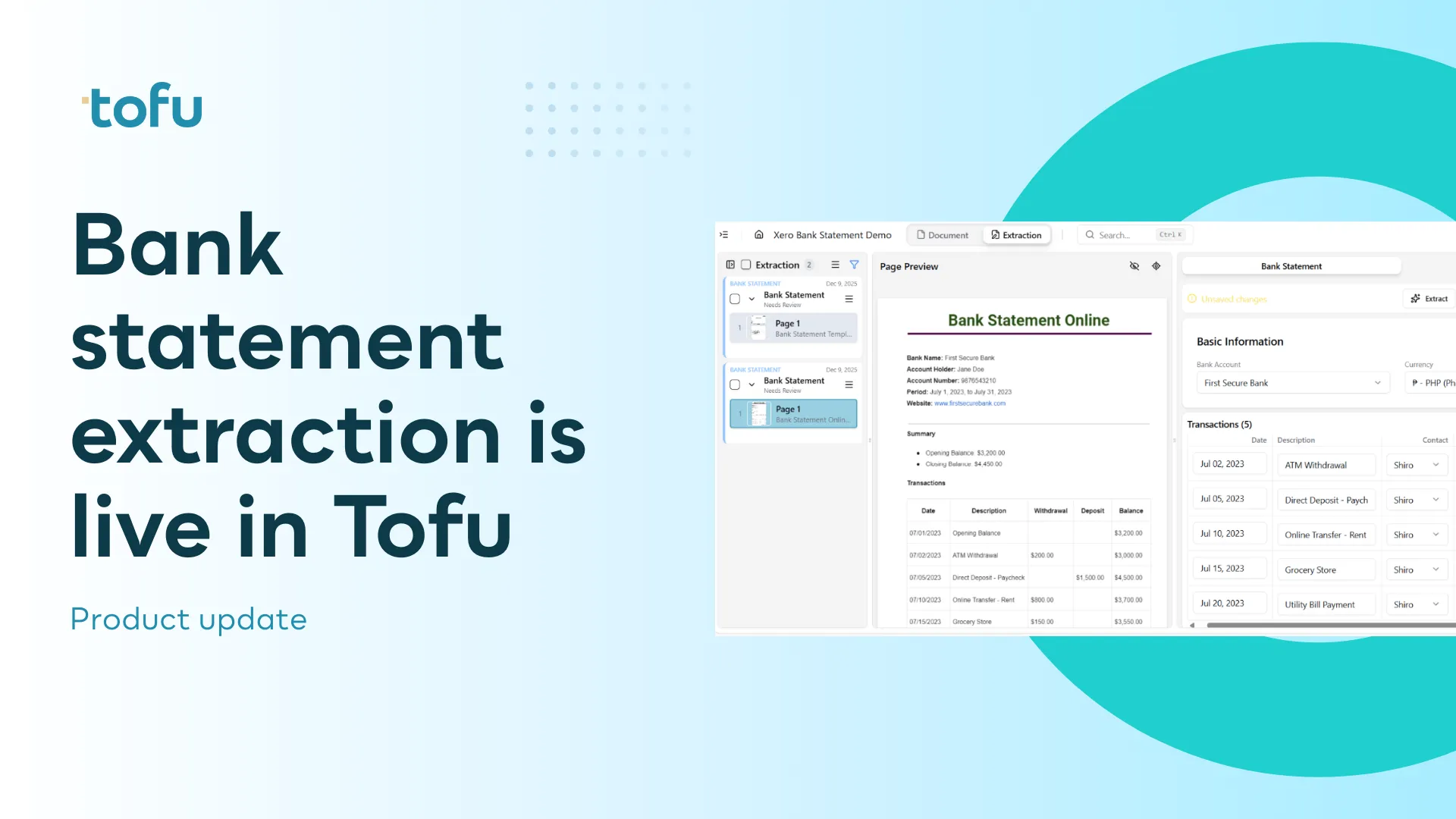
If you work in accounting or bookkeeping, this will sound familiar. A client can’t connect a bank feed. The feed keeps breaking. Or you’re handed months of bank statements and asked to “just get everything into Xero or QuickBooks. What follows is rarely simple. Spreadsheet prep which is slow, repetitive, and pulls time away from higher-value work.
That’s why we built bank statement extraction in Tofu, to reduce the time and friction involved in preparing bank statement data.
Bank statements contain everything you need from dates, descriptions, debits, credits, but they don’t arrive in a format accounting software can use straight away. In many firms, that gap is still handled manually:
Tofu prepares bank statement data so it’s ready to use in Xero, QuickBooks or other accounting software, without spreadsheet prep or manual formatting.
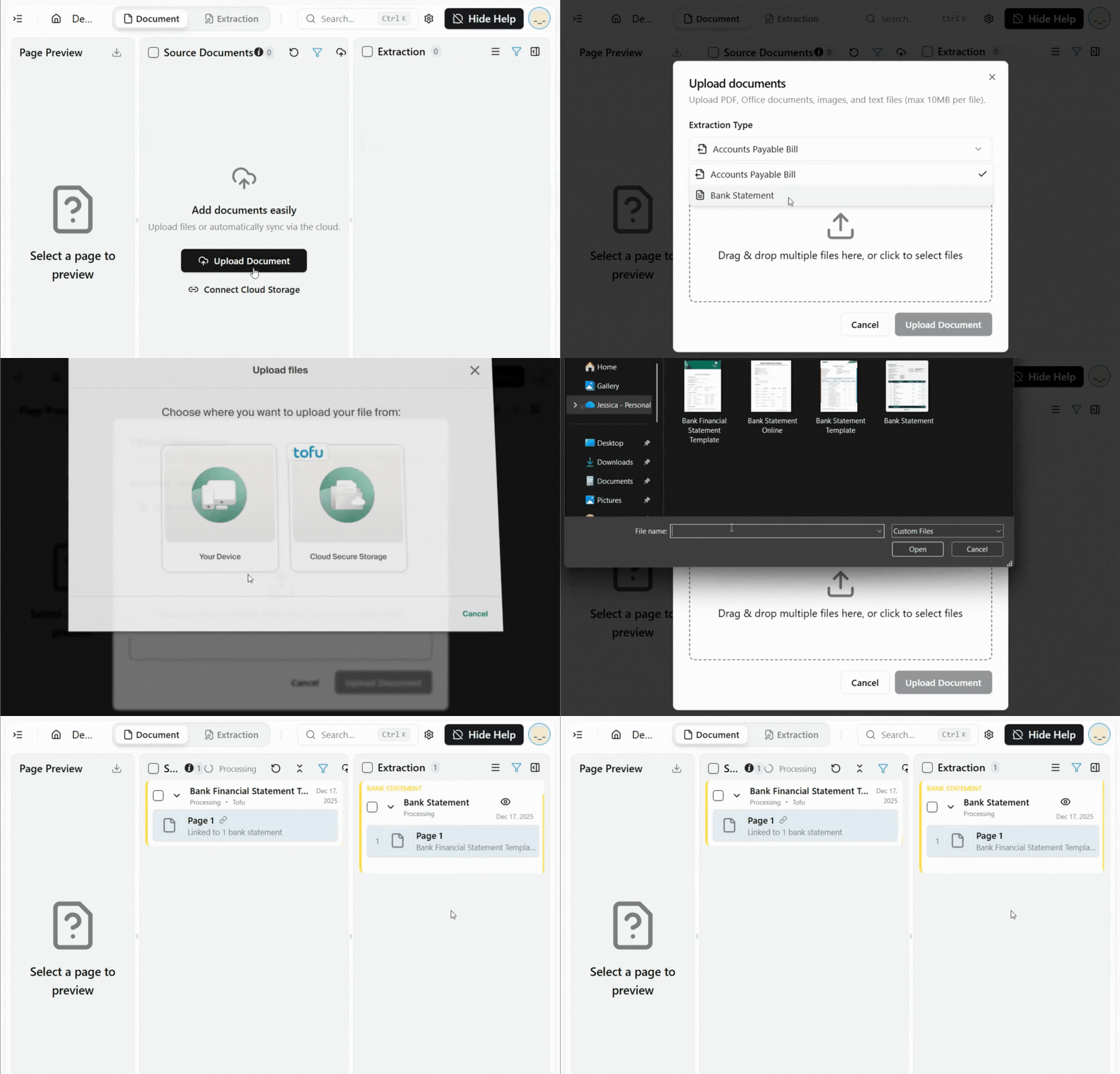
Upload bank statements directly into Tofu as PDFs or image files. For a smoother workflow, you can also connect Google Drive or SharePoint and select a dedicated folder. Any bank statements added to that folder will automatically sync into Tofu.
Tofu extracts key details from each statement, including dates, transaction descriptions, amounts, references, and bank account information. You can quickly review the extracted data, make any edits needed, and verify once everything looks right.
After verification, export the bank statement in a format supported by your accounting software, such as Xero or QuickBooks. The file is generated to meet import requirements, so there’s no manual mapping or conversion needed. The result is clean, structured bank statement data that’s ready to reconcile, without breaking your workflow.
If you’re already using Tofu for invoices and receipts, bank statements fit straight into the workflow you already know.
If you’re dealing with backlog clean-ups, broken feeds, or manually inputting the data, this is a faster, calmer way to get the work done.
Book a demo or speak to the Tofu team.
Want a step-by-step walkthrough? Read our Help Centre guides on converting bank statements for easy import into Xero and QuickBooks Online.