Jay Sen Lon
January 29, 2026

Wave Accounting has served millions of small businesses with free bookkeeping software, but limitations in automation, multi-language document processing, and international features drive many businesses to seek alternatives. As operations grow or expand internationally, the need for advanced document processing, multi-currency capabilities, and automated workflows becomes critical.
This guide reviews the leading Wave Accounting alternatives, comparing automation capabilities, pricing models, international features, and integration ecosystems to help businesses select the optimal accounting solution.
TLDR:
Quick Answer: Tofu paired with Xero or QuickBooks provides the most complete Wave alternative for growing businesses, delivering document automation across 200+ languages, zero-configuration invoice processing, and automatic PDF splitting that Wave lacks. While Wave offers free core accounting, Tofu adds professional-grade automation without Wave's manual data entry burden.
Wave Accounting provides free cloud-based accounting software for small businesses, offering invoicing, expense tracking, receipt scanning, and basic financial reports at no cost. The platform generates revenue through optional paid services like payment processing, payroll, and coaching instead of charging for accounting features.
Wave's free model appeals to startups, freelancers, and micro-businesses with simple financial needs and tight budgets. However, businesses outgrow Wave for several reasons: limited automation requiring extensive manual data entry, basic OCR extracting only totals without line-item details, English-language focus struggling with international documents, no multi-currency consolidated reporting, a smaller network of integrations compared to Xero or QuickBooks, and absence of advanced features like inventory management, project tracking, or multi-entity consolidation.
Companies expanding internationally face particular challenges with Wave. The platform processes primarily English documents and lacks the multi-language OCR required for invoices in Chinese, Japanese, Arabic, or other non-Western scripts. Businesses with APAC suppliers, international contractors, or diverse vendor bases spend hours manually entering foreign-language invoice data that advanced OCR platforms automate instantly.
The shift from Wave typically occurs when manual data entry consumes excessive staff time, international expansion requires multi-language document processing, business growth demands advanced automation features, accounting complexity exceeds Wave's feature set, or firms need professional-grade integrations with other business systems.
Modern Wave alternatives combine core accounting functionality with intelligent automation. Instead of choosing between free basic software or expensive enterprise platforms, businesses can now access mid-tier solutions that deliver professional automation at reasonable prices. The key is finding the right balance of automation, international capability, and cost for specific business needs.
Selecting the right Wave alternative requires weighing capabilities beyond basic bookkeeping. The optimal solution depends on business complexity, international operations, automation needs, and growth plans.
Document Automation Capabilities: Assess how much manual data entry your business tolerates. Wave requires manual entry of most invoice details beyond basic receipt totals. Advanced alternatives offer AI-powered OCR that extracts complete line-item details, processes documents automatically without configuration, handles bulk PDFs with automatic splitting, and recognizes handwritten invoices. For businesses processing 50+ invoices monthly, automation ROI typically exceeds software costs within weeks.
Multi-Language and International Support: Consider your vendor and customer geographic diversity. Wave handles primarily English documents. Growing alternatives provide genuine multi-language OCR for documents in 200+ languages including Chinese characters, Japanese kanji, Korean hangul, and Arabic script, multi-currency handling with consolidated reporting, international tax compliance features (GST, VAT, SST), and regional accounting standards support. International businesses or those with APAC operations require true multi-language capability instead of basic English-only processing.
Integration Options: Assess connectivity with existing business tools. Wave offers limited integrations compared to well-known platforms. Professional alternatives provide native connections to popular apps and services, API access for custom integrations, automated bank feeds with sophisticated matching, and e-commerce platform integrations. The ability to connect accounting with CRM, inventory, e-commerce, and other systems becomes critical as businesses scale.
Scalability and Advanced Features: Determine whether your business needs exceed basic bookkeeping. Wave provides core features but lacks advanced capabilities. Growing alternatives offer inventory management and tracking, project/job costing, multi-entity consolidation, advanced reporting and analytics, class/department tracking, and approval workflows. Understanding which advanced features your business will need prevents outgrowing the platform within months.
Pricing Structure and Total Cost: Understand fully-loaded costs beyond base software pricing. Wave is free for core accounting but charges for payments, payroll, and additional services. Alternatives may have monthly fees but include features that Wave charges extra for. Calculate total cost including monthly subscription, payment processing fees, payroll costs (if applicable), additional user fees, and automation tool costs. A $30-50/month alternative that eliminates 10 hours of manual data entry delivers massive ROI versus "free" software requiring extensive manual work.
Support and Training: Consider implementation complexity and vendor support quality. Wave offers community support but limited direct assistance. Professional alternatives provide implementation support, dedicated customer service, training resources, and partner networks for complex needs. For accounting firms serving clients, support quality impacts both internal productivity and client service capability.
Mobile Access and User Experience: Weigh how teams access the system. Wave provides basic mobile apps for receipt capture. Advanced alternatives offer full-featured mobile apps, offline functionality, modern user interfaces, and multi-user collaboration features. For teams working remotely or in the field, mobile capabilities impact daily productivity.
Common pitfalls include choosing based solely on price without calculating automation ROI, selecting platforms without testing actual multi-language document processing on your specific invoice types, underestimating international feature needs as the business grows, and ignoring total cost of ownership including manual labor hours.
| Alternative | Best For | Starting Price | Document Automation | Multi-Language | Multi-Currency |
|---|---|---|---|---|---|
| 1. Tofu + Xero/QBO | Growing businesses with automation needs | Tofu $79/mo + accounting platform | Advanced AI OCR, 200+ languages | Yes | Via accounting platform |
| 2. Cashflowy | US solopreneurs wanting all-in-one simplicity | $29/mo | AI coach, auto-categorization | English | USD focus |
| 3. Xero | Cloud-first teams, unlimited users | ~$15/mo | Basic with add-ons | Limited | 160+ currencies |
| 4. QuickBooks Online | SMBs familiar with QuickBooks | ~$30/mo | Basic with add-ons | Limited | 160 currencies |
| 5. FreshBooks | Service businesses, freelancers | $19/mo | Limited | English focus | 150+ currencies |
| 6. Zoho Books | Zoho suite users | $15/mo | Limited | Limited | 25+ currencies |
| 7. Akaunting | Budget-conscious businesses | Free (open-source) | None | 50+ interface languages | Yes |
| 8. Bench | Hands-off bookkeeping | $249/mo | Included with service | English | Yes |
The 8 Best Wave Accounting Alternatives in 2026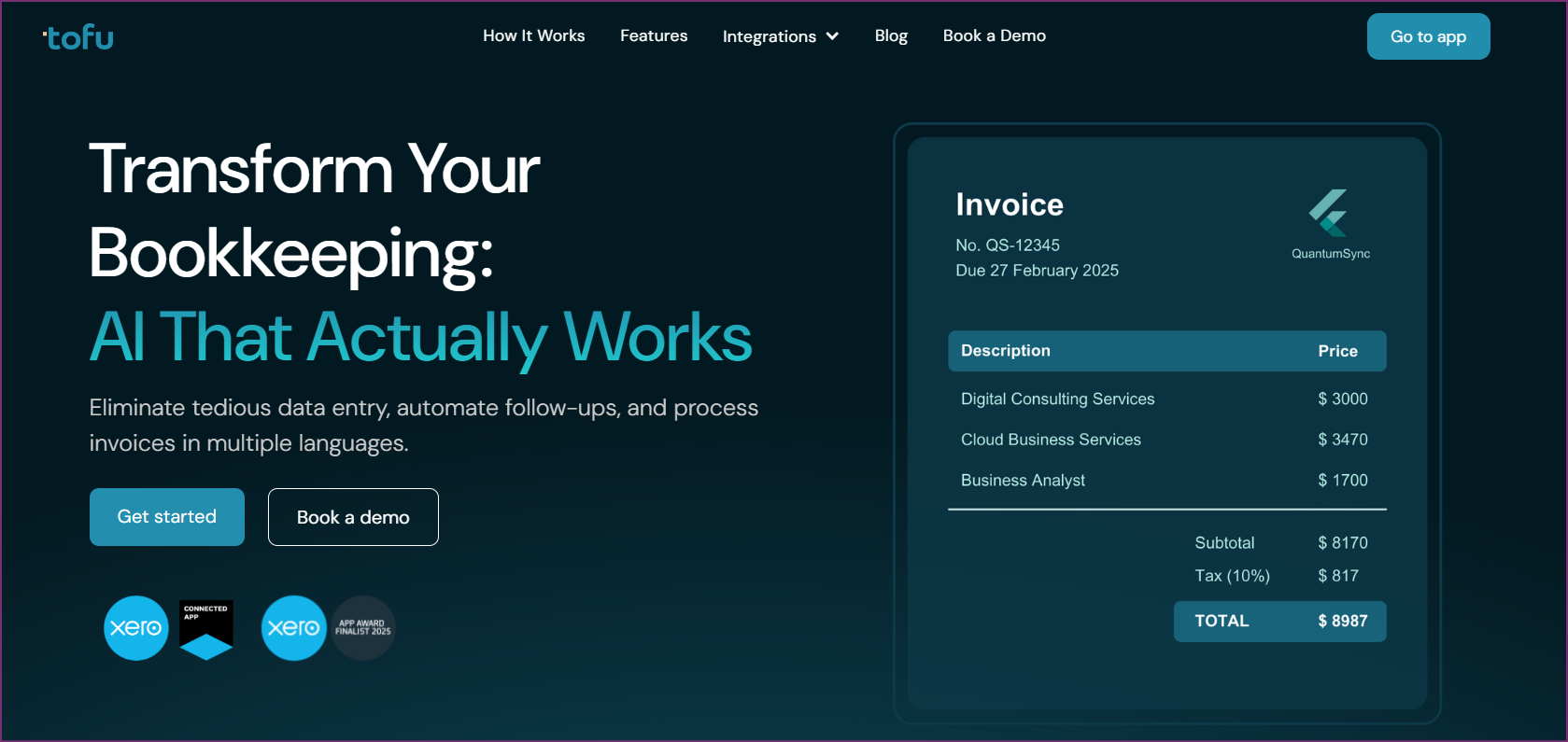
Tofu + Xero/QuickBooks - Best Overall Wave Alternative
The optimal Wave alternative for most growing businesses combines Tofu's AI-powered document automation with Xero or QuickBooks Online for core accounting. This combination delivers professional-grade automation and international capabilities that Wave lacks while maintaining cost-effectiveness.
Tofu eliminates the manual data entry burden that makes Wave time-consuming for businesses processing large invoice volumes. Wave's basic OCR extracts only receipt totals, requiring manual entry of all line-item details. Tofu's zero-configuration AI extracts complete line-item data from invoices in 200+ languages, processes handwritten documents accurately, automatically splits bulk PDFs into individual invoices, and works immediately without template configuration or rule setup.
For businesses transitioning from Wave due to international expansion, Tofu's multi-language capability provides remarkable value. The platform processes Chinese fapiao invoices, Japanese receipts, Korean invoices, Arabic bills, and Western-language documents with equal accuracy. Companies with APAC suppliers or international contractors automate document processing that Wave requires hours of manual entry to complete.
The automatic PDF splitting feature solves a common pain point when moving from Wave. Many businesses receive vendor statements with 10-50 invoices in single PDF files. Wave requires manual separation and entry of each invoice. Tofu automatically detects invoice boundaries, splits bulk files into individual documents, and processes hundreds of invoices from a single upload without human intervention.
Entity-based pricing makes Tofu cost-effective as businesses grow. Traditional document automation tools charge per user, meaning costs multiply as teams expand. Tofu's entity-based model costs the same whether you have 2 or 10 team members processing invoices. A growing business pays for the value delivered (documents processed) instead of being penalized for hiring.
Integration with both Xero and QuickBooks Online provides flexibility in choosing the core accounting platform. Tofu creates draft transactions with all line items populated, ready for review and approval. The system maps extracted data to the correct chart of accounts, applies appropriate tax codes, and maintains audit trails.
Xero complements Tofu with unlimited user access on all plans, multi-currency handling across 160+ currencies, cloud-native architecture for remote teams, a strong network of integrations, and growing features at reasonable prices (~$15-78/month depending on plan). QuickBooks Online provides familiar interface for businesses with QuickBooks experience, extensive third-party integrations, a full feature set, and a well-known market presence (~$30-200/month depending on plan).
The combination costs more than free Wave but delivers massive ROI through time savings. A business processing 100 invoices monthly saves 15-20 hours of manual data entry with Tofu versus Wave's basic OCR. At $50/hour fully-loaded labor cost, that's $750-1,000 monthly in saved time. Tofu's $79-199/month pricing plus Xero's ~$42/month or QuickBooks' ~$60/month delivers substantial net savings versus Wave's "free" platform requiring extensive manual work.
Pros
Cons
Best for: Tofu + Xero/QuickBooks excels for businesses outgrowing Wave's manual processes, companies with international suppliers or multi-language invoices, growing teams processing 50+ invoices monthly, businesses expanding to APAC markets, and accounting firms serving diverse clients. The automation ROI typically exceeds costs within weeks for businesses valuing time over software fees.
Try Tofu Free or Book a Demo with Tofu
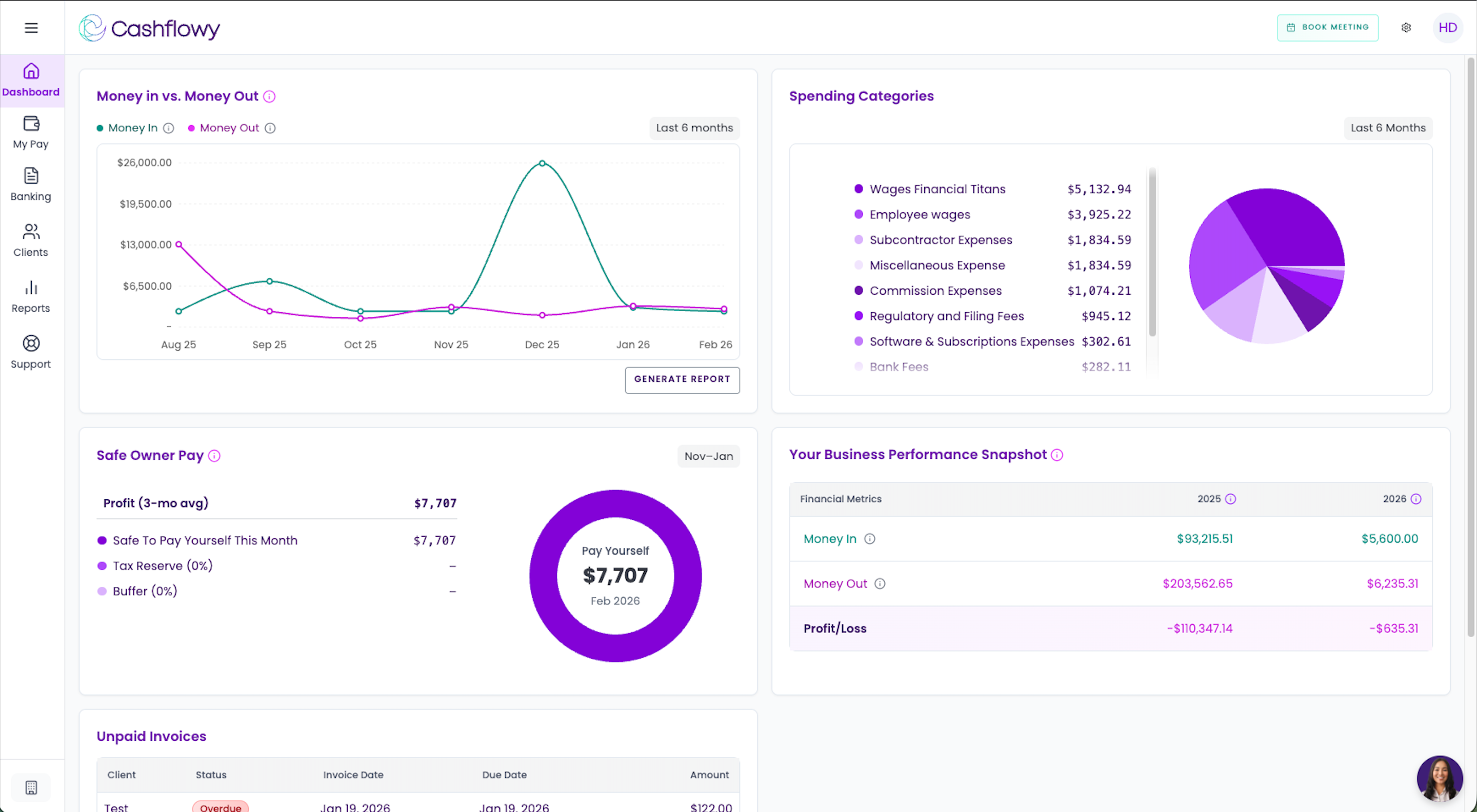
Cashflowy is an all-in-one financial toolkit built just for US-based independent professionals and service-based solopreneurs who want total clarity without the accounting headache. While Wave and other legacy tools force you to look backward at old data, Cashflowy provides a real-time lens into your business finances with forward-looking insights.
For just $29/month or $290/year, it turns messy numbers into a clear roadmap, allowing you to master your entire financial health in under an hour a month. No spreadsheets, no jargon, and no stress.
Where Wave requires you to piece together your financial picture from disconnected reports, Cashflowy turns messy numbers into a clear roadmap. The platform helps solopreneurs master their entire financial health in under an hour a month, which is a compelling proposition for founders who feel like bookkeeping has become their second job.
Cashflowy's standout feature is its 24/7 AI Financial Coach that speaks plain English, answering questions like "Can I afford this?" with tailored, data-backed responses. This goes beyond what Wave or most accounting tools offer, giving solopreneurs on-demand financial guidance without needing to book time with an accountant for every question.
The profit-first dashboard shows exactly what is safe to pay yourself and reveals which services are actually making you money. For service-based solopreneurs who struggle to understand their true profitability across different offerings, this provides immediate clarity that Wave's basic reporting does not deliver.
Built-in professional support sets Cashflowy apart from purely software-based alternatives. Every plan includes a free annual 1:1 with an accountant and access to on-demand human bookkeepers. This hybrid approach of AI plus human expertise means solopreneurs get the best of both worlds without paying enterprise prices.
High-speed invoicing with one-click payments and automated reminders for unpaid bills keeps cash flowing. For solopreneurs who lose revenue to late payments, these automated nudges can meaningfully improve cash collection without awkward follow-up conversations.
Pros
Cons
Best for: Cashflowy is the right fit for US-based solopreneurs and independent professionals who want total financial clarity without the bookkeeping overhead. It works best for founders who want AI-guided financial insights, built-in human support, and a simple all-in-one setup instead of a multi-tool accounting stack.
Xero provides cloud-native accounting software with unlimited user access on all plans, making it an attractive Wave alternative for growing teams. The platform's strength lies in user scalability, multi-currency handling, and cloud-first architecture.
Xero's unlimited users policy stands out versus Wave's limited multi-user access. Growing businesses add team members, accountants, bookkeepers, and advisors without additional per-user costs. A business with 5 team members accessing accounting pays the same as one with 15 users.
Multi-currency support spans 160+ currencies on all plans, solving a key Wave limitation. Businesses with international customers or suppliers handle multi-currency transactions, foreign exchange management, and consolidated reporting that Wave lacks or charges extra for.
However, Xero's document automation requires third-party add-ons like Tofu for advanced OCR. Basic receipt scanning exists but lacks line-item extraction or multi-language capability. Businesses wanting professional document automation must integrate additional tools.
Pros
Cons
Best for: Xero suits growing teams needing unlimited user access, businesses with multi-currency requirements, cloud-first companies with remote teams, and organizations wanting strong integration ecosystems. Pair with Tofu for professional document automation.

QuickBooks Online provides full-featured accounting software with extensive third-party integrations and familiar interface for businesses with QuickBooks experience. The platform delivers more advanced features than Wave while maintaining accessibility for small businesses.
QuickBooks' strength lies in its mature network of connected apps, its full feature set, and integration breadth. The platform connects with thousands of business apps and services, providing flexibility Wave's limited integration library lacks.
However, QuickBooks uses per-user pricing that increases costs as teams grow. Multi-currency support requires higher-tier plans (not available on entry levels like Wave's basic offering). Document automation requires third-party tools like Tofu for professional-grade OCR.
Pros
Cons
Best for: QuickBooks Online suits businesses familiar with QuickBooks, companies needing extensive third-party integrations, organizations requiring full feature sets, and teams that value mature, well-connected app networks. Add Tofu for multi-language document automation.
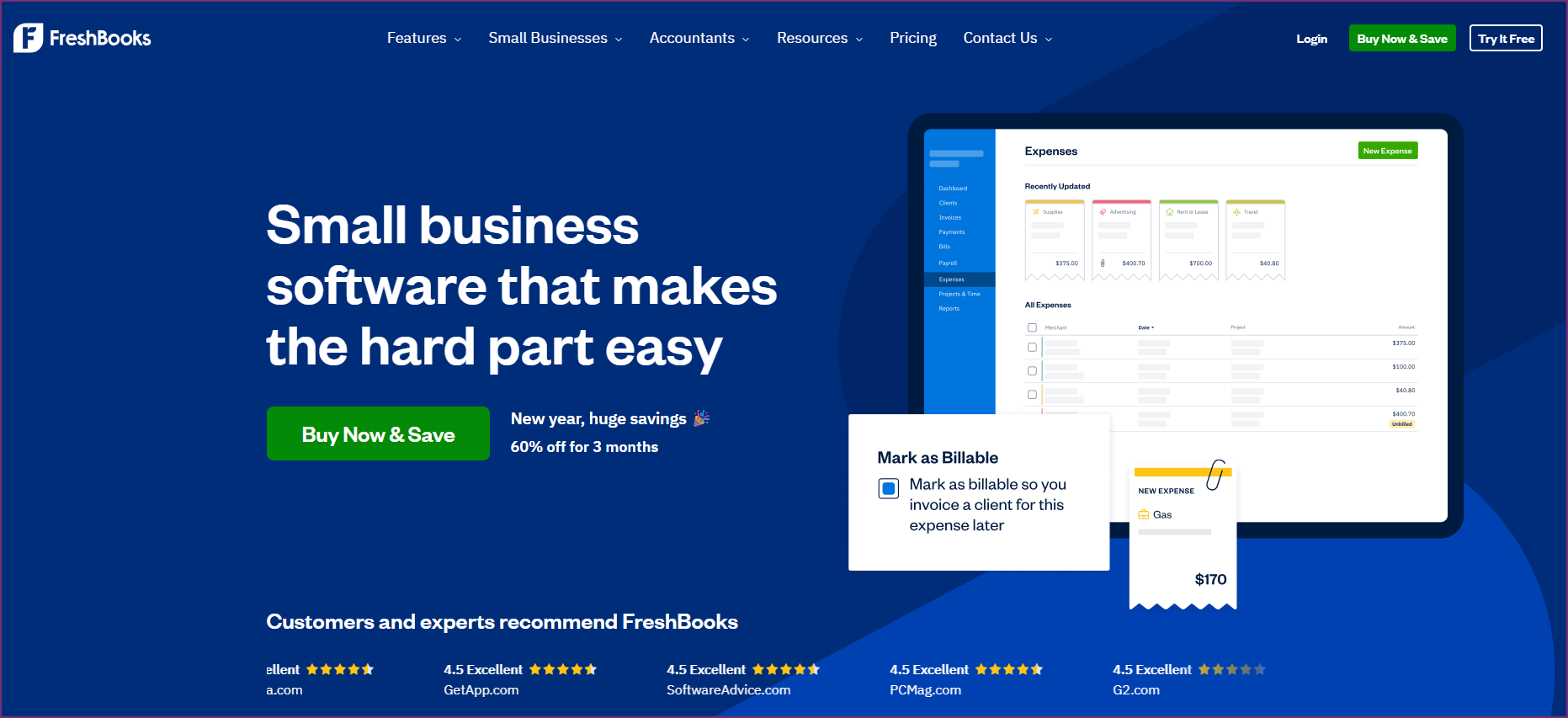
FreshBooks provides accounting software optimized for service businesses, freelancers, and client-based operations. The platform focuses on time tracking, project management, and client invoicing over complex inventory or manufacturing features.
FreshBooks' strength lies in service business workflow: time tracking, expense allocation to clients, project profitability tracking, and client portal access. For consultants, agencies, and professional services transitioning from Wave, FreshBooks delivers focused functionality.
However, FreshBooks focuses on English-language operations and lacks multi-language document processing. Document automation is limited compared to AI-powered platforms. The platform works best for service businesses instead of product-based operations.
Pros
Cons
Best for: FreshBooks suits service businesses and freelancers, consultants and agencies billing by time, professional services needing client portals, and businesses that put project tracking ahead of inventory management.
Zoho Books provides accounting software integrated within the broader Zoho family of business applications. The platform appeals to businesses already using Zoho CRM, Zoho Projects, or other Zoho products wanting unified data flow.
Zoho Books' strength lies in suite integration: smooth connection with Zoho CRM for customer data, integration with Zoho Inventory, connection to Zoho Projects, and unified Zoho One platform access. For businesses committed to the Zoho family of products, Books provides native accounting connectivity.
However, Zoho Books offers limited multi-language document processing compared to AI-powered alternatives. The platform supports 25+ currencies versus Xero's 160+ or QuickBooks' 160. Document automation capabilities lag specialized OCR platforms.
Pros
Cons
Best for: Zoho Books suits businesses using Zoho CRM or other Zoho products, companies wanting suite integration, organizations on budget wanting feature-rich accounting, and teams that value unified Zoho platform access.
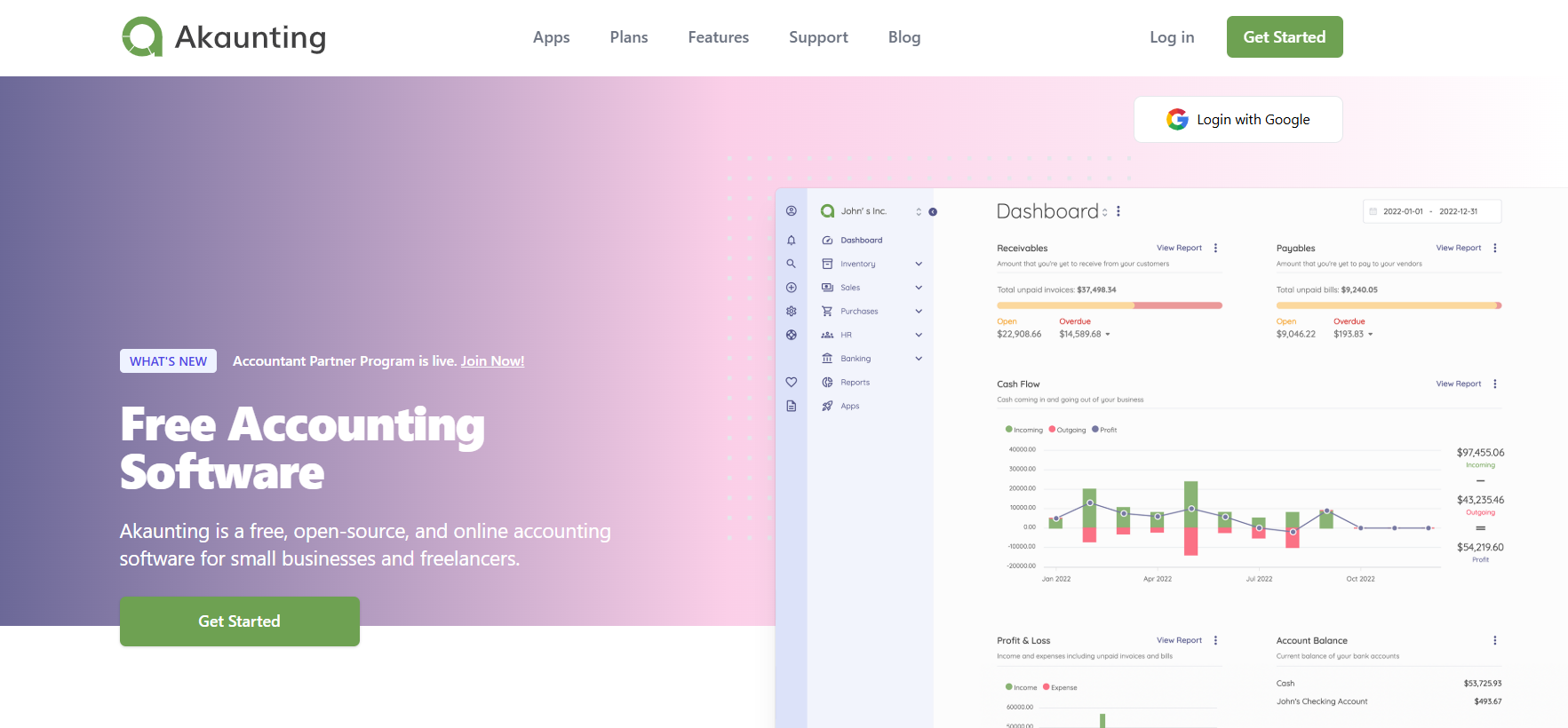
Akaunting provides open-source accounting software at no cost, positioning it as the closest free alternative to Wave. The platform offers core accounting features without subscription fees, appealing to budget-conscious businesses comfortable with open-source software.
Akaunting's strength lies in zero cost for core functionality and customization potential through open-source code. The platform supports 50+ interface languages through community contributions, providing broader language UI than Wave though not multi-language document processing.
However, Akaunting lacks professional document automation entirely. No AI-powered OCR, no automatic data extraction, and limited integration options compared to commercial platforms. The platform requires technical comfort with open-source software and community support instead of vendor assistance.
Pros
Cons
Best for: Akaunting suits budget-conscious businesses accepting manual processes, companies with technical teams able to customize open-source software, organizations wanting free multi-currency accounting, and businesses that put cost ahead of automation features.
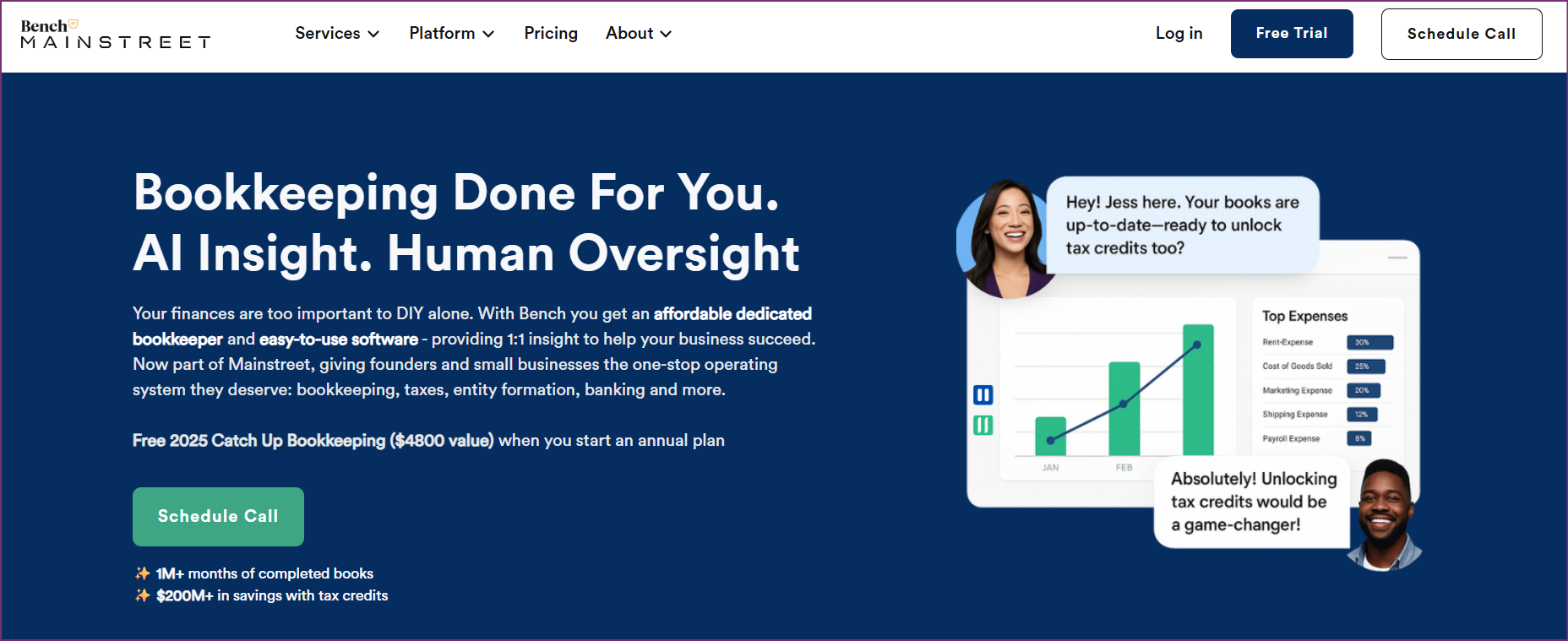
Bench provides managed bookkeeping service instead of software alone, combining document processing with dedicated human bookkeepers. The platform appeals to business owners wanting completely hands-off bookkeeping versus Wave's DIY approach.
Bench's strength lies in the full-service model: bookkeepers handle all data entry and categorization, monthly financial reports prepared by professionals, tax-ready books maintained year-round, and dedicated bookkeeping team assigned to each business. For owners valuing time over cost, Bench eliminates bookkeeping work entirely.
However, Bench costs a good deal more than software-only Wave alternatives ($249-599/month versus $0-100/month). The platform focuses on English-language US operations, limiting international applicability. Businesses get less control over categorization decisions versus managing their own books.
Pros
Cons
Best for: Bench suits business owners wanting zero bookkeeping involvement, companies valuing time far more than cost, US-based businesses with straightforward finances, and owners preferring professional management versus DIY software.
| Feature | Tofu + Xero/QBO | Xero | QuickBooks | FreshBooks | Zoho Books | Akaunting | Bench |
|---|---|---|---|---|---|---|---|
| Document Automation | Advanced AI (Tofu) | Basic | Basic | Limited | Limited | None | Included |
| Multi-Language OCR | 200+ (Tofu) | No | No | No | No | No | No |
| Multi-Currency | Yes (platform) | 160+ | 160 | 150+ | 25+ | Yes | Yes |
| Unlimited Users | Yes (Xero) | Yes | No | No | No | Yes | N/A |
| Starting Price | ~$94/mo | ~$15/mo | ~$30/mo | $19/mo | $15/mo | Free | $249/mo |
| Bulk PDF Split | Yes (Tofu) | No | No | No | No | No | N/A |
| Line-Item Extract | Yes (Tofu) | No | No | No | No | No | Included |
| Alternative | Monthly Cost | Setup | Per-User Fees | Automation Level | Best ROI For |
|---|---|---|---|---|---|
| Tofu + Xero | ~$121-277 | None | No (Xero unlimited) | Professional | 50+ invoices monthly |
| Cashflowy | $29 | None | No | AI + Human | US solopreneurs |
| Xero | ~$15-78 | None | No | Basic | Teams needing unlimited users |
| QuickBooks | ~$30-200 | None | Yes | Basic | Existing QuickBooks users |
| FreshBooks | ~$19-60 | None | Client-based | Limited | Service businesses |
| Zoho Books | ~$15-50 | None | Limited | Limited | Zoho suite users |
| Akaunting | Free | None | No | None | Budget-conscious with time |
| Bench | ~$249-599 | None | No | Full-service | Hands-off preference |
Wave Accounting serves businesses well at the startup phase, but growth, international expansion, and automation needs drive many companies to seek alternatives. The optimal Wave replacement depends on specific business requirements, document processing volumes, international operations, and budget priorities.
Tofu paired with Xero or QuickBooks Online provides the most comprehensive Wave alternative for growing businesses, delivering AI-powered document automation in 200+ languages, zero-configuration invoice processing, automatic bulk PDF splitting, and professional-grade features that Wave lacks. While the combination costs more than free Wave, the automation ROI typically exceeds expenses within weeks for businesses processing significant document volumes.
Xero and QuickBooks offer strong core accounting platforms with better features than Wave but require Tofu or similar tools for professional document automation. Cashflowy delivers an affordable, AI-powered all-in-one solution for US solopreneurs who want simplicity and built-in financial coaching. FreshBooks serves service businesses well, Zoho Books fits Zoho ecosystem users, Akaunting provides free open-source alternative, and Bench delivers fully managed service for hands-off owners.
For most businesses outgrowing Wave's manual processes or expanding internationally, Tofu + Xero/QuickBooks delivers the optimal combination of automation, international capability, scalability, and cost-effectiveness.
Akaunting provides the best free Wave alternative as open-source accounting software at no cost. However, Akaunting lacks the document automation, professional support, and integration network that Wave offers. For businesses wanting automation, Tofu + Xero (~$121/month) delivers superior ROI through time savings despite the monthly cost.
Yes, Xero provides unlimited users on all plans (~$15-78/month) versus Wave's limited multi-user access. Pairing Xero with Tofu for document automation delivers unlimited user access with professional OCR that Wave lacks. Akaunting also offers unlimited users as open-source software.
Tofu provides the most advanced document automation for businesses leaving Wave, with zero-configuration AI extracting line-item details from documents in 200+ languages, automatic bulk PDF splitting, and handwritten invoice processing. Wave's basic OCR and all standalone accounting platforms offer limited automation without Tofu or similar add-ons.
Yes, most Wave alternatives support multi-currency: Xero (160+ currencies on all plans), QuickBooks Online (160 currencies on higher plans), FreshBooks (150+ currencies), Zoho Books (25+ currencies), and Akaunting (multi-currency support). Tofu processes invoices in 200+ languages and pairs with any multi-currency accounting platform.
Tofu + Xero Starter (~$94/month combined) provides the most cost-effective Wave alternative with professional automation. While higher than Wave's free offering, the automation ROI typically exceeds costs within weeks for businesses processing 50+ documents monthly. Akaunting is free but offers no automation.
Tofu excels at international invoice processing with native support for 200+ languages including Chinese fapiao, Japanese receipts, Korean invoices, and Arabic documents. Standalone accounting platforms like Xero, QuickBooks, and FreshBooks handle multi-currency but lack multi-language OCR without Tofu integration. Wave and all alternatives without Tofu require manual entry of foreign-language invoices.
Both QuickBooks Online and Xero exceed Wave's capabilities in features, automation potential, integration ecosystems, and scalability. Xero provides unlimited users (~$15-78/month) while QuickBooks offers broader US integrations (~$30-200/month). Neither matches Wave's free price, but both deliver superior professional features. Adding Tofu to either platform creates a complete solution exceeding Wave's capabilities.
Tofu is a must if you process large invoice volumes (50+ monthly), need multi-language document automation, require line-item extraction for job costing, handle bulk PDF files, or have international suppliers. Xero and QuickBooks alone provide better core accounting than Wave but basic document automation without Tofu. Tofu eliminates the manual data entry that makes Wave time-consuming for growing businesses.