
Saman Herath
January 22, 2026

.webp)
Finding the right Docyt alternatives has become a priority for thousands of businesses seeking AI-driven bookkeeping solutions. While Docyt AI accounting has gained popularity for its automation capabilities, it is not the perfect fit for every organization. From pricing concerns to multi-language support to a simpler setup process, there are compelling alternatives worth exploring in 2026.
This detailed guide covers the top Docyt AI bookkeeping alternatives available today. We've researched each platform thoroughly, reviewing features, pricing structures, ease of use, along with real-world user feedback to help teams make an informed decision.
Before looking at the alternatives, it is worth understanding why many organizations are actively searching for Docyt alternatives.

Premium Pricing Concerns
One of the most common concerns from Docyt reviews focuses on cost. While Docyt offers powerful automation starting at $50/month per module, the total cost can escalate quickly for businesses needing multiple features. Many small businesses along with accounting firms find the cumulative pricing difficult to accept, especially when managing multiple entities as well as clients.
"The power comes at a premium," noted one reviewer on G2. This sentiment echoes across the industry, with many businesses seeking more cost-effective alternatives that still deliver AI-driven automation.
Overseas Support Delays
A recurring theme in Docyt review feedback involves customer support. With much of Docyt support staff based overseas, users report time delays when asking questions while seeking assistance. For businesses requiring immediate support during critical accounting periods, these delays can be frustrating.
Learning Curve for Traditional Bookkeepers
According to user feedback, Docyt AI bookkeeping automation requires a learning curve, particularly for traditional bookkeepers accustomed to manual workflows. The onboarding process has been described as “a bit painful” especially when using custom charts of accounts—a significant consideration for firms with established accounting practices.
Limited Integration Network
While the Docyt-QuickBooks integration is strong, some users note that Docyt has fewer integrations compared to competitors. Businesses using platforms beyond QuickBooks, Xero, the supported POS systems may find themselves limited in their automation options.
Multi-Language Document Limitations
For firms serving international clients, including those operating in multilingual markets, document processing capabilities vary widely across AI bookkeeping platforms. Businesses handling invoices in Chinese, Japanese, Arabic, as well as other non-Latin scripts often need specialized solutions that go beyond standard text-extraction capabilities.
Our evaluation methodology combines user reviews from G2, Capterra, plus software marketplaces with analysis of official documentation, pricing pages, along with community feedback. We assessed each platform across key criteria:
We analyzed hundreds of user reviews along with feature documentation to identify platform strengths as well as limitations.
| Feature | Tofu ⭐ | Booke AI | Digits | Vic.ai | Zeni |
|---|---|---|---|---|---|
| Setup Time | 15 minutes | 1-2 hours | 30 minutes | 2-4 weeks | 1-2 weeks |
| Rule Configuration | None required | Minimal | Basic | Required | Managed |
| Line Items | Full extraction | Partial | No | Full | Partial |
| Languages | 200+ | Limited | English | 30+ | English |
| Handwritten Docs | Yes | Limited | No | Limited | No |
| PDF Splitting | Automatic | Manual | No | Automatic | No |
| Pricing | Per entity | Per client | Per company | Enterprise | Bundled |
| Suited for | Growing firms | Accounting firms | Startups | Enterprise AP | VC-backed startups |
Tofu: Best Overall Docyt Alternative
Best for: Businesses wanting zero-configuration AI that learns automatically from historical data
Rating: 4.8/5 (G2)
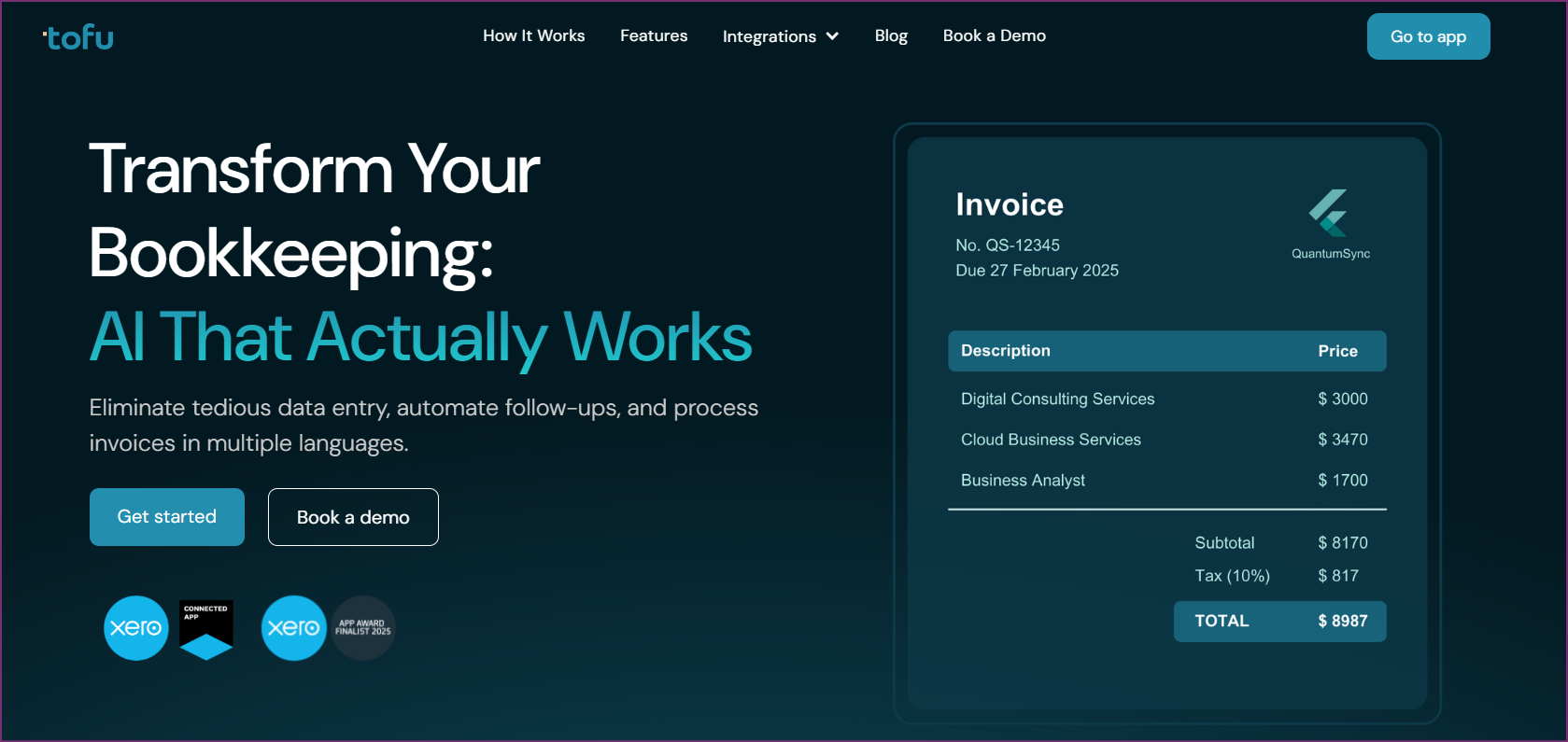
Tofu has become the leading alternative to Docyt AI accounting for businesses and accounting firms seeking genuine automation without complex setup requirements. Unlike traditional AI bookkeeping tools that require extensive configuration, Tofu uses advanced AI to learn from your existing Xero or QuickBooks transaction history, eliminating the rule-writing process entirely.
For organizations frustrated with complex onboarding requirements, Tofu offers a refreshingly simple approach. It connects to your accounting software and begins learning your patterns immediately, delivering value from day one instead of weeks into implementation.
What separates Tofu from Docyt AI is their approach to automation. Where Docyt Copilot with related features requires learning specific workflows, Tofu observes historical transactions, then learns independently. There is no complex onboarding process or painful chart of accounts setup.
“Tofu is so easy you could use it while lying in bed. It was the first time I didn’t have to work a weekend,” reported one early adopter.
For businesses frustrated with tools that still require extensive setup, Tofu offers a genuinely different approach. The AI learns how expenses are categorized, which accounts map to specific suppliers, plus the preferred descriptions, all without writing a single rule.
Where Docyt may struggle with non-English documents, Tofu excels. It was built from the ground up for multilingual processing, making it particularly valuable for businesses in Asia-Pacific, Middle East, along with Africa regions, as well as any company serving international clients.
“I get Indonesian, English, French, Mandarin Chinese, Japanese… Tofu handles them all,” explained one user from a multinational business.
"You're saving me 40% versus hiring someone," calculated one business owner comparing the cost of Tofu against additional headcount.
Pros
Cons
Verdict: Tofu represents the next wave of AI bookkeeping automation. For businesses tired of complex onboarding along with configuration challenges, it delivers on the promise of genuine AI-driven automation. The zero-setup approach plus superior multi-language handling make it the top overall Docyt alternative for 2026.
Best for: Accounting firms managing multiple client books
Rating: 4.7/5 (G2)
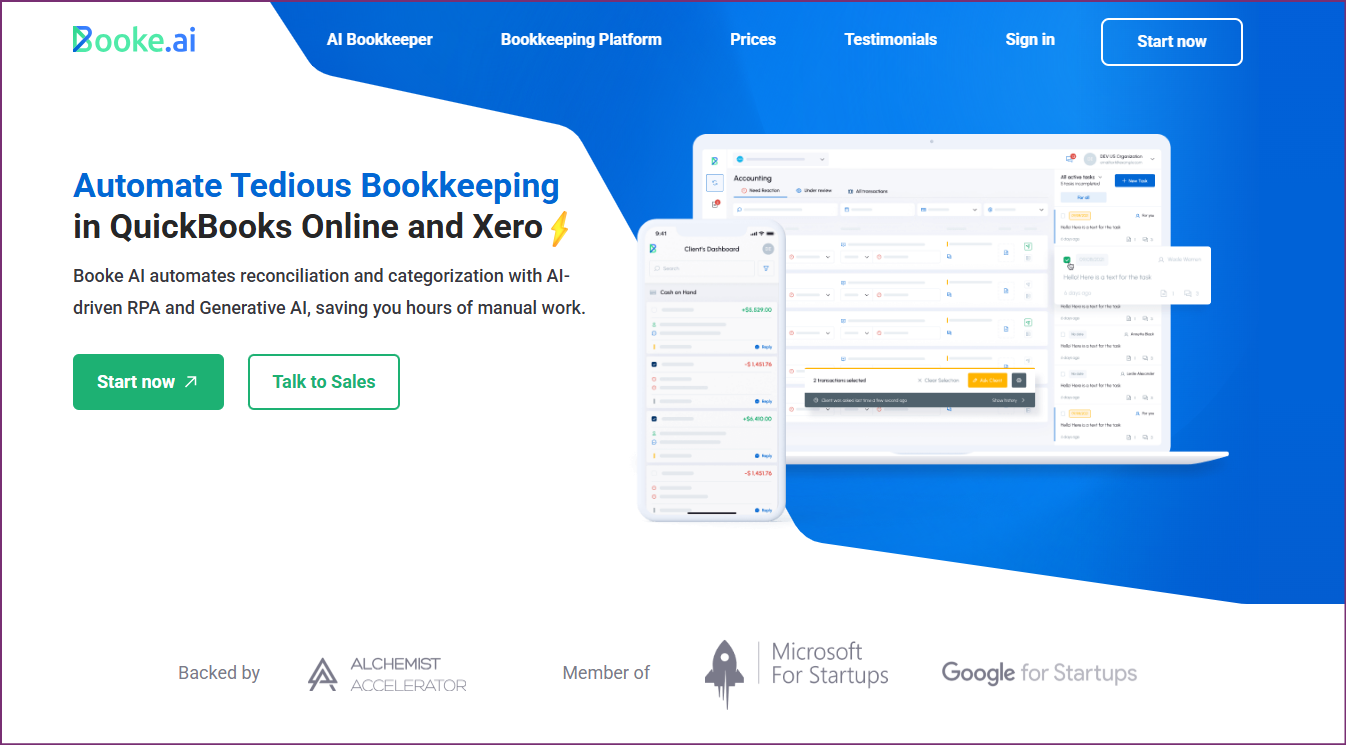
Booke AI positions itself as purpose-built for bookkeepers and accounting firms. The tool focuses on automating transaction categorization and client communication with what they describe as an "AI Bookkeeper" that handles 95% of transactions autonomously.
Cons
Verdict: Booke AI is a strong Docyt alternative for accounting firms in particular. However, businesses looking for zero-configuration automation or advanced multi-language processing may find other options more suitable.
Best for: Startups and small businesses wanting AI-driven insights
Rating: 4.6/5 (G2)
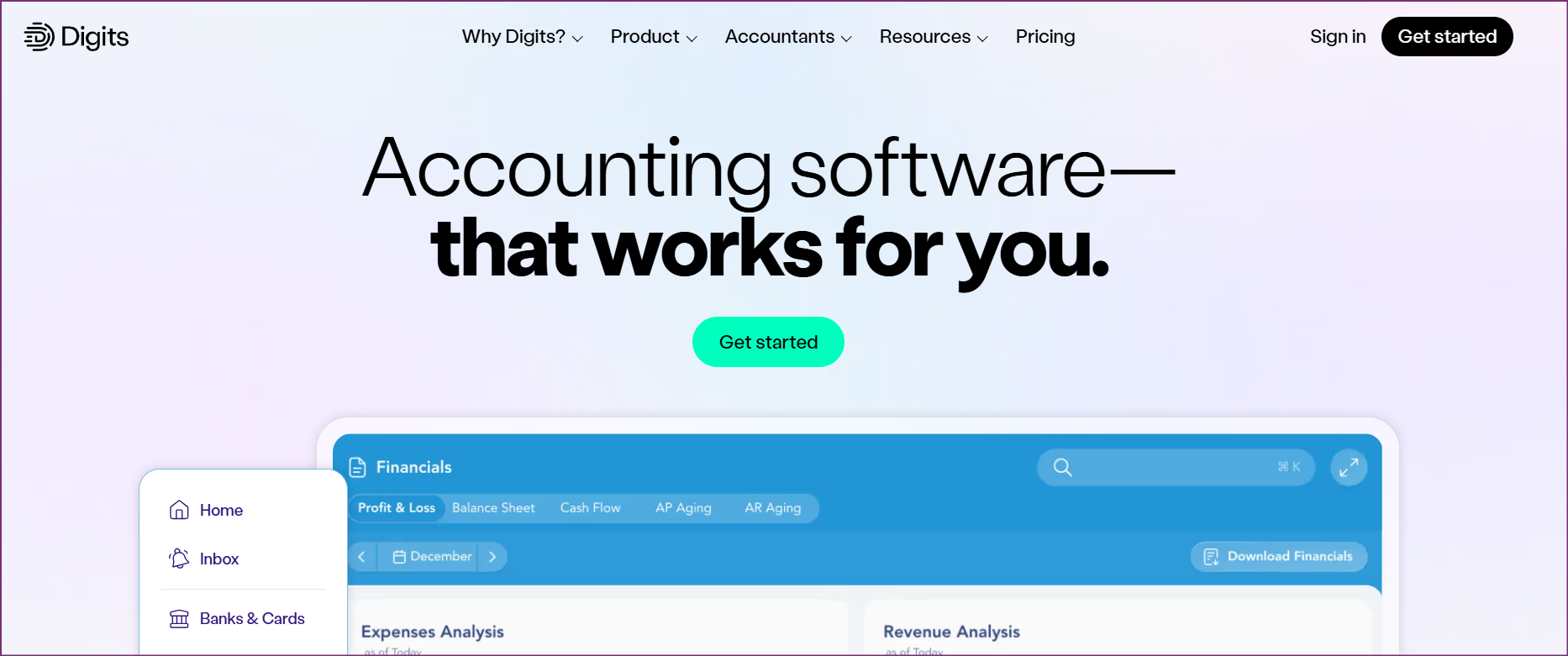
Digits offers continuous AI-driven bookkeeping with live financial dashboards, positioning itself as an intelligent alternative. The tool targets startups and small businesses with a focus on real-time financial visibility.
Cons
Verdict: Digits works well for startups wanting an integrated financial solution with AI capabilities. However, it lacks the document processing depth plus multi-language support that some businesses require.
Suited for: Mid-sized to enterprise organizations with high-volume accounts payable
Rating: 4.8/5 (G2)
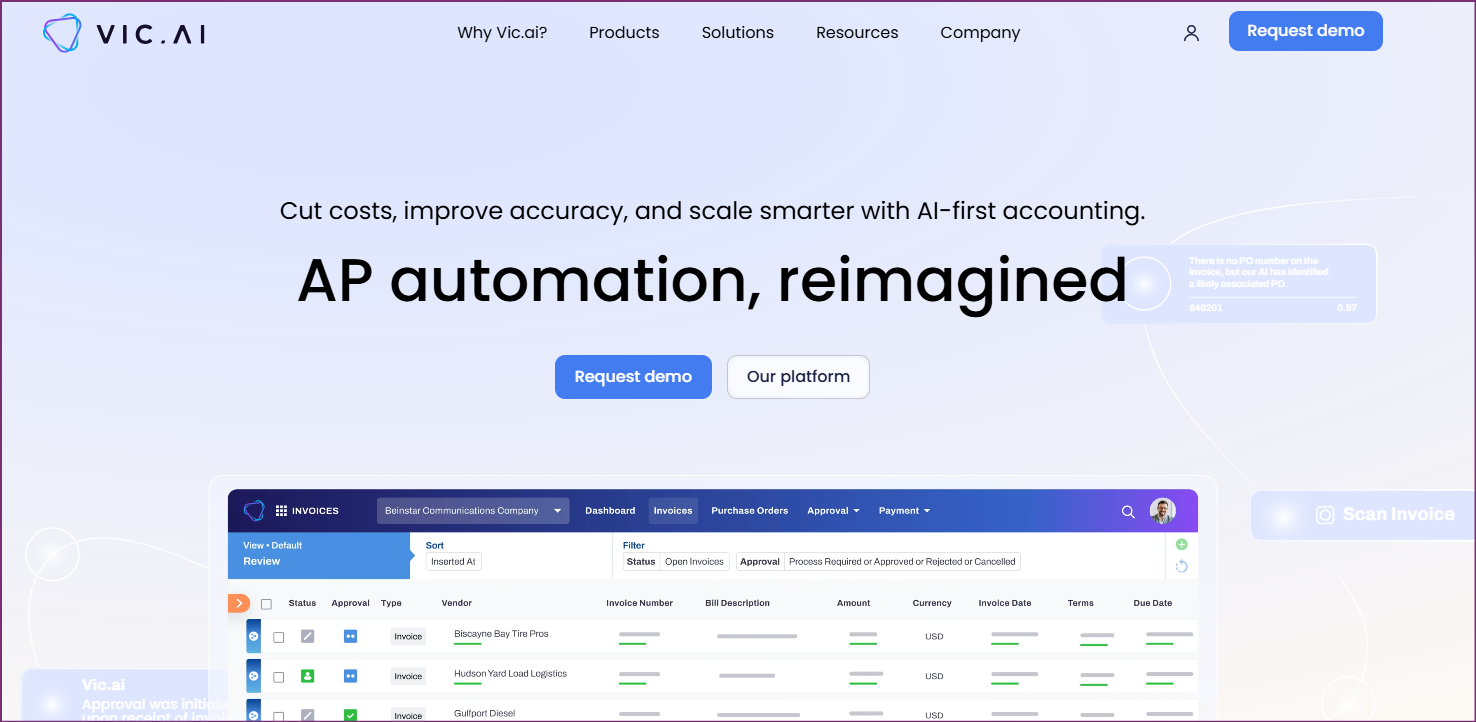
Vic.ai targets organizations needing to automate high-volume accounts payable workflows. It claims to remove up to 85% of AP manual work through document scanning, smart assistants, plus optimized payment scheduling, a notable differentiator for enterprises.
Cons
Verdict: Vic.ai is excellent for enterprise AP automation but is not a direct Docyt alternative for small to mid-sized businesses, including those needing full bookkeeping automation beyond accounts payable.

Suited for: Venture-backed startups needing full-service financial management
Rating: 4.5/5 (Capterra)
Zeni combines AI-driven bookkeeping with a suite of financial services designed for startups. It bundles bookkeeping, banking, credit cards, plus CFO services, an all-in-one approach that differs from standalone bookkeeping software.
Cons
Verdict: Zeni is ideal for VC-backed startups wanting bundled financial services. However, established businesses seeking pure bookkeeping automation may find the bundled approach limiting.
Suited for: Small to medium-sized teams focused on close process automation
Rating: 4.6/5 (G2)
FloQast specializes in automating reconciliations along with financial close processes. While Docyt Copilot handles variance analysis, FloQast focuses on streamlining month-end close activities, making it a complementary solution depending on the primary pain points.
Cons
Verdict: FloQast excels at month-end close automation but serves a different purpose than Docyt alternatives focused on document processing along with transaction categorization.

Suited for: Businesses needing dedicated receipt and invoice capture
Rating: 4.3/5 (G2)
Dext (formerly Receipt Bank) focuses on automating data extraction from receipts and invoices. As a potential complement to Docyt AI bookkeeping, Dext saves time on manual data entry by digitizing paperwork and syncing to accounting software.
Cons
Verdict: Dext is a reliable choice for basic receipt capture but does not offer the AI-learning capabilities or multi-language processing that make alternatives like Tofu stand out for more complex needs.

Suited for: Businesses wanting established accounting software with built-in features
Rating: 4.3/5 (G2)
QuickBooks Online is the accounting software that many Docyt AI solutions integrate with. For businesses questioning whether they need a separate AI layer, QBO offers built-in automation features that may satisfy basic needs, though without the advanced AI capabilities of dedicated alternatives.
Cons
Verdict: QuickBooks Online works for businesses with straightforward accounting needs. Those seeking deeper automation will need to add AI-driven solutions like Tofu on top of their core accounting software.
For small businesses seeking an alternative to Docyt AI bookkeeping, Tofu offers the best balance of simplicity and capability. The zero-setup approach means business owners can start processing documents immediately without dedicating hours to configuration. Volume-based pricing ensures costs remain predictable as the business grows.
While most capable Docyt alternatives require paid subscriptions, several tools offer free trials. Tofu provides a free trial that lets businesses test with real documents before committing. QuickBooks plus Xero also include basic automation features in their core subscriptions without additional AI add-on costs.
Accounting firms managing multiple clients should consider Tofu for its volume-based pricing model: adding clients does not exponentially increase costs. Booke is built for firm workflows, though it requires more configuration than Tofu with its zero-setup approach.
For businesses processing documents in multiple languages, Tofu stands out with support for more than 200 languages including Chinese, Japanese, Arabic, plus Indonesian. The tool automatically translates foreign-language invoices into English line items, a capability that few alternatives can match.
Enterprise organizations with high-volume AP needs should evaluate Vic.ai for accounts payable automation. However, for full bookkeeping automation with enterprise-grade security, Tofu offers GDPR-compliant hosting plus scalable architecture, providing a compelling option without enterprise-only pricing.
Docyt is an AI-driven accounting product that automates bookkeeping for small to mid-sized businesses plus accounting firms. Docyt AI uses machine learning for transaction categorization, claiming to auto-categorize 80% of transactions through their Precision AI. Docyt includes features like Smart Mailroom for document processing, Docyt Copilot for variance analysis, plus GARY (Generative Accounting Retrieval System) for task management.
Docyt pricing starts at $50/month per module, with various modules available for different functions like expense management, revenue reconciliation, plus financial reporting. Docyt offers a 30-day free trial. However, pricing can add up when multiple modules are needed, making the total cost of ownership an important consideration when comparing alternatives.
Tofu requires the least setup time among all Docyt competitors. While tools like Docyt require learning curves and onboarding processes that some users describe as "painful," Tofu connects to the accounting software and learns from historical transactions automatically. Most users complete setup in under 15 minutes.
Yes, most Docyt alternatives integrate with QuickBooks Online or QuickBooks Desktop. Tofu, Booke, Dext, plus other tools offer QuickBooks integration comparable to or better than Docyt. Tofu automatically syncs extracted data to QuickBooks with the same categorization patterns established historically.
Docyt AI bookkeeping focuses on transaction categorization with Precision AI along with generative AI features through Docyt Copilot. Alternatives like Tofu take a different approach, learning from historical transactions to eliminate rule configuration entirely. While Docyt requires some onboarding along with a learning curve, Tofu users begin automation in under 15 minutes. Beyond that, Tofu supports 200+ languages compared to more limited language support in most alternatives.
Yes, Docyt login is available through their web application along with mobile apps (Android, iPad, along with iPhone). Users access their accounts at the Docyt web portal after registration. Similar tools like Tofu similarly provide web-based access with mobile-responsive interfaces.
Docyt was founded in 2017 with headquarters in Sunnyvale, California. The company has approximately 210 employees focused on AI-driven accounting automation. Docyt has gained traction particularly in the hotel and hospitality industry, though it serves various small to mid-sized businesses along with accounting firms.
Tofu offers the most thorough multi-language support among Docyt alternatives, processing 200+ languages including Chinese, Japanese, Arabic, Indonesian, along with more. Tofu includes automatic translation, converting foreign-language invoices into English line items, a capability that resolves one of the key limitations in many competitors.
Docyt has particular strength in the hotel industry with specialized features for hospitality businesses. For hotel-specific needs, Docyt remains a strong option. However, general alternatives like Tofu serve businesses across all industries with flexible automation that adapts to any business type.
Consider these factors when evaluating Docyt along with alternatives:
Transitioning from Docyt AI bookkeeping to an alternative does not have to be disruptive. Here is a practical approach:
Step 1: Review Current Needs
Before switching from Docyt, document the current workflows, pain points, along with must-have features. Identify what is working well along with what is driving the search for alternatives.
Step 2: Test During Low-Volume Periods
Review Docyt alternatives during slower accounting periods when teams have time to compare tools thoroughly. Most alternatives offer free trials. Take advantage of these to test with real documents.
Step 3: Run Parallel Processing
Test the chosen alternative alongside Docyt for 2-4 weeks. Process the same documents through both systems to compare accuracy, performance, along with user experience.
Step 4: Start with New Transactions
Begin using the new tool for new transactions first. This allows the team to learn the system without disrupting historical data as well as existing workflows.
Step 5: Migrate Gradually
Move existing processes in batches instead of all at once. This reduces risk, allowing teams to resolve any issues before they affect the entire operation.
Step 6: Document Improvements
Track time savings along with error reduction to quantify the value of switching. This data helps support the decision along with identifying areas needing attention.
After extensive research of all major Docyt alternatives, Tofu emerges as the clear winner for businesses along with accounting firms in 2026.
Tofu's zero-configuration AI eliminates the learning curve along with the "painful" onboarding that users report with more complex tools. Its superior multi-language processing (200+ languages) opens doors for businesses serving international clients. The volume-based pricing makes it cost-effective regardless of team size.
For organizations frustrated with: