Top 10 Accounting Software in the Philippines

Choosing the right bookkeeping software in the Philippines means balancing BIR compliance, multi-currency support, and document automation. This guide compares 10 leading tools to help small businesses and accounting firms make the right call.

Manual bookkeeping drains hours from Philippine accounting firms every week. Receipts in mixed languages, BIR compliance requirements, and clients spread across industries make the workload heavier than it needs to be. The right software cuts that burden significantly.

Tofu tops this list for accounting firms dealing with high document volume and multi-language receipts. For small businesses looking for standalone cloud accounting, Xero and QuickBooks remain strong choices. Wave suits micro-businesses on a tight budget.

Quick Answer: Tofu is the best bookkeeping automation tool for Philippine accounting firms handling multilingual documents, while Xero is the top cloud accounting platform for growing Philippine SMEs.

Transparency Note: This comparison is published on Tofu's website. While Tofu is positioned as the top recommendation for accounting firms, the tools listed here are assessed with objective data - pricing, ratings, and use case fit - so readers can make the best choice for their specific needs.

What is Bookkeeping Software?

Bookkeeping software automates the recording, organizing, and reporting of financial transactions. Instead of manually entering figures into spreadsheets or physical ledgers, businesses use these platforms to track income, expenses, invoices, and bank reconciliations in real time.

In the Philippines, bookkeeping software does more than just organize numbers. Philippine businesses are subject to BIR (Bureau of Internal Revenue) regulations, including CAS (Computerized Accounting System) requirements for certain taxpayers, VAT reporting at 12%, and the requirement to issue official receipts or invoices in prescribed formats. The right platform should either support these requirements natively or integrate with tools that do.

Modern bookkeeping tools fall into several categories:

  • Cloud accounting platforms (Xero, QuickBooks, Zoho Books) - handle invoicing, bank feeds, and reports
  • Document processing tools (Tofu, Dext, HubDoc) - automate data entry from receipts, bills, and invoices
  • AP automation platforms (BILL) - manage accounts payable workflows at scale
  • Free or budget-friendly tools (Wave, FreshBooks Lite) - for small businesses or freelancers with simple needs
  • Modular ERP platforms (Odoo) - for businesses that need accounting alongside inventory and HR

For accounting firms in the Philippines serving multiple clients, document processing tools like Tofu can save dozens of hours per month. For a sole proprietor running a sari-sari store or a small service business, a simple cloud platform may be all that's needed.

The evolution from manual bookkeeping to cloud software happened quickly. What used to require a dedicated bookkeeper or accountant can now be handled largely automatically - provided the software is set up correctly and the inputs (receipts, invoices, bank statements) are fed in consistently.

How to Choose Bookkeeping Software for a Philippine Business

BIR Compliance Features

Any software used for official business accounting in the Philippines needs to support BIR requirements. Look for platforms that generate BIR-compliant reports or integrate with local tax filing tools. If the business is VAT-registered, the software should handle 12% VAT calculations and produce VAT returns in the right format.

CAS registration with the BIR is required for businesses that use computerized accounting. Some platforms are pre-approved by the BIR; others may require separate approval. Confirm compliance status before committing to any tool.

Multi-Currency and Multi-Language Support

Philippine businesses frequently deal with suppliers and clients across Asia. Documents arrive in Chinese, Japanese, English, and Filipino. A bookkeeping platform that can only process English-language documents will create bottlenecks for firms with international exposure.

Tofu supports 200+ languages, including Chinese fapiao and handwritten documents - a significant advantage for accounting firms handling diverse client portfolios.

Pricing Model

Per-user pricing adds up quickly as a firm grows. A platform charging $45 per user per month becomes expensive once you have five or ten accountants. Entity-based pricing (one flat rate per client entity) is often more cost-effective for accounting firms.

Integration with Existing Tools

If the business already uses Xero or QuickBooks, look for bookkeeping tools that integrate with those platforms rather than replacing them. Tofu, Dext, and HubDoc all connect with major accounting platforms, feeding extracted document data directly into the system.

Support and Local Presence

When something goes wrong, local support makes a difference. Some global platforms have limited support infrastructure in Southeast Asia. Check whether the vendor has a Philippines-based support team or local reseller network.
Quick Comparison Table: 10 Best Bookkeeping Software for the Philippines

                                                                                                                                                                             
ToolBest ForStarting PriceRating
1. TofuAccounting firms - multi-language document automation$79/month5/5 (Xero App Store)
2. XeroGrowing businesses - cloud accounting~$15/month-
3. QuickBooksSMBs familiar with Intuit ecosystem~$30/month4.0/5 (G2)
4. WaveMicro-businesses and freelancersFree4.4/5 (G2)
5. FreshBooksService businesses and freelancers$19/month4.9/5 (Capterra)
6. Zoho BooksSmall businesses with Zoho ecosystem~$15/month-
7. DextDocument capture for accounting firmsCustom/per-user4.3/5 (G2)
8. HubDocXero users needing receipt captureFree with Xero4.3/5 (G2)
9. BILLAP/AR automation for mid-size firms$45/user/month4.4/5 (G2)
10. OdooBusinesses needing modular ERP€19.90/user/month-

The 10 Best Bookkeeping Software in the Philippines for 2026

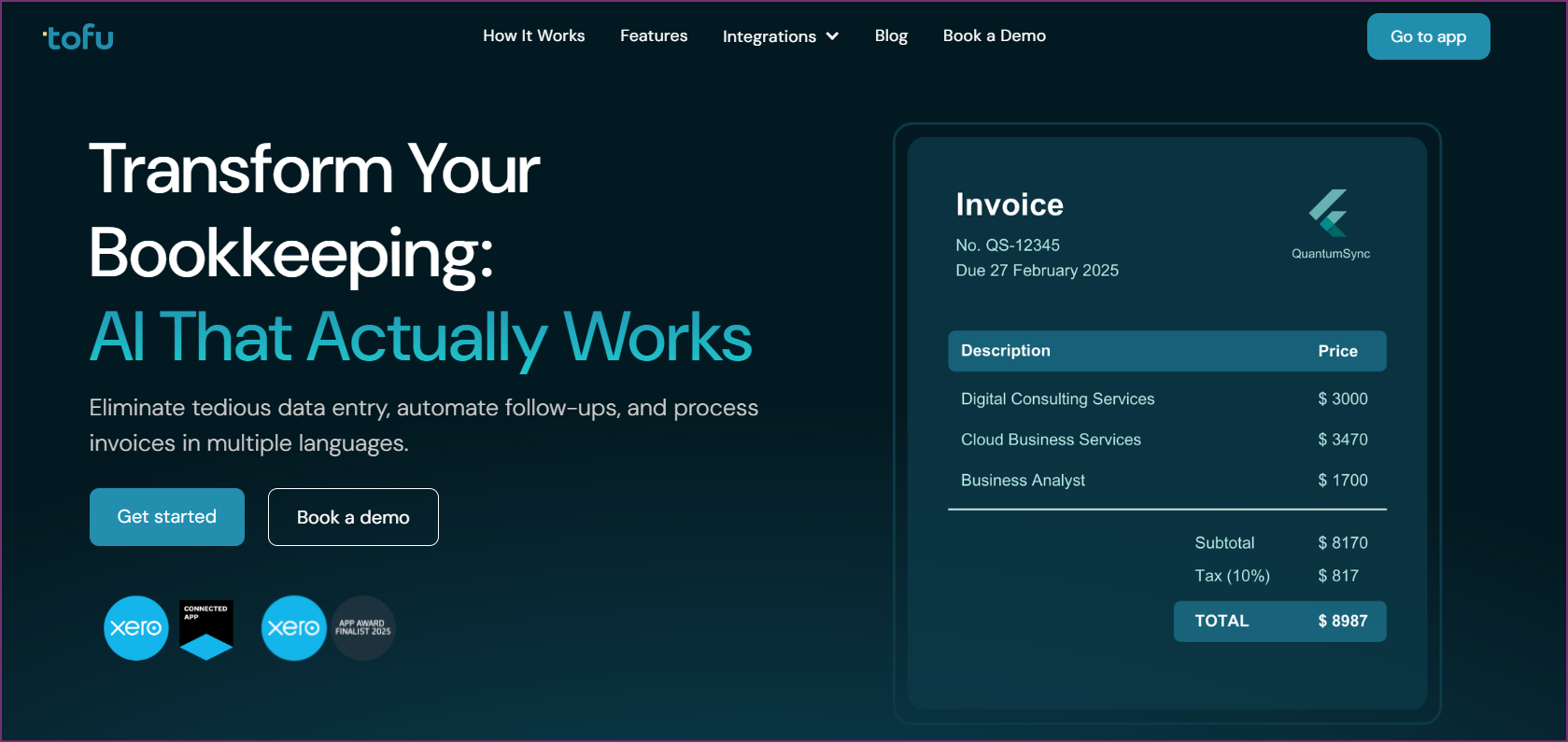
1. Tofu - Best for Accounting Firms With High Document Volume

Tofu - Best for Accounting Firms With High Document Volume

Accounting firms in the Philippines manage clients across industries - retail, manufacturing, services, trading - each producing documents in different formats and sometimes different languages. Tofu was built precisely for this environment: zero configuration, no rules to set up, no templates to train.

Where traditional OCR tools require accountants to configure extraction rules for every new supplier, Tofu processes documents without any setup. Drop in a PDF or scanned receipt, and the system extracts data line by line - not just totals. That distinction matters: line-item extraction means the bookkeeping entries are complete and accurate, not approximated from subtotals.

Key Features

  • Zero-configuration AI: No rules, no templates, no training required
  • 200+ language support: Handles Chinese fapiao, Arabic, Japanese, Filipino, and handwritten documents - critical for Philippine firms with international suppliers
  • Line-by-line extraction: Full data capture, not just document totals
  • Automatic PDF splitting: Upload a bulk PDF of 50 invoices and Tofu separates them automatically
  • Xero and QuickBooks integration: Sends extracted data directly to existing accounting platforms
  • Entity-based pricing: No per-user fees - one flat rate per entity regardless of team size

Firms serving clients with Chinese suppliers - common in Philippine trading and retail - benefit from Tofu's fapiao processing. Most competing tools fail entirely on Chinese-language documents, forcing accountants to enter the data manually. Tofu eliminates that bottleneck.

Why Top Accounting Networks Use Tofu

Tofu serves 7 of the Top 10 Global Accounting Networks, including Baker Tilly, BDO, Mazars, PKF, HLB, Kreston Global, and RSM. That adoption at the top tier reflects confidence in the platform's accuracy and reliability at scale. It was named a Xero Global Emerging App of the Year Finalist in 2025.

Pricing

  • Starter: $79/month (entity-based, no per-user fees)
  • Growth: $199/month (entity-based)

For an accounting firm managing multiple clients, Tofu's entity pricing typically works out more cost-effective than per-user alternatives as the team grows.

Pros

  • Processes documents in 200+ languages without configuration
  • Line-item extraction captures complete transaction data
  • Entity pricing scales well for growing firms
  • Automatic PDF splitting reduces manual prep work

Cons

  • Not a full accounting platform - works alongside Xero or QuickBooks
  • Best suited for firms with meaningful document volume (lower volume clients may not see the same ROI)

Best For

Accounting firms in the Philippines with international clients, high document volume, or multilingual receipt workflows. The zero-configuration approach makes onboarding new clients fast - no rules to set up per supplier.

Customer Reviews

Rated 5/5 stars on the Xero App Store. Selected as a Xero Global Emerging App of the Year Finalist 2025.
Book a Demo with Tofu

2. Xero - Best Cloud Accounting Platform for Philippine SMEs

Xero is one of the most widely adopted cloud accounting platforms in the Philippines. It handles invoicing, bank feeds, payroll, and reporting in a clean, browser-based interface. For growing Philippine businesses that want full accounting functionality without a large upfront cost, Xero is a strong starting point.

Key Features

  • Cloud-based with automatic backups and real-time collaboration
  • Integrates with 1,000+ apps including Tofu, Dext, and HubDoc
  • Unlimited users on all plans (no per-seat billing)
  • Multi-currency support on all plans, 160+ currencies
  • Xero App Store with Philippine-relevant tools

Pricing

  • Starter: ~$15/month
  • Standard: ~$42/month
  • Premium: ~$78/month

Pricing varies by region. HubDoc is included free with all Xero subscriptions - a useful addition for receipt capture.

Pros

  • Unlimited users across all plans
  • Large app ecosystem including local Philippine integrations
  • Strong multi-currency support

Cons

  • Not specifically designed for BIR compliance - may need supplementary tools for CAS registration
  • E-invoicing in Philippines-specific format may require a third-party add-on
  • No built-in multilingual document processing

Best For

Philippine SMEs and accounting firms looking for a modern cloud accounting platform with broad integration support.

3. QuickBooks - Best for Philippine Businesses in the Intuit Ecosystem

QuickBooks remains one of the most recognized bookkeeping platforms globally and has a solid user base in the Philippines. It covers the core accounting functions: invoicing, expense tracking, payroll, and reporting. The cloud version (QuickBooks Online) works well for remote teams and multi-device access.

Key Features

  • Income and expense tracking
  • Bank reconciliation with automated categorization
  • Invoicing with payment links
  • Payroll add-on available
  • 160+ currencies supported (multi-currency on higher plans)

Pricing

  • Starting at ~$30/month (~RM65/month in regional markets)
  • Multi-currency on higher-tier plans only

Pros

  • Familiar interface for accountants trained on QuickBooks
  • Strong third-party integration support
  • Mobile app available

Cons

  • Per-user pricing increases cost for growing teams
  • Multi-currency locked behind higher plans
  • Limited multilingual document processing

Best For

Philippine businesses or accountants already trained on QuickBooks who want cloud access and basic automation.

Rated 4/5 stars on G2.
4. Wave - Best Free Bookkeeping Software for Philippine Micro-Businesses

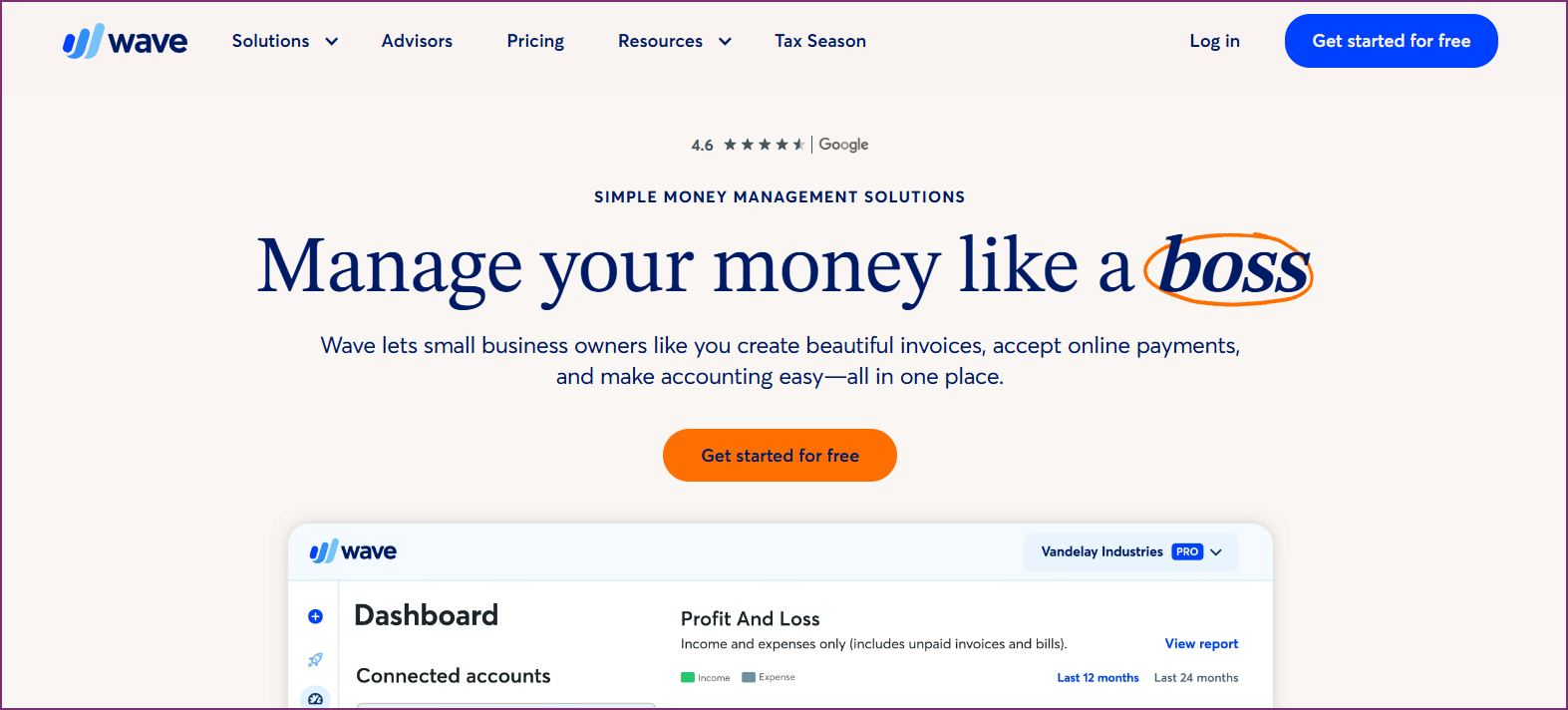
Wave offers core accounting features at no cost - genuinely free, not a trial. For a Philippine freelancer, solopreneur, or small business with straightforward finances, Wave covers the basics: income tracking, expense recording, invoicing, and bank connections.

Key Features

  • Free cloud accounting with unlimited users
  • Invoicing and payment tracking
  • Basic receipt scanning (totals only)
  • Financial reports (income statement, balance sheet)
  • Payroll and payment processing as paid add-ons

Pricing

  • Accounting: Free
  • Payments: 2.9% + $0.60 per credit card transaction
  • Payroll: Starting at $20/month + $6 per employee

Pros

  • Completely free for core bookkeeping
  • No per-user fees
  • Easy setup for non-accountants

Cons

  • Receipt scanning captures totals only, not line items
  • Limited automation - manual data entry still required for many tasks
  • English-language focus; struggles with non-English documents
  • No multi-currency consolidated reporting

Best For

Philippine freelancers, home-based businesses, or micro-enterprises with simple bookkeeping needs and no budget for paid tools.

Rated 4.4/5 stars on G2 and 4.4/5 on Capterra.
5. FreshBooks - Best for Filipino Freelancers and Service Businesses

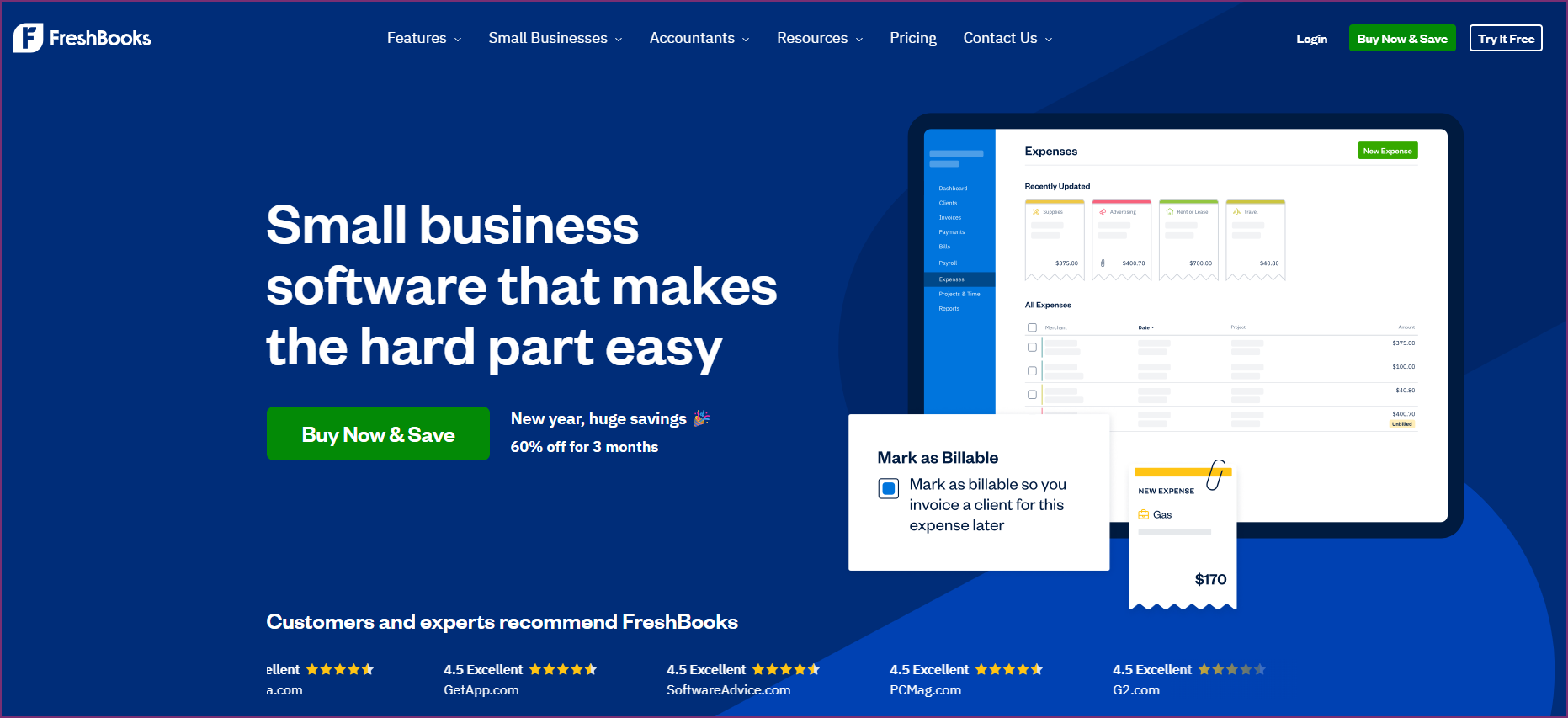
FreshBooks is designed for service-based businesses: consultants, agencies, freelancers, and professionals who invoice clients and track hours. The interface is straightforward enough for non-accountants to use without training. In the Philippines, where the freelance economy is large, FreshBooks has a natural audience.

Key Features

  • Time tracking and project billing
  • Professional invoicing with online payment options
  • Expense tracking with receipt photo uploads
  • 150+ currencies for invoicing

Pricing

  • Lite: $19/month (5 clients)
  • Plus: $33/month (50 clients)
  • Premium: $60/month (unlimited clients)

Pros

  • Simple invoicing for non-accountants
  • Strong time tracking for billable hours
  • Clean mobile app

Cons

  • Client limits on lower plans
  • English-focused interface
  • No document automation for bulk receipts
  • Not designed for complex accounting or multi-entity firms

Best For

Filipino freelancers, independent consultants, and small service businesses that need invoicing and basic expense tracking more than full accounting features.
6. Zoho Books - Best Affordable Accounting for Small Philippine Businesses

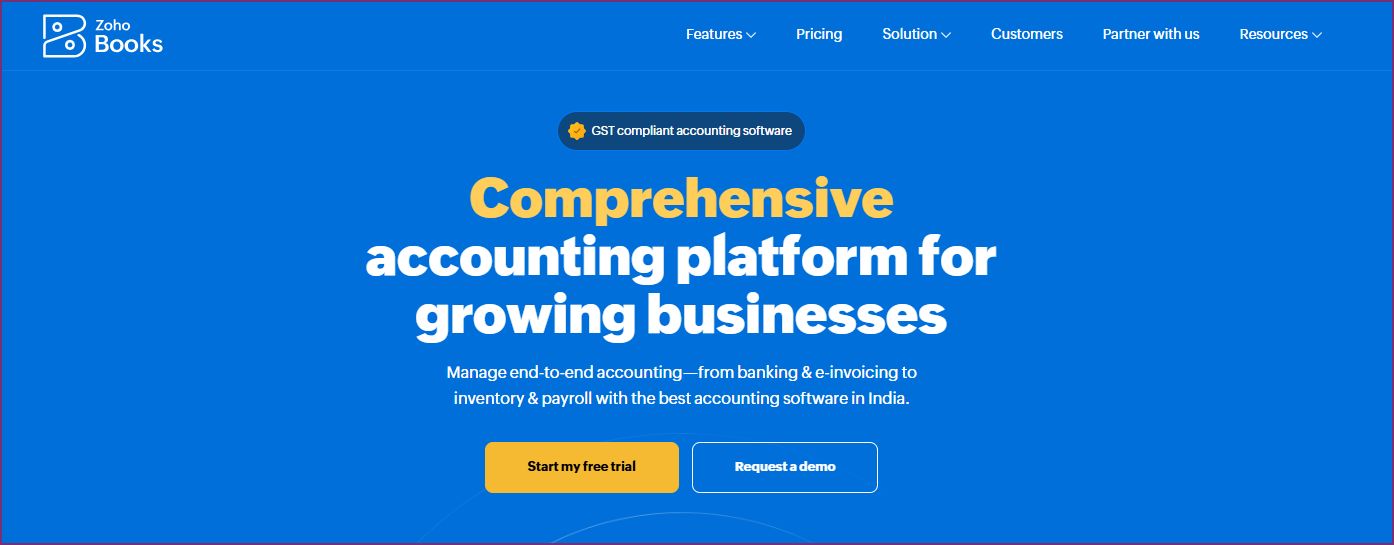
Zoho Books is the accounting module in the Zoho ecosystem. Businesses already using Zoho CRM, Zoho Inventory, or other Zoho apps benefit from tight integration across the suite. The pricing is competitive, making it accessible for Philippine SMEs on limited budgets.

Key Features

  • Double-entry accounting
  • Bank feeds and reconciliation
  • Client portal for invoice approvals
  • 25+ currencies
  • Integration with Zoho CRM, Inventory, and other apps

Pricing

  • Free: Limited features for solopreneurs
  • Standard: ~$15/month
  • Professional: ~$50/month

Pros

  • Affordable for small businesses
  • Integrates well within Zoho ecosystem
  • Client portal improves invoice collection

Cons

  • Fewer currencies than Xero or QuickBooks
  • Limited multilingual document processing
  • Less developed app marketplace outside the Zoho suite

Best For

Philippine small businesses already using other Zoho products, or those wanting affordable cloud accounting with a client portal.
7. Dext - Best Document Capture for Established Accounting Firms

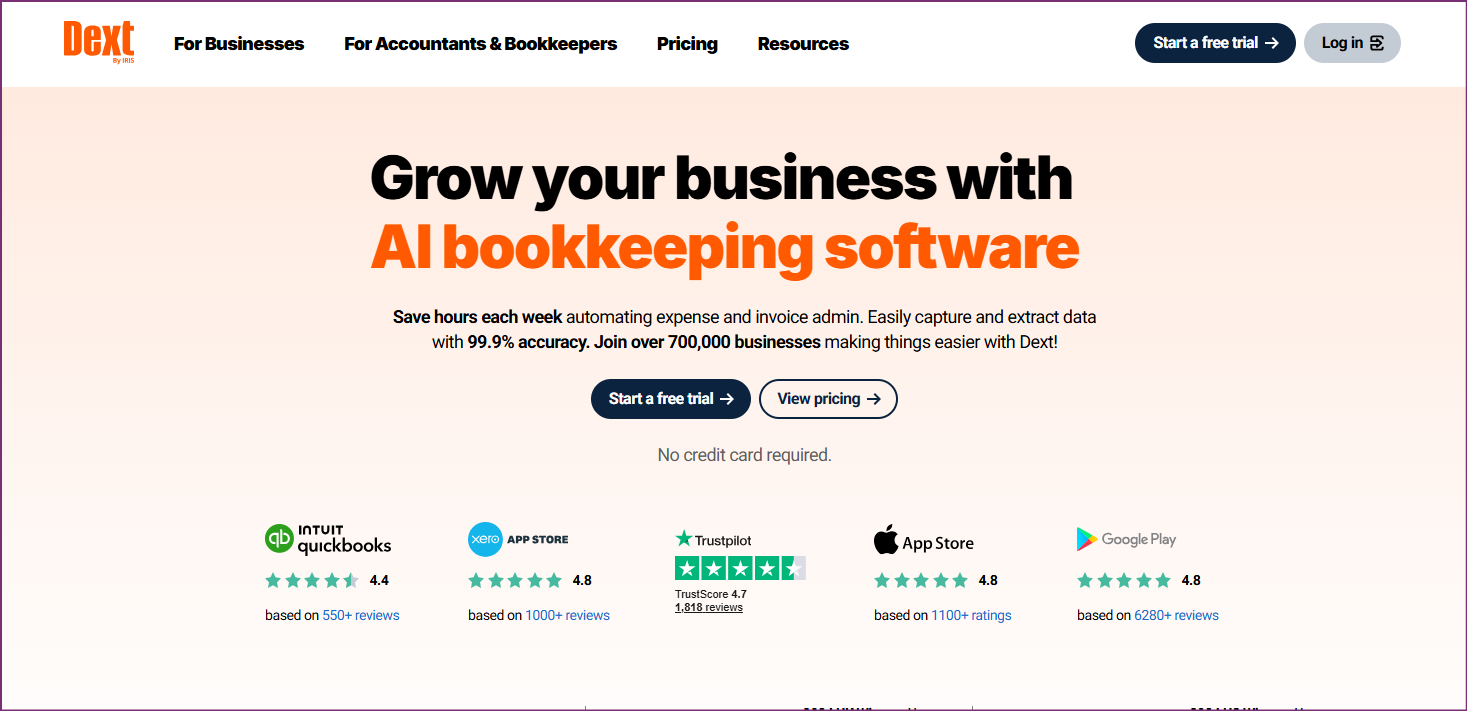
Dext (formerly Receipt Bank) is a document capture and data extraction platform used by accounting firms globally. It collects receipts, invoices, and bills from multiple sources - email, mobile, desktop - and extracts the data for transfer to accounting platforms like Xero or QuickBooks.

Key Features

  • Multi-channel document capture (email, mobile, web)
  • Automated data extraction
  • Integrations with major accounting platforms
  • Line-item extraction on supported document types
  • Supplier rule management

Pricing

Per-user pricing model. Contact Dext for current Philippines pricing.

Pros

  • Mature platform with established accounting firm user base
  • Multiple capture channels
  • Strong accounting platform integrations

Cons

  • Complex rule setup required for each supplier
  • Per-user pricing increases cost for growing teams
  • Western-language focus - limited support for Asian-language documents
  • Configuration burden is significant compared to zero-config alternatives like Tofu

Best For

Accounting firms that primarily handle English-language documents and already have Dext workflows established. For firms with Asian-language documents, Tofu handles that workload better.

Rated 4.3/5 stars on G2 and 4.3/5 on Capterra.
8. HubDoc - Best Free Receipt Capture for Xero Users

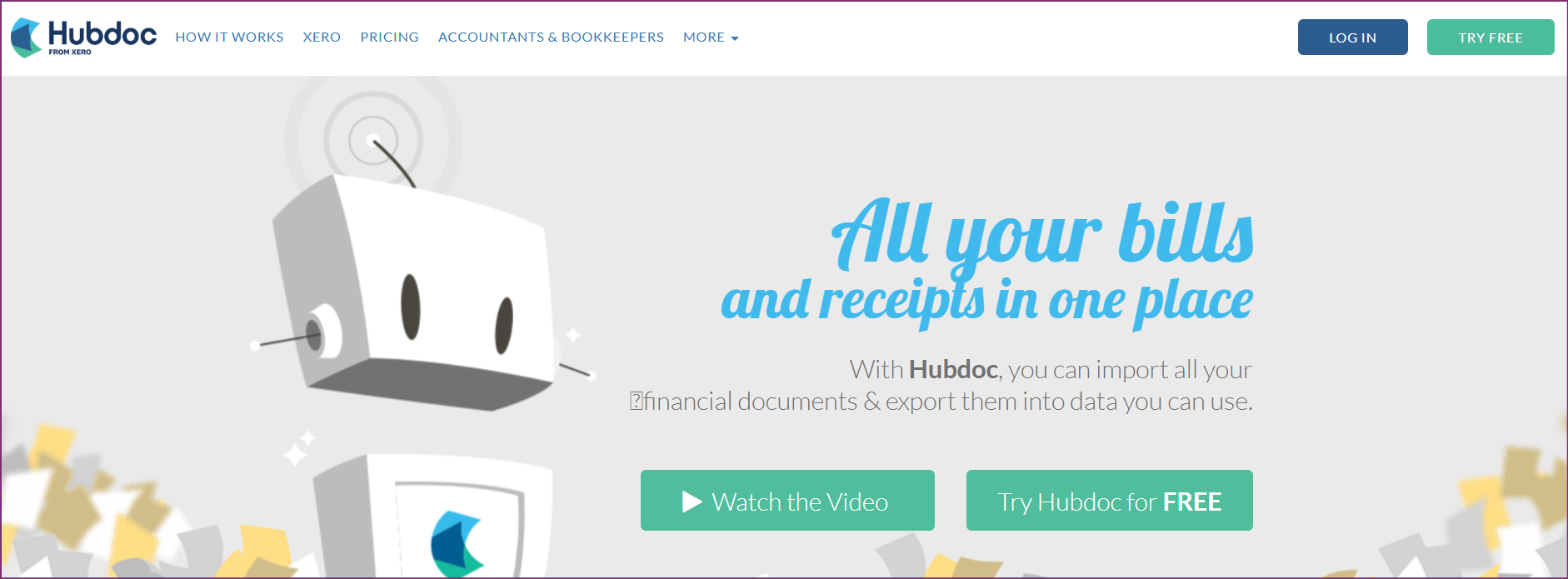
HubDoc is included free with every Xero subscription, making it a low-friction starting point for receipt and document capture. It fetches bills and statements automatically from supported suppliers and banks, reducing manual upload work.

Key Features

  • Automatic document fetching from 700+ financial institutions
  • Basic data extraction from receipts
  • Direct Xero integration
  • Mobile receipt capture

Pricing

Free with Xero subscription.

Pros

  • No additional cost for Xero users
  • Fetches bills automatically from banks and suppliers
  • Simple setup

Cons

  • Extracts totals only, not line items
  • Limited language support beyond English
  • Minimal development since Xero acquisition
  • No automatic PDF splitting for bulk documents

Best For

Xero users wanting a free, simple document capture tool for English-language receipts. For firms that need line-item extraction or multilingual support, Tofu is the upgrade path.

Rated 4.3/5 stars on G2 and 4.2/5 on Capterra.
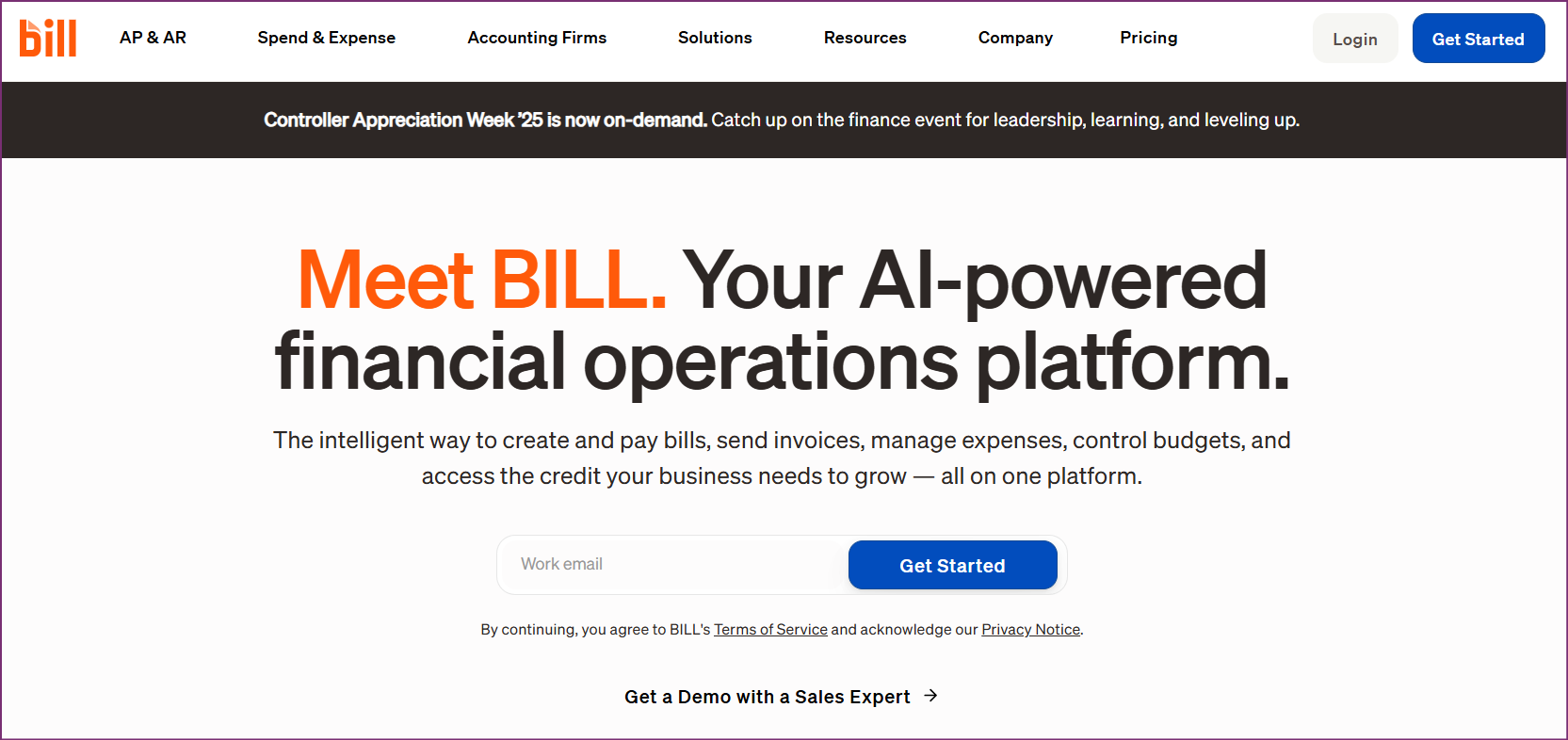
9. BILL - Best AP/AR Automation for Mid-Size Philippine Firms

BILL (formerly Bill.com) focuses on accounts payable and accounts receivable automation. It's particularly useful for Philippine businesses making or receiving regular payments to multiple vendors, where manual approval workflows slow things down.

Key Features

  • Automated AP and AR workflows
  • Approval routing and payment scheduling
  • ACH and international wire payments
  • Integration with QuickBooks, Xero, NetSuite
  • Document storage and audit trails

Pricing

  • Essentials: $45/user/month
  • Team: $55/user/month
  • Corporate: $79/user/month

Pros

  • Strong AP workflow automation
  • Approval routing reduces payment delays
  • Integrates with major accounting platforms

Cons

  • Per-user pricing adds up for large teams
  • Primarily US-focused - some payment features may have limitations in the Philippines
  • Cost is high relative to document volume for smaller firms

Best For

Mid-size Philippine businesses or firms with high AP/AR volume that need structured approval and payment workflows.

Rated 4.4/5 stars on G2.
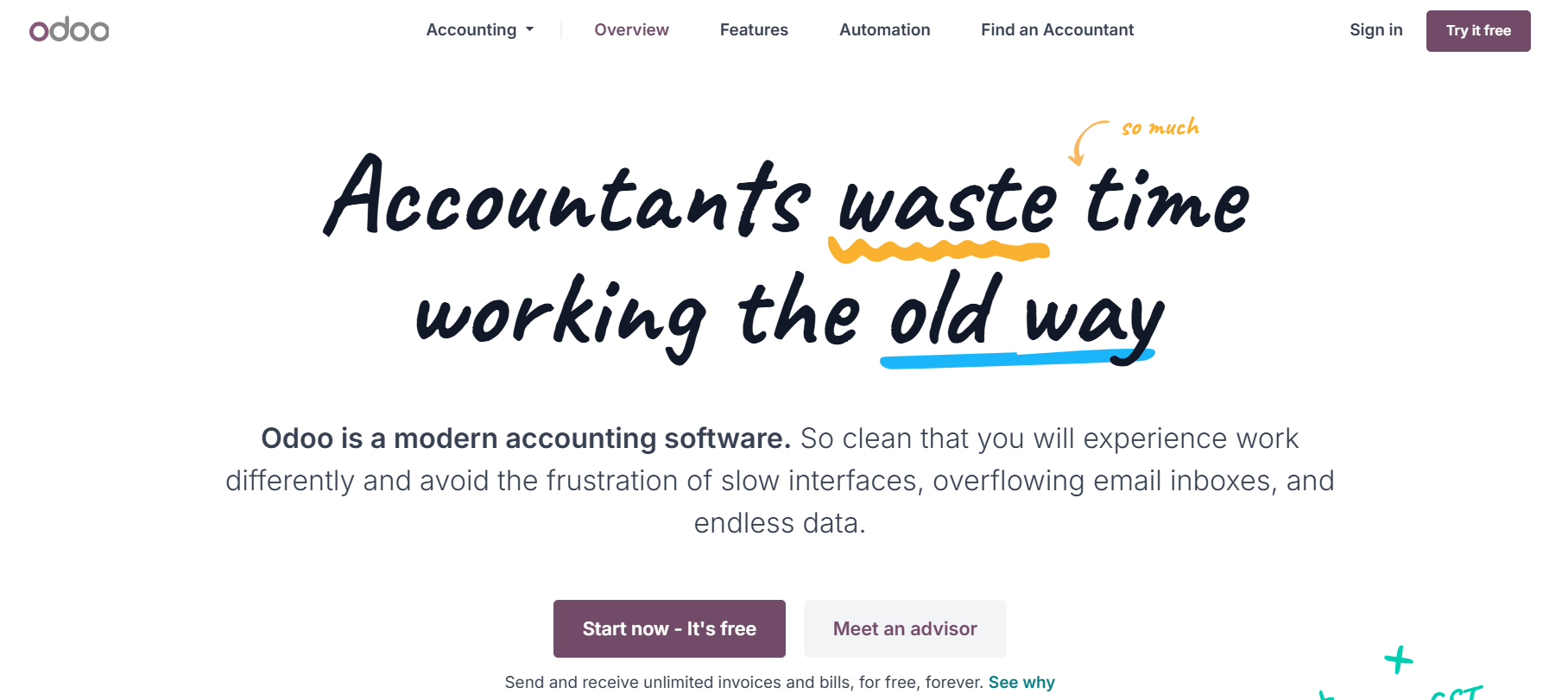
10. Odoo - Best Modular ERP for Philippine Businesses Needing More Than Bookkeeping

Odoo is an open-source ERP that includes an accounting module alongside inventory, HR, CRM, and manufacturing. For Philippine businesses that need accounting tightly integrated with other business functions, Odoo provides a modular path to building out the full stack.

Key Features

  • Full double-entry accounting
  • Multi-language interface including Arabic and English
  • VAT and multi-country tax compliance
  • Modular system: add HR, inventory, CRM as needed
  • Open-source customization options
  • Available as cloud or self-hosted

Pricing

  • Base: €19.90/user/month
  • Additional modules add cost

Pros

  • Modular - pay only for what you need
  • Open-source allows deep customization
  • Multi-language interface
  • Strong for businesses needing ERP alongside accounting

Cons

  • Implementation complexity increases with more modules
  • Partner assistance often needed for full deployments
  • Costs escalate as modules are added
  • Bookkeeping automation (document processing) is not a native strength

Best For

Philippine businesses that need a full ERP system and want accounting as one integrated module rather than a standalone tool.

Feature Comparison: All 10 Bookkeeping Tools

                                                                                                                                                                                                                                                                                                                                                                 
FeatureTofuXeroQuickBooksWaveFreshBooksZoho BooksDextHubDocBILLOdoo
Full accounting platform-YesYesYesPartialYes--PartialYes
Document processingYes--BasicBasic-YesBasic--
Multi-language documents200+LimitedLimitedNoNoLimitedLimitedNoNoInterface only
Line-item extractionYes--NoNo-PartialNo--
Entity-based pricingYesYesNoYesNoNoNoYesNoNo
BIR-readyVia integrationsVia integrationsVia integrationsManualManualVia integrationsVia integrationsVia integrationsVia integrationsConfigurable
Free planNoNoNoYesNoYes (limited)NoWith XeroNoNo

Pricing Comparison

                                                                                                                         
ToolStarting PricePricing Model
Tofu$79/monthEntity-based (no per-user fees)
Xero~$15/monthFlat monthly, unlimited users
QuickBooks~$30/monthFlat monthly (per-user on some features)
WaveFreeFree (paid add-ons)
FreshBooks$19/monthFlat monthly by client count
Zoho Books~$15/monthFlat monthly
DextCustom/per-userPer-user
HubDocFree with XeroIncluded in Xero subscription
BILL$45/user/monthPer-user
Odoo€19.90/user/monthPer-user, per-module

BIR Compliance Considerations in the Philippines

Philippine businesses operating as VAT-registered entities or with annual gross sales above the threshold are required to comply with BIR rules on computerized accounting systems. Key compliance points:

  • CAS Registration: Businesses using computerized accounting must register their system with the BIR. This typically involves submitting documentation about the software used.
  • Official Receipts and Invoices: The BIR requires businesses to issue registered official receipts or invoices. Some cloud platforms support e-invoicing; others require supplementary tools.
  • VAT at 12%: Bookkeeping software should handle 12% VAT calculations and generate VAT returns in BIR-required formats.
  • BIR Form 2307: For withholding tax on payments, the system should track and generate this form.

None of the platforms on this list are certified by the BIR out of the box for all use cases. Philippine businesses should confirm their specific CAS registration requirements with a local CPA or tax consultant before selecting software.

How to Choose: Matching Tools to Your Needs

Choose Tofu if you:

  • Run an accounting firm handling multiple Philippine clients with diverse document types
  • Receive receipts, invoices, or bills in Chinese, Japanese, Filipino, or other non-English languages
  • Want zero-configuration document processing with no rules to set up
  • Need line-item extraction rather than totals-only capture
  • Are tired of Dext or HubDoc failing on Asian-language documents

Book a Demo with Tofu

Choose Xero if you:

  • Need a full cloud accounting platform with invoicing, bank feeds, and reporting
  • Want unlimited users without paying per-seat
  • Plan to integrate with multiple Philippine-relevant apps

Choose QuickBooks if you:

  • Already have staff trained on QuickBooks
  • Need a recognized platform with local accountant support

Choose Wave if you:

  • Run a micro-business with simple bookkeeping needs
  • Have no budget for paid accounting software

Choose FreshBooks if you:

  • Are a freelancer or service professional who needs invoicing more than full accounting

Choose Zoho Books if you:

  • Already use other Zoho products
  • Need affordable accounting with a client portal

Choose Dext if you:

  • Work primarily with English-language documents
  • Have existing Dext workflows and team training in place

Choose HubDoc if you:

  • Already pay for Xero and want a free receipt capture starting point

Choose BILL if you:

  • Have high AP/AR volume and need structured payment approval workflows

Choose Odoo if you:

  • Need accounting as part of a full ERP alongside inventory, HR, and CRM

Philippines Bookkeeping Trends in 2026

The Shift Toward Cloud Accounting

Philippine businesses are moving away from desktop accounting software faster than most markets in Southeast Asia. Improving internet infrastructure and mobile access have made cloud platforms practical for businesses outside Metro Manila. Small businesses in Cebu, Davao, and Iloilo are increasingly adopting the same tools as Manila-based firms.

The Bureau of Internal Revenue has been pushing digital tax compliance through its eFPS and eBIRForms systems. This trend signals that more digital integration will be expected, not optional, in the years ahead.

AI and Automation Adoption

Accounting firms in the Philippines face a familiar challenge: rising client numbers without proportional headcount growth. AI document processing tools address this directly. Instead of hiring additional bookkeeping staff to handle data entry, firms can process higher volumes with the same team size.

Tofu's zero-configuration approach is particularly relevant here. Traditional OCR tools require setup time per supplier - a cost that adds up when onboarding new clients. A tool that processes any document from any supplier without prior configuration removes that bottleneck entirely.

Multi-Language Requirements

The Philippines imports heavily from China, Japan, South Korea, and other Asian markets. Supplier invoices and purchase orders often arrive in languages other than English or Filipino. Philippine accounting firms that serve import-heavy businesses need document processing tools that can handle this diversity without manual re-keying.

This is where most general-purpose accounting platforms fall short. Tofu's 200+ language capability directly addresses what has historically been a significant manual workload for Philippine bookkeeping teams.

Frequently Asked Questions

What is the best bookkeeping software for small businesses in the Philippines?

For small businesses with simple needs, Wave is free and covers basic bookkeeping. For businesses that invoice clients regularly, Xero or FreshBooks offer more complete features at affordable prices. Accounting firms handling multiple clients benefit most from adding Tofu for document automation.

Does bookkeeping software need BIR approval in the Philippines?

Businesses using computerized accounting systems are required to register with the BIR under its CAS (Computerized Accounting System) regulations. The specific requirements depend on business size and registration status. Consult with a Philippine CPA or tax professional to confirm what applies to your business.

What is the difference between bookkeeping software and accounting software?

Bookkeeping software focuses on recording transactions - income, expenses, receipts, and invoices. Accounting software typically includes broader features: financial reporting, tax calculations, payroll, and multi-entity consolidation. Many modern platforms combine both. Document processing tools like Tofu focus specifically on automating the data entry part of bookkeeping.

Can I use Xero for BIR compliance in the Philippines?

Xero handles core accounting functions well but is not a BIR-certified system by default. Philippine businesses may need to work with a local CPA and possibly supplementary tools for BIR-specific reporting requirements.

What bookkeeping software handles receipts in Filipino or other Asian languages?

Tofu supports 200+ languages including Filipino, Chinese, Japanese, and Arabic - making it the strongest option for Philippine accounting firms with multilingual document workflows. Most other tools on this list are limited to English-language document processing.

How much does bookkeeping software cost in the Philippines?

Prices range from free (Wave) to enterprise-level custom pricing. For cloud accounting, expect $15-80/month for SME-focused tools. For document automation at the accounting firm level, Tofu starts at $79/month with entity-based pricing that covers the full team.

Is cloud bookkeeping software safe for Philippine businesses?

Reputable cloud platforms use bank-grade encryption and comply with international data security standards. Check each provider's data residency policies - some store data in US or European data centers. For businesses with data residency concerns, verify where your data is stored before committing to a platform.

Conclusion

Philippine businesses and accounting firms have more bookkeeping software options than ever. The right choice depends on what you're actually solving for.

If the main pain point is document volume and multilingual receipts - which is common in the Philippines given trade ties with China, Japan, and other ASEAN markets - Tofu addresses that directly. Zero-configuration AI, 200+ language support, and entity-based pricing make it the practical choice for accounting firms scaling their client base.

For standalone cloud accounting, Xero remains the leading option for Philippine SMEs wanting full accounting functionality with a broad integration ecosystem. QuickBooks suits businesses with existing Intuit workflows, and Wave works for micro-businesses on zero budget.

Start with your biggest pain point. If it's manual data entry from receipts, Book a Demo with Tofu and see what zero-configuration document processing looks like for your firm.


Latest blog posts

Stay up to date on new Tofu features, automation workflows, and the emerging tech shaping the future of bookkeeping.
View all
Tool Comparisons

8 Best Invoice Capture Software in 2026: Compared for Accounting Firms

A comprehensive comparison of the best invoice capture software tools in 2026, covering AI-powered solutions, OCR tools, and AP automation platforms for accounting firms and finance teams.
Jay Sen Lon
February 19, 2026
Tool Comparisons

Automated Invoice Data Capture: How AI and OCR Eliminate Manual Data Entry

A complete guide to automated invoice capture - covering the evolution from manual processes to OCR, AI, and LLM-powered extraction, with practical guidance on selecting the right approach for your accounting firm.
Jay Sen Lon
February 18, 2026
Tool Comparisons

What Is Invoice Capture? The Complete Guide to Invoice Data Capture 2026

A complete guide to invoice capture - covering the definition, how it works, manual vs automated methods, key technologies including OCR and AI, and the benefits for accounting firms and finance teams.
Jay Sen Lon
February 16, 2026

Start Saving Hours Each Week With AI Bookkeeping

Discover how Tofu automates bookkeeping workflows from invoice to ledger. Schedule your demo today.