Jay Sen Lon
February 6, 2026

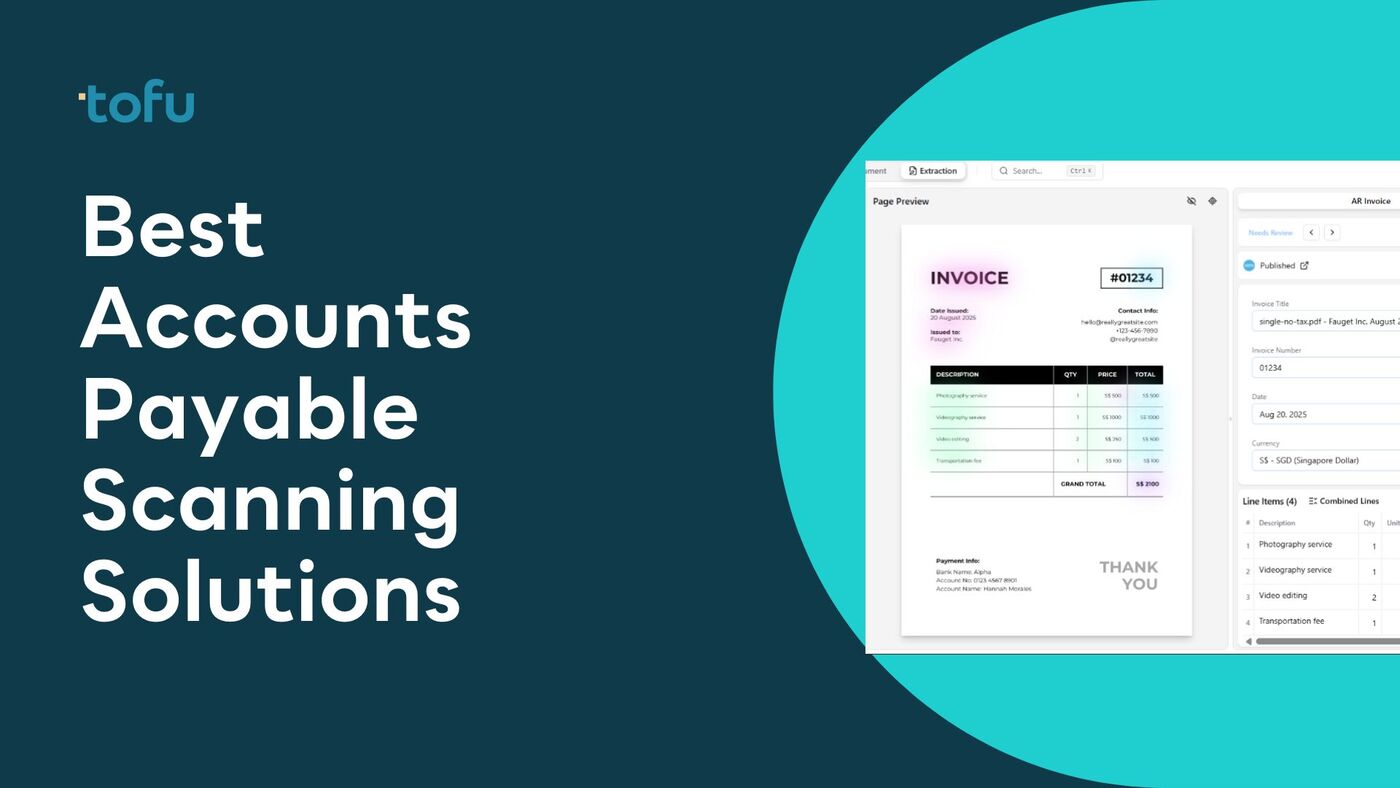
Manual invoice processing drains resources that accounting teams could spend on strategic work. Scanning invoices into accounts payable systems reduces data entry time by 70-80%, but not all scanning solutions deliver the same accuracy or ease of use.
This guide compares eight leading accounts payable scanning solutions based on extraction accuracy, language support, automation capabilities, and total cost. Whether your firm processes 100 invoices monthly or manages documents for dozens of clients across multiple regions, the right scanning software can transform your AP workflow.
Quick Answer: Tofu leads the market for accounts payable scanning with zero-configuration AI that extracts line-item data from invoices in 200+ languages, including handwritten documents and complex formats like Chinese fapiao. Unlike traditional OCR tools requiring extensive rule configuration, Tofu works immediately after setup with entity-based pricing that scales without per-user fees.
Accounts payable scanning software automates the capture and extraction of data from supplier invoices and purchase documents. These tools use optical character recognition (OCR) and artificial intelligence to convert paper documents, PDFs, and email attachments into structured data that flows directly into accounting systems like Xero, QuickBooks, or NetSuite.
The technology has evolved significantly from basic OCR that simply digitized text. Modern AP scanning solutions employ machine learning models trained on millions of invoices to understand document layouts, identify key fields, and extract line-item details with minimal human intervention. Advanced platforms handle multi-language documents, handwritten notes, and complex invoice formats that traditional OCR struggles to process.
The core purpose is eliminating manual data entry. Accounting teams previously spent hours typing invoice numbers, dates, amounts, tax details, and line items into their systems. Scanning software automates this extraction, allowing staff to review and approve rather than manually input data. This shift reduces processing time per invoice from 5-10 minutes to under 1 minute while dramatically improving accuracy.
For accounting firms serving multiple clients, AP scanning software becomes even more valuable. Firms processing invoices for 50-100 clients face thousands of documents monthly across different languages, currencies, and formats. Solutions that require per-client rule configuration create bottlenecks. Modern AI-powered platforms eliminate this setup burden, allowing firms to onboard new clients instantly.
The business impact extends beyond time savings. Faster invoice processing enables early payment discounts, prevents late fees, and improves vendor relationships. Real-time visibility into AP obligations helps businesses manage cash flow more effectively. For firms, automation allows the same team to serve more clients without proportional staff increases.
Selecting AP scanning software requires evaluating several critical factors that directly impact your ROI and workflow efficiency.
Extraction accuracy and depth matter most. Some tools extract only header information like invoice totals and dates. Others capture line-item details including descriptions, quantities, unit prices, and tax breakdowns. Line-item extraction is essential for businesses that need to code expenses to different accounts or track inventory. Verify accuracy claims with a pilot test using your actual invoices, not vendor-provided samples.
Language and format support becomes critical for international operations or firms serving diverse clients. If you process Chinese fapiao, Japanese receipts, or handwritten invoices, confirm the platform handles these without additional configuration. Many solutions claim multi-language support but only work well with English documents. Request specific examples matching your document types before committing.
Configuration requirements separate modern AI platforms from traditional OCR tools. Legacy solutions require building templates and rules for each supplier or invoice format. This setup takes hours per client and breaks when suppliers change formats. Zero-configuration AI platforms like Tofu learn document structures automatically, eliminating setup time entirely.
Integration with your accounting platform determines how smoothly data flows into your existing systems. Native integrations with Xero, QuickBooks, NetSuite, or your ERP ensure extracted data maps correctly to your chart of accounts. API availability matters if you need custom workflows or want to build automations beyond standard features.
Pricing model alignment with your business structure prevents cost surprises as you scale. Per-user pricing hurts accounting firms adding staff. Per-document pricing creates uncertainty for businesses with seasonal volume fluctuations. Entity-based pricing offers predictable costs regardless of user count or document volume within reasonable limits. Calculate total cost of ownership including implementation, training, and ongoing support, not just the monthly subscription.
Automation capabilities beyond basic extraction determine your efficiency gains. Automatic PDF splitting processes bulk email attachments without manual separation. Intelligent routing sends invoices to appropriate approvers based on amount, department, or vendor. Exception handling for mismatches between POs and invoices requires review, not complete re-entry. Evaluate which workflows cause your team the most friction today, then verify solutions address those specific pain points.
Vendor stability and support quality impact long-term success. Solutions from vendors actively developing features adapt to changing business needs. Check if the vendor serves clients similar to your business size and industry. Review support availability, response times, and whether implementation assistance is included or charged separately. For mission-critical AP processing, understanding vendor commitment to the product line matters as much as current features.
Common pitfalls to avoid: Don't choose based on lowest price alone without verifying extraction accuracy with your document types. Avoid solutions requiring extensive IT involvement for ongoing maintenance. Be cautious of vendors reluctant to provide trial access with your actual documents. Skip platforms that lock you into proprietary formats making data migration difficult.
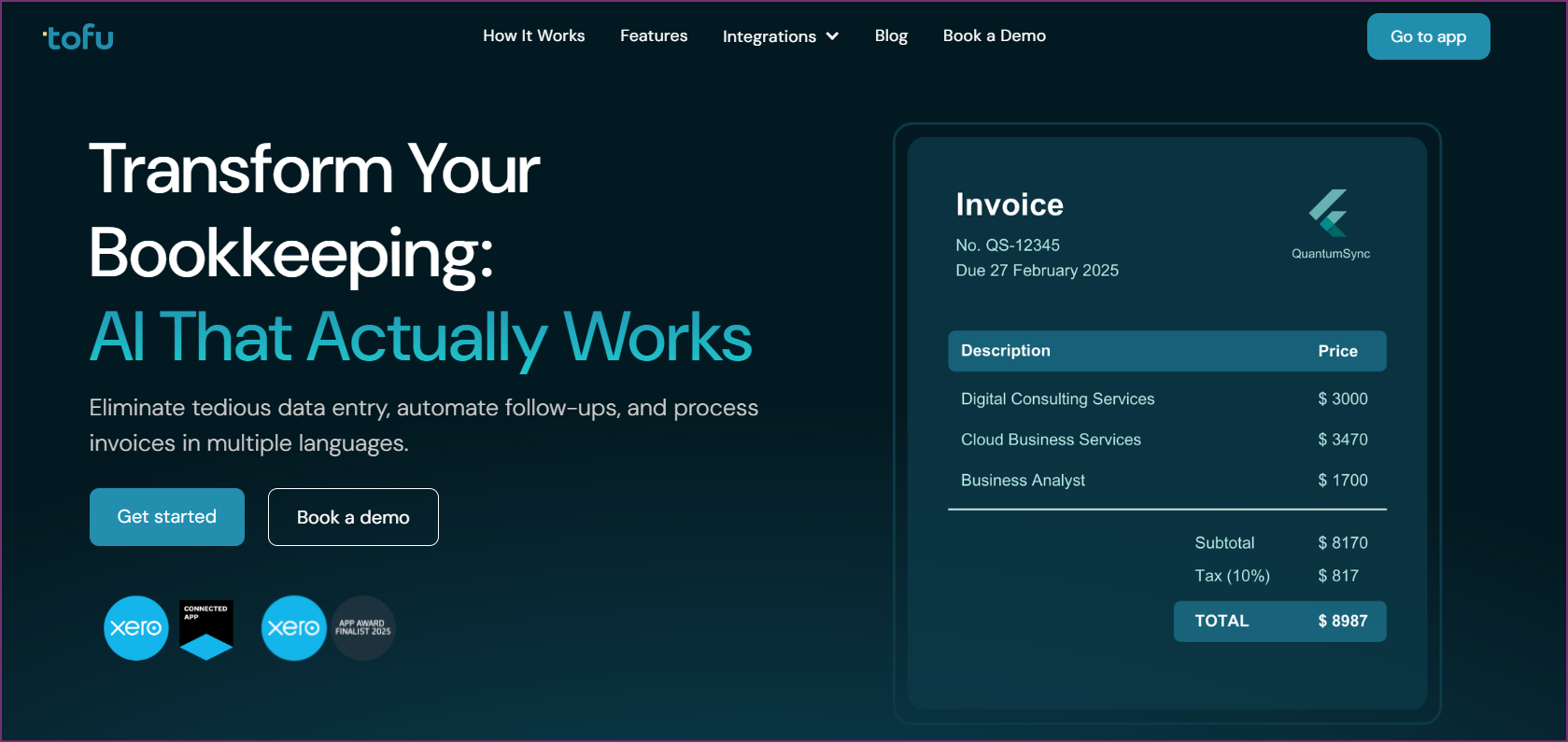
Tofu sets the standard for accounts payable scanning with zero-configuration AI that processes invoices in 200+ languages without template setup or rule building. Built specifically for accounting firms and businesses operating in APAC markets, Tofu handles document complexity that traditional OCR systems can't process: Chinese fapiao with mixed English-Chinese text, handwritten Japanese receipts, Thai invoices with non-standard layouts, and everything in between.
The platform's extraction accuracy stems from AI models trained on millions of international invoices rather than predominantly Western documents. Tofu extracts line-by-line data including item descriptions, quantities, unit prices, tax amounts, and subtotals automatically. This depth matters for businesses that need expense coding by department or project tracking, not just total amounts. The system processes structured invoices from enterprise vendors and informal receipts from local suppliers with equal reliability.
Setup takes minutes rather than hours or days. Connect Tofu to your Xero or QuickBooks Online account, configure basic preferences, and start processing invoices immediately. No rule configuration for different supplier formats. No template building for each client. No IT involvement for ongoing maintenance. This zero-configuration approach enables accounting firms to onboard new clients the same day without pre-processing setup that creates bottlenecks with traditional scanning tools.
Automatic PDF splitting handles bulk invoice processing that accounting firms face. Upload a 50-page PDF containing multiple invoices from different suppliers, and Tofu automatically separates them into individual documents, extracts data from each, and routes them appropriately. This capability eliminates the manual splitting work that consumes hours each month when clients forward compiled invoice files.
Tofu's entity-based pricing model charges per business entity, not per user or document. Accounting firms processing invoices for 30 clients pay a predictable monthly fee regardless of how many staff members access the system or invoice volume fluctuations. This pricing structure contrasts sharply with per-user models where adding team members multiplies costs, or per-document pricing that creates budget uncertainty during high-volume periods.
The platform serves seven of the world's Top 10 Global Accounting Networks including Baker Tilly, Mazars, BDO, and RSM. This enterprise adoption validates Tofu's reliability for mission-critical AP processing at scale. Recognition as a Xero Global Emerging App of the Year Finalist 2025 demonstrates the platform's innovation and customer impact.
APAC market focus extends beyond language support to regional compliance understanding. Tofu processes SST invoices for Malaysia, GST documentation for Singapore, VAT invoices across various jurisdictions, and e-invoicing formats that different countries mandate. This built-in regional knowledge reduces compliance risk compared to Western-centric tools adapted for international use.
Integration with major accounting platforms ensures extracted data flows cleanly into existing workflows. Native Xero and QuickBooks Online connectors map invoice data to your chart of accounts, handle multi-currency transactions, and sync vendor records automatically. API access enables custom integrations for firms with specialized systems or workflow requirements beyond standard features.
Real-time processing dashboard provides visibility across all entities. Accounting firm partners can monitor processing status for all clients from a single interface, identify bottlenecks, and track productivity metrics without switching between client files. This centralized oversight capability matters for firms managing dozens of client workflows simultaneously.
Tofu is the best choice for accounting firms serving multiple clients across APAC regions, businesses processing international invoices in multiple languages, and organizations frustrated with per-user pricing or complex rule configuration. The platform particularly benefits firms processing Chinese fapiao, Japanese receipts, or other non-Western document formats that traditional OCR handles poorly.
The solution is ideal for growing accounting practices that need to onboard new clients quickly without pre-processing setup delays. Businesses handling bulk invoice files from suppliers or clients will appreciate automatic PDF splitting. Companies with distributed teams across regions benefit from entity-based pricing that doesn't penalize adding users.
Tofu maintains a 5/5 star rating on the Xero App Store and was named a Xero Global Emerging App of the Year Finalist 2025. Customers consistently highlight the elimination of rule configuration work, accuracy with Asian language documents, and predictable pricing as key advantages over alternatives they previously used.
Book a Demo with Tofu to see how zero-configuration AP scanning handles your specific invoice types.
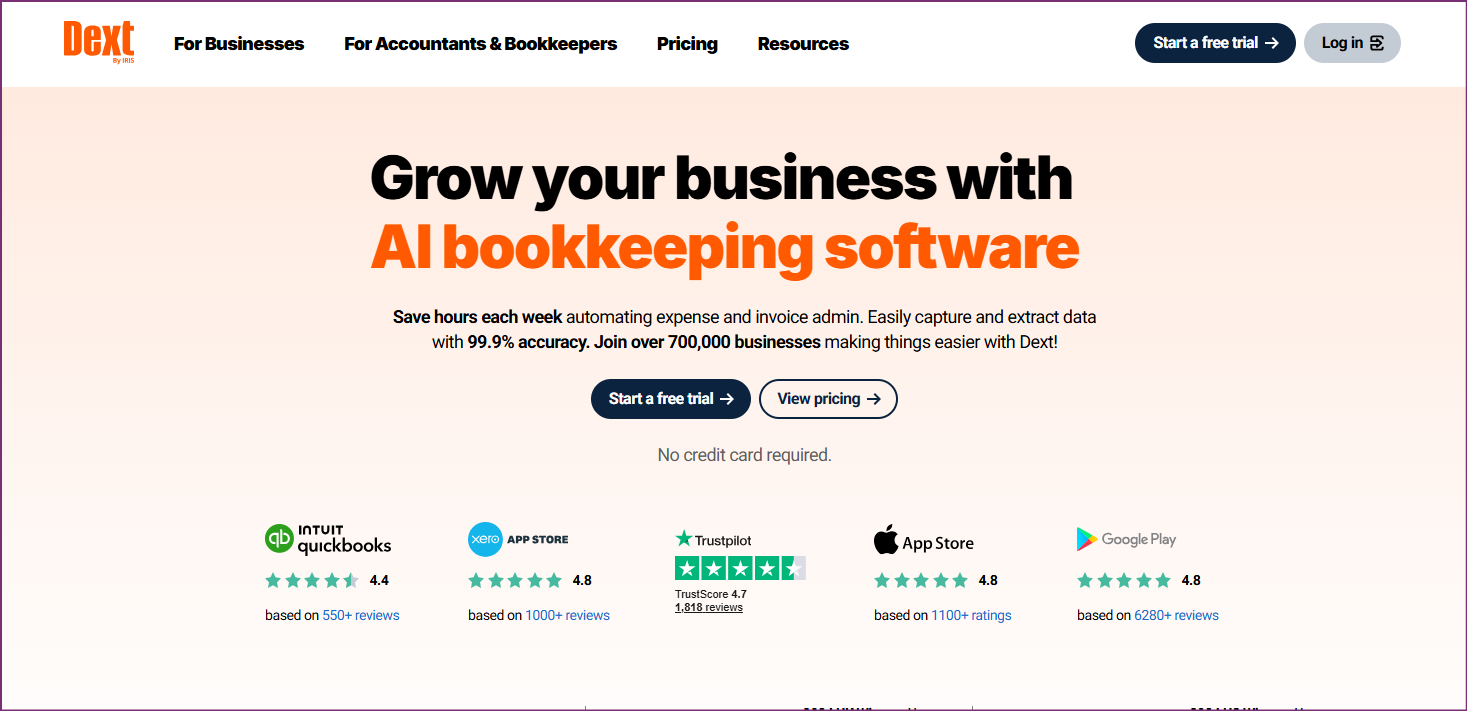
Dext (formerly Receipt Bank) serves Western markets with comprehensive document processing beyond basic invoice scanning. The platform offers receipt capture, expense management, and financial document organization alongside core AP scanning functionality.
The solution requires more configuration than AI-native alternatives but provides granular control for customization. Setup involves building templates for invoice formats and configuring approval workflows. This works for businesses with stable supplier relationships and standard formats, though it creates friction with one-off documents.
Dext's per-user pricing suits small, stable teams but becomes expensive as headcount grows. Features include mobile apps for receipt capture, bank feed reconciliation, and analytics dashboards. Integration ecosystem includes major accounting platforms and practice management software.
Language support focuses on Western European languages (English, French, German, Spanish) but struggles with Asian character sets and handwritten non-Western documents.
Per-user pricing model (specific tiers vary by region). Expect costs to multiply as team size grows. Annual contracts typically required for business plans.
Dext works best for Western-market businesses with stable teams, established supplier relationships, and standard invoice formats. Companies that value extensive feature sets and customization options over simplicity may prefer this approach despite higher costs and configuration overhead.
HubDoc comes free with Xero subscriptions, making it attractive for businesses already using Xero accounting. The platform provides basic document capture and extraction sufficient for straightforward workflows.
The key limitation is extraction depth. HubDoc captures totals, dates, and vendor names but not line-item details. This totals-only approach works for simple approvals but limits automation for sophisticated accounting needs.
Since Xero acquired HubDoc, development has slowed. The platform receives maintenance updates but few innovative features. Language support remains limited to English, and automatic PDF splitting is absent.
Included free with Xero subscription. No additional cost for basic features.
HubDoc suits small businesses with simple invoicing needs, tight budgets, and straightforward approval workflows. If your Xero subscription already includes HubDoc and your requirements don't extend beyond basic extraction, it provides adequate functionality at no additional cost. Businesses needing line-item details, multi-language support, or advanced automation should evaluate dedicated scanning platforms.
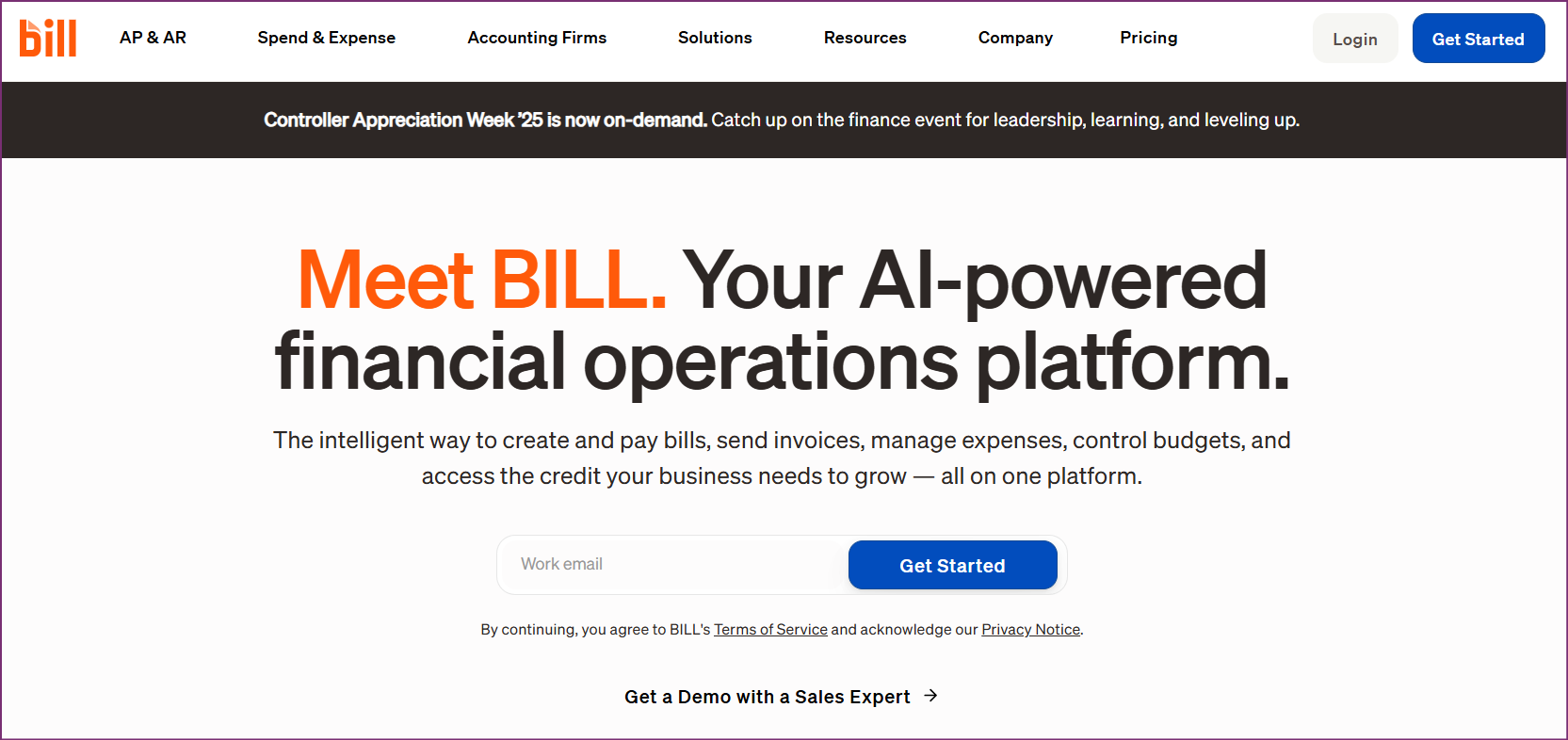
BILL (formerly Bill.com) offers comprehensive AP automation beyond document scanning, providing end-to-end workflow management including approval routing, payment execution, vendor management, and financial controls.
The platform targets US mid-market companies wanting centralized AP management. BILL handles the full invoice-to-payment cycle: capture, approval, scheduling, payment through ACH or check, and reconciliation.
Pricing starts at $45/user/month. Implementation takes longer than simple scanning tools due to configuring approval hierarchies, payment methods, and vendor relationships. Language support focuses on English with limited international capabilities.
Per-user model plus payment processing fees. Annual contracts typical for discounts.
BILL works best for US mid-market companies ready to overhaul their entire AP process rather than just improve document capture. Businesses processing primarily English-language domestic invoices that want payment automation alongside scanning should consider this comprehensive approach despite higher costs.
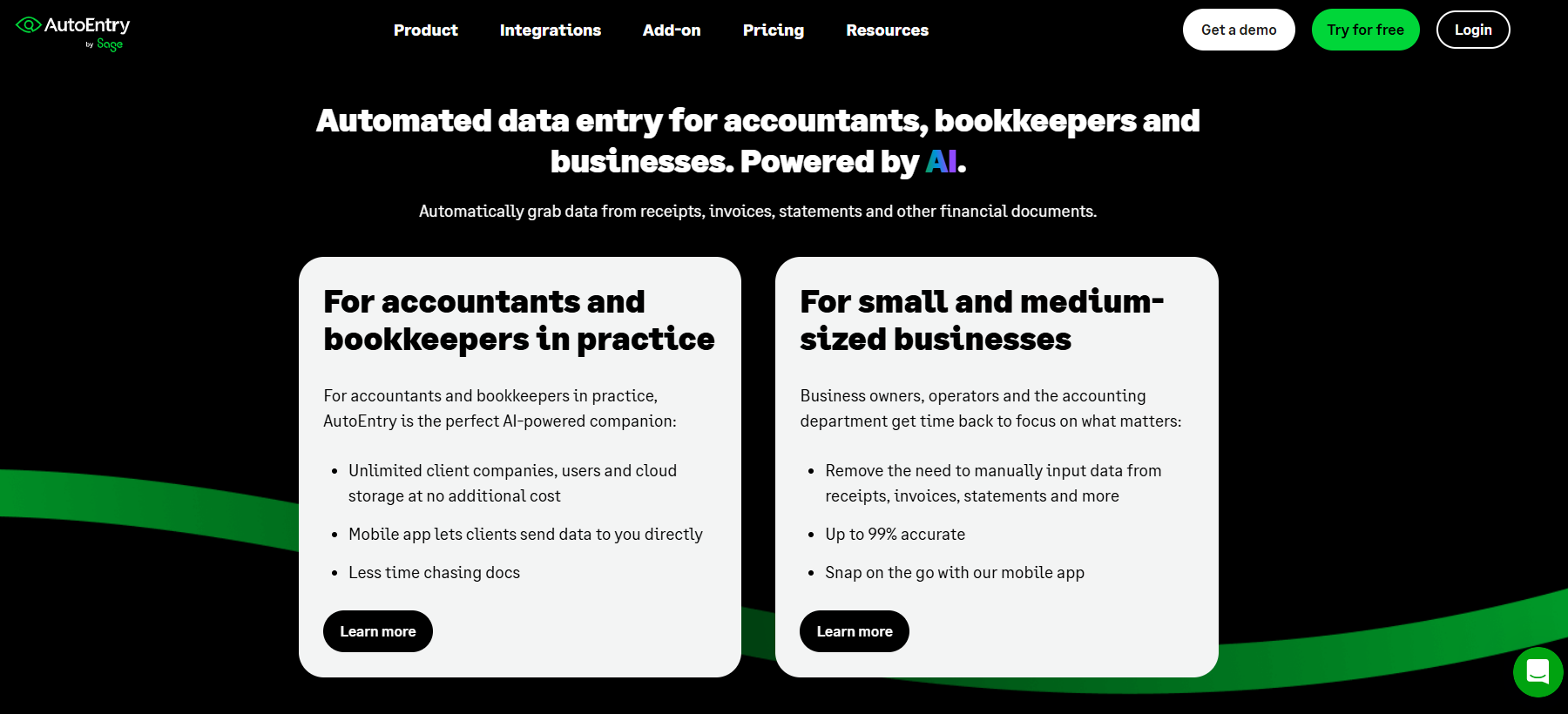
AutoEntry uses credit-based pricing where documents consume credits by complexity. This provides flexibility for variable monthly volumes without paying for unused capacity.
The platform extracts line-item data and integrates with Xero, QuickBooks, and Sage. Setup requires some template configuration. Language support focuses on Western languages (English, French, German, Spanish) with limited Asian language support.
The credit system offers cost optimization but requires monitoring. Simple invoices cost one credit while complex documents consume three or four.
Credit consumption varies by document complexity. Additional credits available as needed.
AutoEntry suits businesses with variable monthly invoice volumes that want to pay based on actual usage rather than flat subscriptions. Companies with seasonal fluctuations or unpredictable processing needs benefit from credit-based flexibility. The solution works best for Western-language documents and businesses comfortable monitoring credit consumption.
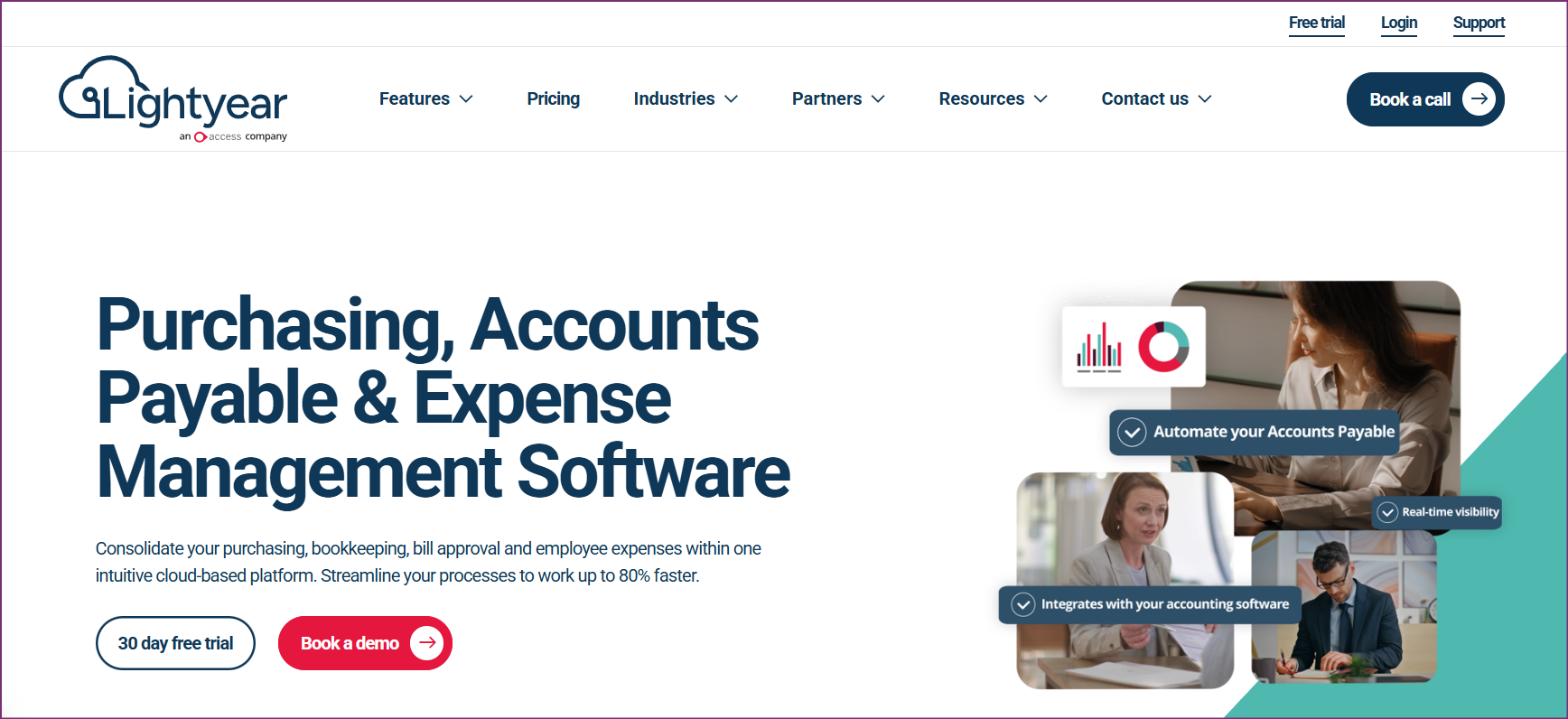
Lightyear targets fast-growing technology companies needing modern AP automation without enterprise complexity. The platform emphasizes user experience, speed, and seamless integration. Venture-backed companies appreciate automation requiring minimal maintenance.
The solution provides comprehensive AP workflows including capture, approval routing, payment execution, and vendor communications. Implementation is fast with intuitive interface design for non-accounting users.
Pricing starts at $169/month with core features and no per-user charges within reasonable team sizes. Language support focuses on English, adequate for US startups but limited for global operations.
Entity-based pricing without per-user charges for teams under size thresholds.
Lightyear excels for venture-backed startups and fast-growing technology companies that need comprehensive AP automation with minimal implementation time. The platform suits businesses where non-accounting team members handle AP workflows and where user experience matters as much as feature completeness. Companies with primarily English-language domestic suppliers benefit most.
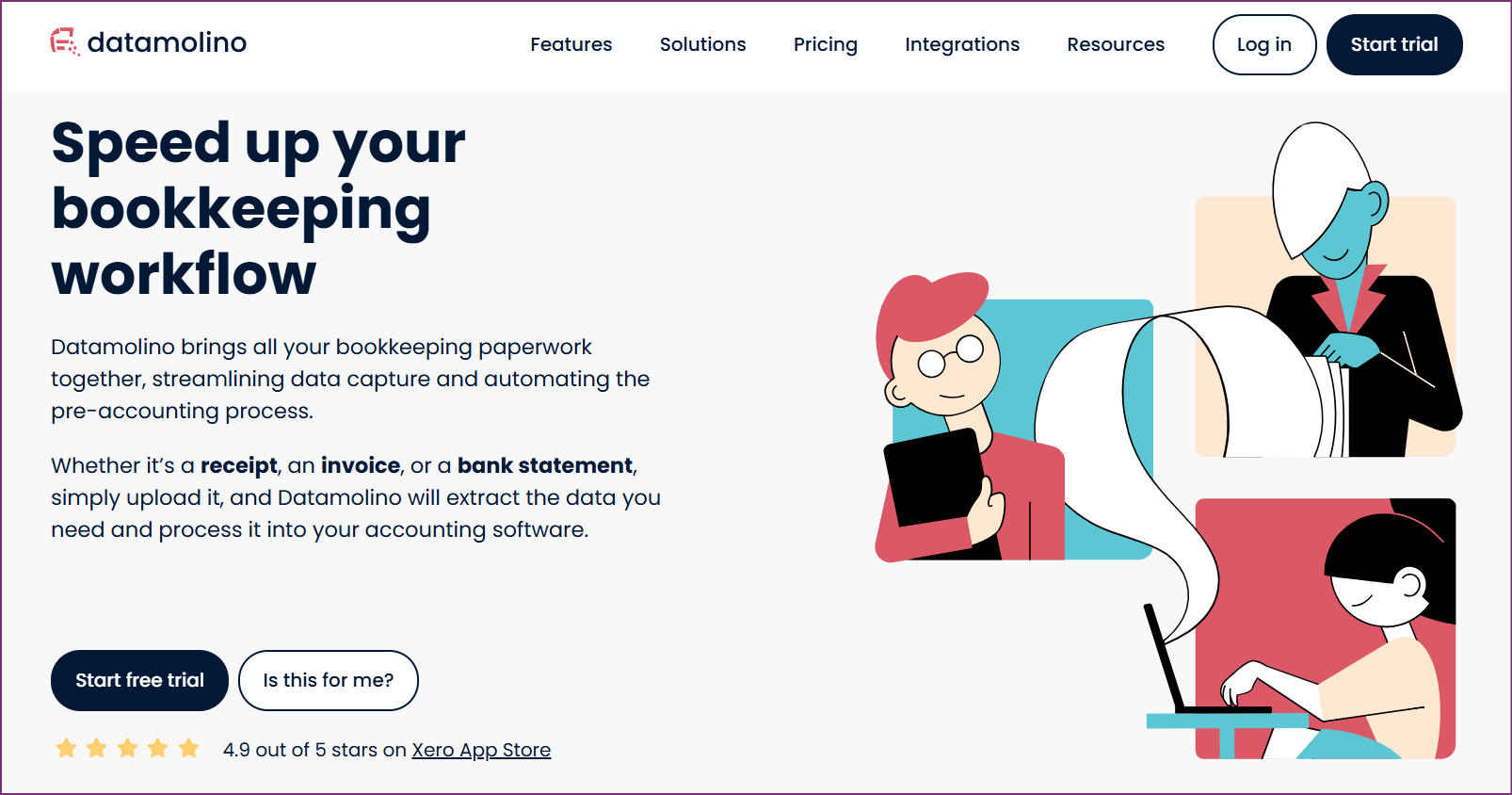
Datamolino serves European small businesses and accounting firms with document-based pricing and multi-language support. The platform extracts line-item data and integrates with Xero, QuickBooks, and regional platforms.
Document-based pricing packages offer 100, 300, or 1,000 documents monthly with clear overage costs. Language support covers European languages comprehensively (English, German, French, Spanish, Italian, Dutch, Czech) but limits Asian language processing.
Setup requires moderate configuration with templates for common formats.
Additional documents available at defined per-document rates. EUR pricing reflects European market focus.
Datamolino works best for European small businesses and accounting firms processing primarily European-language invoices. The platform suits firms that want transparency in document-based pricing and don't need extensive customization or advanced automation features. Companies with predictable monthly volumes under 1,000 documents find the pricing model attractive.
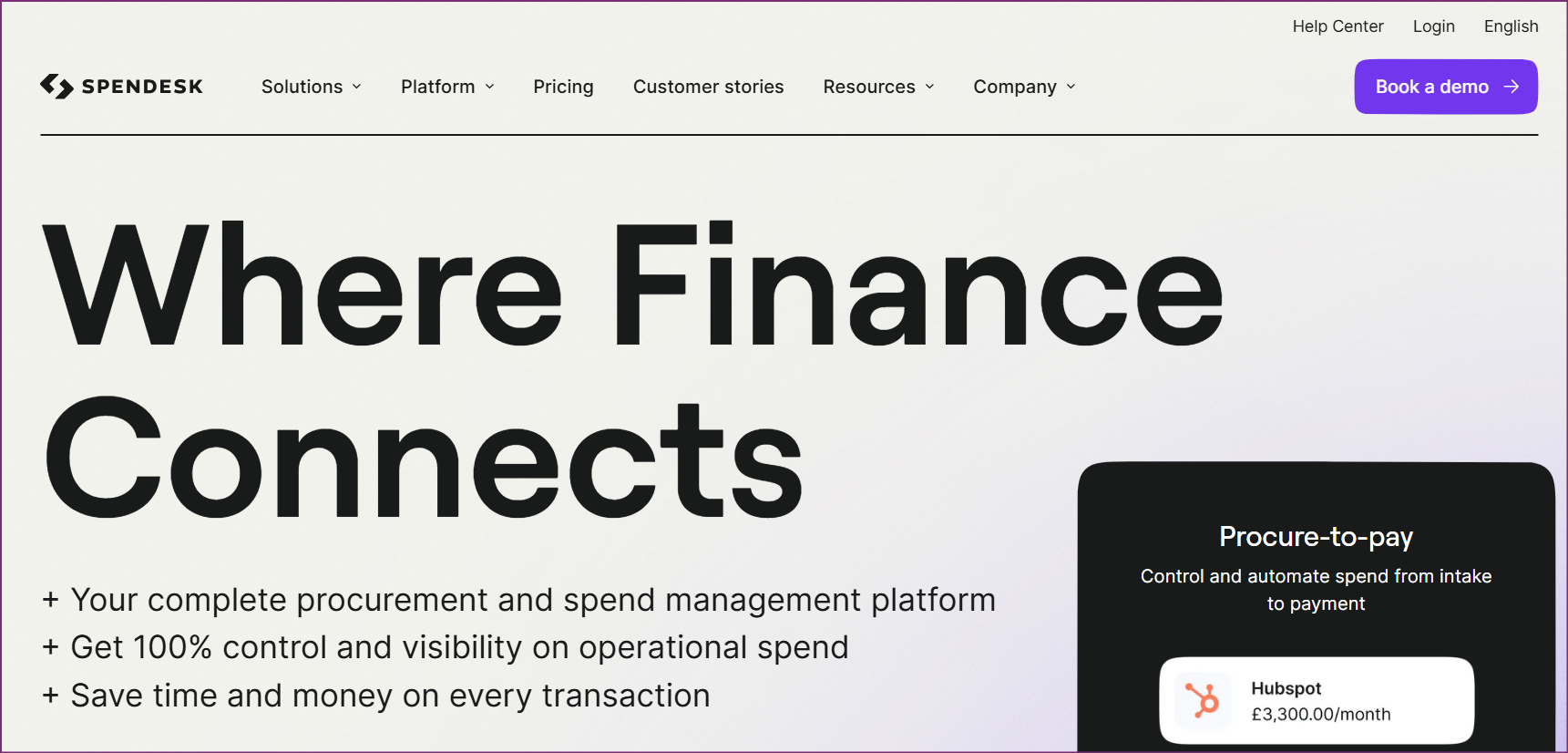
Spendesk provides comprehensive spend management including employee expense cards, approval workflows, budget controls, and invoice processing. The platform issues physical and virtual cards to employees, enforces spending limits automatically, and integrates AP scanning with broader spend control.
Implementation is complex, requiring setup of card issuance, approval hierarchies, budget structures, and accounting integrations. Pricing follows custom quotes based on employee count and spending volume.
The platform suits businesses wanting centralized spend visibility across all company spending, not just invoices.
Custom pricing based on company size, employee count, and feature requirements. Contact Spendesk for quotes. Expect pricing similar to comprehensive financial platforms rather than simple scanning tools.
Spendesk suits medium to large businesses ready to overhaul their entire spend management approach, not just improve invoice processing. Organizations wanting to issue corporate cards, enforce budget controls, and centralize all spending visibility benefit from the comprehensive platform despite complexity and cost. Companies seeking only invoice scanning should evaluate specialized tools instead.
Tofu delivers the best overall value for accounting firms and APAC-focused businesses through zero-configuration AI, comprehensive language support, and entity-based pricing that scales efficiently. The platform eliminates configuration overhead that creates bottlenecks with traditional scanning tools while handling document complexity that other solutions can't process accurately.
AP scanning software focuses specifically on document capture and data extraction from supplier invoices. These tools convert paper documents, PDFs, and images into structured data that flows into your accounting system. Full AP automation platforms include scanning plus additional capabilities like approval workflow management, payment execution, vendor portals, and financial controls. Choose scanning-focused tools like Tofu if you need accurate extraction and your accounting platform already handles approvals and payments. Select comprehensive platforms like BILL or Spendesk if you want to transform your entire AP process.
Language capability varies dramatically between platforms. Traditional OCR tools trained primarily on English and Western European languages struggle with Asian character sets, right-to-left languages, and mixed-language documents. Tofu specifically addresses this limitation with 200+ language support including Chinese, Japanese, Korean, Thai, Vietnamese, and Arabic alongside Western languages. If your business processes international invoices or serves diverse clients, verify the specific languages you need with actual document tests during evaluation.
Line-item extraction captures detailed information for each product or service: descriptions, quantities, unit prices, and tax amounts. This enables accurate expense coding to different accounts without manual entry. Totals-only extraction captures just invoice totals, requiring manual distribution. Businesses tracking expenses by department or multiple accounts require line-item extraction.
Entity-based pricing charges per business or client rather than per user or document. Tofu's entity-based model provides predictable costs regardless of team size or invoice volume fluctuations. Per-user pricing multiplies costs as teams grow, making it expensive for firms with distributed teams.
Zero-configuration AI processes invoices immediately without templates, rules, or configuration. Traditional OCR requires template setup for each invoice type, taking hours per client and breaking when formats change. Tofu eliminates this overhead through automatic document learning.
Advanced AI platforms can process handwritten documents, but capability varies significantly. Tofu handles handwritten invoices in multiple languages including Asian scripts where handwriting recognition is particularly challenging. Traditional OCR tools struggle with handwritten text unless it's extremely neat. If your business receives handwritten receipts from local suppliers, taxi receipts with handwritten amounts, or informal invoices with manual annotations, test your specific document types during evaluation. Accuracy with handwritten content separates modern AI platforms from older OCR technology.
Automatic PDF splitting becomes critical for accounting firms and businesses receiving compiled invoice files via email. Without this feature, someone must manually separate a 50-page PDF containing multiple invoices into individual files before processing, consuming significant time. Tofu's automatic splitting processes bulk files immediately, separating them into individual invoices, extracting data from each, and routing them appropriately. If you regularly receive multi-invoice PDF files from clients or suppliers, this automation saves hours monthly and eliminates a manual bottleneck.
Most AP scanning platforms integrate with major accounting systems including Xero, QuickBooks Online, NetSuite, Sage, and MYOB. Integration depth varies from simple data export to native connectors that sync in real-time, map to your chart of accounts, and handle multi-currency transactions automatically. Verify your specific accounting platform and required integration features during evaluation. Tofu provides native integrations with Xero and QuickBooks Online plus API access for custom connections to other systems.
Accounts payable scanning solutions have evolved from basic OCR requiring extensive configuration to AI-powered platforms that work immediately and handle complex international documents. The right choice depends on your specific needs: language requirements, document complexity, team structure, and pricing model preferences.
Tofu leads the market for accounting firms and APAC-focused businesses through zero-configuration AI that processes invoices in 200+ languages with line-item accuracy, automatic PDF splitting for bulk processing, and entity-based pricing that scales efficiently. The platform eliminates setup bottlenecks while handling document complexity that traditional tools can't process, making it the best overall choice for firms serving diverse clients and businesses operating internationally.
For Western-market businesses with simple needs, alternatives like HubDoc (free with Xero), Dext (comprehensive features), or AutoEntry (flexible credit-based model) may suffice despite limitations. Companies wanting comprehensive AP automation beyond scanning should evaluate BILL, Lightyear, or Spendesk based on their specific workflow requirements.
The key is matching your document complexity, language needs, pricing preferences, and automation requirements to platform strengths rather than choosing based solely on brand recognition or lowest price. Inaccurate extraction, complex configuration, or pricing models that multiply costs negate apparent savings.
Book a Demo with Tofu to see how zero-configuration AP scanning handles your specific invoice types and eliminates the configuration overhead that creates bottlenecks with traditional platforms.